Recipev2
Ceramic Artifact Generator
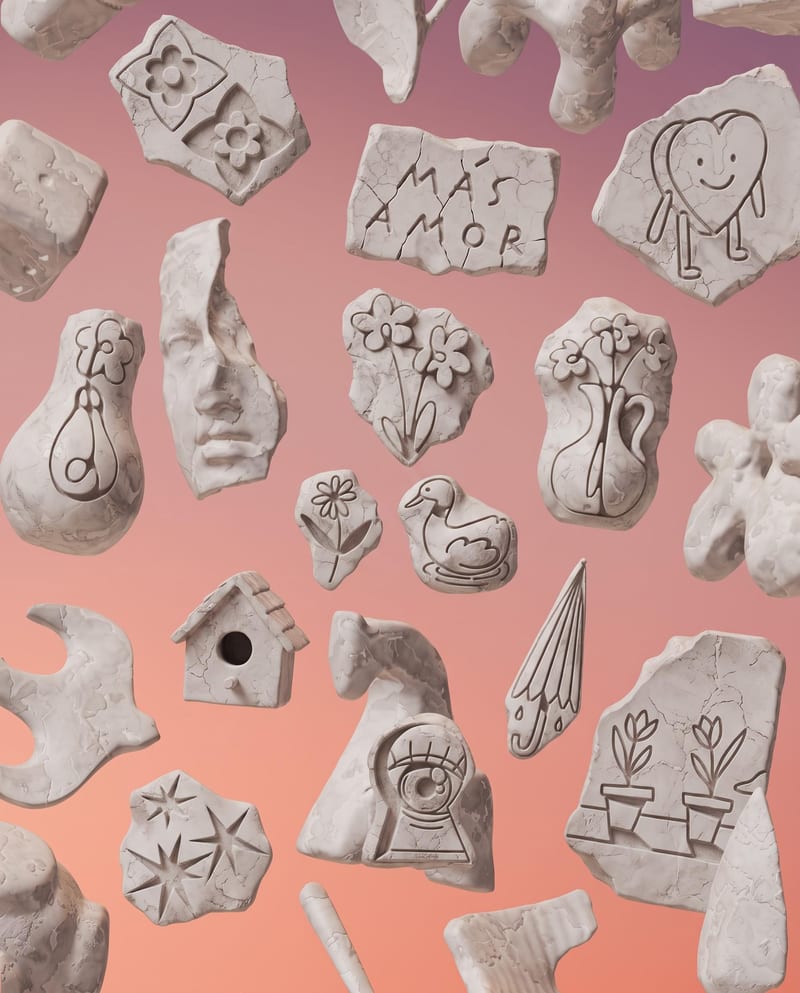
Ceramic Artifact Collection
Ceramic artifact art
Upload an object image to create a scattered ceramic artifact collection with broken fragments, weathered textures, and a soft gradient background.
Ceramic Artifact Collection
A recipe turns a reusable workflow into a simple set of inputs and outputs. Start with a community recipe and make it your own in Fuser.

1. Choose a recipe
Find a workflow for the result you want. Review what it does and how to use it before opening it in Fuser.
2. Make it your own
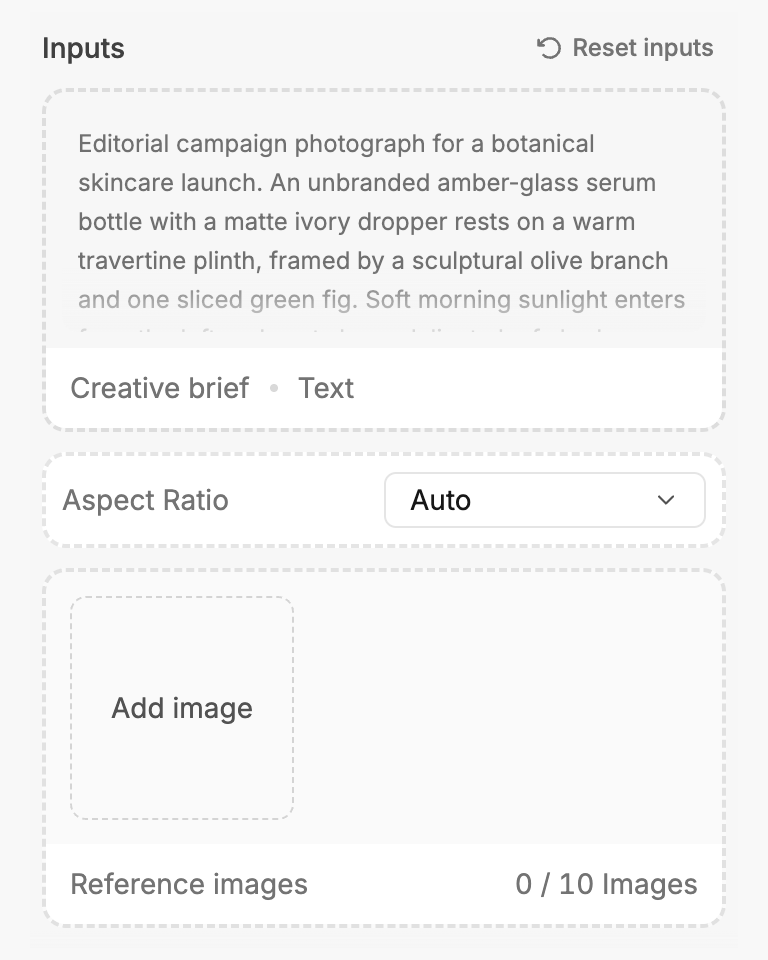
Check the recipe’s available inputs. Add your own text or media where supported, or start with the saved defaults.
3. Run and refine
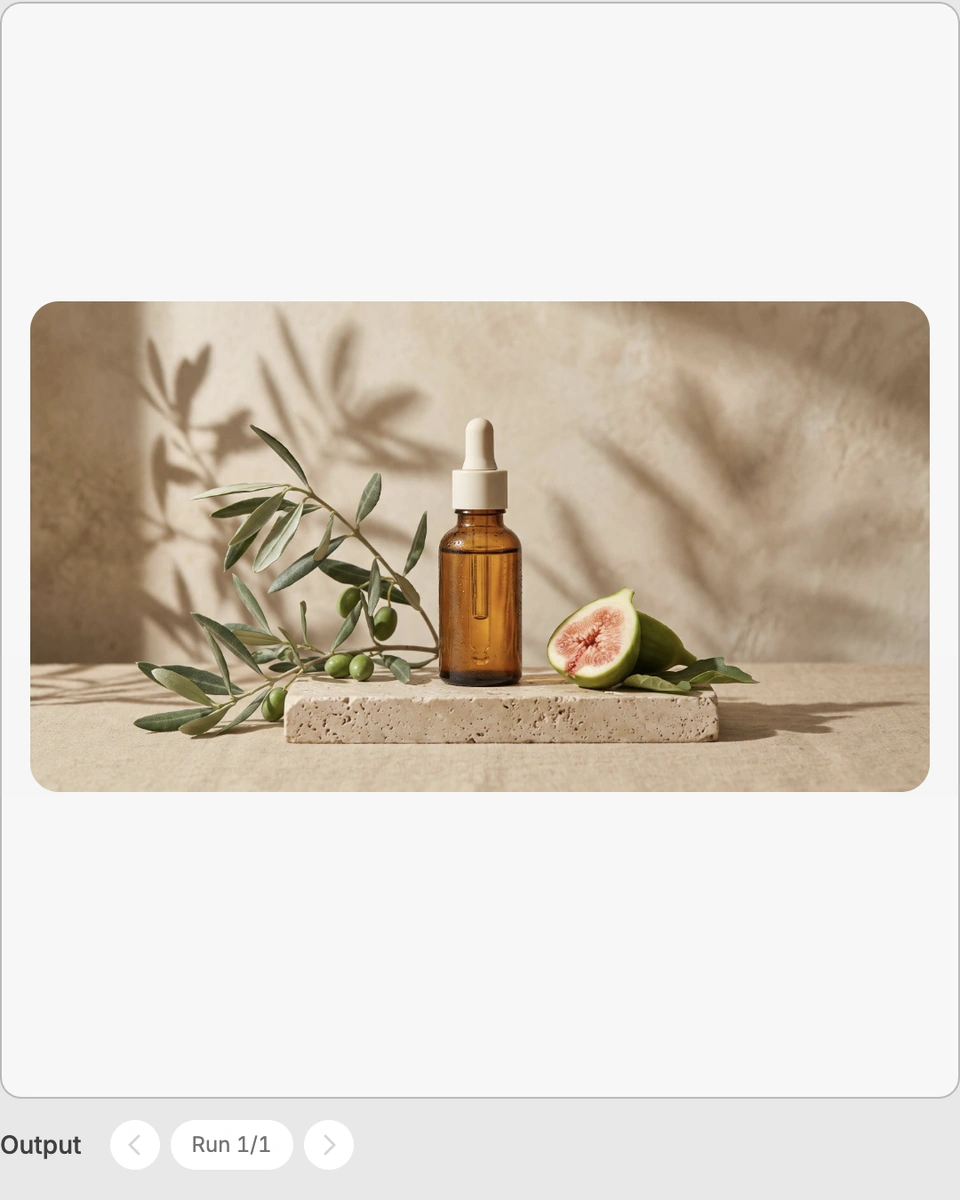
Run the recipe in Fuser and review the result on your canvas. Adjust any available inputs when you want to try another direction.
Apply the ceramic artifact treatment to object imagery for visual development, social content, and art-focused presentation.
It transforms an uploaded object image into a Ceramic Artifact Collection. The output presents the object as scattered, broken ceramic artifacts with weathered textures, sharp fragments, and a soft peach-to-lavender gradient background.
This recipe is suited to people developing social content, art concepts, illustrations, and object-focused visual studies. It is especially relevant when you want to explore a broken or weathered ceramic interpretation of an existing object.
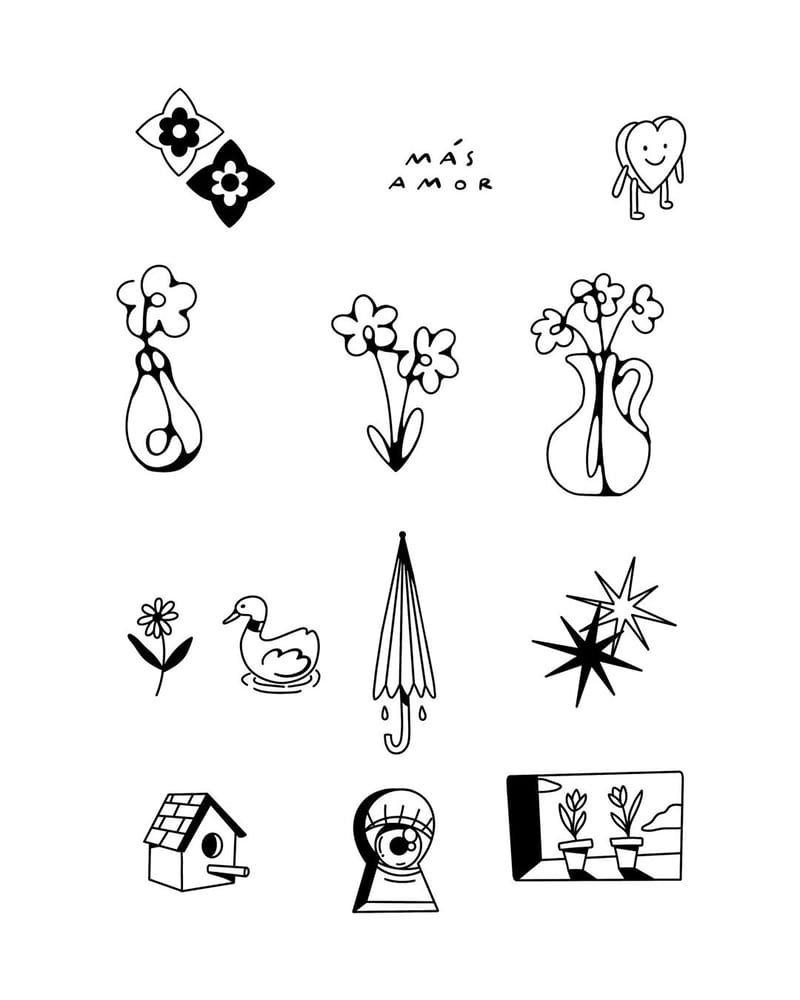
Prepare one image of the object you want to transform. Object Image is the recipe’s exposed input, and visitors can replace it in Fuser before using the recipe.
The saved example shows the recipe’s saved object image connected to its Ceramic Artifact Collection output. It is a stored example of the input-to-output setup, not a new live generation on this page.
You can change the Object Image input in Fuser to use a different object. The recipe exposes that image input; no separate controls for the fragments, textures, or background are listed.
The output is an image labeled Ceramic Artifact Collection. It is expected to depict scattered, broken ceramic artifacts with weathered textures, sharp fragments, and the described peach-to-lavender gradient background.
Use it for social content, art and illustration exploration, visual storytelling, moodboards, or creative concept presentations. It is an image-based interpretation of an object rather than a physical ceramic artifact.
Bring an object image into Fuser and explore its scattered, broken ceramic interpretation with weathered texture and a soft gradient setting.
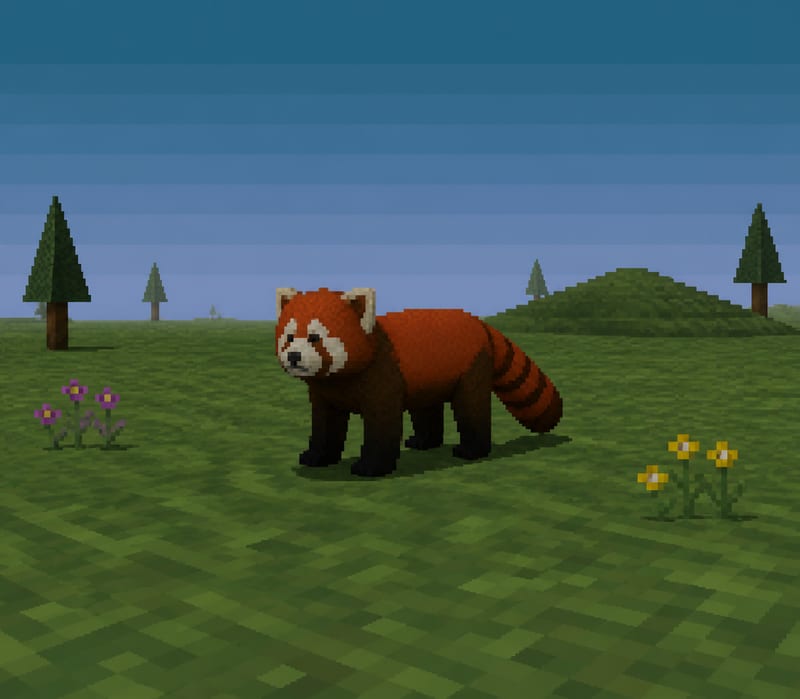
Transform a text subject, such as “red panda,” into a PS1-style image for character and content concepts.
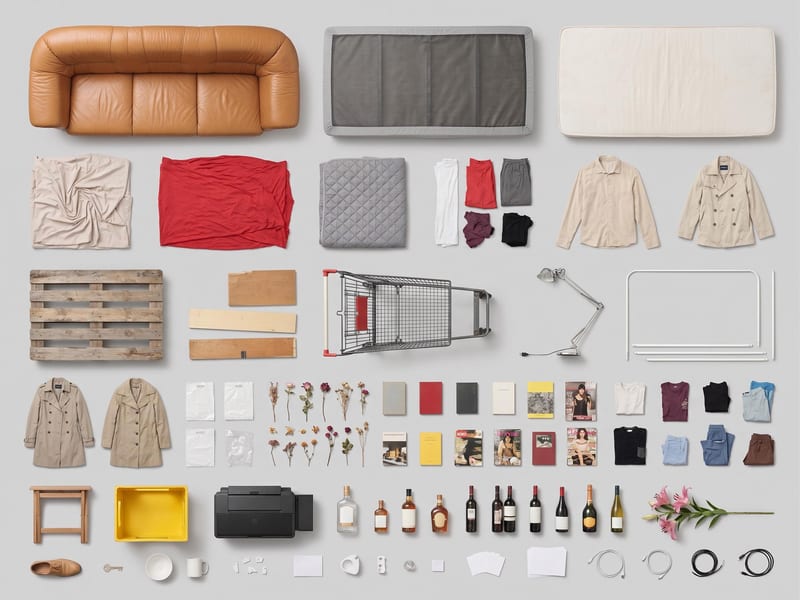
Use one source image to create a clean, top-down grid layout of its objects.

Upload one source video to create vertical 9:16 and landscape 16:9 versions for social content.