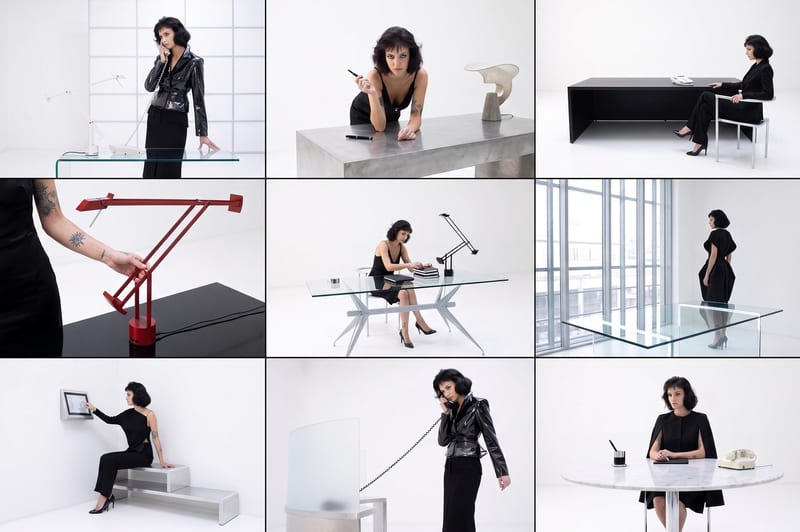
Recipev2
Arrange to Grid
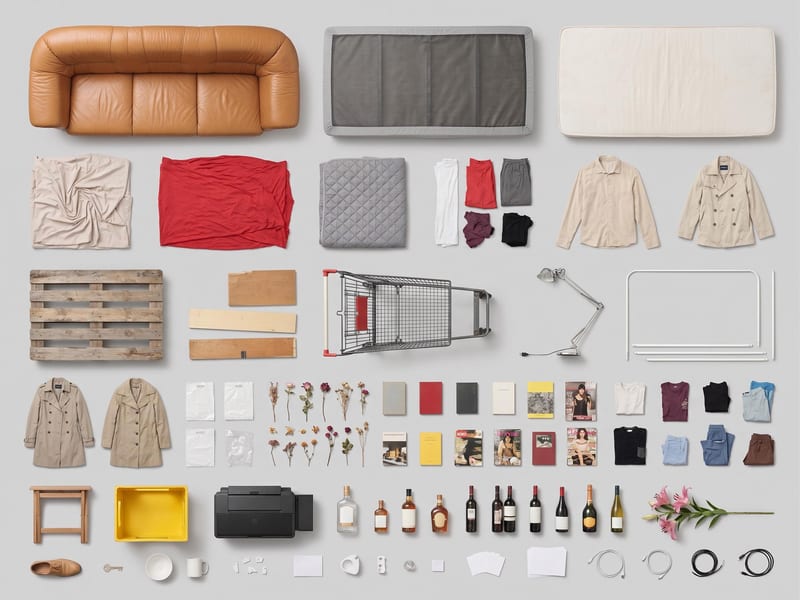
Grid Layout
One click, whole workflow
Recipes are here. Package a whole workflow and run it in one click
Explore recipesObject grid layouts
Use one source image to create a clean, top-down grid layout of its objects.
Grid Layout
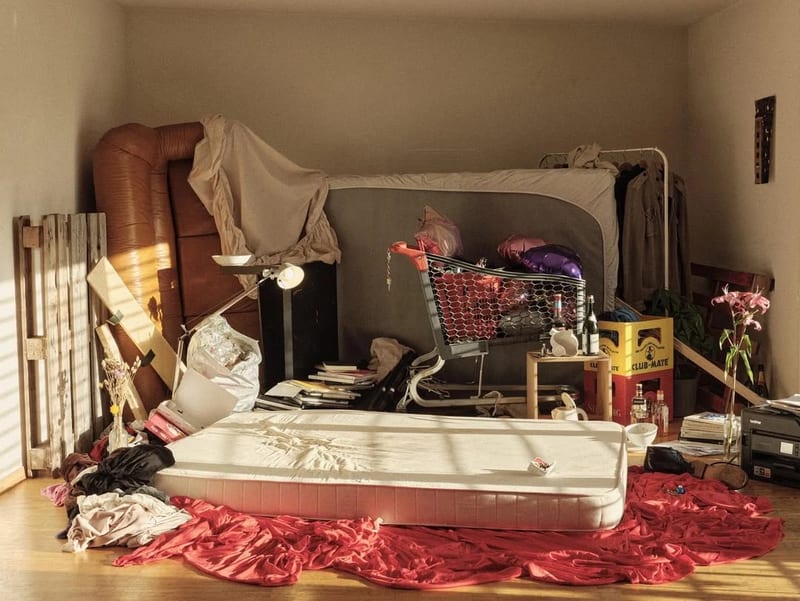
A recipe turns a reusable workflow into a simple set of inputs and outputs. Start with a community recipe and make it your own in Fuser.

1. Choose a recipe
Find a workflow for the result you want. Review what it does and how to use it before opening it in Fuser.
2. Make it your own
Check the recipe’s available inputs. Add your own text or media where supported, or start with the saved defaults.
3. Run and refine
Run it in Fuser and review the result on your canvas. Tweak the inputs to try another direction.
Create organized object compositions for visual planning, presentation, and creative development.
It takes one Source Image and creates a Grid Layout image. The objects are arranged into a clean, organized grid with consistent spacing and alignment in a top-down knolling composition.
It is useful for people creating social content, moodboards, style frames, illustrations, and other organized object presentations. It is especially relevant when the source image contains multiple objects that benefit from a structured layout.
Prepare one image containing the objects you want arranged into a grid. The recipe has a single exposed input, Source Image, which you can replace in Fuser.
The output is one image labeled Grid Layout. It demonstrates the source objects arranged with consistent spacing and alignment in a top-down knolling composition.
Yes. Source Image is an editable input in Fuser, so you can replace the saved example's image with another source image. The saved page example is not a live run; it shows the inputs and output connected for this recipe.
The output can support organized social content, moodboards, style frames, illustration references, collection presentations, and composition studies. These uses focus on presenting objects clearly in a structured grid.
The recipe is built around one source image and one Grid Layout image output, so it is intended for arranging objects from a provided image rather than combining separately supplied images. The result's available subject matter depends on what is present in the Source Image.
Bring a source image into Fuser and use this recipe to arrange its objects into a clean, aligned grid.
Develop pitches, campaign assets and interactive client work in Fuser. Combine AI generation, editable design and reusable processes across your agency.
Turn a creative brief into distinct visual concepts, moodboards and pitch layouts. Explore references, imagery and motion together in Fuser.
Create social graphics, carousel artwork and short videos with a recognizable brand style. Keep copy editable and recurring content easier to produce in Fuser.

Turn a source image into a personalized X banner with futuristic digital elements, abstract 3D forms, and computational aesthetics.

Turn a source image into a professional LinkedIn banner aligned with your career, industry, and personal brand.

Enter a dream story to receive a Jungian analysis and a short animation based on its described imagery.