One click, whole workflow
Recipes are here. Package a whole workflow and run it in one click
Explore recipesOne click, whole workflow
Recipes are here. Package a whole workflow and run it in one click
Explore recipesRecipes are prebuilt AI workflow templates. Fuser is a node-based AI workflow builder on an infinite canvas, built for creative agencies and studio teams. Find a process for your brief, bring your own inputs and make it yours.
188 recipes shown
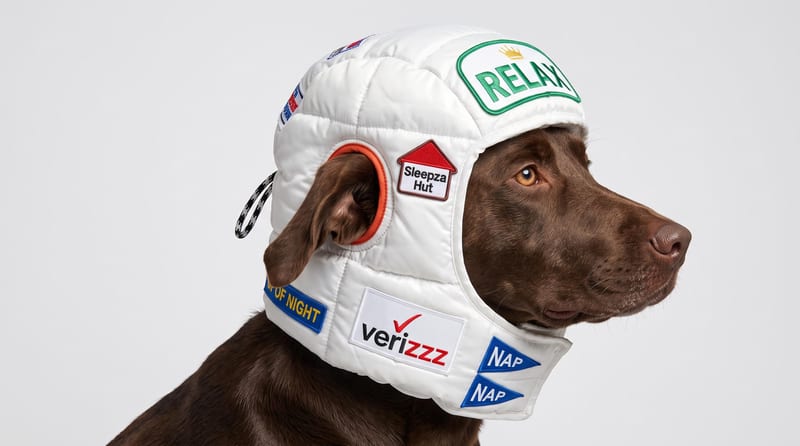
Upload a reference image to receive a detailed, structured text prompt describing how to recreate its visual characteristics.
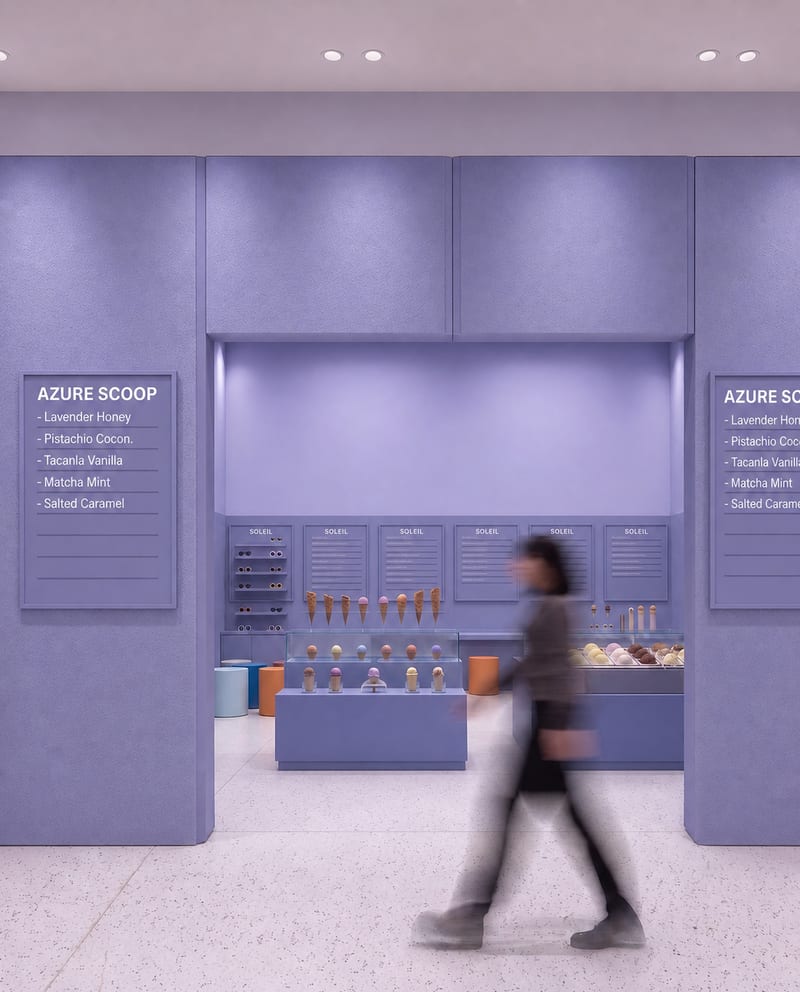
Upload a source image to remove AI-generated artifacts, distortions, and unnatural details while preserving its composition, style, and visual elements.
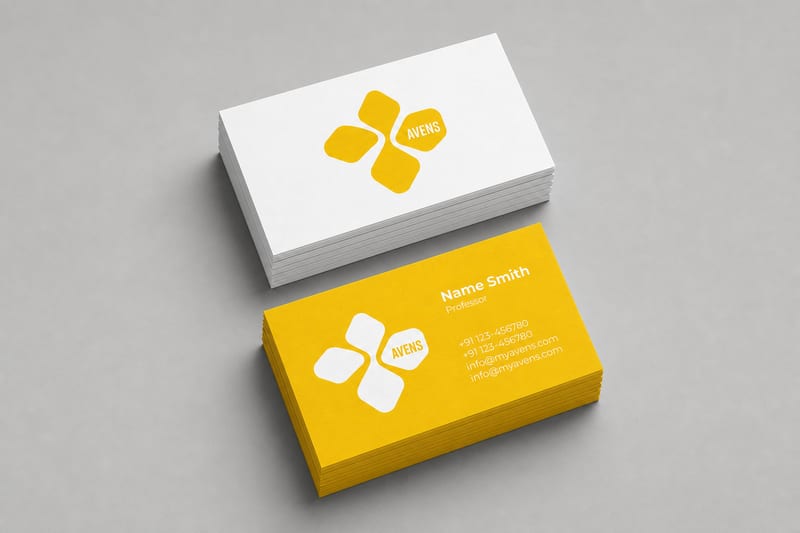
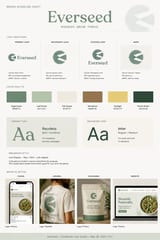
Turn one logo into business card, letterhead, tote bag, socks, hat, and shirt mockups.
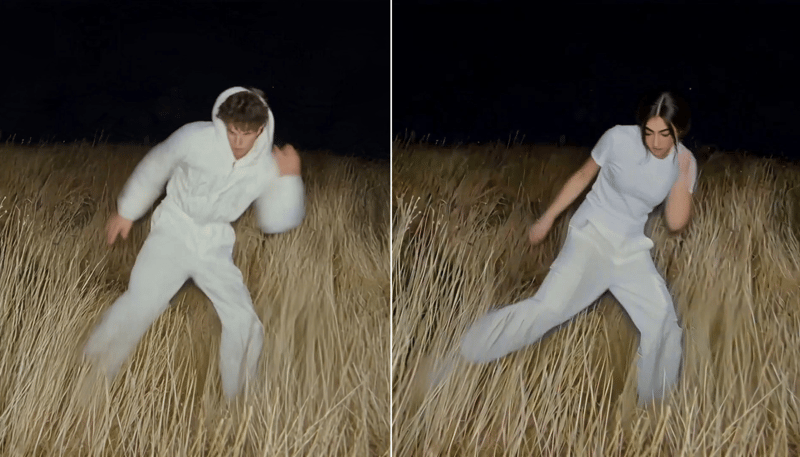
Replace the main character in a video using two character reference images to create a character-swapped video.
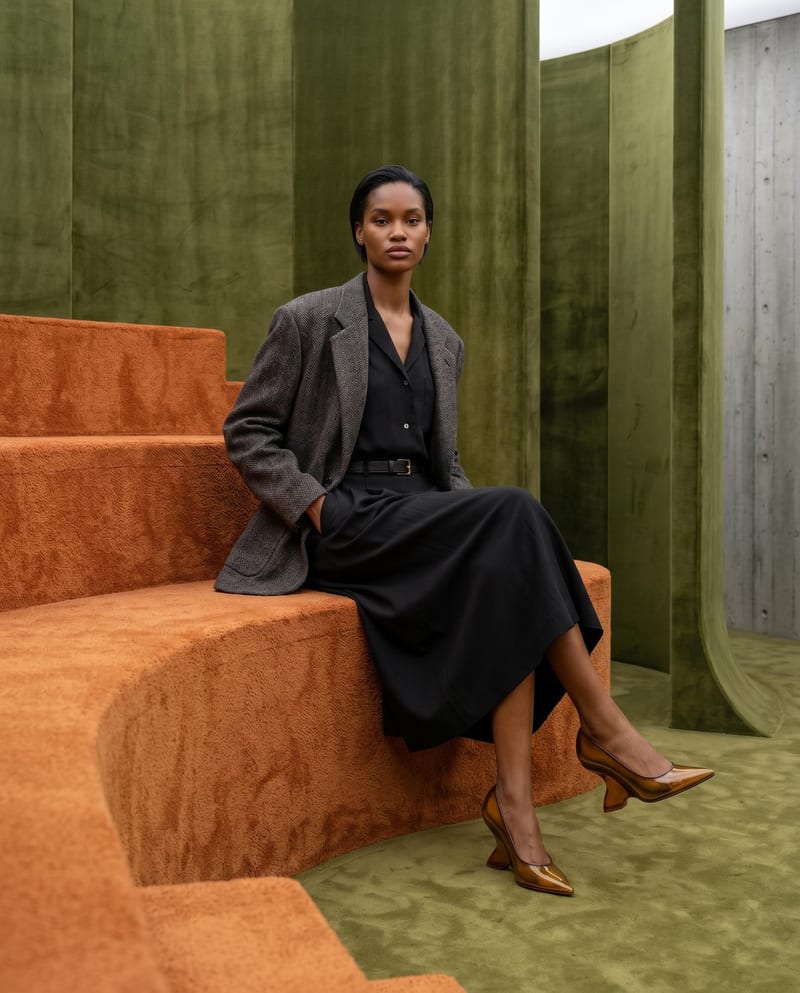
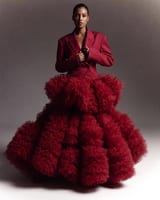
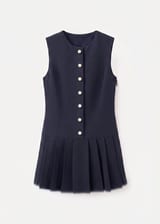
Combine model, accessory, location, and pose inputs into a fashion photography composition.
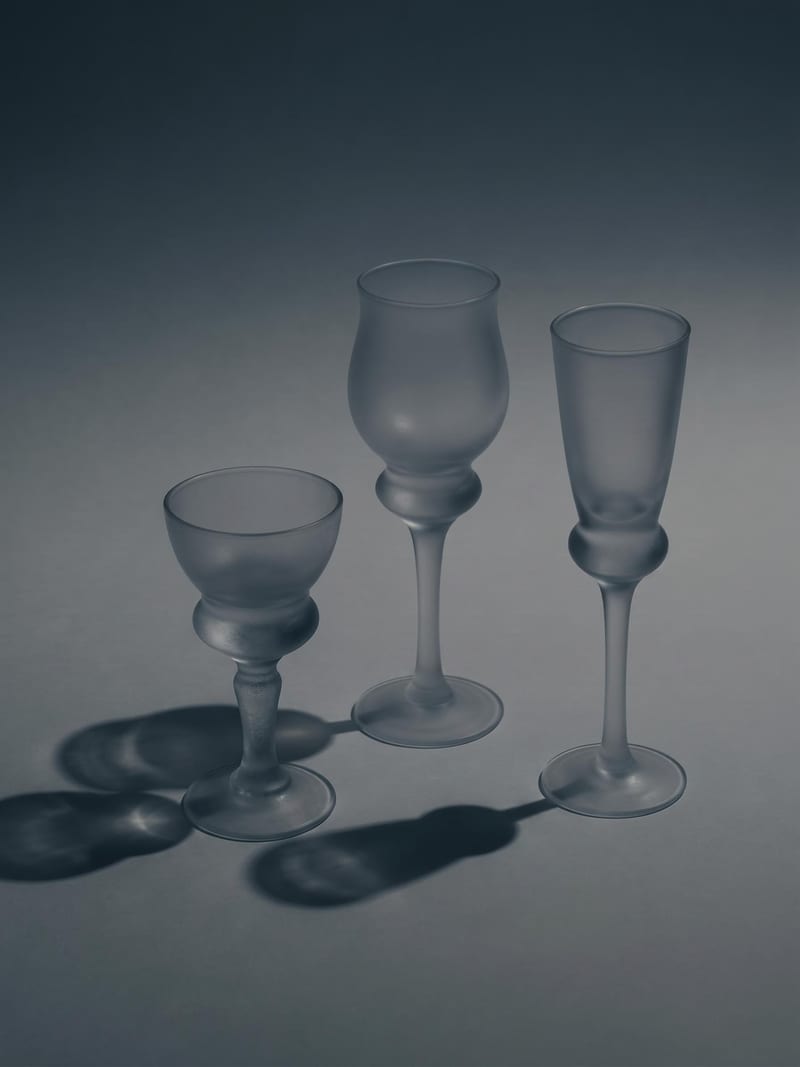
Upload one image to explore six lighting versions, from studio daylight and soft white to dramatic spotlight and golden hour.
Combine a source image with a render-style reference to create a generated image inspired by the reference’s materials, lighting, and atmosphere.
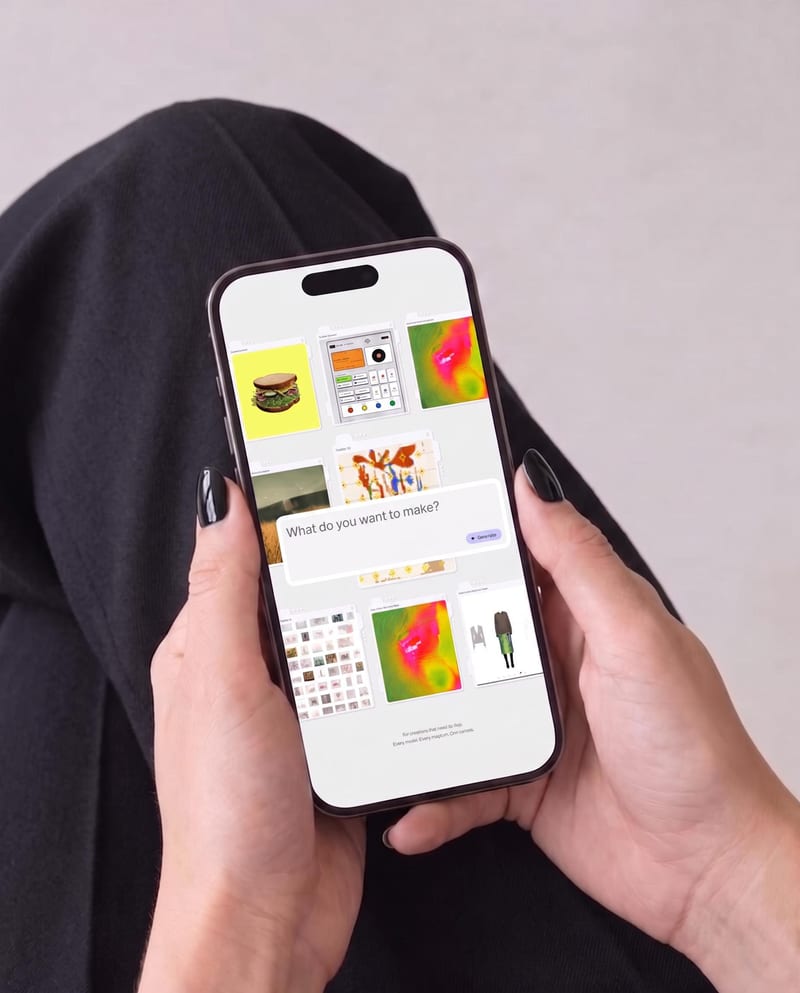
Place one UI design image into phone, tablet, and desktop mockups for realistic product presentation previews.
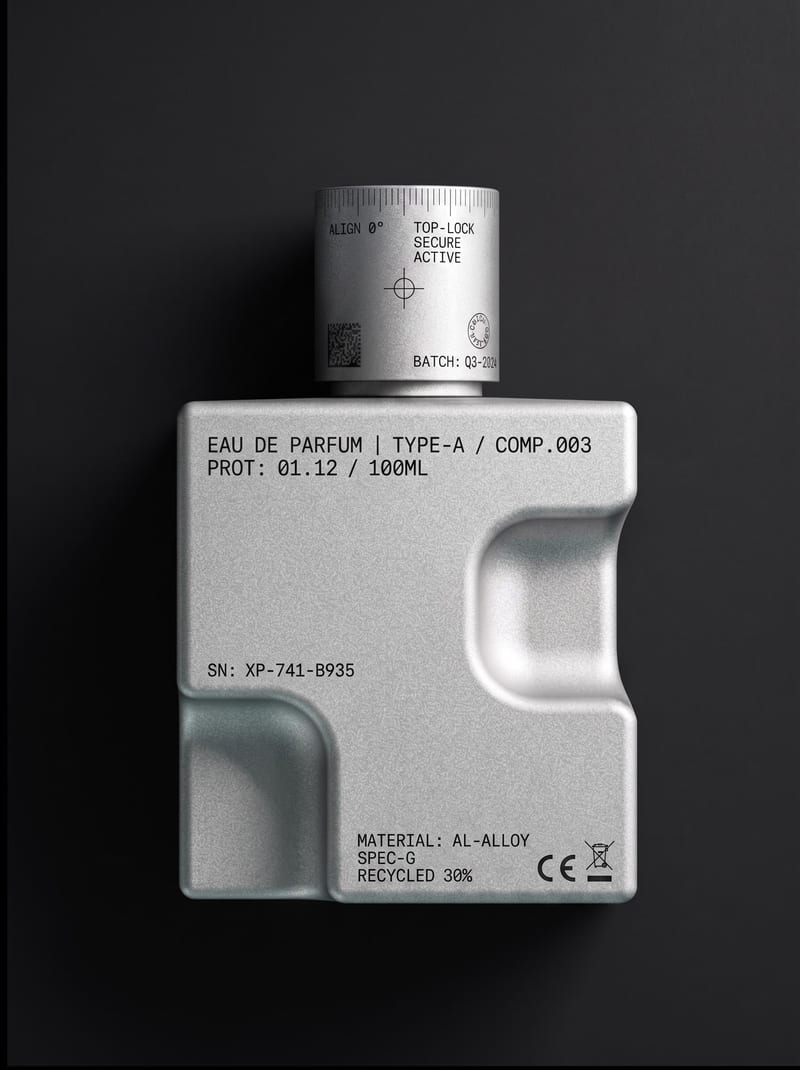
Upload an object or image and receive an image showing that object with micrographics added.
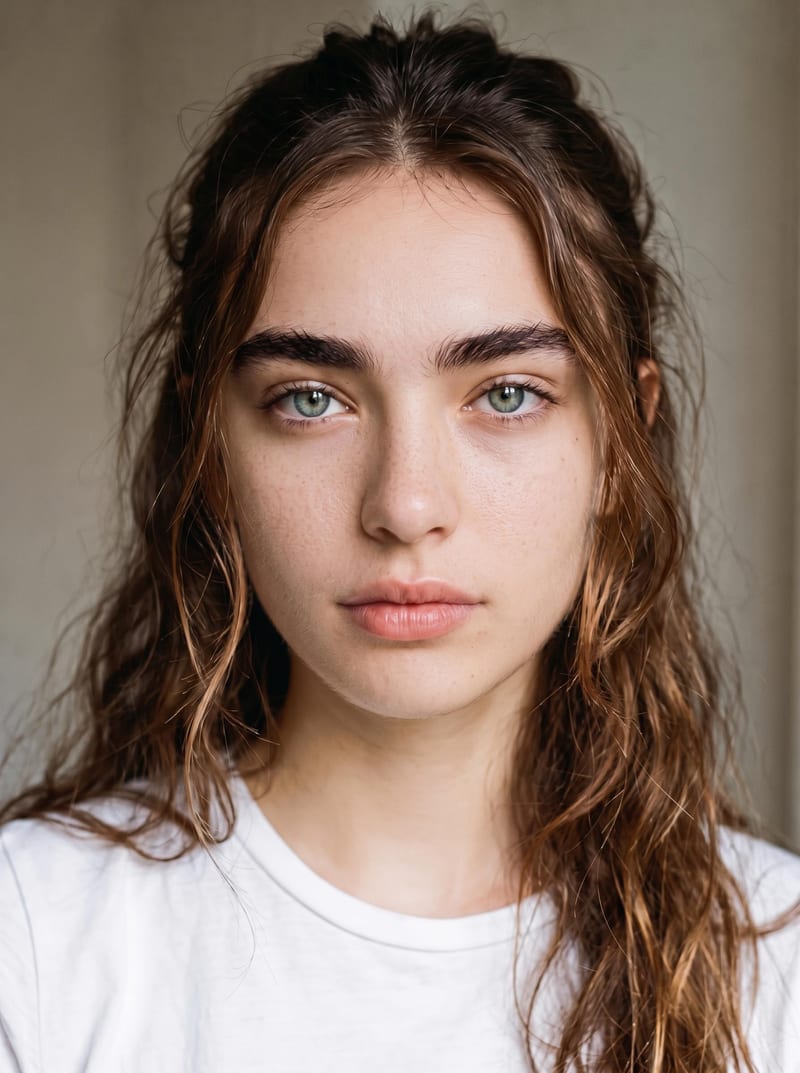
Upload an original image to reduce artificial-looking skin and create a more natural photographic result while preserving identity and makeup.

Upload one room image to explore Japandi, Art Deco Maximalist, Dark Academia, Classical, and Mid Century Modern variations.
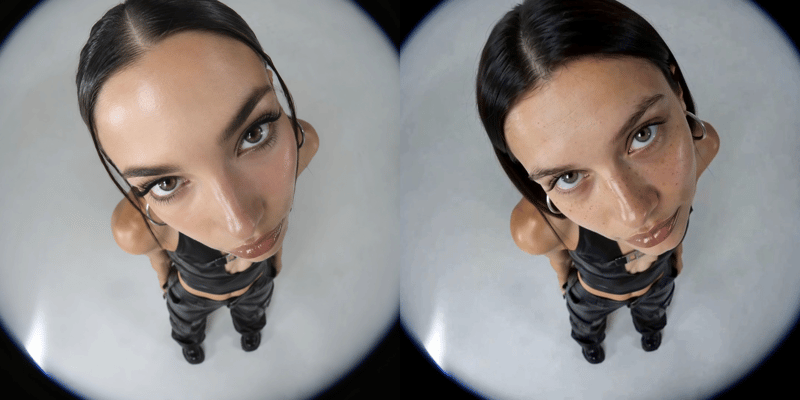
Replace a person’s face in a video using two reference images and receive a face-swapped video.
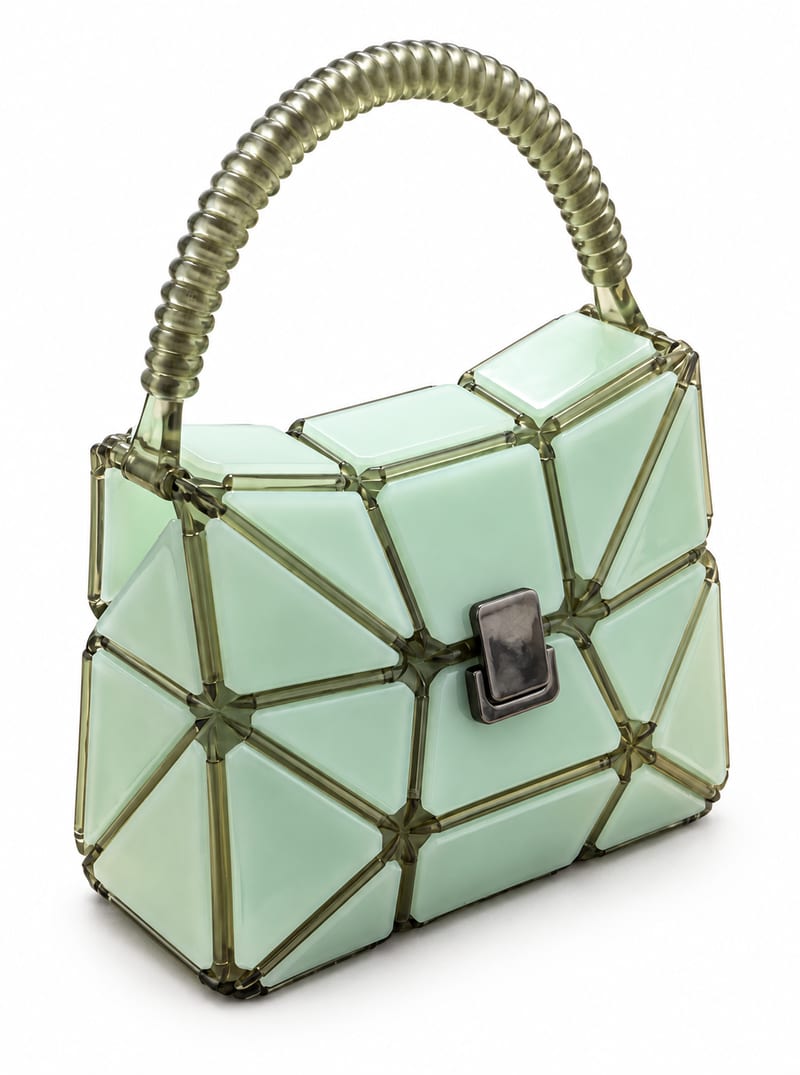
Transform a product image into website-ready front, side, and back product photos with a background color you choose.
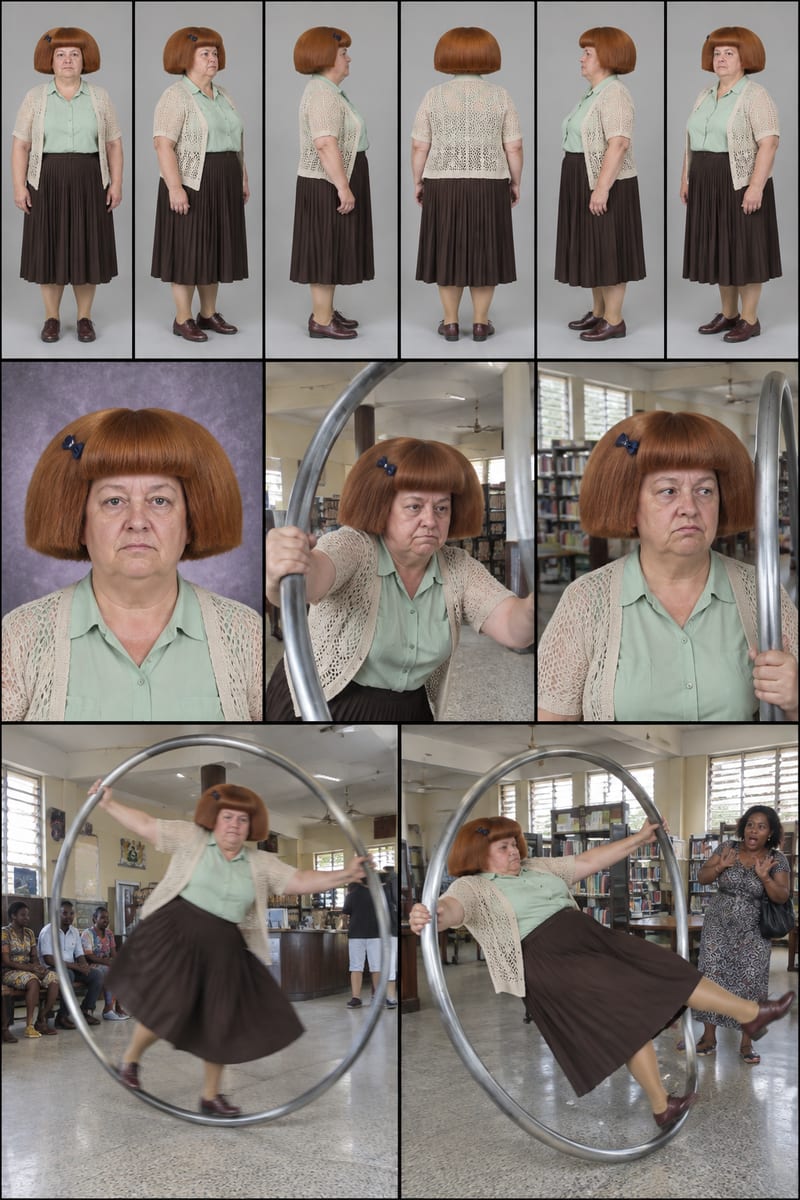
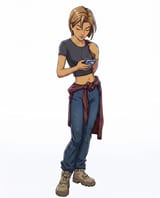
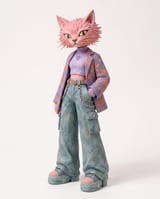
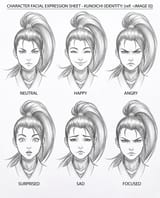
Enter a character idea—or leave SURPRISE ME—to create three character sheets and written profiles for social content.
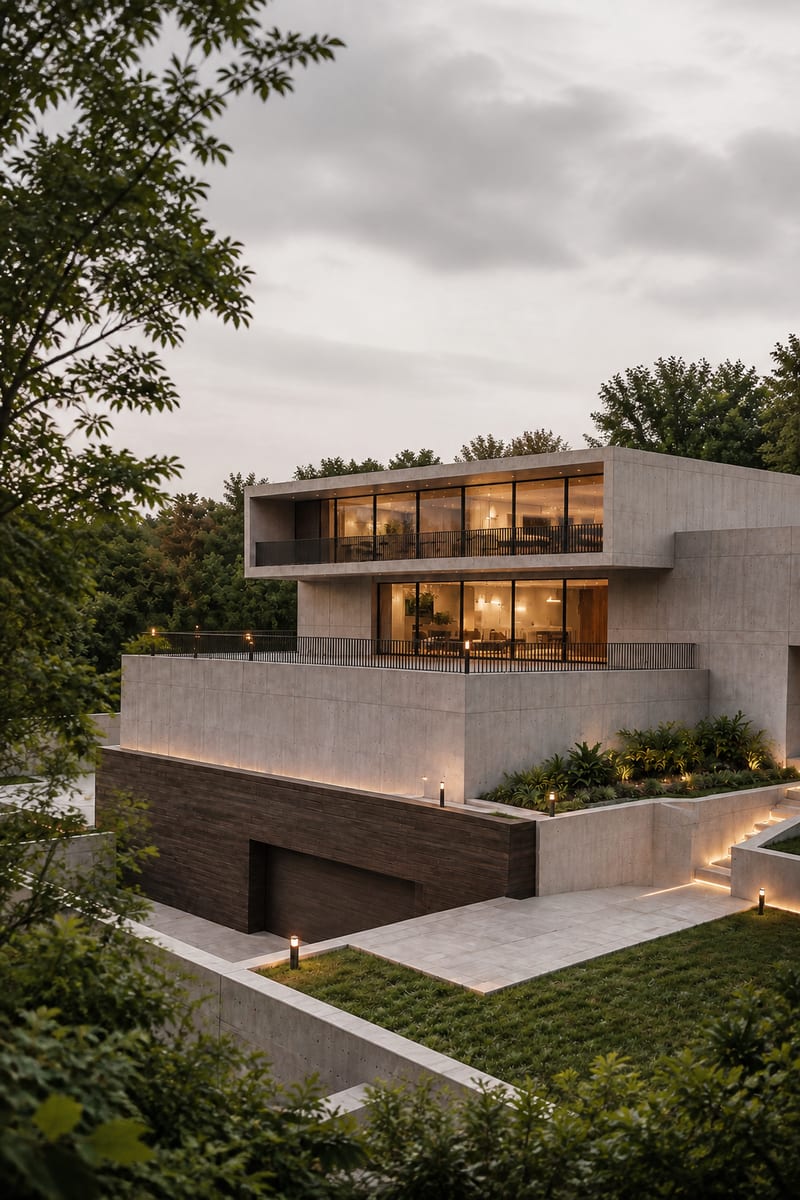
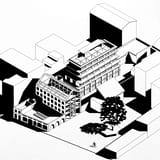
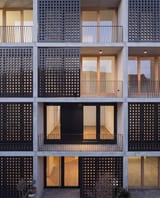
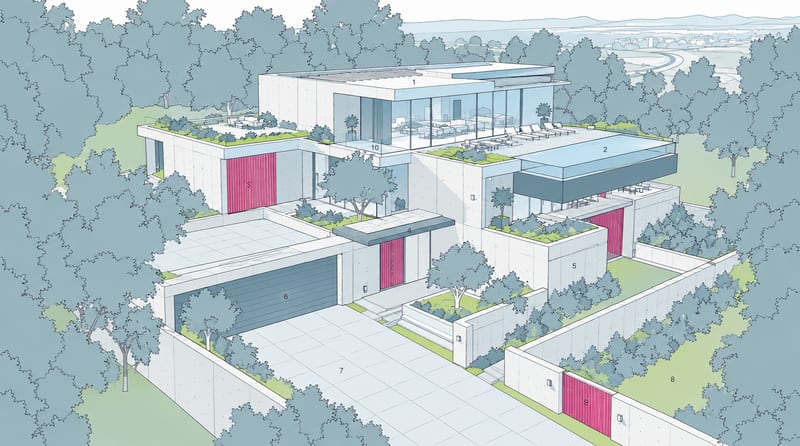
Transform an image into a photorealistic architectural render with an elevated viewpoint, layered urban foregrounds, and soft overcast light.

Fun Font Maker
@maggie

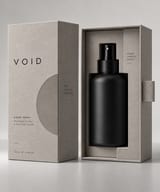
Minimalist Packaging w. Logo
@laure

Fashion Design from Reference Images
@laure

Hand Drawn Logo Generator
@laure
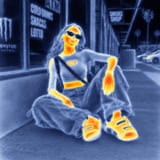
Style Transfer (image to image)
@laure
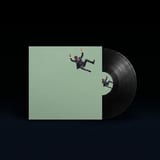
Album Art Mockup
@laure
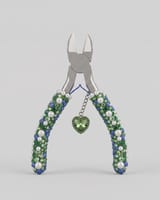
Keyshot Render Style
@laure

AI Image Upscaler
@maggie
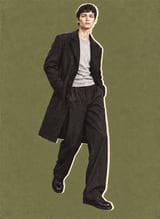
Collage Style Editorial Fashion Try-On
@laure

Professional Product Campaign
@maggie

Reframe Video without Reshooting
@laure
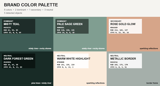
Image Color Extractor
@maggie

GAN-ify an Image
@laure

Character Consistency Lock
@maggie

Film Style Generator
@maggie
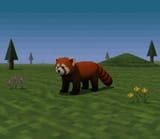
PS1 Style Graphics
@maggie
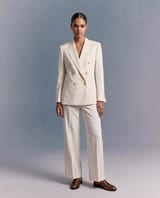
Virtual Try-On
@laure
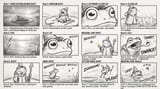
Storyboard Maker
@maggie

Green Screen Animation Card
@maggie

Motion Blur & Grain
@maggie
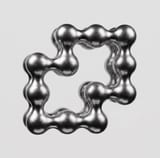
Logo to 3D Object
@maggie

Japandi Style Interior Design
@laure

Make it Cinematic
@maggie
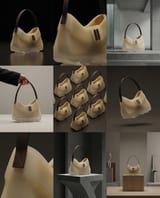
Product Photography Grid
@laure
They are connected steps for a repeatable creative job. Fuser Recipes package those steps behind a set of inputs and outputs, so you can start with a product image, logo or brief and run the workflow.
Open a Recipe, add it to your project and provide the inputs it asks for. Review the credit estimate before running it. The results appear as outputs you can use in the rest of your canvas.
Yes. Open the Recipe to inspect its connected nodes. If you do not have edit access, use “Make a copy to edit” and change the copy. You can then adjust prompts, models and connections for your own process.
Browsing the public library is free. Running a Recipe uses credits for the generation steps it executes. The estimate depends on the selected models and settings; check it before you run.
Recipes run reusable creative workflows on the canvas. Fuser Apps are running web tools, interactive experiences and websites you can build, refine and publish. Apps can receive inputs from the canvas and send results back; Recipes package the connected steps into a reusable process.