Recipev4
Reframe Video without Reshooting
0:00 / 0:00
9:16
One click, whole workflow
Recipes are here. Package a whole workflow and run it in one click
Explore recipesSocial Media Video
Upload one source video to create vertical 9:16 and landscape 16:9 versions for social content.
9:16
A recipe turns a reusable workflow into a simple set of inputs and outputs. Start with a community recipe and make it your own in Fuser.

1. Choose a recipe
Find a workflow for the result you want. Review what it does and how to use it before opening it in Fuser.
2. Make it your own
Check the recipe’s available inputs. Add your own text or media where supported, or start with the saved defaults.
3. Run and refine
Run it in Fuser and review the result on your canvas. Tweak the inputs to try another direction.
Create alternate versions of one video for different social content formats and publishing contexts.
It takes one source video and generates two video outputs: a 9:16 version and a 16:9 version. The recipe is intended for preparing the same content for different social media aspect ratios.
It can help social content teams, creators, and entertainment-focused publishers who need vertical and landscape versions of one video. It is most relevant when both supported aspect ratios are part of the publishing plan.
Prepare the video you want to reformat as the Source Video input. The recipe accepts a video at any size, then produces the named 9:16 and 16:9 video outputs.
Yes. Source Video is the exposed editable input, so you can replace the saved example's video with your own in Fuser. The recipe will still produce the two defined output ratios.
The saved recipe exposes outputs for 9:16 and 16:9 only. It does not list additional aspect-ratio outputs or controls for requesting another format.
The saved example shows one connected source video producing two outputs: one vertical 9:16 video and one landscape 16:9 video. It is a saved input-to-output example, not a live generation on this page.
Those options are not exposed by the recipe's listed inputs and outputs. Its defined task is creating 9:16 and 16:9 versions from a source video, rather than adding separate editing or branding controls.
Log in to Fuser to use your source video with the saved 9:16 and 16:9 outputs.
Develop pitches, campaign assets and interactive client work in Fuser. Combine AI generation, editable design and reusable processes across your agency.
Develop film treatments, character and environment concepts, storyboards and motion studies. Connect image, video and 3D exploration in Fuser.
Create social graphics, carousel artwork and short videos with a recognizable brand style. Keep copy editable and recurring content easier to produce in Fuser.
Develop storyboard frames, shot variations and video studies from your references. Compose clear boards and explore movement in one Fuser project.
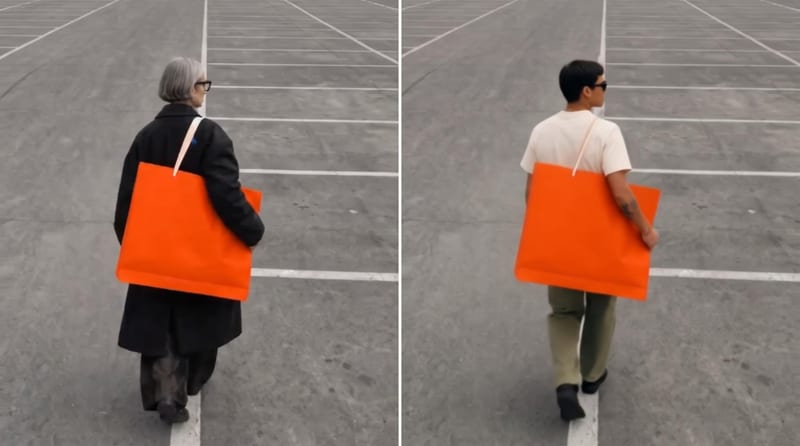
Use an original video, reference image, and edit instructions to create an edited video focused on the requested subject.
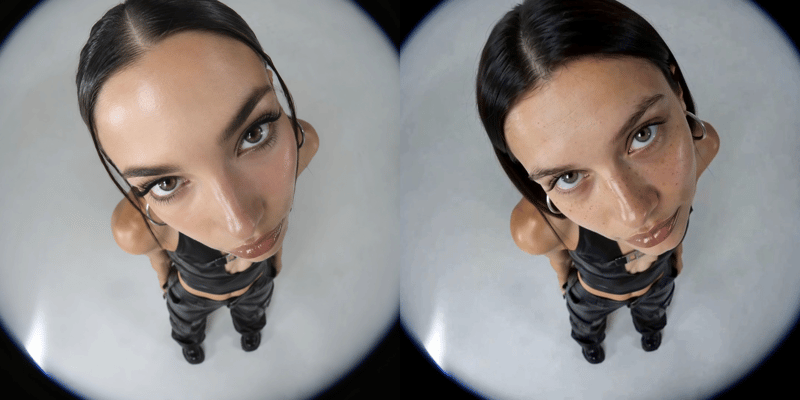
Replace a person’s face in a video using two reference images and receive a face-swapped video.
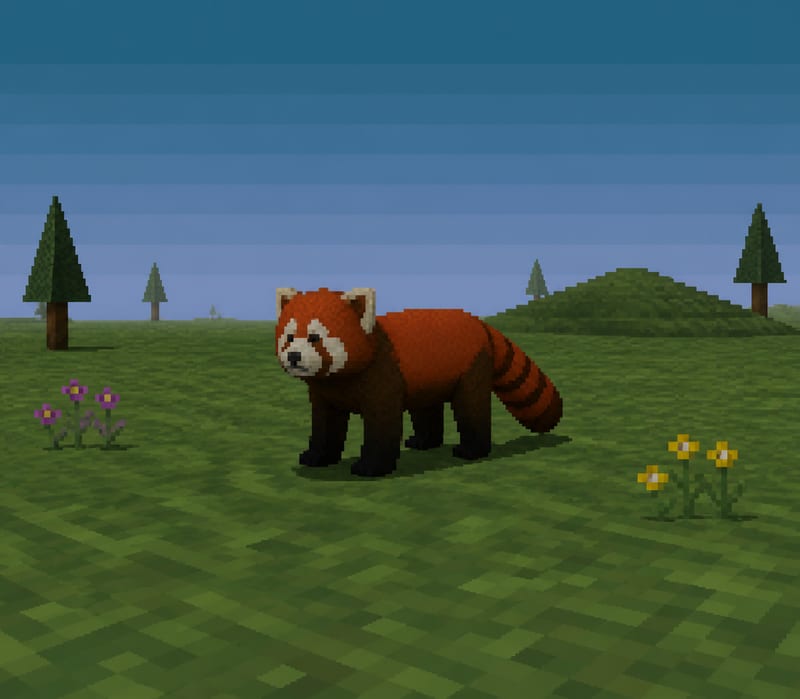
Transform a text subject, such as “red panda,” into a PS1-style image for character and content concepts.



