Recipev2
Polaroid Generator
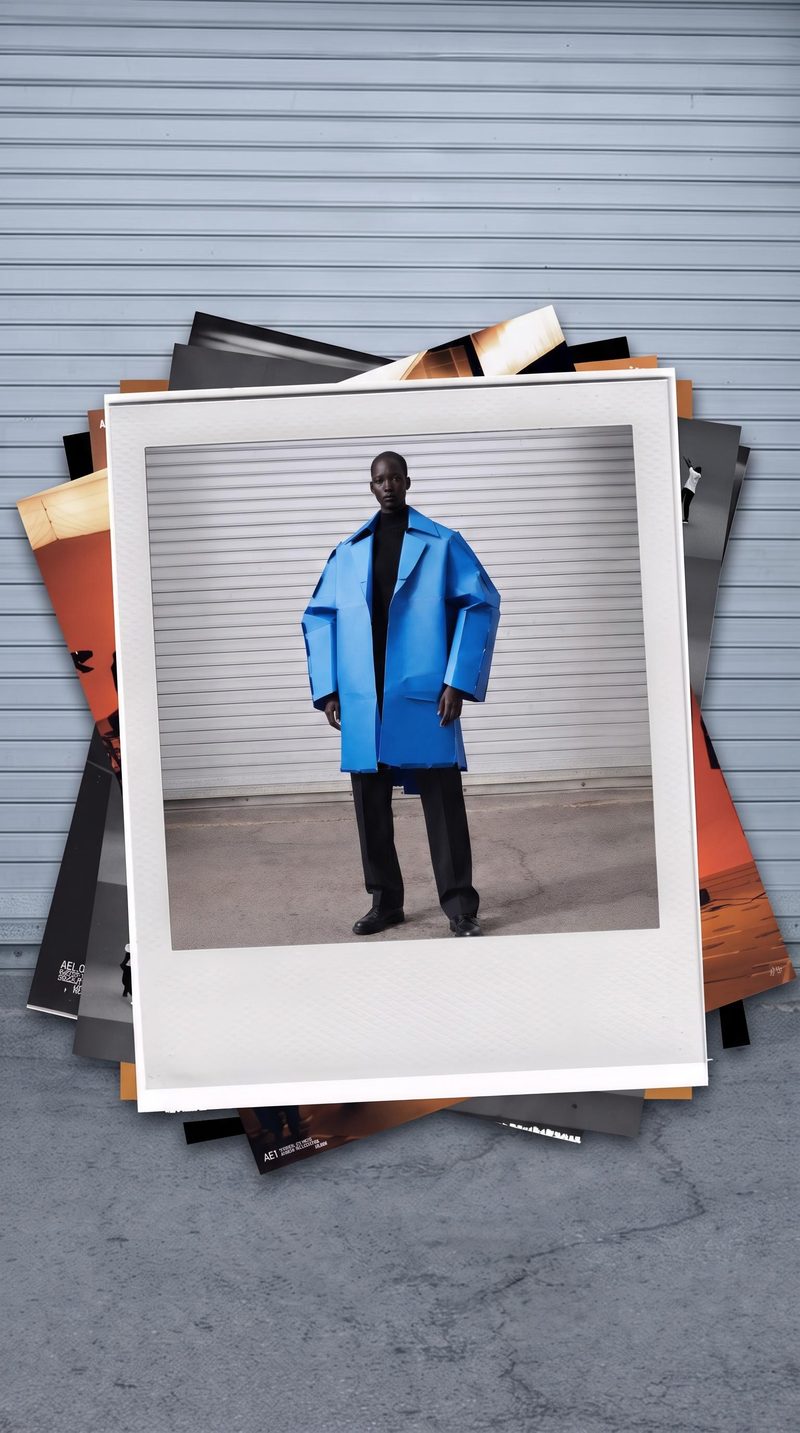
Polaroid
Polaroid photography
Transform one photo into a realistic Polaroid composition with a seamless, color-matched background.
Polaroid
A recipe turns a reusable workflow into a simple set of inputs and outputs. Start with a community recipe and make it your own in Fuser.

1. Choose a recipe
Find a workflow for the result you want. Review what it does and how to use it before opening it in Fuser.
2. Make it your own
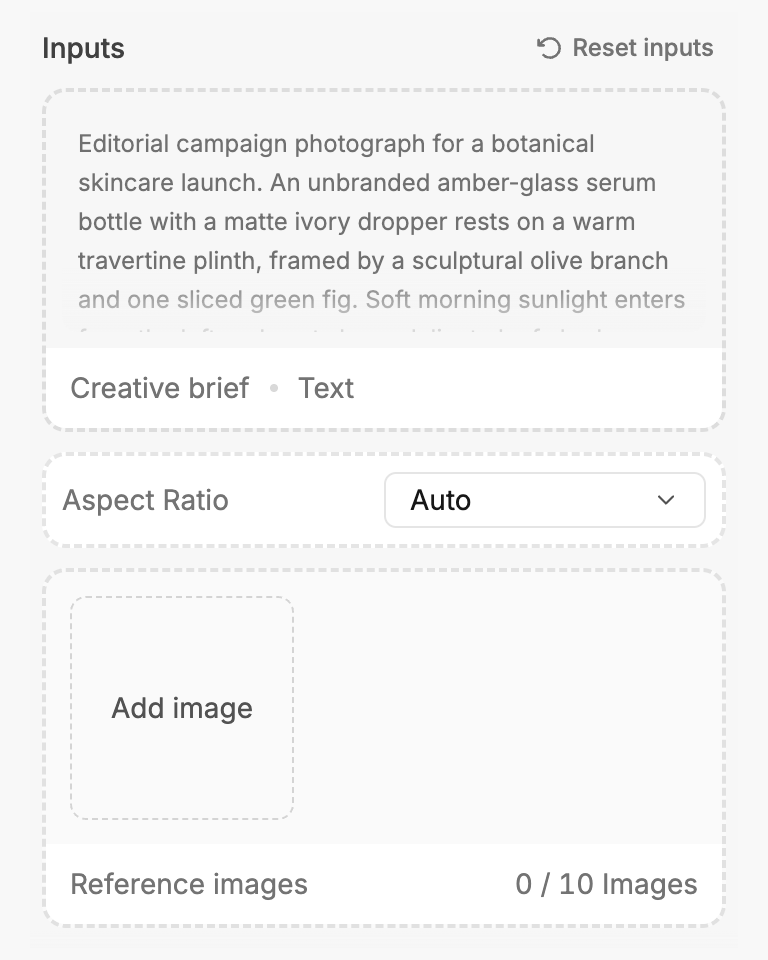
Check the recipe’s available inputs. Add your own text or media where supported, or start with the saved defaults.
3. Run and refine
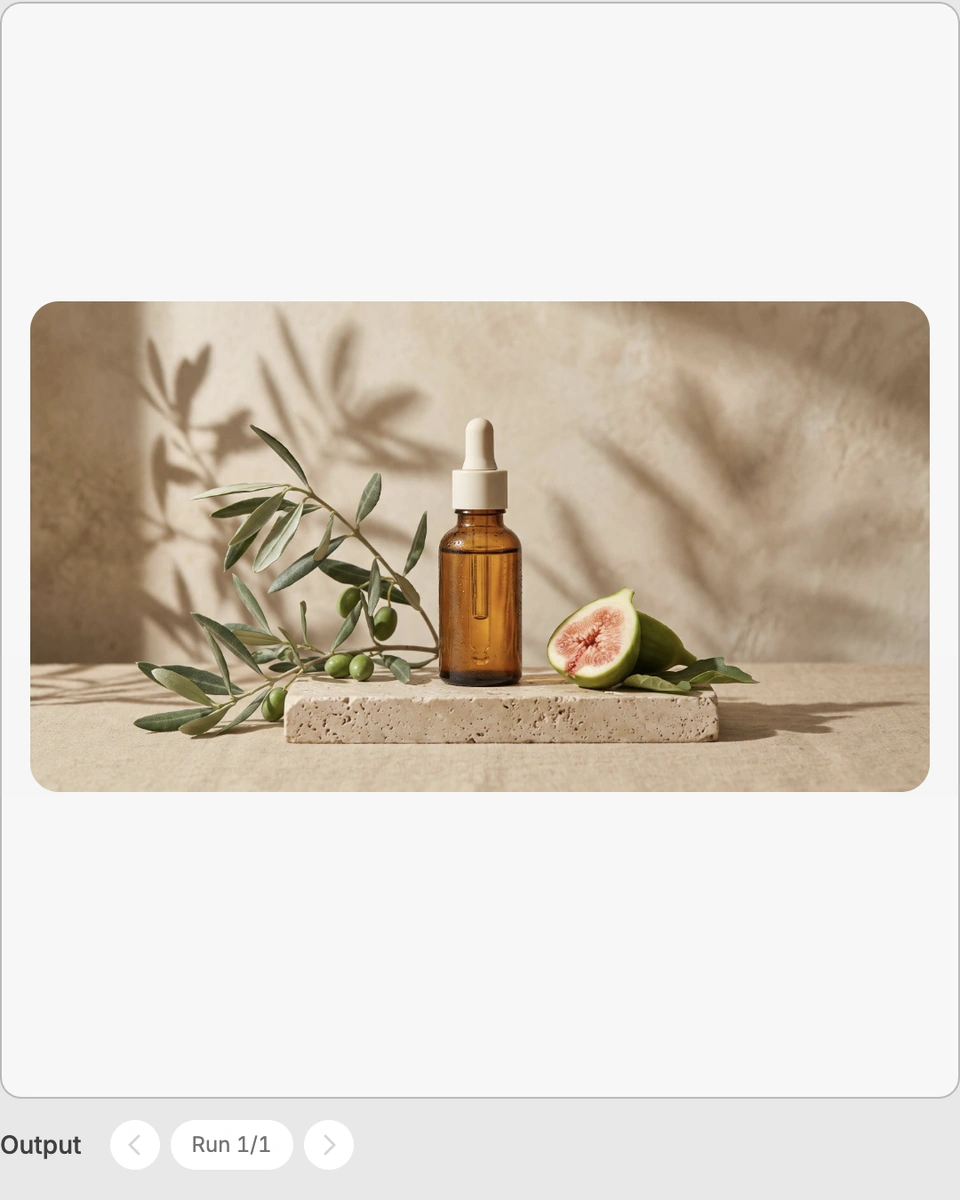
Run the recipe in Fuser and review the result on your canvas. Adjust any available inputs when you want to try another direction.
Use the Polaroid output to give existing photos a distinct presentation for personal, creative, and social content.
It transforms one photo into a realistic Polaroid composition. The output also includes a seamless, color-matched background, giving the result a cohesive presentation around the photo.
This recipe is useful for photographers, social content creators, artists, and anyone who wants to present a photo with a Polaroid-inspired look. It can also support personal memory projects and creative visual references.
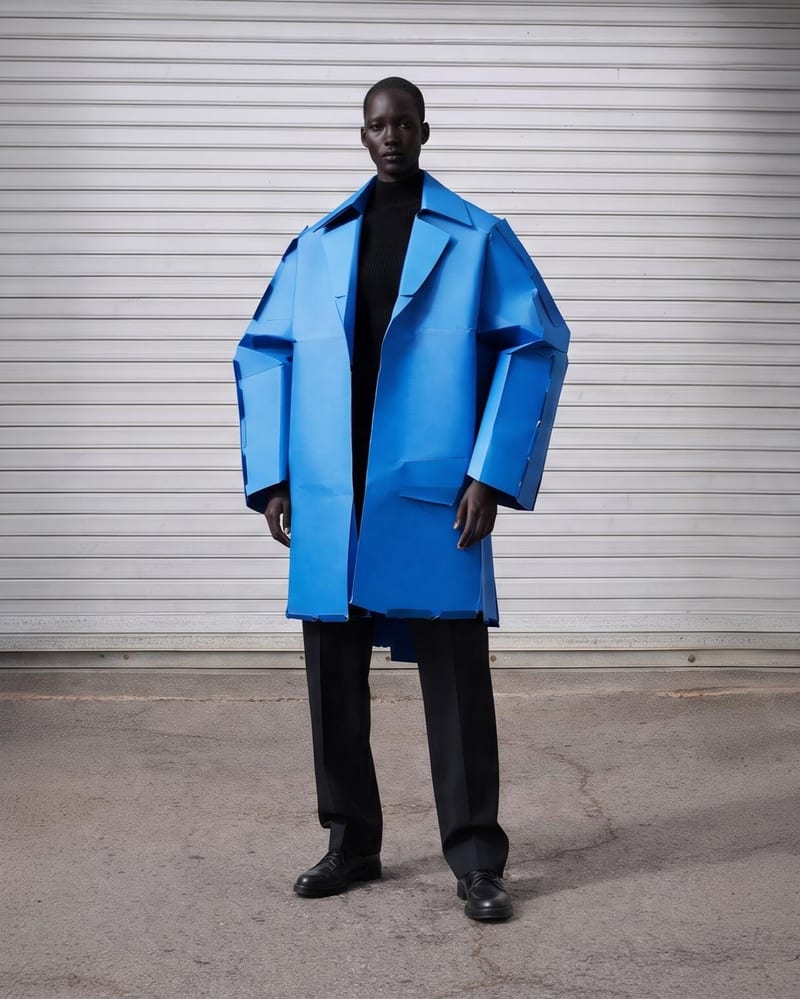
Prepare one photo as the Photo input. You can change this exposed image input in Fuser when using the recipe for a new composition.
The recipe produces one image labeled Polaroid. It represents the selected photo as a realistic Polaroid composition with a seamless, color-matched background.
Yes. The saved page shows a default example with its own photo connected to the recipe and output. In Fuser, you can replace the exposed Photo input before creating a new result.
It fits social content, photography presentations, personal photo collections, creative concept boards, and art or illustration references. The result is focused on presenting a photo as a Polaroid composition rather than creating a broader set of layouts.
The recipe transforms the photo into a Polaroid composition, so the output is a new image rather than the original file alone. The supplied description specifies the composition and its color-matched background, but not additional editing controls.
Bring one photo into Fuser and turn it into a realistic Polaroid composition with a color-matched background.
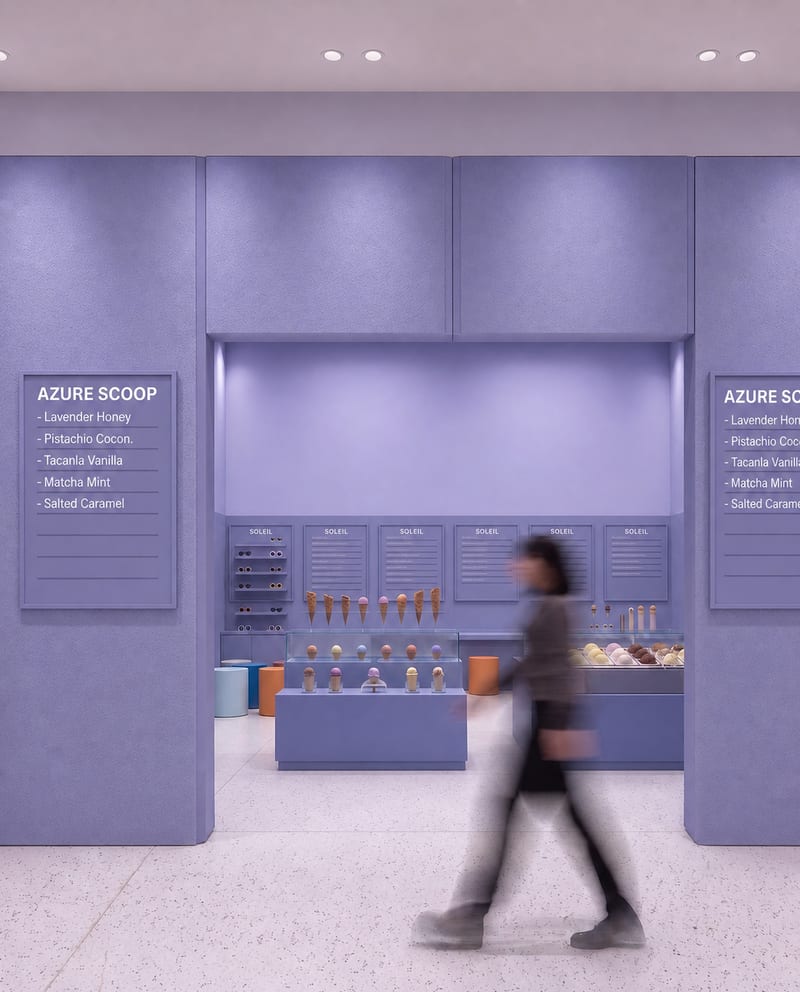
Upload a source image to remove AI-generated artifacts, distortions, and unnatural details while preserving its composition, style, and visual elements.
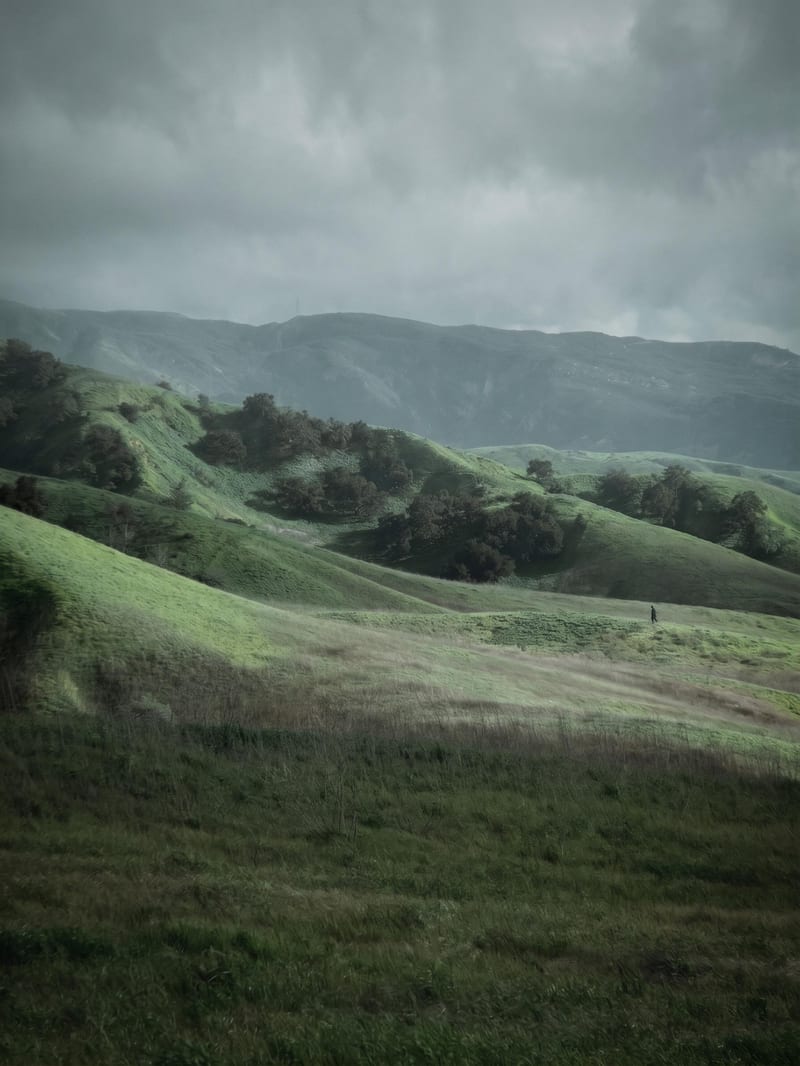
Transform a source image into a poetic, contemplative cinematic image with muted earthy tones and analog film aesthetics.
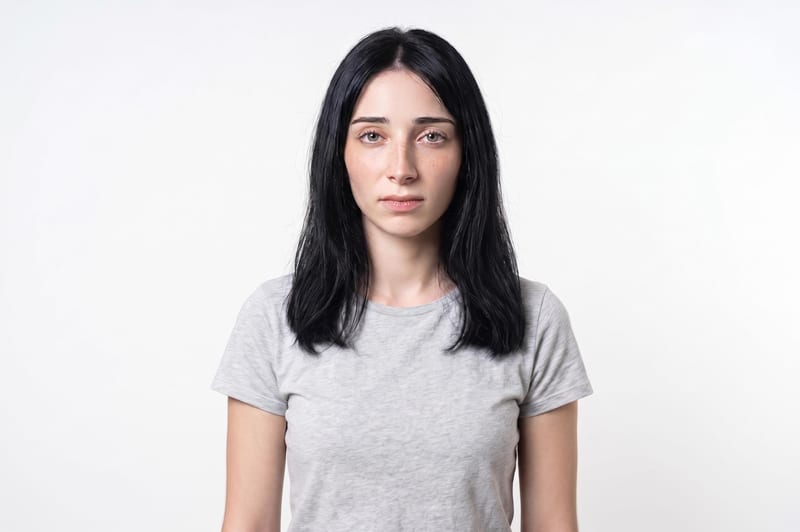
Upload one unretouched face photo to reduce blemishes, smooth uneven texture, and refine skin tone in two retouched outputs.