Recipev3
AI Artifact Remover
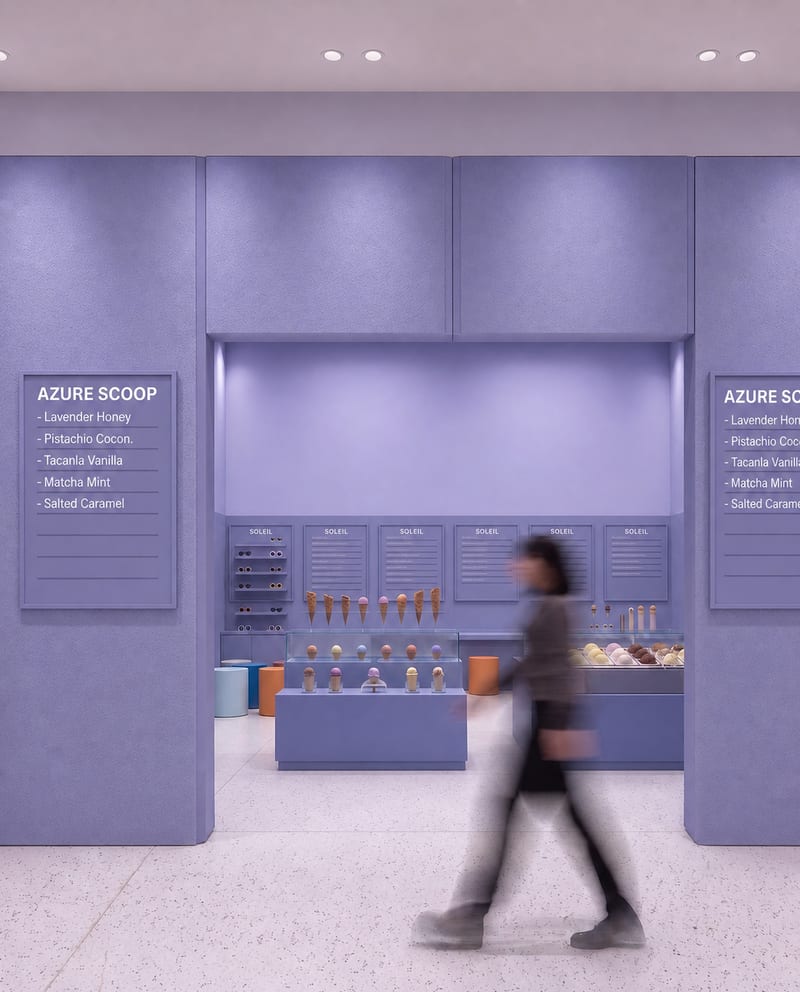
Cleaned Image 1
One click, whole workflow
Recipes are here. Package a whole workflow and run it in one click
Explore recipesAI Image Cleanup
Upload a source image to remove AI-generated artifacts, distortions, and unnatural details while preserving its composition, style, and visual elements.
Cleaned Image 1
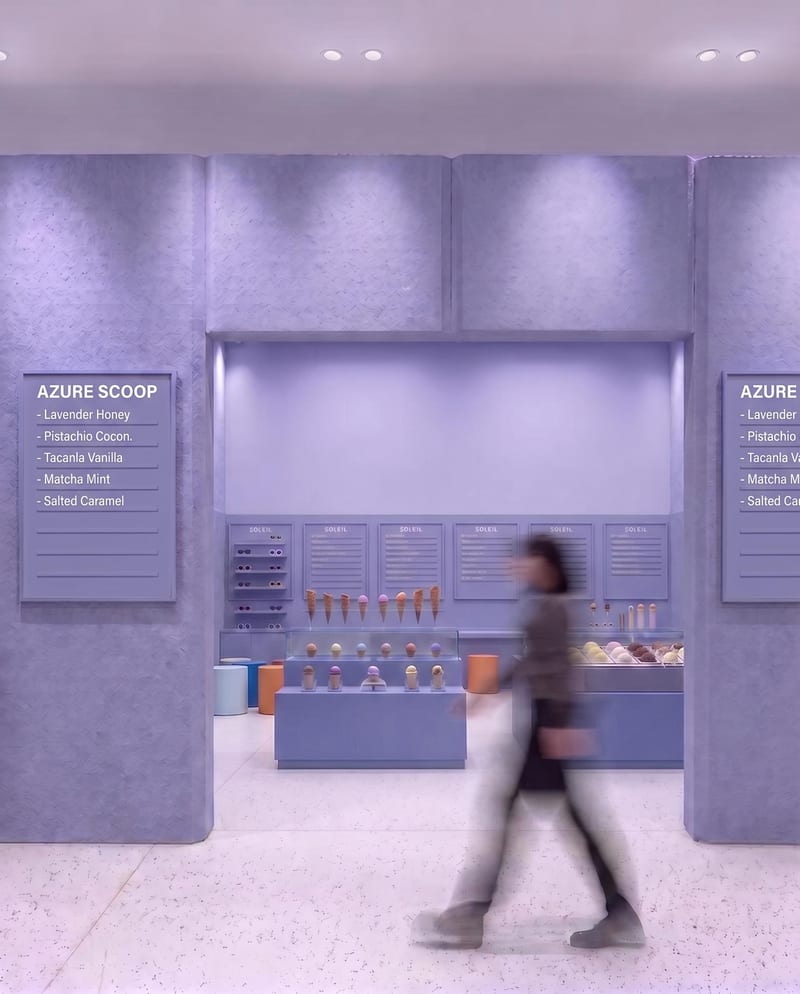
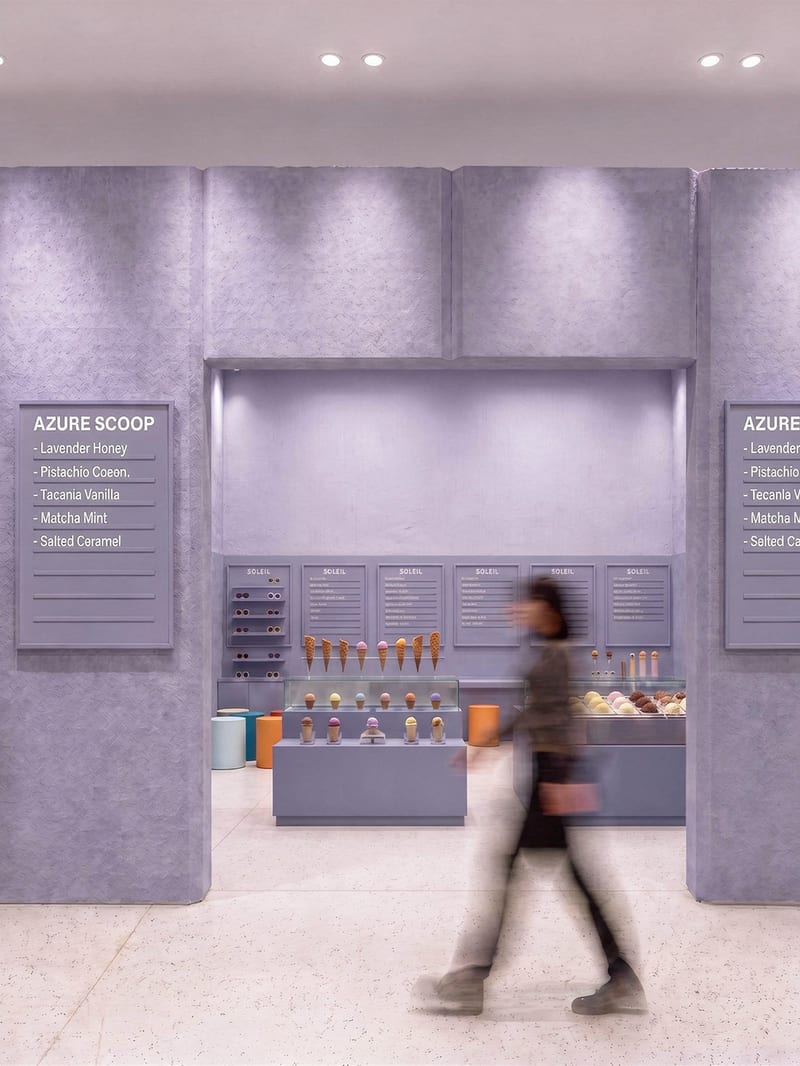
A recipe turns a reusable workflow into a simple set of inputs and outputs. Start with a community recipe and make it your own in Fuser.

1. Choose a recipe
Find a workflow for the result you want. Review what it does and how to use it before opening it in Fuser.
2. Make it your own
Check the recipe’s available inputs. Add your own text or media where supported, or start with the saved defaults.
3. Run and refine
Run it in Fuser and review the result on your canvas. Tweak the inputs to try another direction.
Use the recipe to refine images before sharing, presenting, or incorporating them into visual projects.
It takes one source image and removes AI-generated artifacts, distortions, and unnatural details. The recipe is intended to preserve the original composition, objects, colors, lighting, textures, and overall visual style.
It can help photographers, artists, illustrators, and social content creators refine images before sharing or presenting them. It is most relevant when a source image contains visible AI-related imperfections that should be cleaned up.
Prepare the image you want to clean as the Source Image input. The recipe accepts one image input, and visitors can replace that source image in Fuser when using the recipe.
The recipe creates two image outputs labeled Cleaned Image 1 and Cleaned Image 2. The saved example demonstrates the source image connected to both cleaned outputs; a new run uses the source image you provide.
Yes. Source Image is the exposed editable input, so you can change it in Fuser to use another image. No additional editable controls are listed for directing the cleanup.
The recipe description identifies composition, objects, colors, lighting, textures, and overall visual style as elements it aims to preserve. The cleanup focuses on AI-generated artifacts, distortions, and unnatural details rather than changing the image’s creative direction.
The outputs can support image refinement for social content, photography, art and illustration, portfolios, and other visual presentations. Review the two cleaned images and choose the version that best suits your intended use.
No specific guarantee is provided. The recipe is designed to detect and remove AI-generated artifacts and unnatural details, but the saved example should be treated as an illustration of the workflow rather than a promise about every new source image.
Bring an image with AI-generated artifacts into Fuser and create two cleaned image outputs while keeping its original visual direction.
Develop pitches, campaign assets and interactive client work in Fuser. Combine AI generation, editable design and reusable processes across your agency.
Create social graphics, carousel artwork and short videos with a recognizable brand style. Keep copy editable and recurring content easier to produce in Fuser.
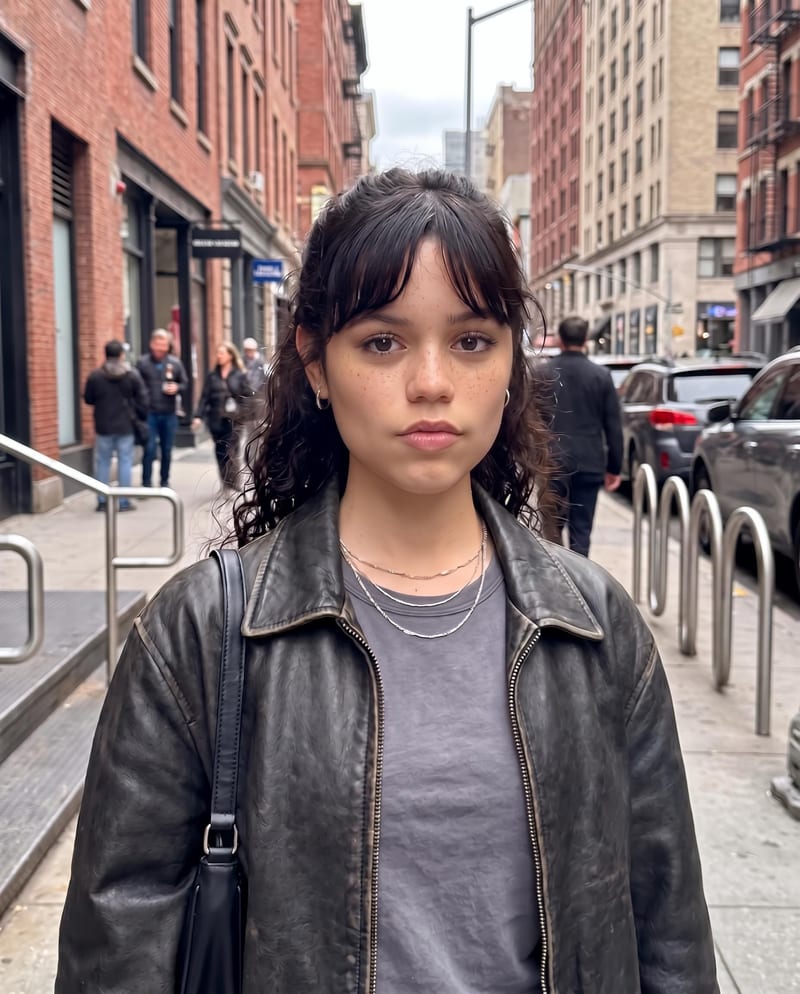
Edit an original portrait with a written instruction to refine facial features and produce a natural-looking edited photo.
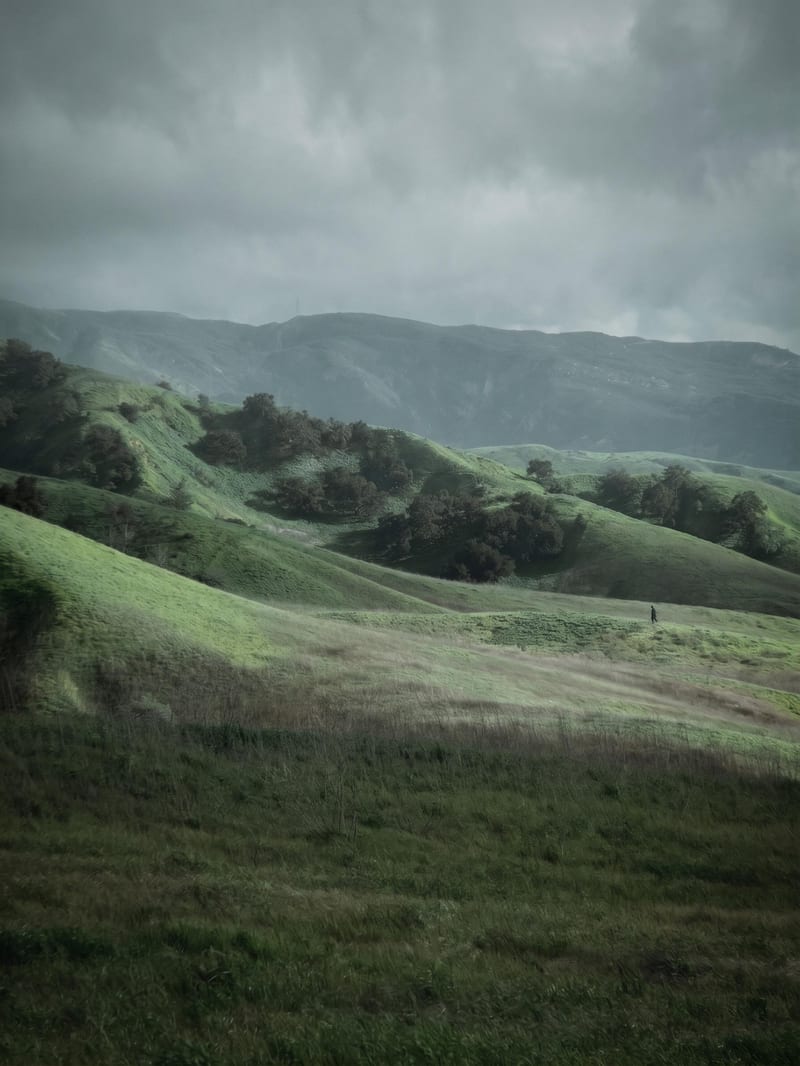
Transform a source image into a poetic, contemplative cinematic image with muted earthy tones and analog film aesthetics.
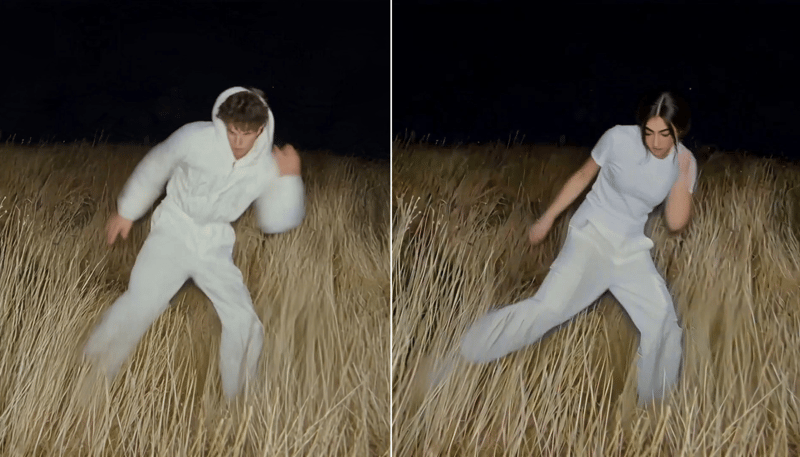
Replace the main character in a video using two character reference images to create a character-swapped video.

