Recipev2
Luxury Silhouette Product
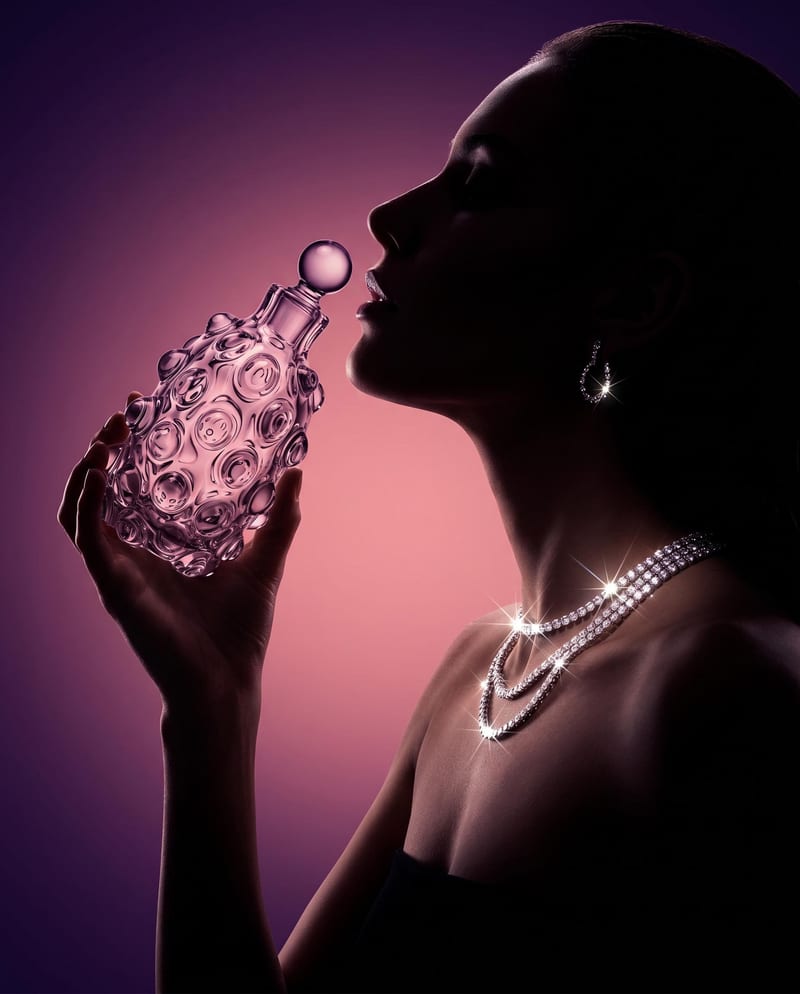
Luxury Silhouette Product Shot
Luxury product advertising
Turn a product image into a cinematic luxury advertising image featuring a woman’s silhouette, dramatic lighting, jewelry, and a moody gradient background.
Luxury Silhouette Product Shot
A recipe turns a reusable workflow into a simple set of inputs and outputs. Start with a community recipe and make it your own in Fuser.

1. Choose a recipe
Find a workflow for the result you want. Review what it does and how to use it before opening it in Fuser.
2. Make it your own
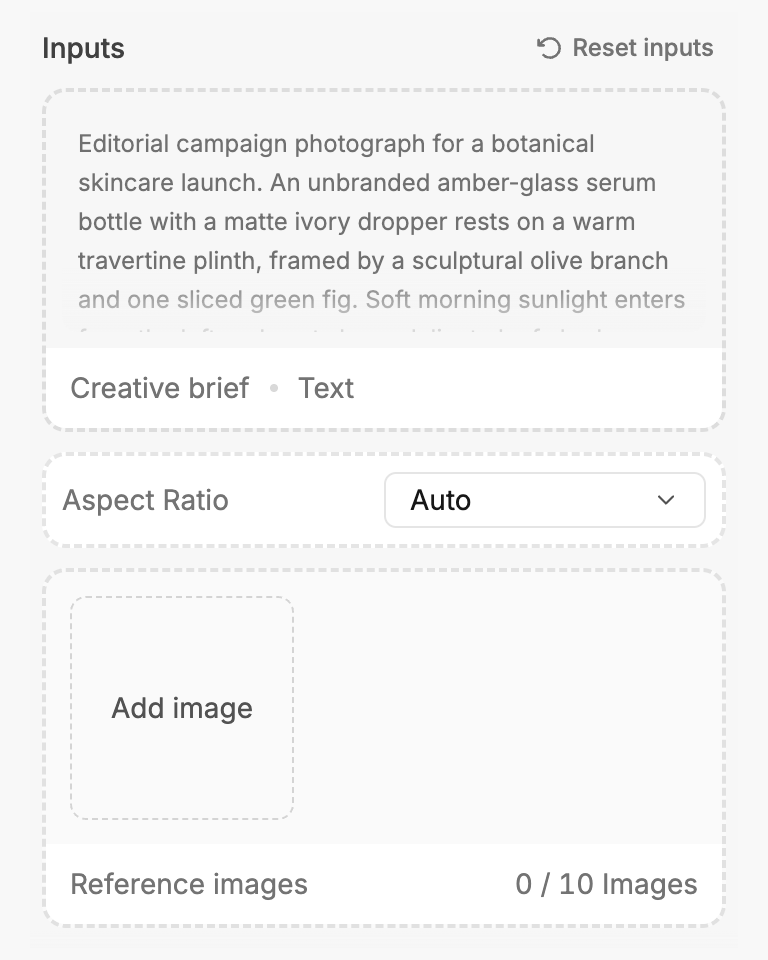
Check the recipe’s available inputs. Add your own text or media where supported, or start with the saved defaults.
3. Run and refine
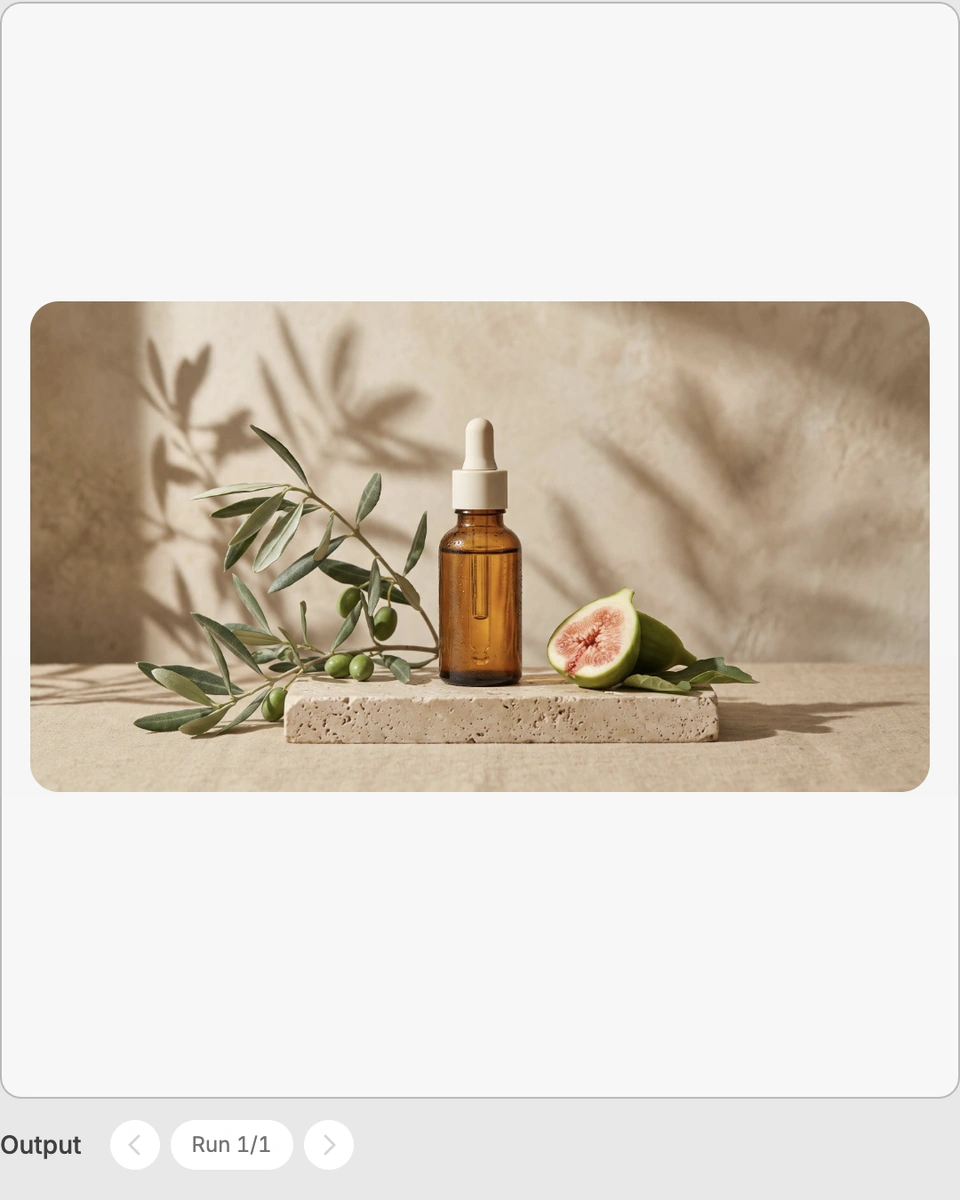
Run the recipe in Fuser and review the result on your canvas. Adjust any available inputs when you want to try another direction.
Use the recipe to develop polished visual directions for product presentation, campaign concepts, and luxury brand advertising.
It creates a luxury product advertising image from a product image. The described composition features a woman’s silhouette holding the product, dramatic lighting, sparkling jewelry, and a moody gradient background.
It is suited to product, packaging, and brand teams exploring cinematic luxury advertising concepts. It can also help creative teams review a possible visual direction before developing campaign assets.
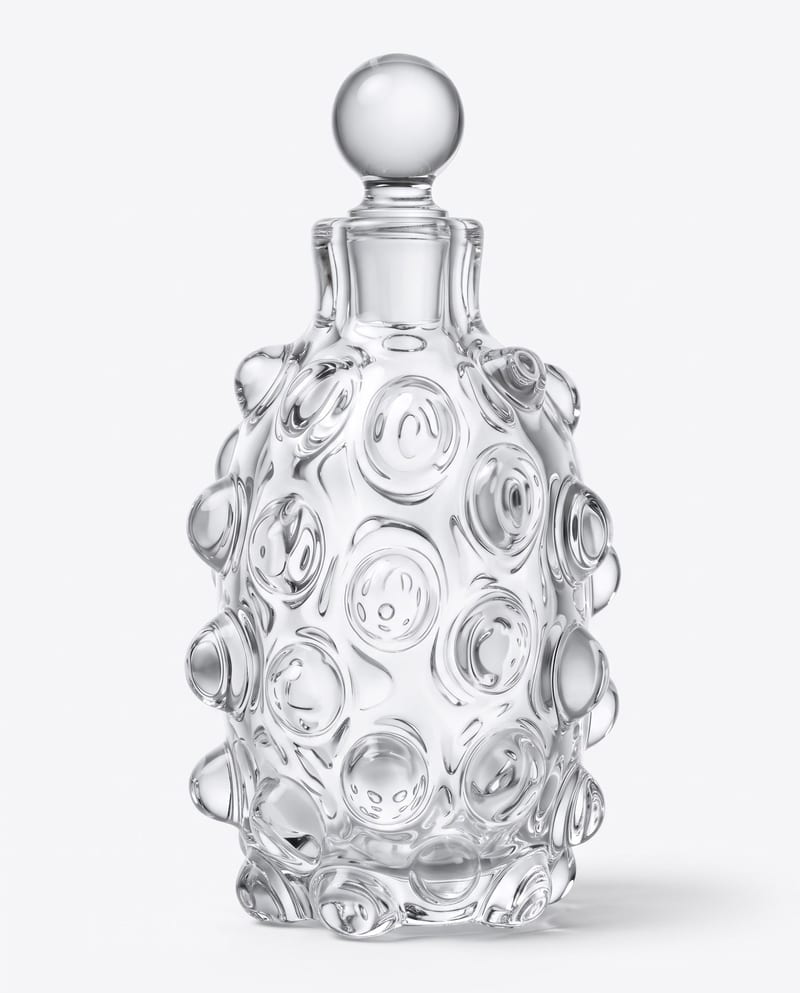
Prepare the product image you want featured in the advertising composition. Product Image is the only exposed input, so the recipe is centered on transforming that supplied product reference into the saved output format.
Yes. Product Image is an editable input in Fuser, so you can replace it with the product you want to explore. The saved example is based on its stored product image; a new run uses the product image you provide.
The saved output is a Luxury Silhouette Product Shot, shown as an image output. It demonstrates the recipe’s intended combination of the supplied product image with a cinematic luxury advertising treatment.
Only Product Image is exposed as an editable input for this recipe. The dramatic lighting, sparkling jewelry, woman’s silhouette, and moody gradient background are part of the recipe’s described treatment rather than separate controls.
The image can support luxury campaign exploration, product launch concepts, moodboards, hero-image studies, and creative reviews. It is best understood as a visual advertising concept rather than a broader set of product assets.
The recipe provides one image output labeled Luxury Silhouette Product Shot. Because the recipe exposes a single product image input, it does not describe separate output formats or controls for producing additional campaign materials.
Bring a product image to Fuser and explore its cinematic silhouette advertising treatment.
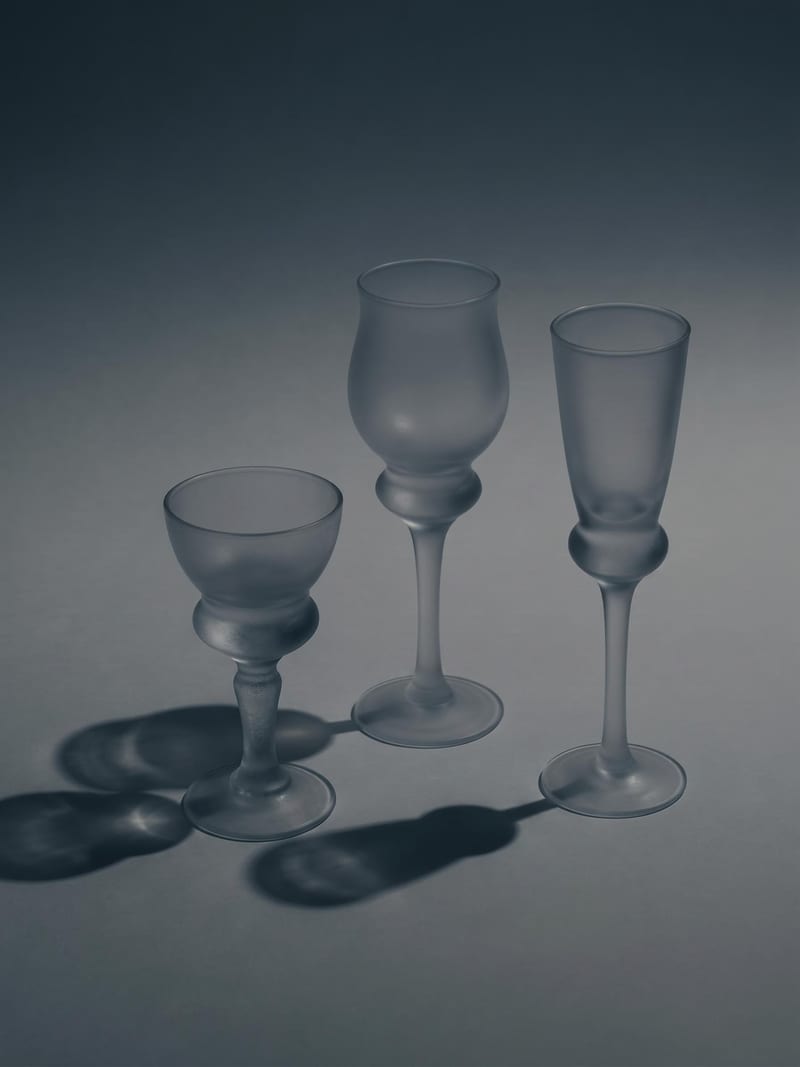
Upload one image to explore six lighting versions, from studio daylight and soft white to dramatic spotlight and golden hour.
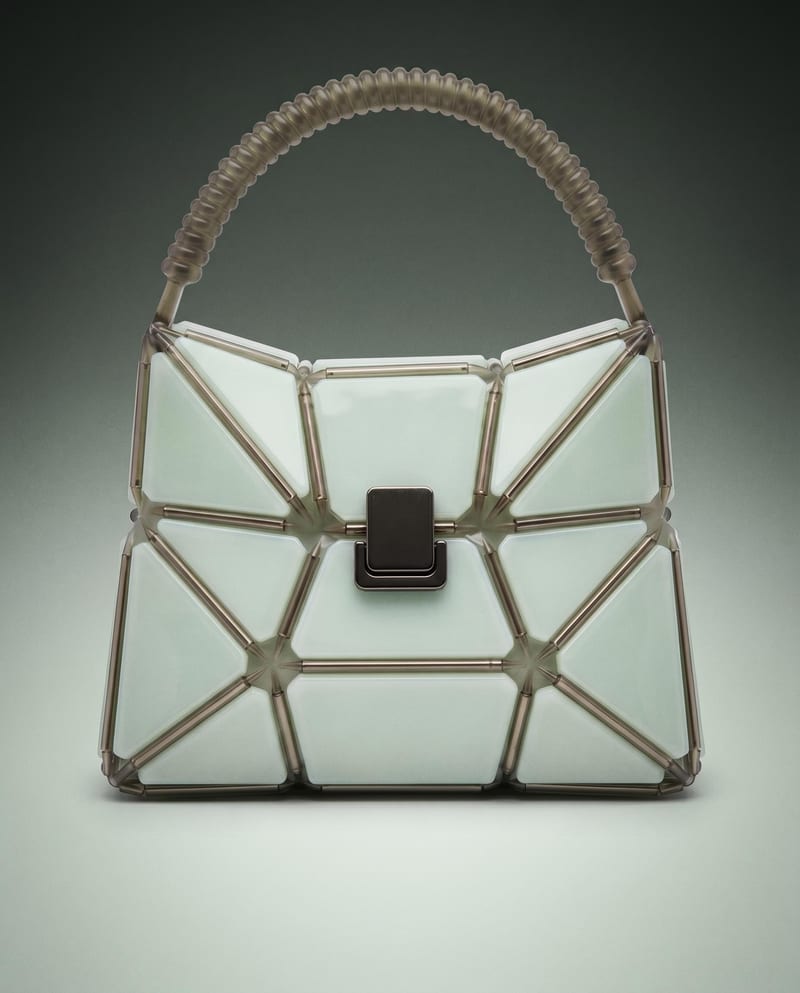
Use a product image to create studio, handheld, and poster shots for product advertising and brand presentations.
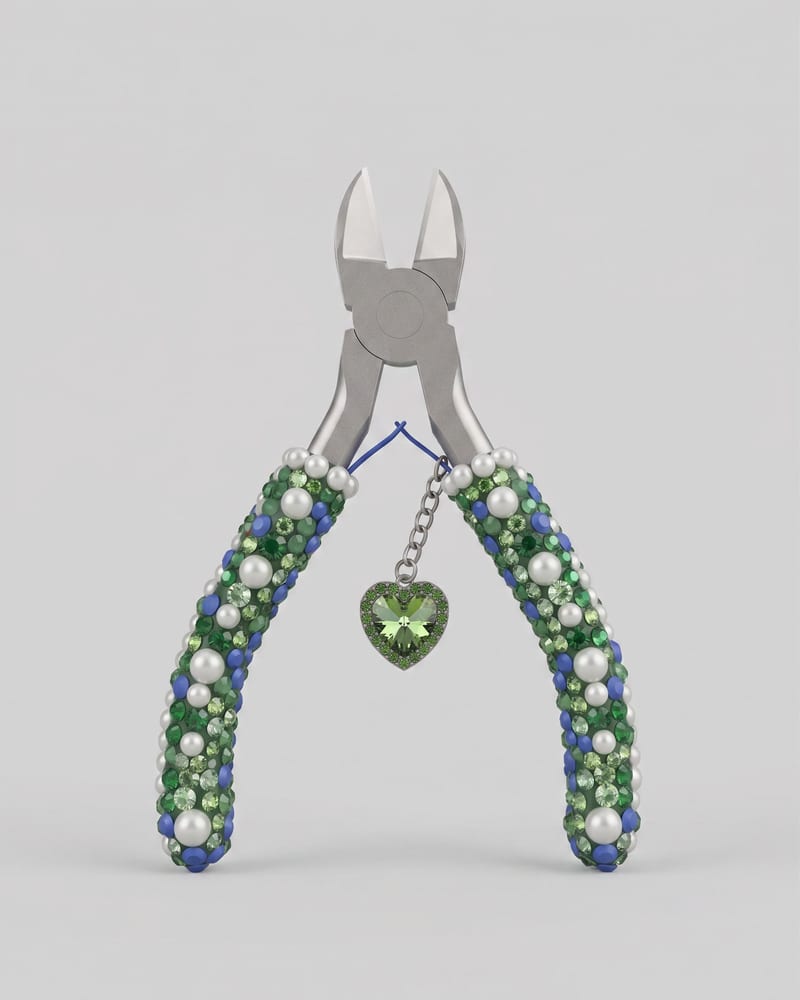
Upload an image of an object to create a Keyshot-style product studio render as the image output.