Recipev4
Professional Product Campaign
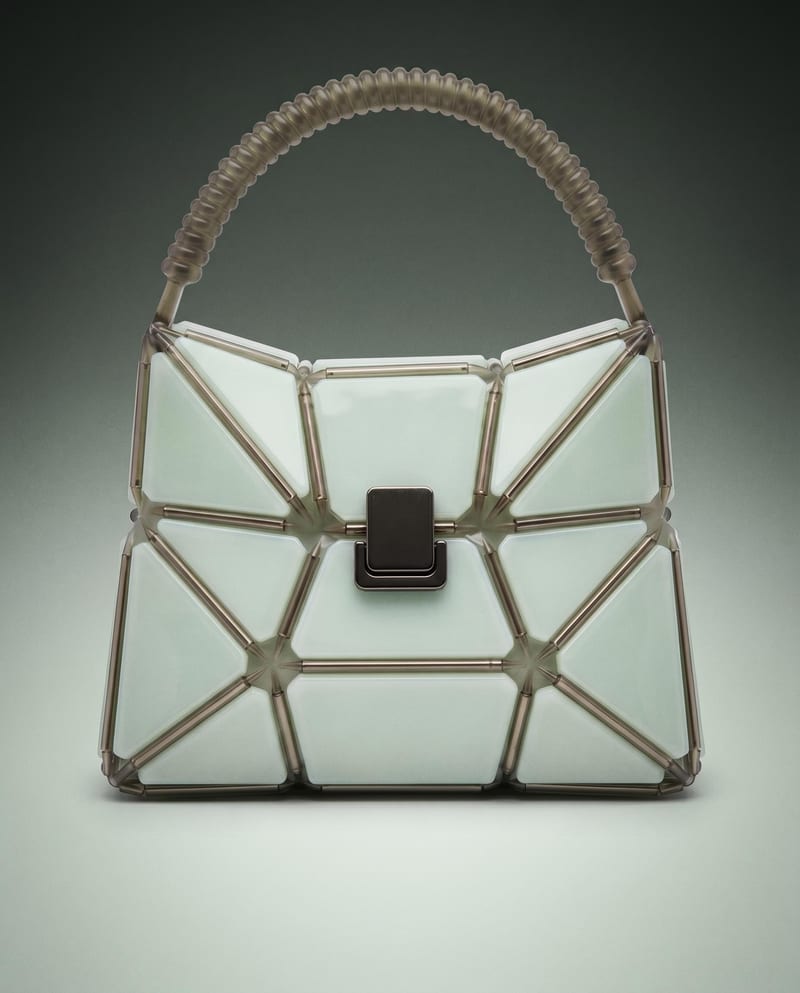
Studio Shot
One click, whole workflow
Recipes are here. Package a whole workflow and run it in one click
Explore recipesProduct campaign photography
Use a product image to create studio, handheld, and poster shots for product advertising and brand presentations.
Studio Shot
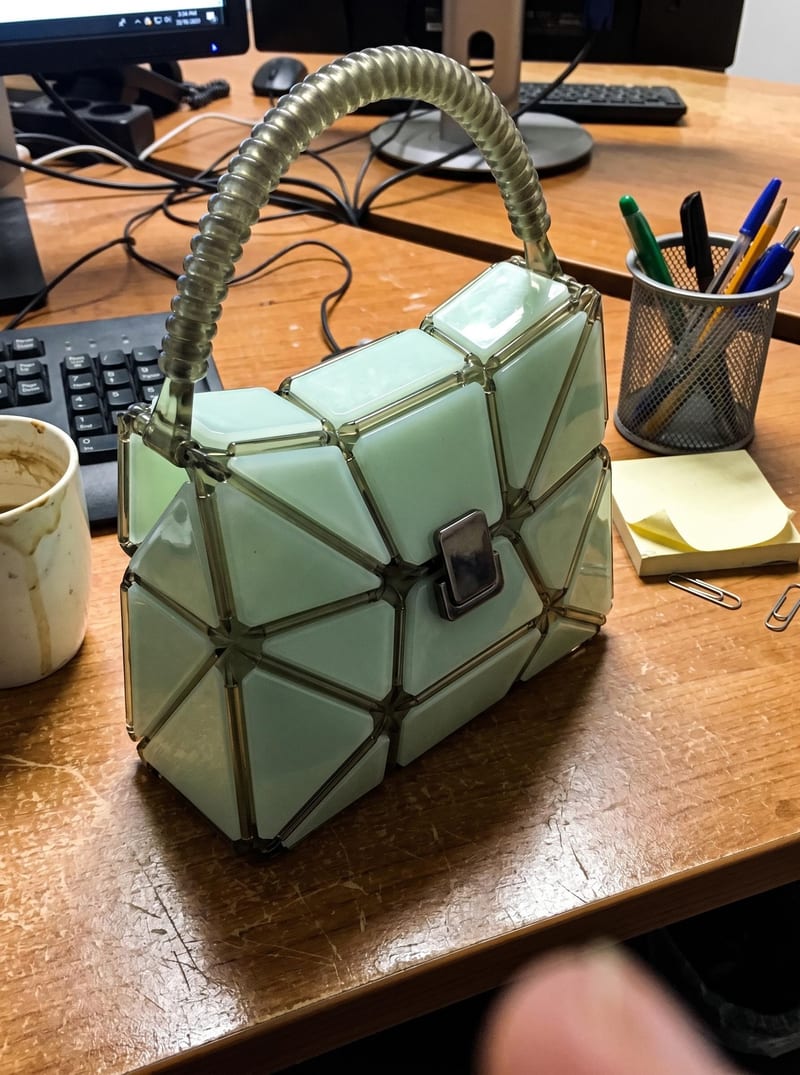
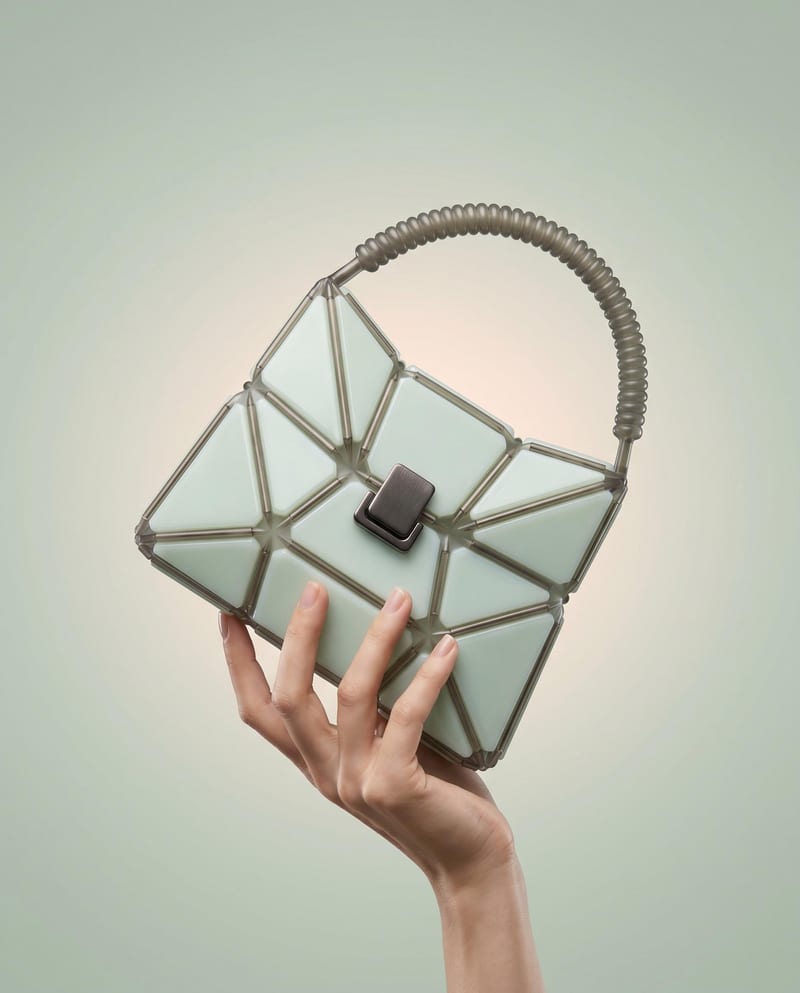
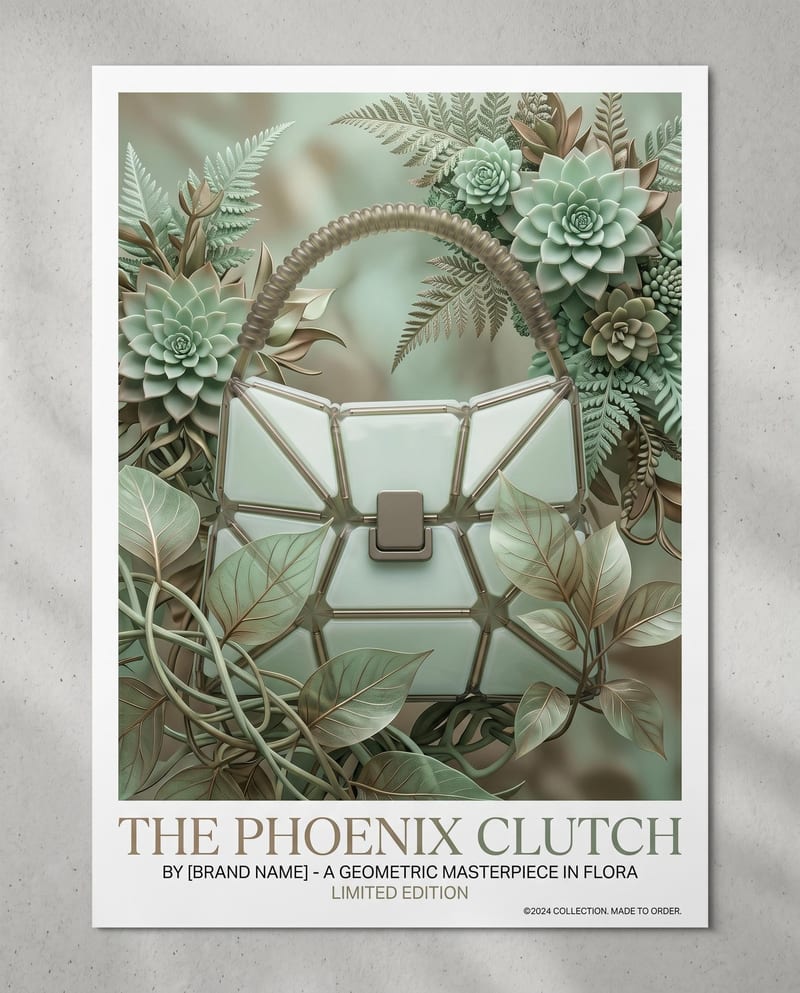
A recipe turns a reusable workflow into a simple set of inputs and outputs. Start with a community recipe and make it your own in Fuser.

1. Choose a recipe
Find a workflow for the result you want. Review what it does and how to use it before opening it in Fuser.
2. Make it your own
Check the recipe’s available inputs. Add your own text or media where supported, or start with the saved defaults.
3. Run and refine
Run it in Fuser and review the result on your canvas. Tweak the inputs to try another direction.
Create a range of product-focused campaign images from a single prepared product image.
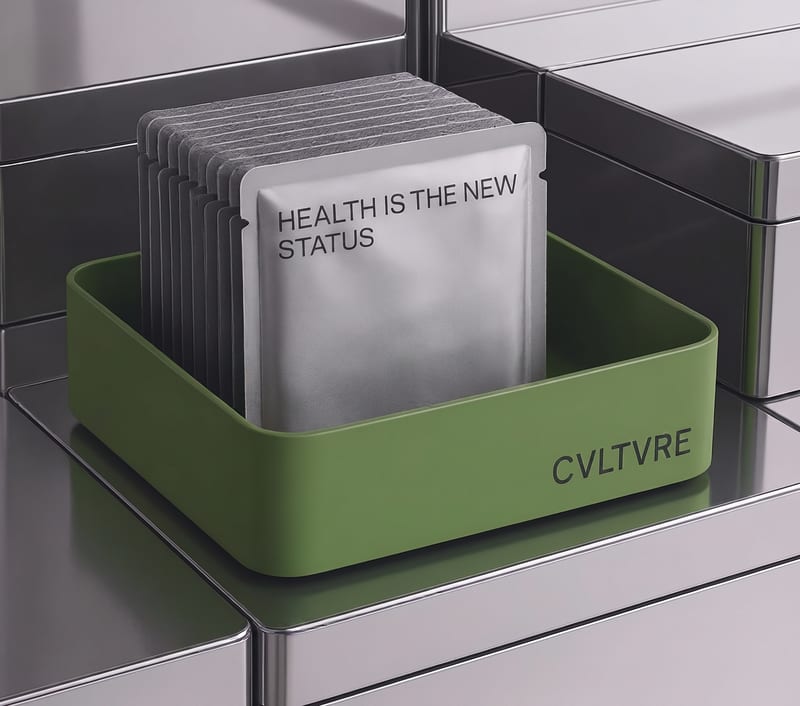
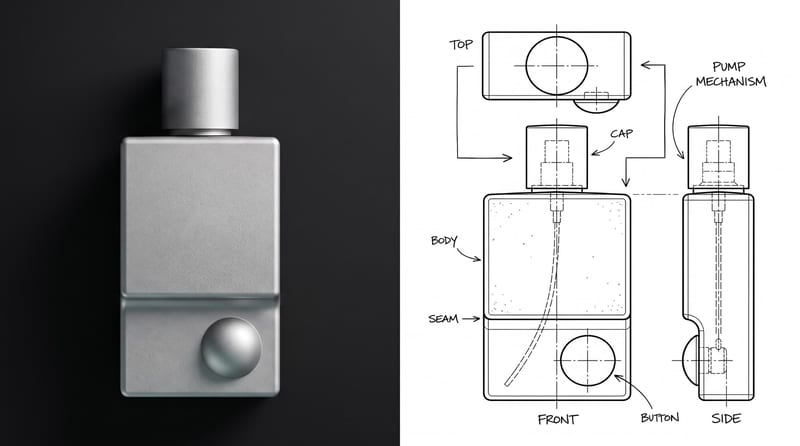
It is intended for teams working on product advertising, brand identity, photography, or product and industrial presentations. A single product image becomes three campaign-oriented image outputs: Studio Shot, Handheld Shot, and Poster Shot.
The recipe uses one input: Product Image, provided as an image. Choose a product image that clearly represents the item you want to feature in the campaign.
The saved recipe example includes three image outputs named Studio Shot, Handheld Shot, and Poster Shot. Together, they show three different presentation contexts for the same product campaign.
Yes. Product Image is an exposed editable input, so you can replace it in Fuser with the product image you want to use for a new run. The saved page example remains based on its saved input and outputs.
The outputs can support product advertising concepts, brand presentations, photography direction, poster exploration, and product-focused campaign planning. They are useful for comparing presentation directions around one product image.
The recipe description references product imagery, turntable renders, and packaging design as part of the broader advertising pipeline. The saved outputs listed here are specifically Studio Shot, Handheld Shot, and Poster Shot images, so those are the results this page documents.
The recipe exposes Product Image as its listed input, so the documented customization centers on changing the product image. The saved example demonstrates three named image outputs, not every possible advertising asset or campaign deliverable.
Bring a product image into Fuser and explore how the recipe organizes it into studio, handheld, and poster campaign imagery.
Develop pitches, campaign assets and interactive client work in Fuser. Combine AI generation, editable design and reusable processes across your agency.
Create product images, lifestyle scenes and campaign assets for your next ecommerce launch. Keep branding editable and reuse creative setups in Fuser.
Build working product demos, launch pages and brand visuals in Fuser. Help a small startup team turn the next idea into something people can try.
Explore a brand’s visual identity, refine typography and build real applications. Combine AI imagery with editable design and reusable workflows in Fuser.
Create studio-style product images, lifestyle scenes and motion studies. Combine reference-led generation with precise, editable composition in Fuser.
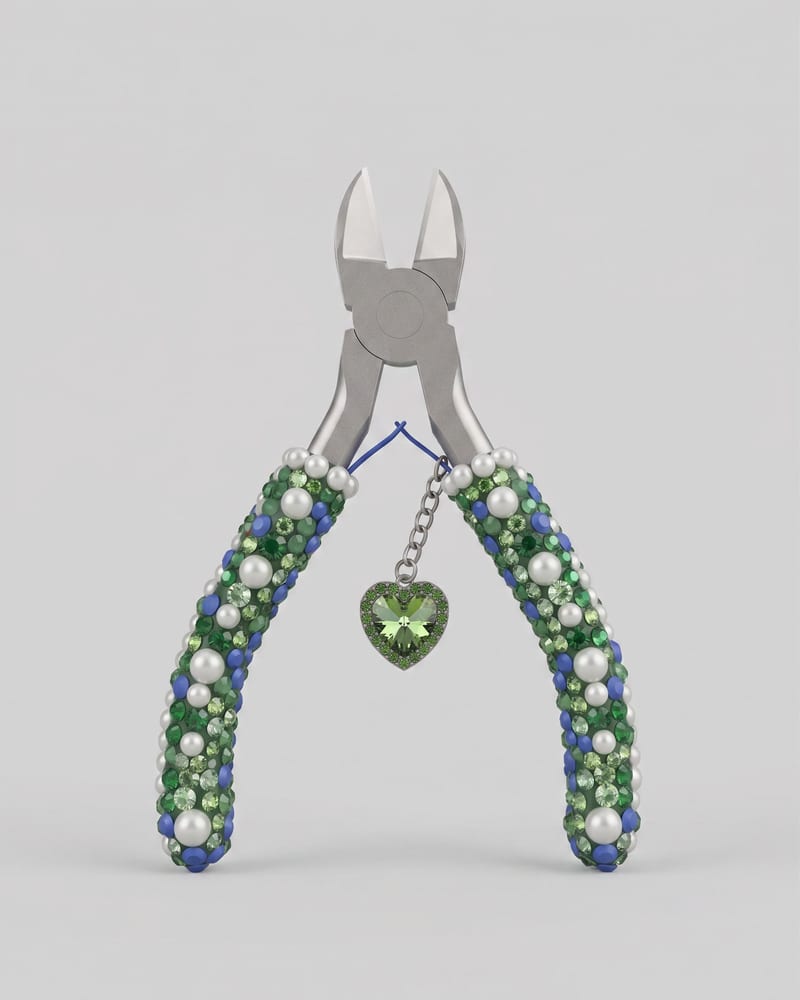
Upload an image of an object to create a Keyshot-style product studio render as the image output.
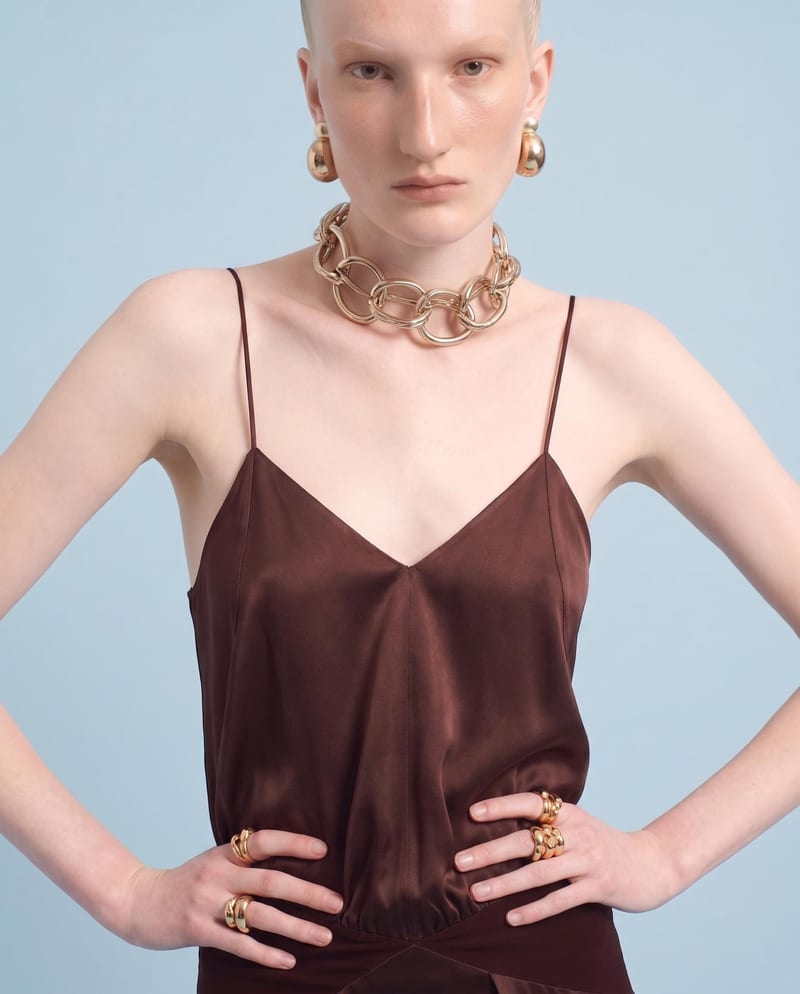
Upload one front-view garment image to create detail, side, and back views that retain its design, color, fit, proportions, and details.
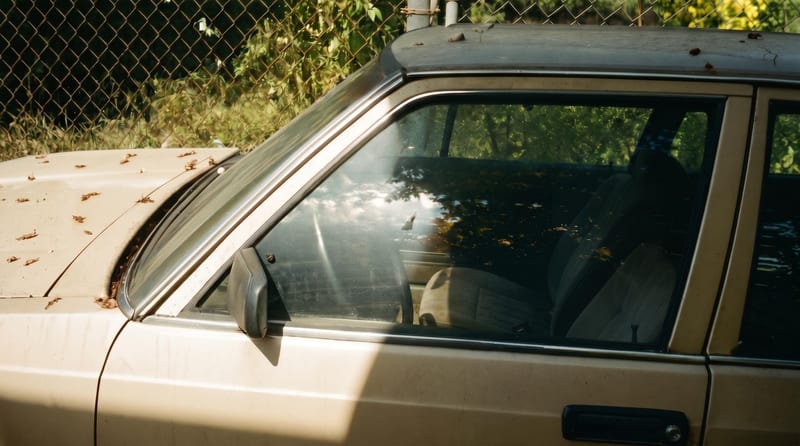
Upload one reference image to create six film-inspired photographic variations.