Recipev1
Relight an Image
Moody studio
One click, whole workflow
Recipes are here. Package a whole workflow and run it in one click
Explore recipesPhotography Lighting
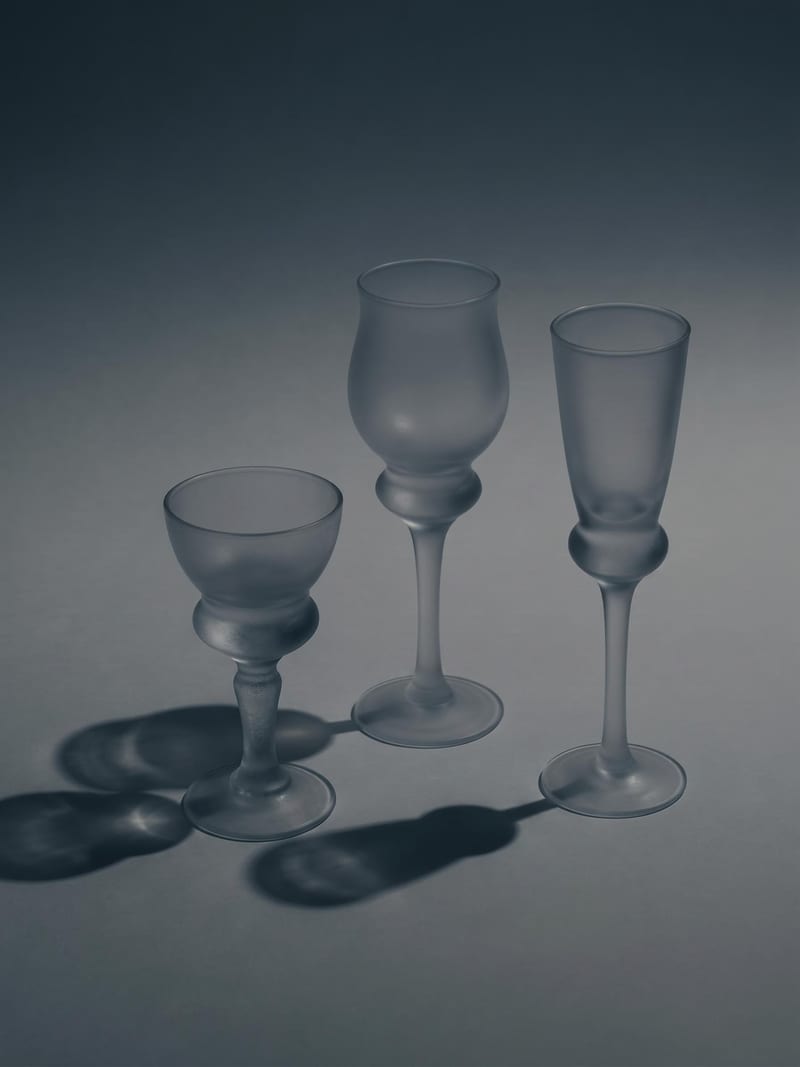
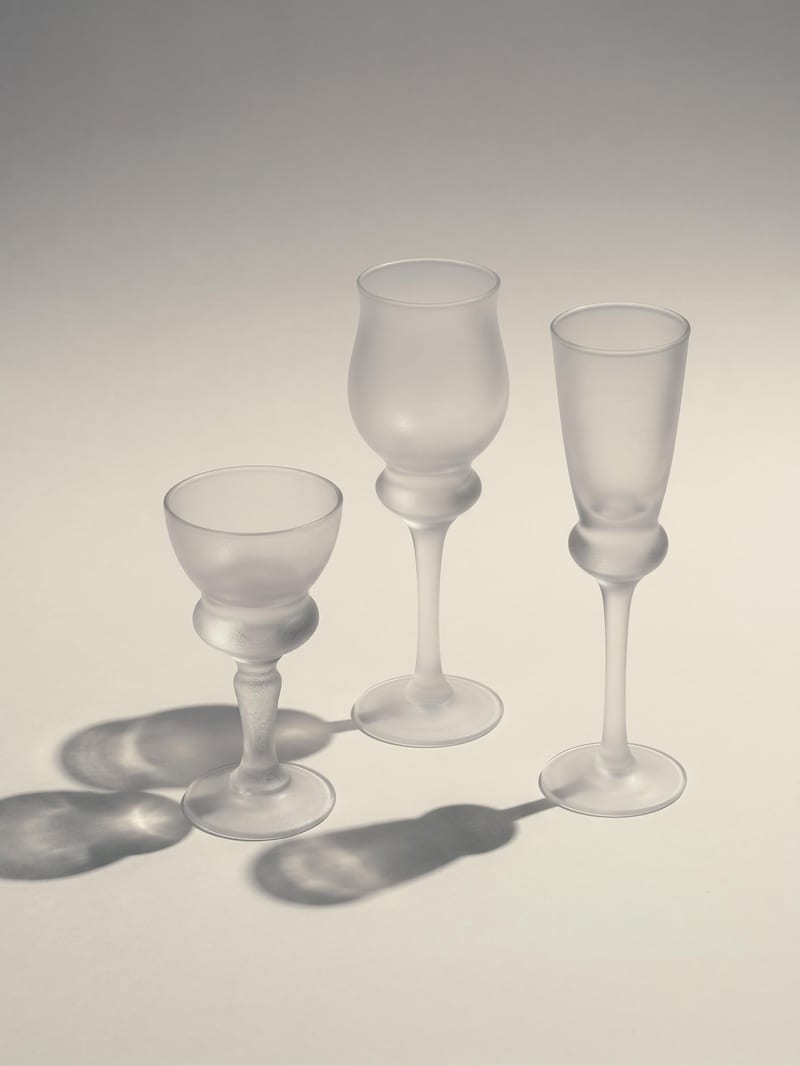
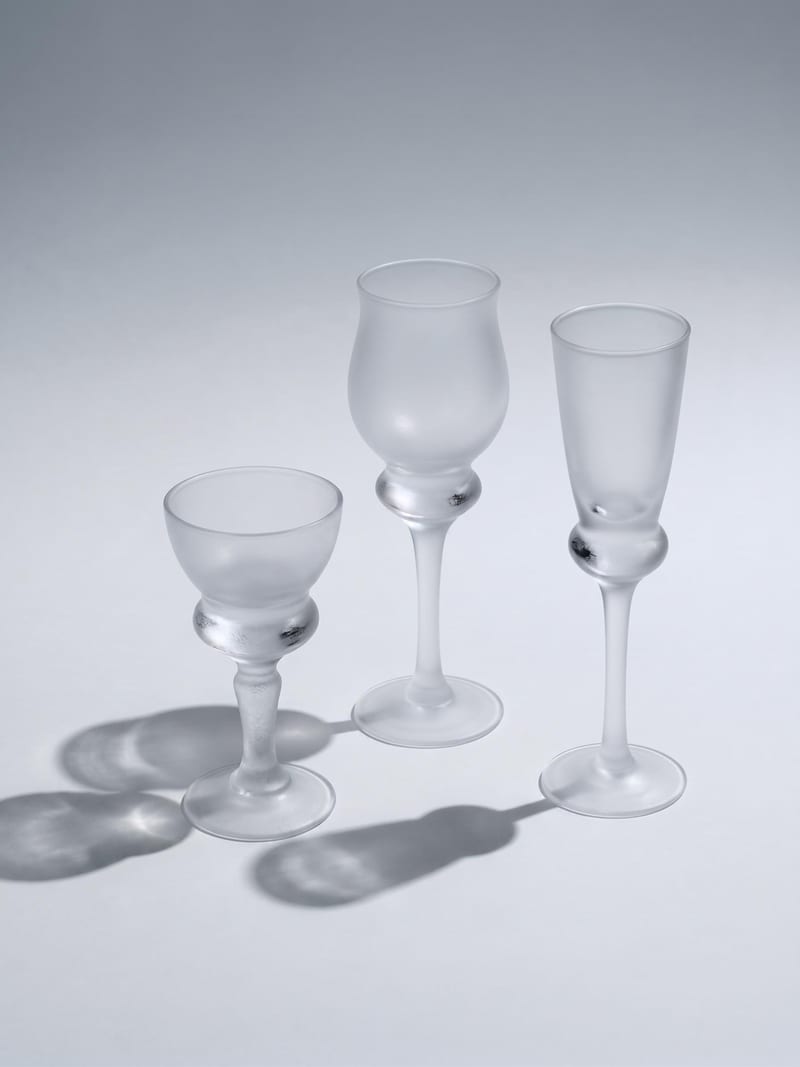
Upload one image to explore six lighting versions, from studio daylight and soft white to dramatic spotlight and golden hour.
Moody studio
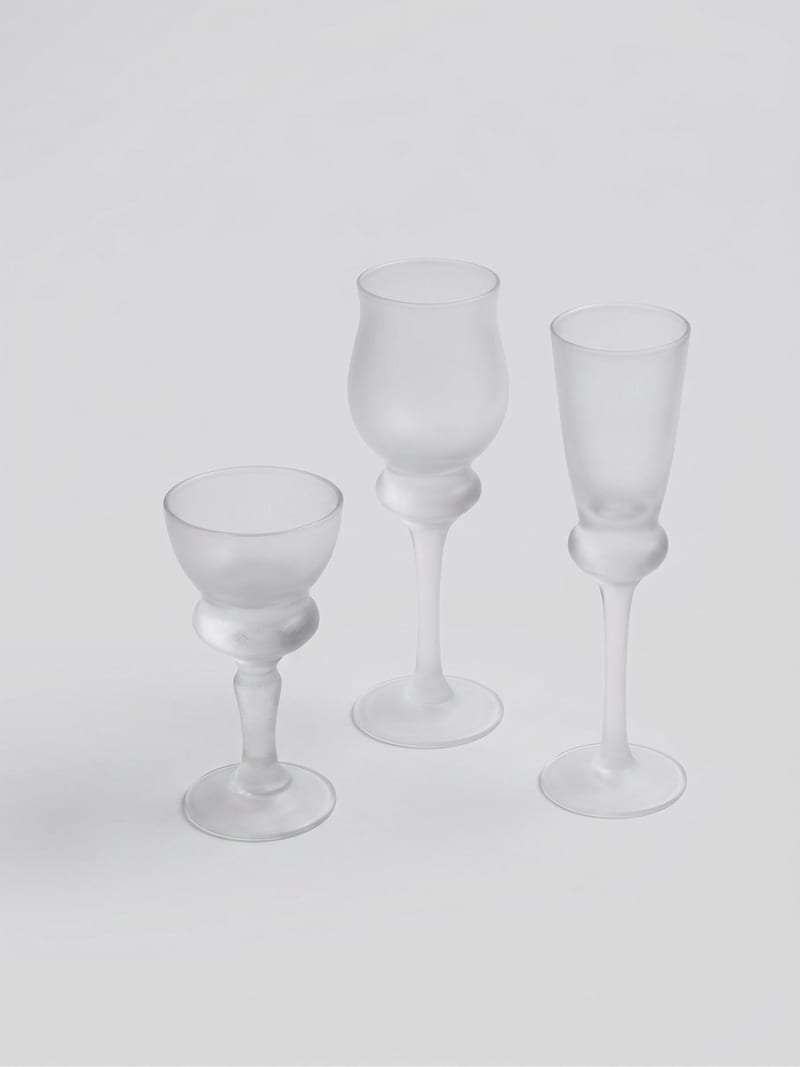
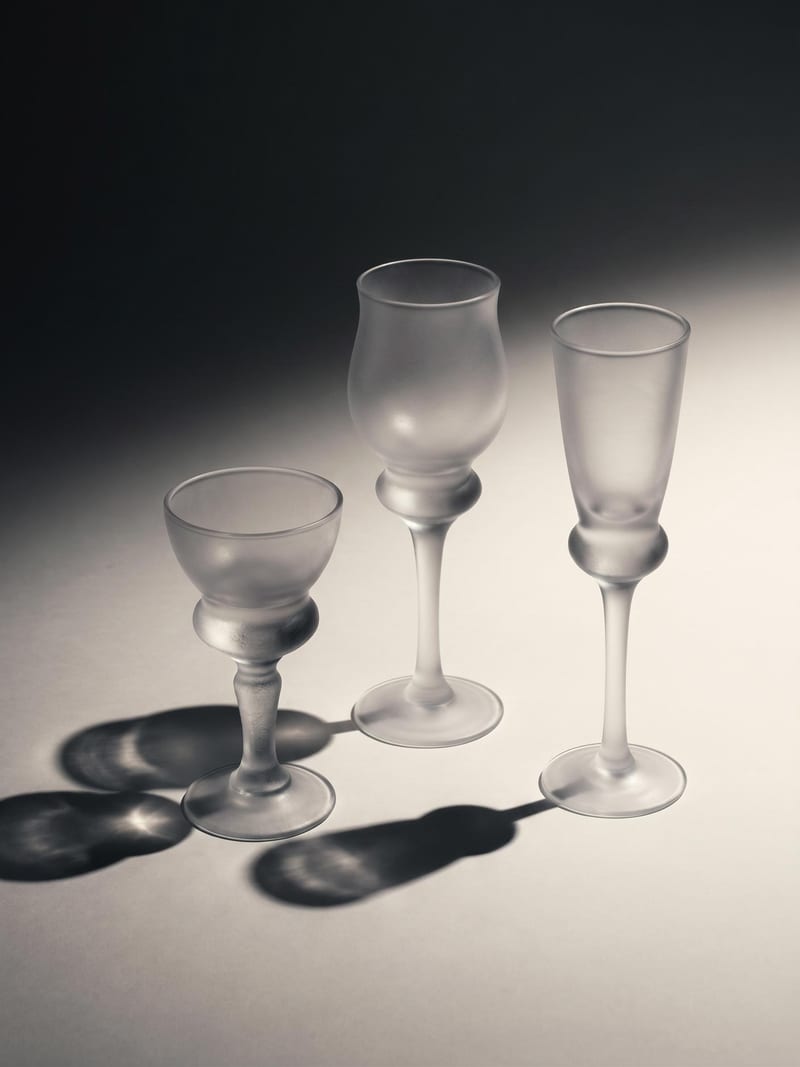
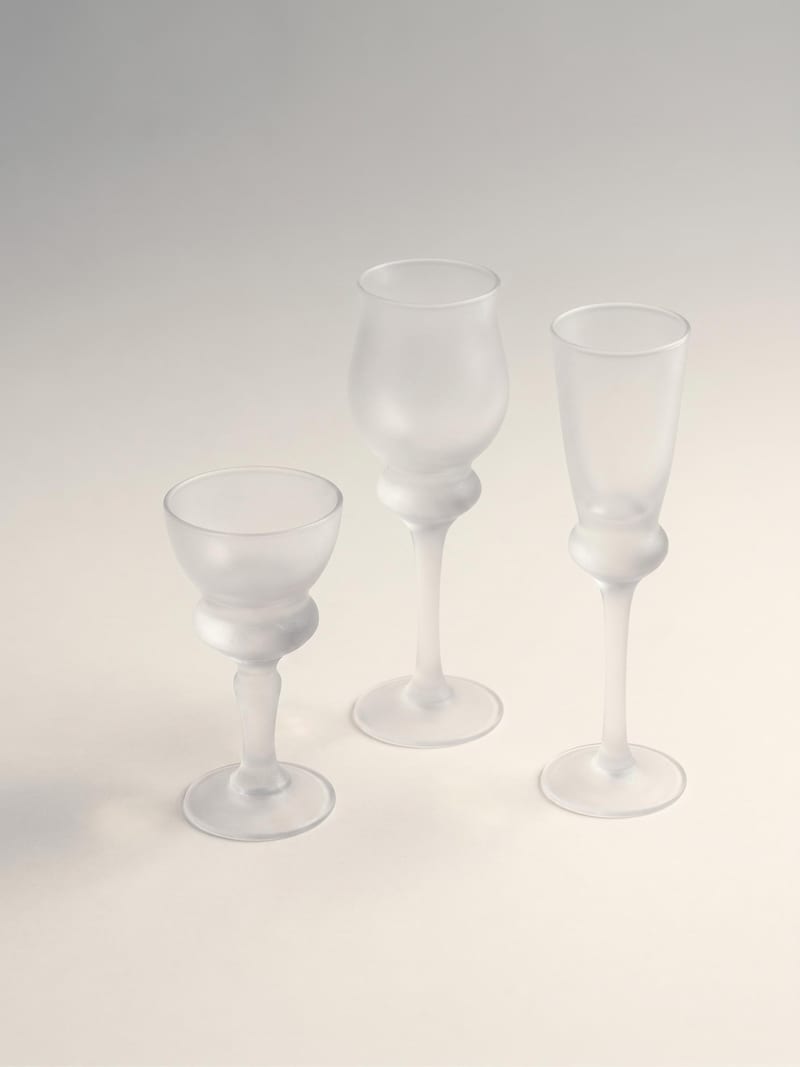
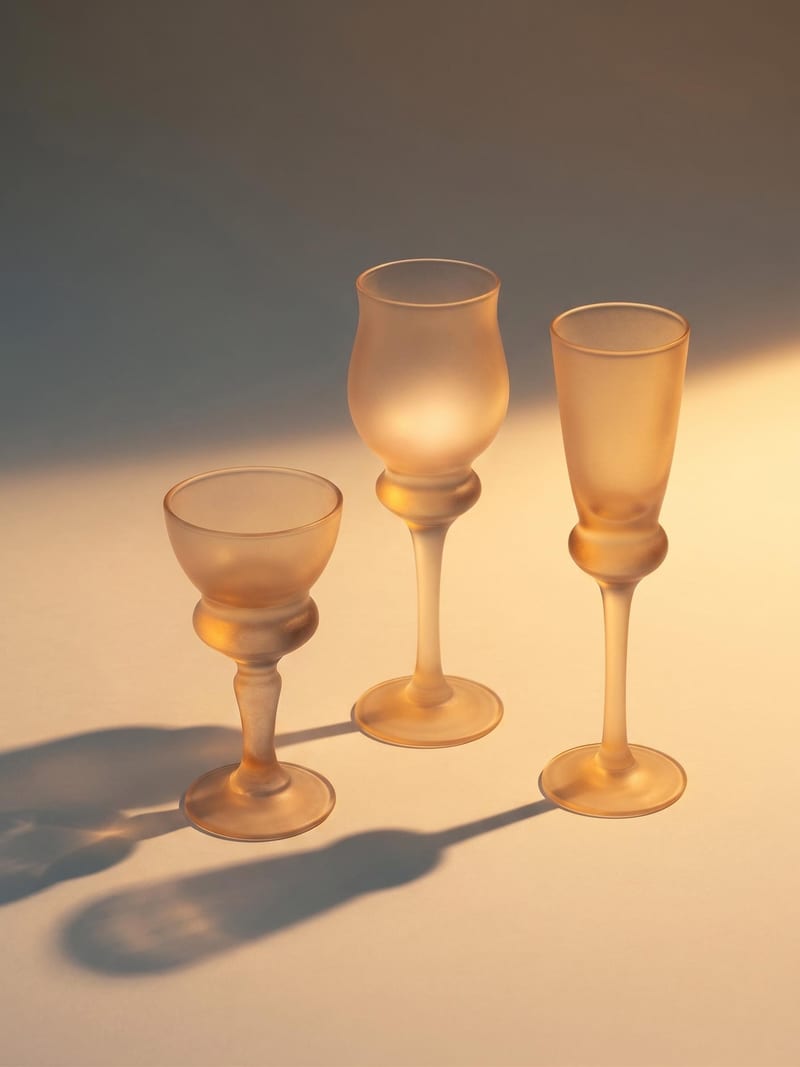
A recipe turns a reusable workflow into a simple set of inputs and outputs. Start with a community recipe and make it your own in Fuser.

1. Choose a recipe
Find a workflow for the result you want. Review what it does and how to use it before opening it in Fuser.
2. Make it your own
Check the recipe’s available inputs. Add your own text or media where supported, or start with the saved defaults.
3. Run and refine
Run it in Fuser and review the result on your canvas. Tweak the inputs to try another direction.
Explore different lighting directions for photography, product presentation, and visual development from a single image.
It takes one image and generates six different versions of the scene's lighting. The named outputs are moody studio, studio daylight, soft white, dramatic spotlight, soft warm, and golden hour.
It can help photographers, product teams, illustrators, and other visual creators compare lighting directions from a single image. It is especially suited to early concept exploration and presentation of alternate visual treatments.
Prepare one image that you want to relight. The recipe has one exposed input labeled Image, so the saved example represents one source image connected to the six lighting outputs.
The saved example shows the recipe's default image input connected to six image outputs with distinct lighting labels. It demonstrates the input-to-output structure of the recipe rather than a live generation.
Yes. The Image input is editable in Fuser, so you can replace the saved example's source image with your own image. The recipe will then produce its six named lighting versions for that input.
The exposed input is an image, and the recipe lists six fixed output directions. No additional lighting controls or custom style inputs are listed, so the recipe is designed around those six named variations.
The outputs can support photography studies, product presentation ideas, editorial exploration, illustration references, and campaign direction reviews. They are useful for comparing possible lighting treatments from one source image.
The recipe accepts one image and returns the six listed lighting versions; no other input types or output variations are specified. The saved example should therefore be understood as one example of the recipe's structure, not a guarantee of a particular result for every image.
Bring an image to Fuser and compare six distinct lighting versions from one source.
Develop pitches, campaign assets and interactive client work in Fuser. Combine AI generation, editable design and reusable processes across your agency.
Create product images, lifestyle scenes and campaign assets for your next ecommerce launch. Keep branding editable and reuse creative setups in Fuser.
Create studio-style product images, lifestyle scenes and motion studies. Combine reference-led generation with precise, editable composition in Fuser.
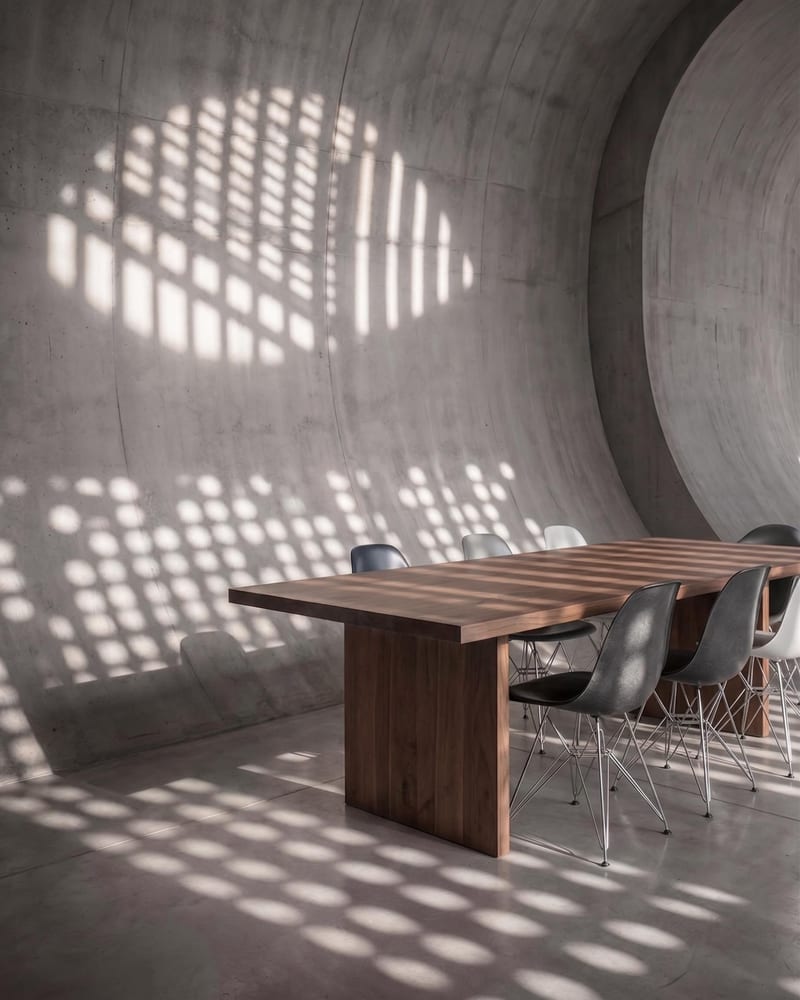
Upload a reference image and name a target object to create an image with that object removed.
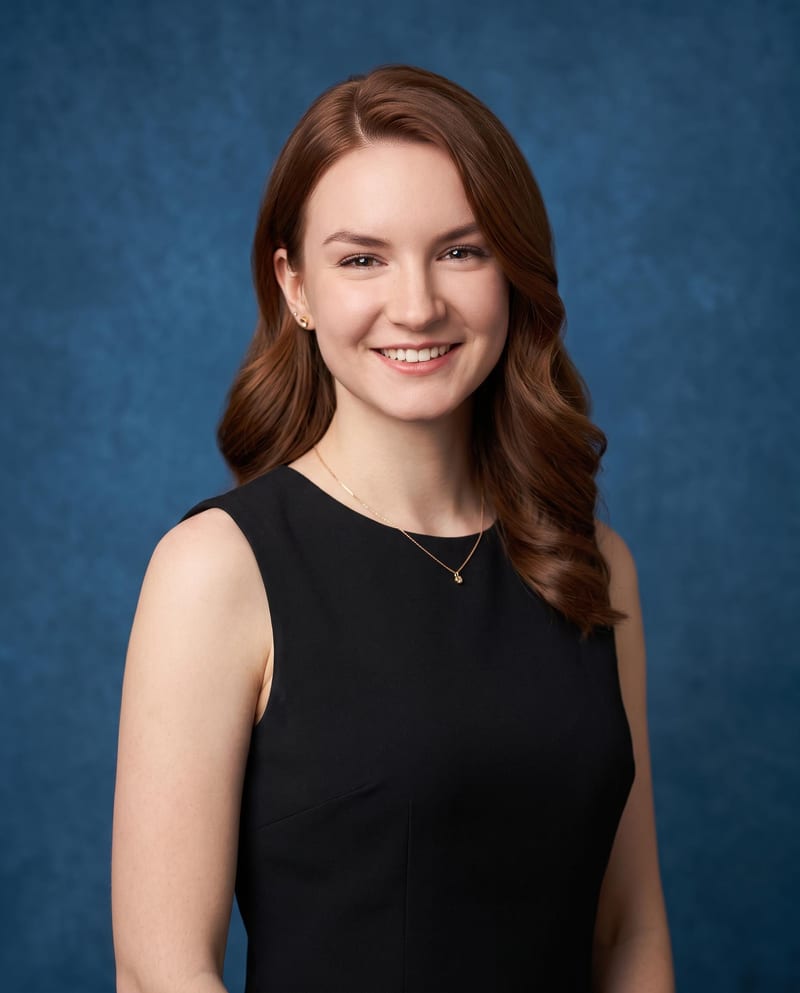
Upload one portrait image to create passport, business, and professional headshot variations in different styles and looks.
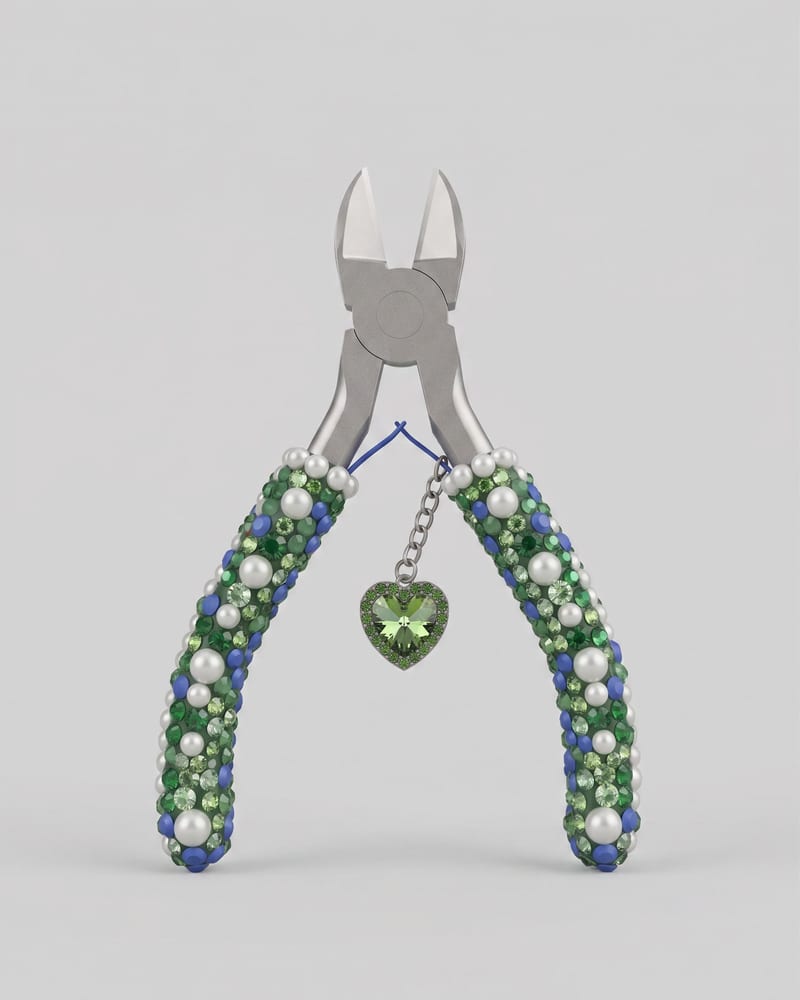
Upload an image of an object to create a Keyshot-style product studio render as the image output.