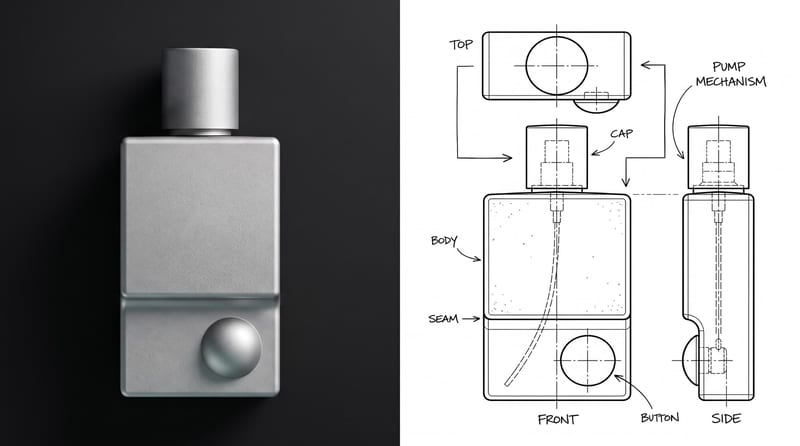
Recipev5
Keyshot Render Style
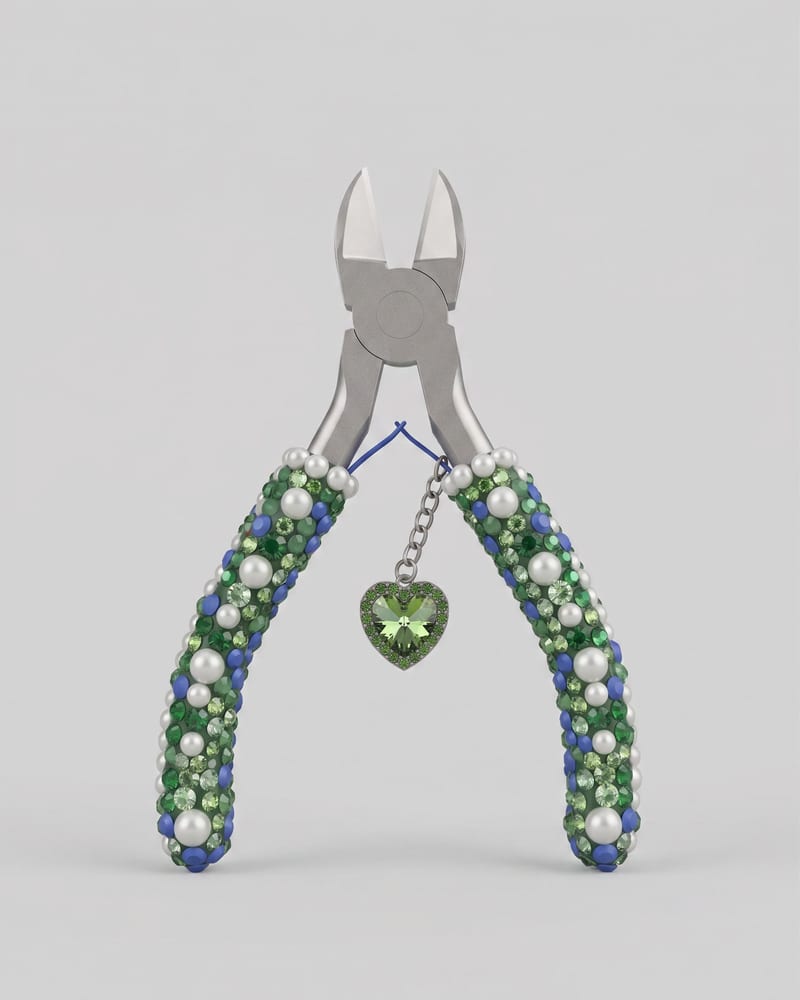
Rendered object
One click, whole workflow
Recipes are here. Package a whole workflow and run it in one click
Explore recipesProduct & Industrial Photography
Upload an image of an object to create a Keyshot-style product studio render as the image output.
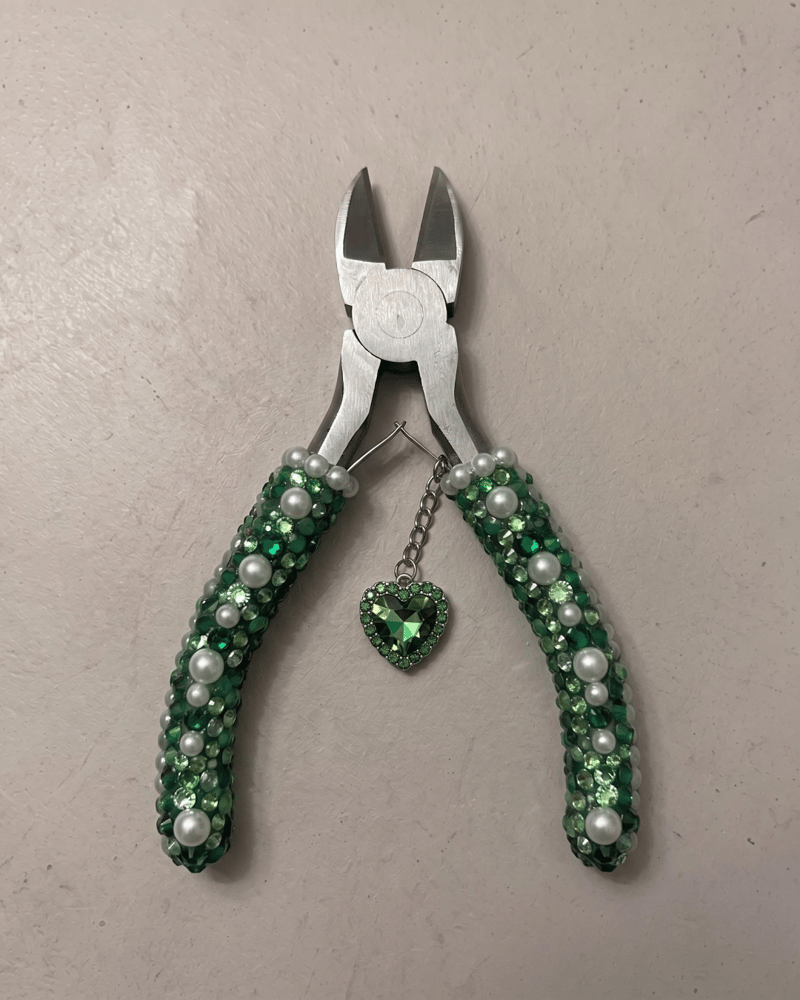
Rendered object
A recipe turns a reusable workflow into a simple set of inputs and outputs. Start with a community recipe and make it your own in Fuser.

1. Choose a recipe
Find a workflow for the result you want. Review what it does and how to use it before opening it in Fuser.
2. Make it your own
Check the recipe’s available inputs. Add your own text or media where supported, or start with the saved defaults.
3. Run and refine
Run it in Fuser and review the result on your canvas. Tweak the inputs to try another direction.
Use the rendered object image to explore and communicate product concepts across design and presentation workflows.
It takes an image of an object and produces a rendered object image in a Keyshot-style product studio render treatment. The recipe is suited to people presenting, reviewing, or documenting product and industrial design concepts.
Prepare an image of the object you want to render. The recipe exposes that image as its editable input, so you can replace it with another object image in Fuser.
The output is an image labeled Rendered object. It represents the object input as a Keyshot-style product studio render; the saved example demonstrates one particular input and its associated output.
Yes. The exposed input is an image of an object, and you can change that image in Fuser before using the recipe. The saved example should be understood as a default example rather than a preview of every possible object result.
It can help product designers, industrial designers, creative teams, and presenters communicate an object through a product-focused render style. It is also useful when documenting or discussing a product concept visually.
Use it for product concept presentations, industrial design reviews, stakeholder communication, portfolio documentation, and visual reference boards. The recipe is focused on rendering an object, rather than creating unrelated scene or campaign assets.
The recipe has one exposed input—an image of an object—and one image output, so customization is centered on changing the source object image. The saved example does not establish how every possible object or source image will appear.
Bring an object image into Fuser and explore its Keyshot-style rendered presentation.
Develop pitches, campaign assets and interactive client work in Fuser. Combine AI generation, editable design and reusable processes across your agency.
Create product images, lifestyle scenes and campaign assets for your next ecommerce launch. Keep branding editable and reuse creative setups in Fuser.
Create studio-style product images, lifestyle scenes and motion studies. Combine reference-led generation with precise, editable composition in Fuser.
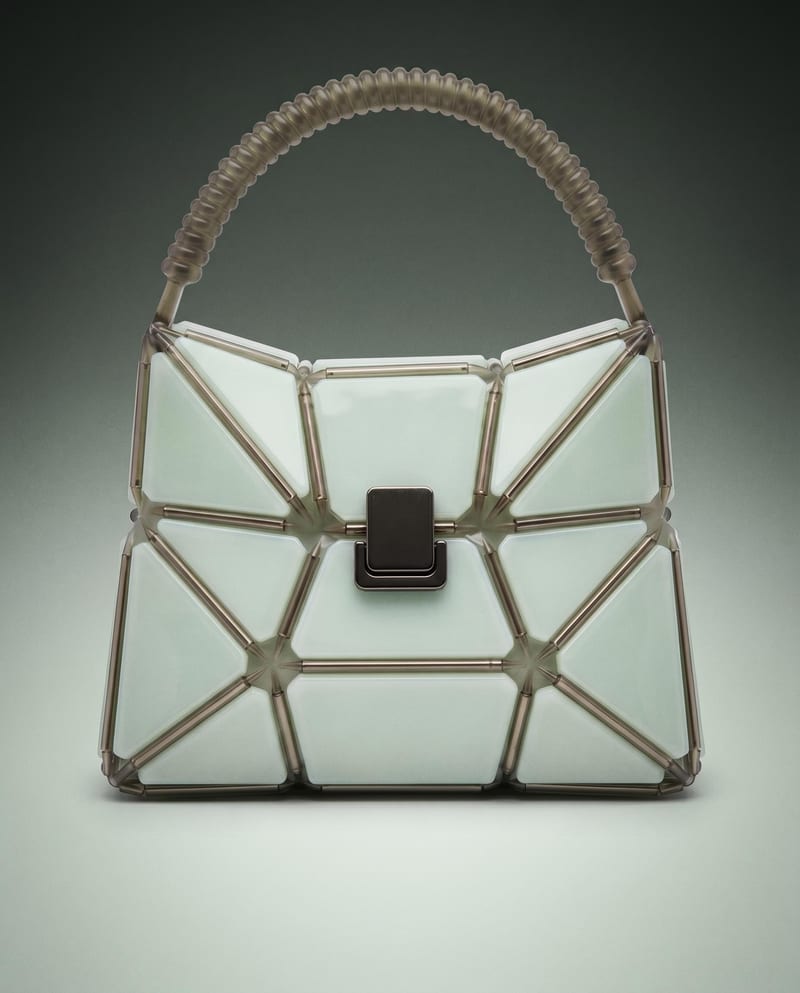
Use a product image to create studio, handheld, and poster shots for product advertising and brand presentations.
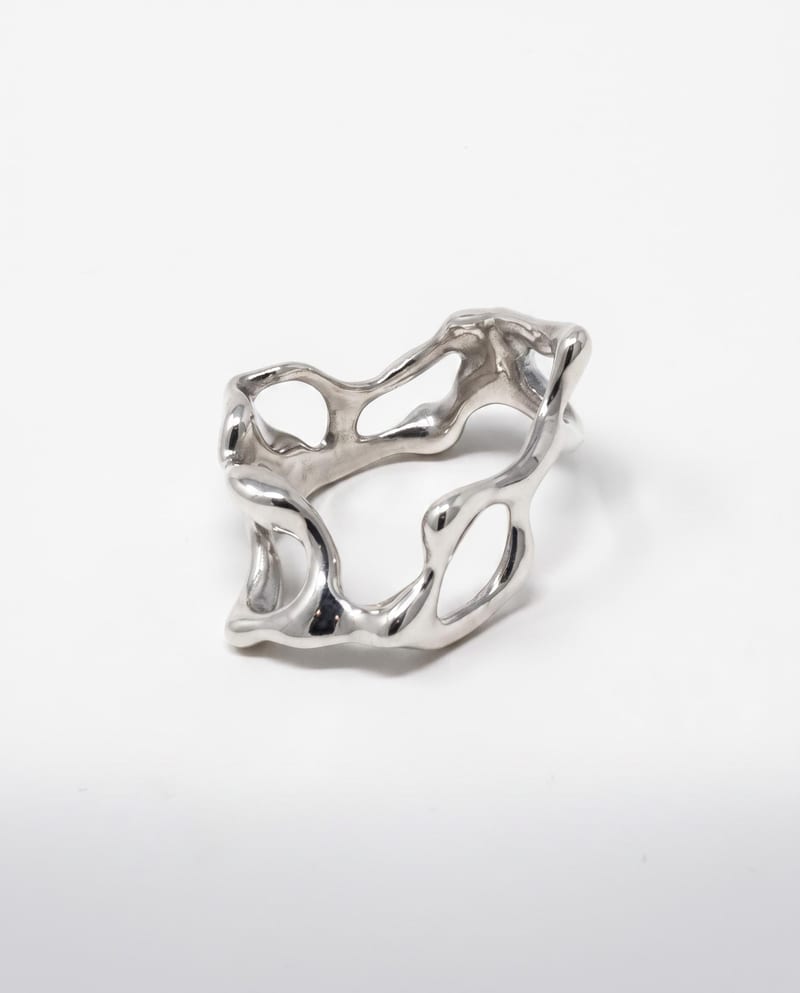
Upload a ring reference to create polished luxury photography with studio, detail, and on-hand views on a clean light background.
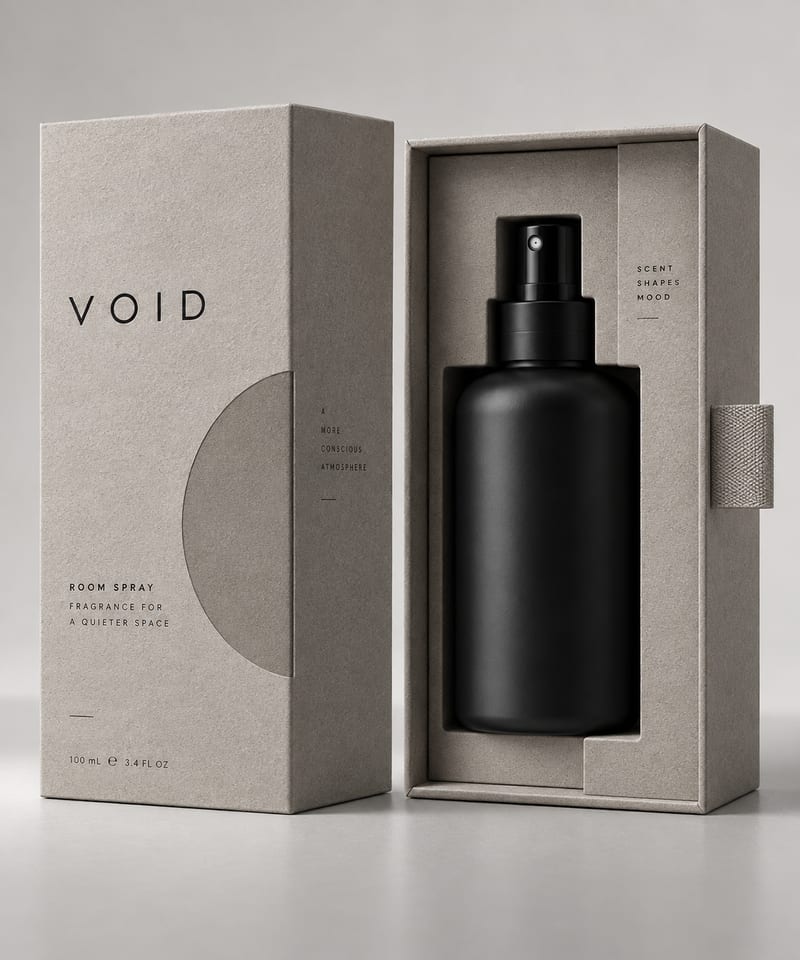
Upload an object image to generate three minimalist packaging design options for that object.