Recipev9
Material ID and Mask Extractor
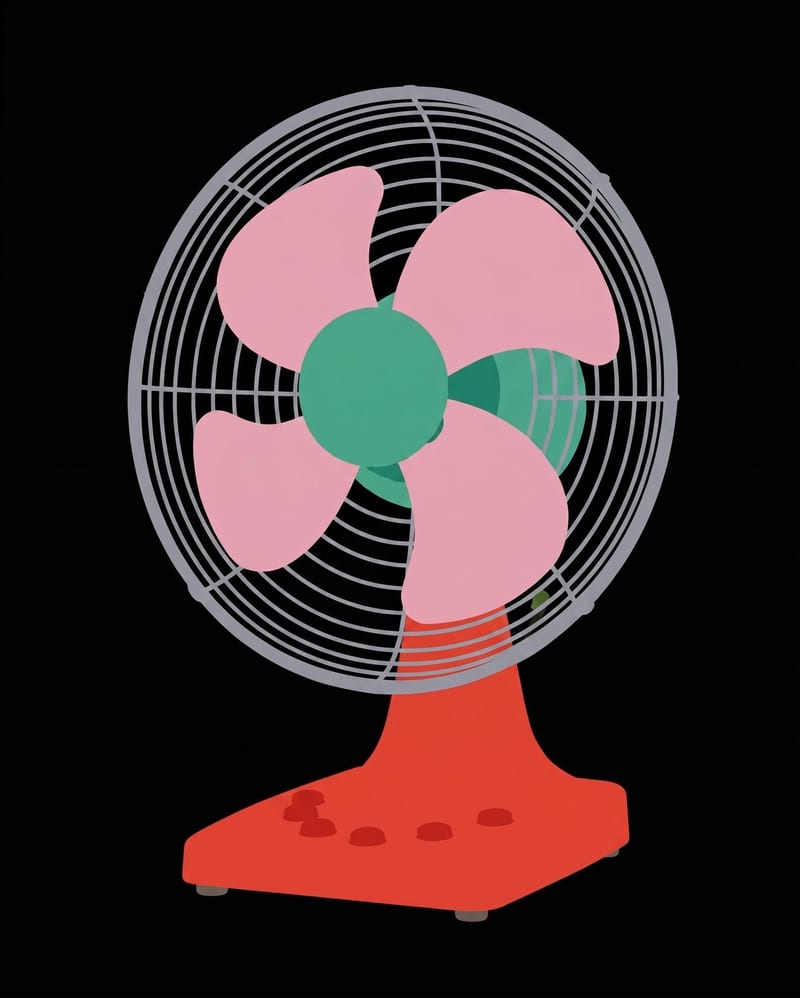
Material Color Map
Object material mapping
Turn one object image into a color-coded material map and a black-and-white mask.
Material Color Map
A recipe turns a reusable workflow into a simple set of inputs and outputs. Start with a community recipe and make it your own in Fuser.

1. Choose a recipe
Find a workflow for the result you want. Review what it does and how to use it before opening it in Fuser.
2. Make it your own
Check the recipe’s available inputs. Add your own text or media where supported, or start with the saved defaults.
3. Run and refine
Run the recipe in Fuser and review the result on your canvas. Adjust any available inputs when you want to try another direction.
Use the paired image outputs to inspect, plan, and organize material regions across supported visual workflows.
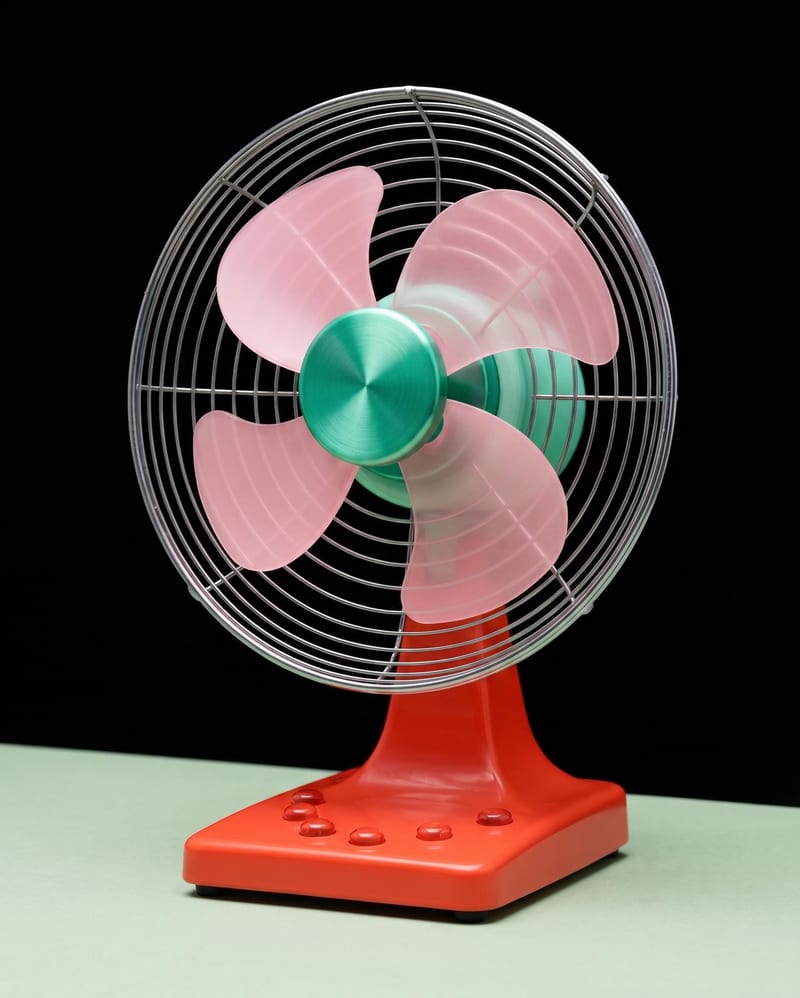
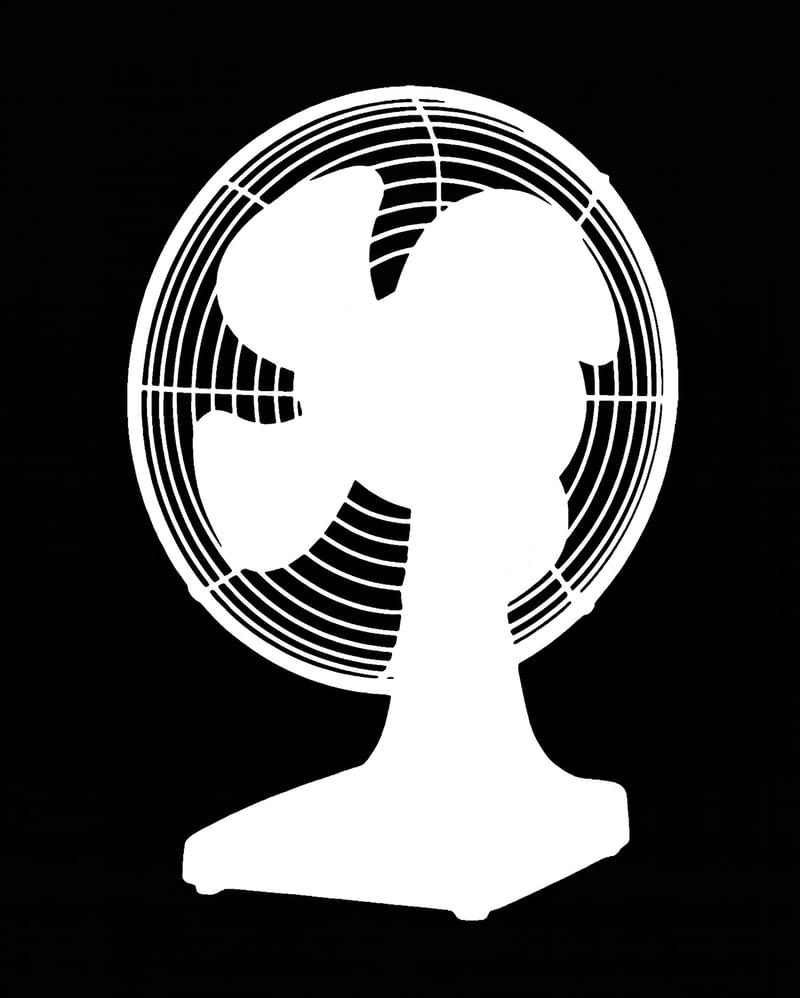
It takes one Object Image and produces two image outputs: a color-coded Material Color Map and a black-and-white B&W Mask. The recipe is intended to make material regions easier to inspect and reference from an object render.
It can help people working with game assets, illustrations, product visuals, and industrial objects who need material-region references from an object image. The outputs are image maps, so they are useful as visual planning or review assets rather than as a complete 3D object.
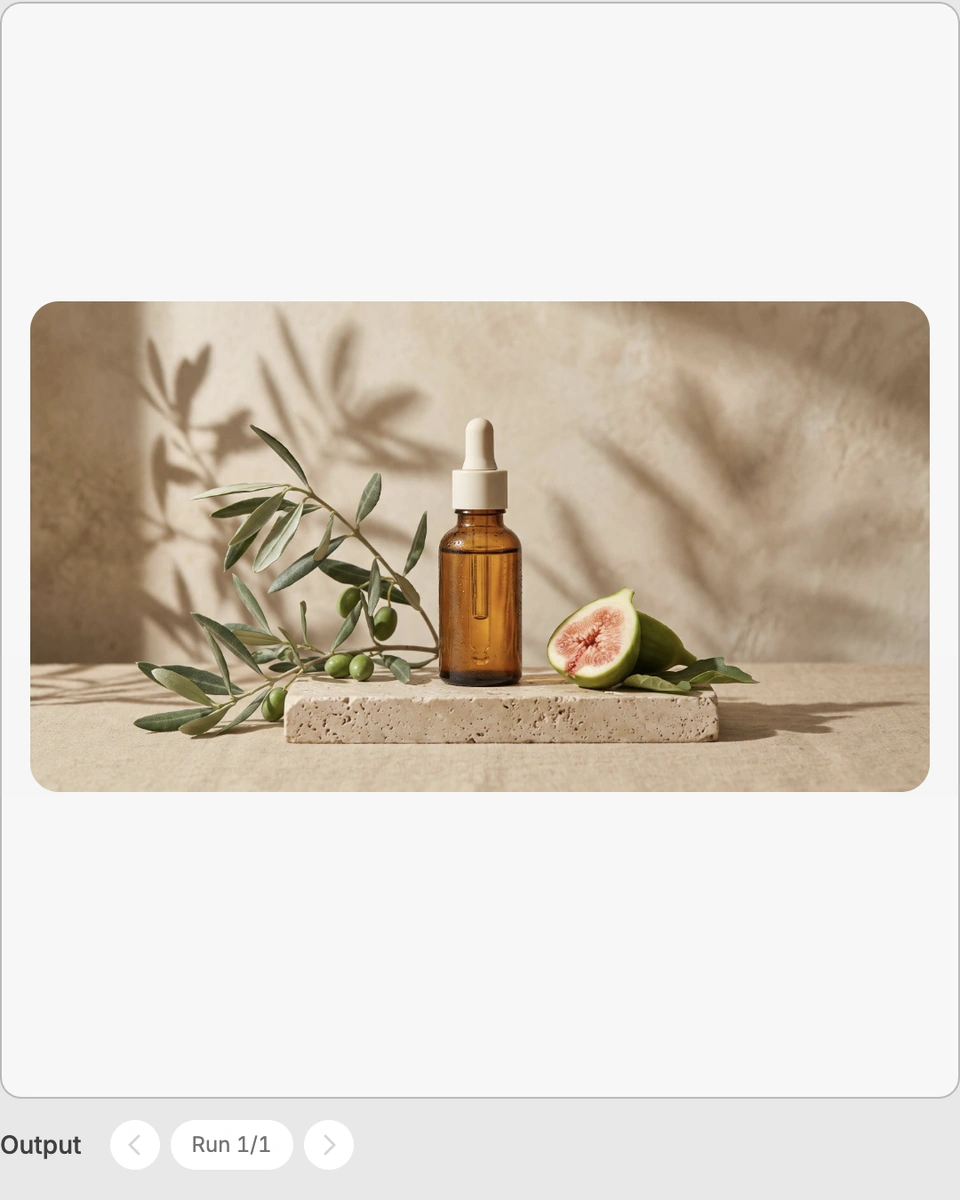
Prepare an image of the object you want to analyze and provide it as the Object Image. In Fuser, visitors can change this exposed image input when using the recipe; the saved page example uses its stored default image.
The recipe produces a Material Color Map and a B&W Mask, both as images. The first is color-coded for material regions, while the second is black and white for a simpler mask-style reference.
Yes, the exposed Object Image can be replaced in Fuser with another object render. The recipe still defines the same two output types: a Material Color Map and a B&W Mask.
No. The listed outputs are two image maps, not a 3D model, finished texture set, or material-assigned asset. Use the outputs as visual references within a broader game, illustration, product, or industrial workflow.
The page shows a saved example with its stored Object Image connected to the two outputs. A new run in Fuser uses the Object Image you provide instead, while keeping the same Material Color Map and B&W Mask output structure.
Bring an object image into Fuser and generate a color-coded material map alongside a black-and-white mask.
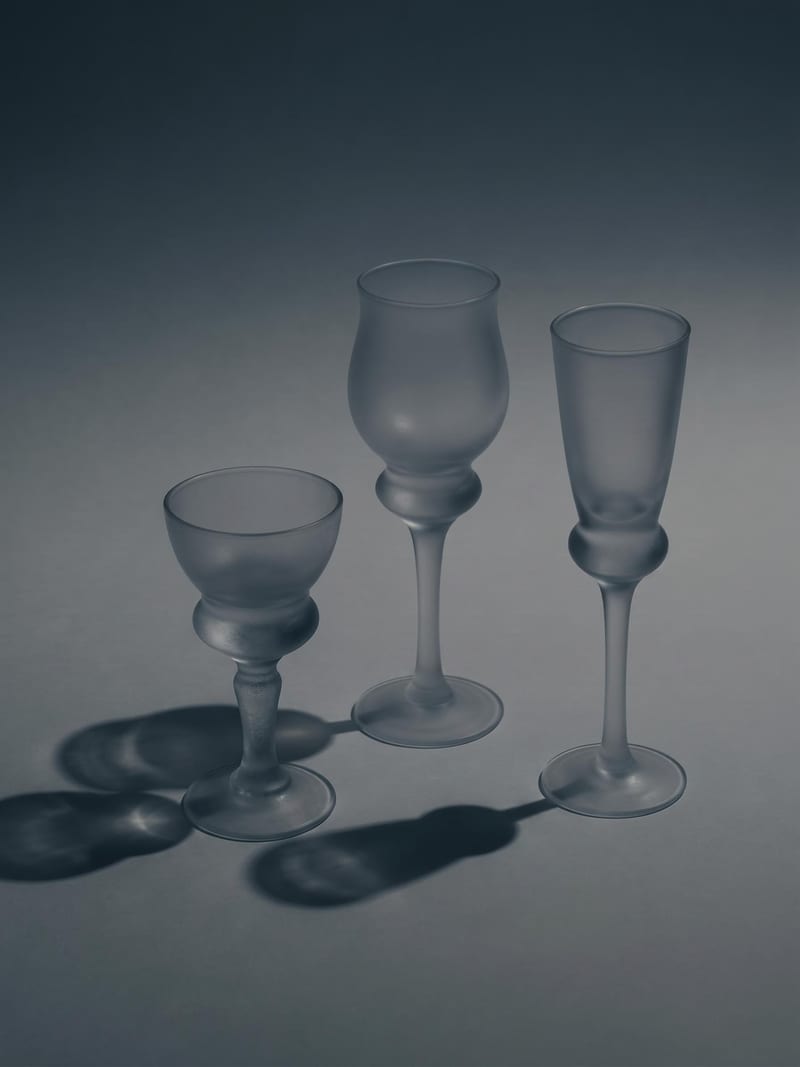
Upload one image to explore six lighting versions, from studio daylight and soft white to dramatic spotlight and golden hour.
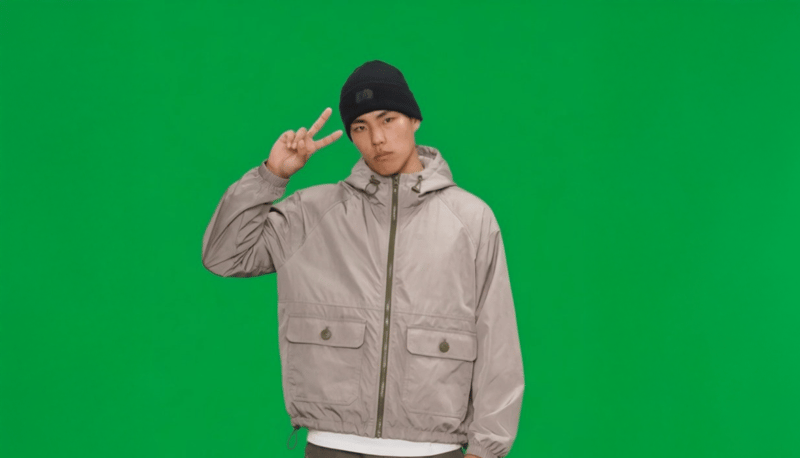
Provide a full-body portrait and motion description to create a green-screen 2D video card of the pictured subject.
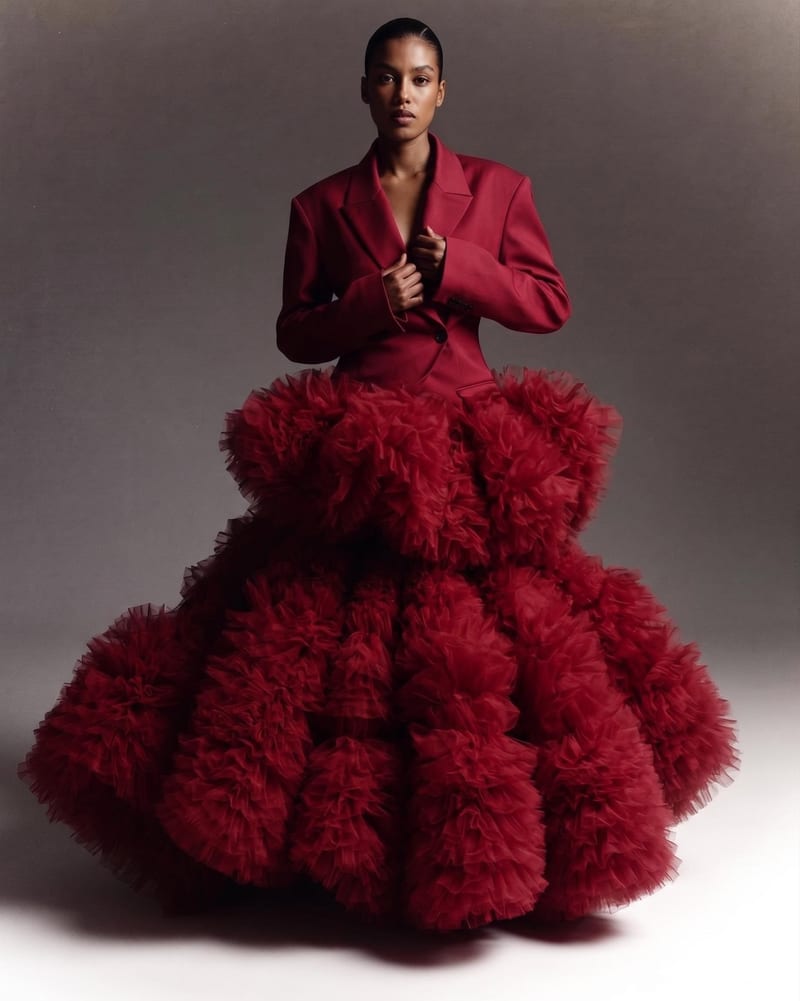
Combine two garment reference images into one blended style image with a cohesive fashion direction.