Recipev2
Green Screen Animation Card
0:00 / 0:00
2D Video Card
One click, whole workflow
Recipes are here. Package a whole workflow and run it in one click
Explore recipesGreen Screen Character Animation
Provide a full-body portrait and motion description to create a green-screen 2D video card of the pictured subject.
2D Video Card
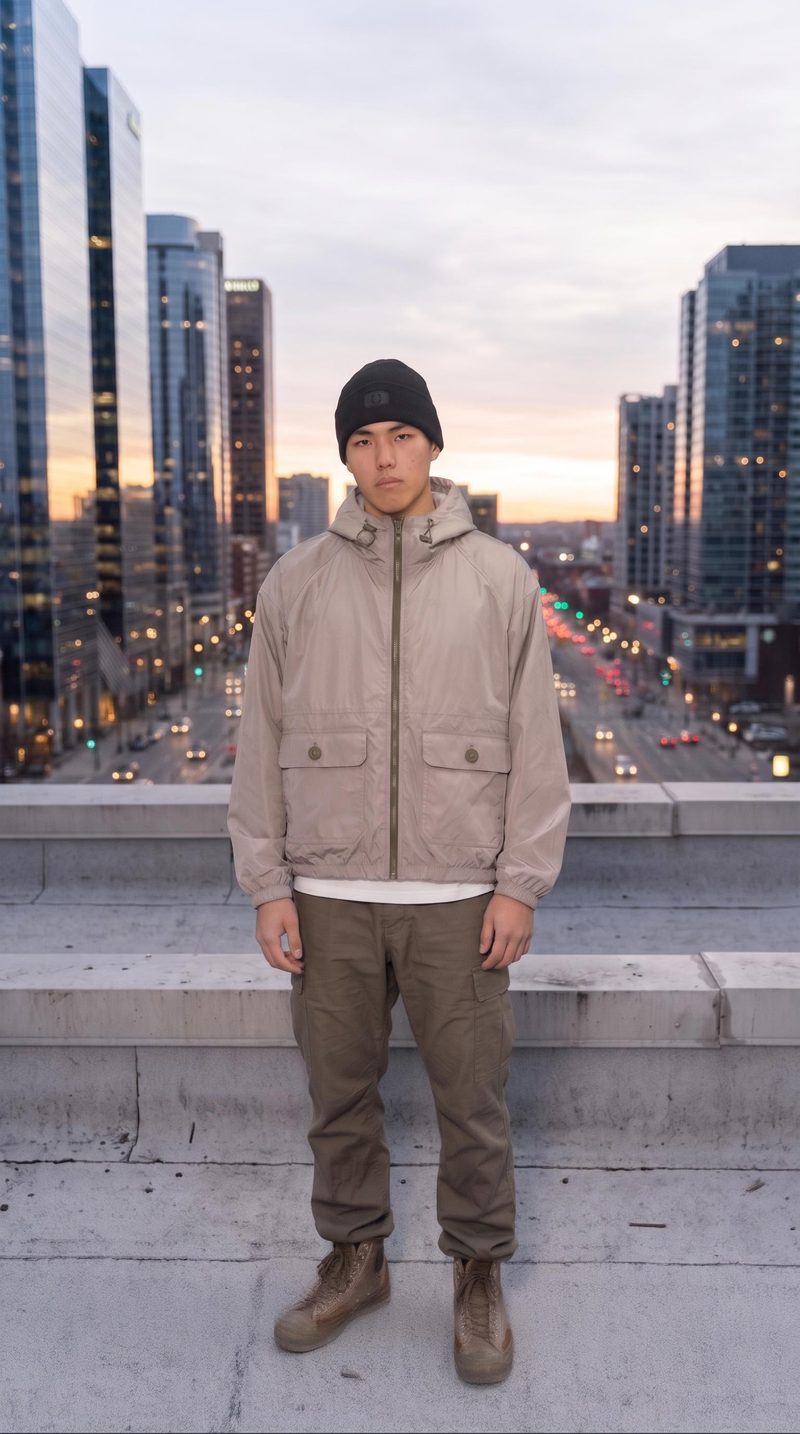
A recipe turns a reusable workflow into a simple set of inputs and outputs. Start with a community recipe and make it your own in Fuser.

1. Choose a recipe
Find a workflow for the result you want. Review what it does and how to use it before opening it in Fuser.
2. Make it your own
Check the recipe’s available inputs. Add your own text or media where supported, or start with the saved defaults.
3. Run and refine
Run it in Fuser and review the result on your canvas. Tweak the inputs to try another direction.
Create focused character motion examples for gaming, illustration, and concept-development workflows.
It is suited to game developers, illustrators, and character or concept artists who want to turn a full-body subject image into a motion-focused video card. The result can help communicate character actions in creative development and presentation workflows.
You need a full-body portrait image and a motion description. The description should state the action you want the pictured subject to perform, such as “he stops walking and gives the peace sign.”
The recipe outputs a 2D Video Card featuring the subject from the full-body portrait in a green-screen video. The saved example demonstrates the subject performing the action described by its saved motion text.
Yes. The Full-Body Portrait and Motion Description are exposed inputs that you can change in Fuser. Use a different full-body image or rewrite the motion description to define another subject or action.
The saved example connects a full-body portrait and the motion description “he stops walking and gives the peace sign” to the recipe’s 2D Video Card output. It documents the saved default example; a new run uses the inputs you provide.
The green-screen 2D video card can support character animation references, game-development presentations, concept-art reviews, and illustration portfolios. It is especially relevant when showing a subject performing a clearly described action.
The motion input is text, so describe one clear action for the subject to perform. The recipe’s defined inputs are limited to a full-body portrait and motion description, and its saved output is a 2D video card rather than a character sheet or still image.
Bring a full-body portrait and a clear action description to Fuser to make a green-screen 2D video card.
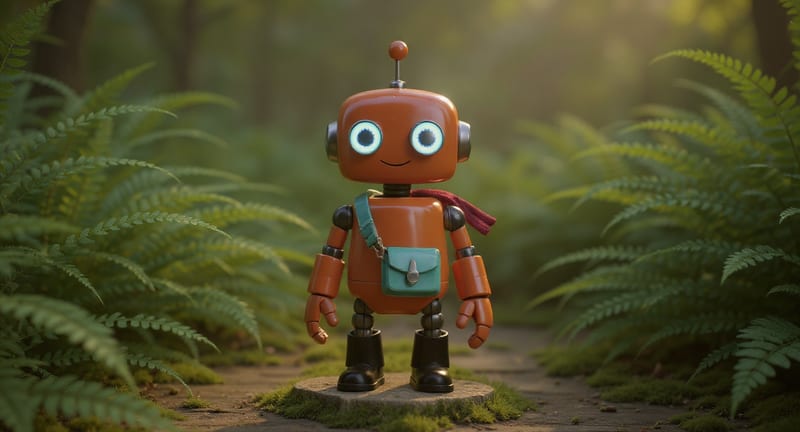
Explore game characters, props and environments, develop 3D starting points and build playable web experiments. Shape your game’s art direction in Fuser.
Develop film treatments, character and environment concepts, storyboards and motion studies. Connect image, video and 3D exploration in Fuser.
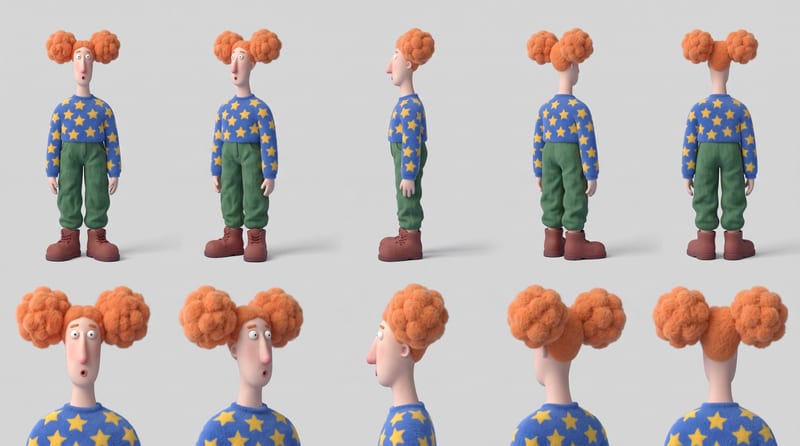
Combine six character reference images into a multi-view character sheet for consistent identity, appearance, and outfit planning.
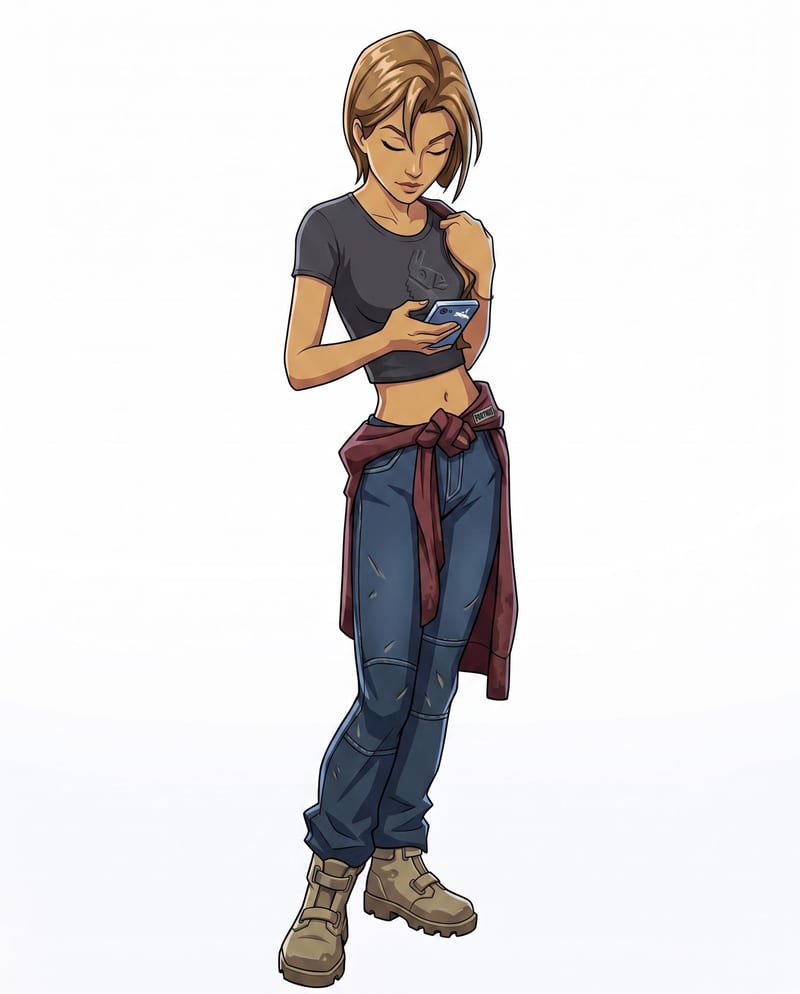
Convert a character sketch and chosen style into a rigged 3D model with a corresponding character render.
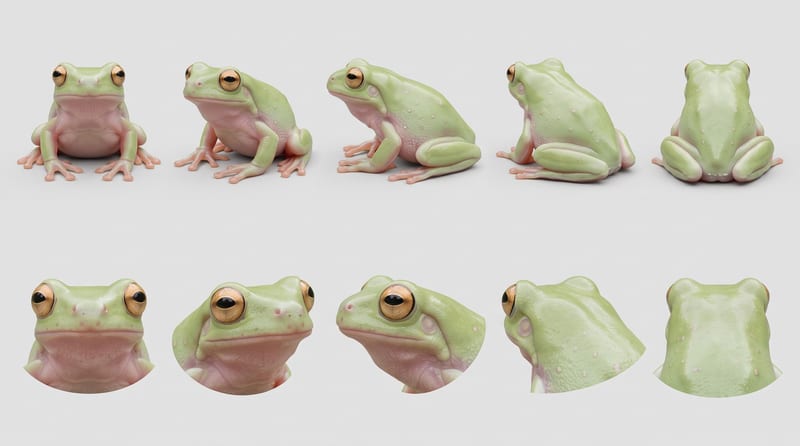
Combine creature reference images into a character sheet that organizes anatomy, textures, colors, and distinctive features.
