Recipev2
Fashion Inspiration Mix
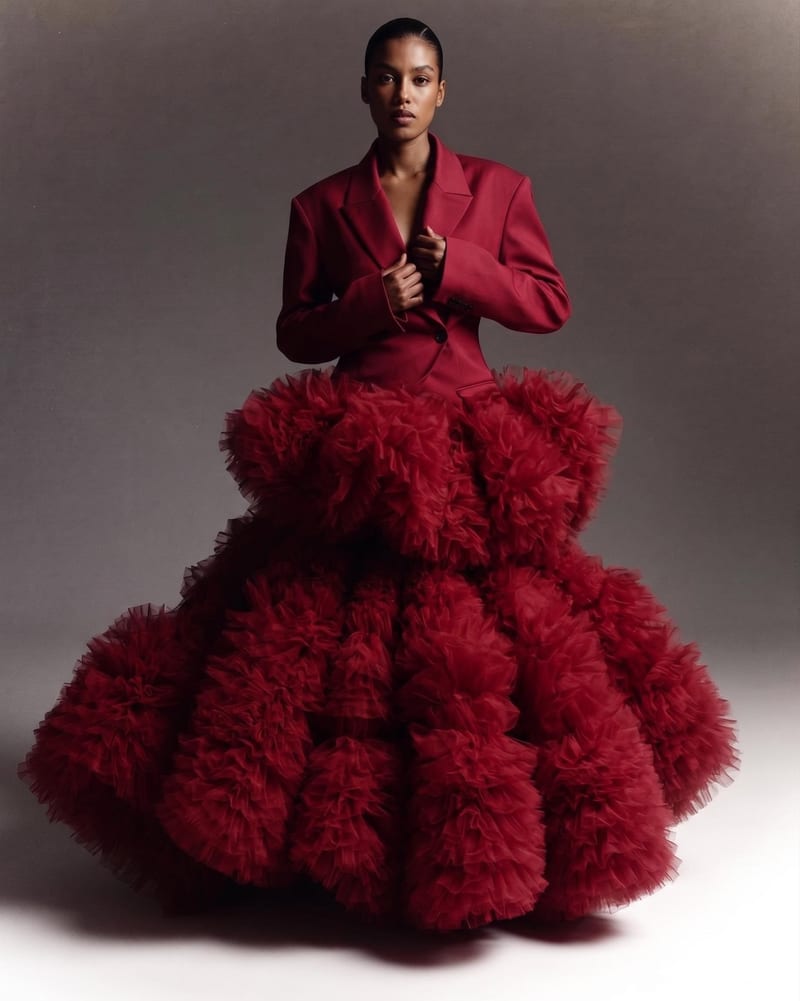
Blended Style Image
One click, whole workflow
Recipes are here. Package a whole workflow and run it in one click
Explore recipesFashion Style Direction
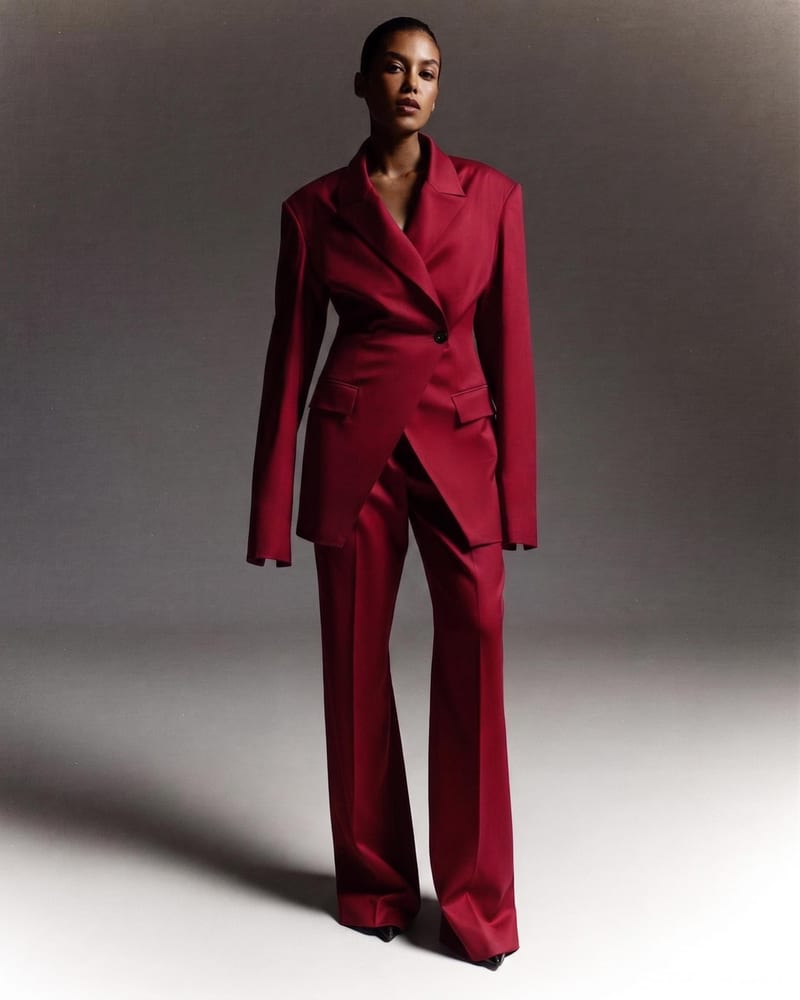
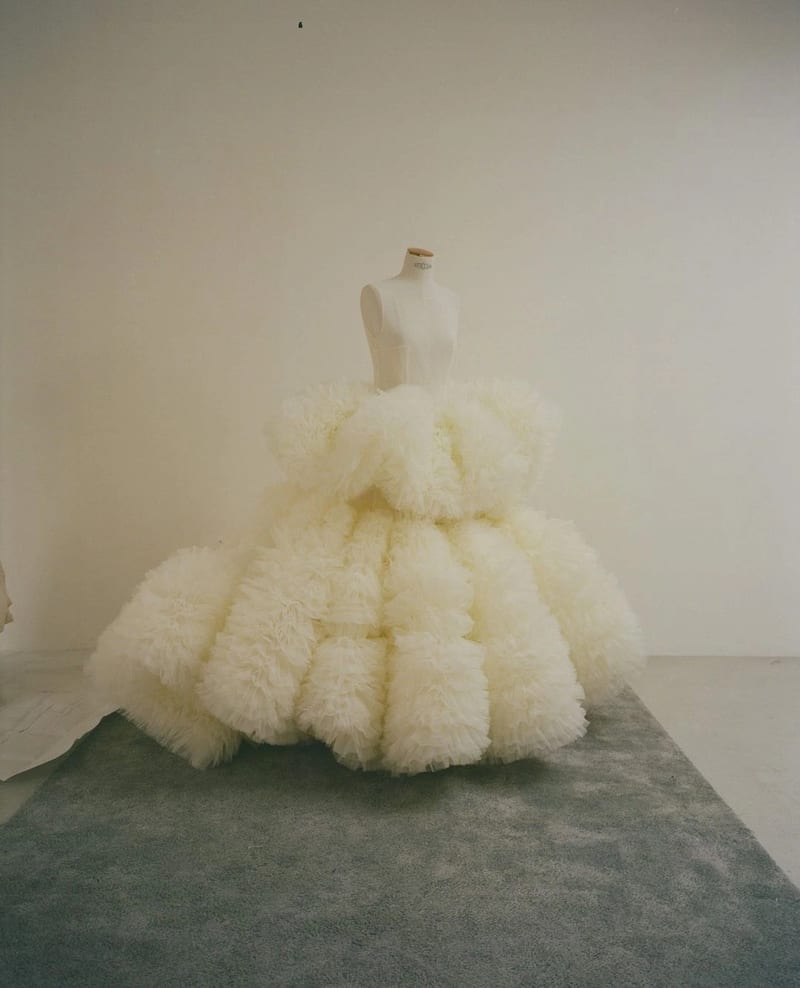
Combine two garment reference images into one blended style image with a cohesive fashion direction.
Blended Style Image
A recipe turns a reusable workflow into a simple set of inputs and outputs. Start with a community recipe and make it your own in Fuser.

1. Choose a recipe
Find a workflow for the result you want. Review what it does and how to use it before opening it in Fuser.
2. Make it your own
Check the recipe’s available inputs. Add your own text or media where supported, or start with the saved defaults.
3. Run and refine
Run it in Fuser and review the result on your canvas. Tweak the inputs to try another direction.
Use blended garment references to explore and communicate fashion directions across early design and presentation tasks.
It combines two garment reference images into one blended style image. The recipe is intended for exploring a unified fashion direction from separate silhouettes, colors, materials, and details.
Fashion designers, stylists, illustrators, and creative teams can use it to compare references and communicate an emerging look. It is especially useful during early concept and direction-setting stages.
Prepare two garment reference images that represent the fashion elements or directions you want to combine. In Fuser, you can change both exposed Garment Reference inputs before using the recipe.
The saved example shows the two connected garment references expressed as one Blended Style Image. It is a saved example of the recipe's input-to-output setup, not a live generation on this page.
Yes. The two garment reference image inputs are editable in Fuser, so you can replace them with different garments, silhouettes, colors, materials, or detail references for a new run.
It can support moodboarding, silhouette exploration, color and material studies, streetwear concept development, design reviews, and fashion illustration exploration. The output is a blended style image rather than a complete collection or production specification.
The recipe combines the visual direction represented by two garment references into one image. It does not replace detailed garment specifications, pattern development, material sourcing, or other steps needed to turn a visual concept into a finished design.
Bring two garment references together in Fuser and explore a single blended style image for your next concept.
Develop pitches, campaign assets and interactive client work in Fuser. Combine AI generation, editable design and reusable processes across your agency.
Create product images, lifestyle scenes and campaign assets for your next ecommerce launch. Keep branding editable and reuse creative setups in Fuser.
Develop on-person garment imagery, editorial concepts and lookbook layouts. Bring collection references, virtual try-on and editable design together in Fuser.
Create studio-style product images, lifestyle scenes and motion studies. Combine reference-led generation with precise, editable composition in Fuser.
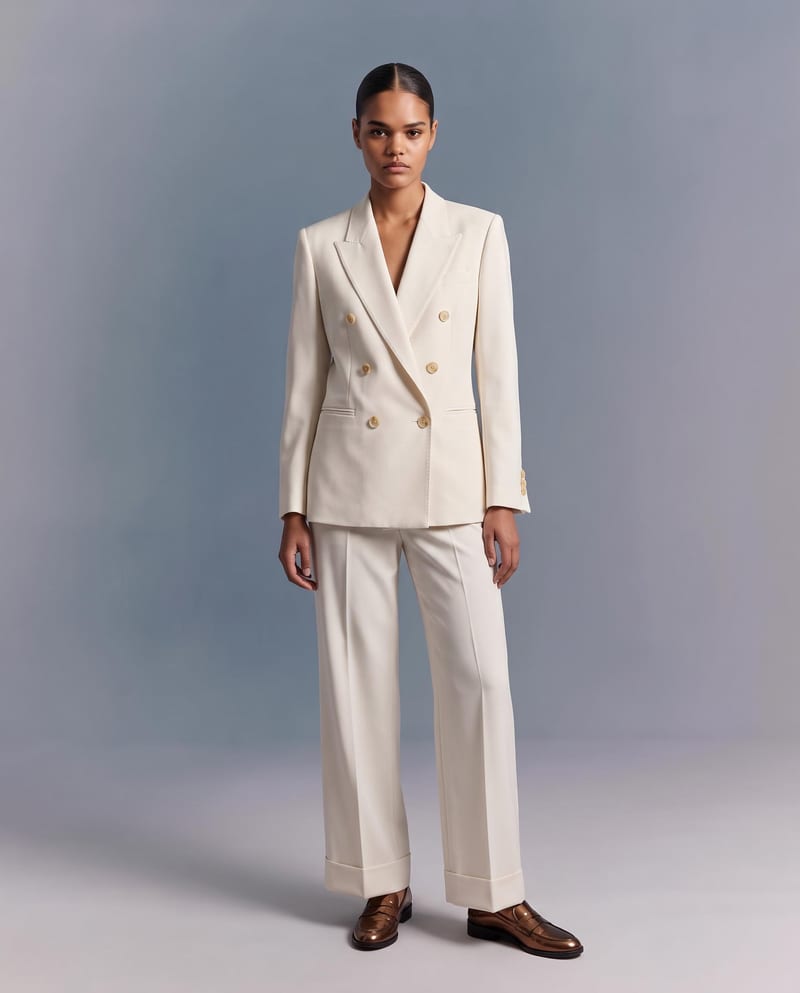
Upload a garment image to create a virtual try-on image of it on a model while preserving its design, color, fit, proportions, and details.
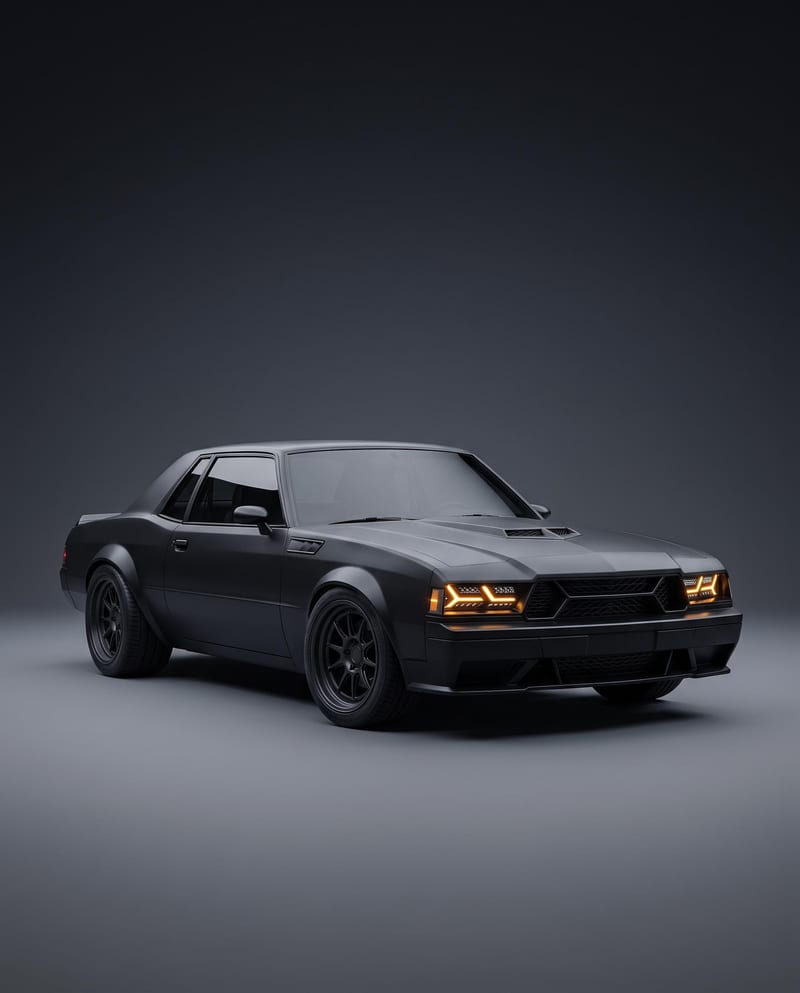
Turn a car reference image into a cinematic car render image and showcase video with full-body views, angles, and close-ups.
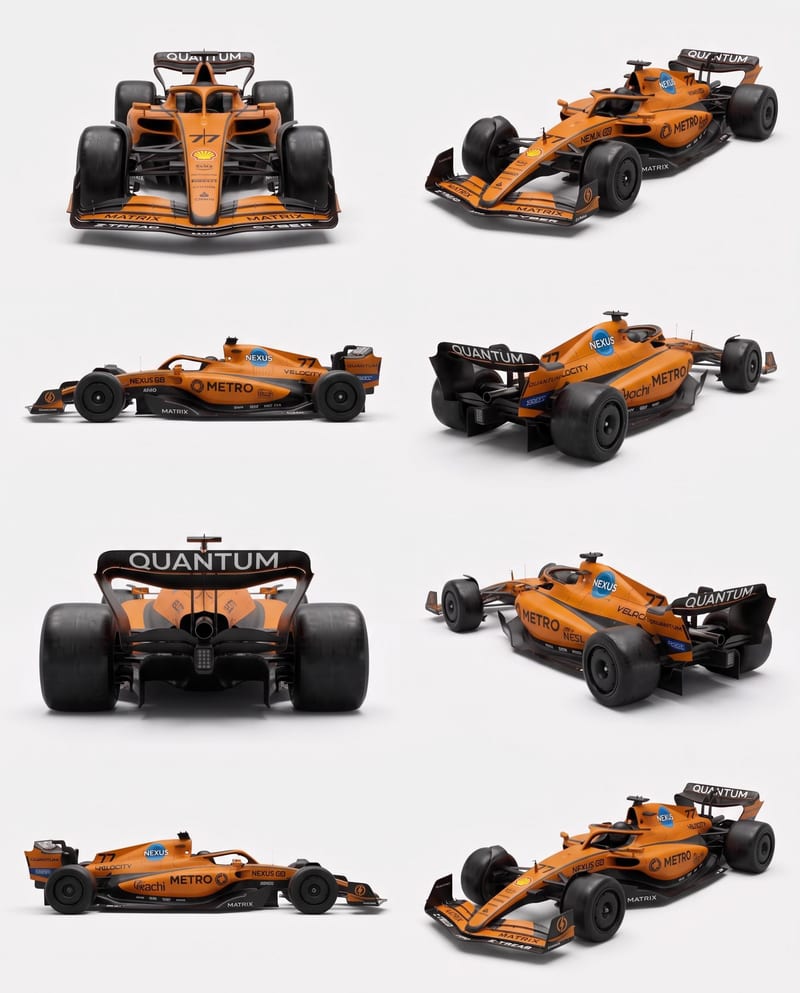
Upload vehicle reference images to create a clean eight-angle sheet that preserves distinctive details across a structured layout.