Recipev2
Silhouette Product Hero
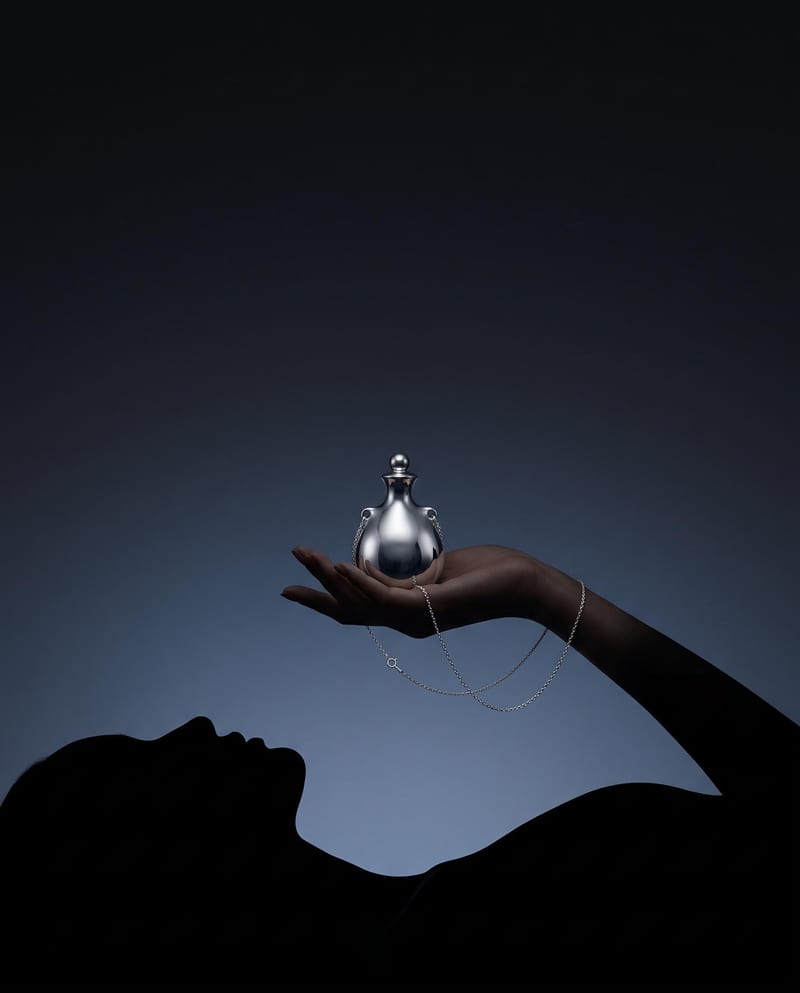
Silhouette Product Hero
Product & Industrial
Upload a product image to create a cinematic hero scene featuring a black silhouette holding it against a moody gradient.
Silhouette Product Hero
A recipe turns a reusable workflow into a simple set of inputs and outputs. Start with a community recipe and make it your own in Fuser.

1. Choose a recipe
Find a workflow for the result you want. Review what it does and how to use it before opening it in Fuser.
2. Make it your own
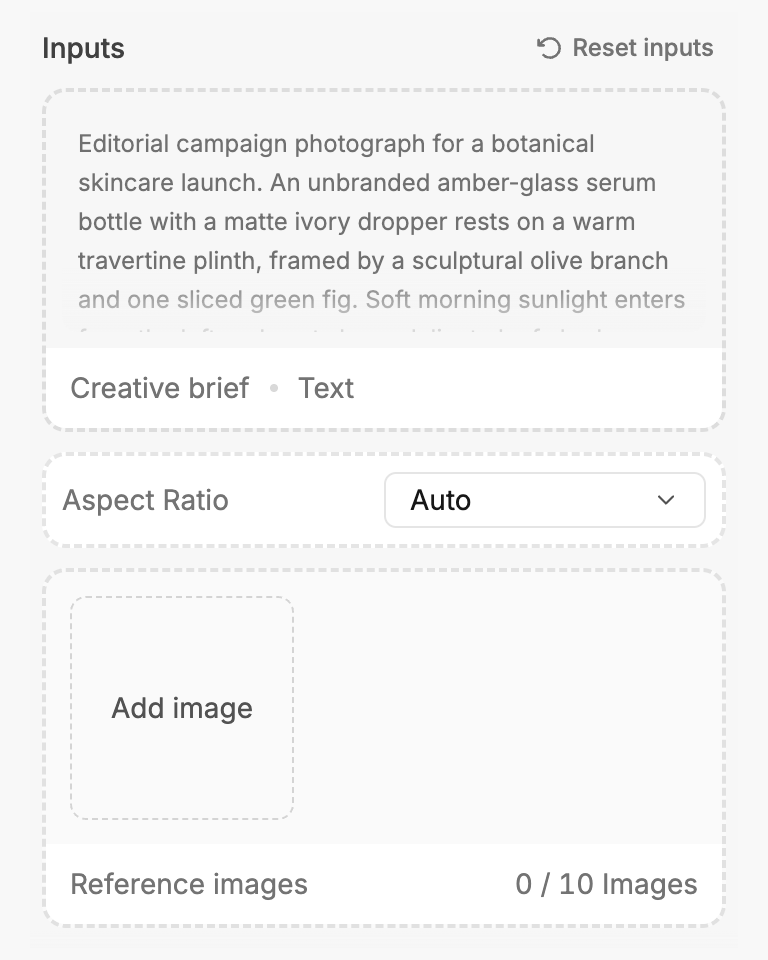
Check the recipe’s available inputs. Add your own text or media where supported, or start with the saved defaults.
3. Run and refine
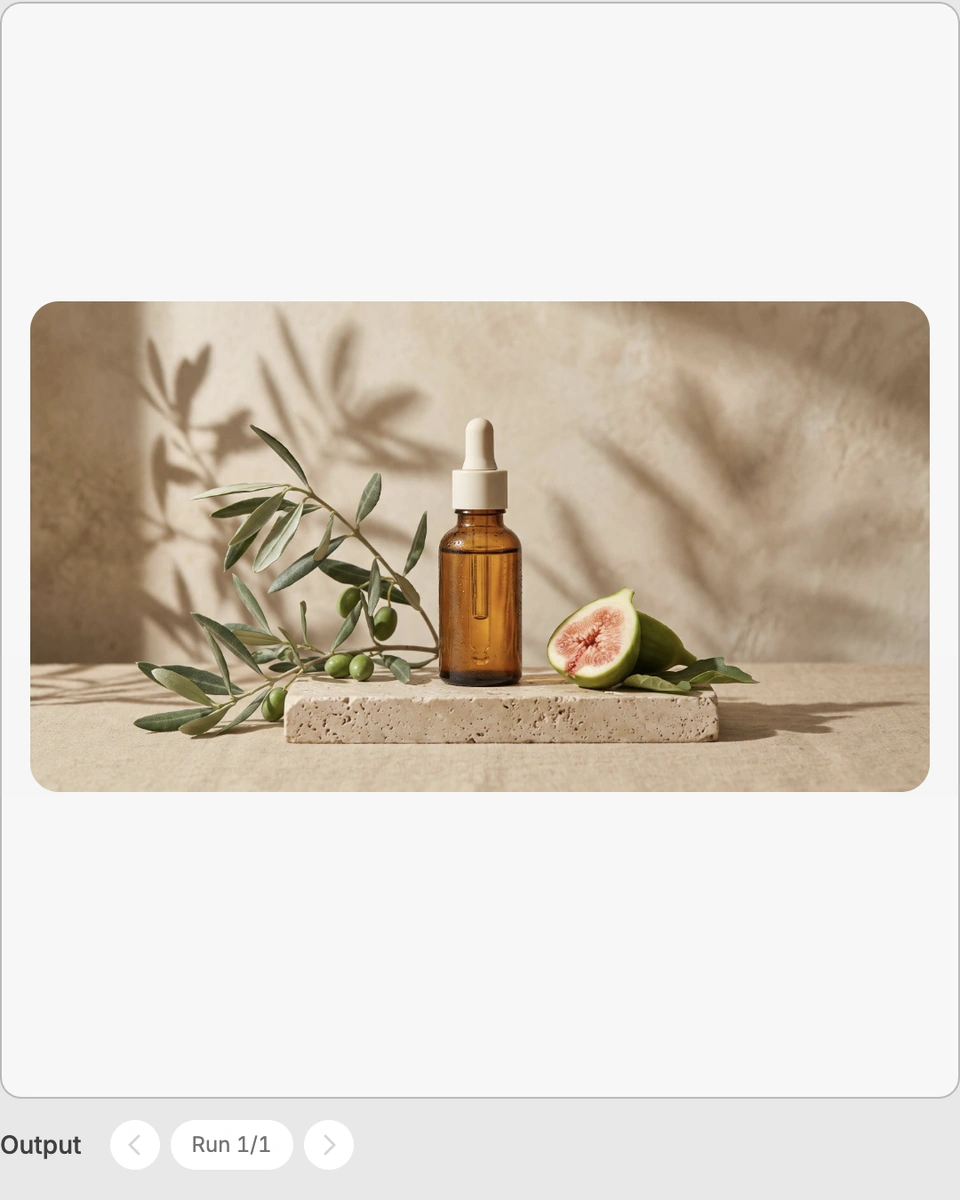
Run the recipe in Fuser and review the result on your canvas. Adjust any available inputs when you want to try another direction.
Use the resulting product hero image to explore presentation ideas across product-focused creative work.
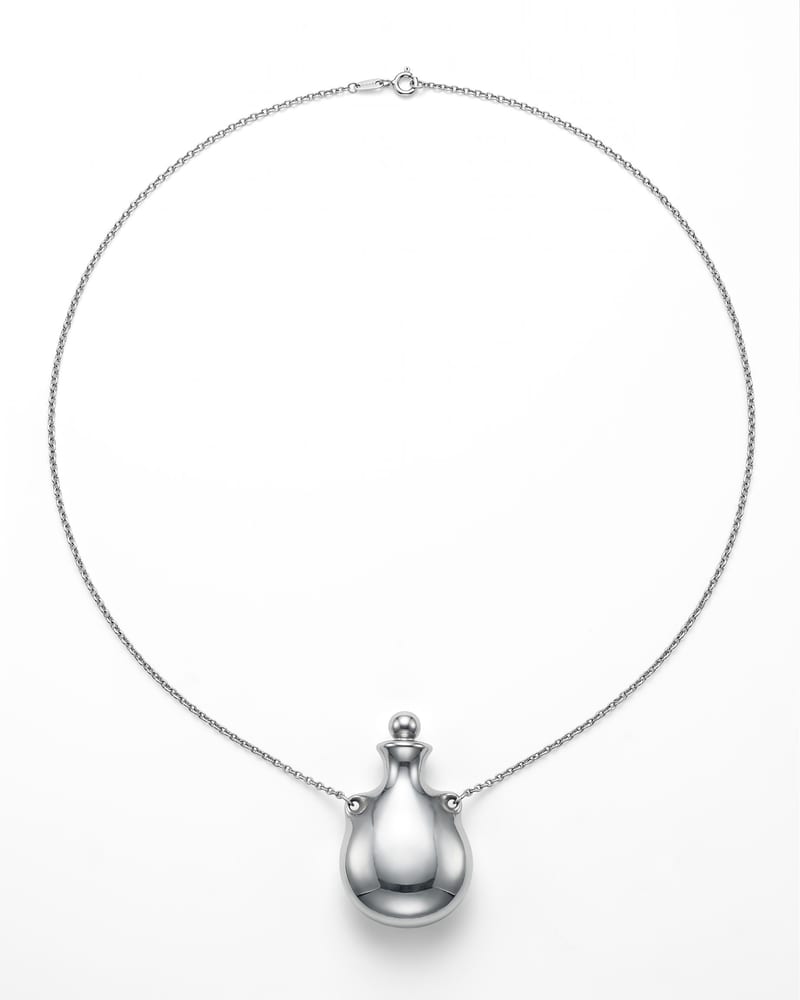
It transforms a Product Image into a Silhouette Product Hero image. The described result is a cinematic scene with a black silhouette holding the product against a moody gradient background.
It is suited to people developing product-focused visuals, including creative teams working across product and industrial presentations, art and illustration, or lookbooks and editorials. It can help explore a more dramatic presentation from a single product image.
You need one image for the exposed Product Image input. Choose the product image you want the recipe to reinterpret as the hero scene.
Yes. Product Image is the editable input, so you can change it in Fuser when using the recipe. The saved page example uses its saved input and does not represent a live run with a new image.
The saved example shows the Product Image connected to the Silhouette Product Hero output. Its purpose is to demonstrate the recipe's intended input-to-output transformation, not to preview a new result from an image you upload on this page.
The image can support product launch concepts, editorial lookbook directions, campaign art direction, creative reference boards, and product storytelling. These are presentation and exploration uses for the generated product hero image.
The recipe accepts one Product Image and returns an image output called Silhouette Product Hero. The described treatment centers on a black silhouette, the held product, and a moody gradient, so it is intended for this specific cinematic presentation rather than unrelated image formats or subjects.
Bring a product image into Fuser and explore its transformation into a silhouette-led hero scene.
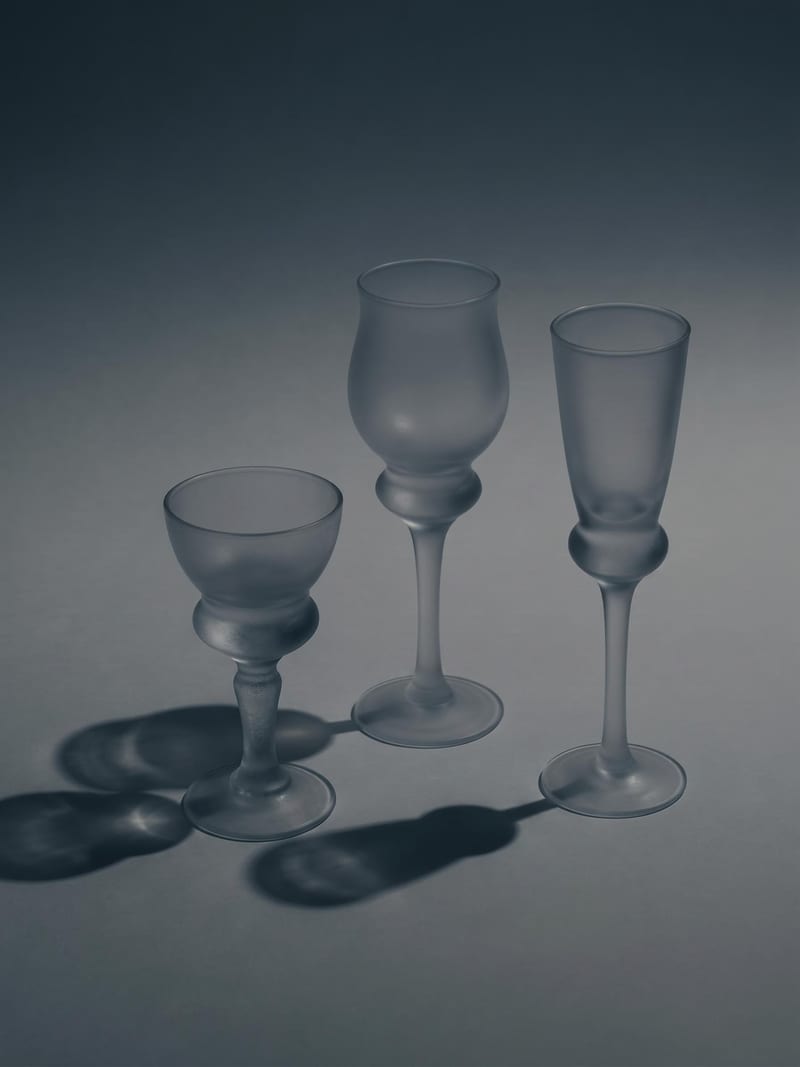
Upload one image to explore six lighting versions, from studio daylight and soft white to dramatic spotlight and golden hour.
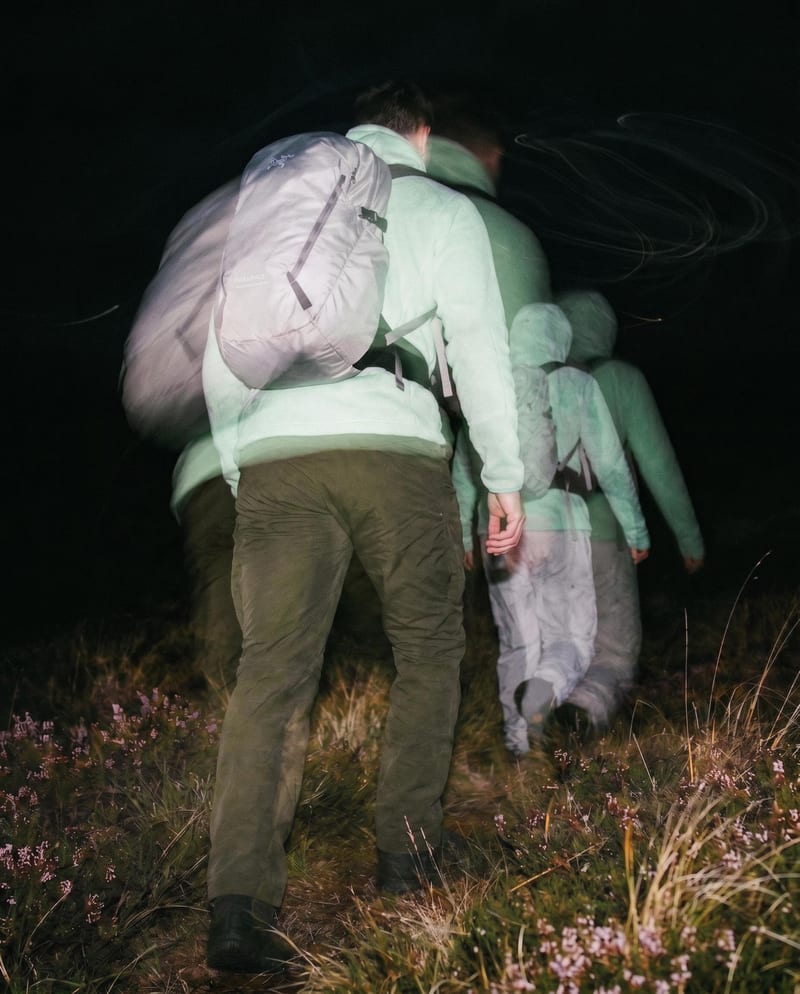
Transform one source image into color and black-and-white looks with cinematic motion blur and realistic film grain.
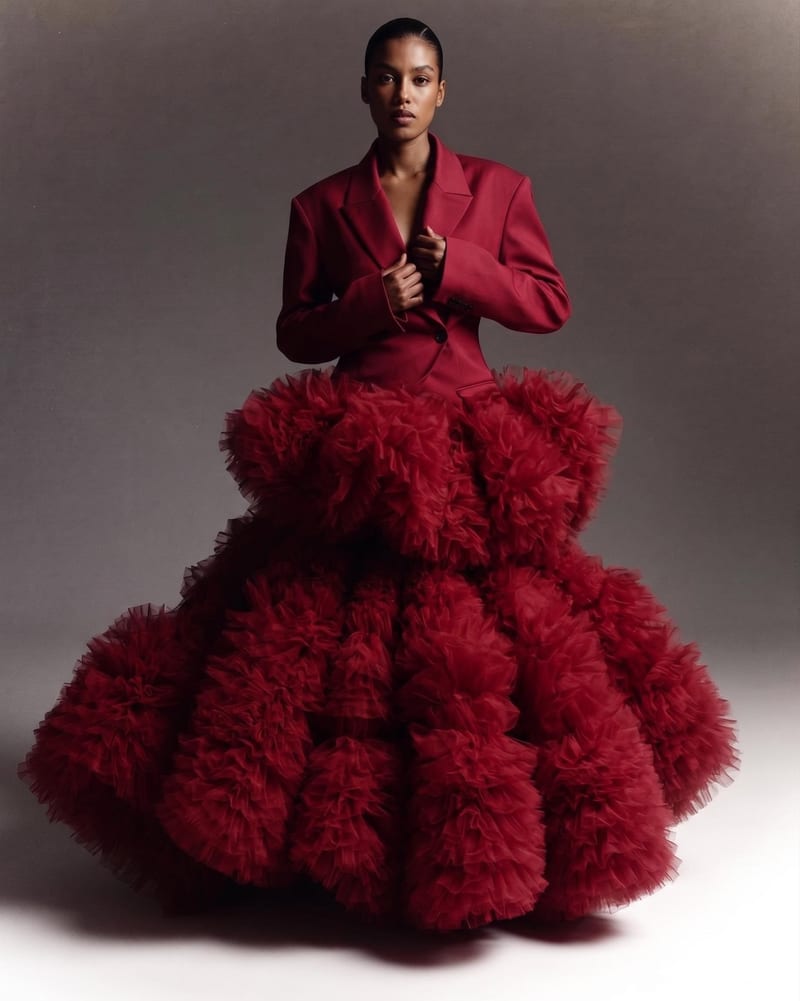
Combine two garment reference images into one blended style image with a cohesive fashion direction.