Recipev2
Motion Blur & Grain
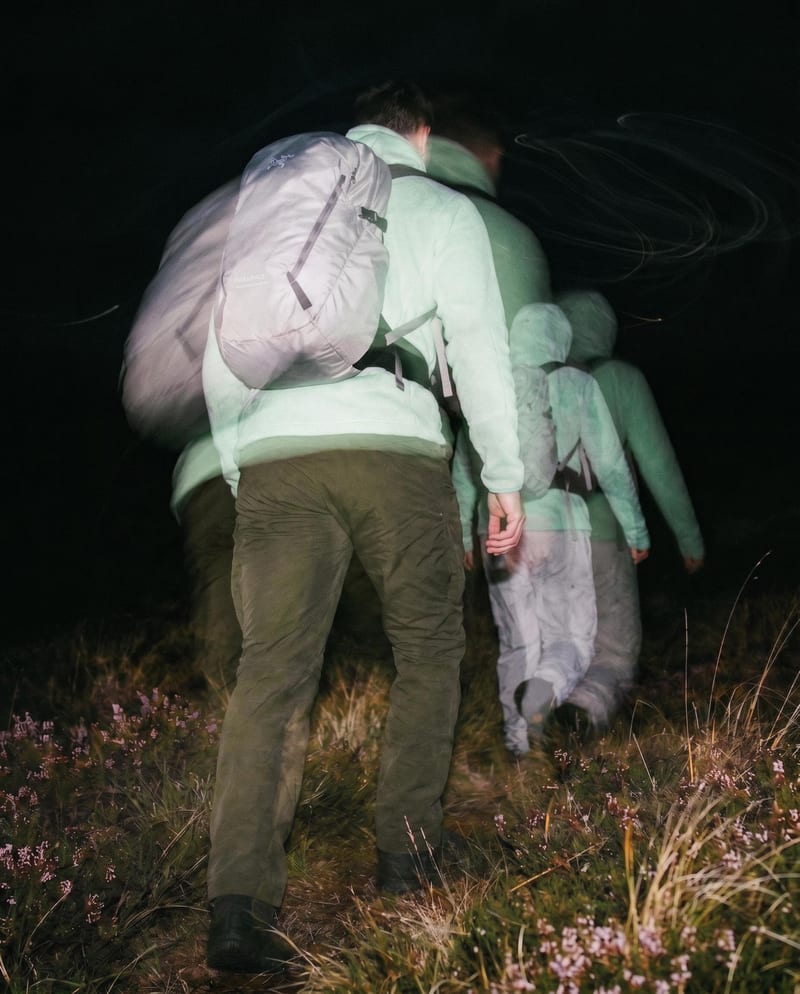
Color Motion Blur Look
One click, whole workflow
Recipes are here. Package a whole workflow and run it in one click
Explore recipesFilm Photography Effects
Transform one source image into color and black-and-white looks with cinematic motion blur and realistic film grain.
Color Motion Blur Look
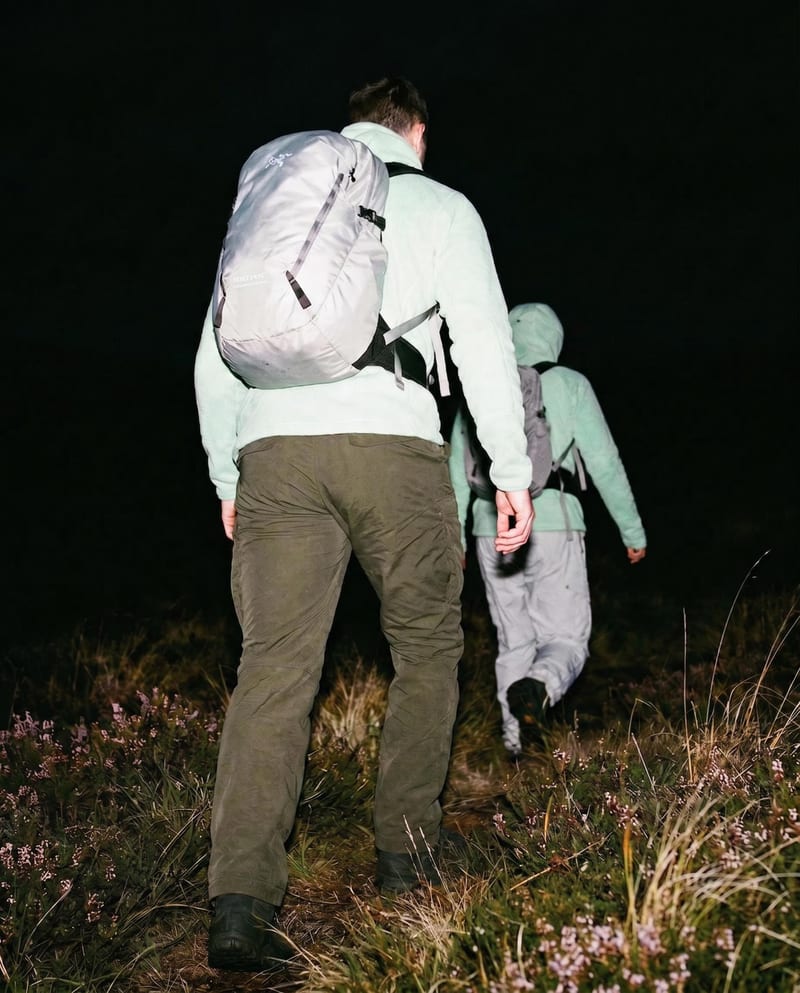
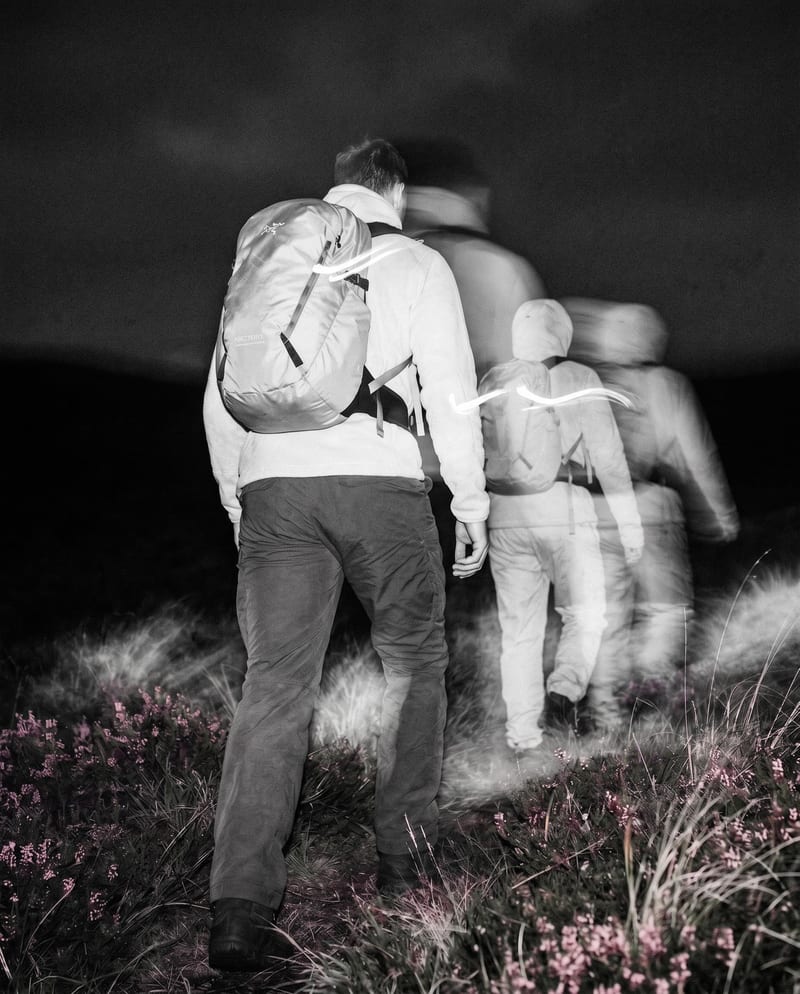
A recipe turns a reusable workflow into a simple set of inputs and outputs. Start with a community recipe and make it your own in Fuser.

1. Choose a recipe
Find a workflow for the result you want. Review what it does and how to use it before opening it in Fuser.
2. Make it your own
Check the recipe’s available inputs. Add your own text or media where supported, or start with the saved defaults.
3. Run and refine
Run it in Fuser and review the result on your canvas. Tweak the inputs to try another direction.
Create distinct film-photography treatments for images used in editorial, lookbook, photography, and art projects.
It applies cinematic motion blur and realistic film grain to a source image. The recipe produces two image outputs: a color motion blur look and a black-and-white motion blur look.
It is suited to people working with photography, art and illustration, lookbooks, or editorial imagery. The two outputs make it useful when exploring a dynamic film-photography direction in both color and monochrome.
Prepare one source image that you want to treat with motion blur and film grain. Source Image is the recipe’s only exposed input, and you can change it in Fuser.
The saved example shows one source image connected to both available outputs. It demonstrates the color and black-and-white versions created by this recipe, rather than a live run using a new image.
Yes. You can replace the exposed Source Image input in Fuser with another image. The recipe’s saved inputs do not include separate controls for adjusting the blur or grain treatment.
Color Motion Blur Look provides the color version of the treatment, while B&W Motion Blur Look provides the black-and-white version. You can use either output depending on the visual direction of your photography, artwork, lookbook, or editorial project.
This recipe accepts one image input and returns two image outputs focused on motion blur and film grain. It does not describe additional output formats or separate adjustment controls, so the result is limited to the two included looks.
Bring a source image to Fuser and explore its color and black-and-white motion blur treatments.
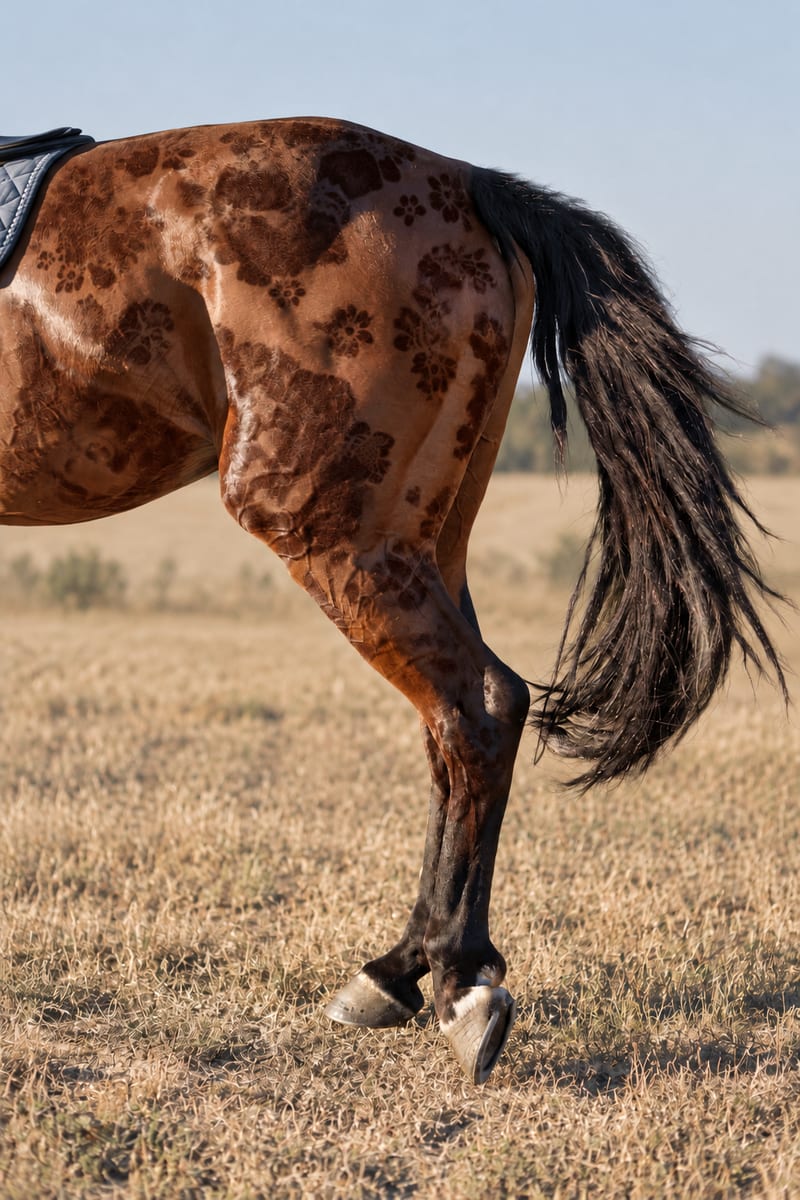
Combine an input pattern with an object image to create a realistic patterned image.
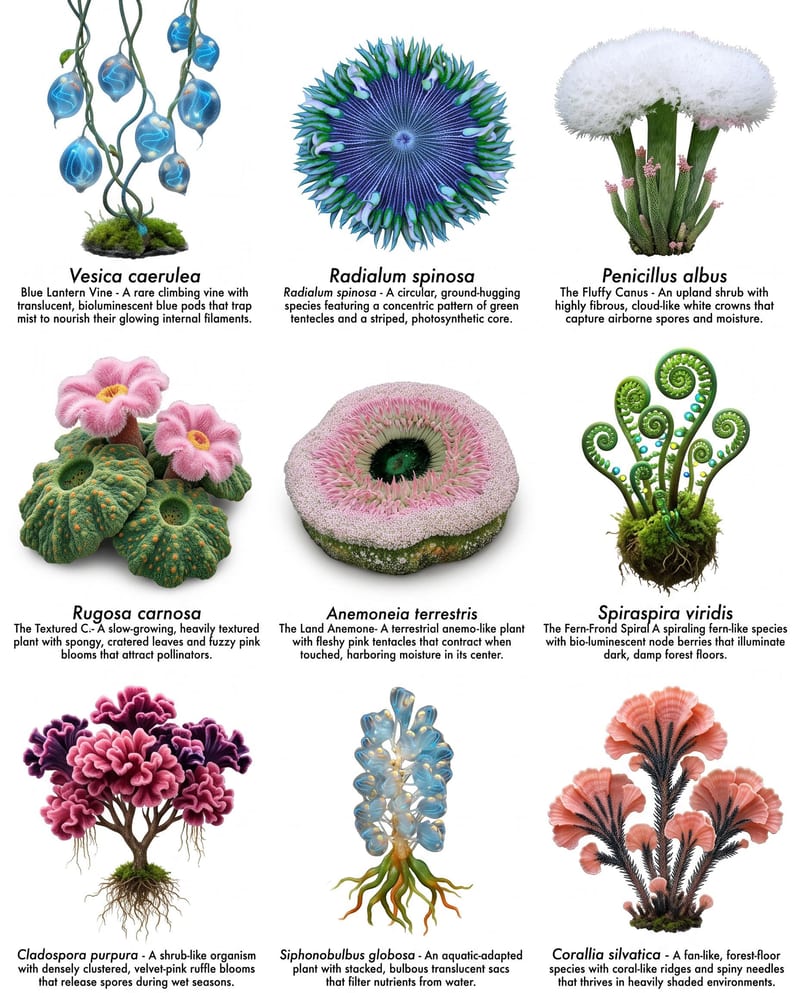
Combine plant, wildlife, and landscape images to create species sheets and a populated worldbuilding landscape.
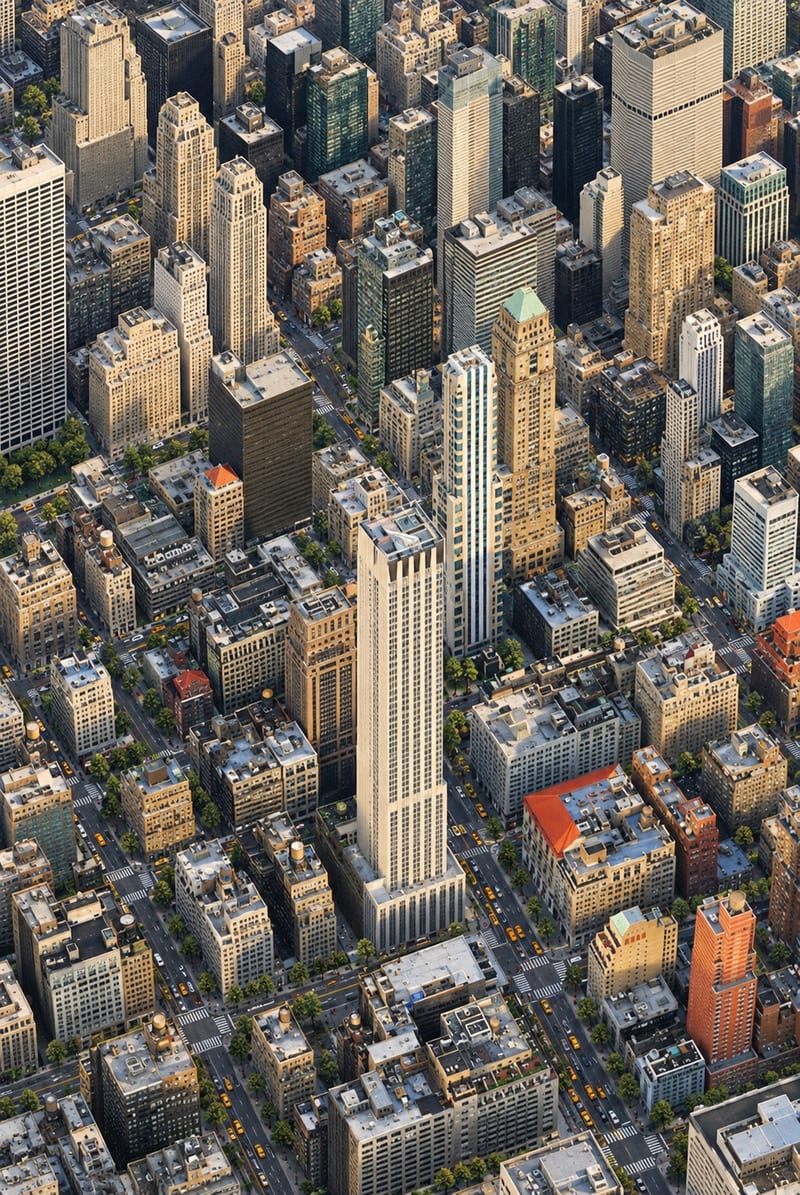
Transform one city photo into an isometric miniature-world image that retains the source’s mood, textures, and realism.
