Recipev3
Deep Dream Style
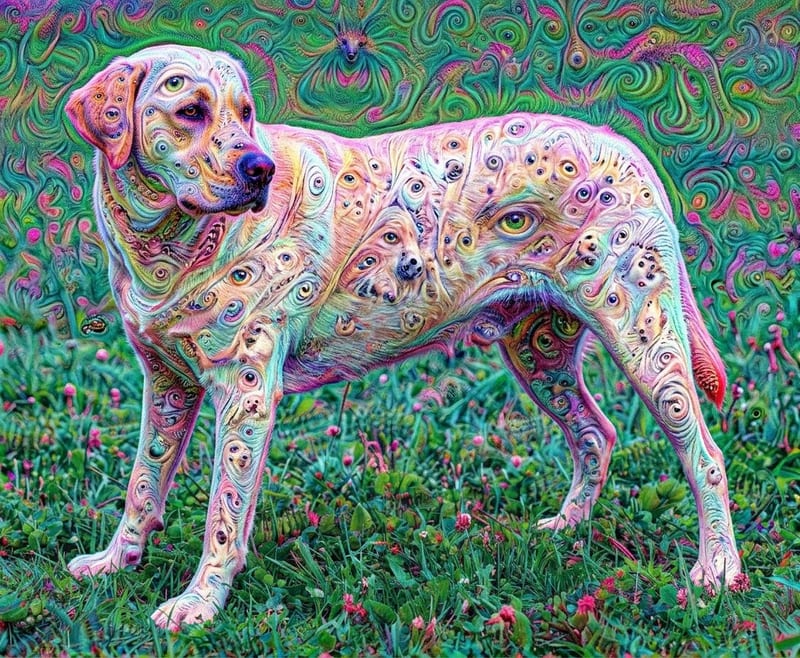
Generated Image
One click, whole workflow
Recipes are here. Package a whole workflow and run it in one click
Explore recipesArt & Illustration
Apply a 2015 Google Deep Dream style effect to any image and receive a generated image.
Generated Image
A recipe turns a reusable workflow into a simple set of inputs and outputs. Start with a community recipe and make it your own in Fuser.

1. Choose a recipe
Find a workflow for the result you want. Review what it does and how to use it before opening it in Fuser.
2. Make it your own
Check the recipe’s available inputs. Add your own text or media where supported, or start with the saved defaults.
3. Run and refine
Run it in Fuser and review the result on your canvas. Tweak the inputs to try another direction.
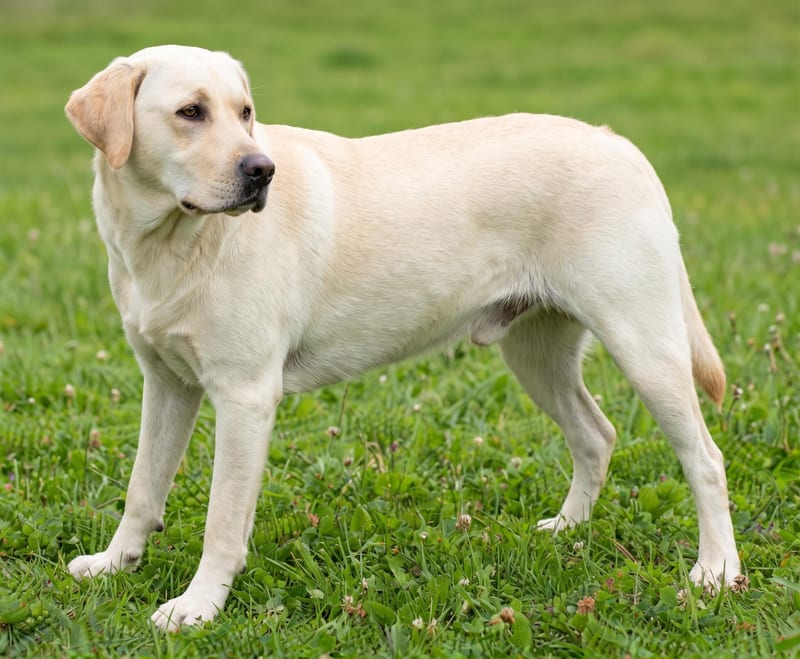
Use a source image to explore the Deep Dream style across creative art and illustration workflows.
It takes one image and adds a 2015 Google Deep Dream style effect to it. The result is a generated image based on the image you provide.
It is intended for people exploring art and illustration treatments from existing images. It can support experiments with photos, illustrations, and other image-based creative starting points.
Prepare one image that you want to transform. The recipe exposes the Image input, which you can change in Fuser before using the recipe.
The saved example shows an image connected to the recipe and a Generated Image output. It demonstrates the intended input-to-output structure, not a live transformation of a new image on this page.
Yes. Image is the recipe’s exposed editable input, so you can replace the saved example’s image in Fuser with your own image before running the recipe.
The available editable input is the image itself. The recipe description specifies the Deep Dream style effect, but it does not list additional exposed controls for adjusting that effect.
The output is a Generated Image with the 2015 Google Deep Dream style applied to the input image. The recipe defines the transformation, but it does not specify further output settings or guarantees about the result.
Bring an image to Fuser and explore the recipe’s 2015 Google Deep Dream style output.
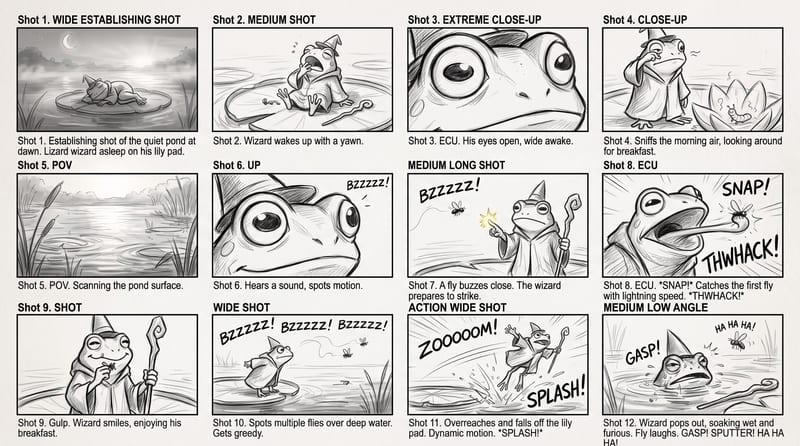
Use a rough story brief and visual reference to create a storyboard image showing the story’s sequence of actions.
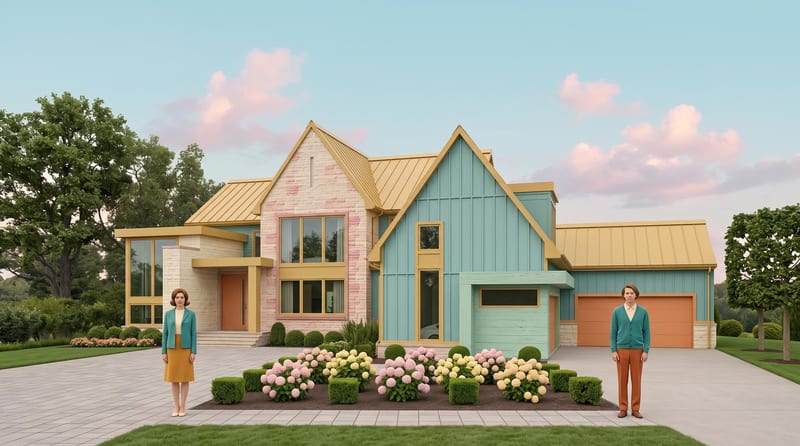
Transform a source image into a symmetrical, pastel, vintage-textured scene with quirky details and cinematic storybook charm.
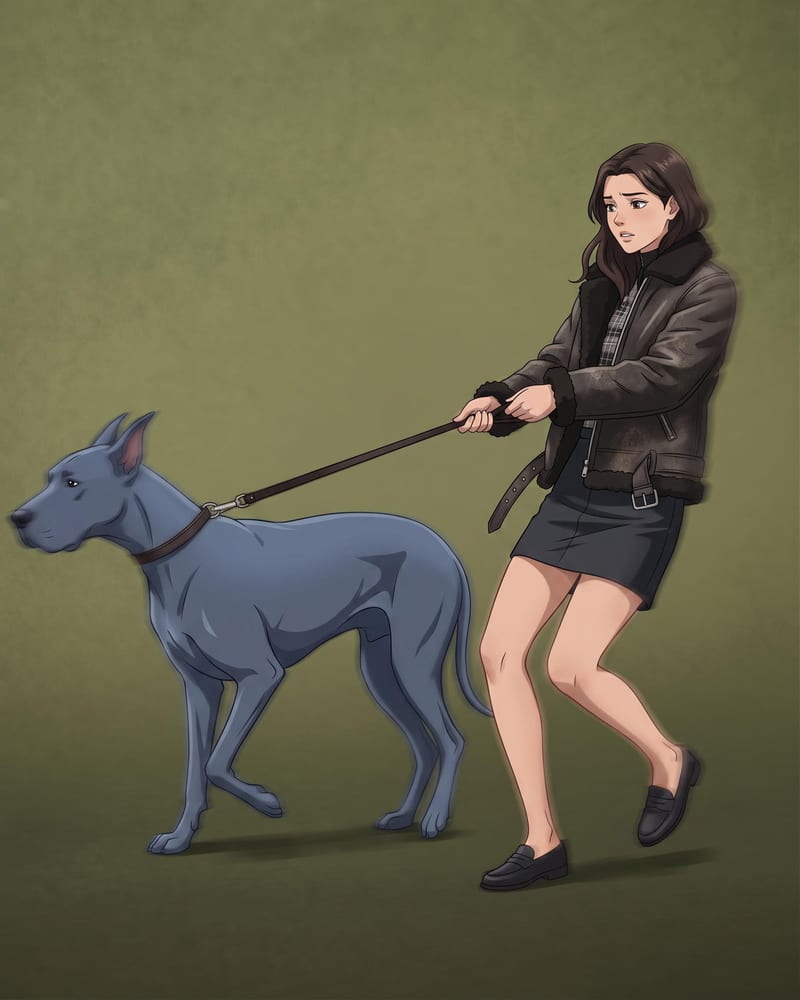
Transform a source image into a polished anime-style recreation while preserving its scene, composition, subjects, and key visual details.