Recipev1
Anime Style Converter
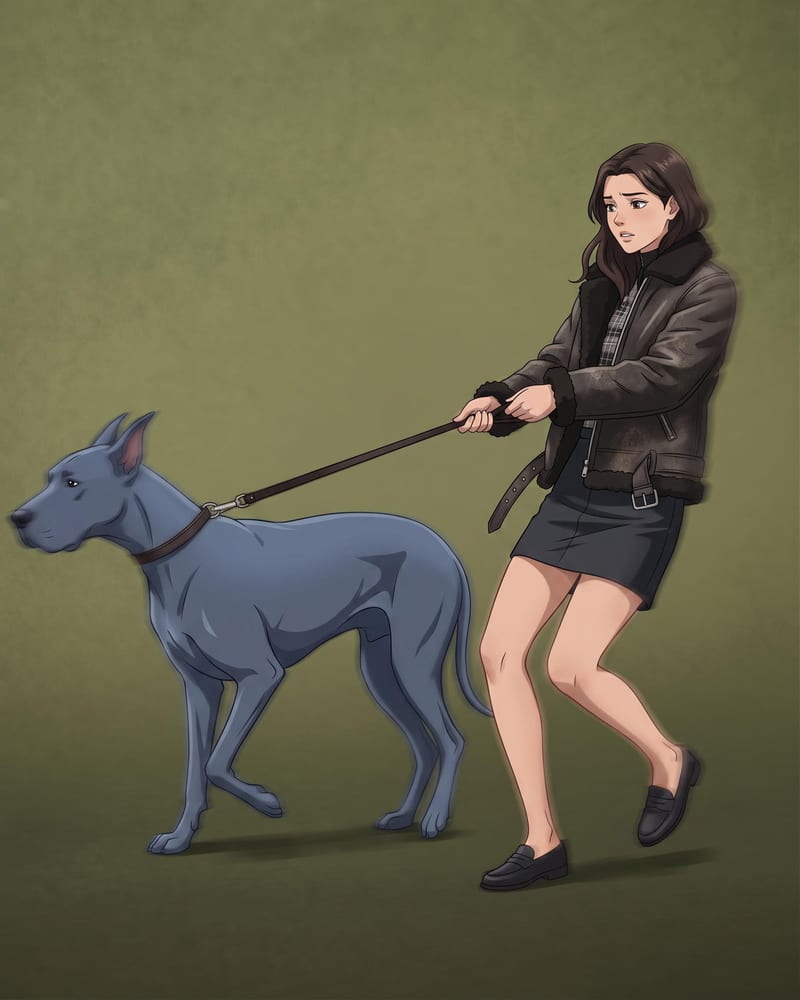
Anime Style
One click, whole workflow
Recipes are here. Package a whole workflow and run it in one click
Explore recipesAnime Art & Illustration
Transform a source image into a polished anime-style recreation while preserving its scene, composition, subjects, and key visual details.
Anime Style
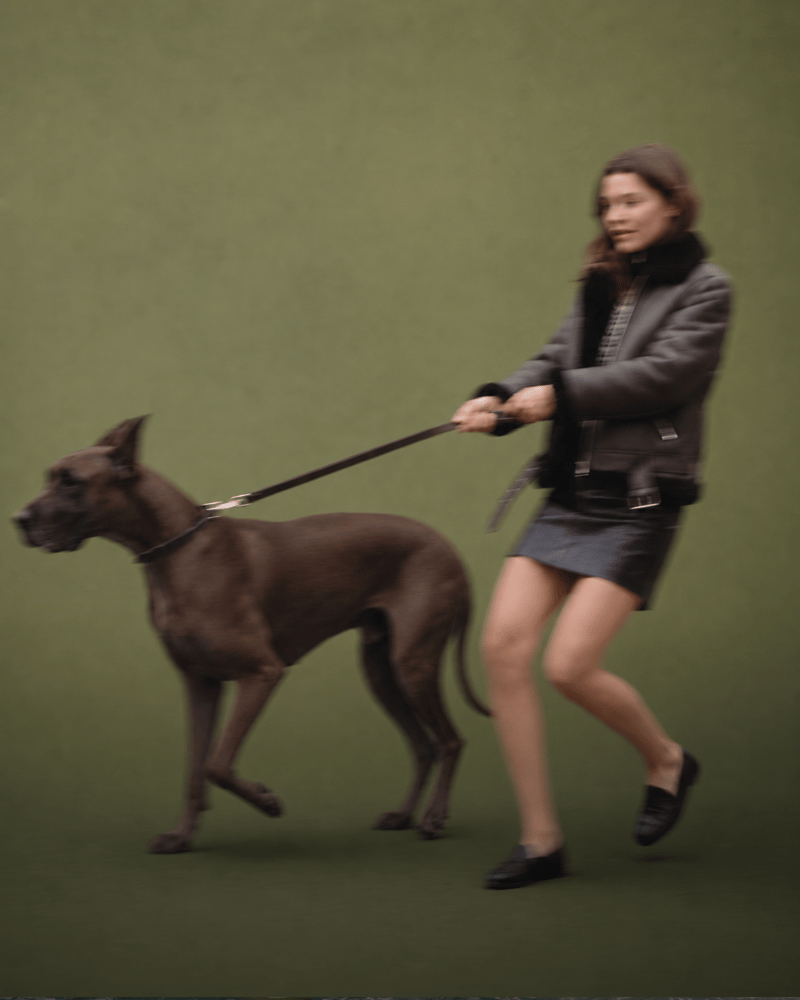
A recipe turns a reusable workflow into a simple set of inputs and outputs. Start with a community recipe and make it your own in Fuser.

1. Choose a recipe
Find a workflow for the result you want. Review what it does and how to use it before opening it in Fuser.
2. Make it your own
Check the recipe’s available inputs. Add your own text or media where supported, or start with the saved defaults.
3. Run and refine
Run it in Fuser and review the result on your canvas. Tweak the inputs to try another direction.
Use an existing image as the starting point for anime-inspired creative work across illustration and entertainment projects.
It takes one source image and creates a polished anime-style recreation. The recipe is designed to preserve the original scene, composition, subjects, and key visual details while changing the image’s visual treatment.
It is intended for people exploring anime-style art and illustration, as well as film and entertainment teams developing visual references. Anyone with an image to reinterpret can use the recipe as a starting point.
Prepare one image that you want to reinterpret in anime style. The recipe exposes a single editable input named Source Image, so the source image is the only asset you need to provide.
Yes. Source Image is an exposed editable input, so you can replace it in Fuser with another image before using the recipe.
The saved example shows a connected Source Image input and Anime Style output. It demonstrates the recipe’s intended image-to-image transformation, but it is a saved example rather than a live run.
The output can support anime-inspired illustration studies, scene development, entertainment concepts, and presentation references. It is best suited to projects where the original image’s scene, subjects, and composition remain relevant.
The recipe produces one image labeled Anime Style: a polished anime-style recreation of the source image. Its purpose is to retain the original scene, composition, subjects, and key visual details while presenting them in an anime style.
Bring an image into Fuser and explore its anime-style recreation with the saved recipe structure as your starting point.
Develop film treatments, character and environment concepts, storyboards and motion studies. Connect image, video and 3D exploration in Fuser.
Develop storyboard frames, shot variations and video studies from your references. Compose clear boards and explore movement in one Fuser project.
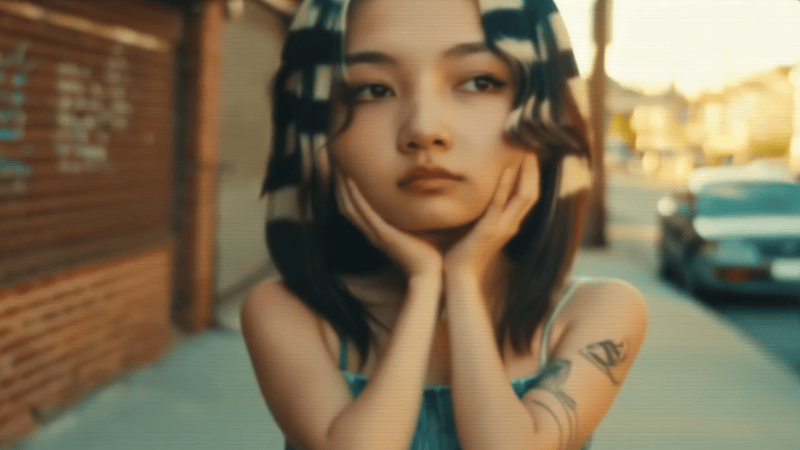
Upload one source video to create vertical 9:16 and landscape 16:9 versions for social content.
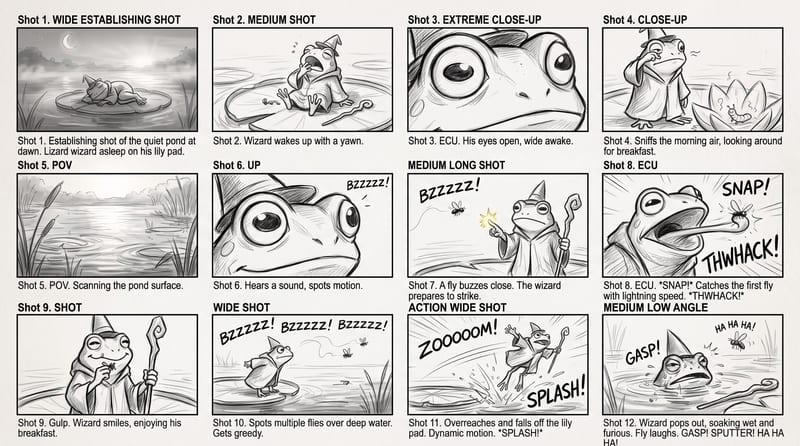
Use a rough story brief and visual reference to create a storyboard image showing the story’s sequence of actions.
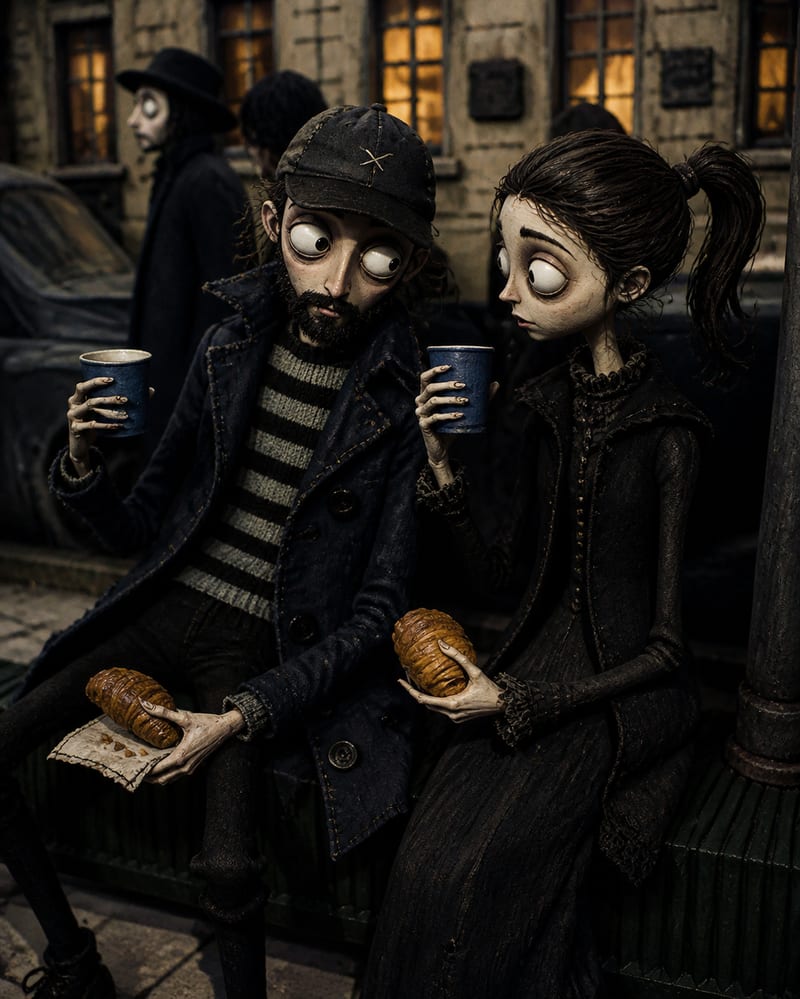
Transform a source image into a handcrafted Coraline-inspired stop-motion world with stitched textures, puppet characters, and miniature details.

