Recipev2
Wes Anderson-ify Anything
Wes Anderson Style
One click, whole workflow
Recipes are here. Package a whole workflow and run it in one click
Explore recipesWhimsical cinematic image styling
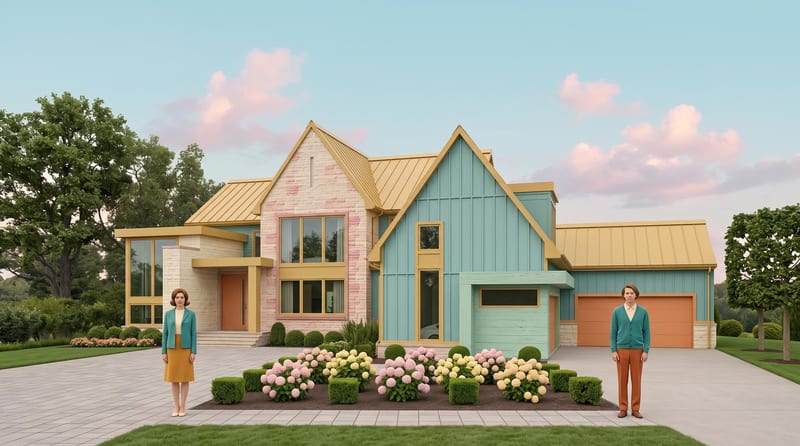
Transform a source image into a symmetrical, pastel, vintage-textured scene with quirky details and cinematic storybook charm.
Wes Anderson Style
A recipe turns a reusable workflow into a simple set of inputs and outputs. Start with a community recipe and make it your own in Fuser.

1. Choose a recipe
Find a workflow for the result you want. Review what it does and how to use it before opening it in Fuser.
2. Make it your own
Check the recipe’s available inputs. Add your own text or media where supported, or start with the saved defaults.
3. Run and refine
Run it in Fuser and review the result on your canvas. Tweak the inputs to try another direction.
Use a source image to explore stylized visual directions for creative work, presentation, and storytelling.
It transforms one source image into a Wes Anderson-inspired image with symmetrical compositions, pastel colors, vintage textures, quirky details, and cinematic storybook charm. The recipe is intended for exploring a distinctive visual treatment from an existing image.
It can help artists, filmmakers, illustrators, and anyone developing moodboards or style frames explore a whimsical cinematic direction. It is also suitable for personal image reinterpretation when a playful, vintage-inspired atmosphere is wanted.
Prepare one source image using the recipe’s exposed Source Image input. You can change that image in Fuser when using the recipe; no other editable inputs are listed.
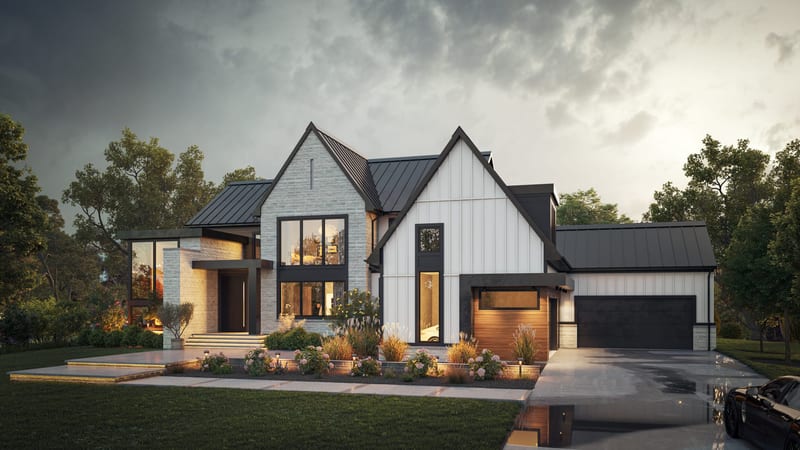
The recipe creates one image labeled Wes Anderson Style. The saved example shows the source image connected to this styled image output, with the transformation centered on symmetry, pastel color, vintage texture, quirky details, and storybook charm.
You can customize the source by replacing the image in Fuser’s Source Image input. The recipe does not expose separate controls for colors, composition, texture, or details, so those aspects are defined by the recipe’s stated style.
It is suited to moodboards, film and entertainment concepts, art and illustration references, and style-frame exploration. The output can help communicate a visual direction, but the recipe is specifically focused on transforming an image rather than creating a broader campaign or sequence.
No. The page presents a saved default example, showing the recipe’s saved input connected to its output. To create a new transformation, log in to Fuser and replace the Source Image input with your own image.
Bring a source image into Fuser and explore a symmetrical, pastel, vintage-textured visual direction with cinematic charm.
Develop pitches, campaign assets and interactive client work in Fuser. Combine AI generation, editable design and reusable processes across your agency.
Develop film treatments, character and environment concepts, storyboards and motion studies. Connect image, video and 3D exploration in Fuser.
Turn a creative brief into distinct visual concepts, moodboards and pitch layouts. Explore references, imagery and motion together in Fuser.
Develop storyboard frames, shot variations and video studies from your references. Compose clear boards and explore movement in one Fuser project.
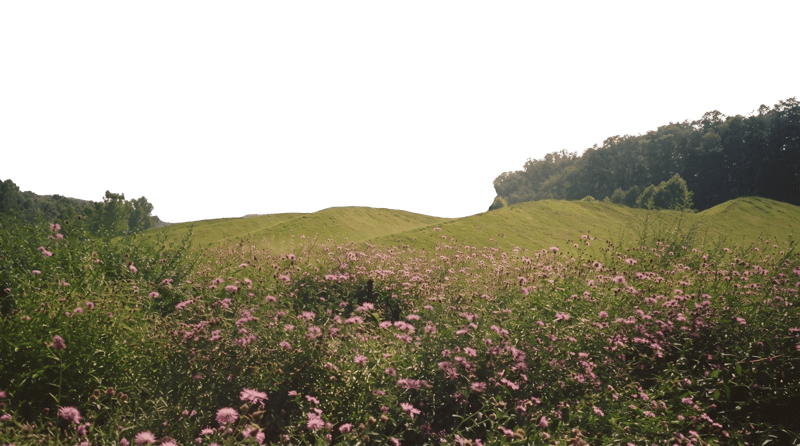
Turn a source image into an environment-only background for Unreal Engine projection cards and related visual development work.
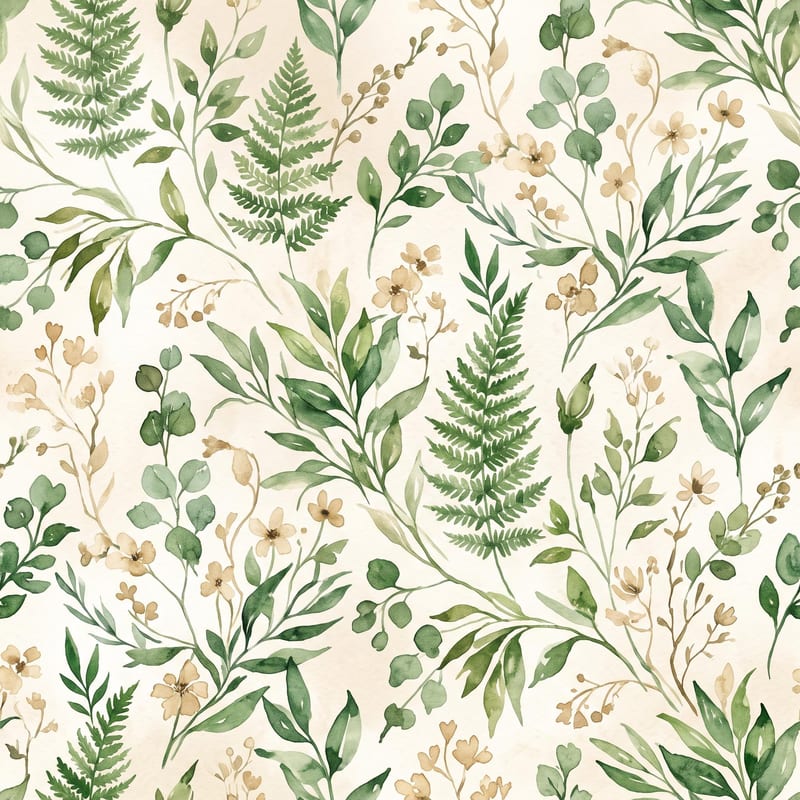
Turn a pattern or style description and color direction into a standalone fabric print image.
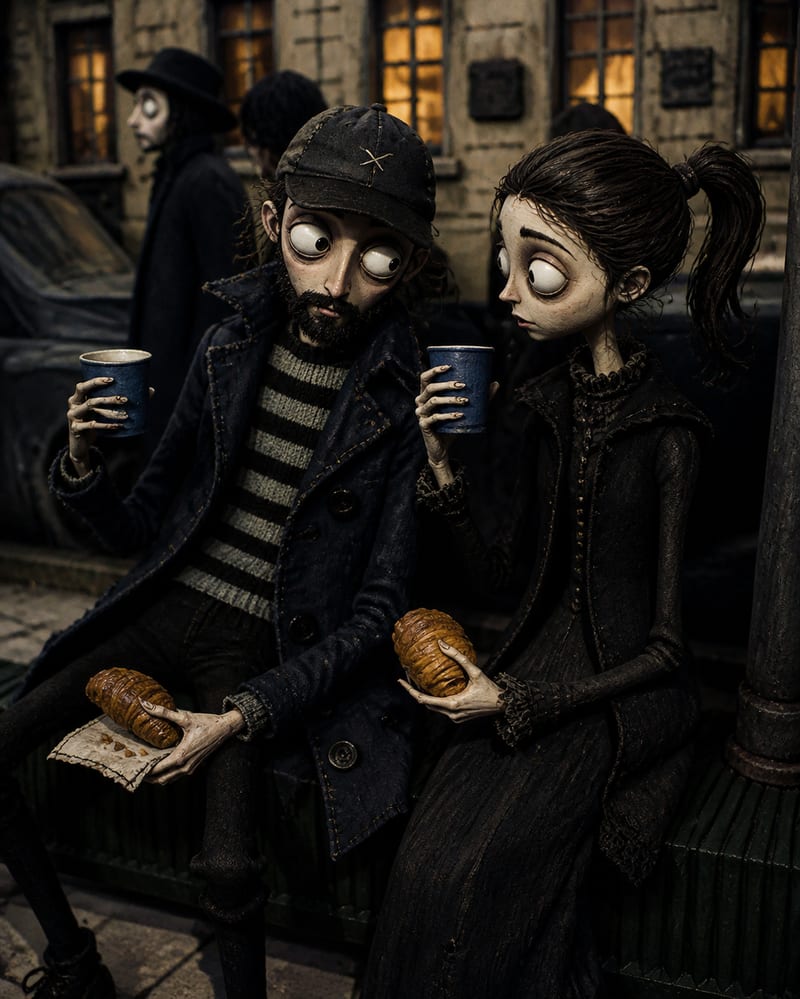
Transform a source image into a handcrafted Coraline-inspired stop-motion world with stitched textures, puppet characters, and miniature details.