Recipev5
Graphics Placement on Garment
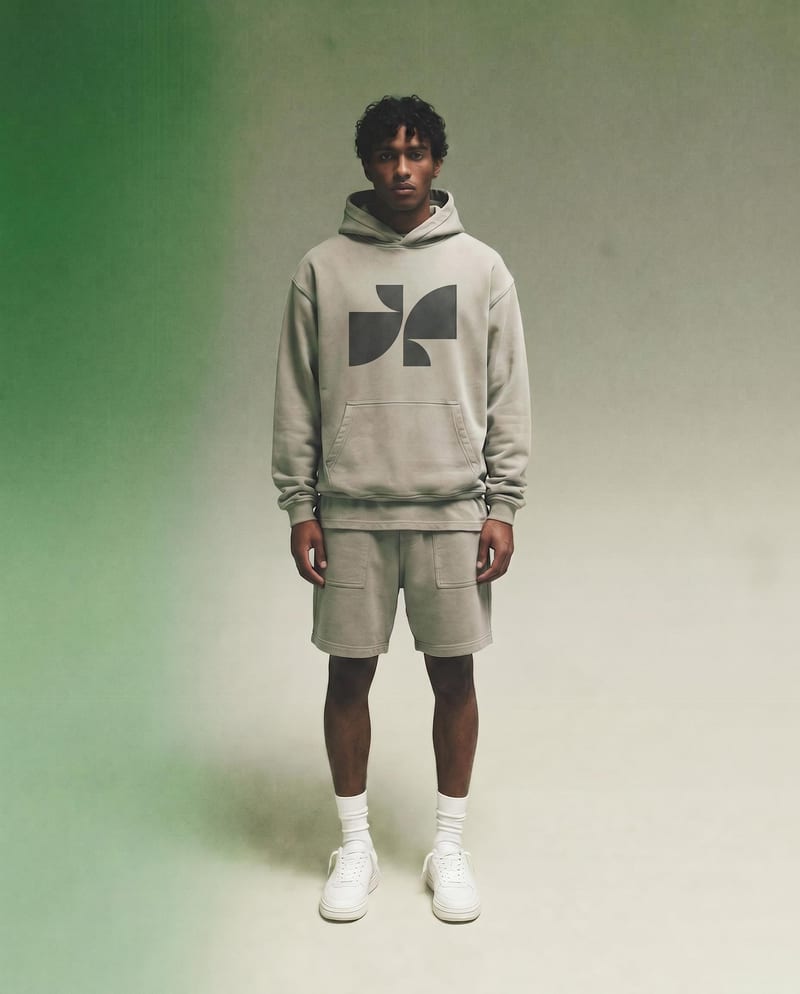
Branded Garment
One click, whole workflow
Recipes are here. Package a whole workflow and run it in one click
Explore recipesGarment Branding
Add a logo and placement choice to a garment photo to create a branded garment image while preserving the original photo.
Branded Garment
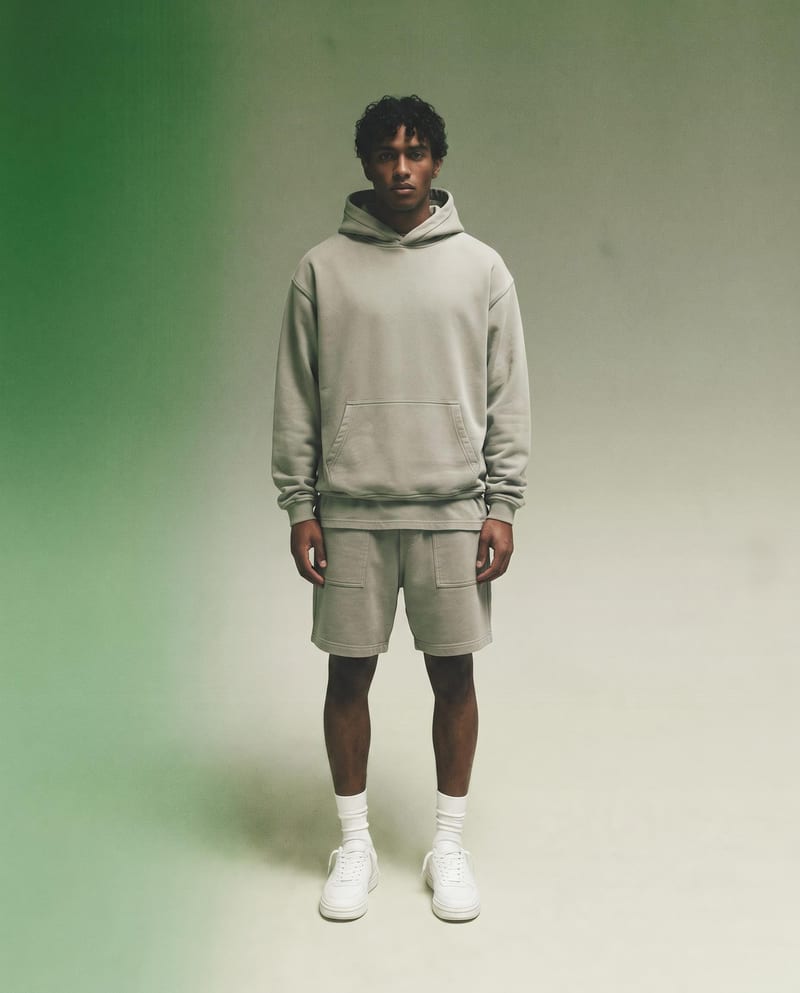

A recipe turns a reusable workflow into a simple set of inputs and outputs. Start with a community recipe and make it your own in Fuser.

1. Choose a recipe
Find a workflow for the result you want. Review what it does and how to use it before opening it in Fuser.
2. Make it your own
Check the recipe’s available inputs. Add your own text or media where supported, or start with the saved defaults.
3. Run and refine
Run it in Fuser and review the result on your canvas. Tweak the inputs to try another direction.
Use the recipe to explore how a logo appears on apparel photos across design, review, and merchandising workflows.
It places a logo on the upper portion of a garment while preserving the original photo. The output is a branded garment image intended for visualizing apparel branding.
It can help apparel designers, streetwear teams, merch planners, and reviewers visualize a logo on a garment photo. It is suited to concept development and presentation rather than replacing a final production process.
Prepare one garment photo and one logo image. You also provide a text value for Logo Placement; the saved example uses “center.”
Yes. Garment Photo, Logo, and Logo Placement are exposed inputs that you can change in Fuser. Replace the garment photo or logo image, and edit the placement text for a different requested position.
The saved example connects a garment photo with a logo and the placement value “center,” producing the Branded Garment image output. It is a saved default example, not a live generation from new inputs.
Use it to review apparel concepts, discuss logo positioning, plan merchandise branding, or present a proposed garment treatment. The image can support visual decisions before a final apparel design is approved.
The recipe produces an image of a branded garment, so it is best treated as a visual representation of logo placement. It does not provide a separate manufacturing specification or production file.
Bring a garment photo, logo, and placement request together to explore a clear apparel branding concept in Fuser.
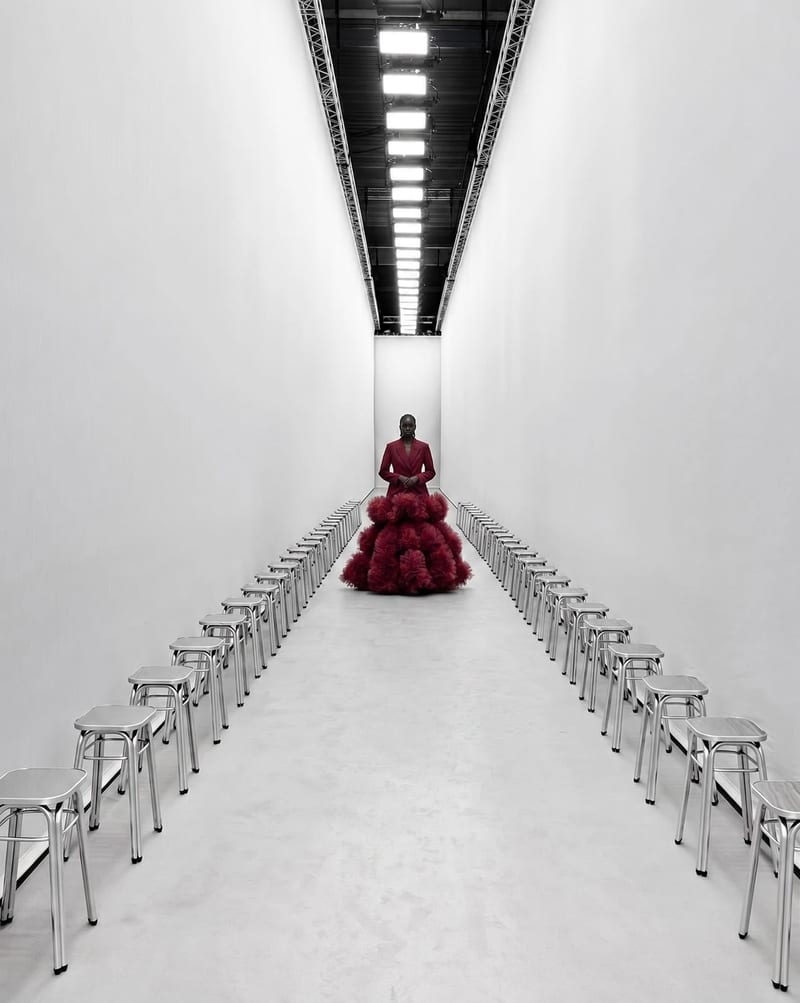
Combine a garment image with a runway space image to create a video of a model walking through that setting.
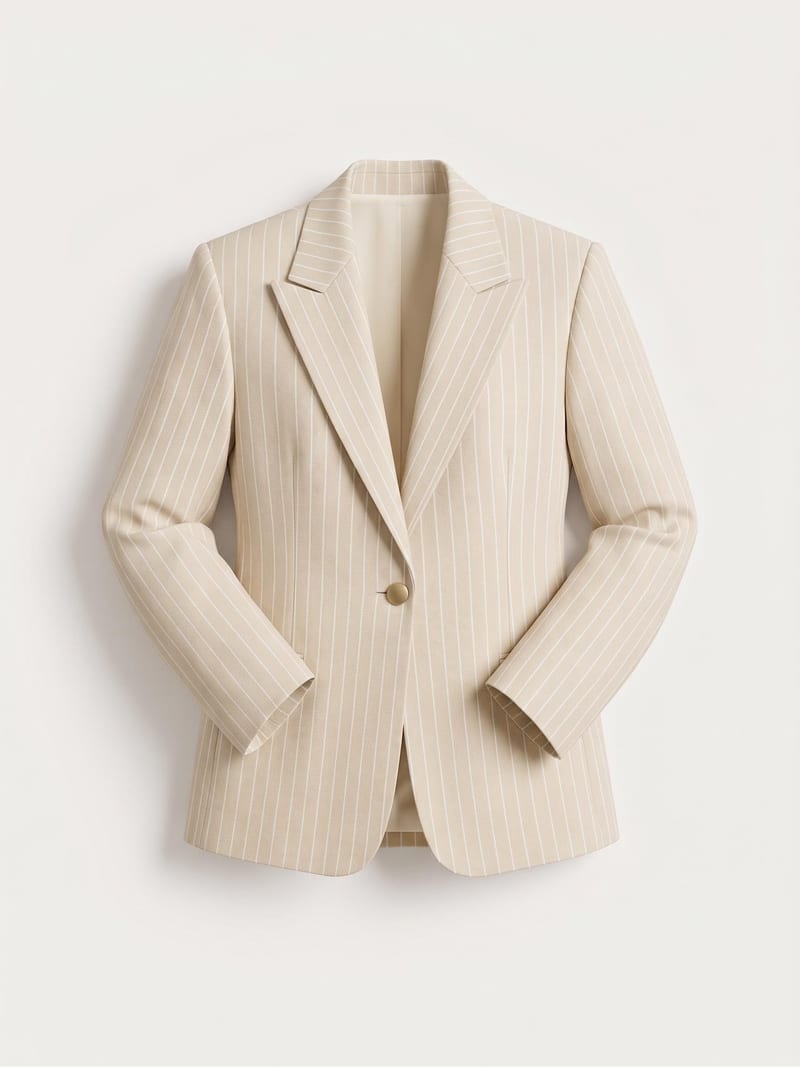
Turn a garment sketch, chosen color, and material description into a realistic garment render while preserving the design’s silhouette and details.
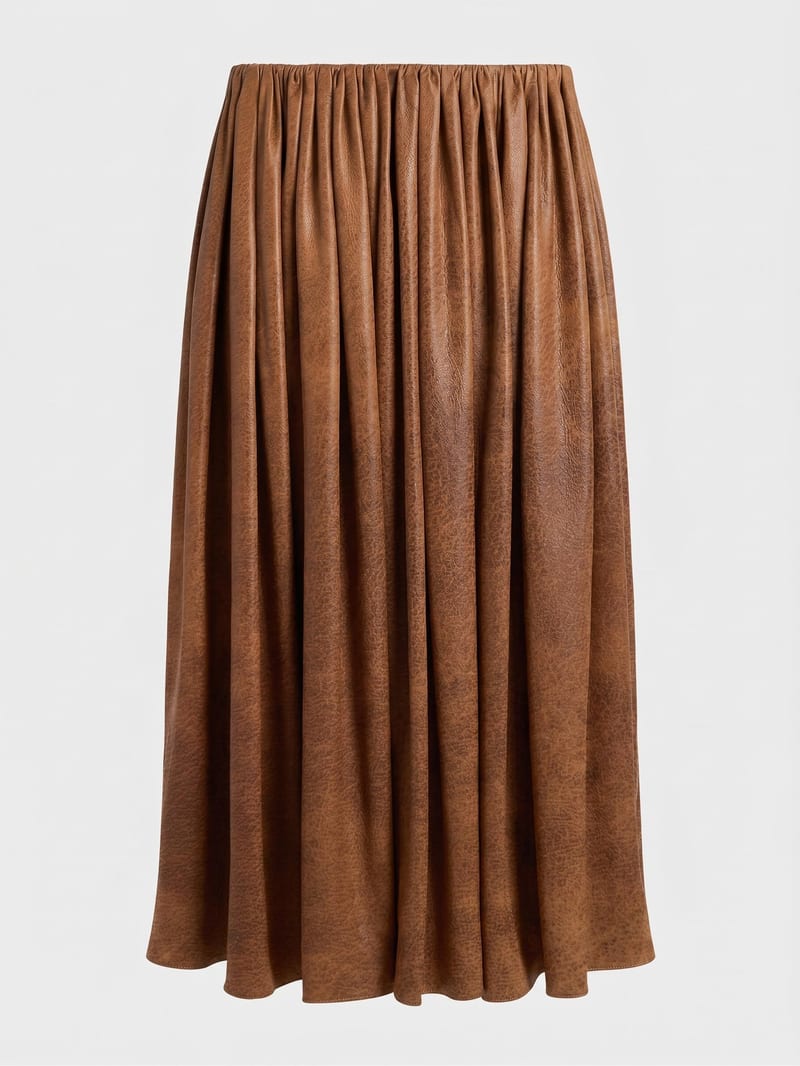
Combine a garment image with a reference material image to create a garment visual using the selected fabric.
