Recipev6
Runway Walk Video
0:00 / 0:00
Runway Video
One click, whole workflow
Recipes are here. Package a whole workflow and run it in one click
Explore recipesFashion runway video
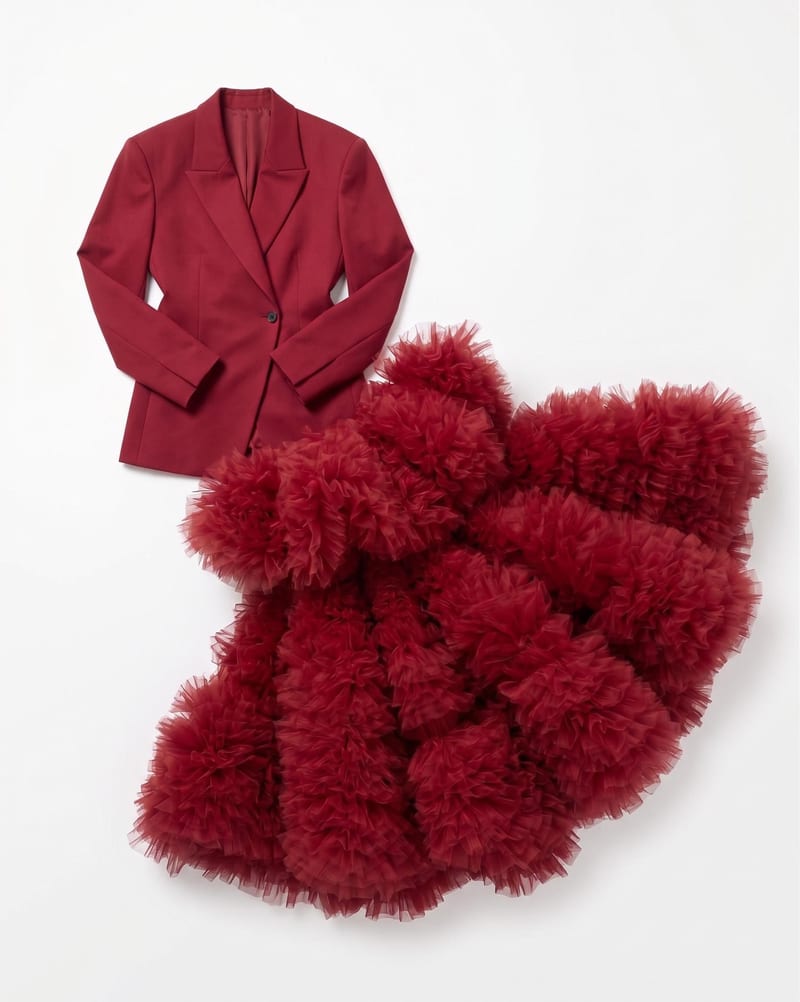
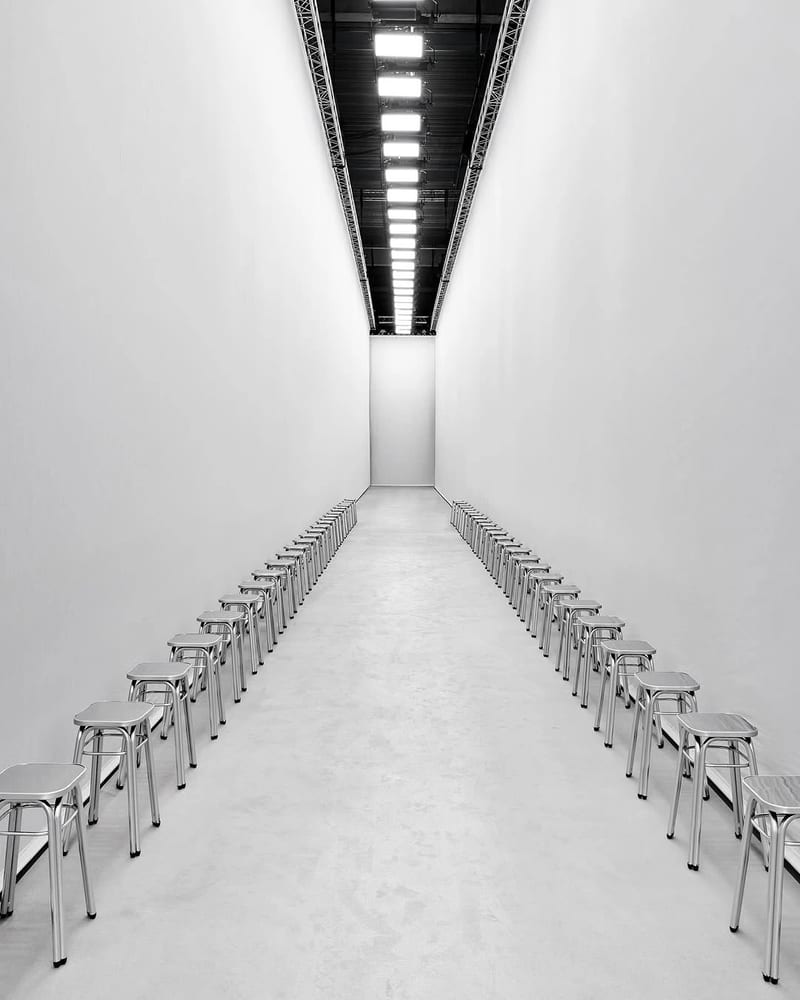
Combine garment, model, and runway images to create a video of the model walking through the selected runway environment.
Runway Video

A recipe turns a reusable workflow into a simple set of inputs and outputs. Start with a community recipe and make it your own in Fuser.

1. Choose a recipe
Find a workflow for the result you want. Review what it does and how to use it before opening it in Fuser.
2. Make it your own
Check the recipe’s available inputs. Add your own text or media where supported, or start with the saved defaults.
3. Run and refine
Run it in Fuser and review the result on your canvas. Tweak the inputs to try another direction.
Use the garment, model, and runway inputs to create focused fashion presentation videos for different apparel workflows.
It creates a runway video from three image inputs: a garment image, a model image, and a runway image. The output presents the model wearing the selected garment and walking through the provided runway environment.
This recipe is intended for fashion and apparel workflows that need a moving presentation of a garment. It can support campaign drafts, garment showcases, styling exploration, and other runway-oriented presentation tasks.
Prepare one image of the garment, one image of the model, and one image of the runway environment. These are the three exposed inputs used to create the saved example's runway video.
Yes. Garment Image, Model Image, and Runway Image are editable inputs in Fuser, so you can replace any of them when using the recipe. Changing an input creates a new configuration rather than changing the saved example.
The saved example shows the recipe's three connected image inputs and its Runway Video output. It demonstrates the intended input-to-output workflow, not a live generation or a guarantee about the result of a new run.
The recipe is suited to fashion and streetwear presentations, merch and apparel showcases, campaign concepting, and runway-focused look development. Its scope is centered on presenting one selected garment on one model in one provided runway environment.
The recipe includes Runway Image as a named input, so a runway environment image is part of the intended setup. Prepare that input along with the garment and model images before using the recipe.
Bring a garment, model, and runway image together in Fuser to create a focused fashion presentation video.
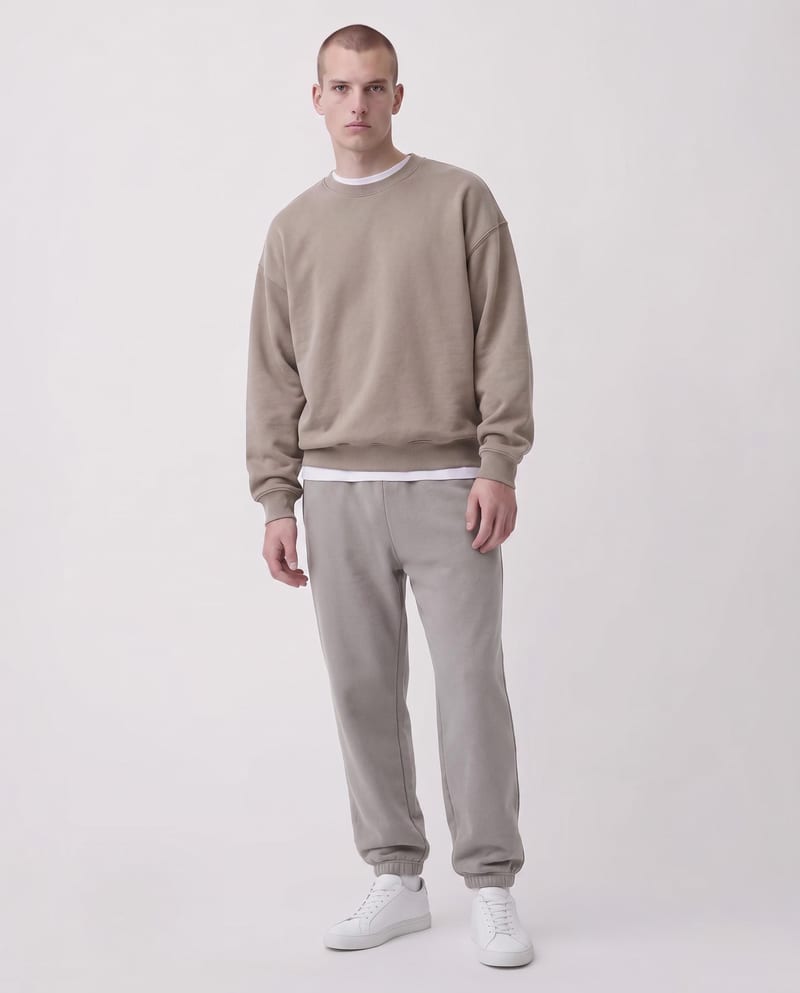
Upload a garment image and specify sections with color codes to create a recolored garment image.
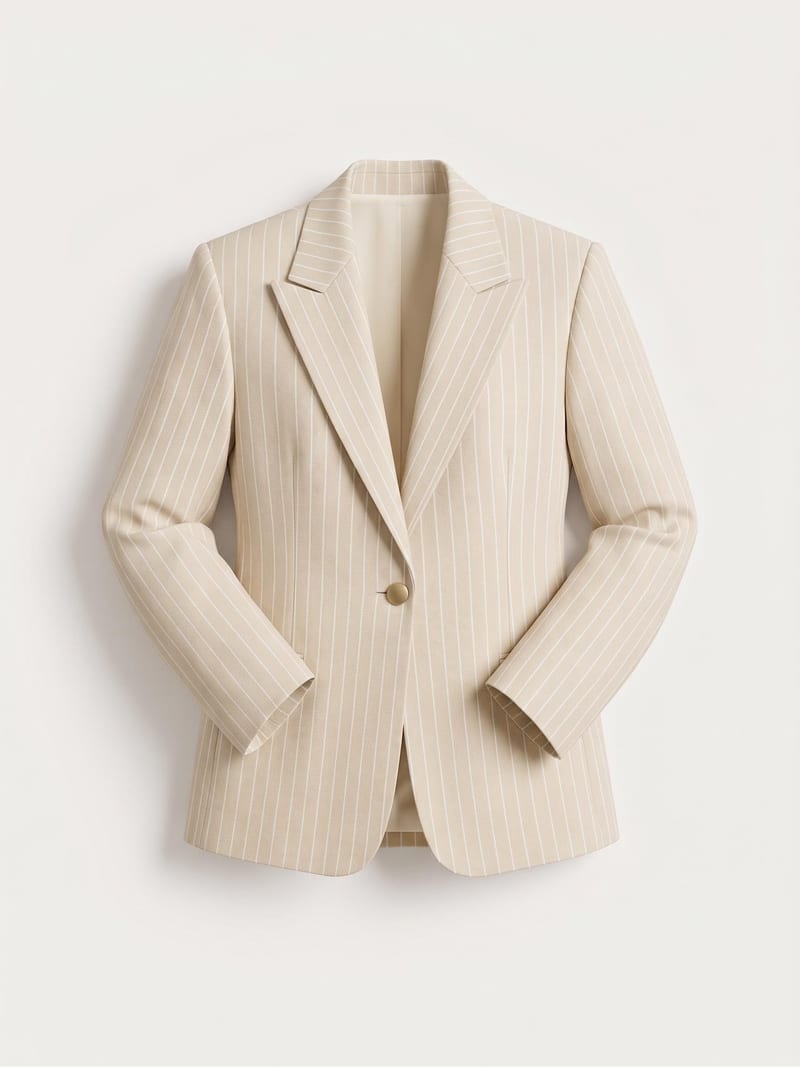
Turn a garment sketch, chosen color, and material description into a realistic garment render while preserving the design’s silhouette and details.
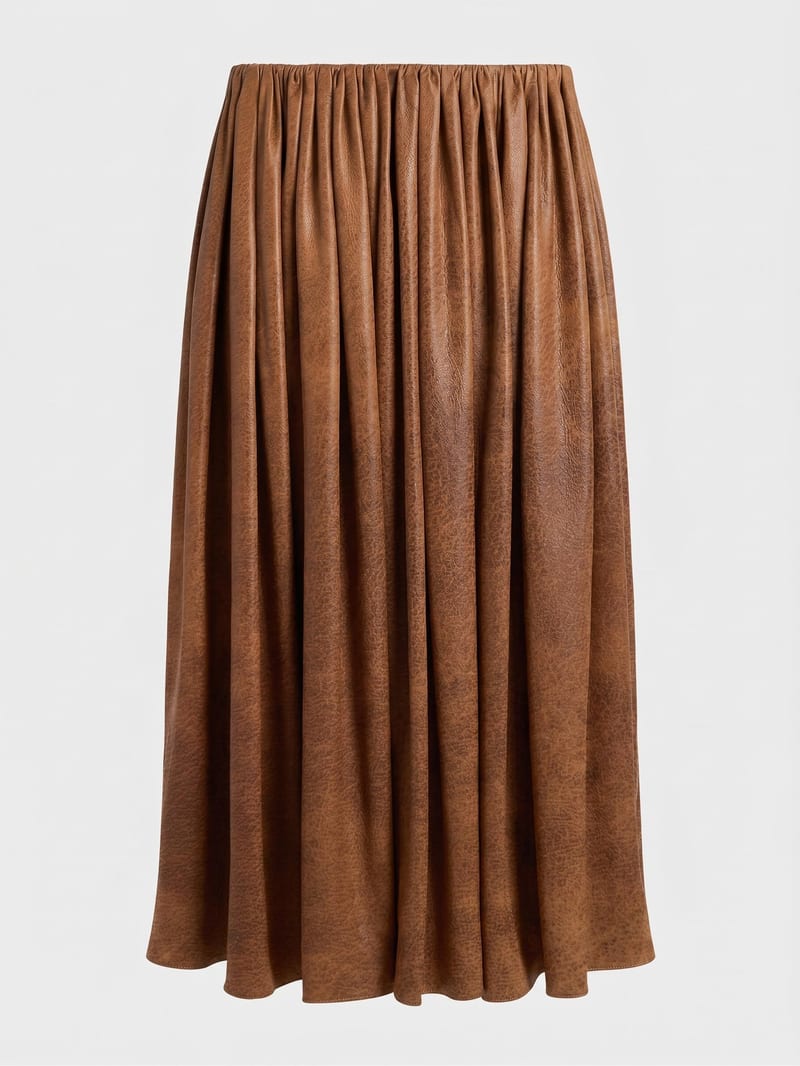
Combine a garment image with a reference material image to create a garment visual using the selected fabric.
