Recipev1
Apply Fabric to Garment
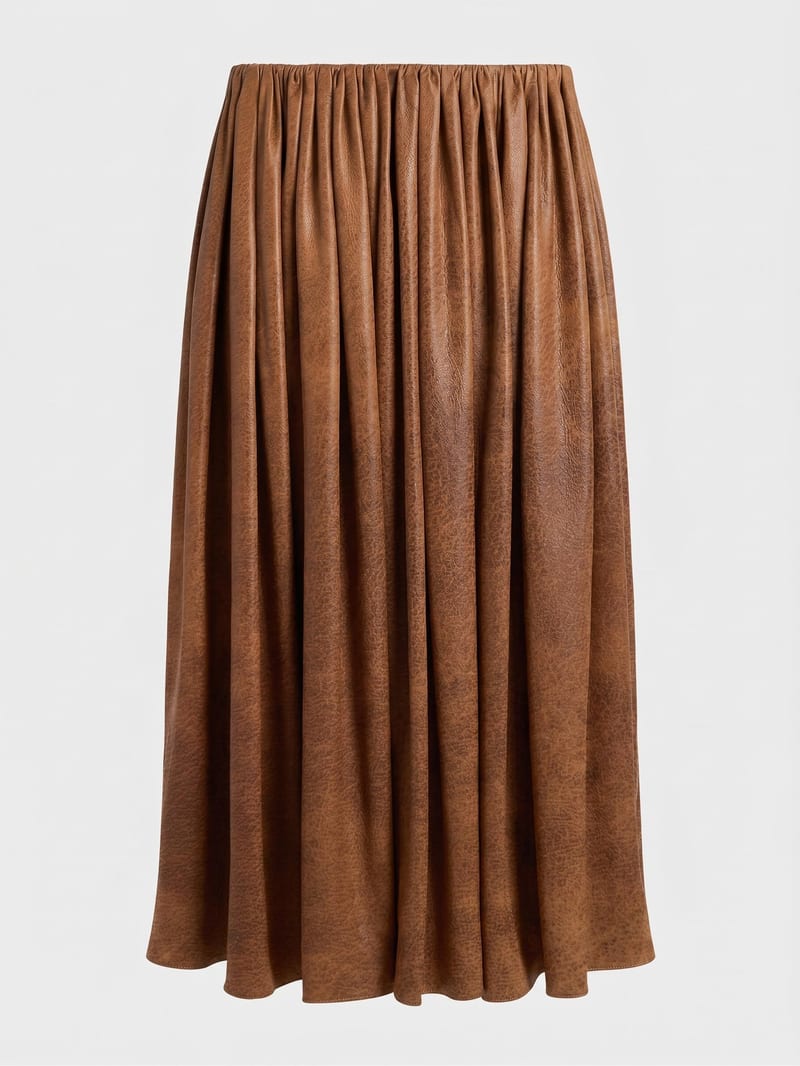
Material-Applied Garment
One click, whole workflow
Recipes are here. Package a whole workflow and run it in one click
Explore recipesGarment Fabric Application
Combine a garment image with a reference material image to create a garment visual using the selected fabric.
Material-Applied Garment
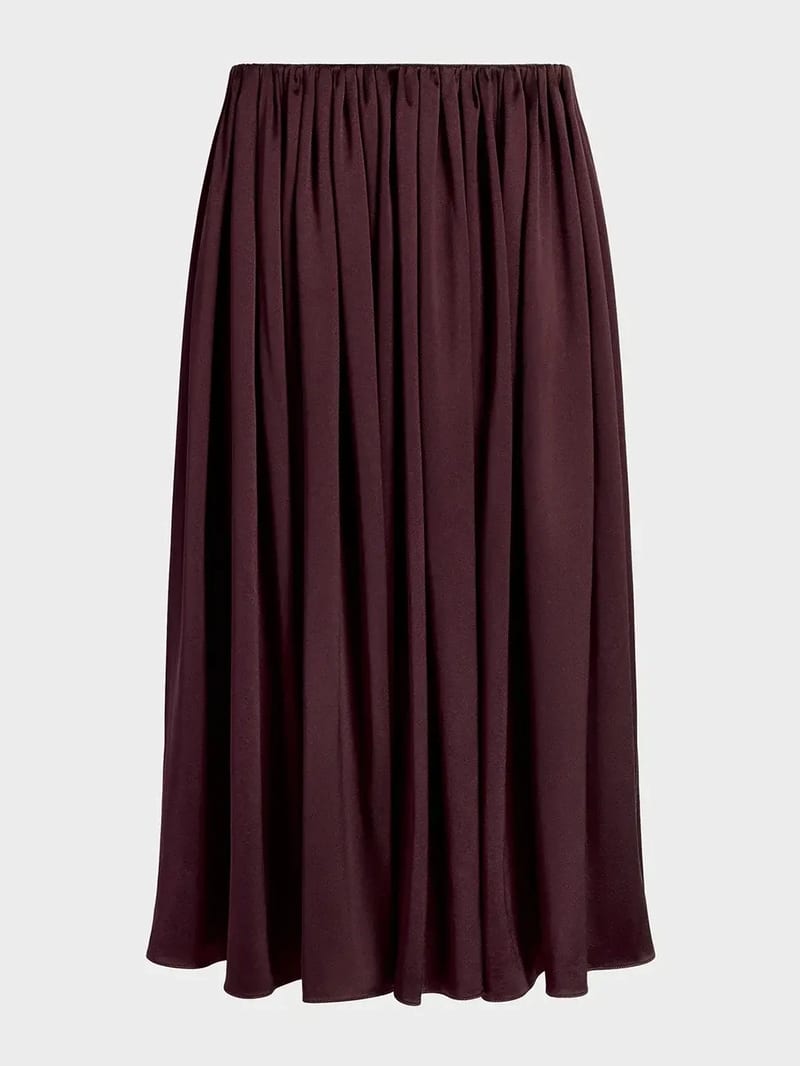
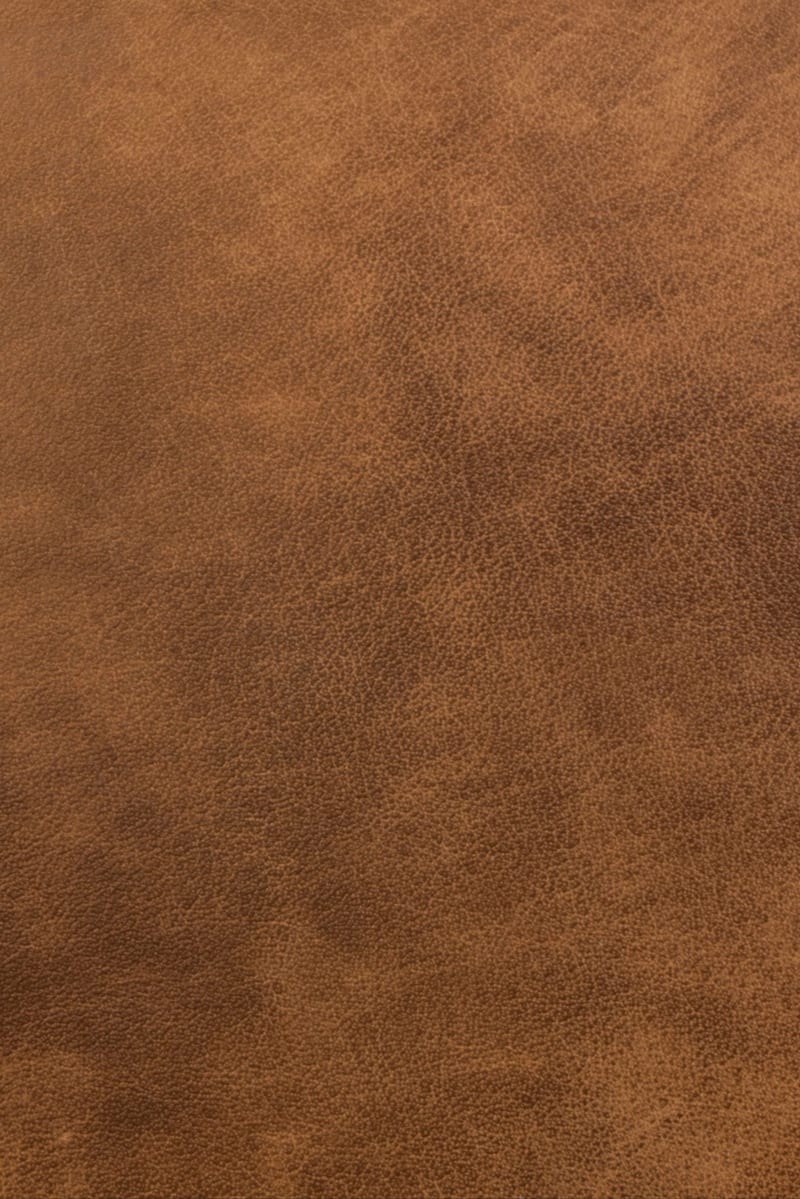
A recipe turns a reusable workflow into a simple set of inputs and outputs. Start with a community recipe and make it your own in Fuser.

1. Choose a recipe
Find a workflow for the result you want. Review what it does and how to use it before opening it in Fuser.
2. Make it your own
Check the recipe’s available inputs. Add your own text or media where supported, or start with the saved defaults.
3. Run and refine
Run it in Fuser and review the result on your canvas. Tweak the inputs to try another direction.
Use the fabric-applied garment image to explore and communicate apparel concepts across design and merchandising tasks.
It uses a Garment Image and a Reference Material image to create a Material-Applied Garment image. The intended result shows the selected material applied to the garment while preserving its original design, fit, shape, and details.
It is useful for people exploring fashion, streetwear, merch, and apparel concepts who want to review a garment with a different material reference. The output is an image for visual concept and presentation work.
Prepare one Garment Image showing the apparel item you want to work with and one Reference Material image showing the fabric or material to apply. Both are image inputs exposed by the recipe.
Yes. Visitors can change the exposed Garment Image and Reference Material inputs in Fuser before using the recipe. Changing either input changes the source garment or material used for the new output.
The saved preview demonstrates the default example connected from a garment image and a reference material image to a Material-Applied Garment image. It is a saved example of the recipe, not a live run or a guarantee of a particular result for new inputs.
The Material-Applied Garment image can support fabric comparisons, apparel concept reviews, merchandising discussions, and presentation materials. It is best understood as a visual garment concept rather than a finished production specification.
The recipe is designed to preserve the garment’s original design, fit, shape, and details while applying the reference material. The quality of a new result will depend on the garment and material images selected.
Bring a garment image and reference material together in Fuser to create a material-applied apparel visual.
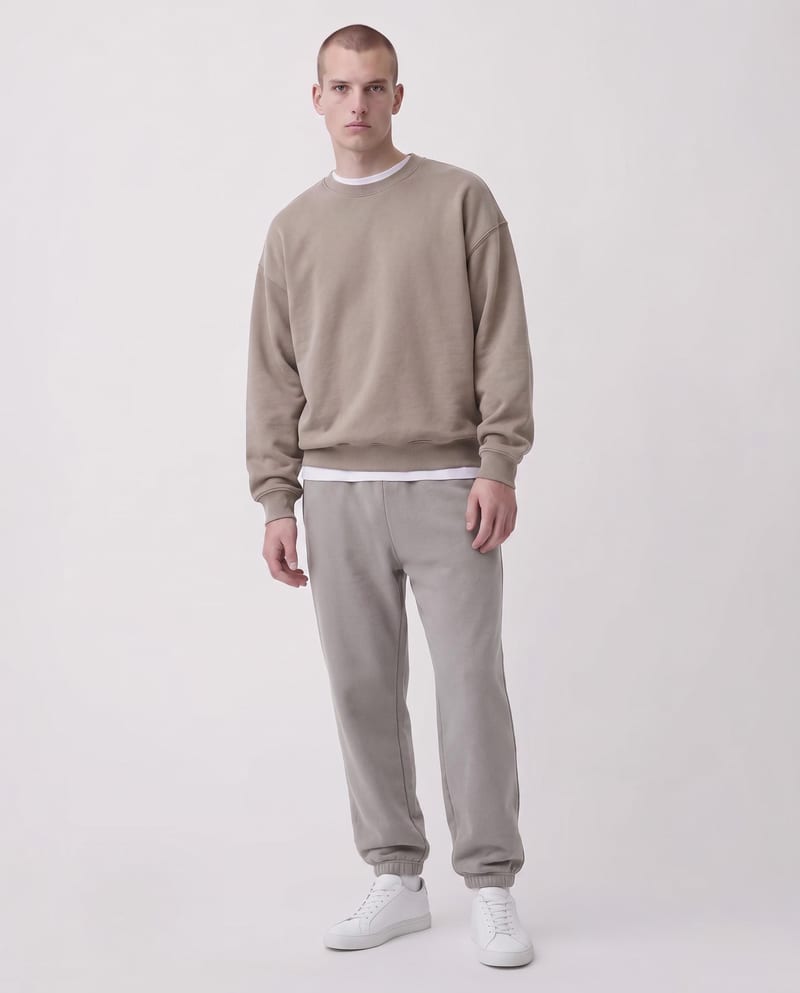
Upload a garment image and specify sections with color codes to create a recolored garment image.
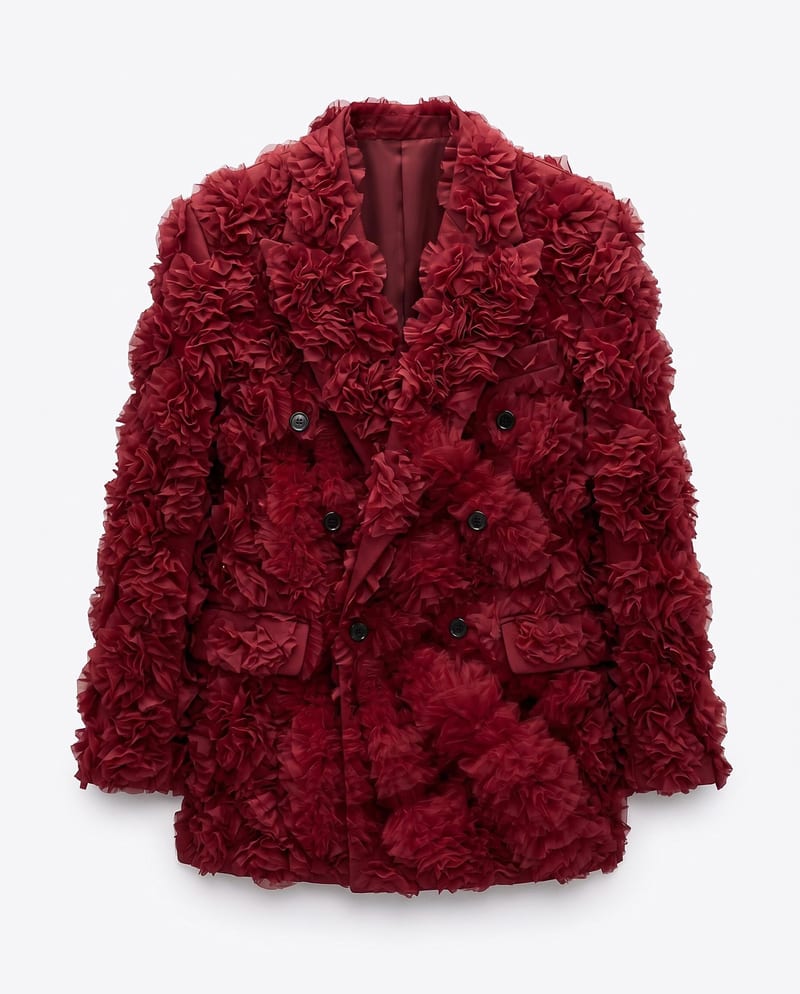
Upload a garment image, a material image, and an application area to create a garment image with the selected material applied.
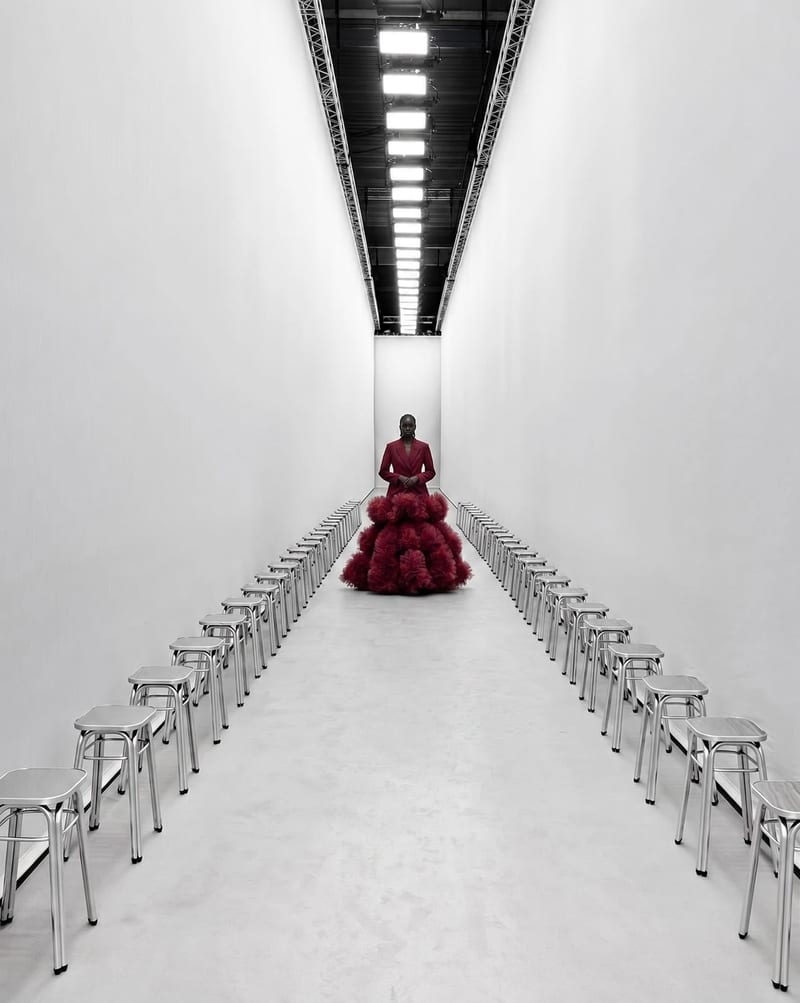
Combine garment, model, and runway images to create a video of the model walking through the selected runway environment.
