One click, whole workflow
Recipes are here. Package a whole workflow and run it in one click
Explore recipesOne click, whole workflow
Recipes are here. Package a whole workflow and run it in one click
Explore recipesArt-direct the next drop.
The clothes are the starting point. Develop the casting, setting, image treatment and layouts that give the season its character. Bring garment references, virtual try-on and editorial concepts together before building the lookbook and launch assets.
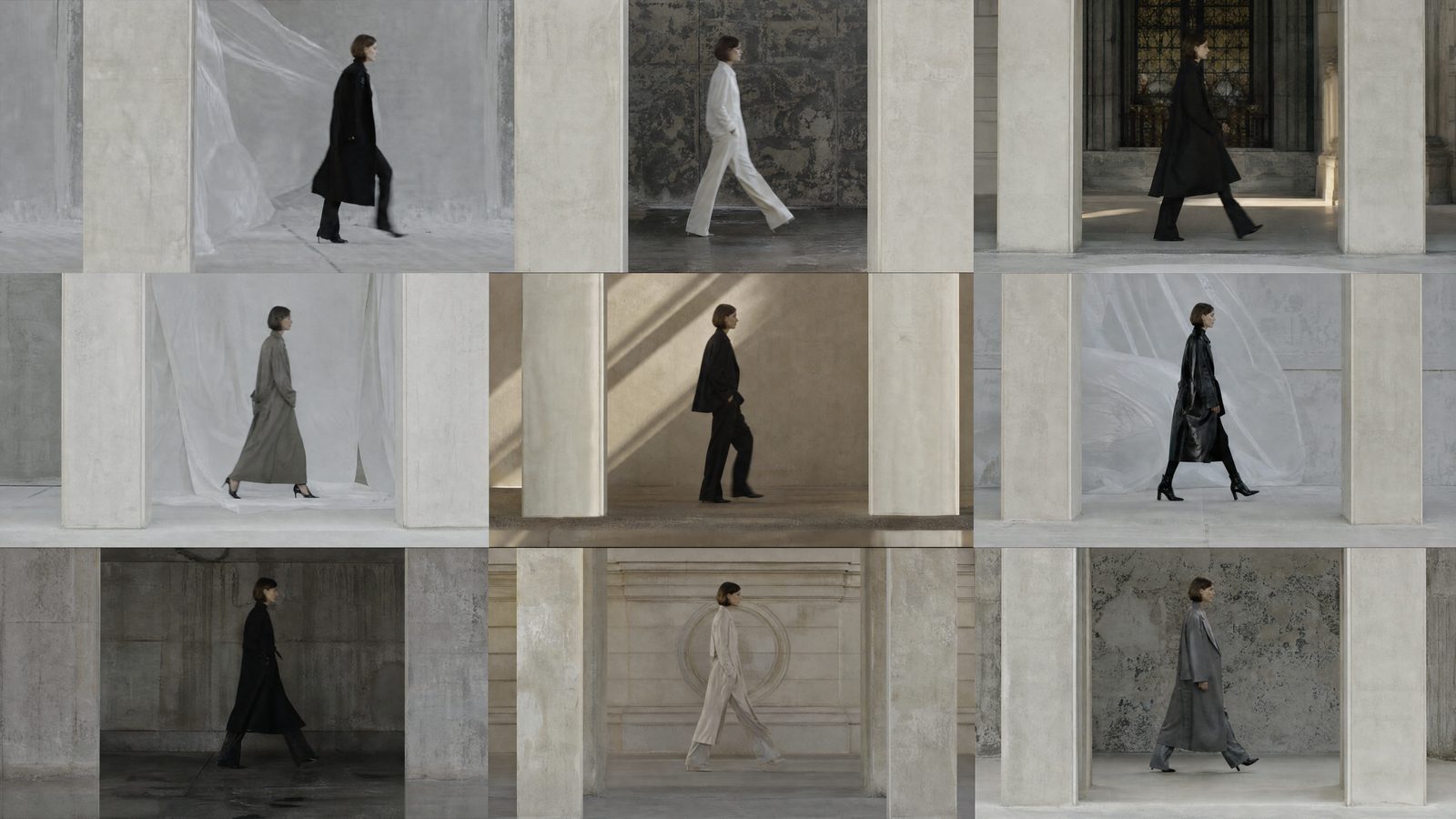
Use garment and person references to explore on-person imagery with virtual try-on. Work from the piece you are presenting rather than describing it from memory. Compare visual studies while deciding how the collection should be styled and shown.
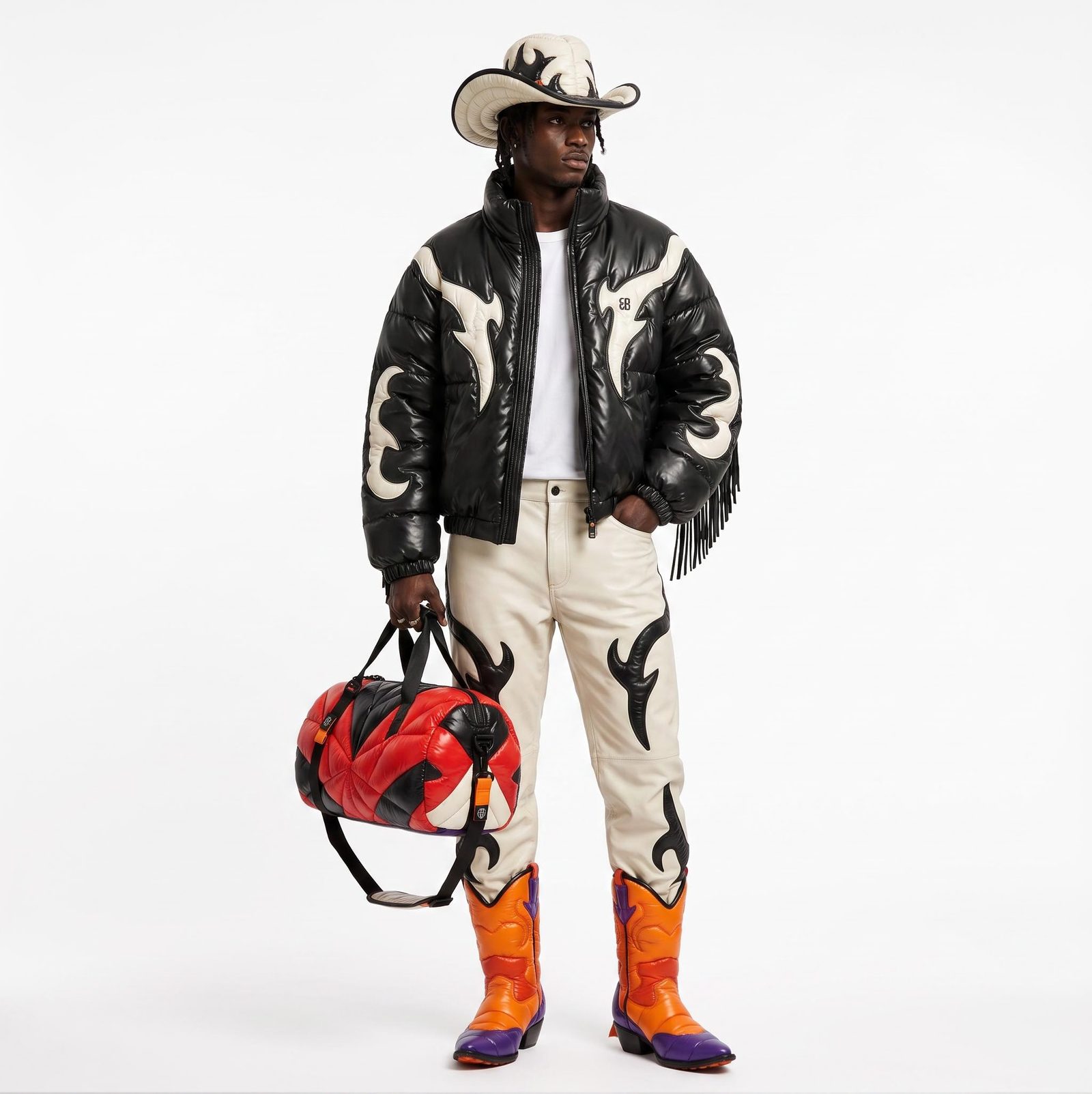
Explore location, palette, light and atmosphere around the collection’s references. Keep looks together on the canvas so you can judge them as a series. Develop an editorial point of view that can carry from the lookbook into the launch campaign.
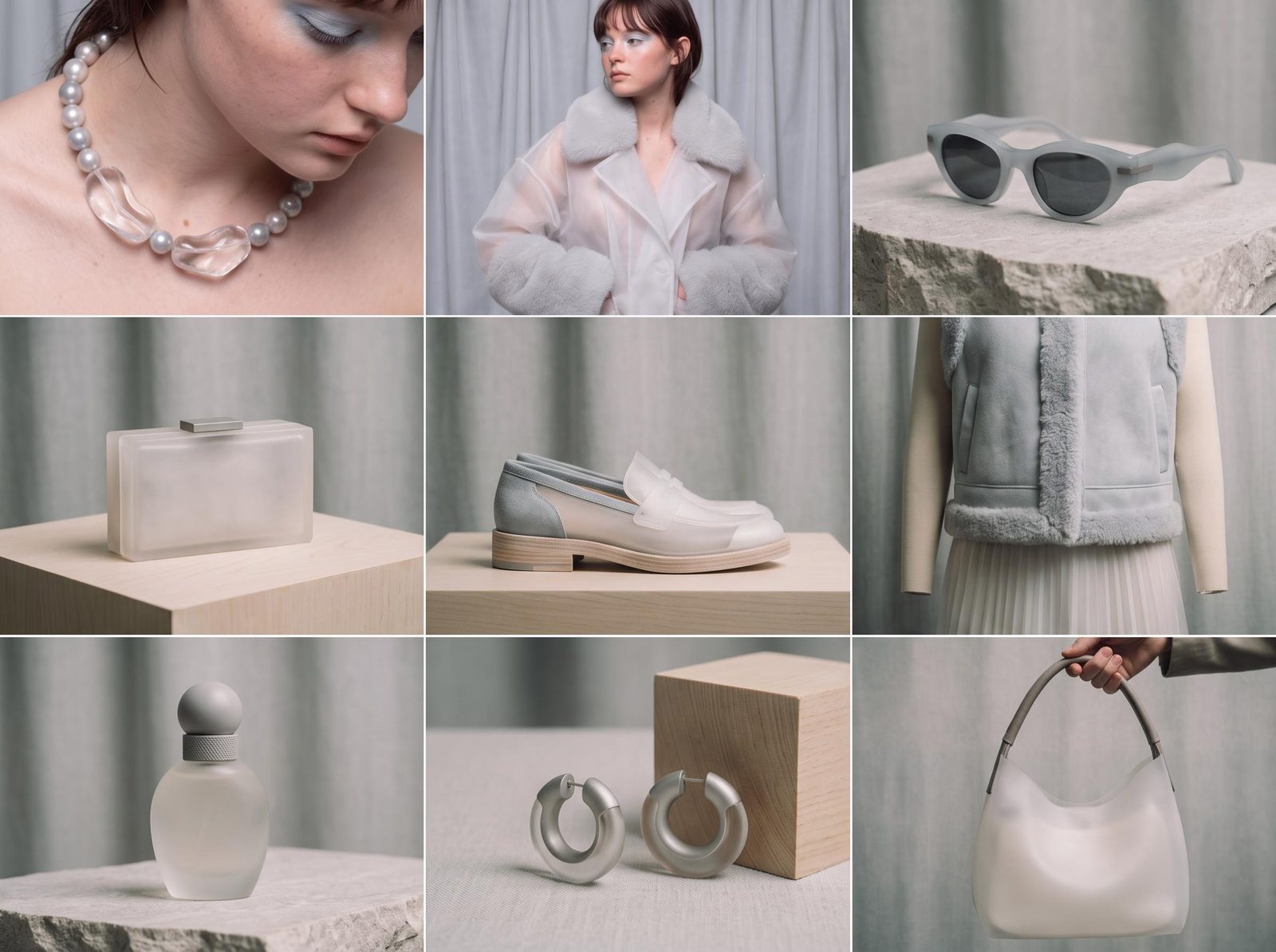
Compose selected imagery with editable collection names, product details and brand marks. Adjust spacing and typography in Compositor as the assortment changes. Save useful generation steps as Recipes for another drop without treating every season as the same creative brief.
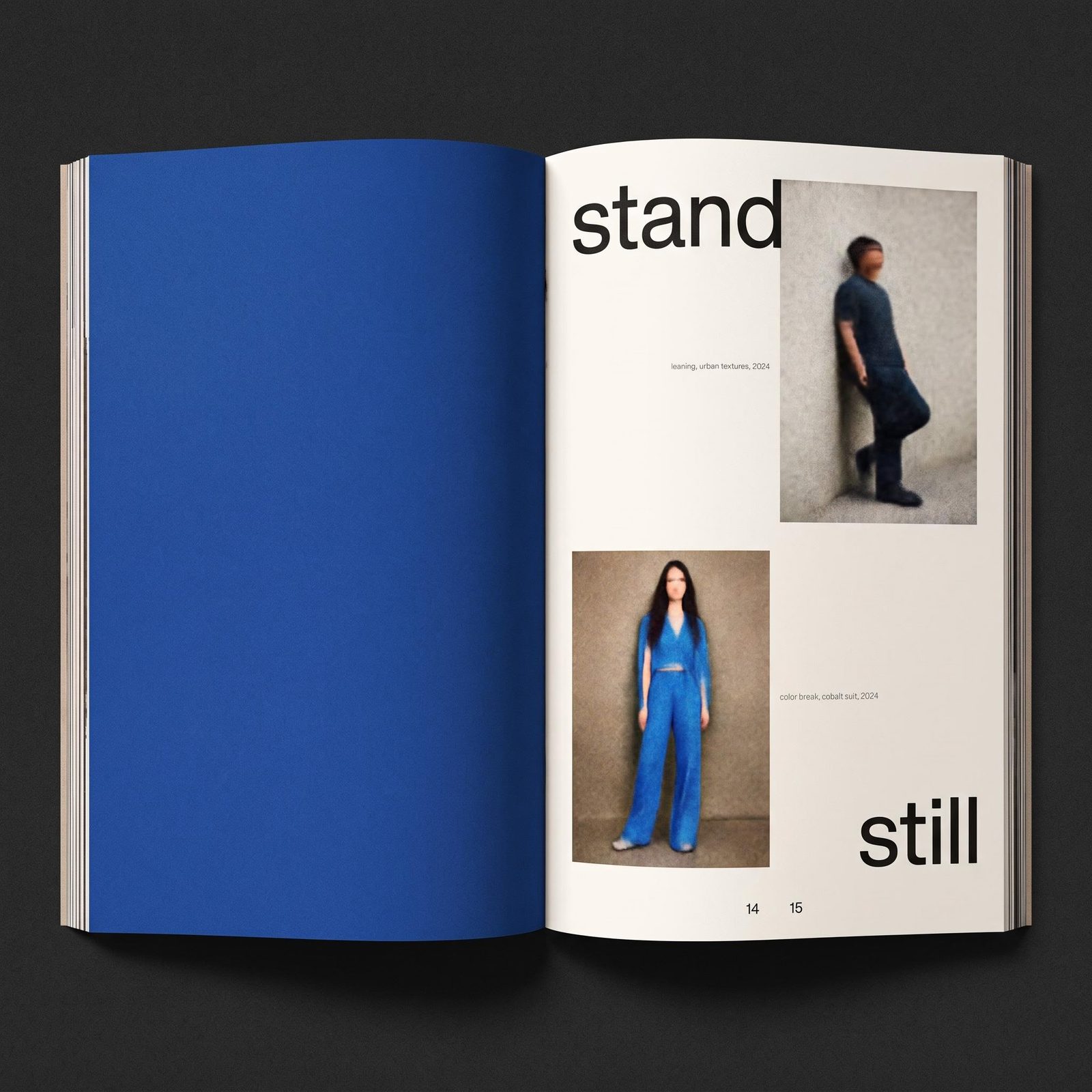
Build from garment references toward a coordinated set of editorial and launch materials.
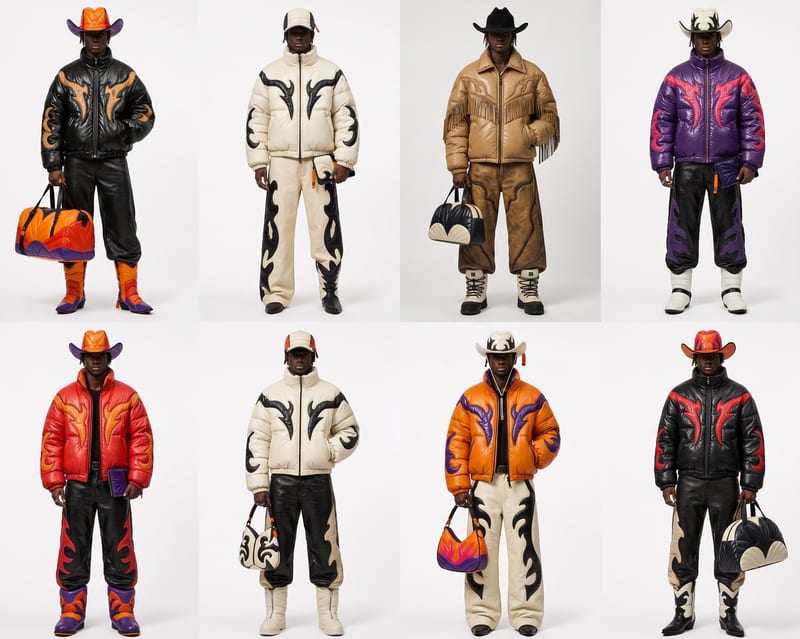
On-person garment studies
Explore how a piece looks on a chosen person reference with virtual try-on.
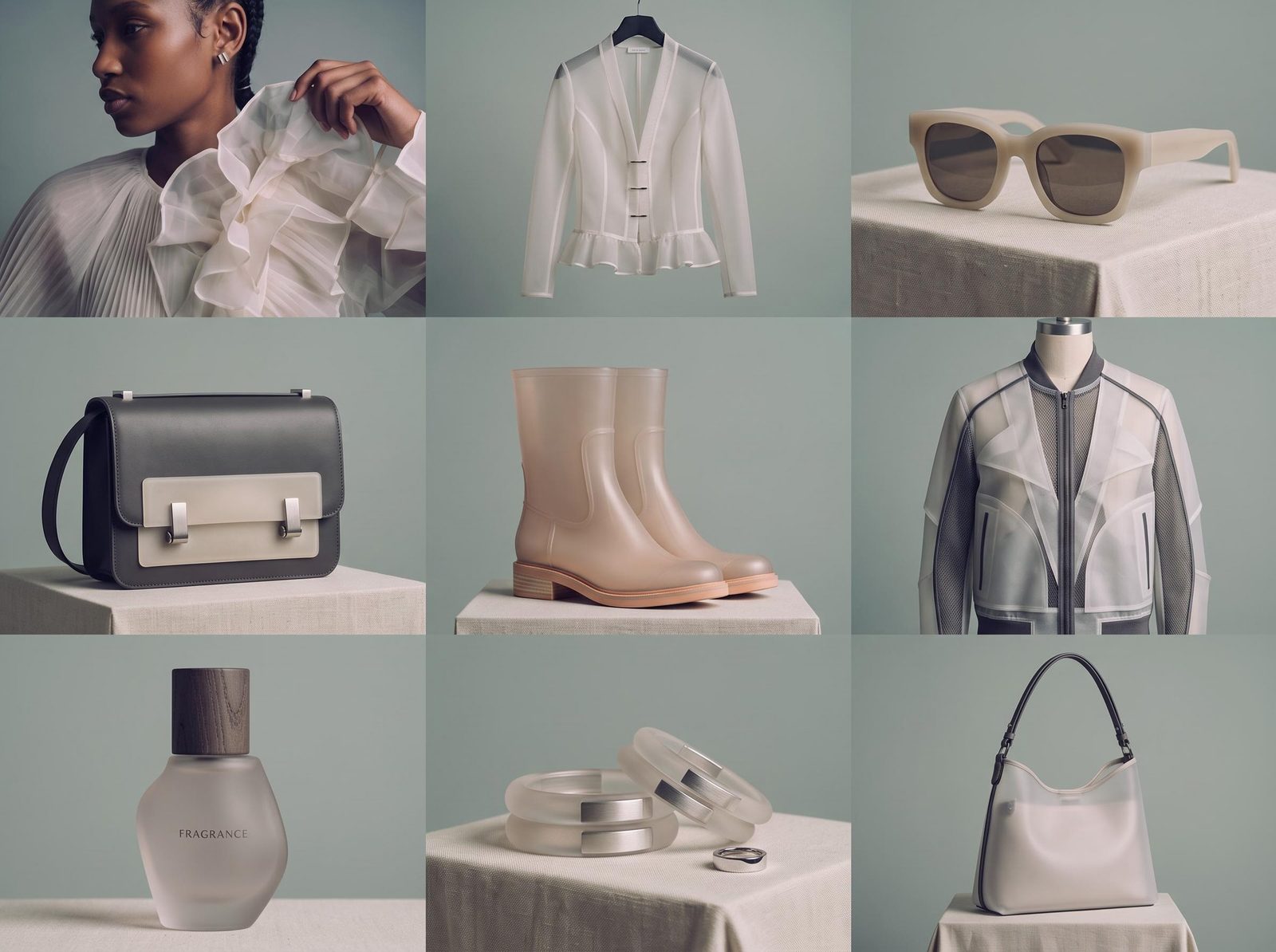
Lookbook spreads
Arrange selected images with considered typography and editable collection details.
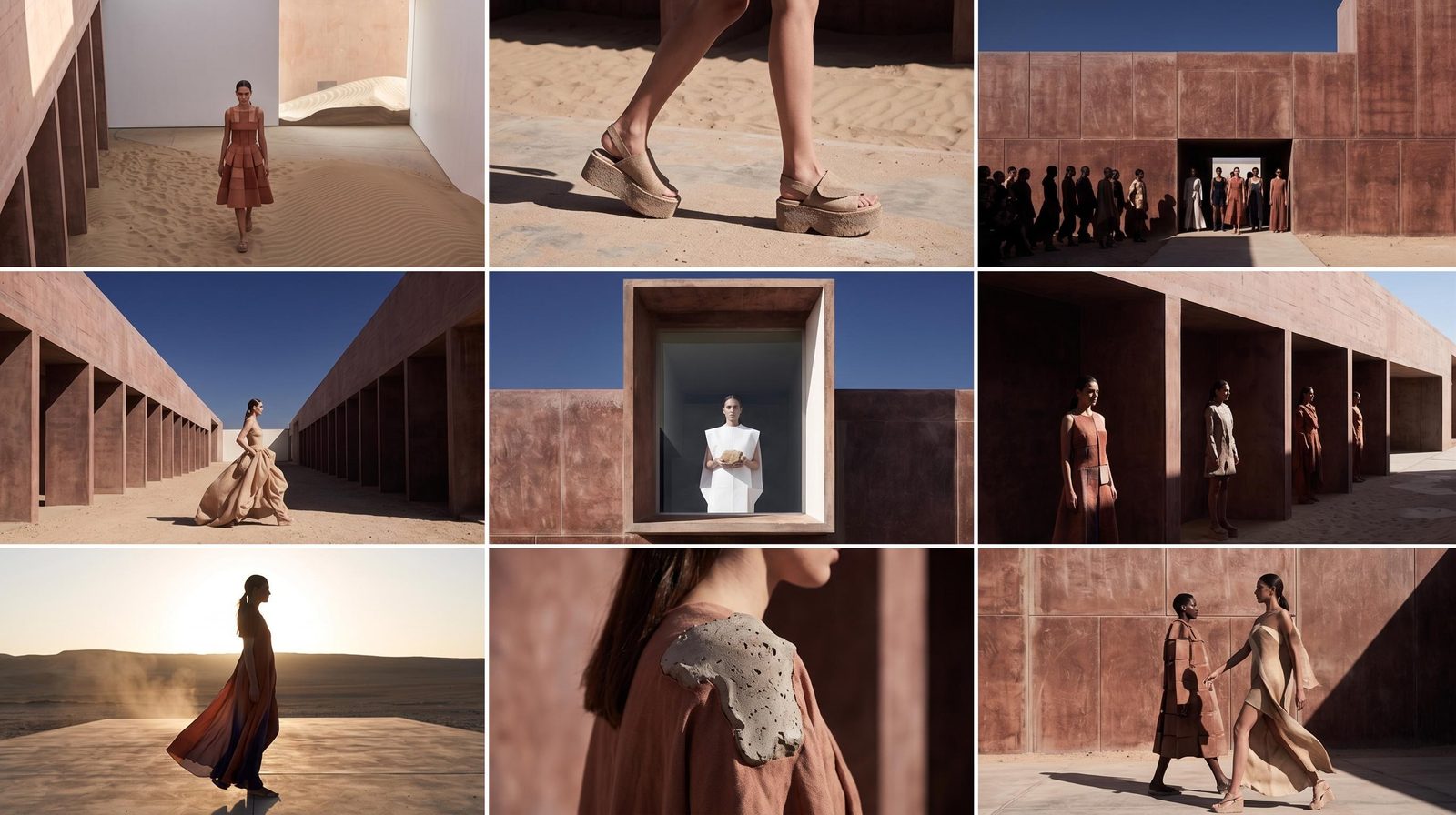
Editorial concepts
Develop the locations, lighting and visual treatment for a campaign direction.
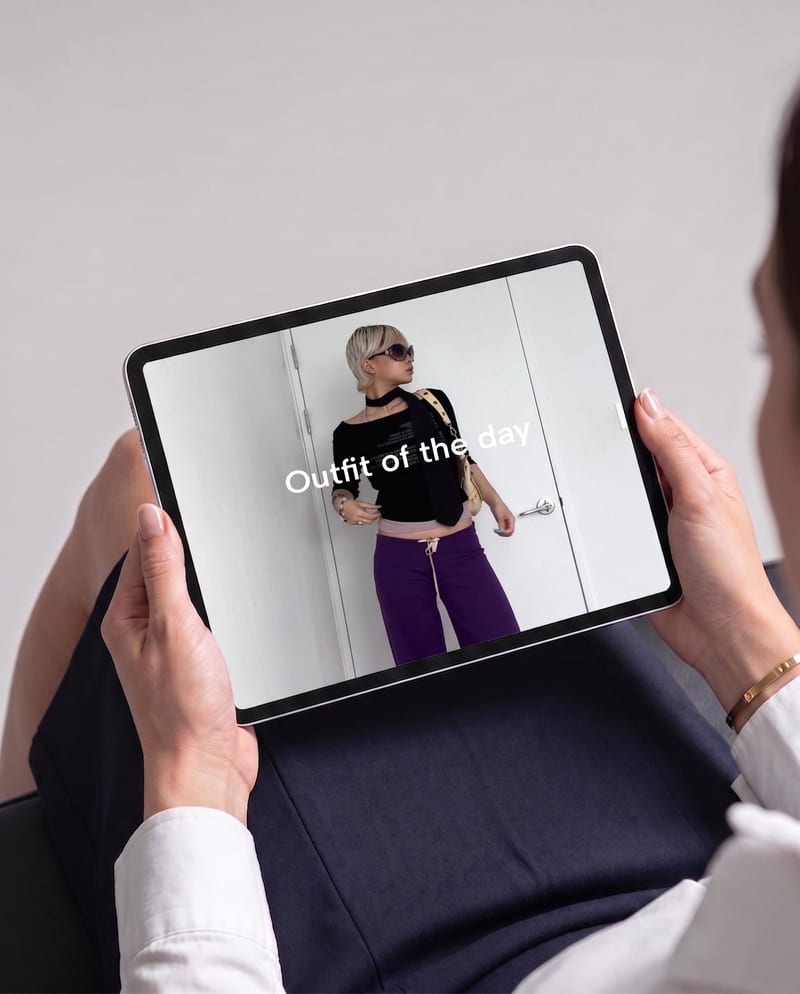
Drop announcements
Create social graphics and promotional layouts around the season’s selected imagery.
Use a clear garment image and a person reference with the relevant clothing area visible. The try-on tool accepts separate inputs, with options for garment category and photo type. Unobstructed references give you a more useful basis for exploration.
Yes. Develop visual studies around the collection’s mood, setting, lighting and styling references. Compare a few coherent directions, then compose the selected frames into an editorial board. Use that work to make the intended look clear to the team before planning the physical production.
Yes. Use selected try-on results to explore how garments read on a person and develop the collection’s visual story. Compare prints, trims and garment shape with the source before selecting images for layouts. Try-on supports visual exploration; it does not measure physical fit or establish sizing.
Start with shared art-direction references and a clear brief for the collection. Reuse the connected steps that produce a useful treatment, then vary the garment or scene deliberately. Compare the images together and finish recurring type and graphic details in Compositor so the set reads as one collection.
Yes. Build the layouts with selected imagery and editable text in Compositor. Change a style name, replace an image or rearrange the presentation without asking generation to redraw the whole page. Export the compositions for the deck or publishing workflow your team already uses.
Place original marks and editable text in Compositor rather than asking the image generator to draw them. You can update style names, headlines and layout details while retaining the selected imagery.
Yes. Take a selected editorial image into a video step to explore movement and atmosphere, then compose branding and launch details over the result. Check garment appearance across the clip before selecting it. Still and motion studies can share the same creative references instead of developing as unrelated campaigns.
Bring the garments and a few editorial references. Explore the looks, then compose the launch.
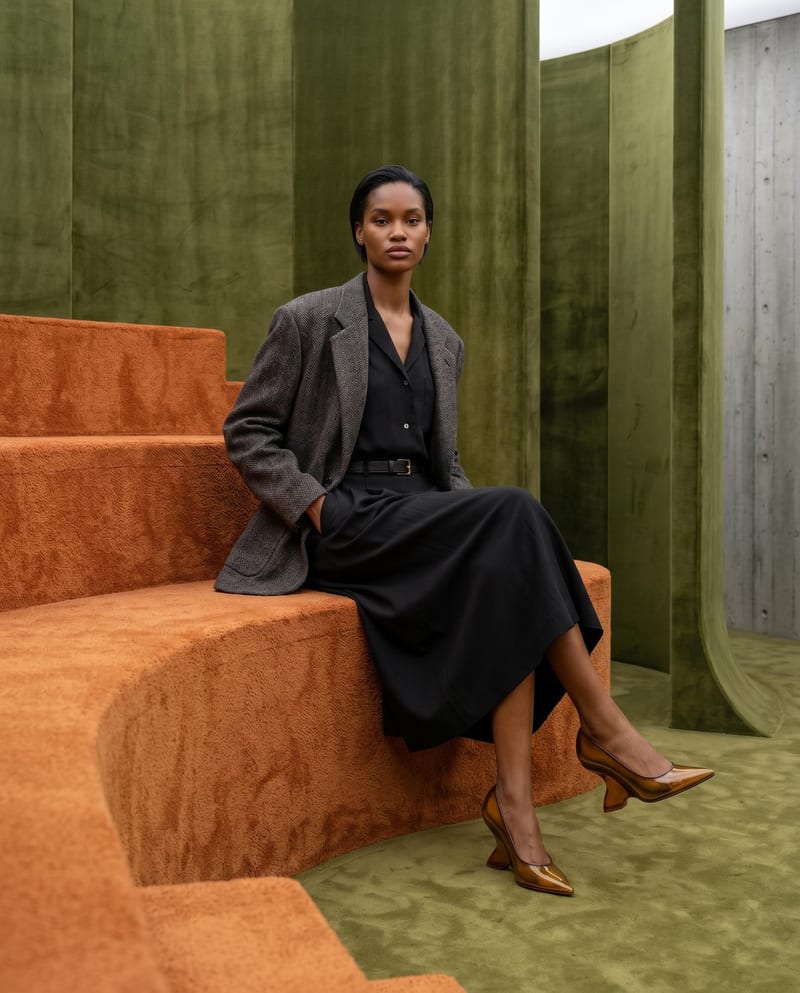
Combine model, accessory, location, and pose inputs into a fashion photography composition.
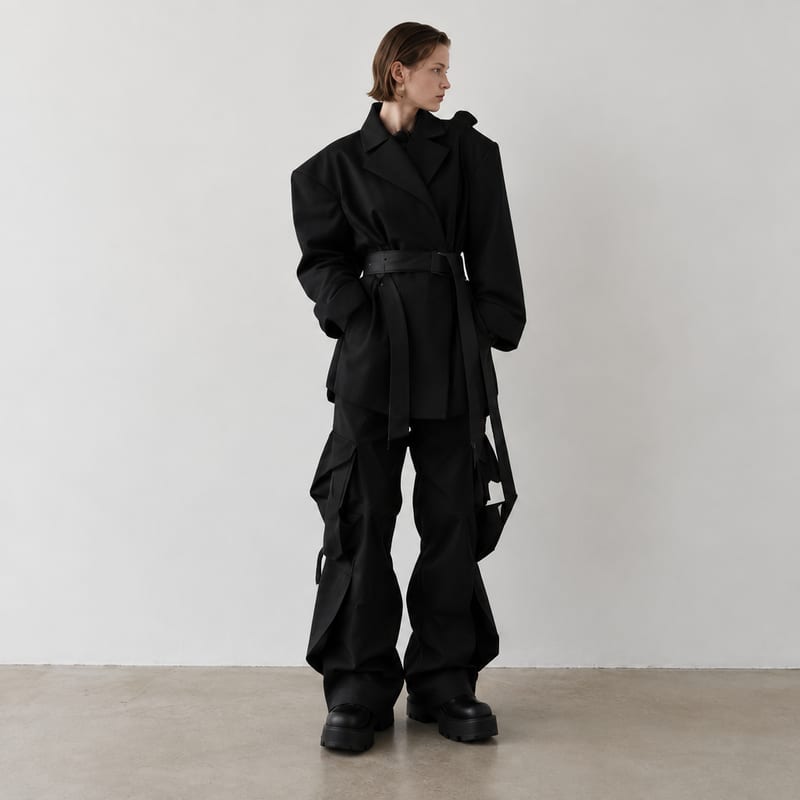
Generate fashion design images guided by up to five fashion reference images.
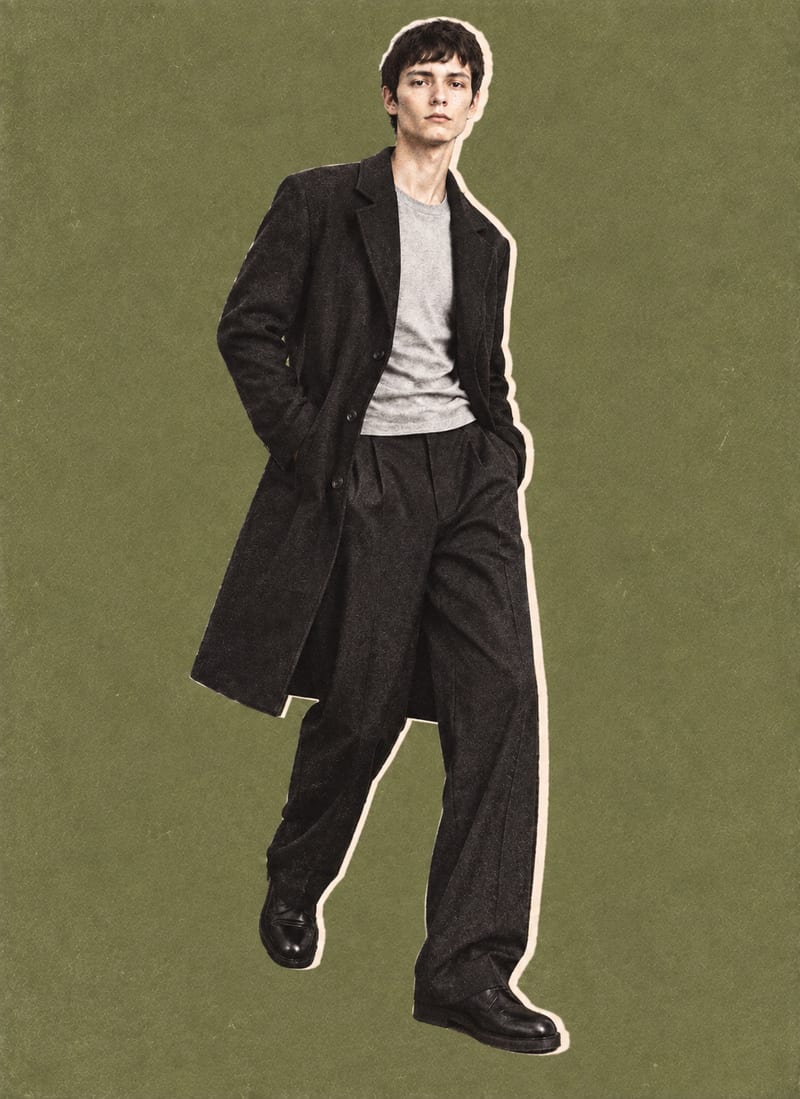
Combine a model image, lie-flat clothing shot, and background color into editorial-style fashion collage outputs.
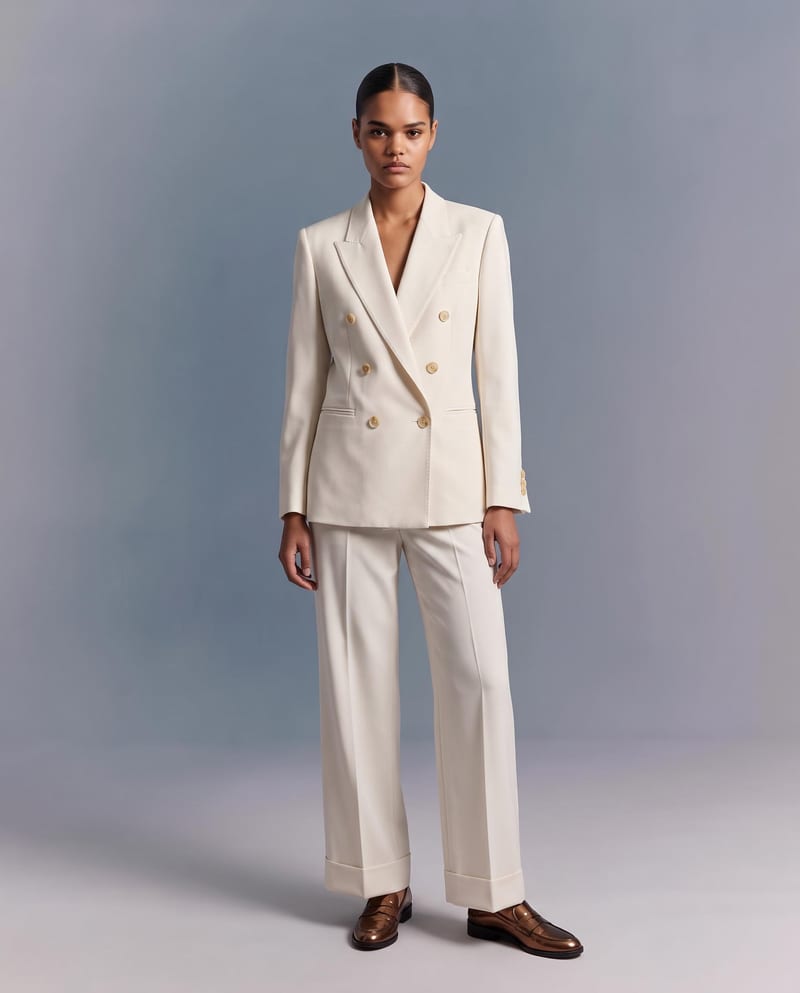
Upload a garment image to create a virtual try-on image of it on a model while preserving its design, color, fit, proportions, and details.
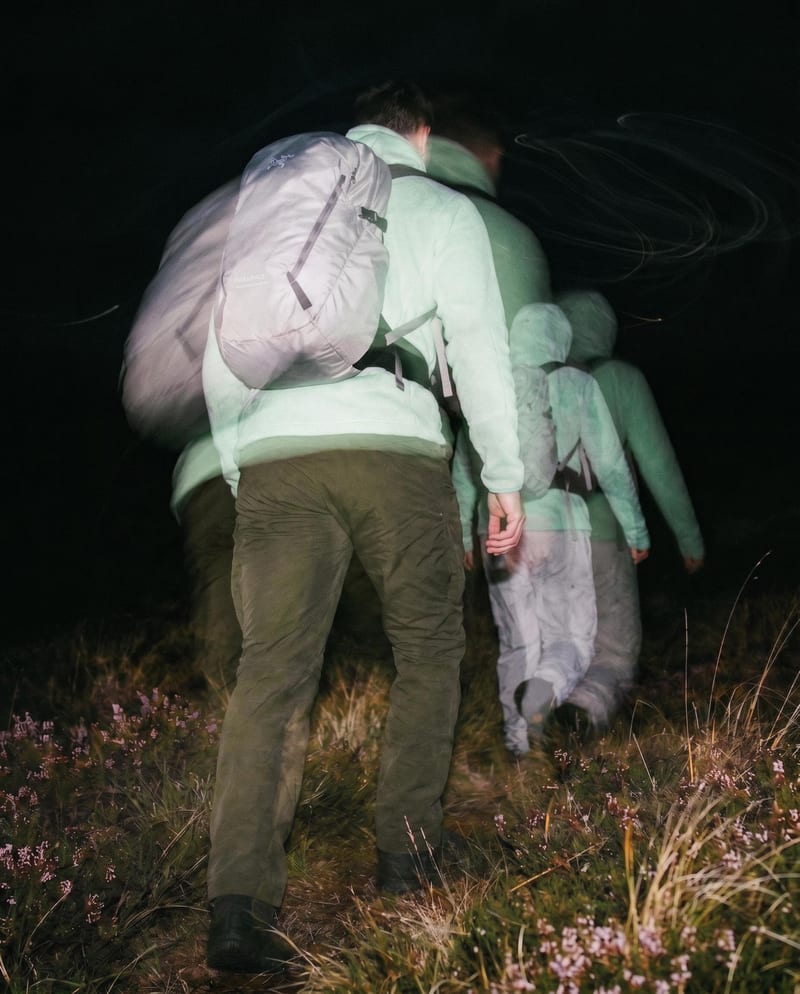
Transform one source image into color and black-and-white looks with cinematic motion blur and realistic film grain.
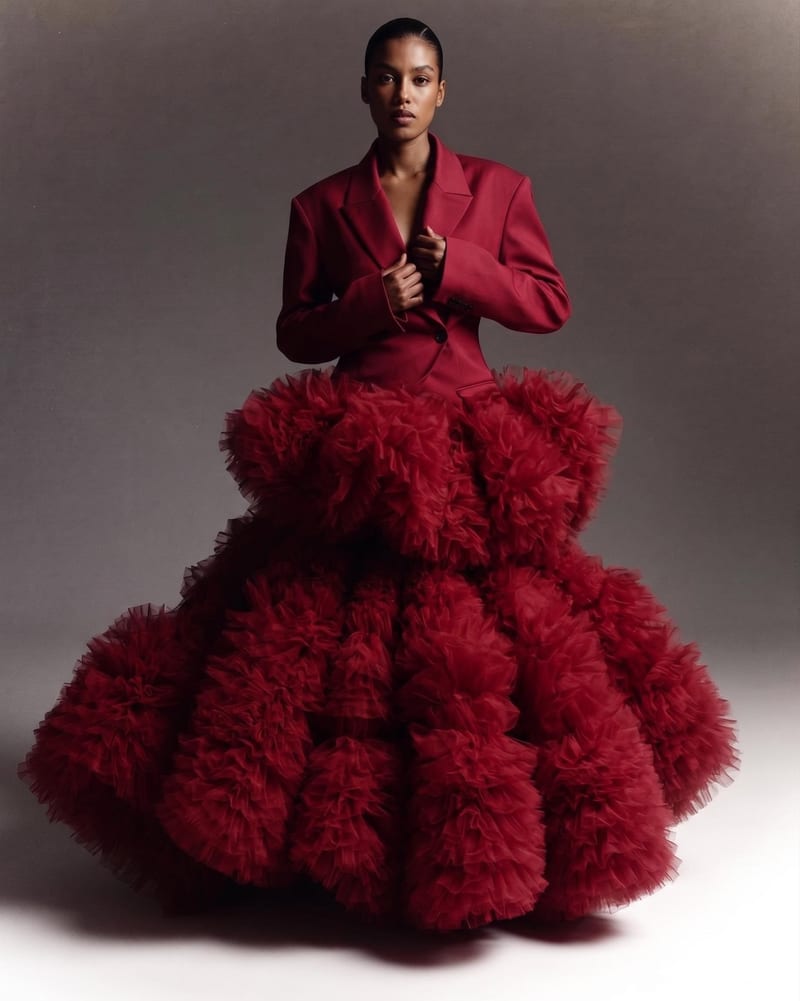
Combine two garment reference images into one blended style image with a cohesive fashion direction.
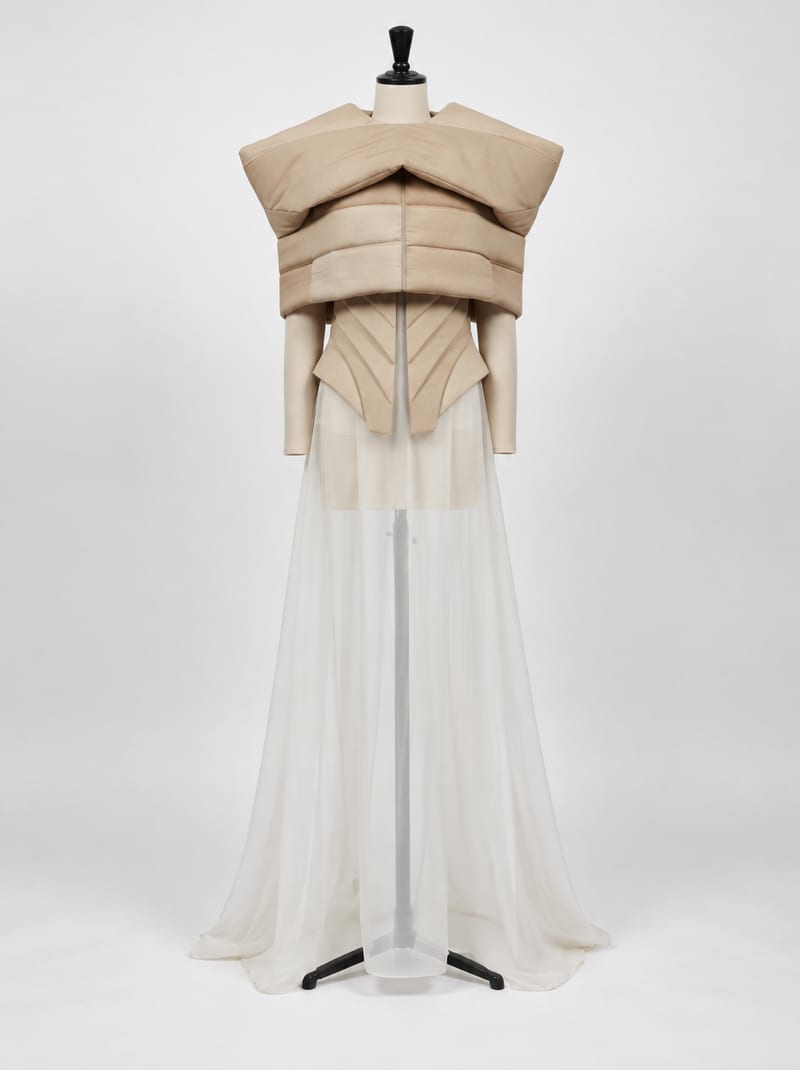
Combine fashion inspiration with an environment reference to create nine costume design image concepts for a shared setting.
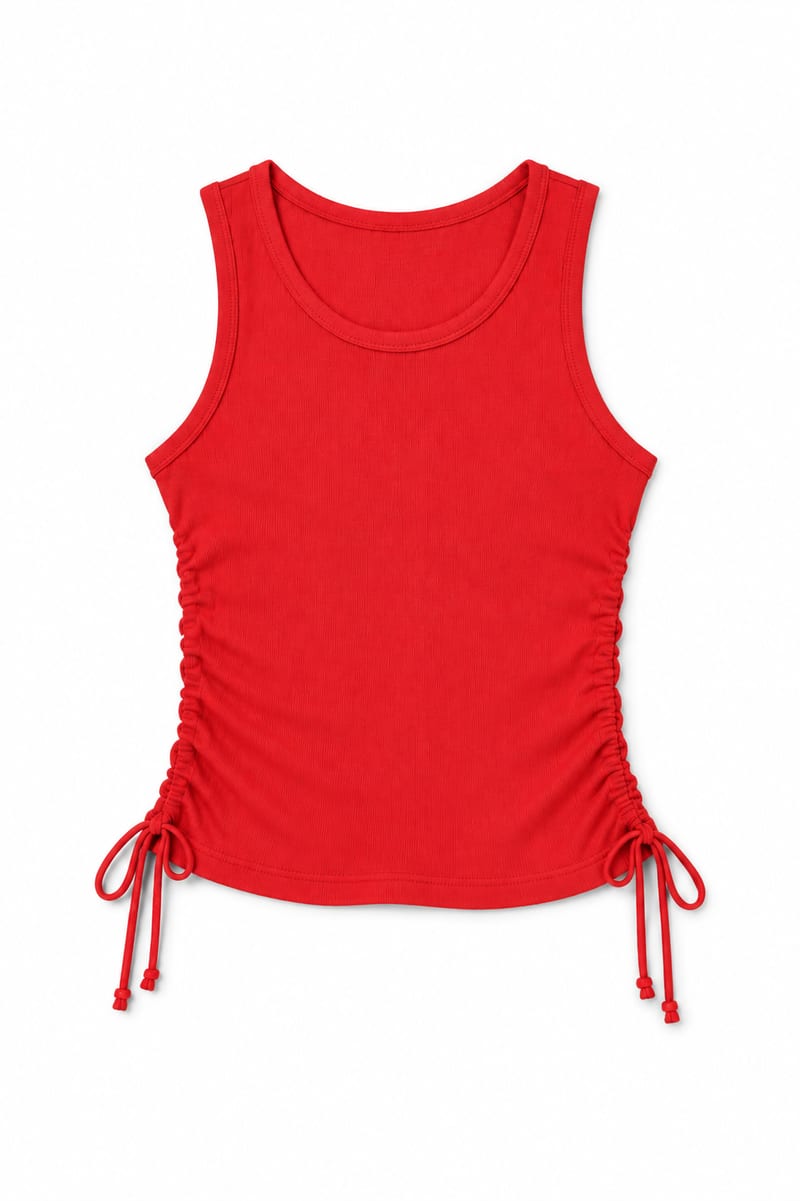
Transform an image of a clothing item into a website-ready photo with a background color you choose.
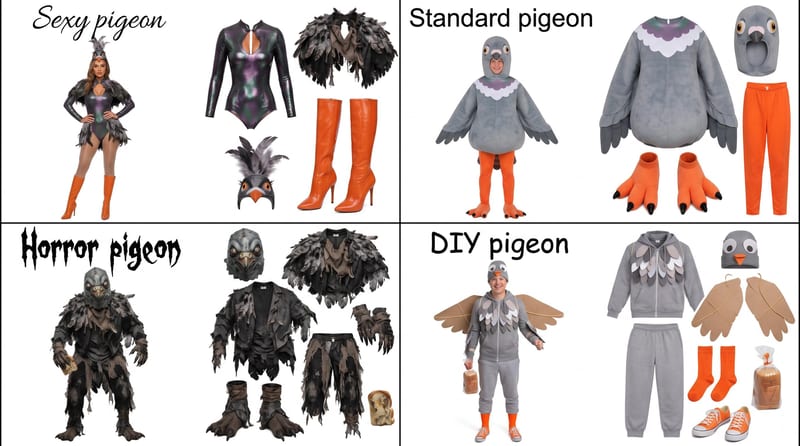
Enter a Halloween costume idea, such as pigeon, to create a grid showing four distinct costume options.
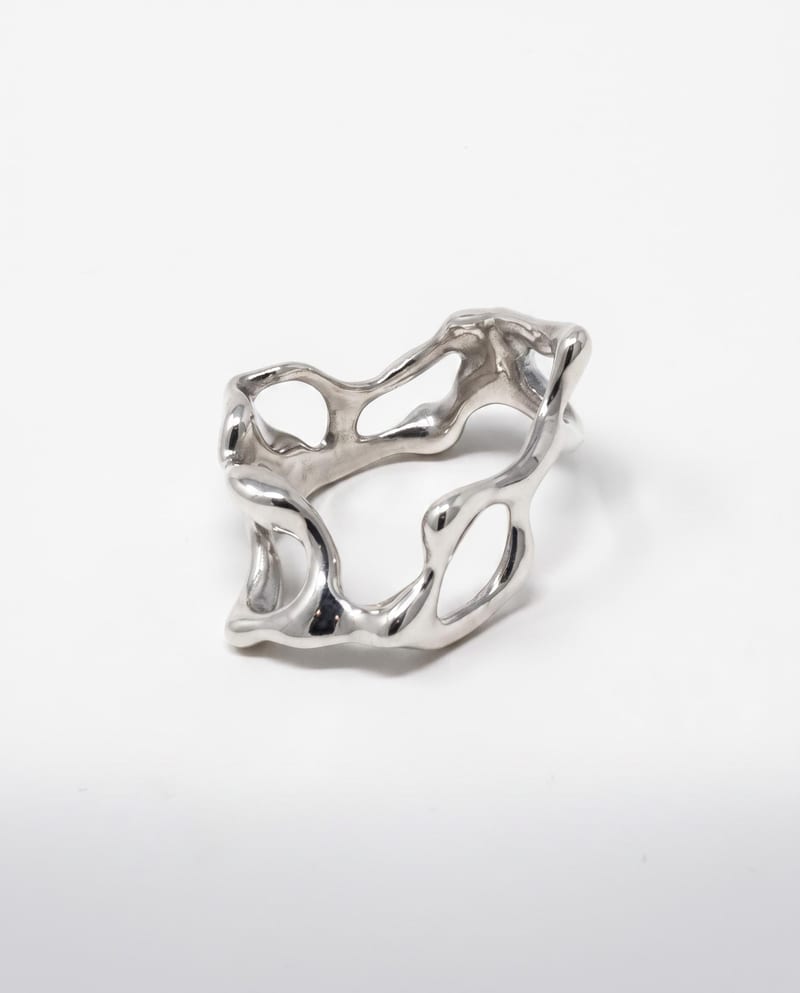
Upload a ring reference to create polished luxury photography with studio, detail, and on-hand views on a clean light background.
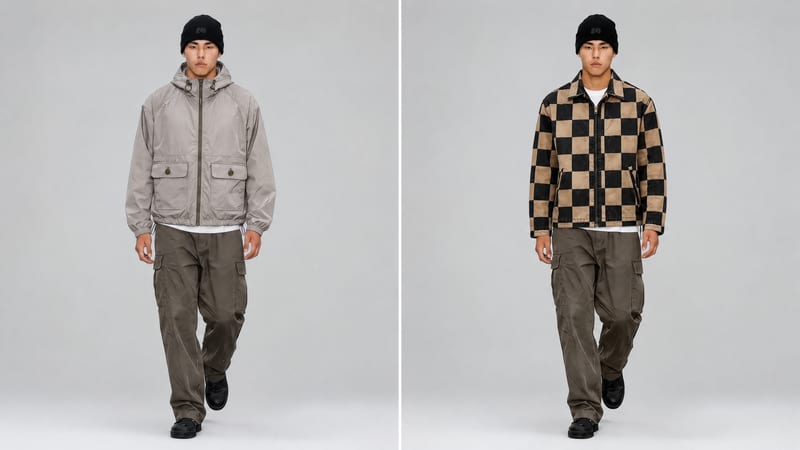
Use a new clothing image and an existing video to create an edited video with the clothing item replaced.
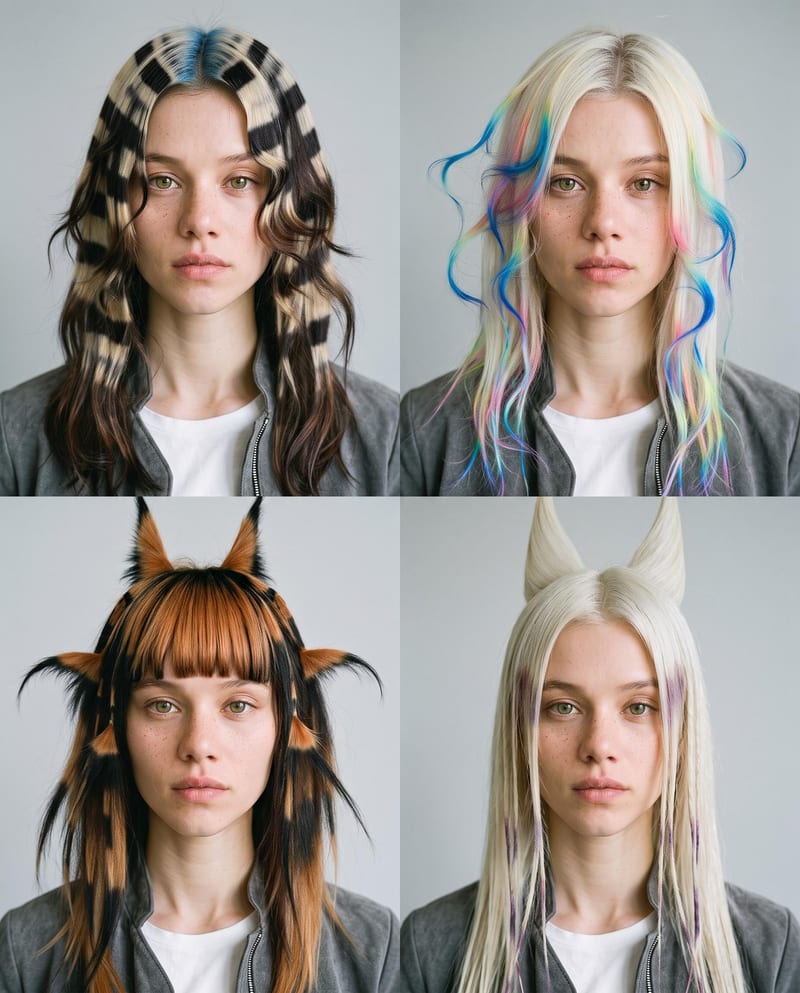
Upload one portrait to explore four fantasy hairstyles while keeping the person’s face, features, and expression consistent.