One click, whole workflow
Recipes are here. Package a whole workflow and run it in one click
Explore recipesOne click, whole workflow
Recipes are here. Package a whole workflow and run it in one click
Explore recipesCreative Code
Creative Code is Fuser’s AI creative coding node. Describe a sketch or write JavaScript, and it runs live with p5.js, Three.js or HTML5 Canvas: shaders, effects and interactive design tools wired into the rest of your flow.
The Creative Code Node is a full creative coding environment, directly in your canvas. Describe what you want to build, view and edit the code, and highlight any line to see an explanation of how it works. A production tool and a learning environment, all in one.
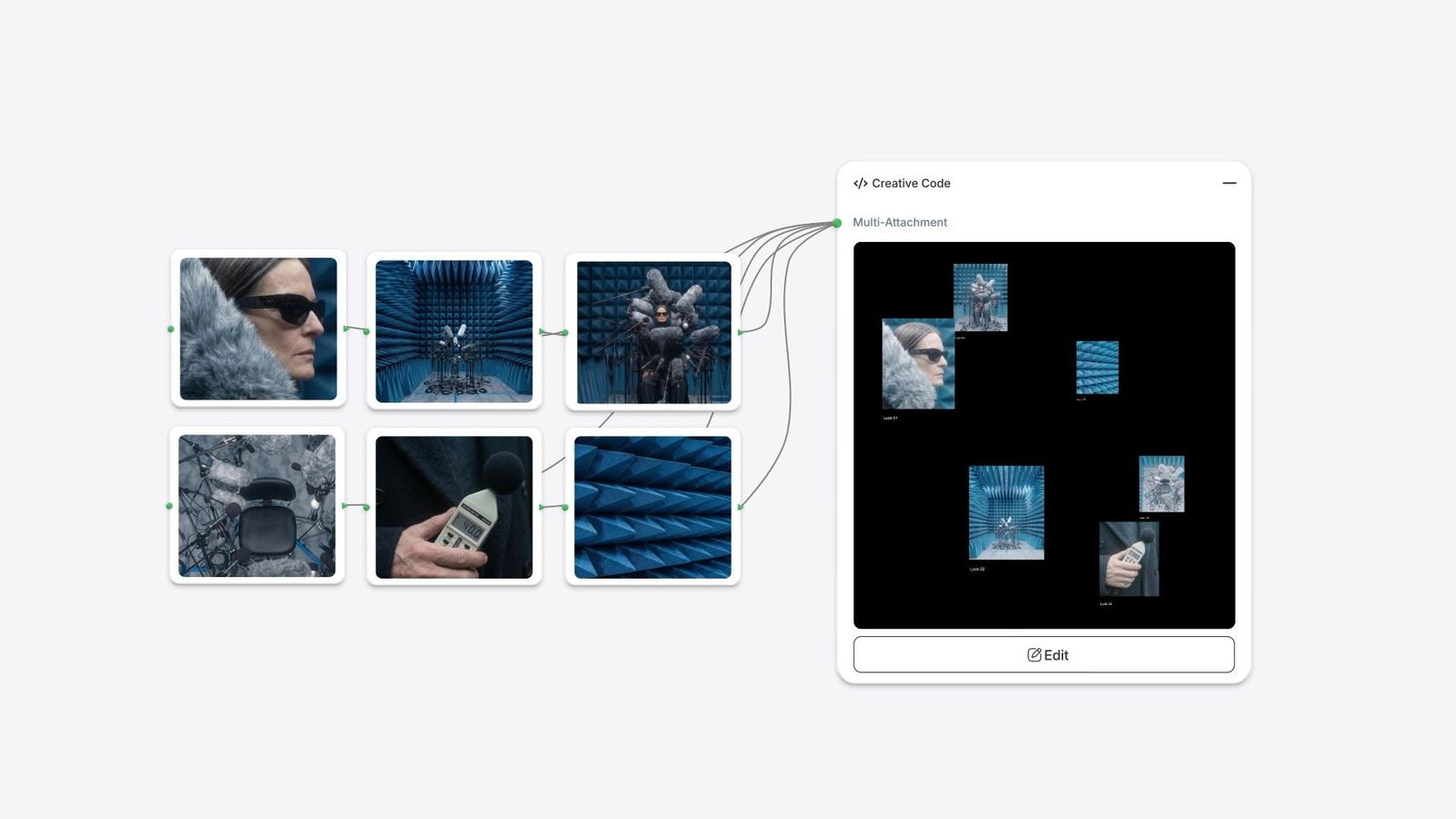
A whole new way to design. Build identity systems that generate variations with each interaction. Create logos, type systems, and brand assets that move.
A learning and production environment all in one. Highlight any line of code to get a clear explanation of how it works. Learn line by line at your own pace.
Bring in your own images, or use your webcam. Generate slit-scan manipulations, texture-driven brushes, and custom interactive visuals.
Built on the languages that have inspired a generation of creatives. Three.js, p5.js, and HTML5 are all supported natively. Use the frameworks you already work in, or use the node as an entry point to learn them.
Creative Code is Fuser's AI creative coding node. Describe a sketch in plain language or write JavaScript yourself, and it runs as a live, interactive visual on the canvas using p5.js, Three.js or HTML5 Canvas.
Creative Code is for programmable visuals: animations, generative artwork, shaders and interactive design tools that live on the canvas and feed other nodes. Apps build working web tools and websites you publish for people to use.
Yes. Declare attachments and the node gets input sockets for images, video, audio, 3D meshes or text from upstream nodes. Values you declare as parameters become sliders, color pickers and toggles you can tune without re-prompting.
Save a frame as an image or record up to two minutes of video, and either one lands on the canvas as a regular node. You can also publish a public embed link anyone can view, so keep client work unpublished. See Saving and sharing.
Describe a sketch, tune it by hand and wire it into the rest of your flow.