One click, whole workflow
Recipes are here. Package a whole workflow and run it in one click
Explore recipesOne click, whole workflow
Recipes are here. Package a whole workflow and run it in one click
Explore recipesMake the film in your head easier to greenlight.
A treatment has to make other people see what you see. Develop the characters, spaces and atmosphere, then put selected shots in motion. Build visual material that helps producers, directors and art teams discuss the same film.
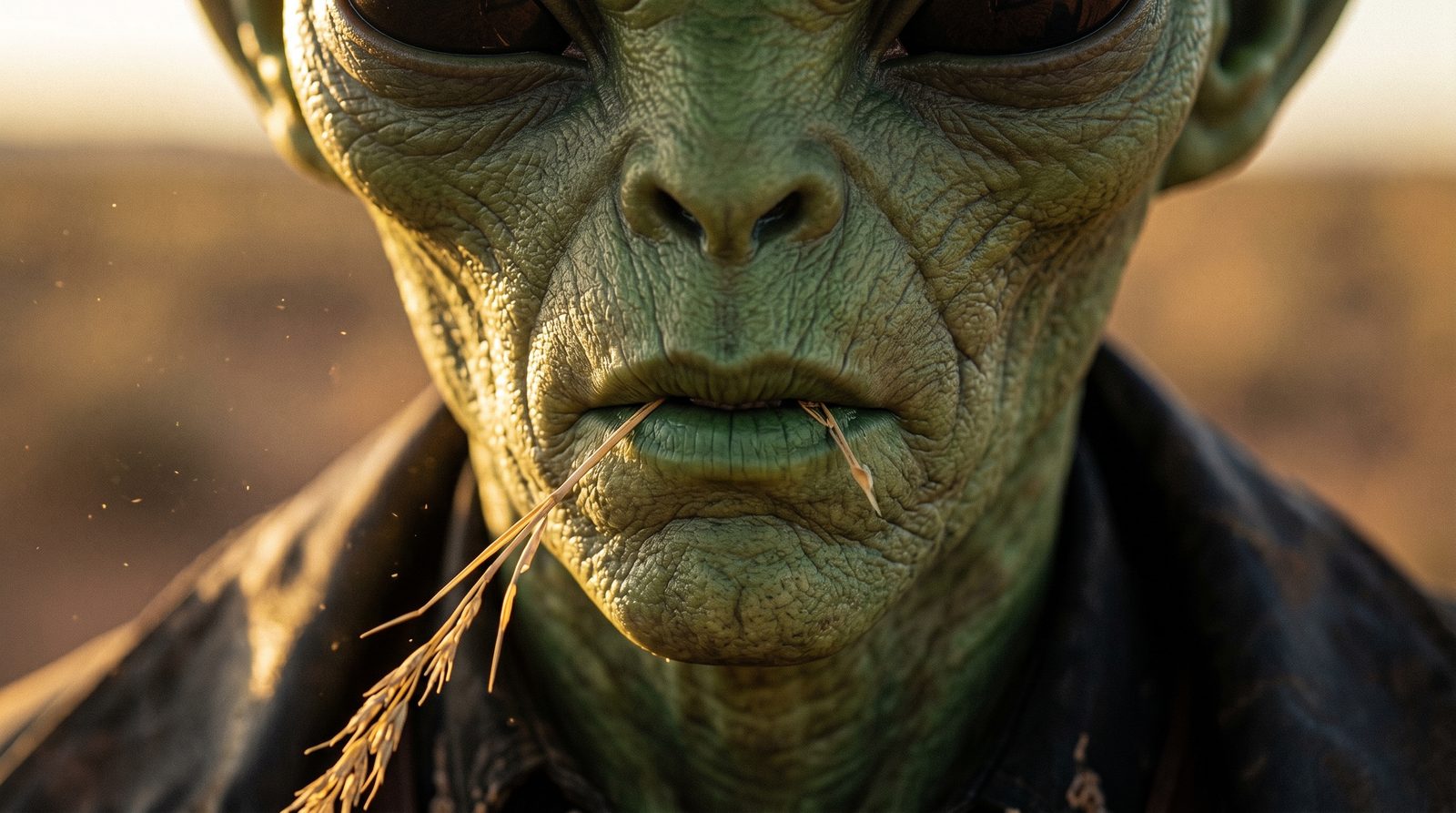
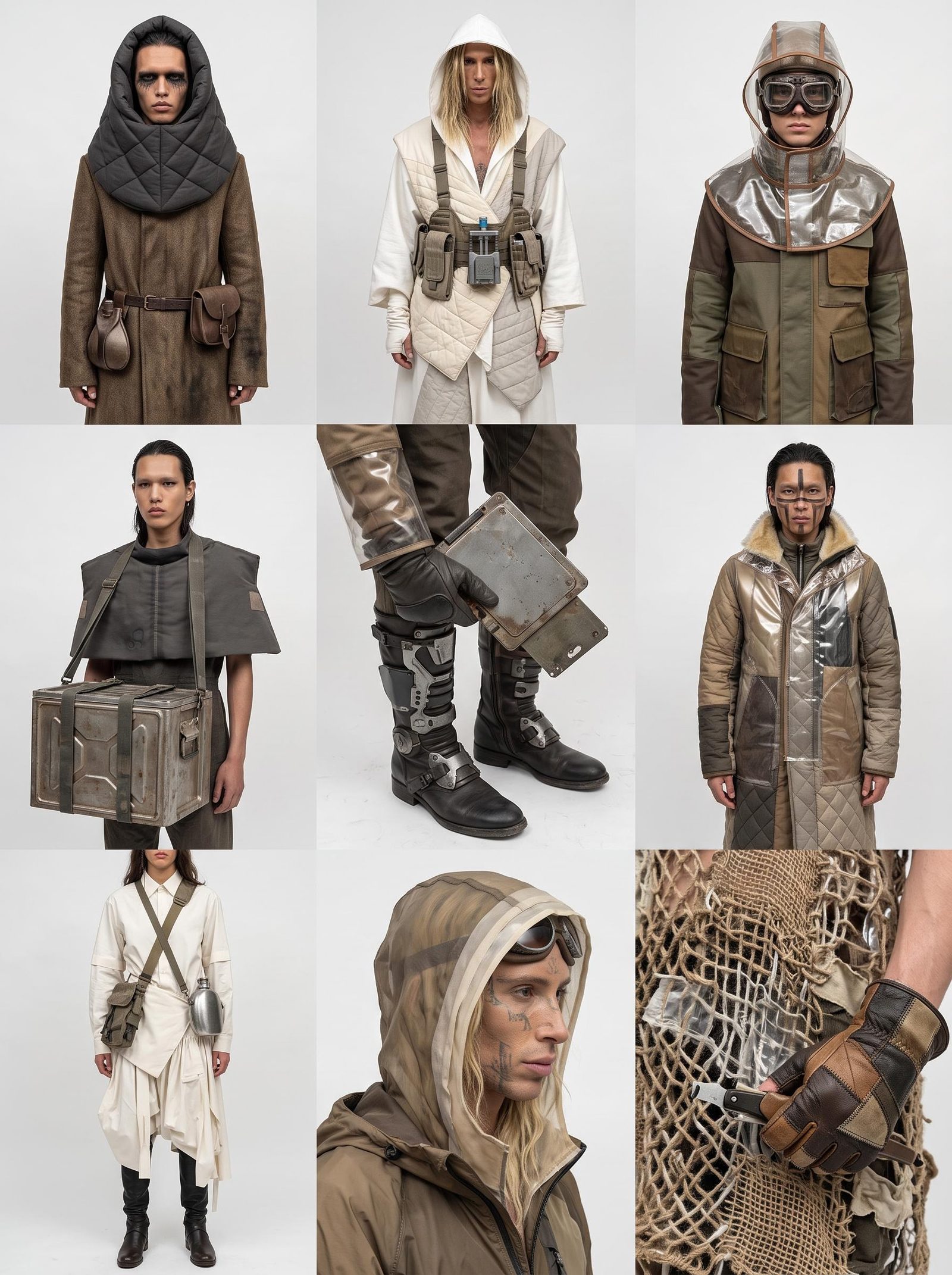
Explore costume, location, palette and lighting from your references. Compare character and environment studies in one project. Test whether the world feels intimate, theatrical or unsettling before that choice becomes a set, a shoot or an animation brief.
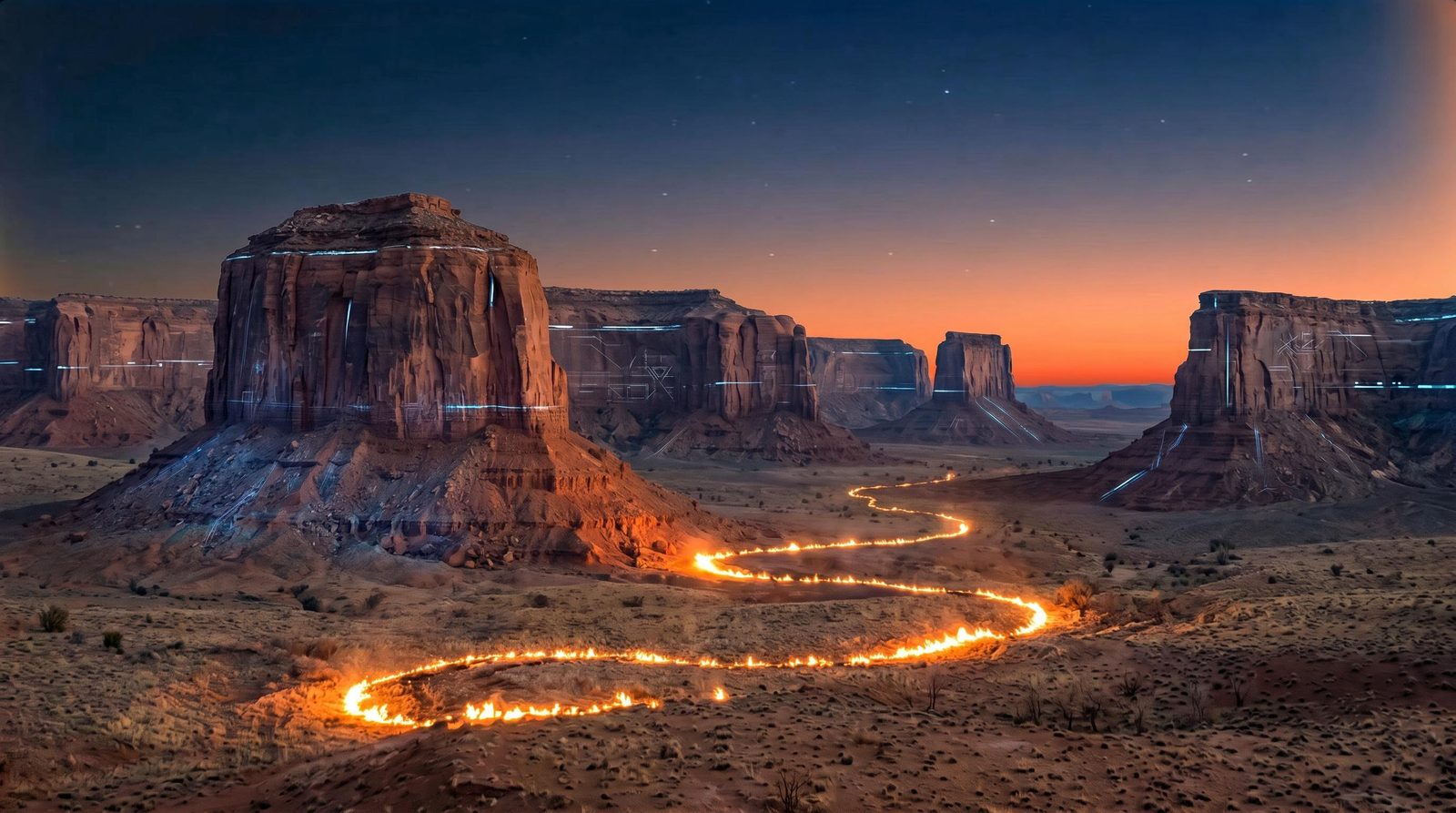
Develop key frames and short video studies for the moments that carry the story. Use reference and generation controls to shape the shot, then compare takes on the canvas. Show why the scene matters, not only what it might look like.
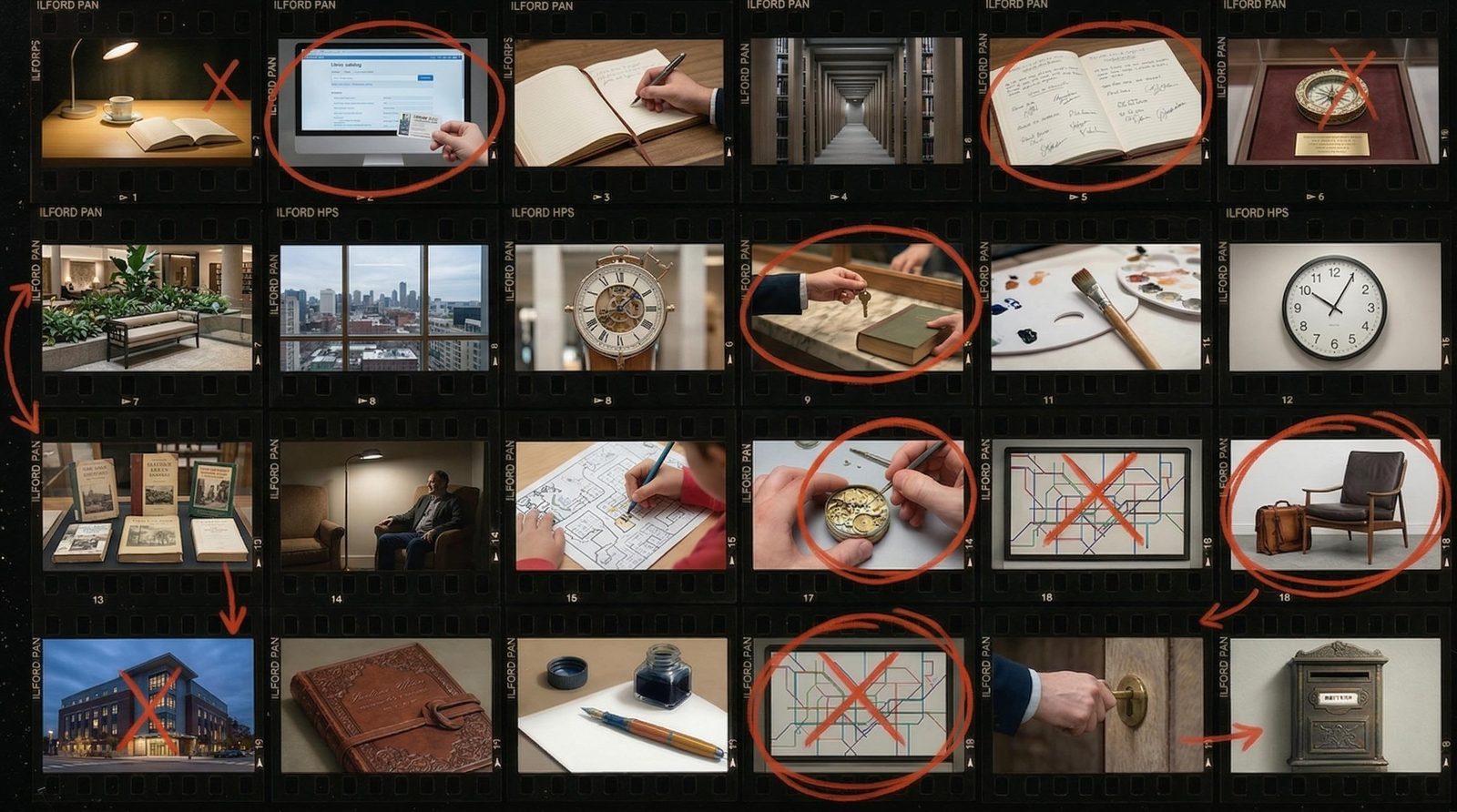
Compose selected frames with shot notes and visual references. Explore individual 3D props or characters when a flat image leaves too much open to interpretation. Keep the source material and working steps available when the production asks for another approach.
Make the material that helps a team agree on the world, the scene and the next step.
Character and world studies
Explore costume, surfaces, architecture and atmosphere around a shared visual brief.
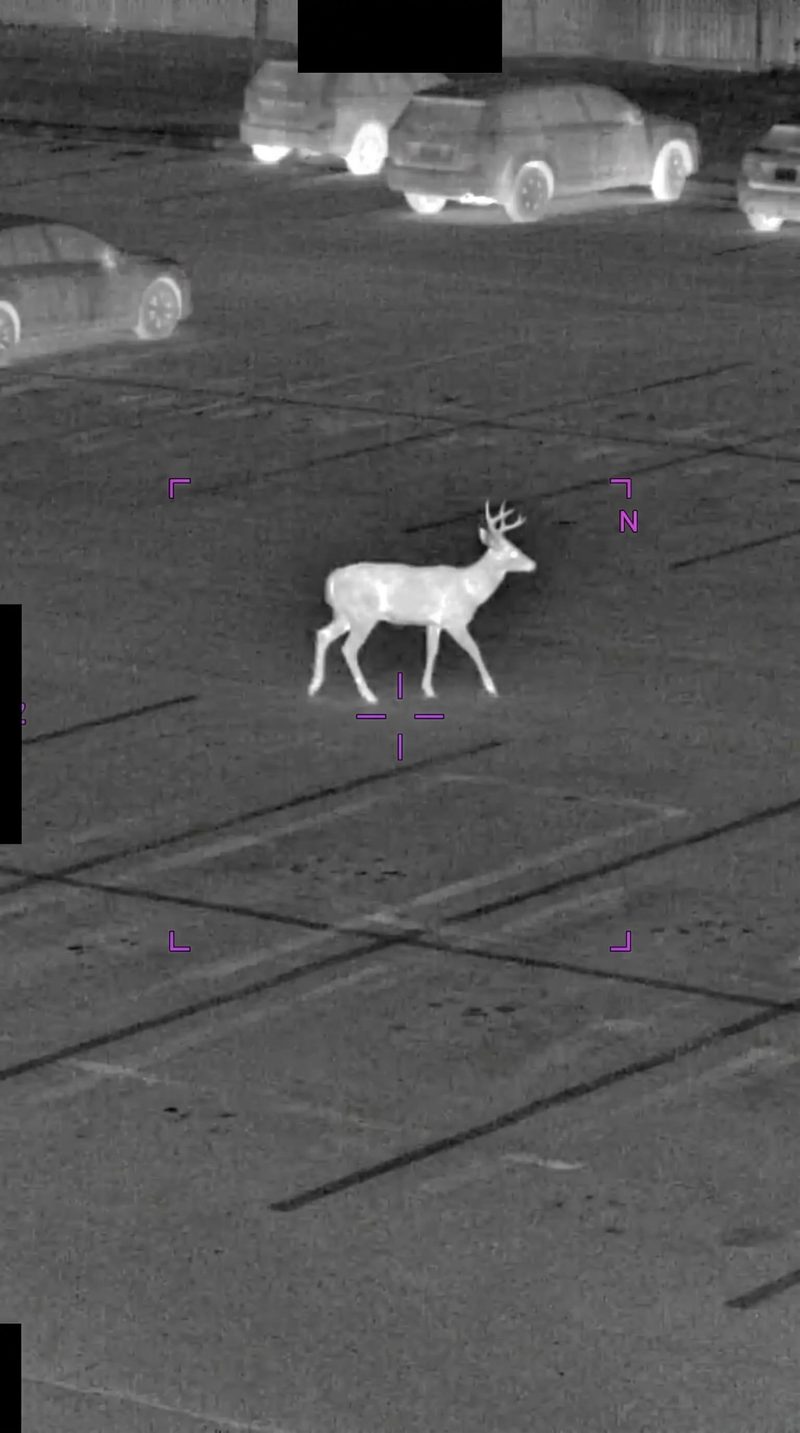
Treatment and pitch frames
Create composed images that explain the proposed film’s tone and key moments.
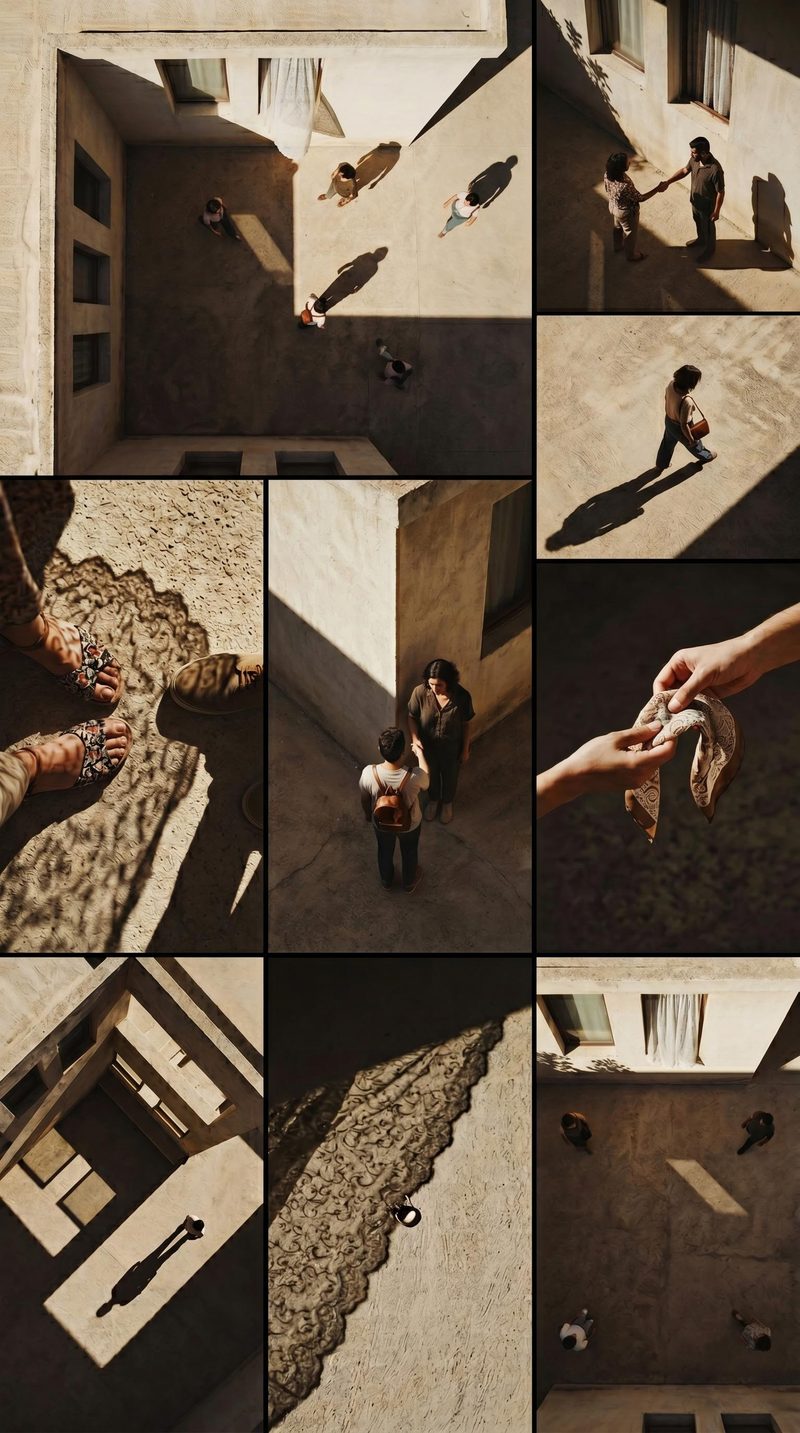
Boards and motion tests
Study framing and movement before deciding how a sequence should be produced.
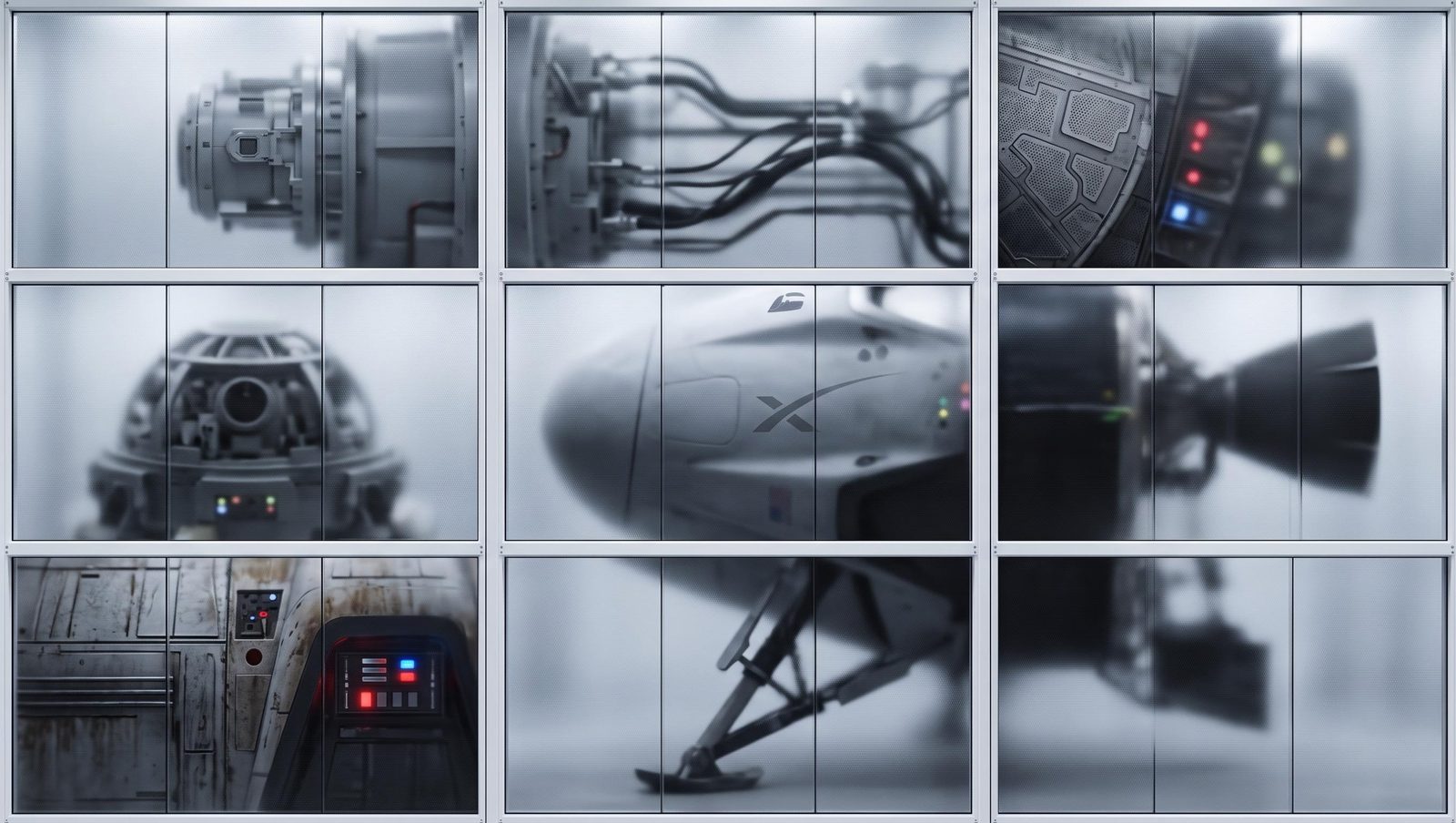
3D concept references
Develop individual objects or characters as starting points for further modeling work.
Yes. Character studies, environment concepts, treatment frames and shot explorations can inform either process. Choose the generation and composition tools that suit the visual question, then take selected work into your production pipeline.
Yes. Translate the key moments into character, setting and atmosphere studies, then compose the strongest frames with your treatment text. Use the canvas to retain alternative routes. A director, producer and visual-development team can discuss the same concrete images rather than interpreting a written description differently.
Reuse character, wardrobe and location references, and develop frames around a consistent brief. Compare the sequence for changes in faces, props and light. Fuser keeps the references and iterations together; continuity still needs creative review.
Yes. Keep character, costume, prop and location references in the same project, and develop studies around a shared visual brief. Compare how the elements feel together before expanding the world. This helps the review address the film’s overall visual direction as well as individual images.
Yes. Use a selected frame as the input to a video step and describe the movement you want to explore. Compare the resulting studies before taking the preferred direction further. Treat the clip as something to review for timing, framing and atmosphere, rather than committing the whole sequence at once.
Yes. Use selected imagery, clips and 3D outputs as inputs or references for your editor and 3D tools. Generated assets may need cleanup, rigging or other preparation. Fuser supports visual development without requiring the entire production to move into it.
Compose treatment frames and shot studies with editable titles and notes in Compositor. Export still boards as PNG or motion compositions as MP4 for your existing presentation and editorial workflow. Keep the source project so feedback can lead back to the relevant references and studies.
Start with a treatment or a pivotal moment. Develop the visual evidence for the film you want to make.
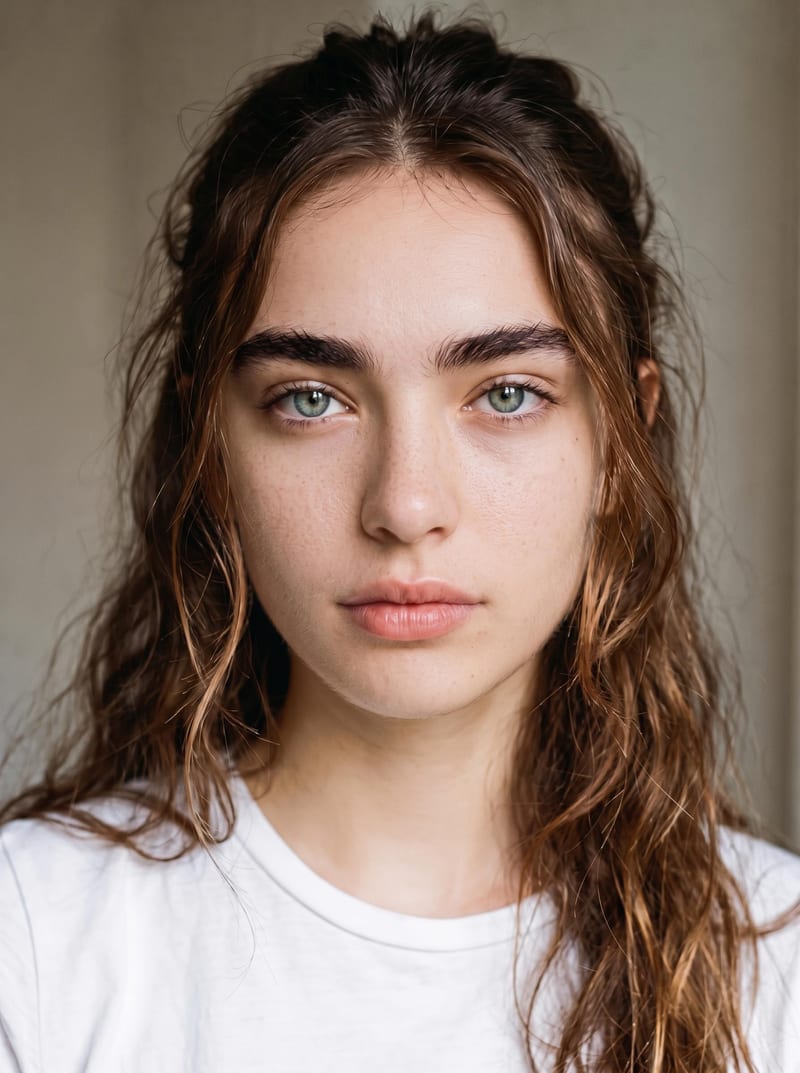
Upload an original image to reduce artificial-looking skin and create a more natural photographic result while preserving identity and makeup.
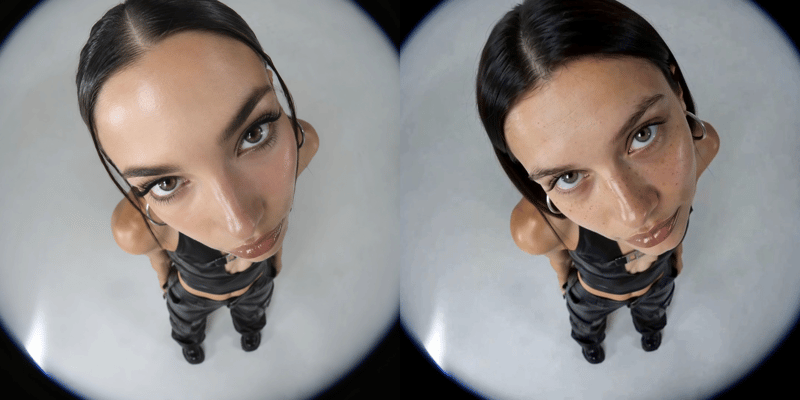
Replace a person’s face in a video using two reference images and receive a face-swapped video.
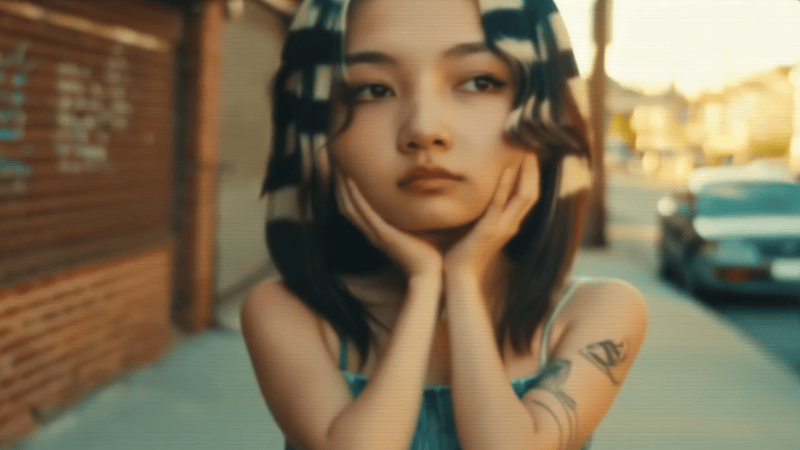
Upload one source video to create vertical 9:16 and landscape 16:9 versions for social content.
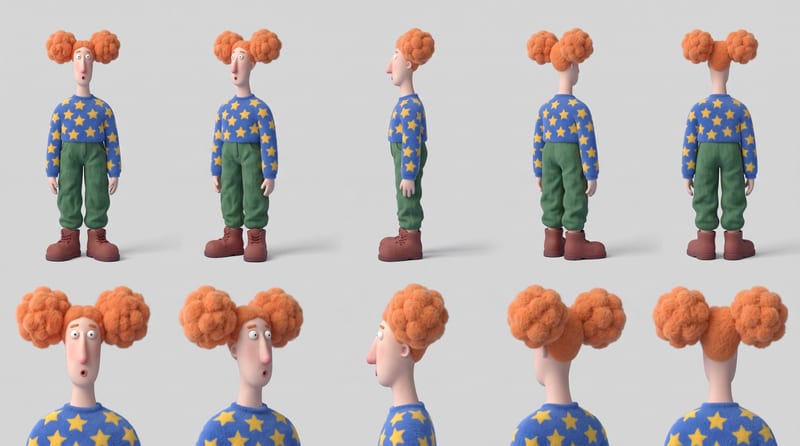
Combine six character reference images into a multi-view character sheet for consistent identity, appearance, and outfit planning.
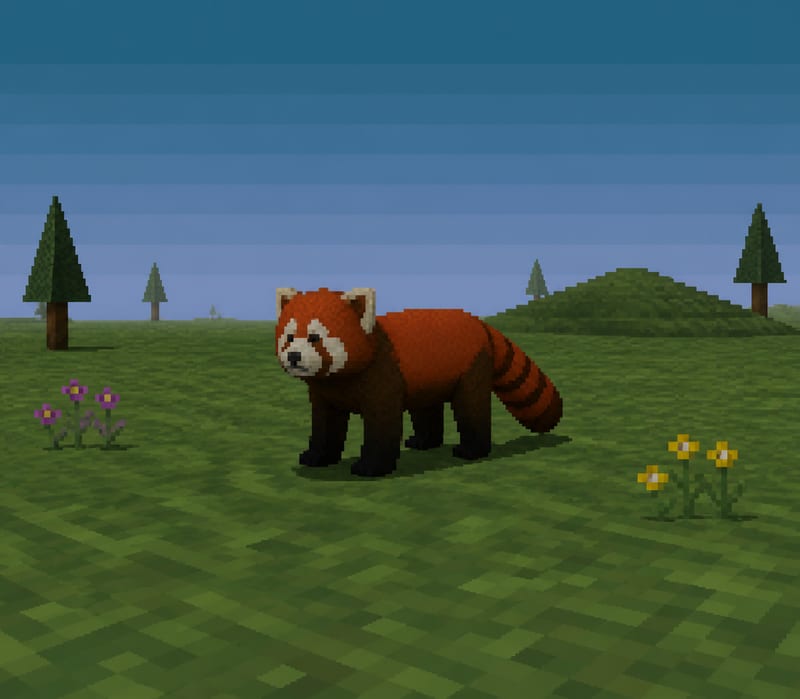
Transform a text subject, such as “red panda,” into a PS1-style image for character and content concepts.
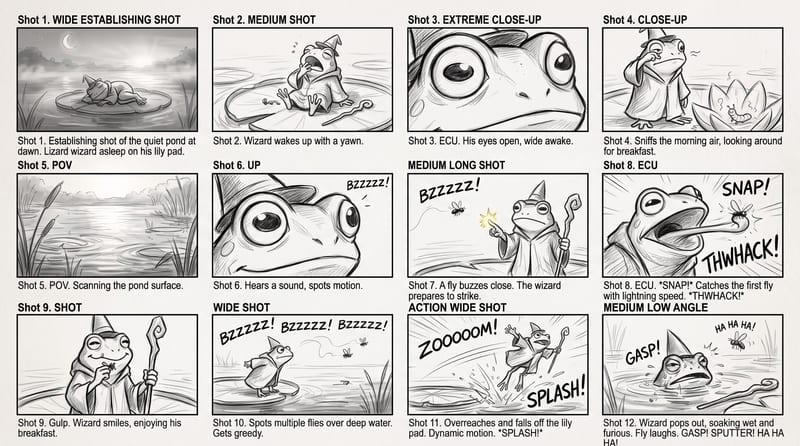
Use a rough story brief and visual reference to create a storyboard image showing the story’s sequence of actions.
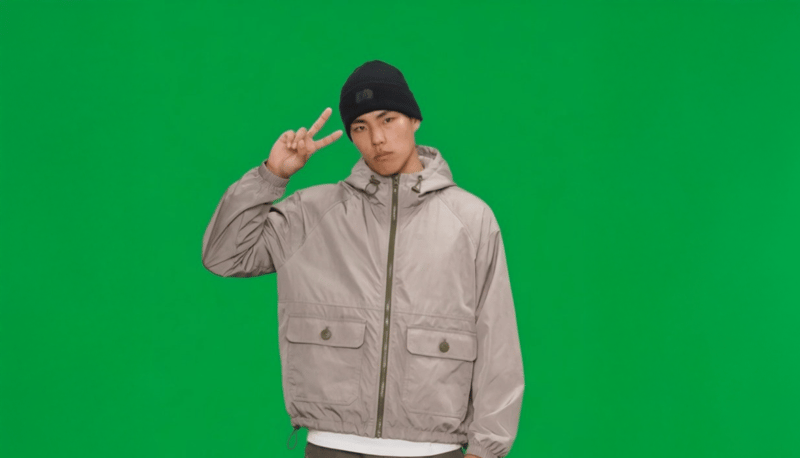
Provide a full-body portrait and motion description to create a green-screen 2D video card of the pictured subject.
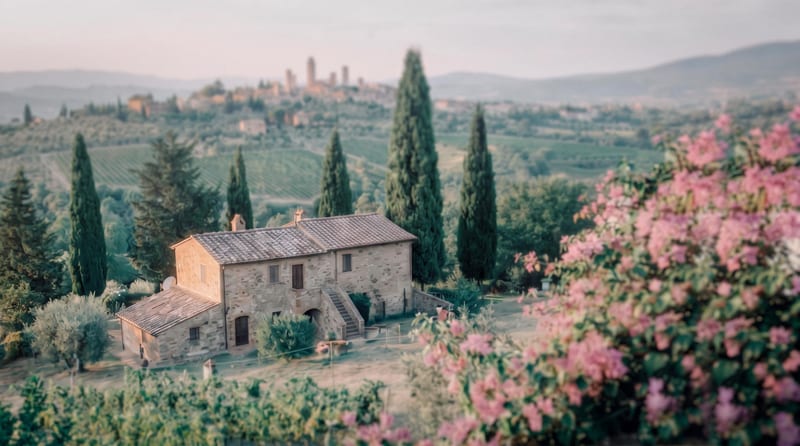
Transform a source image into a cinematic frame with refined color grading, atmospheric tones, soft contrast, and subtle film texture.
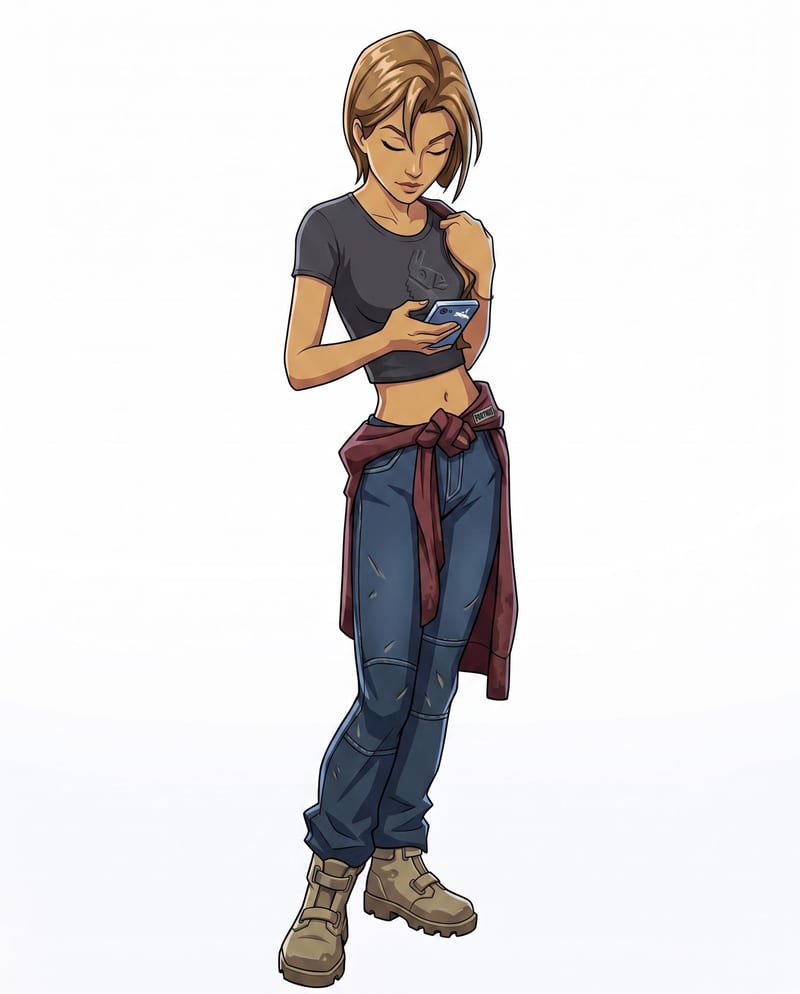
Convert a character sketch and chosen style into a rigged 3D model with a corresponding character render.
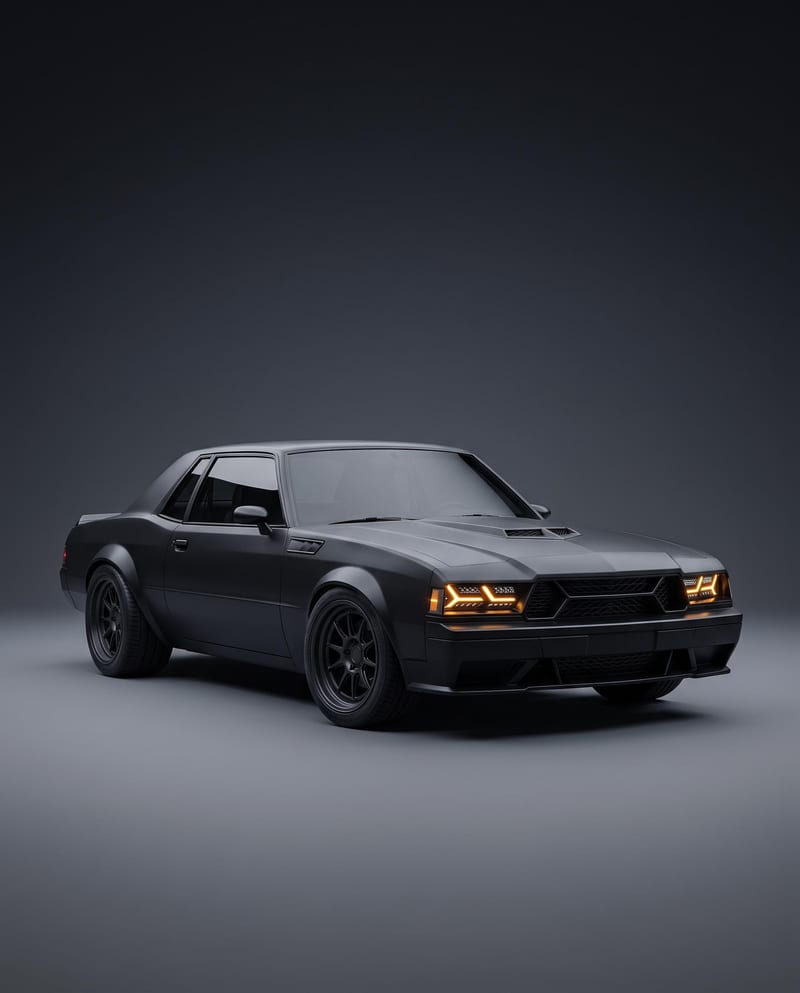
Turn a car reference image into a cinematic car render image and showcase video with full-body views, angles, and close-ups.
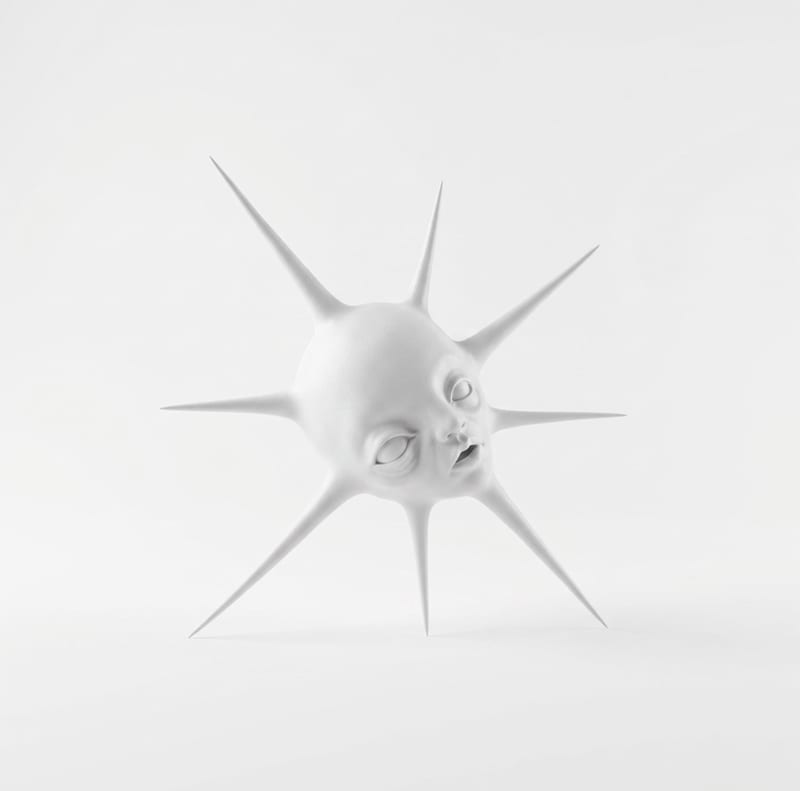
Transform one rough sketch image into a 3D model and a render for film, gaming, and art workflows.
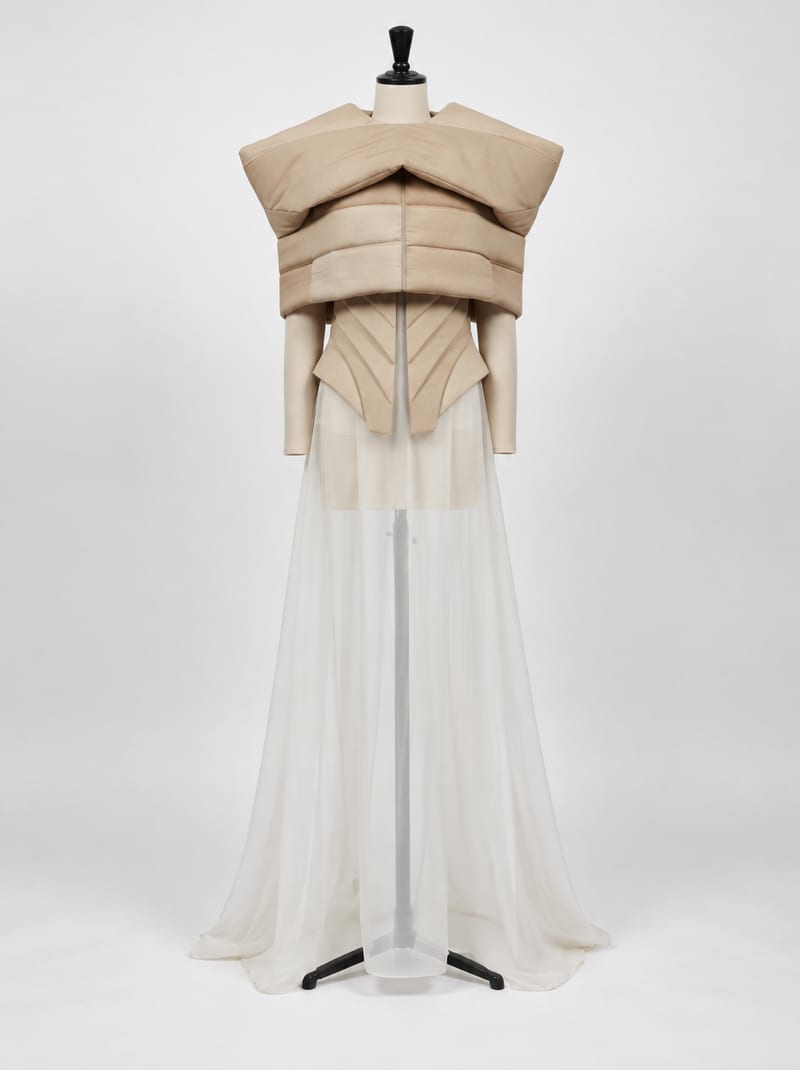
Combine fashion inspiration with an environment reference to create nine costume design image concepts for a shared setting.