One click, whole workflow
Recipes are here. Package a whole workflow and run it in one click
Explore recipesOne click, whole workflow
Recipes are here. Package a whole workflow and run it in one click
Explore recipesFrom product photo to launch campaign.
The product is ready. Now it needs a page, a campaign and a reason to stop scrolling. Create studio-style imagery, lifestyle scenes and product videos from the assets you have, then design the branded layouts around them.
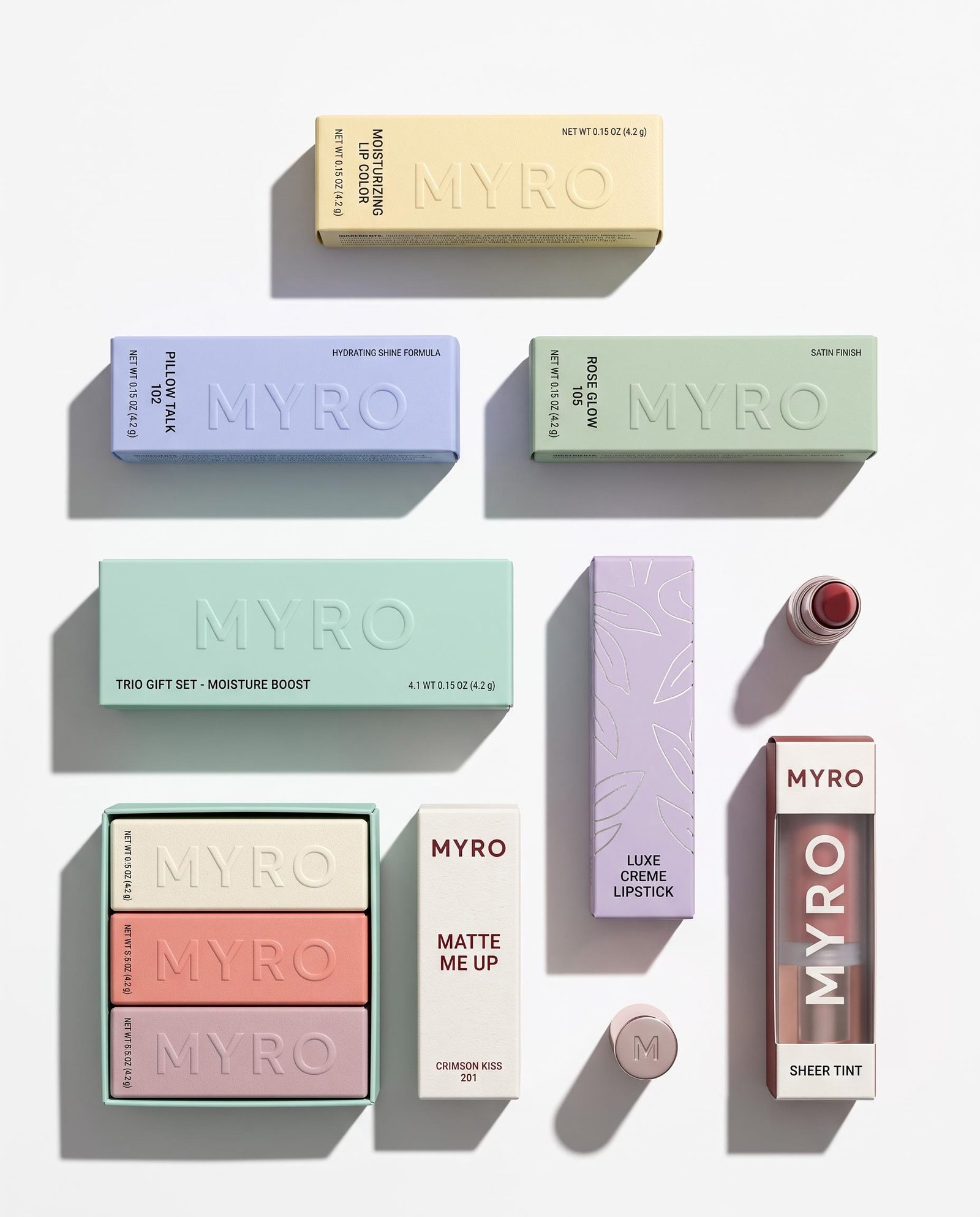
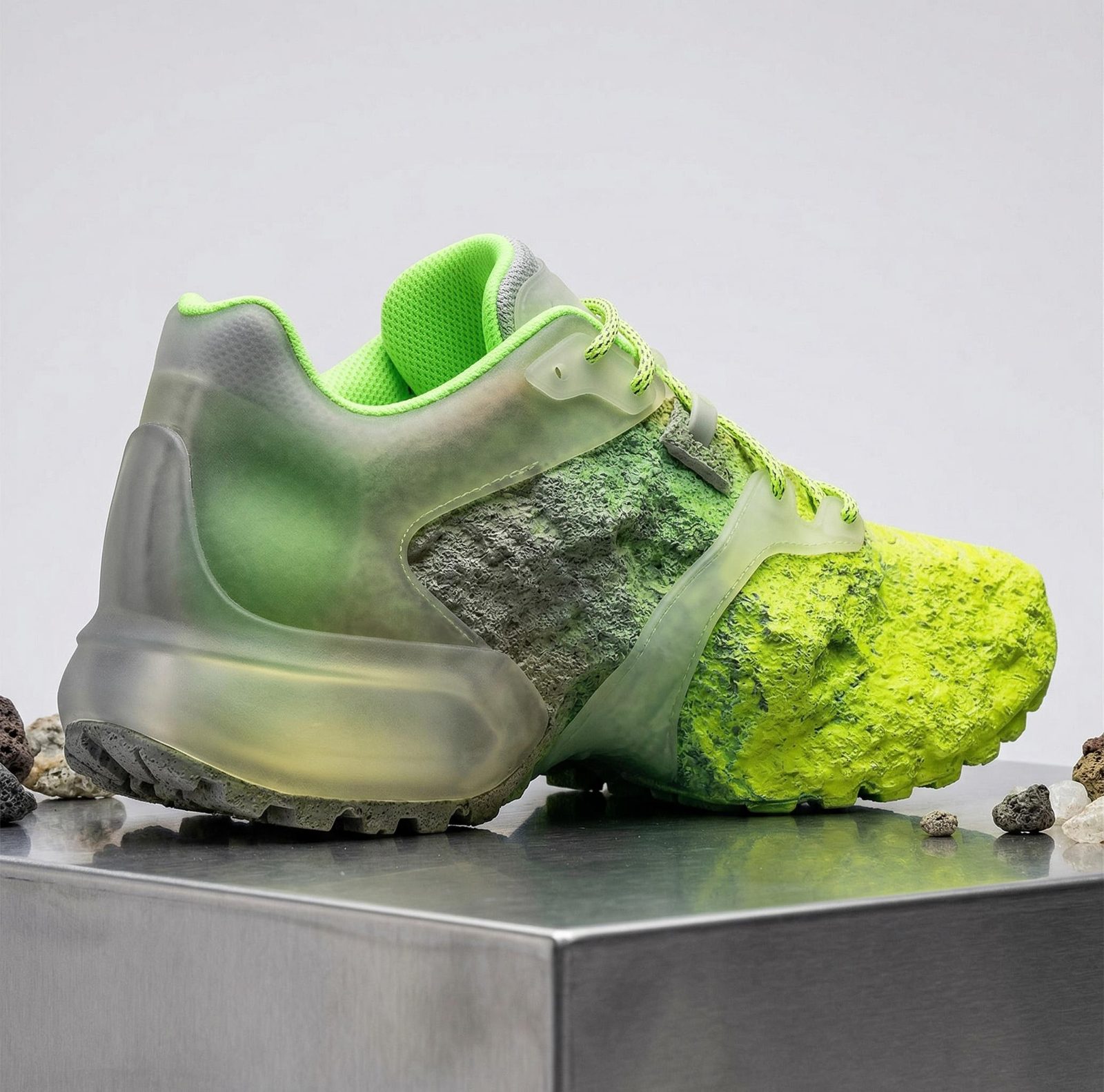
A new setting can help people picture a product in their own lives. Develop lifestyle scenes, detail-led compositions and seasonal treatments around your product references. Build imagery for the product page and the campaign together, with the same visual direction.
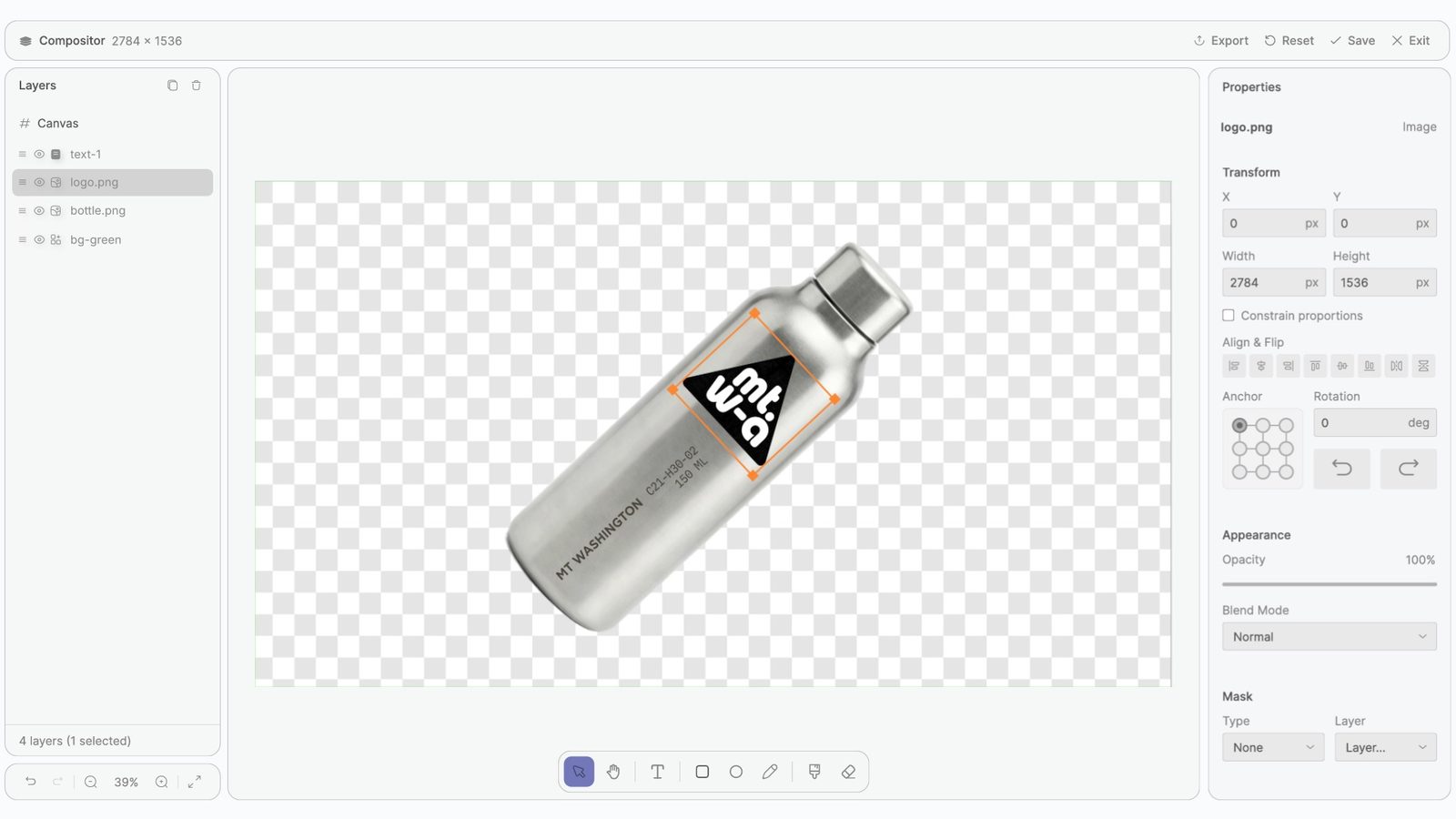
Compose with your original packshot when its label or shape needs to stay exact. Place the headline, price and logo in separate layers. When the offer changes, update the design instead of asking a generator to remake the whole ad.
Save useful generation steps as a Recipe with inputs for a new product reference or creative brief. Keep working layouts and sources organized for the team. The next collection can build on your production setup instead of starting with another round of disconnected prompts.
Build an asset set around the places shoppers will encounter your product.
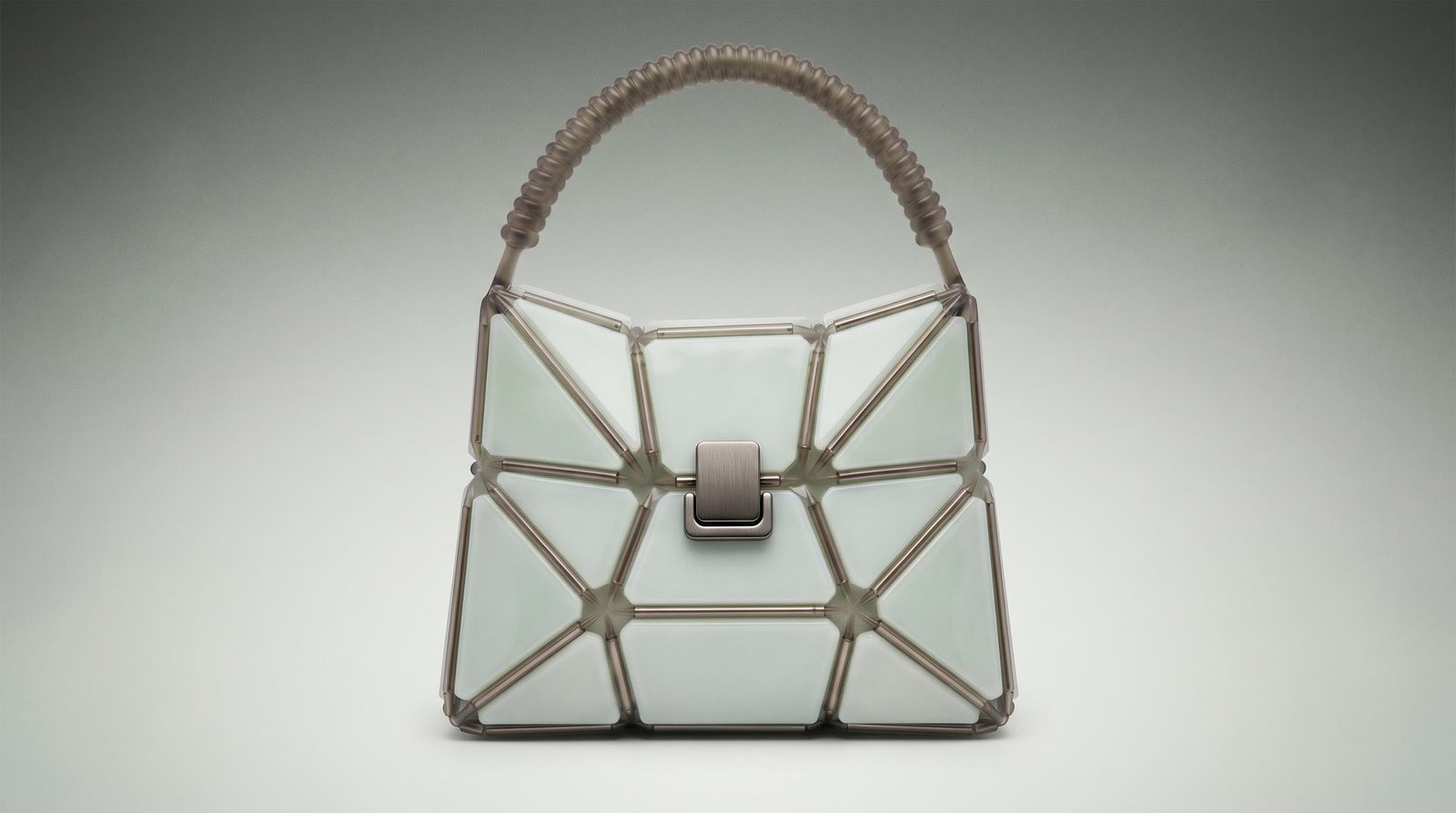
Product-page imagery
Create supporting scenes and compositions that help explain the product’s appeal.
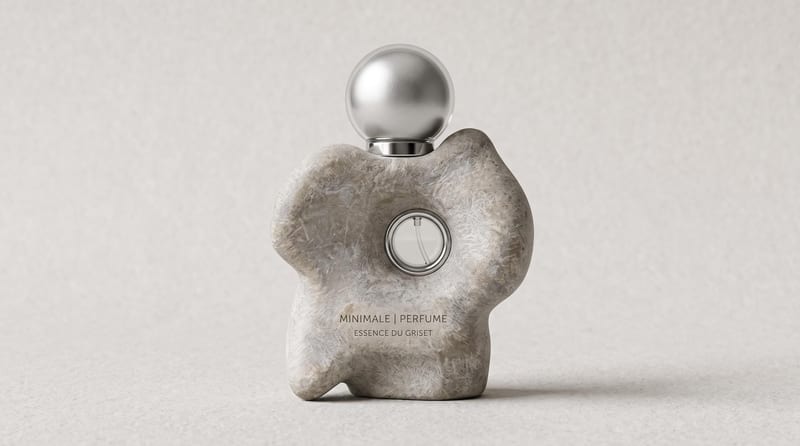
Collection and seasonal campaigns
Develop a visual theme across the products in a launch or promotion.
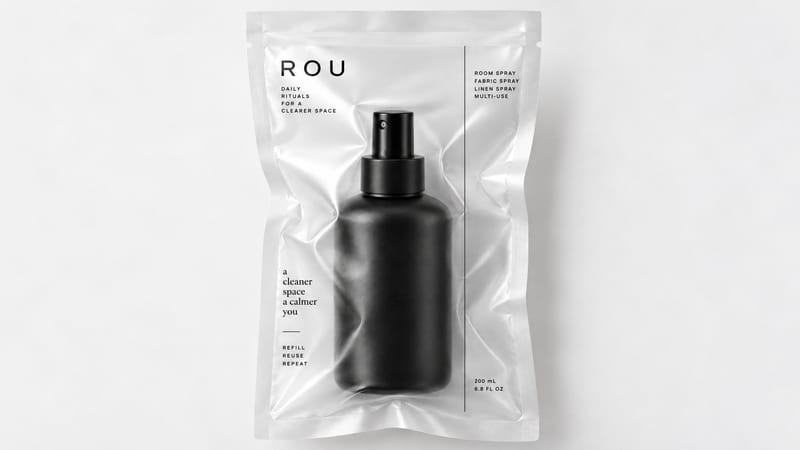
Social and email graphics
Compose product imagery with editable headlines, offers and brand elements.
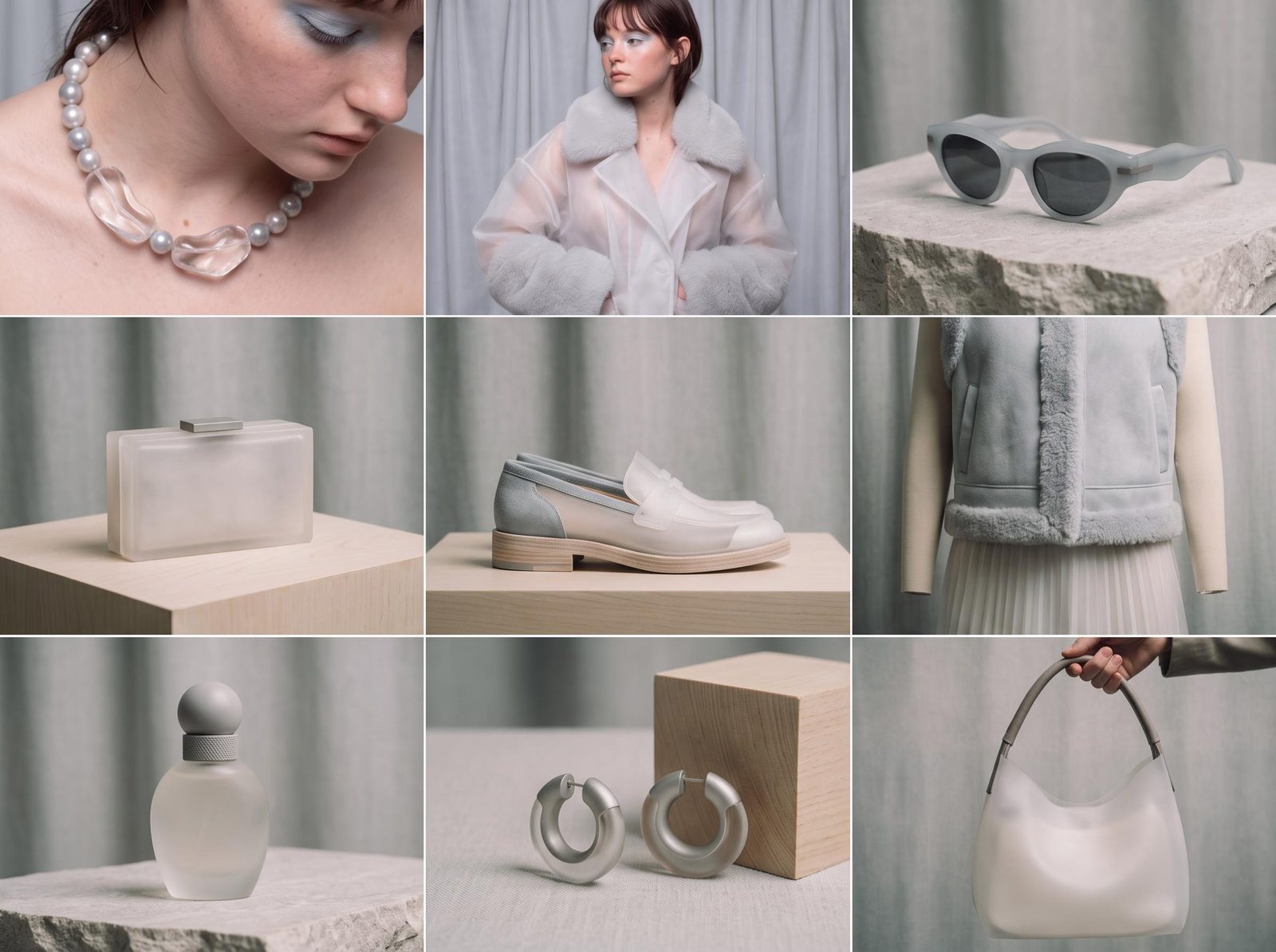
Lookbook and apparel imagery
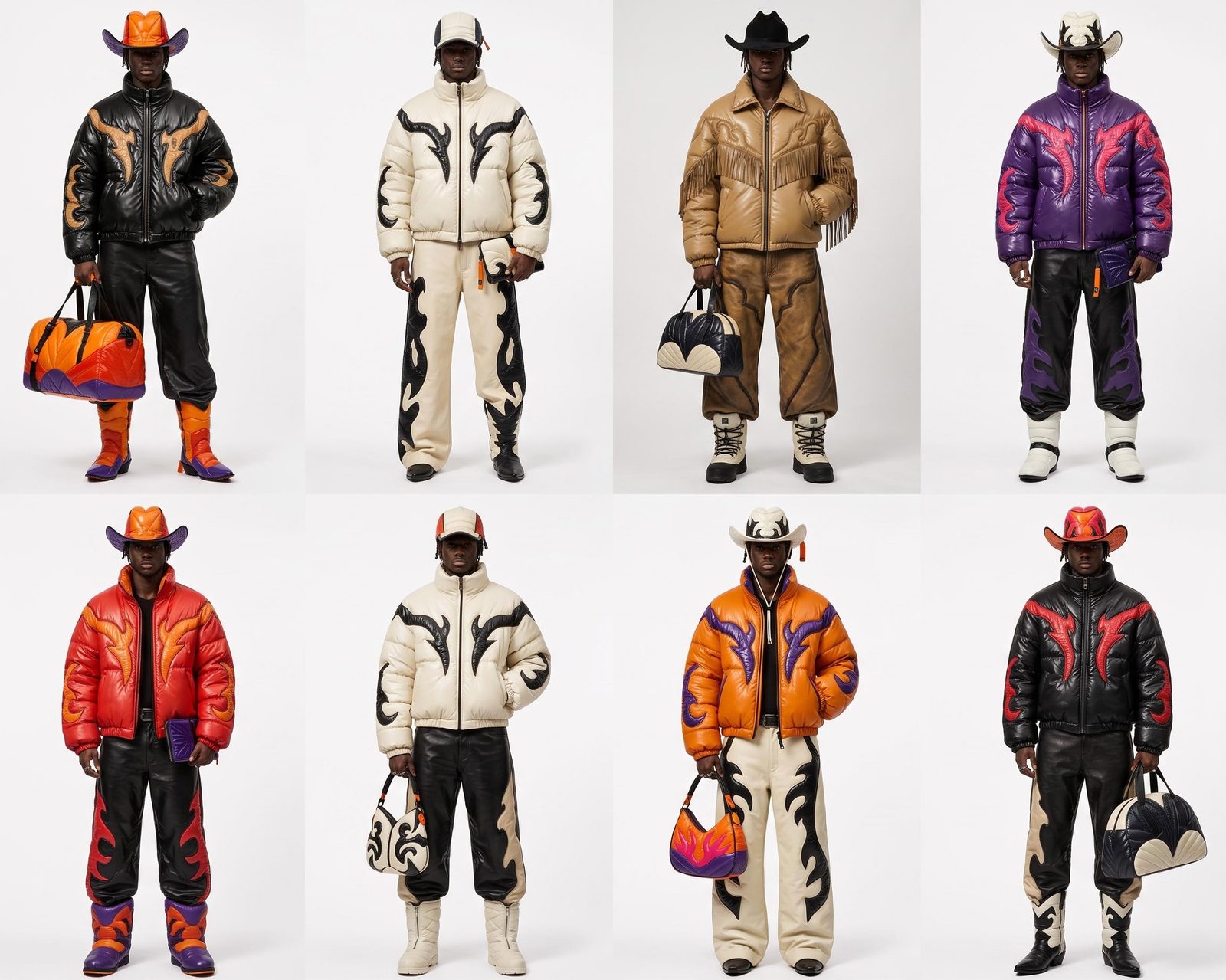
Explore on-person garment visualizations and collection layouts when clothing is part of the catalog.
Yes. Use existing photographs as references for new imagery or as original layers in a composition. The latter is useful when labels, packaging and product shape must stay unchanged while you redesign the surrounding scene.
Yes. Develop a hero image, lifestyle treatment, promotional layout and short motion study around the same product references. Keep campaign text and branding editable in Compositor. Your product page, announcement and campaign can share a visual direction while each asset is composed for its own job.
Turn the generation steps into a Recipe and expose the inputs your team needs, such as a product image and brief. Run it with another product, then review the result and finish the layout. A reusable process still leaves room for product-specific art direction.
Change the offer, date or callout in its own Compositor text layer. Keep the approved product photography and scene in place, and adjust the layout as needed. Separating the product visual from the promotional message makes a seasonal update much more manageable than rebuilding a flattened image.
Yes. Use a selected product image with an image-to-video tool to explore a reveal, movement or scene. Review the generated clip against the real product, then add editable campaign graphics in Compositor. It is a way to develop motion from the photography and creative direction you already have.
Compare the depiction with the item you sell, especially shape, color, labeling and material details. Keep original product photography in the composition wherever precision is essential. Fuser gives you generation and editing tools; your team approves the final representation.
Export the final compositions and upload them through your existing storefront or content workflow. Compositor exports PNG stills and MP4 video. Keep product records, descriptions and inventory in your commerce system; use Fuser to develop and revise the imagery that supports the launch.
Bring one product photo and a campaign idea. Build the first pieces of the launch in Fuser.
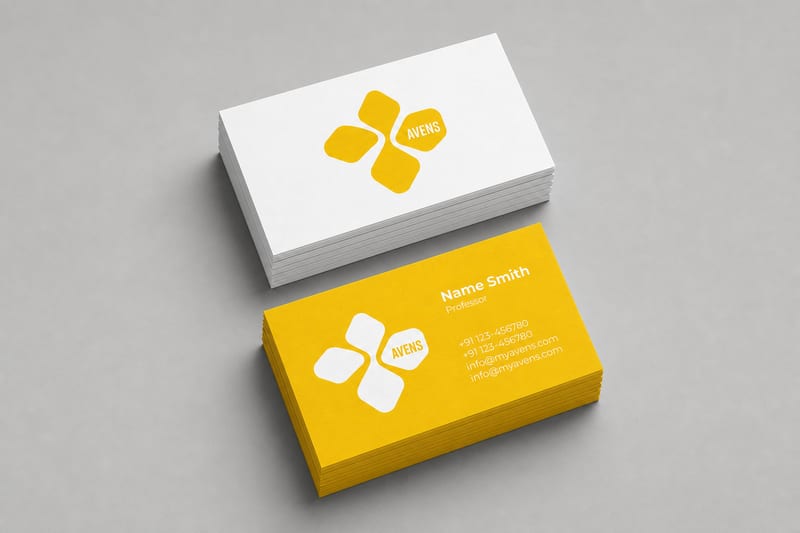
Turn one logo into business card, letterhead, tote bag, socks, hat, and shirt mockups.
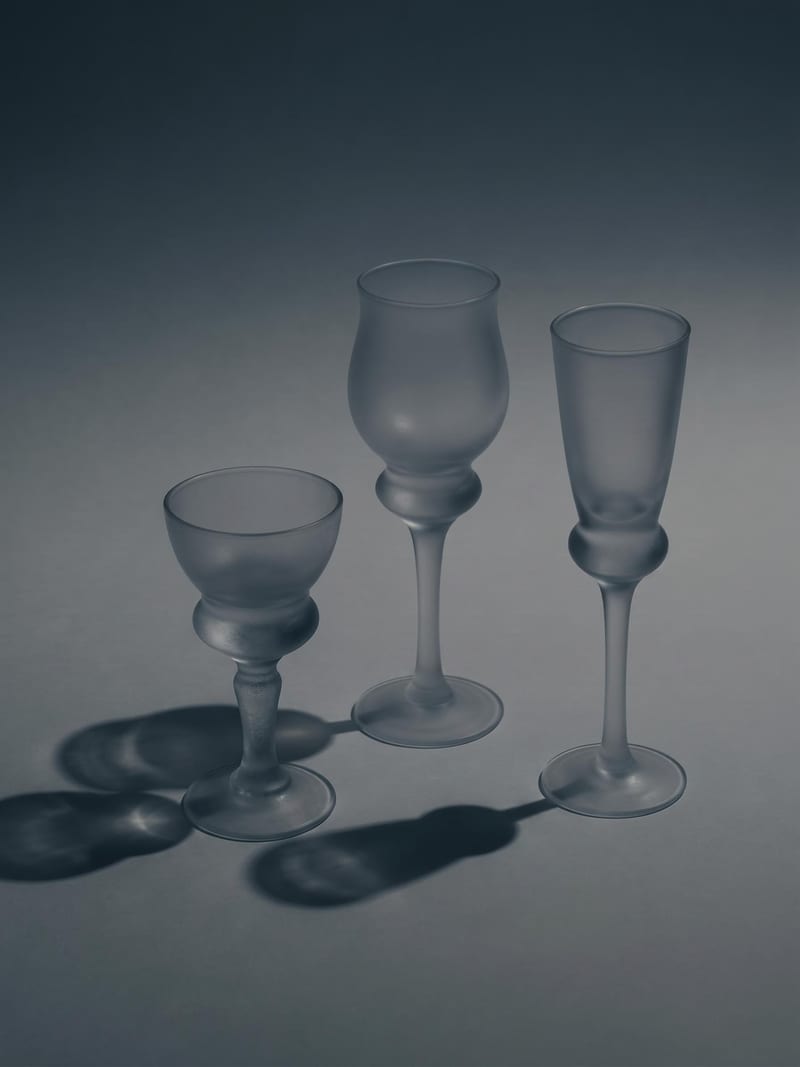
Upload one image to explore six lighting versions, from studio daylight and soft white to dramatic spotlight and golden hour.
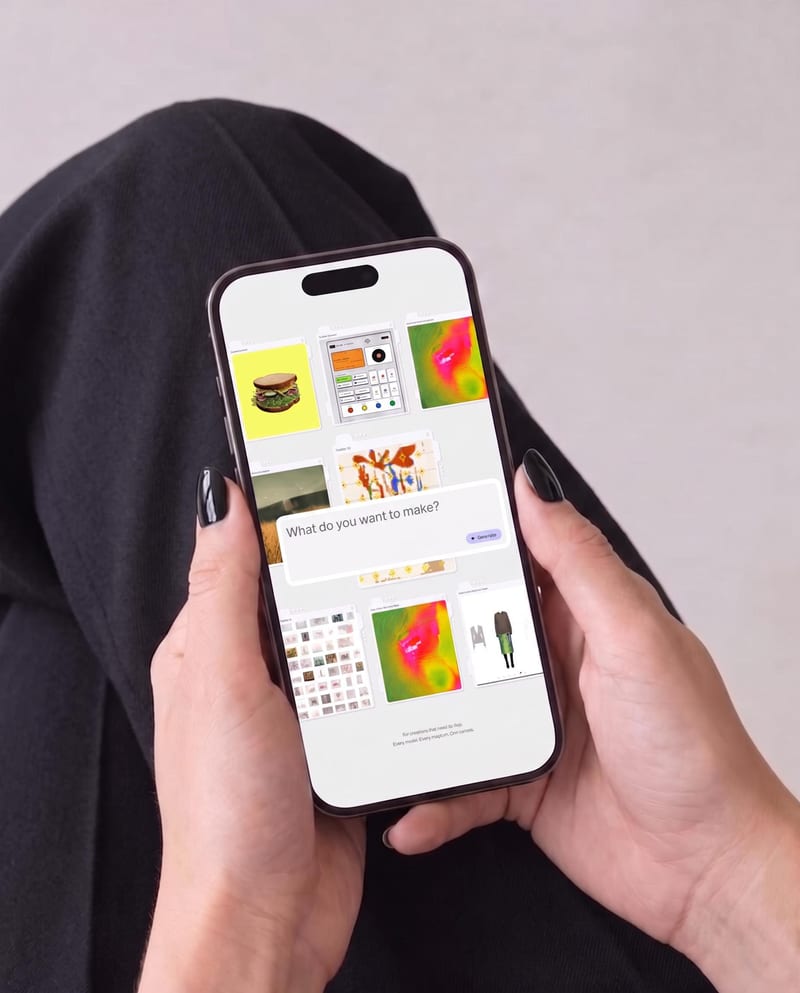
Place one UI design image into phone, tablet, and desktop mockups for realistic product presentation previews.
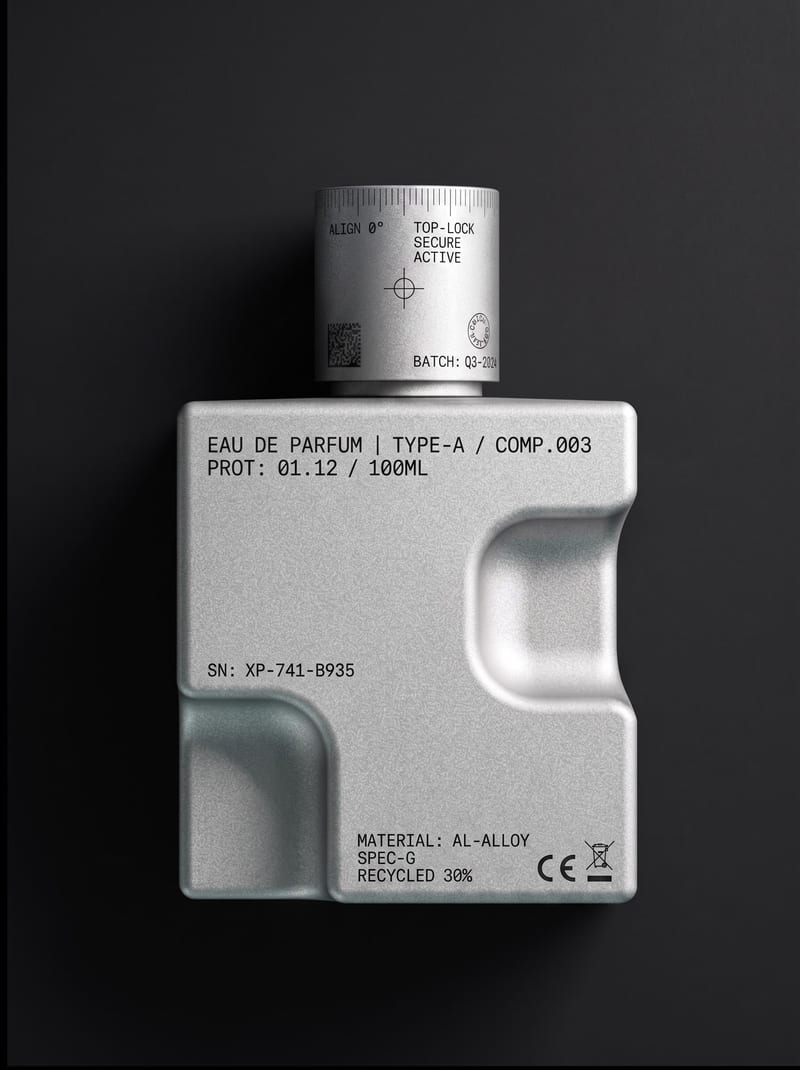
Upload an object or image and receive an image showing that object with micrographics added.
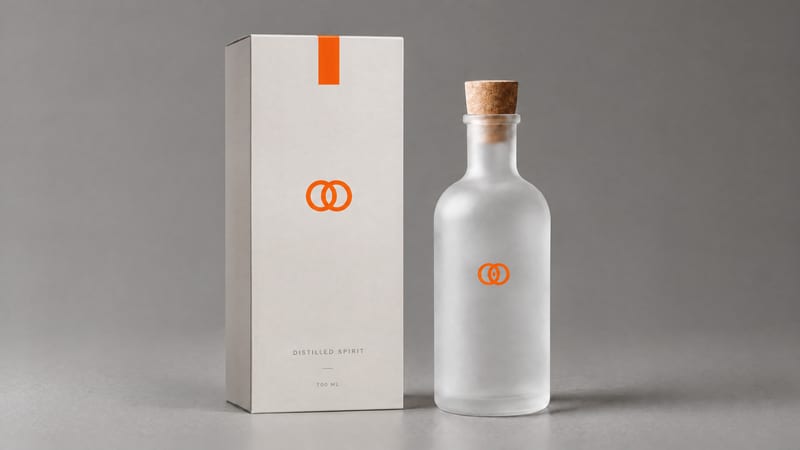
Combine a product image and logo image to create a professional minimalist packaging design for product presentation and marketing work.
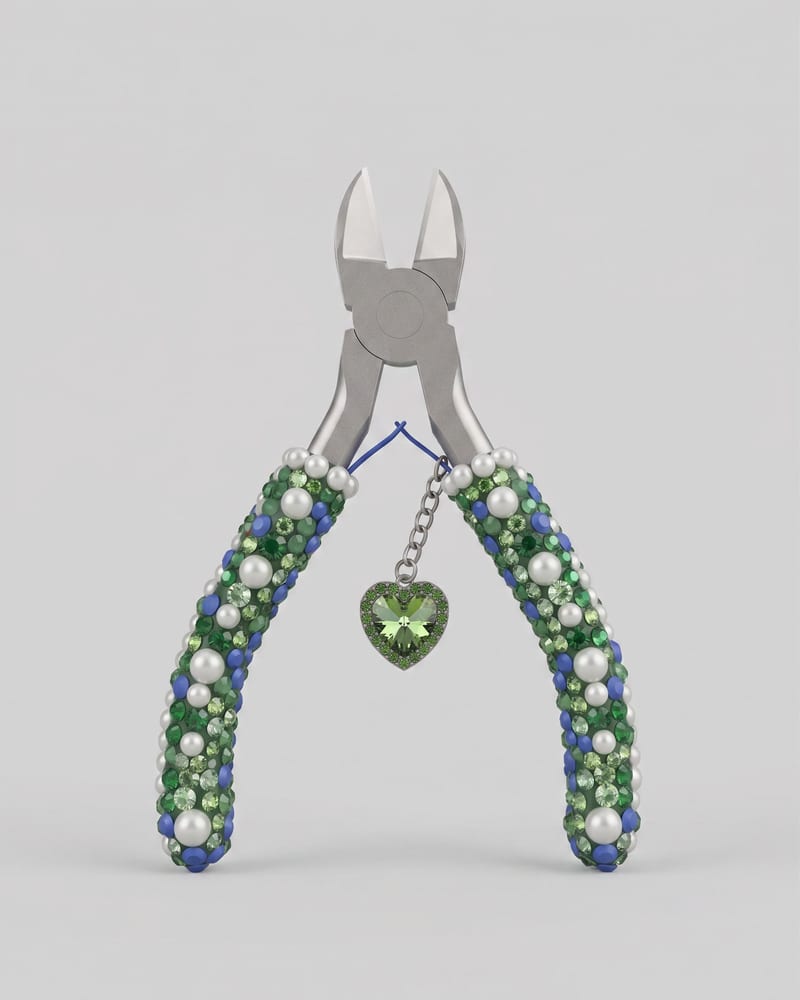
Upload an image of an object to create a Keyshot-style product studio render as the image output.
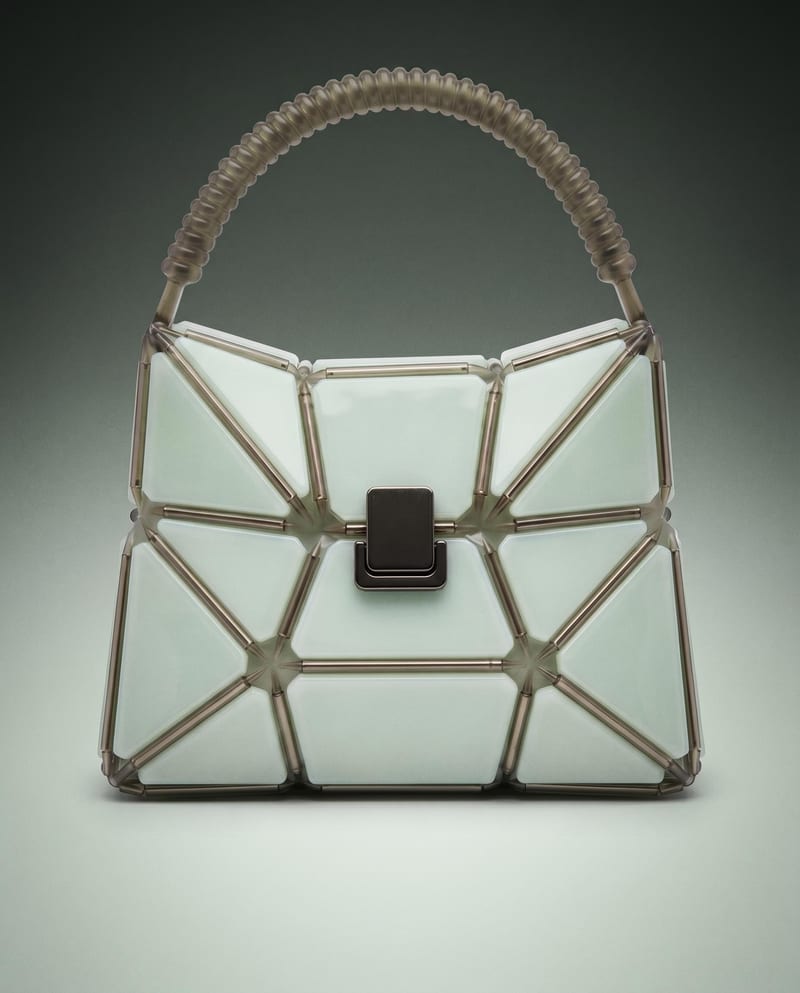
Use a product image to create studio, handheld, and poster shots for product advertising and brand presentations.
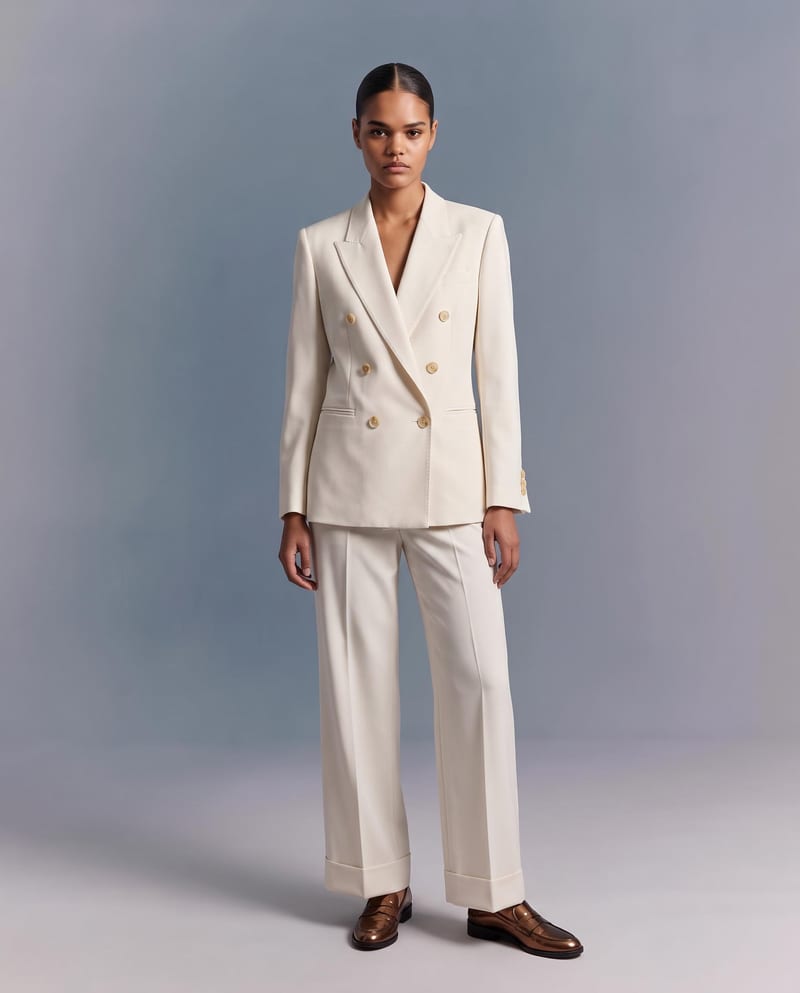
Upload a garment image to create a virtual try-on image of it on a model while preserving its design, color, fit, proportions, and details.
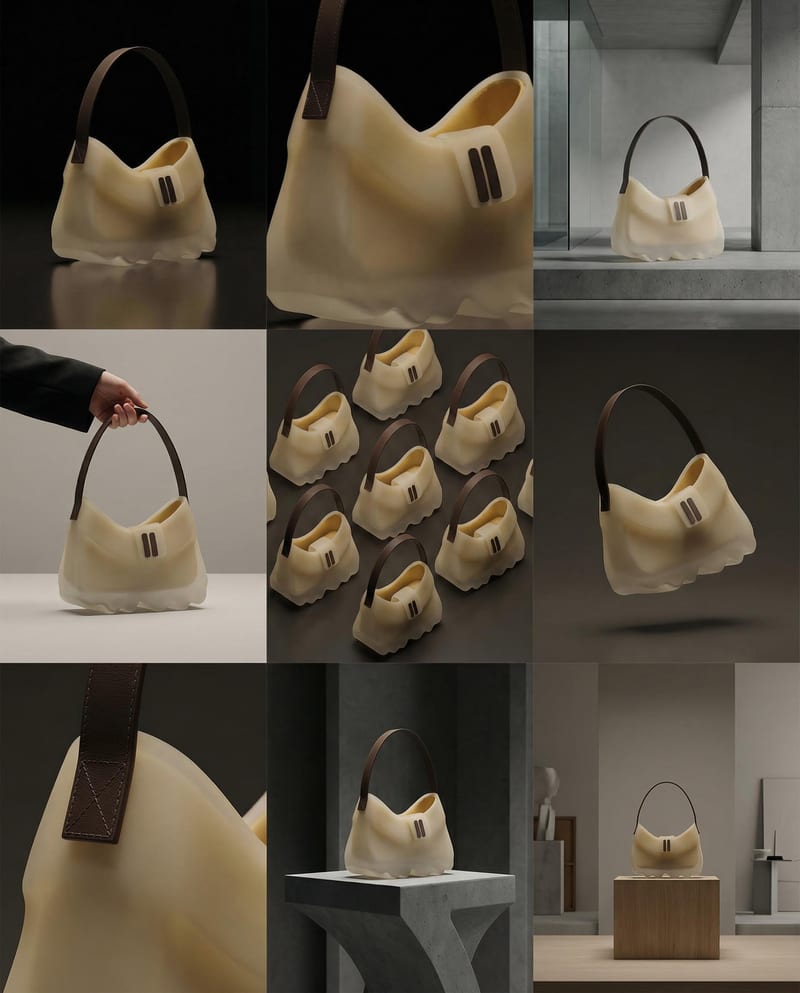
Turn a product image into a product photography grid for fashion campaign concepts and content planning.
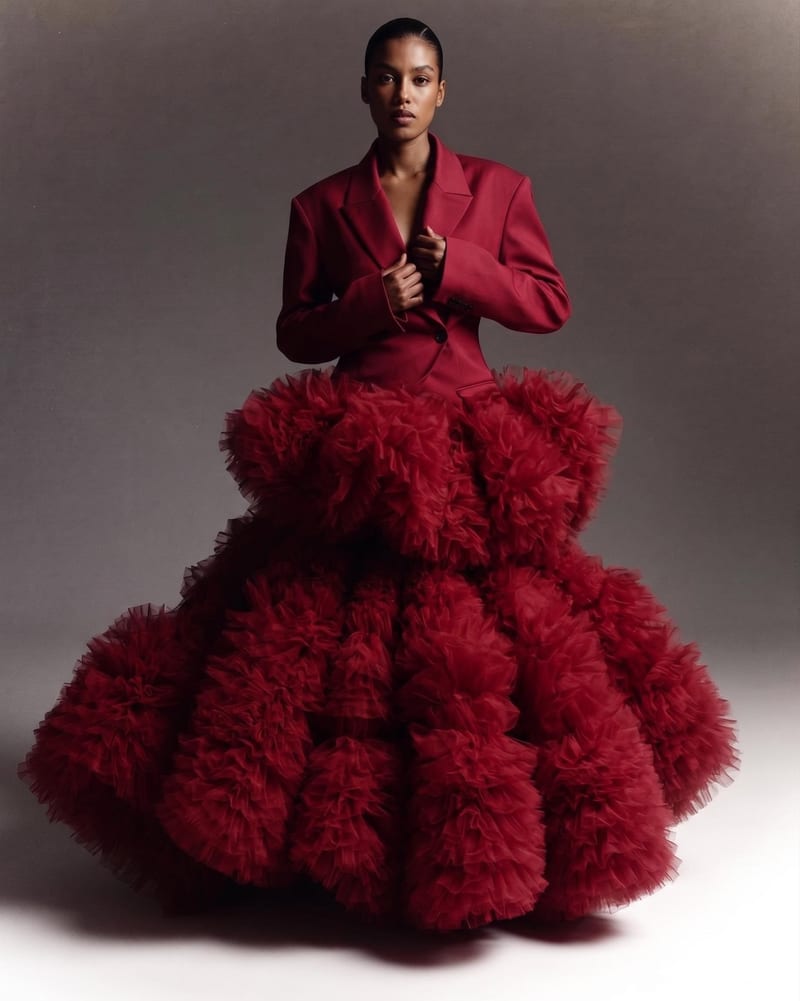
Combine two garment reference images into one blended style image with a cohesive fashion direction.
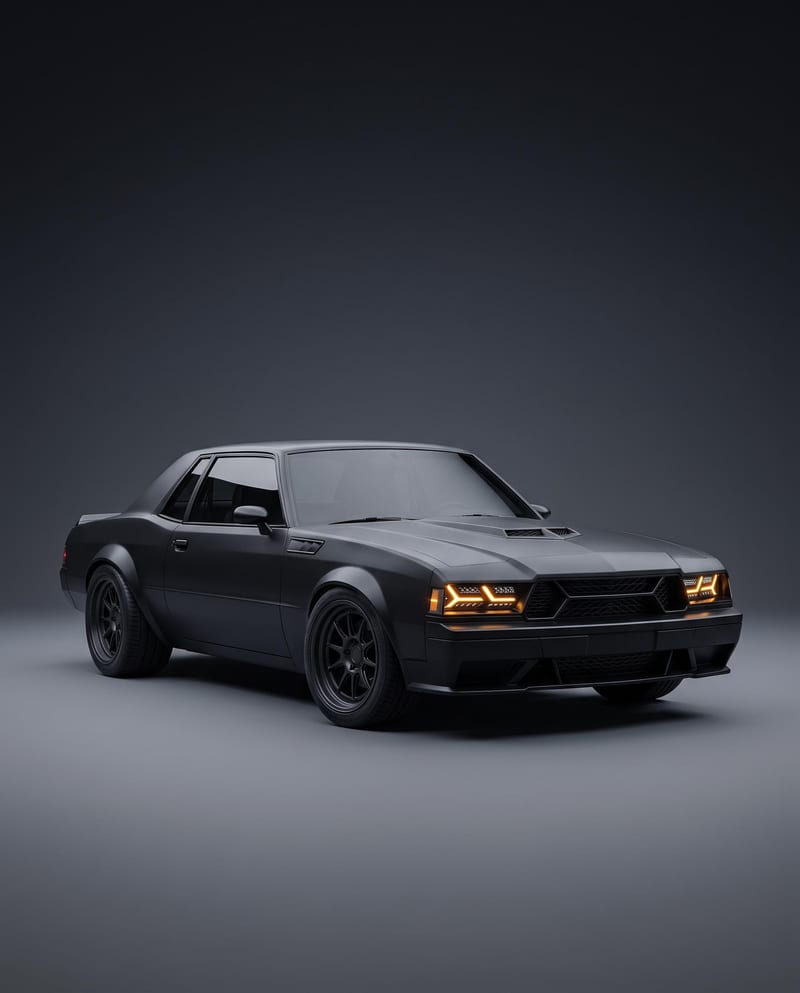
Turn a car reference image into a cinematic car render image and showcase video with full-body views, angles, and close-ups.
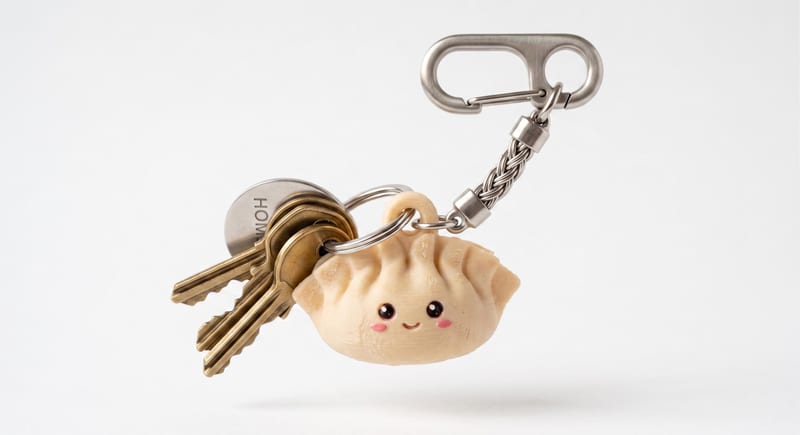
Describe a cute keychain or charm in text and create a 3D mesh that can be downloaded as an STL file.