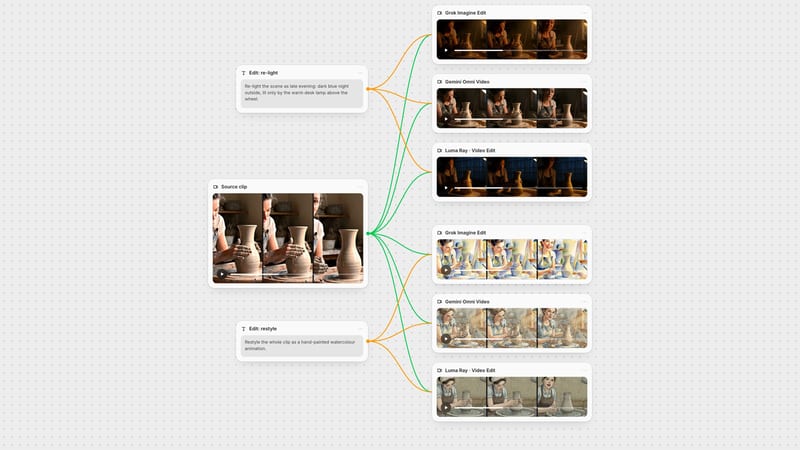
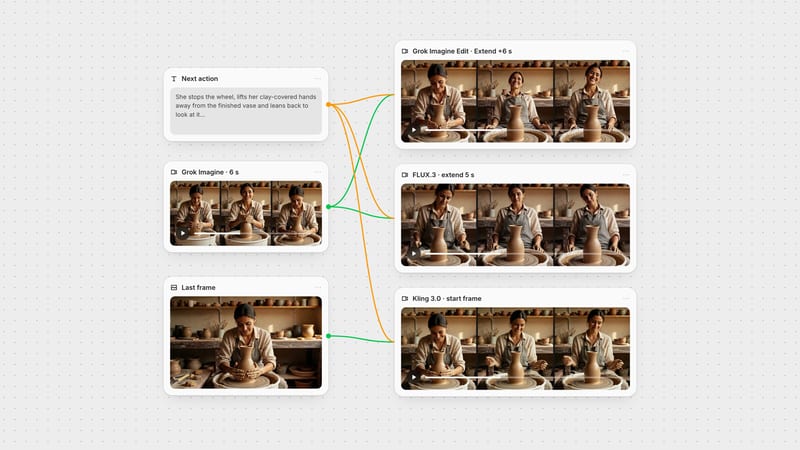
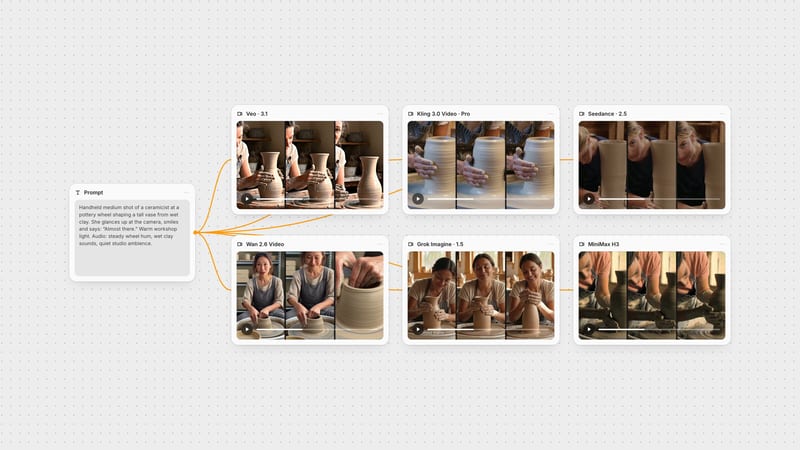
One click, whole workflow
Recipes are here. Package a whole workflow and run it in one click
Explore recipesOne click, whole workflow
Recipes are here. Package a whole workflow and run it in one click
Explore recipesbyxAI
Live-action clips that arrive with their own dialogue, room tone and effects, from a prompt, a first frame, or up to seven references
One shot per generation: write the scene and its sound, decide whether images lead the frame, then draft small and render the keeper larger.
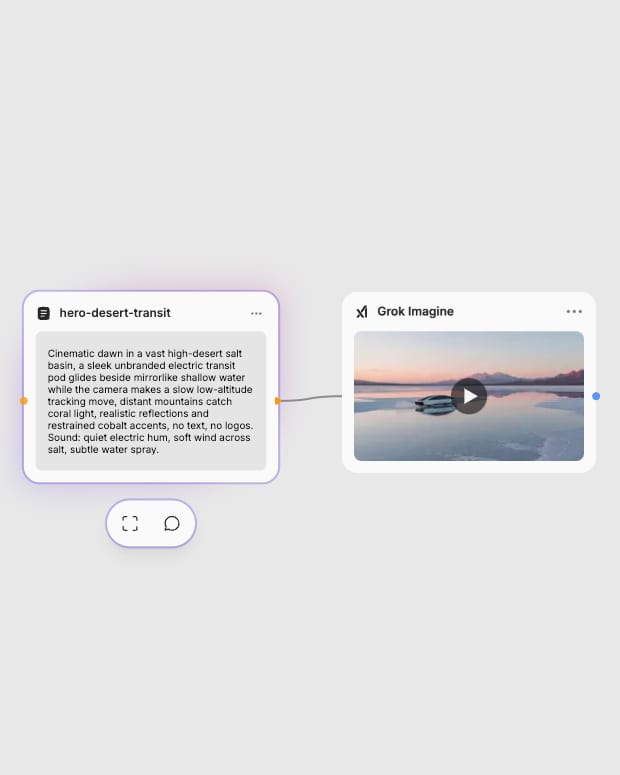
Frame the shot and the sound
Write one scene with a camera move, then add an Audio: line for dialogue in quotes, ambience, or 'no music'.
Cite your reference stills
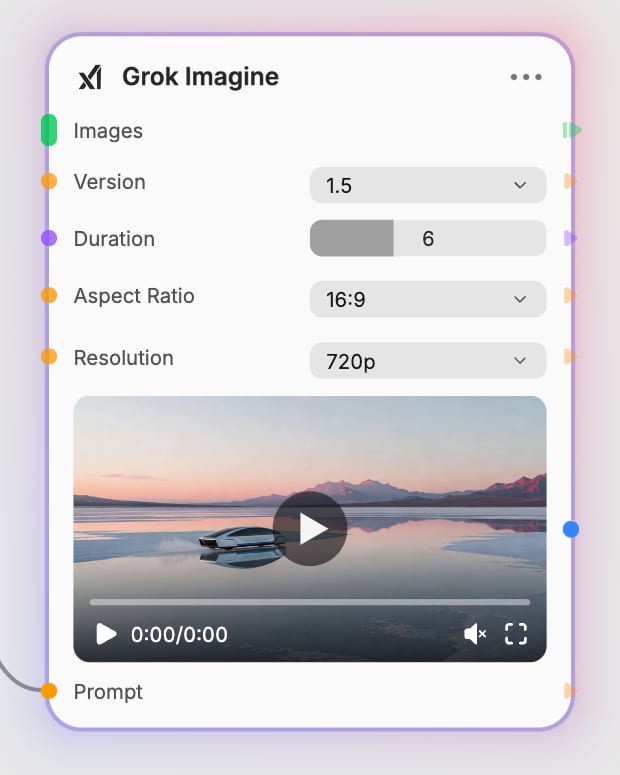
Add one image to open on that frame, or two to seven and cite them as @Image1 through @Image7, each with one clear job.
Draft short, render the keeper
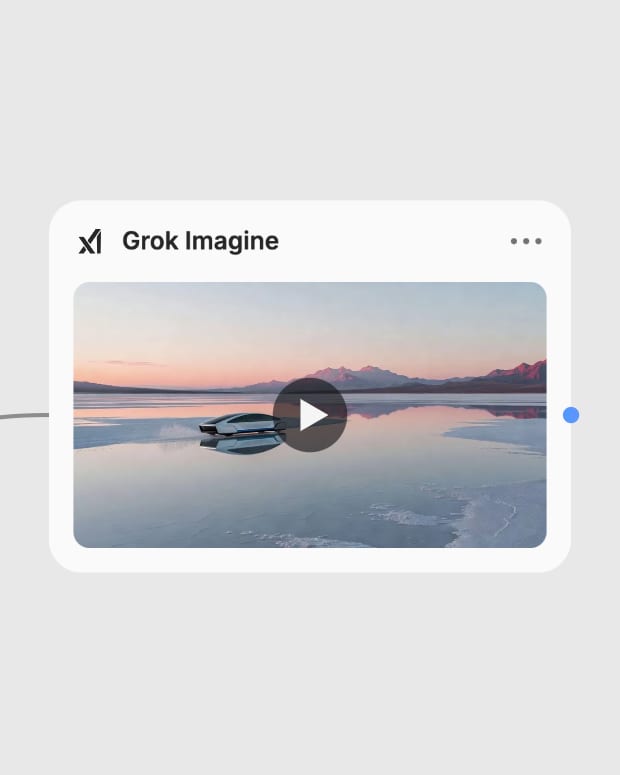
Pick 1.0 or 1.5, set 1 to 15 seconds, preview at 480p, then re-render the keeper at higher resolution.
Built-in sound, reference-driven scenes and calm, believable camera behavior make this a fast tool for short, finished-feeling clips.
A spread of single-beat shots (ads, a duel, a gallery room, a macro product moment, a watch) each carrying its own soundtrack.
Social creators, ad teams, directors, product brands and visualizers use it when they need a quick, sound-included clip rather than a long, choreographed sequence.
Version 1.5 is the newer default and adds 1080p for text-to-video and image-to-video, with better motion physics (weight, momentum). Version 1.0 is the cheaper previous generation, best for drafts, and has no 1080p. Costs on 1.5 climb steeply at long durations and high resolution, so draft at 480p first.
Use text-to-video for quick ideas from a prompt alone, image-to-video to animate one still as the opening frame, and reference-to-video to blend two to seven images (character, location, prop) cited as @Image1 to @Image7. Reference mode is capped at 10 seconds; text and image modes run up to 15.
Yes, it generates picture and synchronized sound in one pass, including lip-synced dialogue, ambience, effects and music. Put spoken lines in quotes and add an Audio: line, or say 'no music', to steer the track.
Text and image clips run 1 to 15 seconds; reference clips run 1 to 10 seconds. Clips of about 5 to 8 seconds hold identity and detail best, since fine detail can drift toward the 15-second end.
It struggles with long multi-step action, dense crowds, complex hand work, and precise on-screen text or logos, where ghosting and warped anatomy can appear. Keep to one shot and one action per generation, and chain clips for sequences.
It was created by xAI. This node exposes text-to-video, image-to-video and reference-to-video modes, at 480p, 720p and 1080p (1080p on v1.5 text and image modes).
Live-action clips that arrive with their own dialogue, room tone and effects, from a prompt, a first frame, or up to seven references