Create
Start with a working selection.
Select the connected nodes that make up your process and create a Recipe. The selection becomes one node, with connections to the surrounding flow preserved.
One click, whole workflow
Recipes are here. Package a whole workflow and run it in one click
Explore recipesKeep the process that worked.
Fuser Recipes are AI workflow templates for creative work. Change the brief, swap the reference and run it again with the credit estimate shown before you start, or begin from a recipe someone else has already built.
Open a Recipe and work with the inputs its creator exposed. Bring your own brief or reference, review the credit estimate, and run the connected process from one view.
The brief and the result, side by side.
This botanical campaign example keeps the creative input beside its output. Change the direction and run again, then browse previous runs to compare the results.
A connected workflow becomes a focused tool, with clear inputs and an output you can keep building on.
Recipes bring input controls, execution, and previous results into a single place.
Edit the available prompt, adjust a setting, or replace a reference. Each Recipe exposes controls appropriate to its internal nodes, from text and dropdowns to media inputs.
Check the credit estimate before executing, then inspect the output. Image, video, audio, text, and 3D results have displays suited to the media they return.
Use the run arrows to browse earlier executions. Reset inputs restores saved starting values; wired inputs continue to take their values from the connected canvas nodes.
Turn a successful flow into a tool someone can understand without rebuilding the steps inside.
Create
Select the connected nodes that make up your process and create a Recipe. The selection becomes one node, with connections to the surrounding flow preserved.
Inputs
Connect Input to the properties people should change. One input can feed several compatible properties, so a shared creative brief can guide more than one stage.
Interface
Name inputs for the creative decision: “Product image,” “Camera direction,” or “Background color.” Add descriptions and useful starting values, then preview the experience before sharing.
Outputs
Connect the results you want to expose to Output. Keep the working setup inside the Recipe while making its image, text, or other supported result available to the surrounding canvas.
Product concepts, campaign imagery, spaces, and cinematic ideas: save the process behind a direction you want to explore again.
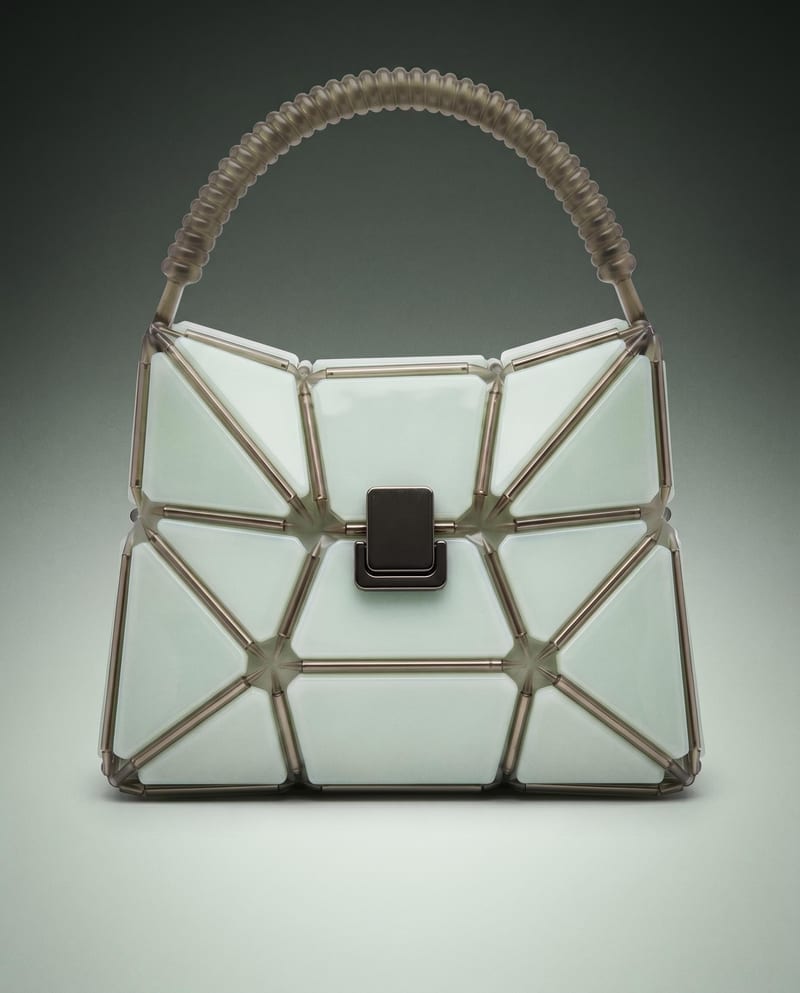
Professional Product Campaign
Use a product image to create studio, handheld, and poster shots for product advertising and brand presentations.
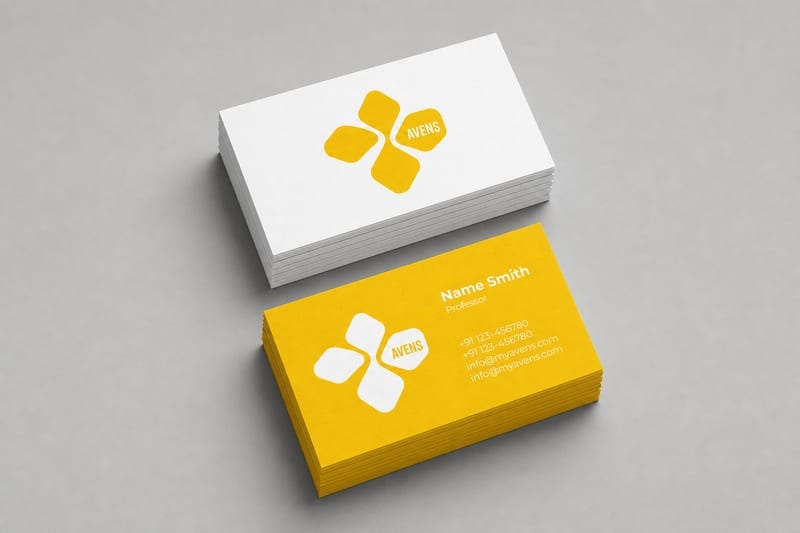
Merch Mockups from a Logo
Turn one logo into business card, letterhead, tote bag, socks, hat, and shirt mockups.

Change Interior Room Style
Upload one room image to explore Japandi, Art Deco Maximalist, Dark Academia, Classical, and Mid Century Modern variations.

Film Style Generator
Upload one reference image to create six film-inspired photographic variations.
A reusable process should be able to evolve while you decide when to adopt its new wiring.
Placed Recipes use a specific flow version. A finished project can stay on its current setup while you try an updated version in another project.
Use the version controls to switch a placement to an available version. After saving a change, update eligible placements from the offered update controls or leave them as they are.
Add a clear name, thumbnail, and examples. Test the required inputs and outputs before publishing. The listing gives others a way to find the latest public version.
The recipe index is the place to browse current recipes. It stays up to date as recipes are published.
Yes. Create one from selected connected nodes, or build its internal canvas using Input and Output nodes. Define the controls and preview the recipe before sharing it.
Instances are pinned to a workflow version, so they do not automatically adopt new internal wiring. You can update an instance when ready. Some descriptive metadata, including names and labels, is shared across versions.
Recipe runs use the underlying nodes and their applicable credits. Review the estimate in the recipe preview before executing it. See pricing for current plan details.
Find a recipe, bring your own inputs, and see where it takes you.