One click, whole workflow
Recipes are here. Package a whole workflow and run it in one click
Explore recipesOne click, whole workflow
Recipes are here. Package a whole workflow and run it in one click
Explore recipesMake the product the reason to look.
A clean packshot tells people what it is. The right setting shows why they might want it. Create studio-style compositions, lifestyle scenes and short product videos from your existing imagery, then finish the details in Fuser.
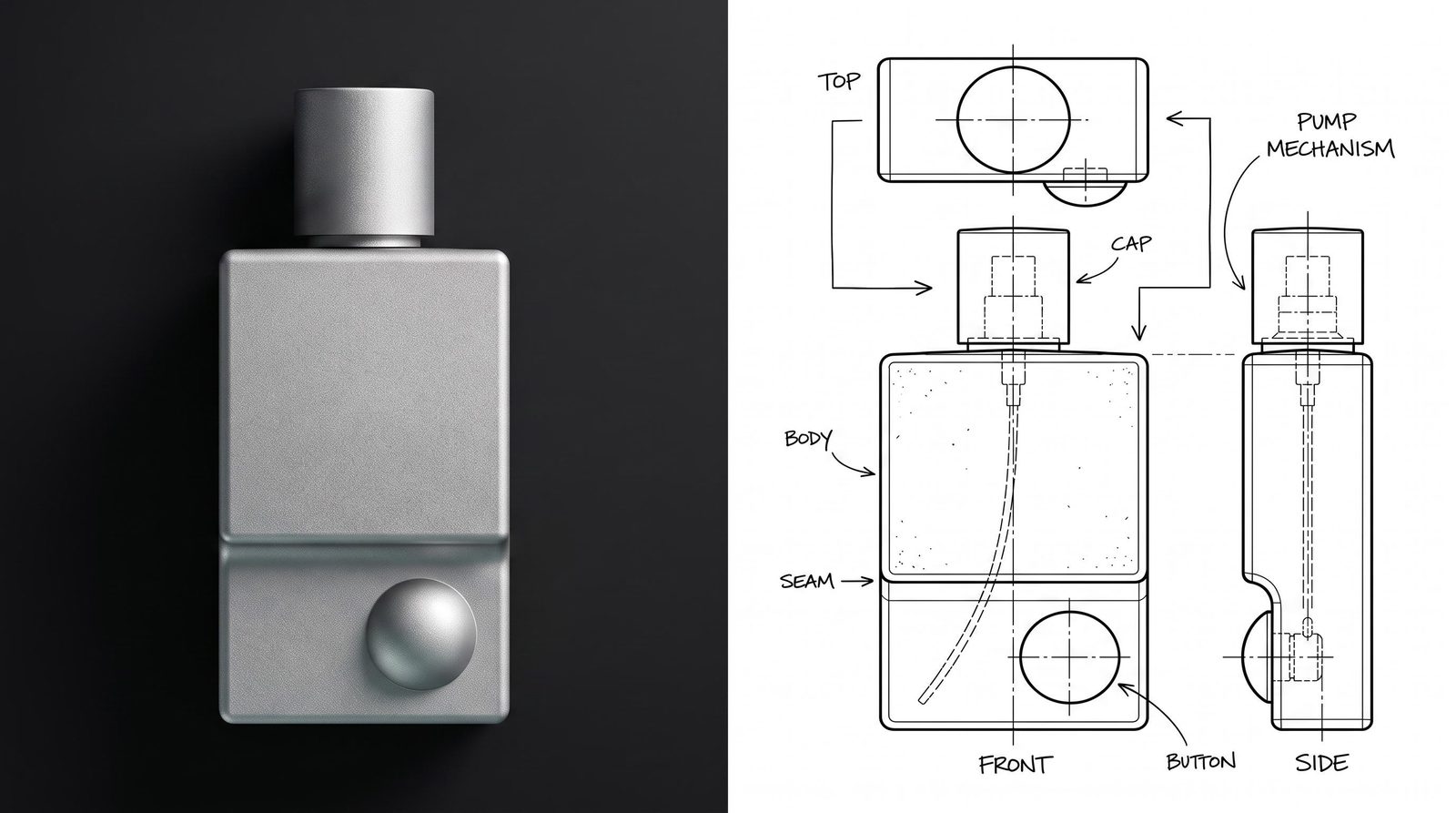
Explore a sunlit bathroom, a sculptural studio set or a weathered outdoor surface around your product references. Compare lighting, materials and composition on the same canvas. Choose the scene that brings out the product’s character.
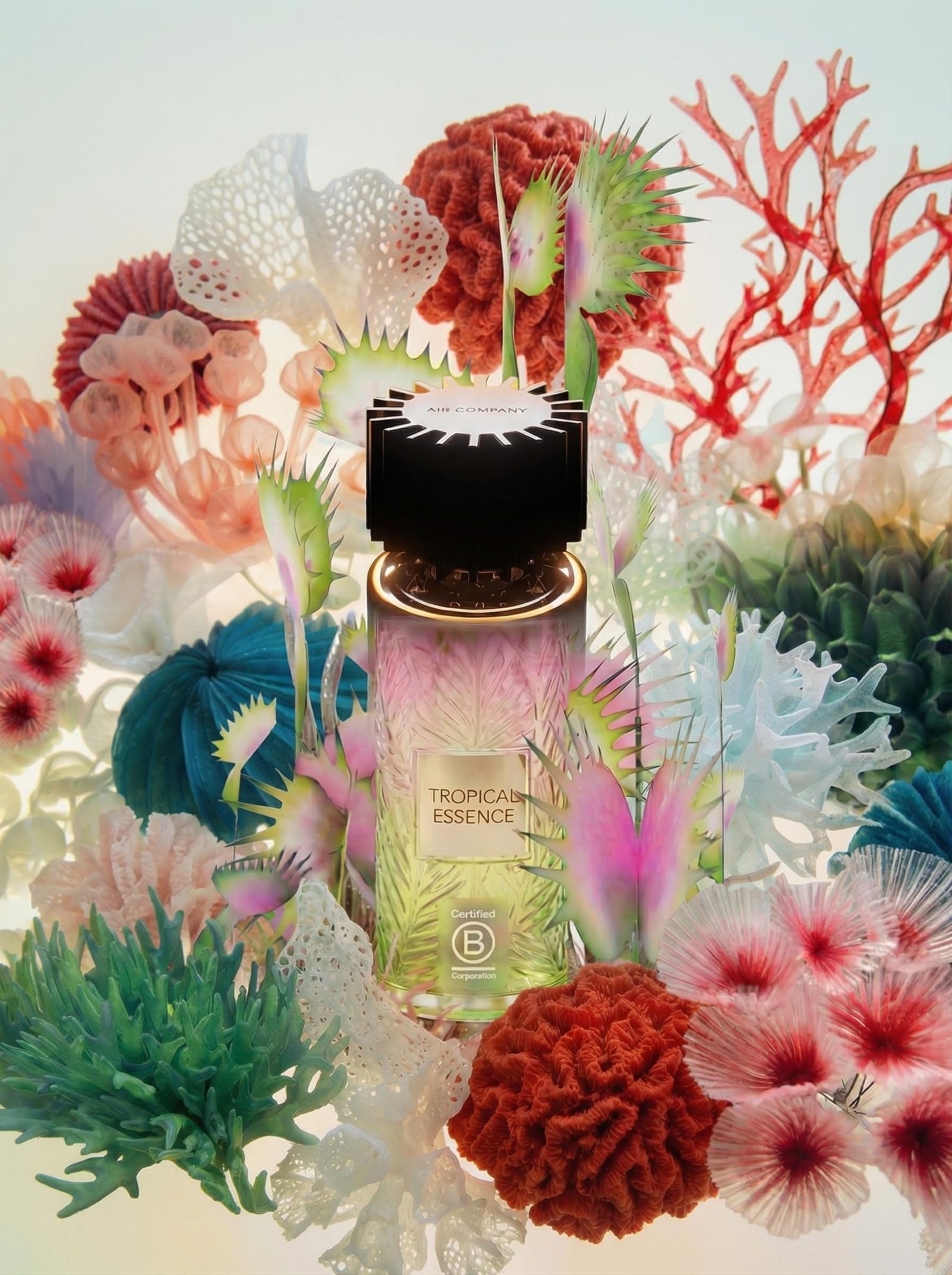
When the label or silhouette needs to stay exact, place the original product image over a new background in Compositor. Adjust masks, scale and positioning yourself. Add logos and copy as editable layers instead of baking them into a generated image.
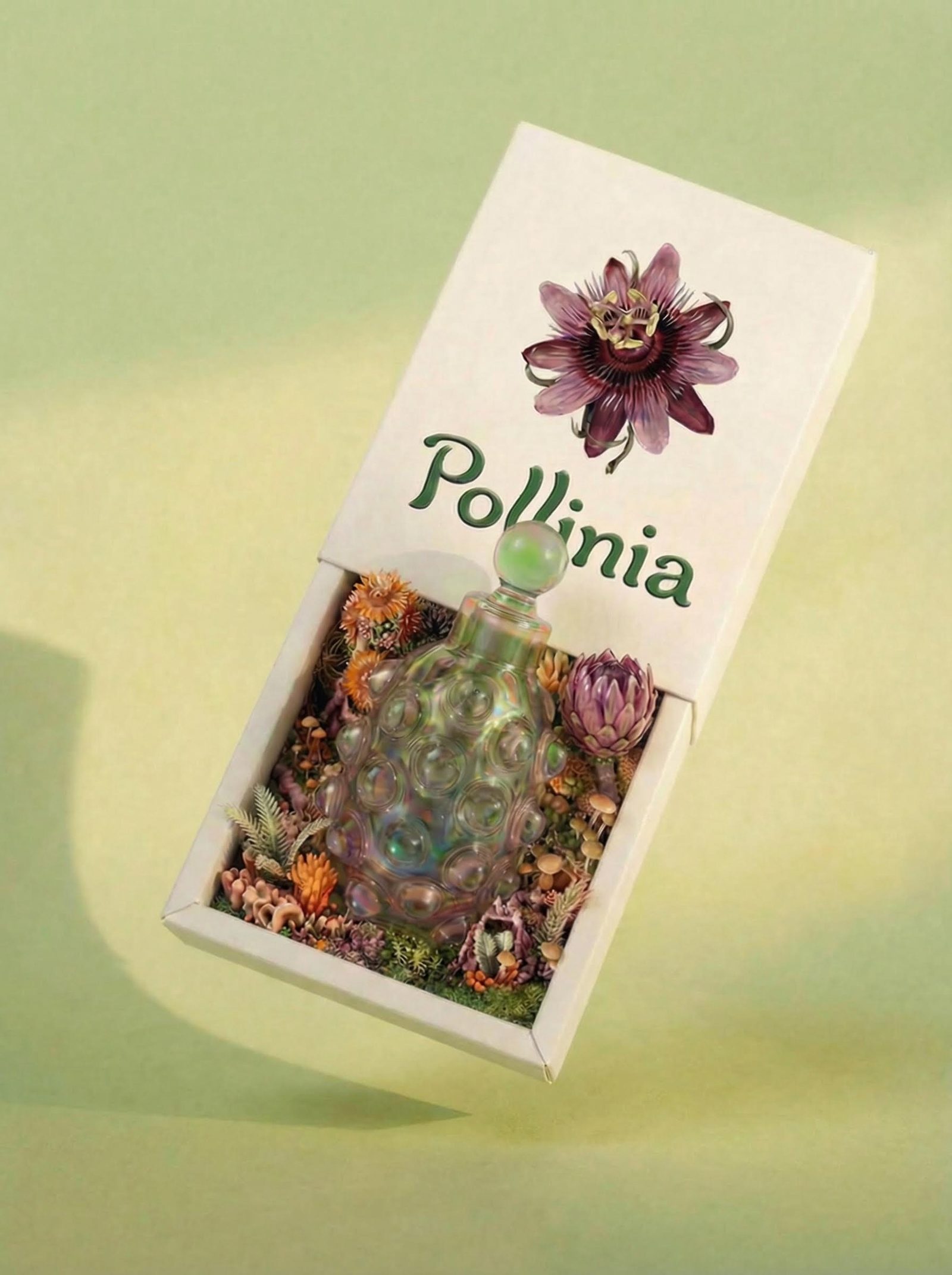
Use a selected still as the starting point for a video study, or bring a 3D object into a composition to explore another angle. Connect each stage on the canvas so the product reference remains close to the work it informs.
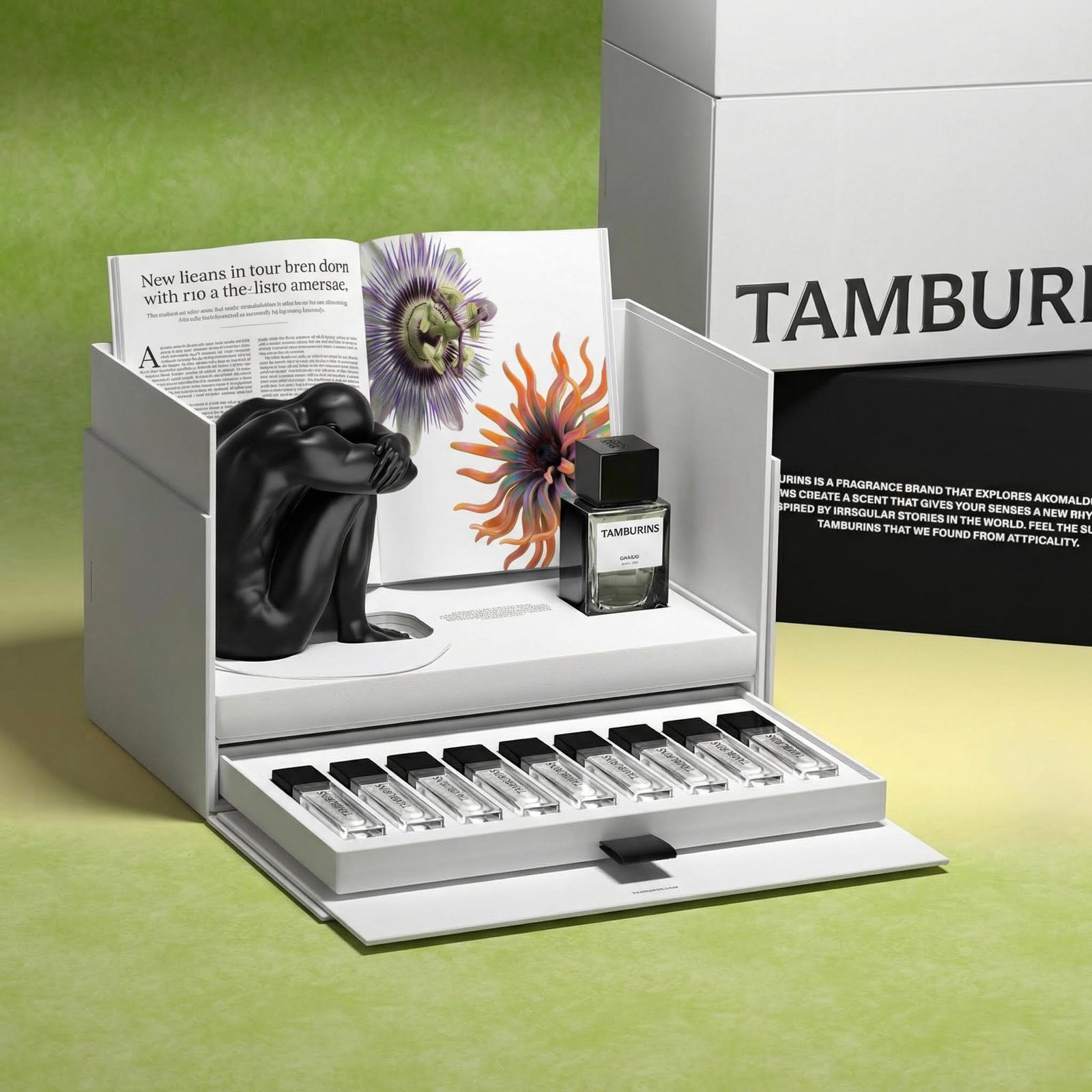
Develop a focused set of visuals around the product’s strongest details.
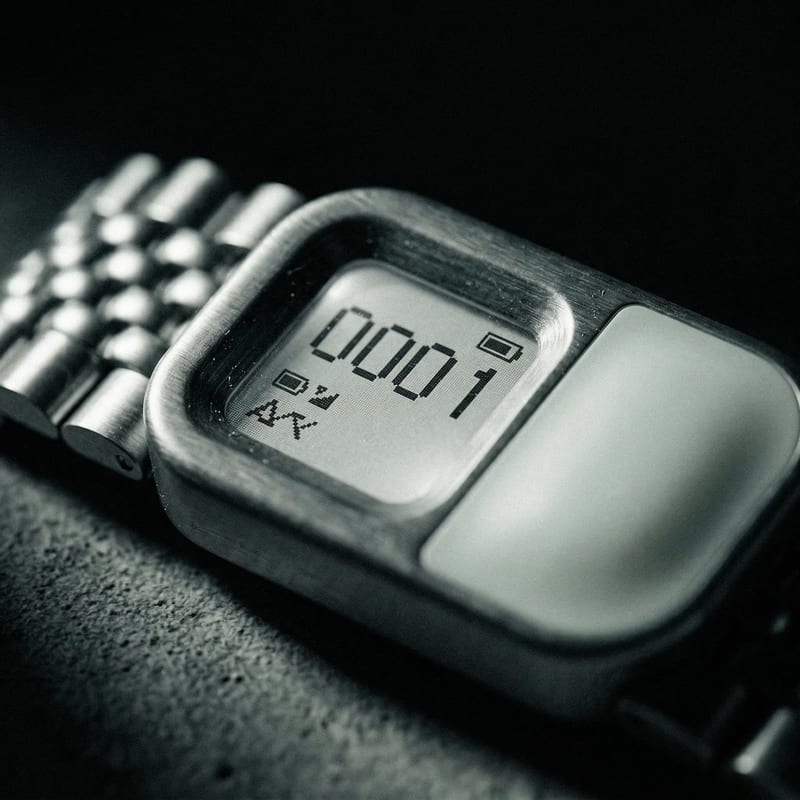
Studio-style hero images
Explore surfaces, lighting and framing that give the product presence.
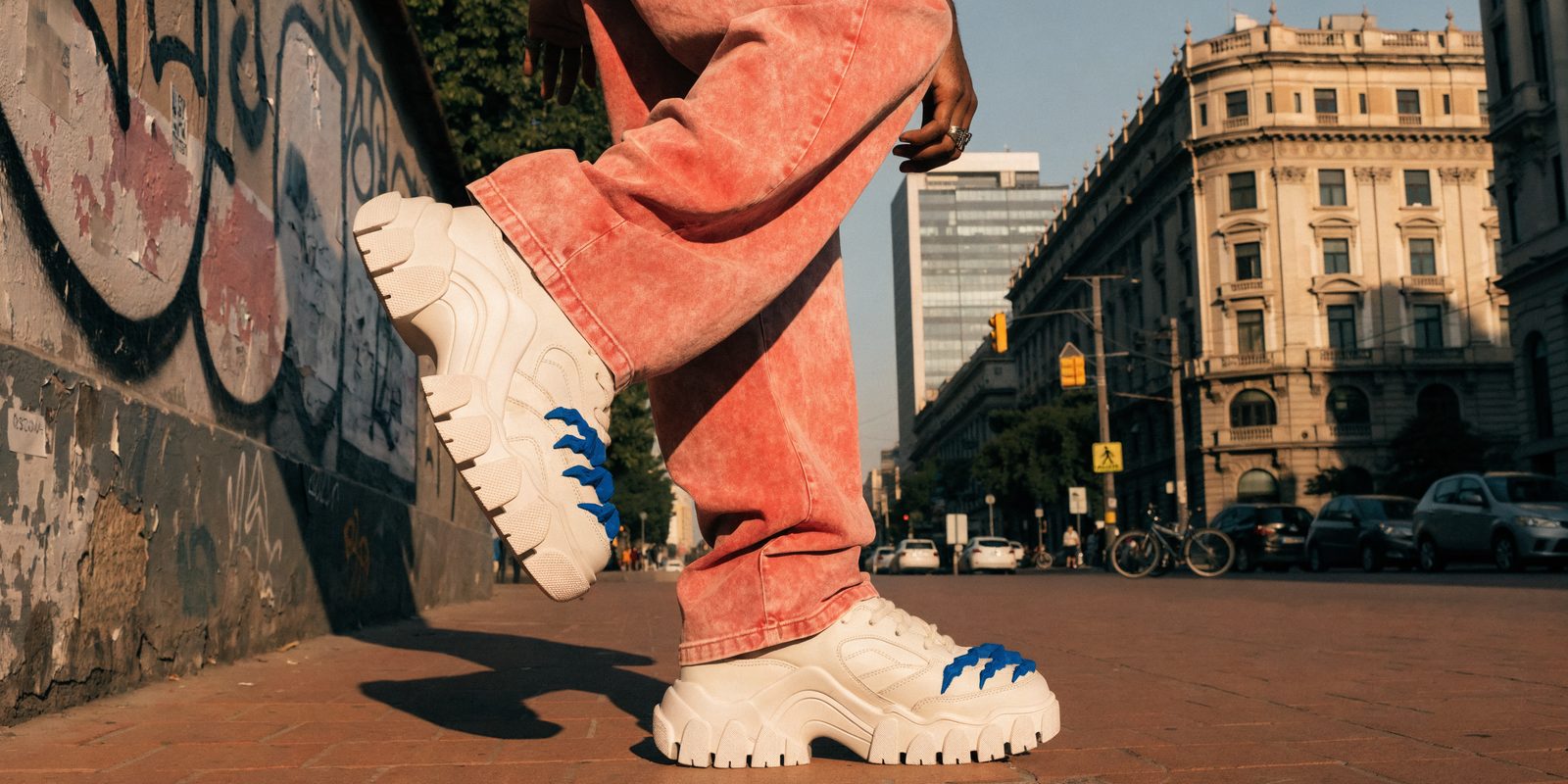
Lifestyle scenes
Show the context, mood and setting around the product.
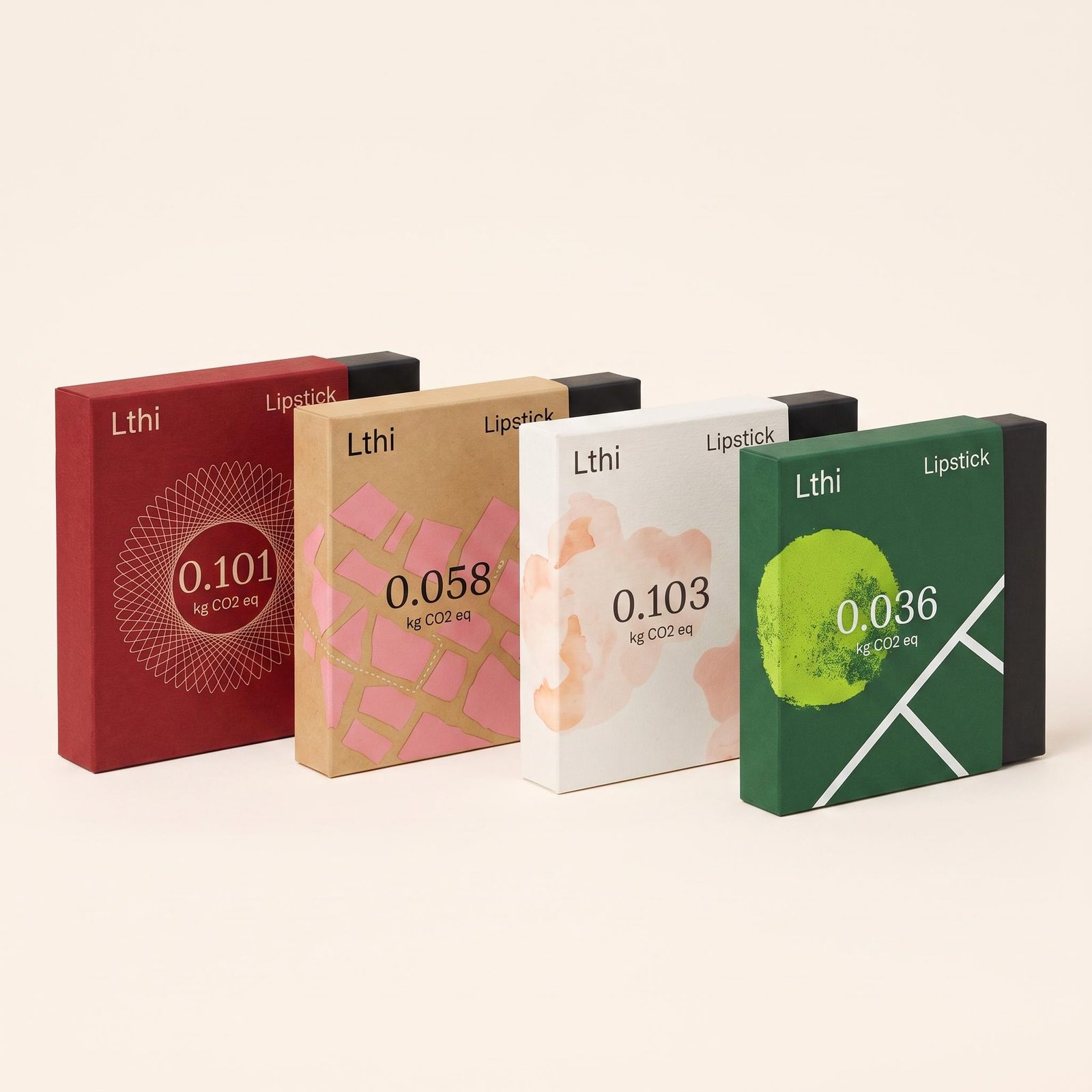
Packaging presentations
Compose product imagery with original marks, editable callouts and considered typography.
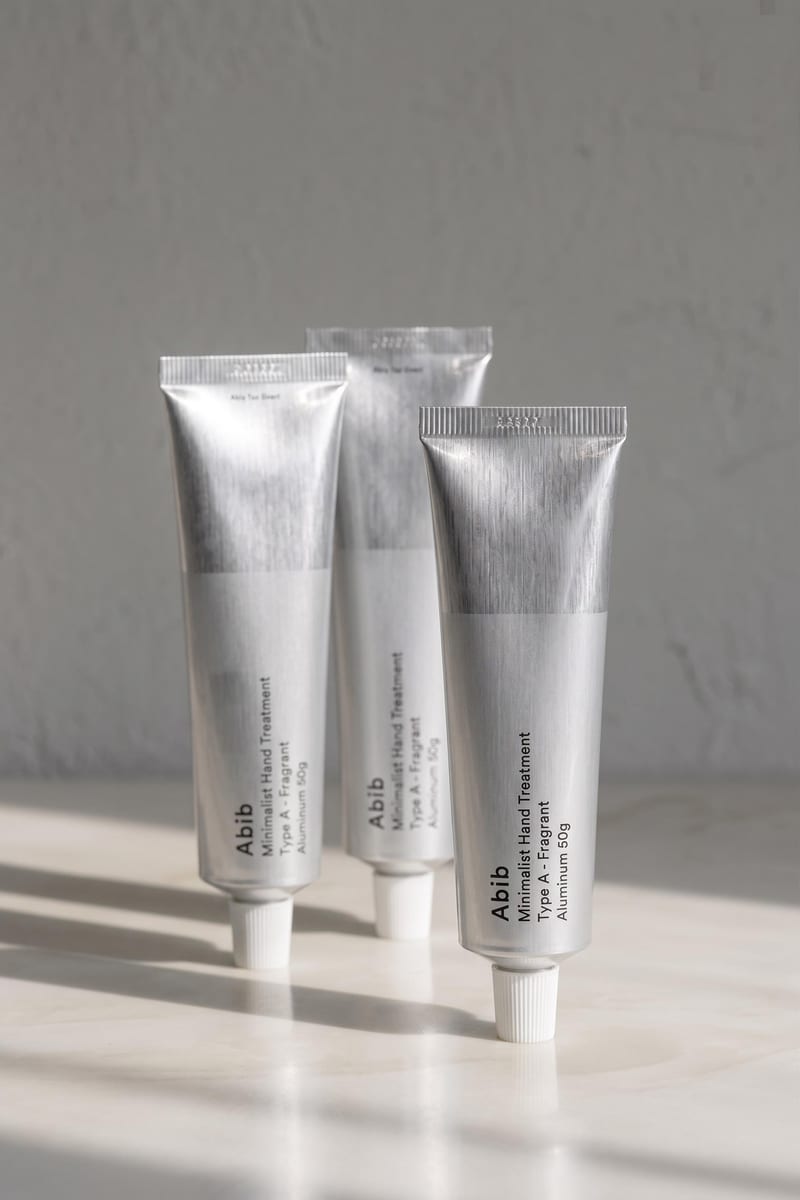
Product motion studies
Develop short movement and reveal concepts from selected stills.
Start with a clear product photograph and an idea of the setting or story you want to explore. Use the photograph as a reference for generation or as an original layer for a precise composition. You can also bring a supported 3D product asset into Compositor.
Yes. Explore different background, lighting and material directions from your references, then compare them together. For an exact product depiction, keep the original packshot as a separate Compositor layer and change the surrounding design. You can choose the setting without asking generation to redraw the packaging each time.
Keep exact assets—such as the product photograph and logo—in their own design layers. Generative edits can alter lettering, shape and color, so compare any generated product depiction with the source before using it commercially.
Compositor supports 3D layers, so a supported 3D asset can sit alongside imagery and editable text in the composition. That gives you another way to explore framing and presentation. Keep the original engineering or manufacturing files in your specialist tools; use Fuser for the visual work around the product.
Turn the useful generation steps into a Recipe with inputs for the new product reference and brief. Keep a working composition for the final layout. Reuse the approach, then adjust the framing and design for the next object instead of forcing every product into exactly the same shot.
Yes. Fuser connects image, video and 3D tools on the canvas. A selected image can feed a video step, while Compositor handles the layout and editable graphic elements. Available duration and reference controls depend on the tool you choose.
Export a Compositor still as PNG or a video composition as MP4 for use in presentations and other creative tools. Keep the source project with the product references, generated studies and editable layout. That makes the next request for a different headline or composition a revision to existing work.
Bring a packshot, explore the setting and build a visual around what makes it worth a closer look.
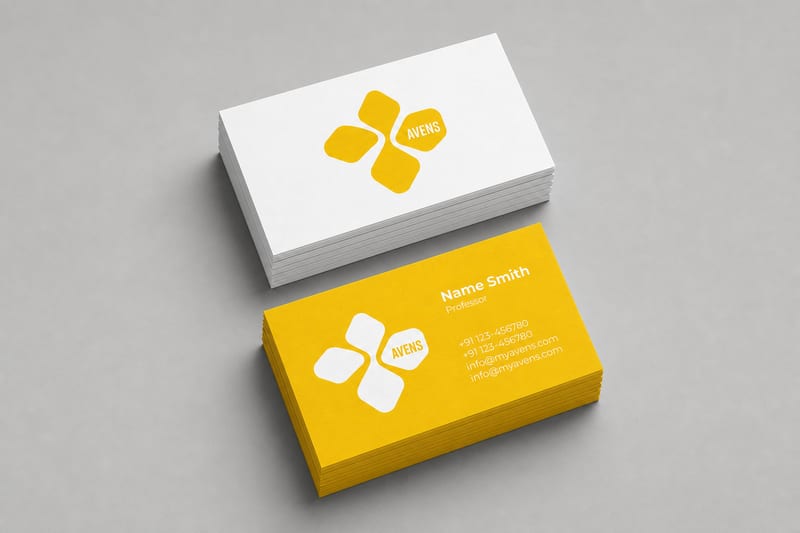
Turn one logo into business card, letterhead, tote bag, socks, hat, and shirt mockups.
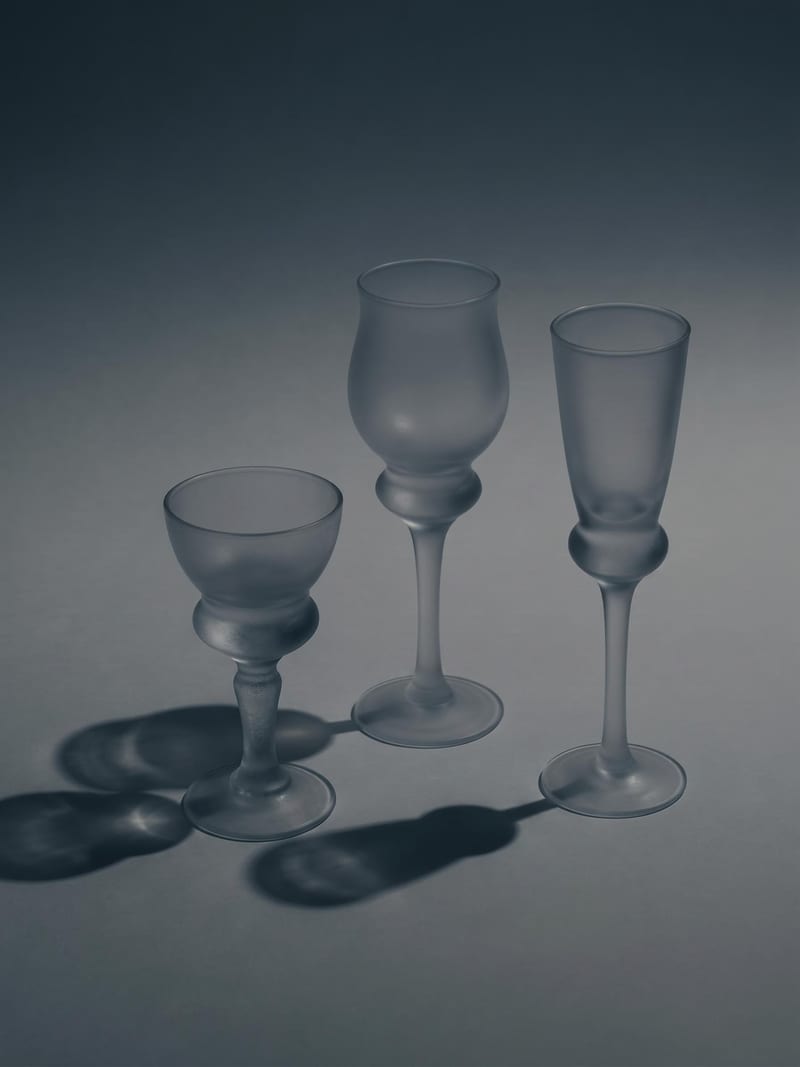
Upload one image to explore six lighting versions, from studio daylight and soft white to dramatic spotlight and golden hour.
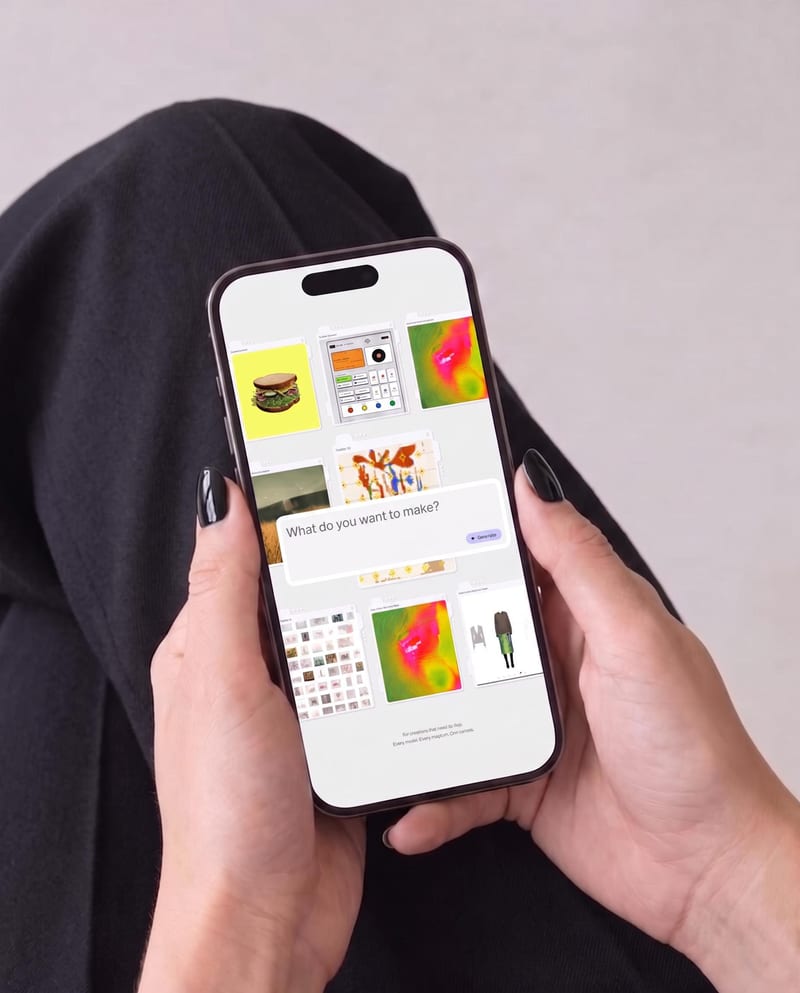
Place one UI design image into phone, tablet, and desktop mockups for realistic product presentation previews.
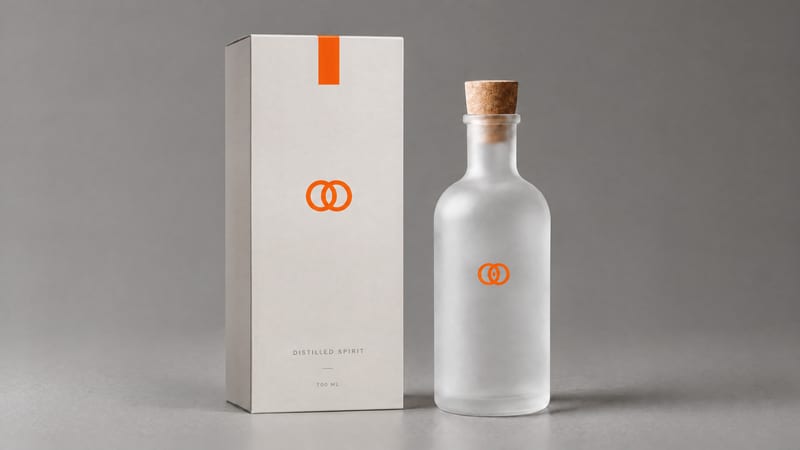
Combine a product image and logo image to create a professional minimalist packaging design for product presentation and marketing work.
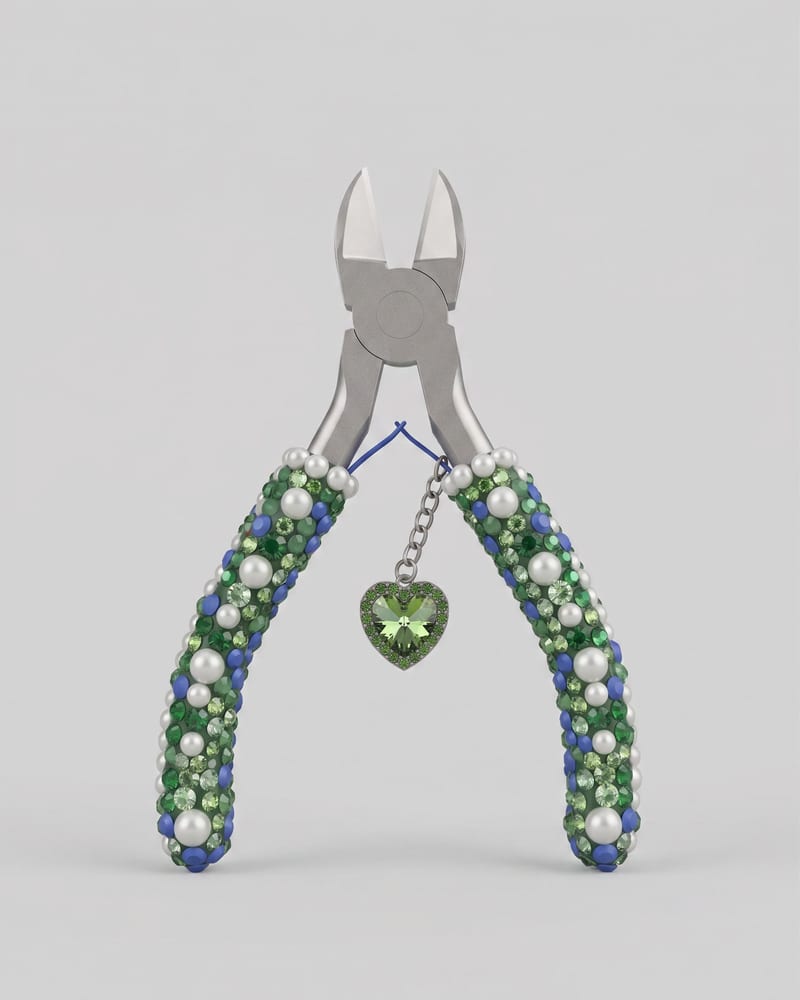
Upload an image of an object to create a Keyshot-style product studio render as the image output.
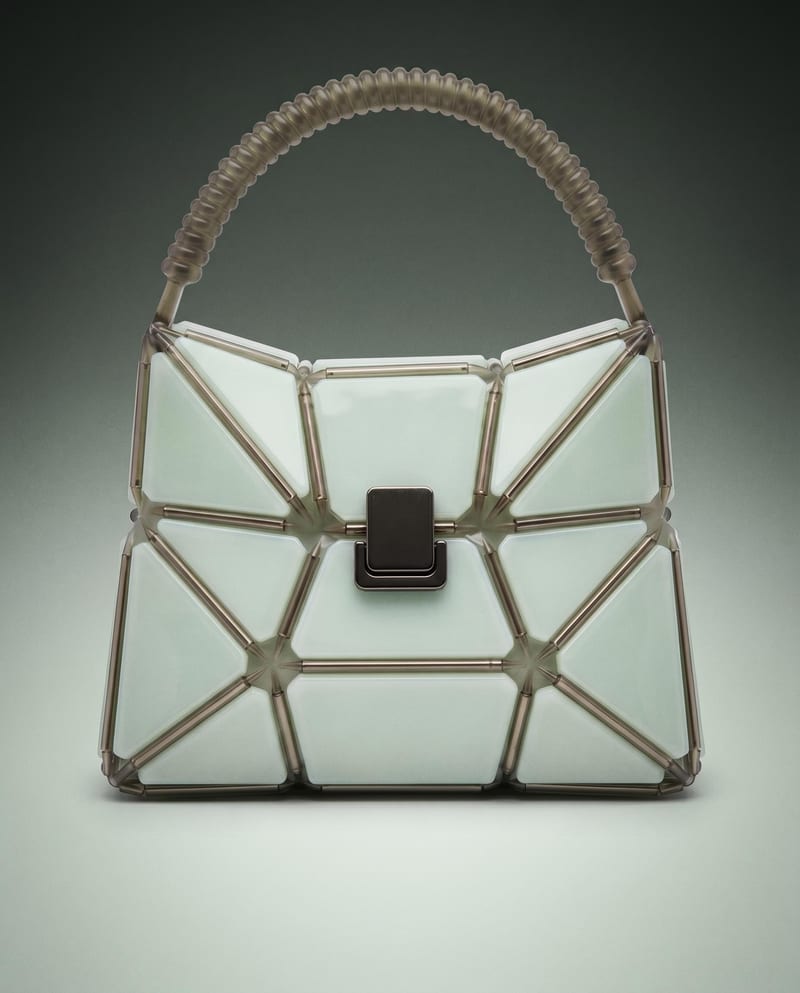
Use a product image to create studio, handheld, and poster shots for product advertising and brand presentations.
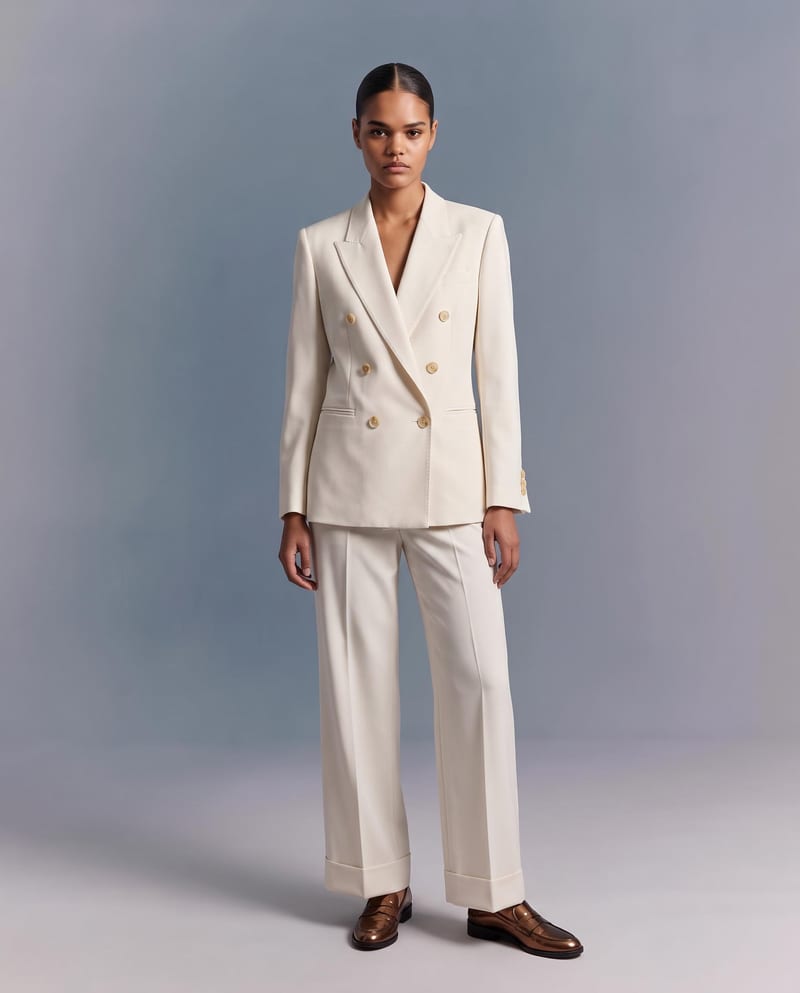
Upload a garment image to create a virtual try-on image of it on a model while preserving its design, color, fit, proportions, and details.
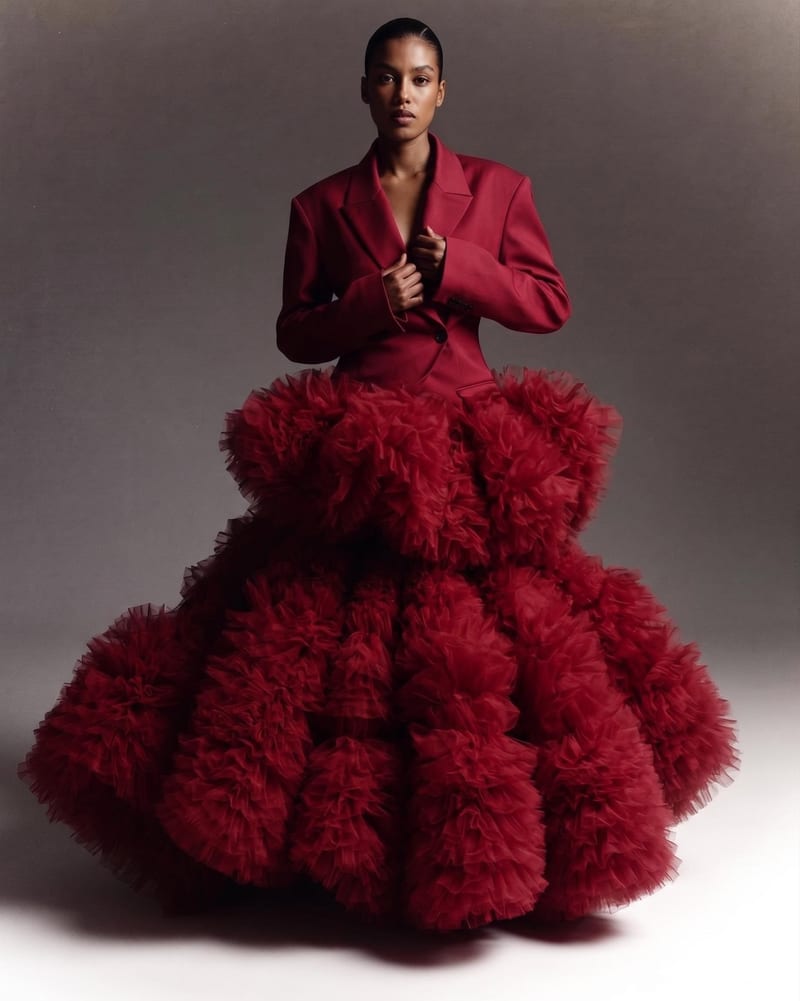
Combine two garment reference images into one blended style image with a cohesive fashion direction.
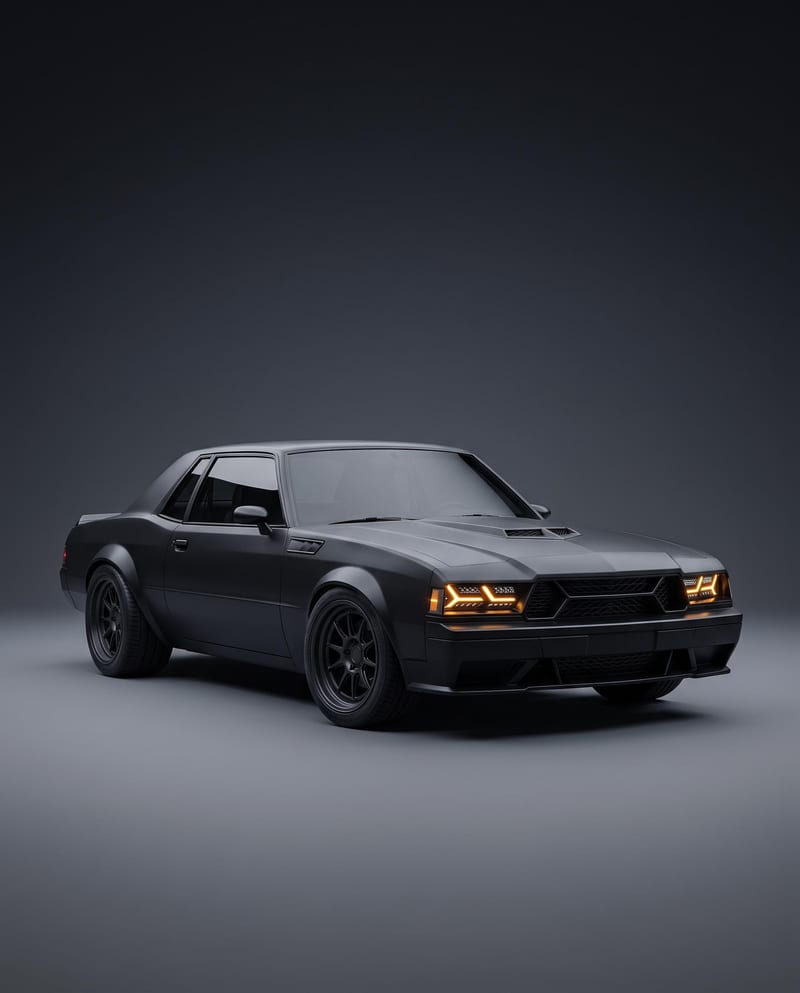
Turn a car reference image into a cinematic car render image and showcase video with full-body views, angles, and close-ups.
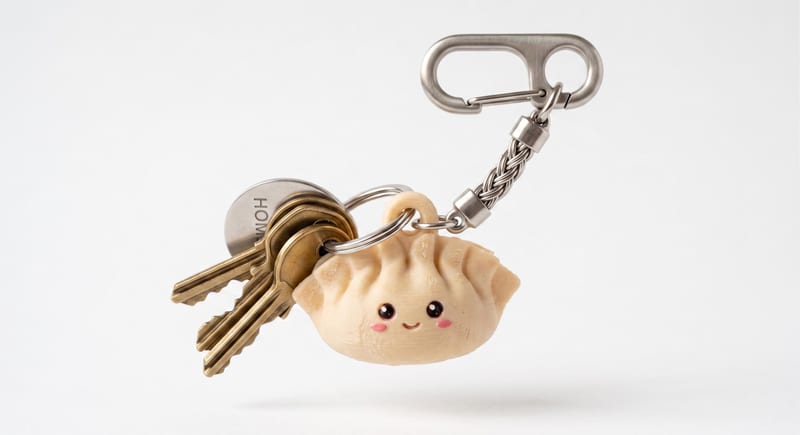
Describe a cute keychain or charm in text and create a 3D mesh that can be downloaded as an STL file.
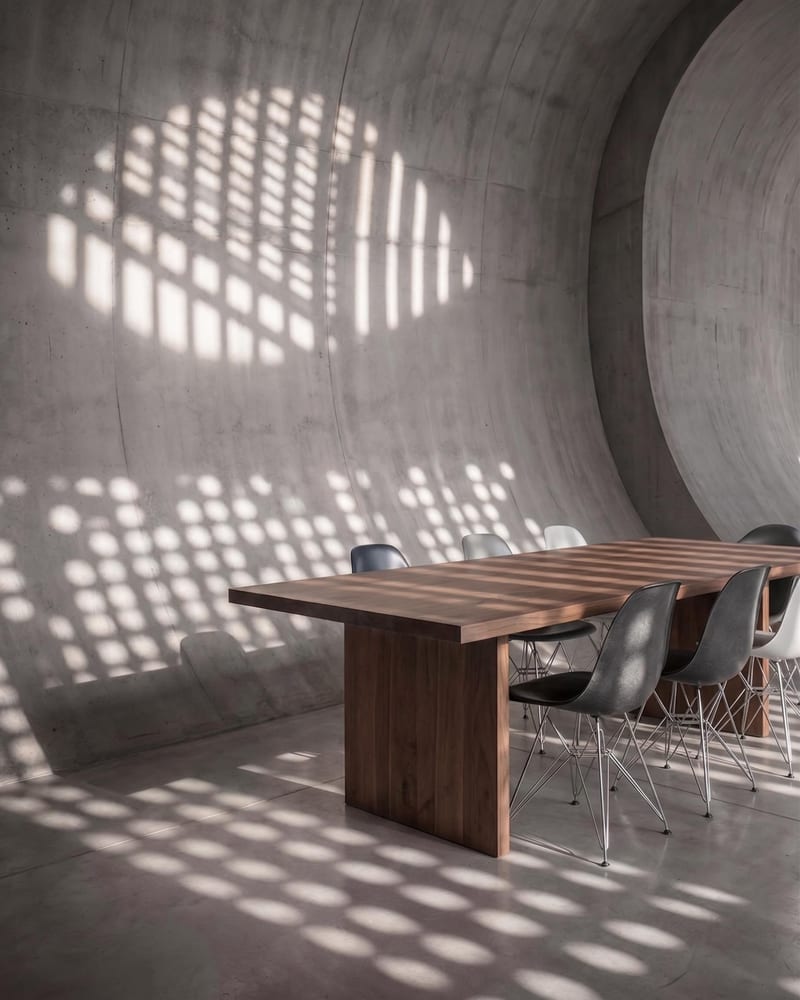
Upload a reference image and name a target object to create an image with that object removed.
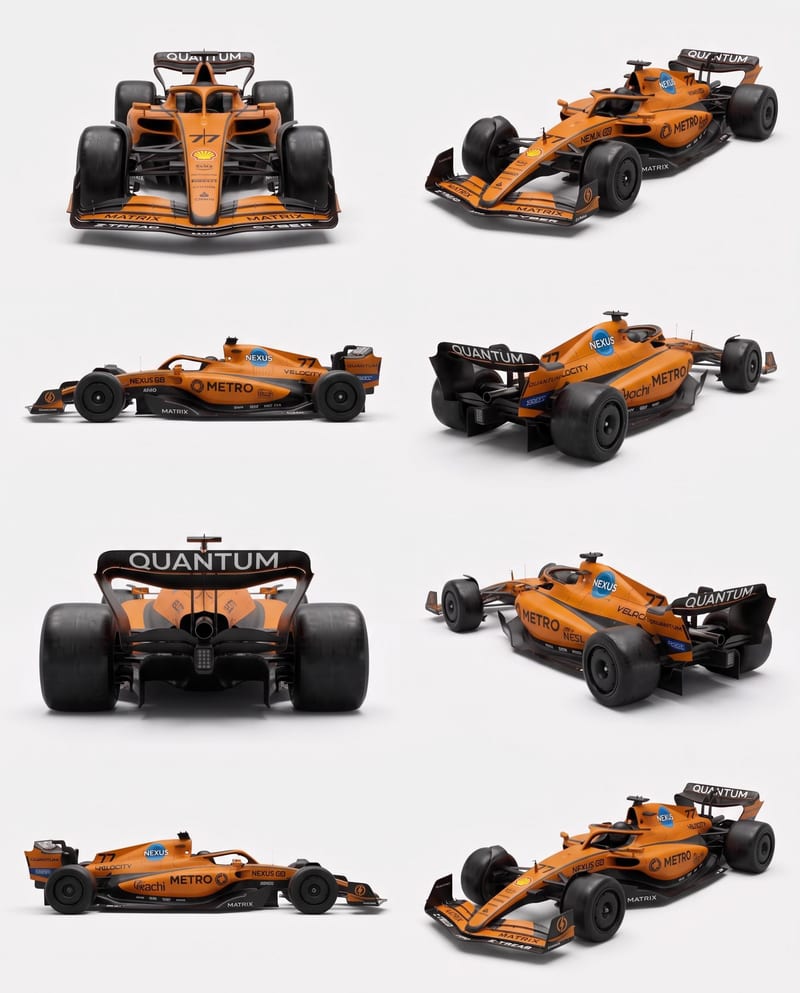
Upload vehicle reference images to create a clean eight-angle sheet that preserves distinctive details across a structured layout.