One click, whole workflow
Recipes are here. Package a whole workflow and run it in one click
Explore recipesOne click, whole workflow
Recipes are here. Package a whole workflow and run it in one click
Explore recipesFind your game’s look before you build out the world.
A character, a prop and a location should feel like they belong to the same game. Explore them together, take selected concepts into 3D and try small interactive ideas. Give the art and design team something concrete to build on.
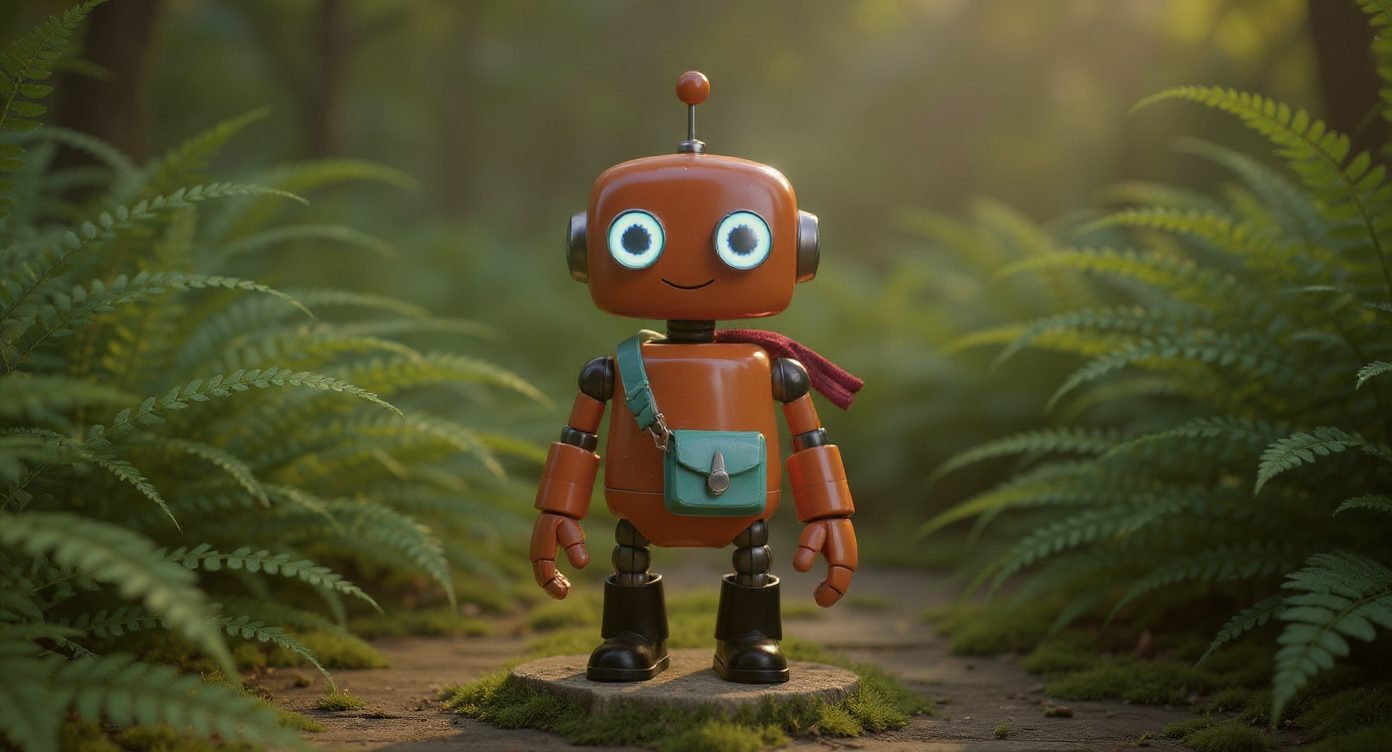
Develop silhouettes, materials and environment studies from a focused reference set. Compare a character beside the objects and spaces around them. Make the art direction visible enough that the team can discuss what belongs—and what needs another pass.
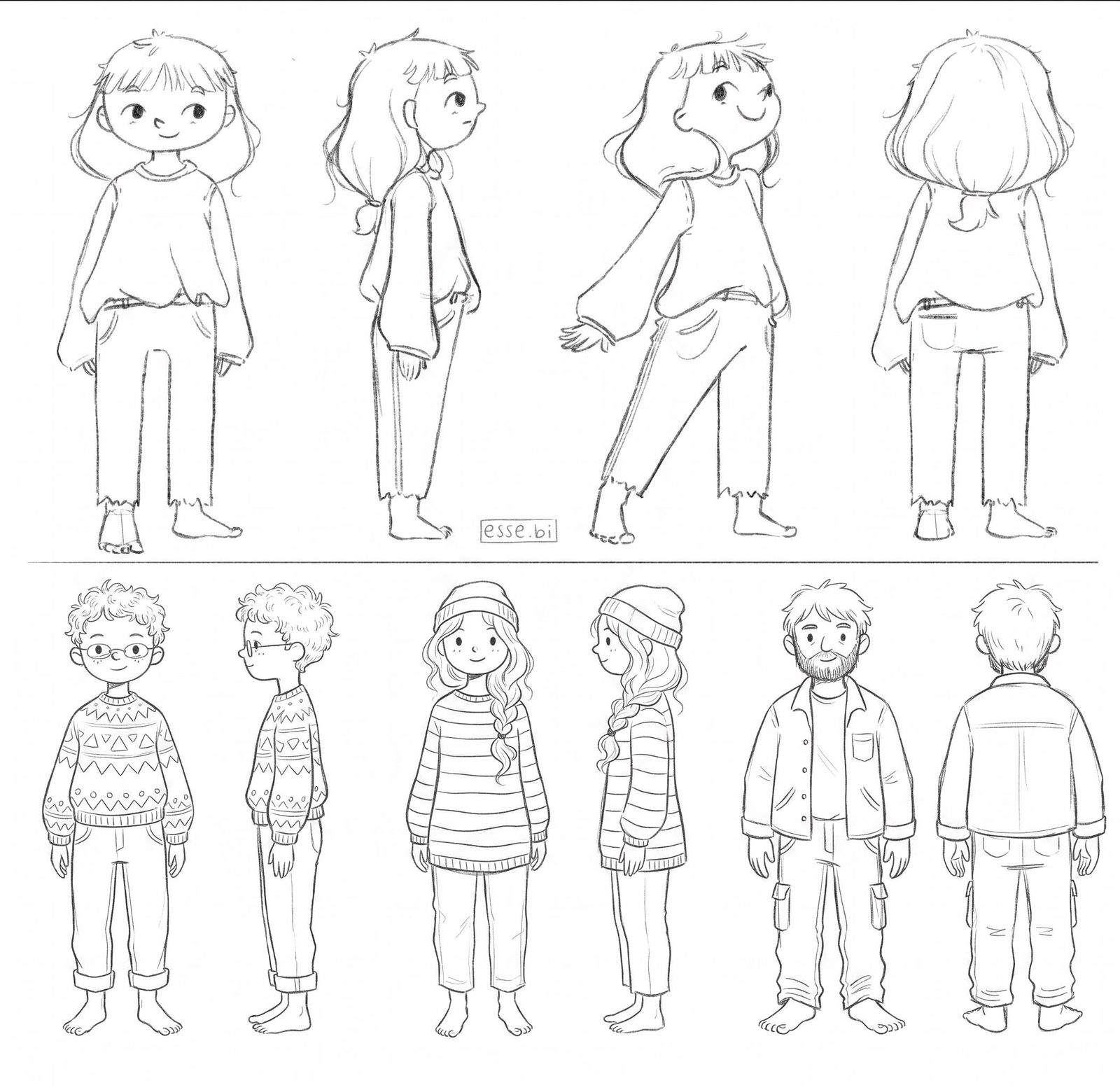
Use a selected image with a suitable 3D-generation tool to explore an individual prop or character. Inspect it beyond the front view and try the available geometry controls. Bring the result into your 3D software for the preparation your game requires.
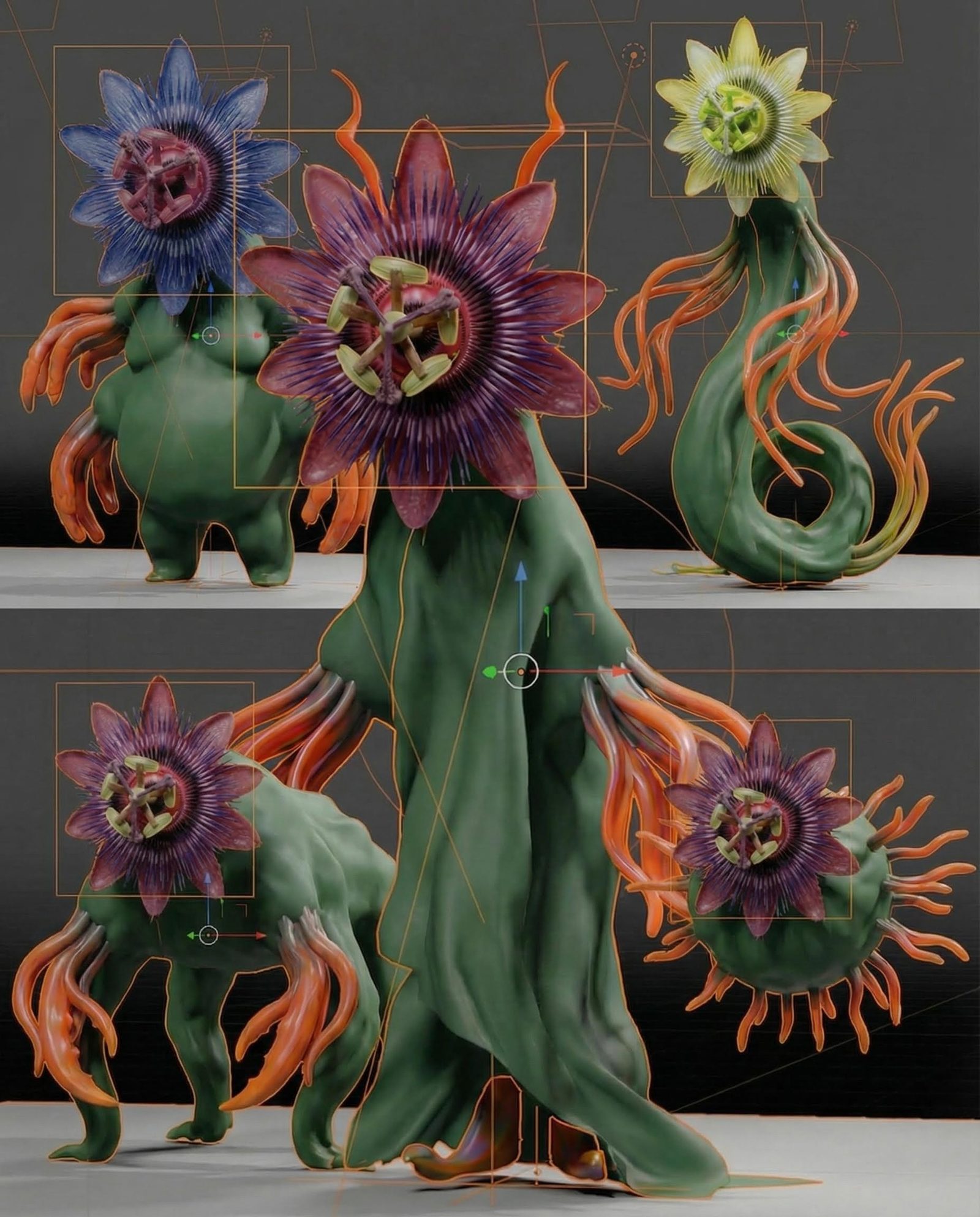
Build a focused browser prototype with Fuser Apps, or explore a visual response in Creative Code. A small playable experiment can make a mechanic or presentation choice easier to discuss. Develop the concept before committing it to the main game project.
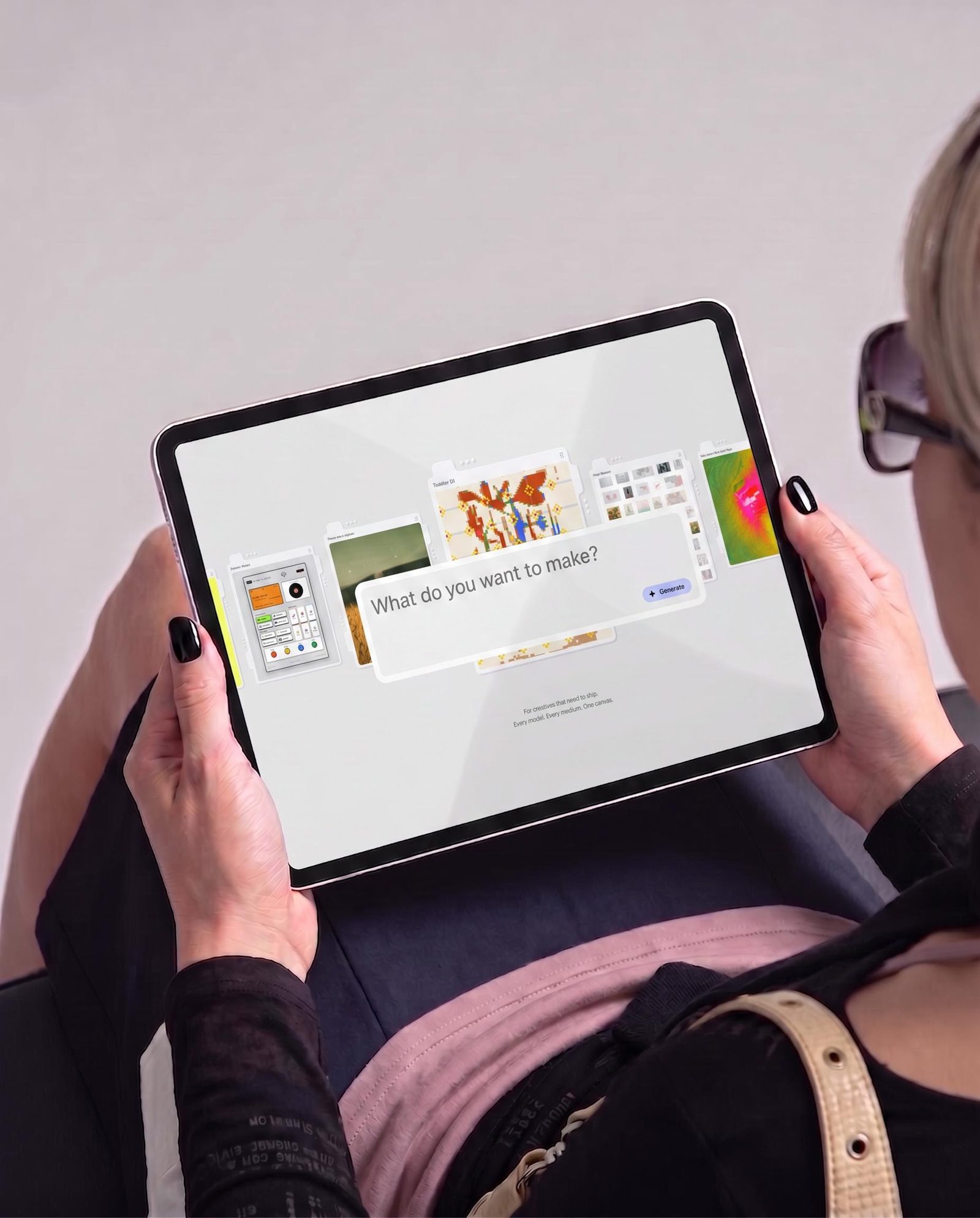
Explore the game’s identity across the work the team needs to make.
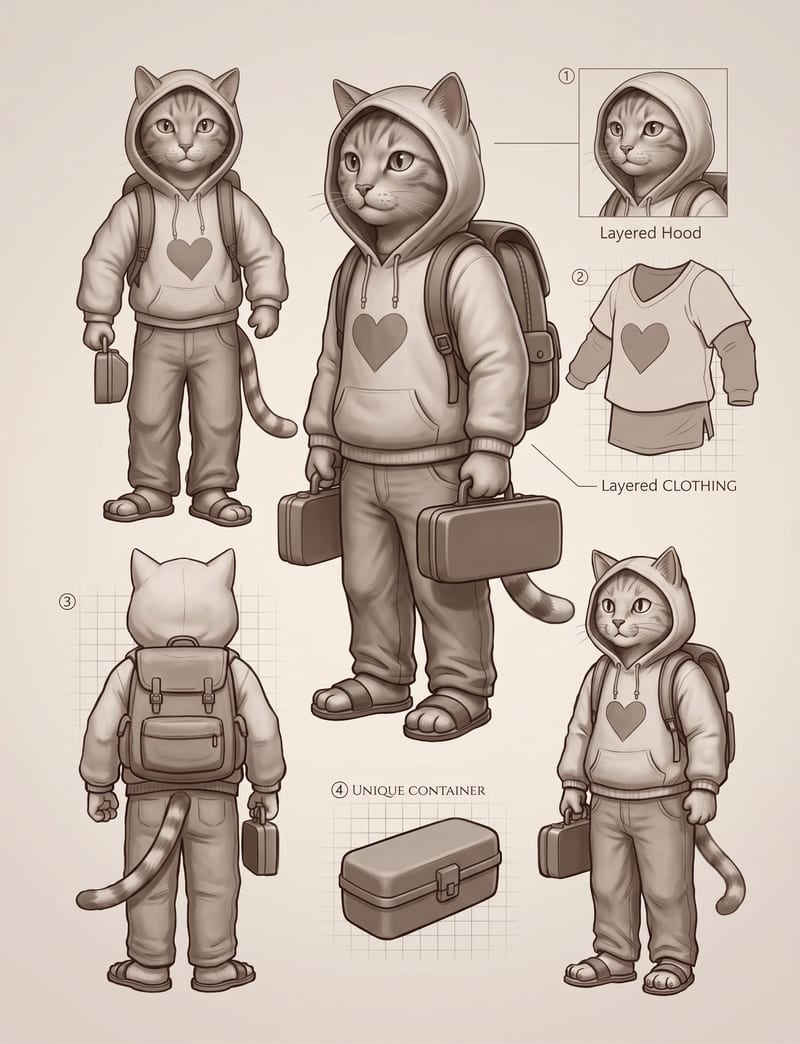
Character concepts
Compare silhouettes, costumes and materials around the role a character plays in the world.
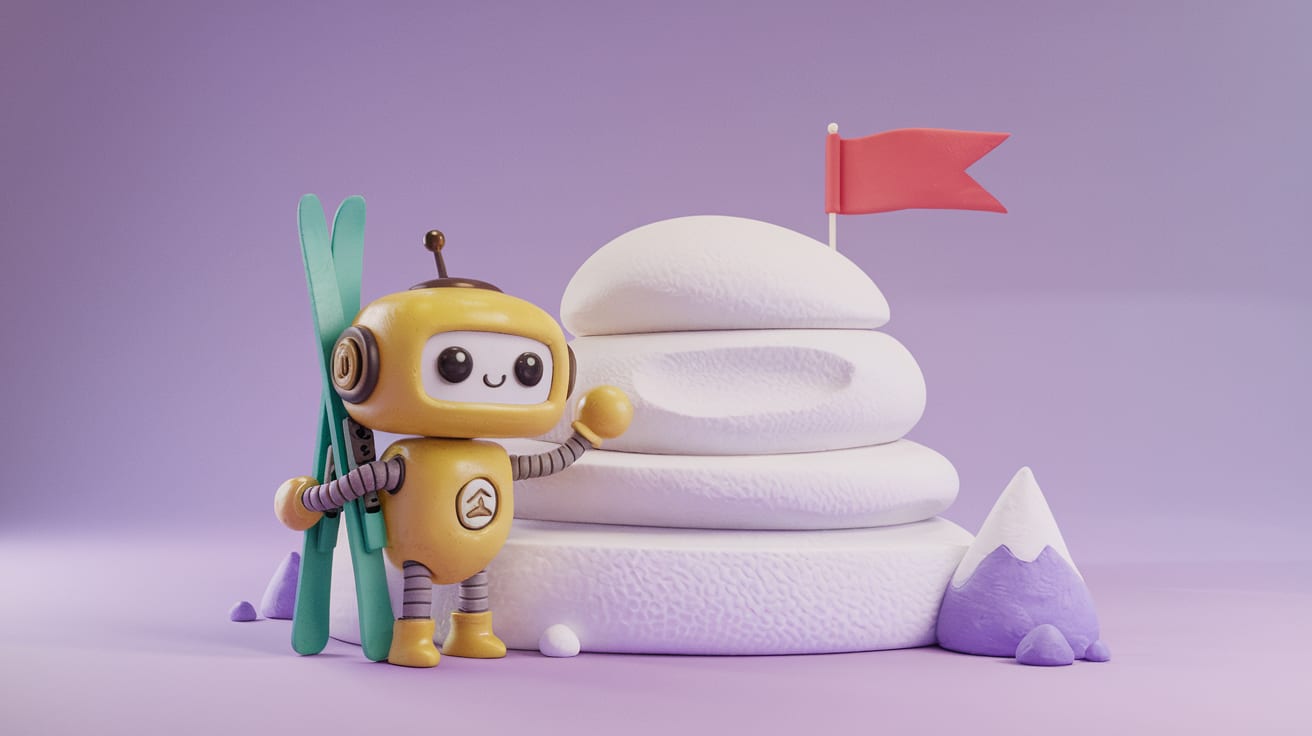
Props and object studies
Develop related designs and selected 3D starting points for further asset work.
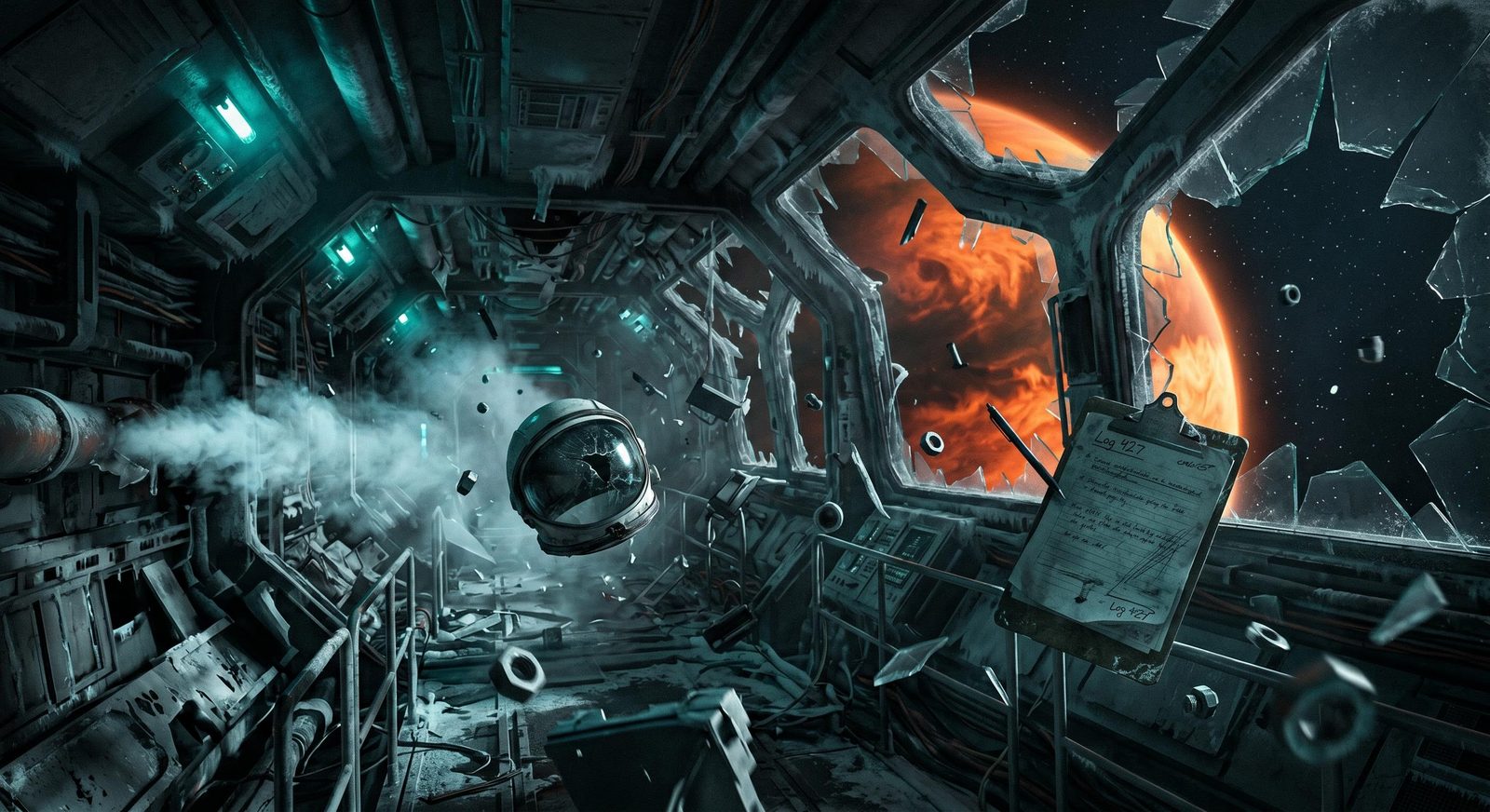
Environment concepts
Explore the palette, lighting and architecture that make a location recognizable.
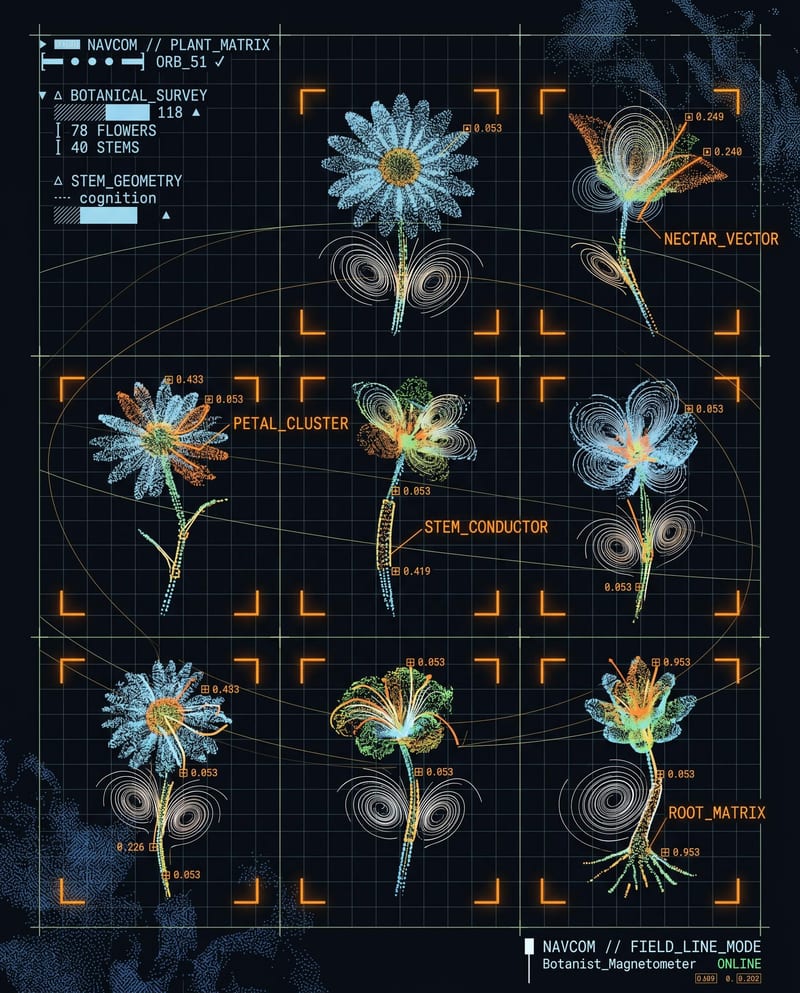
Playable web experiments
Build a small interaction or visual prototype to test and share outside the main engine project.
Yes. Use your own sketches and references to guide new concepts, then compare the results with the project’s visual rules. Keeping character, prop and environment studies together makes it easier to spot where a new idea does not fit.
Yes. Develop those studies around shared references and keep the alternatives together on the canvas. Compare silhouette, material and color decisions across the set. You can resolve the art direction before producing a much larger collection of assets that all need to feel like the same game.
Inspect the mesh and materials in your usual 3D tools. Topology, scale, rigging and performance requirements depend on the game and target hardware. Fuser provides a starting point to develop; generation does not automatically make an asset engine-ready.
Yes. Use an image-to-3D tool with a selected concept to explore an individual object in three dimensions. Review the form from more than one angle, then decide what to refine in your 3D pipeline. The concept and generated asset can stay together in the project for comparison.
Use Apps for a running browser-based experiment, or Creative Code for a focused interactive visual study. Describe the mechanic or behavior you want to try, then test and revise it. This is useful for exploring a small idea; it does not require moving your main game project out of its engine.
Yes. Develop key-art concepts, compose title treatments and create promotional imagery or motion studies. Keep typography and logos editable in Compositor so announcement details can change without regenerating the artwork.
Package a useful sequence of generation steps as a Recipe with inputs for the new brief or reference. Keep the project’s art-direction references close to the work. Artists can reuse the process while still reviewing each result for the silhouette, style and production needs of that particular asset.
Bring a character, a prop or a setting. Develop the visual direction and see where it leads.
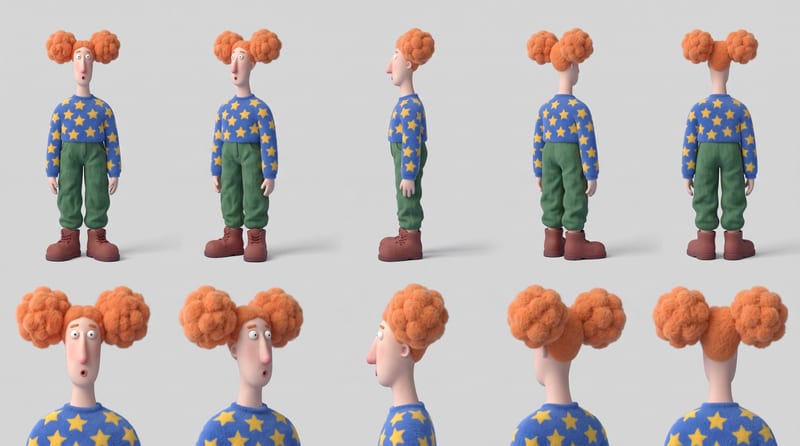
Combine six character reference images into a multi-view character sheet for consistent identity, appearance, and outfit planning.
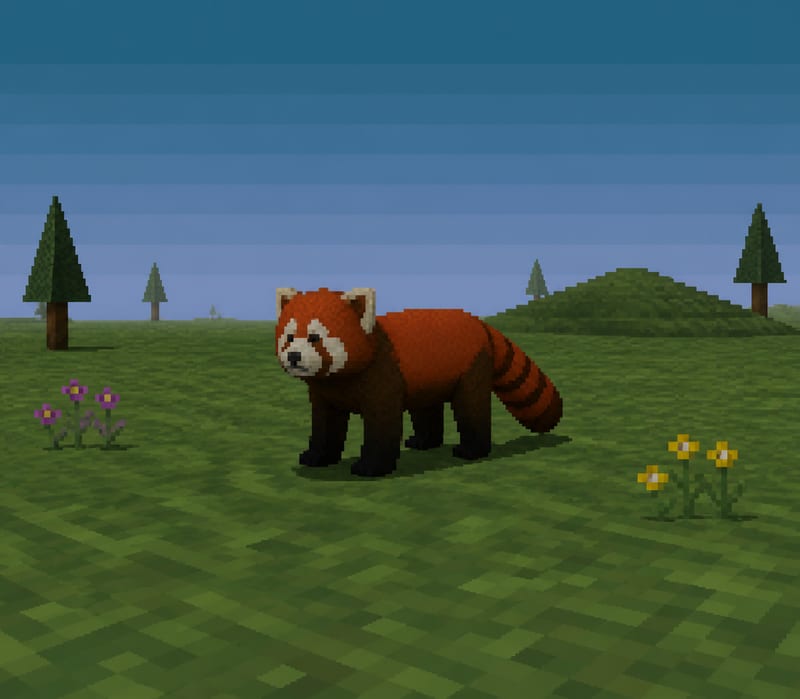
Transform a text subject, such as “red panda,” into a PS1-style image for character and content concepts.
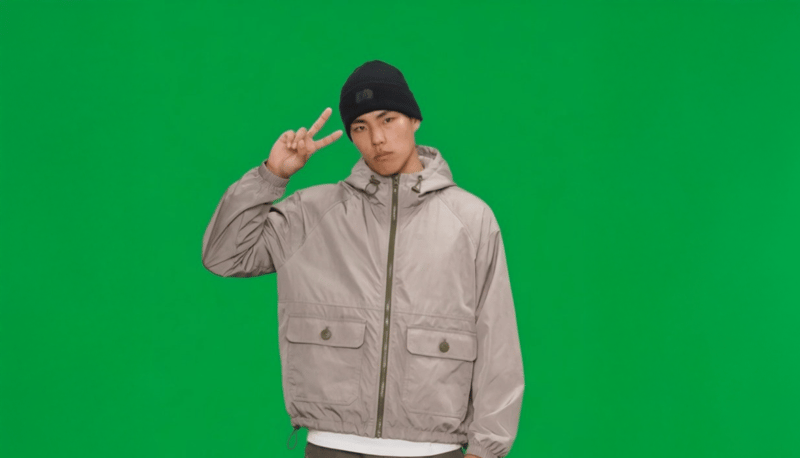
Provide a full-body portrait and motion description to create a green-screen 2D video card of the pictured subject.
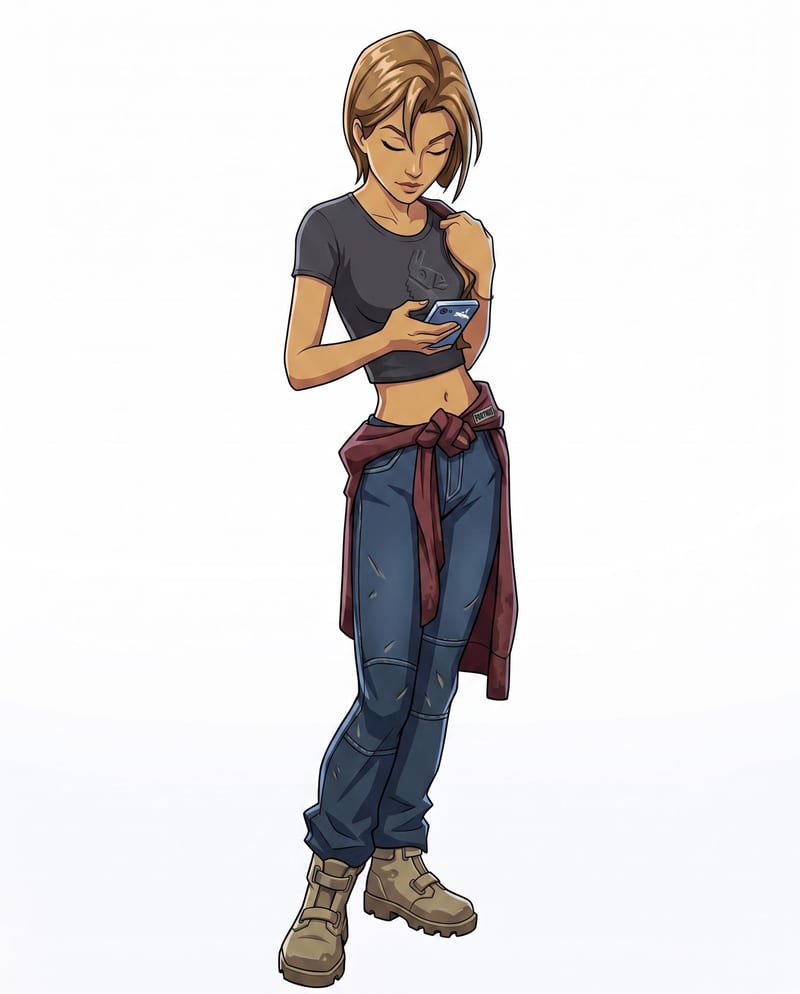
Convert a character sketch and chosen style into a rigged 3D model with a corresponding character render.
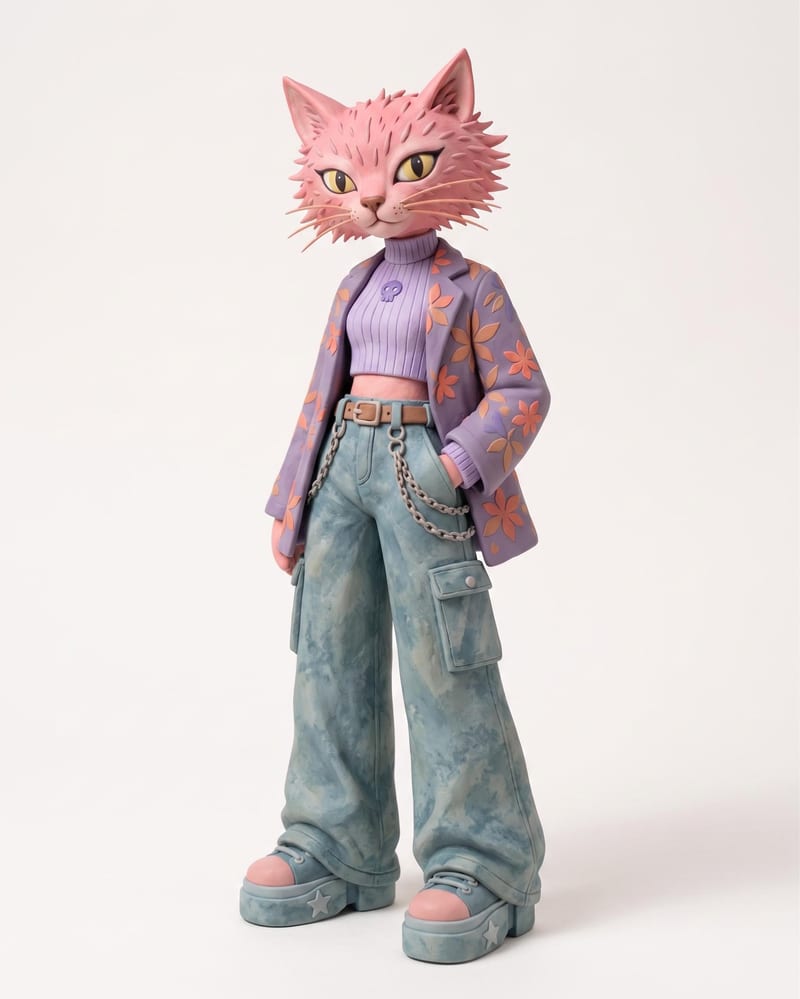
Use an animal name and clothing or color reference images to create a claymation character and character sheet.
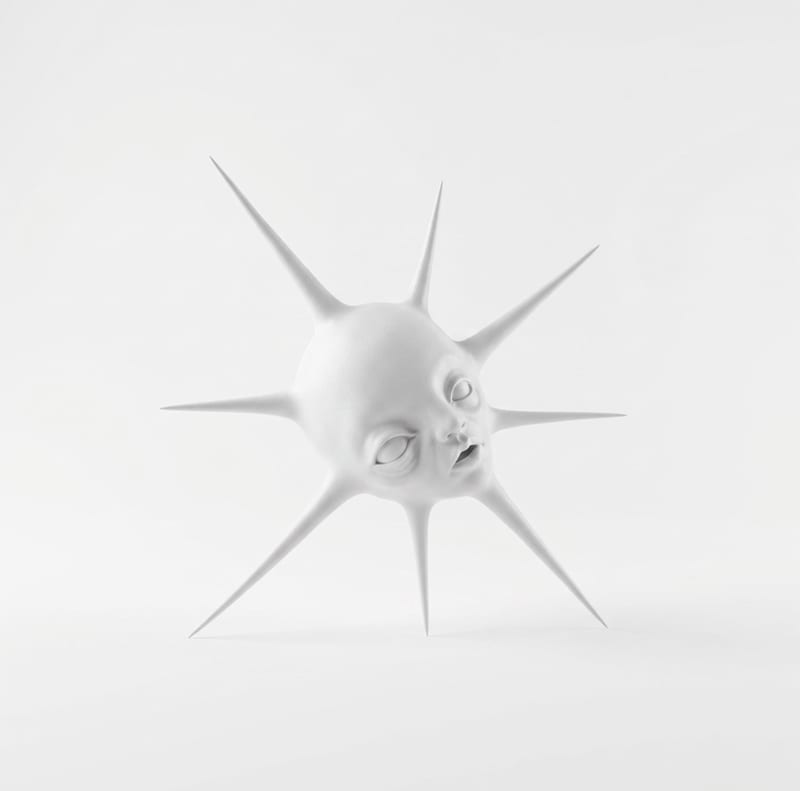
Transform one rough sketch image into a 3D model and a render for film, gaming, and art workflows.
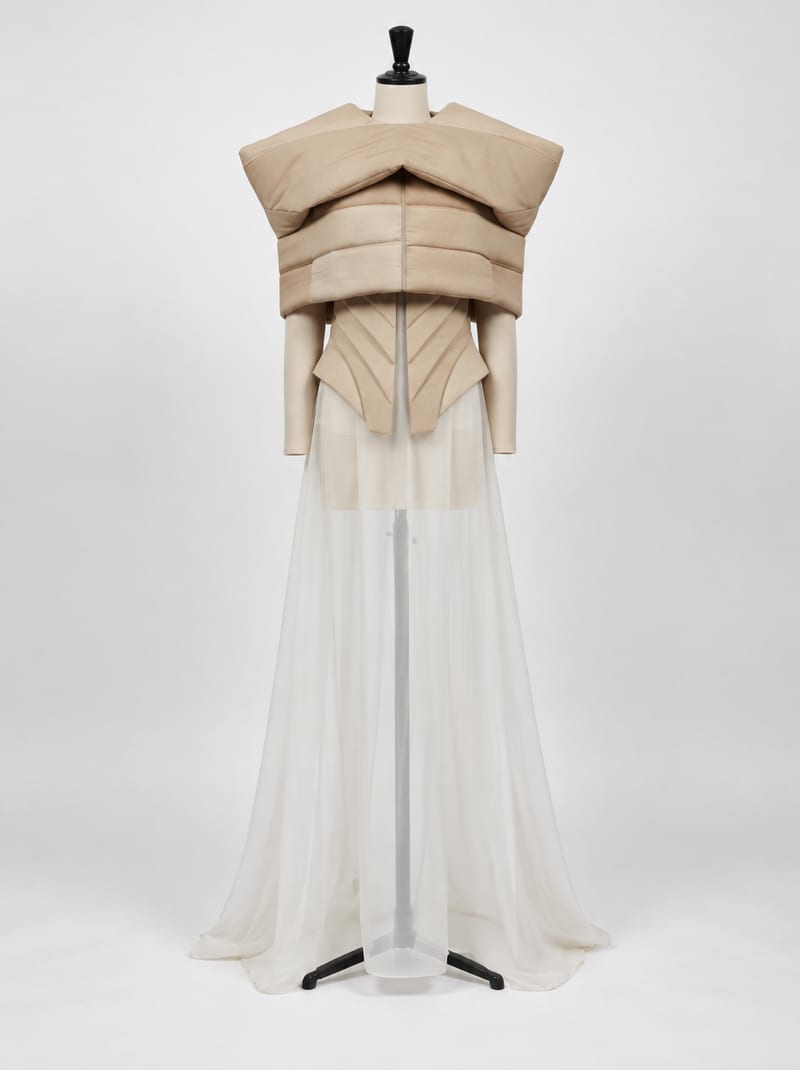
Combine fashion inspiration with an environment reference to create nine costume design image concepts for a shared setting.
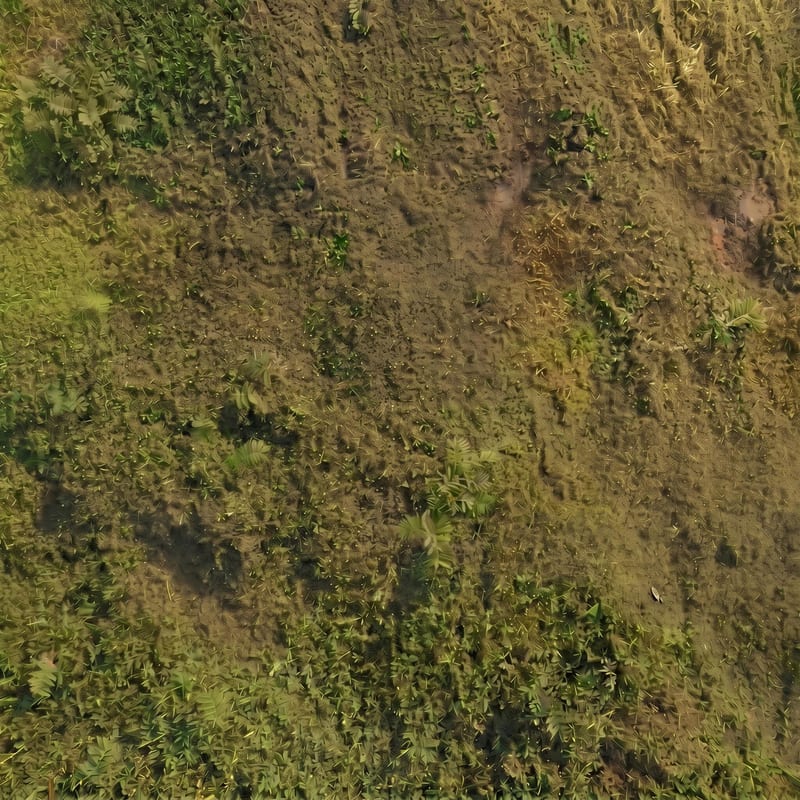
Upload a focused ground-surface image to create base color, normal, roughness, and ambient occlusion maps.
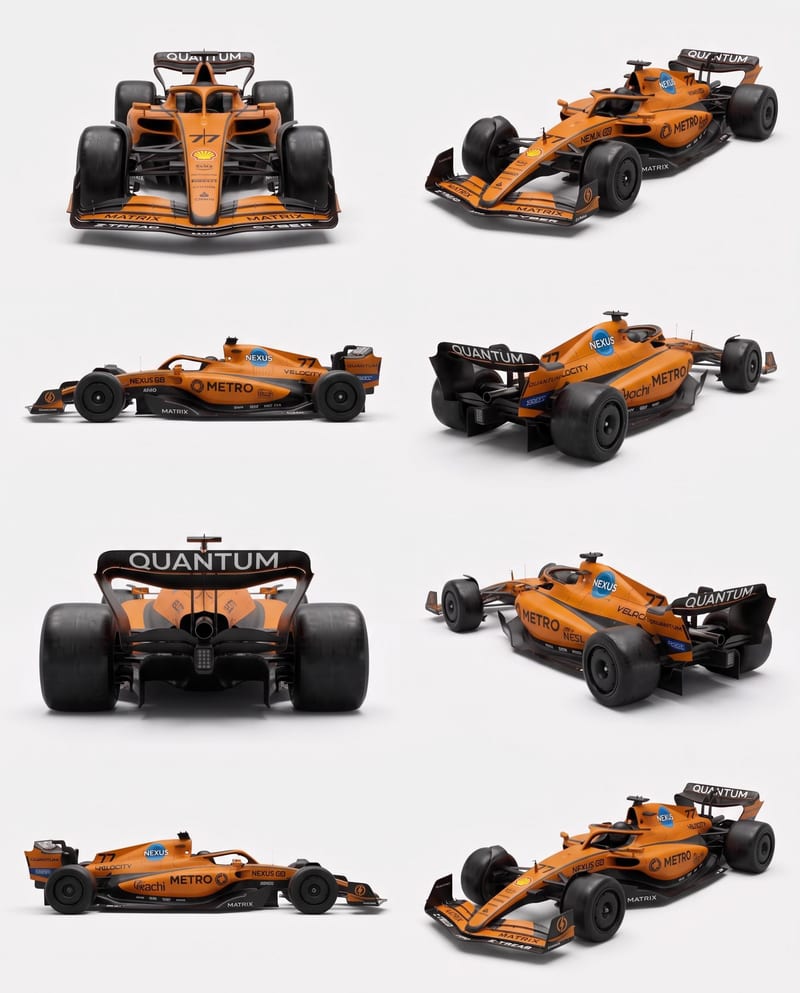
Upload vehicle reference images to create a clean eight-angle sheet that preserves distinctive details across a structured layout.
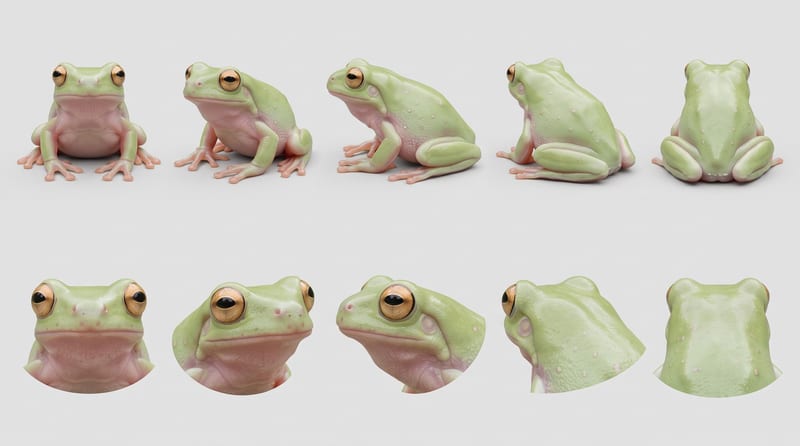
Combine creature reference images into a character sheet that organizes anatomy, textures, colors, and distinctive features.
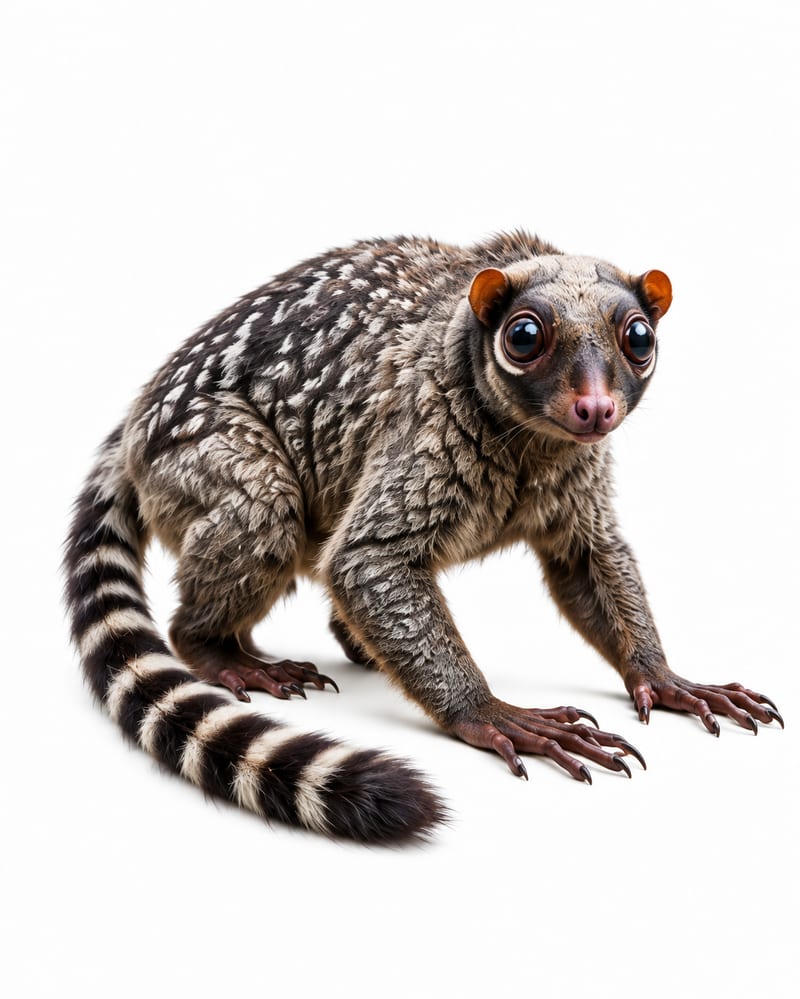
Use four animal reference images and one landscape image to create original fauna plus an animal-populated landscape.
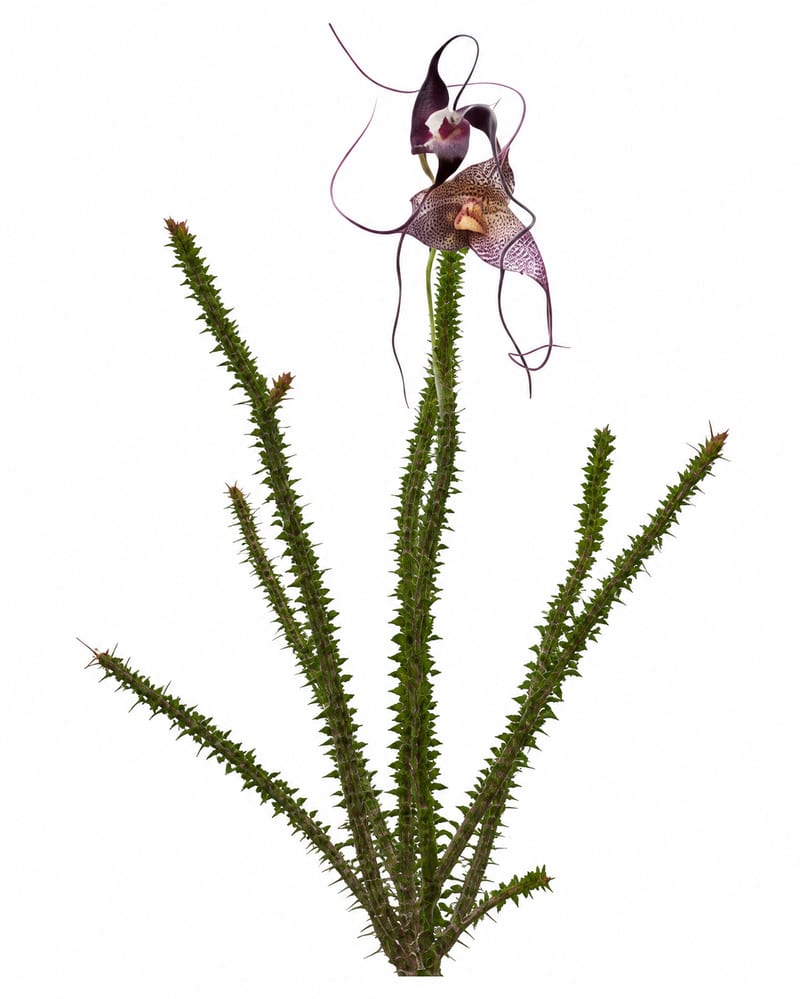
Combine five botanical reference images with a landscape image to create nine plant specimens and a vegetation-populated landscape.