Recipev8
Minimalist Packaging w. Logo
Generated Image
One click, whole workflow
Recipes are here. Package a whole workflow and run it in one click
Explore recipesMinimalist packaging
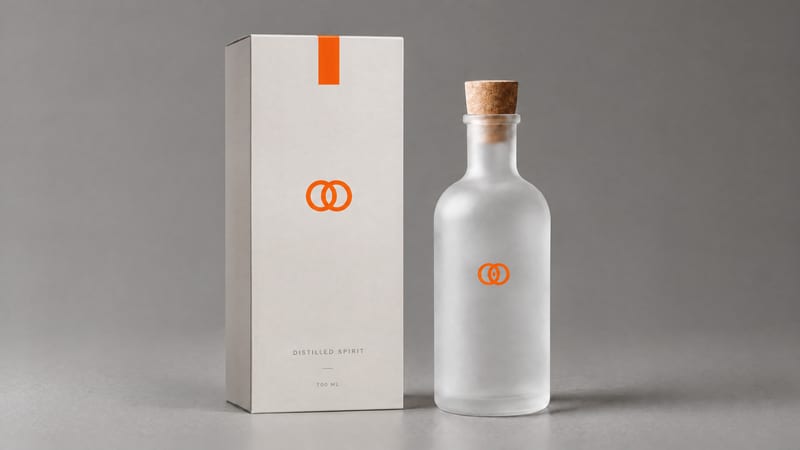
Combine a product image and logo image to create a professional minimalist packaging design for product presentation and marketing work.
Generated Image
A recipe turns a reusable workflow into a simple set of inputs and outputs. Start with a community recipe and make it your own in Fuser.

1. Choose a recipe
Find a workflow for the result you want. Review what it does and how to use it before opening it in Fuser.
2. Make it your own
Check the recipe’s available inputs. Add your own text or media where supported, or start with the saved defaults.
3. Run and refine
Run it in Fuser and review the result on your canvas. Tweak the inputs to try another direction.
Create packaging concepts for different stages of product presentation, review, and marketing.
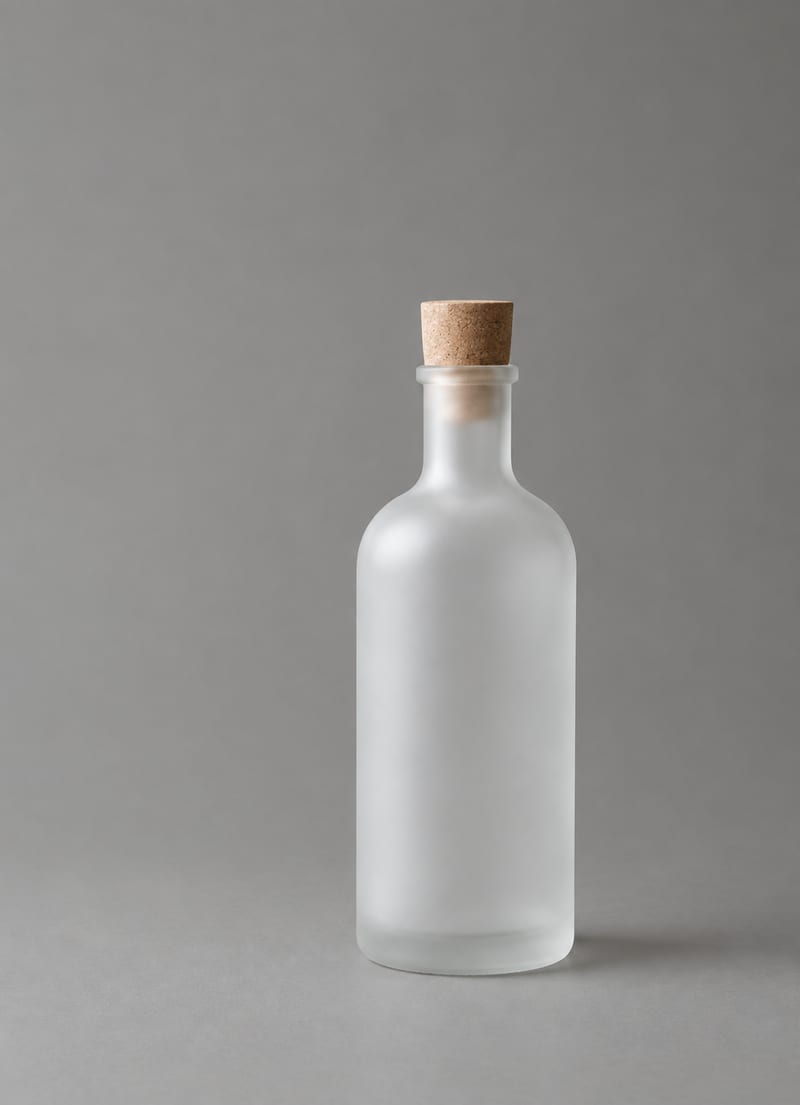
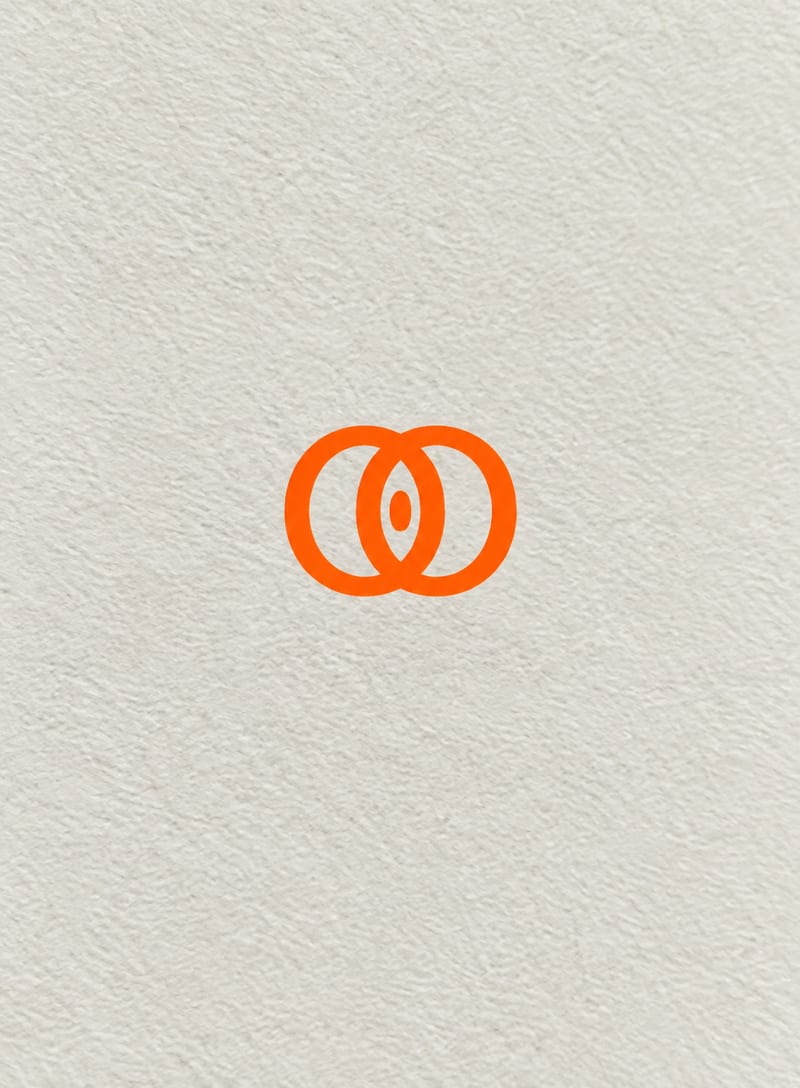
It takes a product image and a logo image, then creates a generated image showing a professional minimalist packaging design for that product. The result is intended as a visual packaging concept.
It can help marketing and product-focused teams explore how a product and its logo may come together in a packaging presentation. It is also suitable for early concept reviews, proposals, and launch planning.
Prepare one product image and one logo image. These are the two editable inputs exposed in Fuser, so you can change either image when creating a new version.
The recipe creates one generated image. The saved example shows the product image and logo image connected to the recipe and its generated image output; a new run uses the inputs you provide.
Yes. Product Image and Logo Image are exposed inputs that you can change in Fuser, allowing you to create a packaging concept for a different product or brand.
It is useful for minimalist packaging concepts, product presentation, marketing planning, launch preparation, and client or team reviews. The generated image can support visual exploration before further packaging work is developed.
The recipe’s output is a generated image, so it demonstrates a visual packaging concept rather than specifying production-ready packaging requirements. Use it for presentation and exploration, and handle final production decisions separately.
Bring a product image and logo image together in a professional minimalist packaging design.
Develop pitches, campaign assets and interactive client work in Fuser. Combine AI generation, editable design and reusable processes across your agency.
Create product images, lifestyle scenes and campaign assets for your next ecommerce launch. Keep branding editable and reuse creative setups in Fuser.
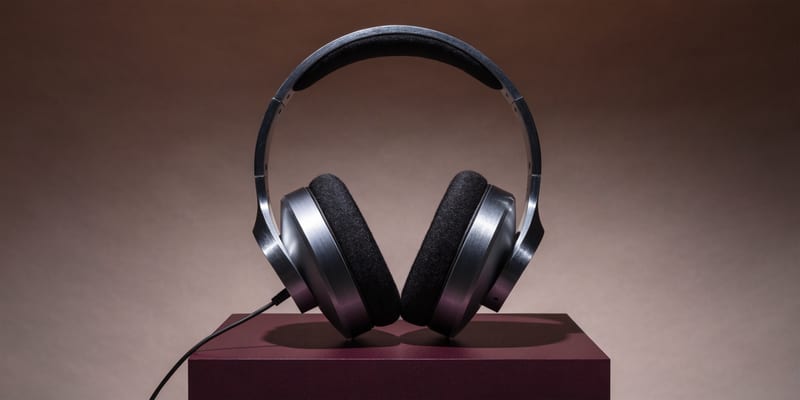
Develop campaign concepts, image and video ads, and editable channel layouts. Create meaningful creative variations in Fuser without rebuilding every asset.
Create studio-style product images, lifestyle scenes and motion studies. Combine reference-led generation with precise, editable composition in Fuser.
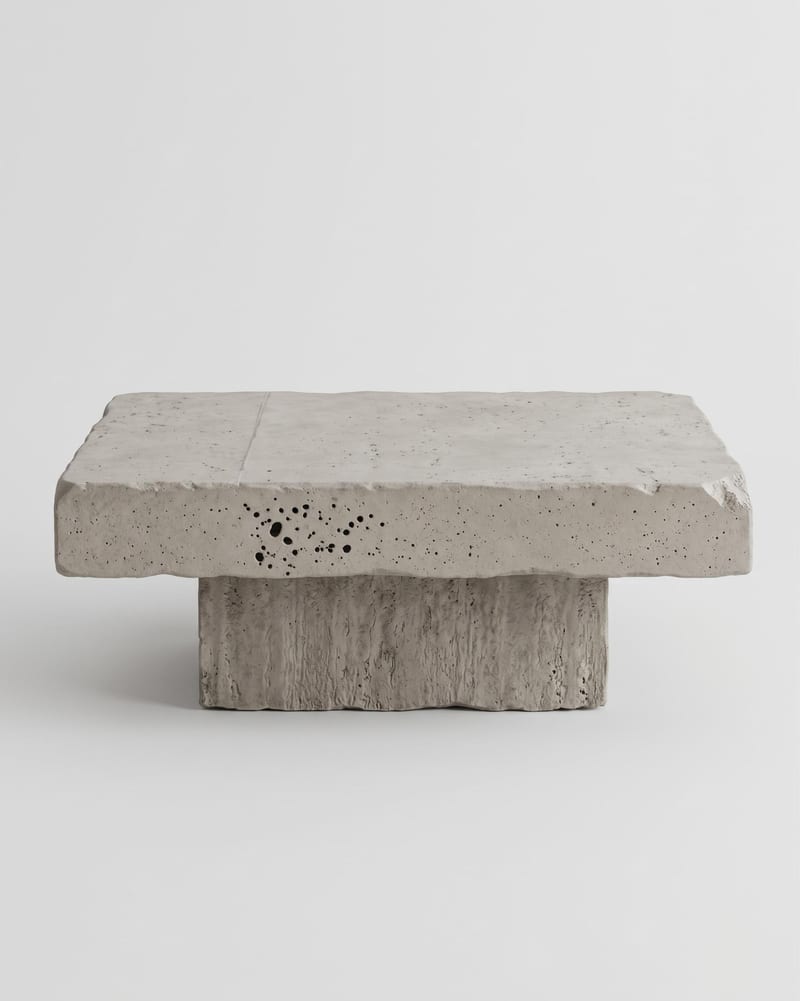
Upload one product or object image to create front, side, back, top, and three-quarter turnaround views.
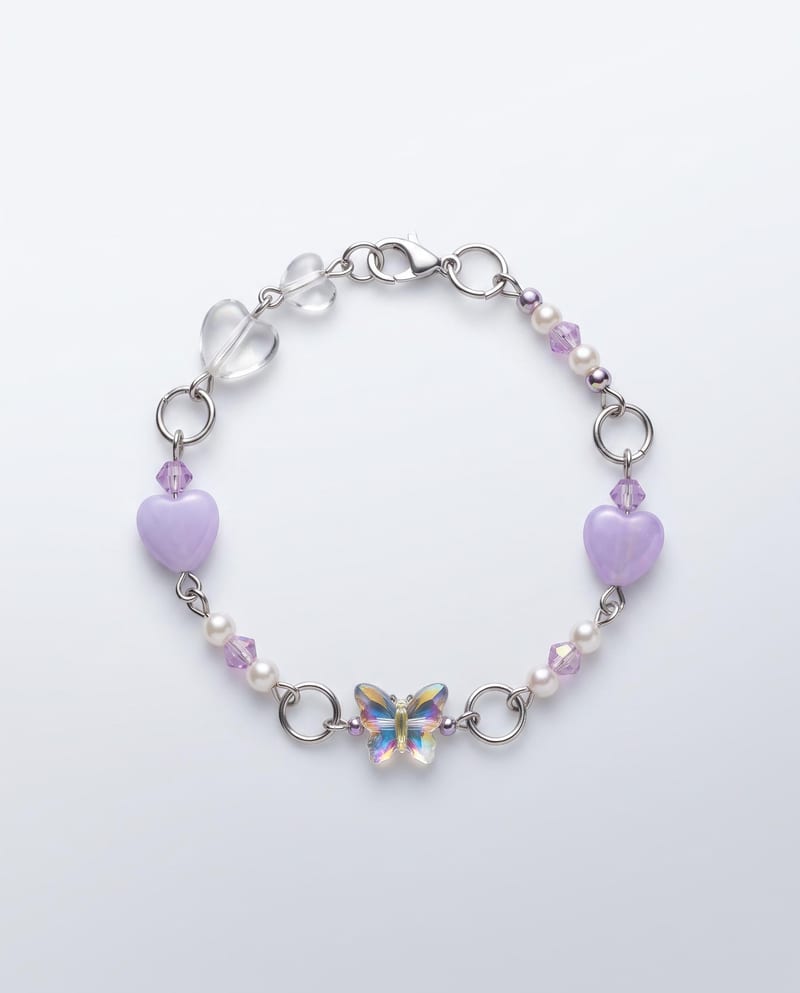
Upload one bracelet image to create ready-to-use product images in studio, detail, and on-hand formats.

Add front and back label designs plus a wine description to create bottle mockups in four presentation views.