One click, whole workflow
Recipes are here. Package a whole workflow and run it in one click
Explore recipesOne click, whole workflow
Recipes are here. Package a whole workflow and run it in one click
Explore recipesYour team’s work. Your kind of creative control.
A fashion drop, a client pitch and a game world ask different things of a creative team. Fuser brings generation, design and interactive tools into one workspace, so you can build around the work your team is responsible for.
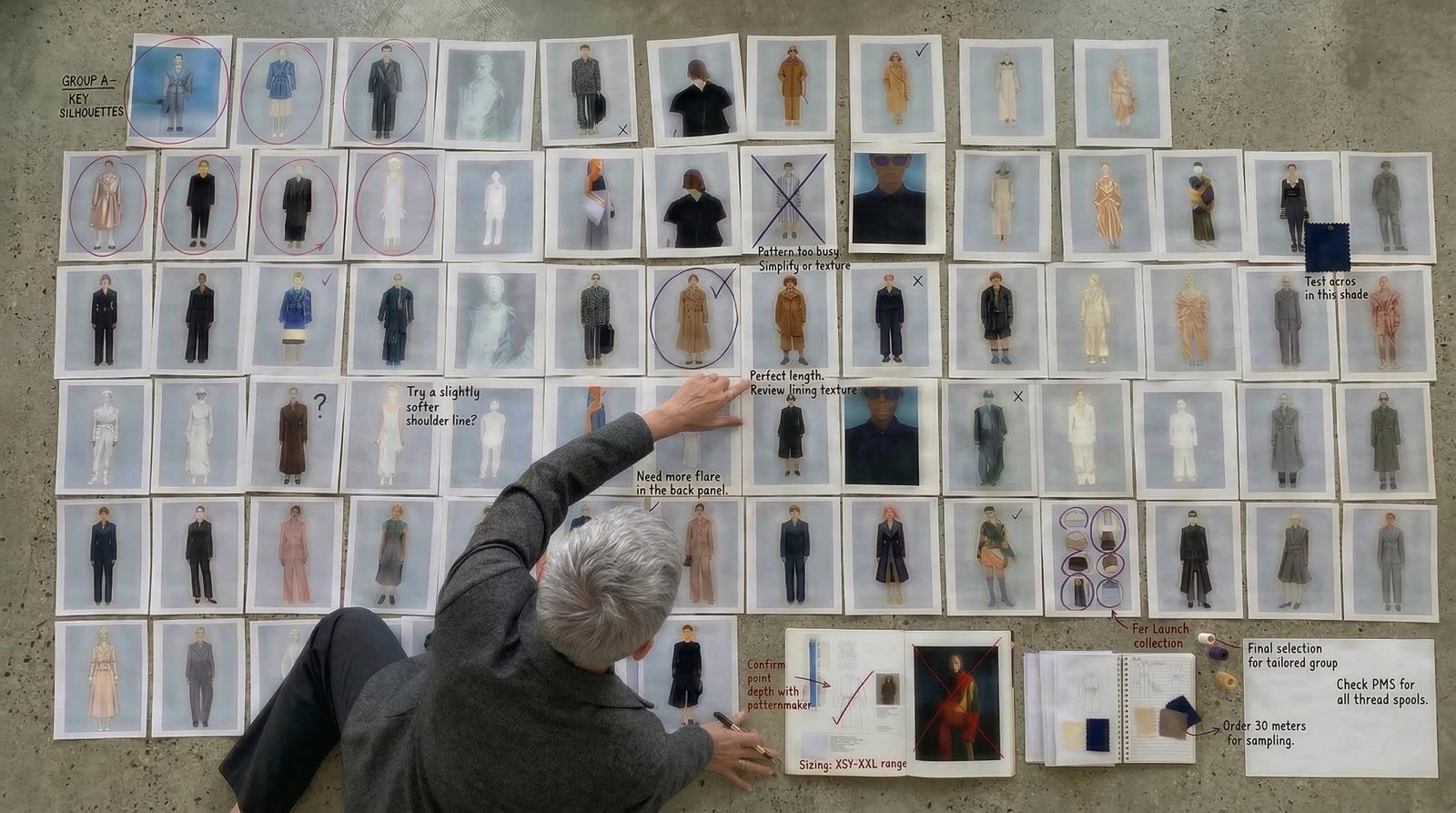
Which campaign route gets presented? What should the collection look like? Does the product interaction make sense? Build visuals and working examples around that question. Give the people reviewing the work something specific to respond to.
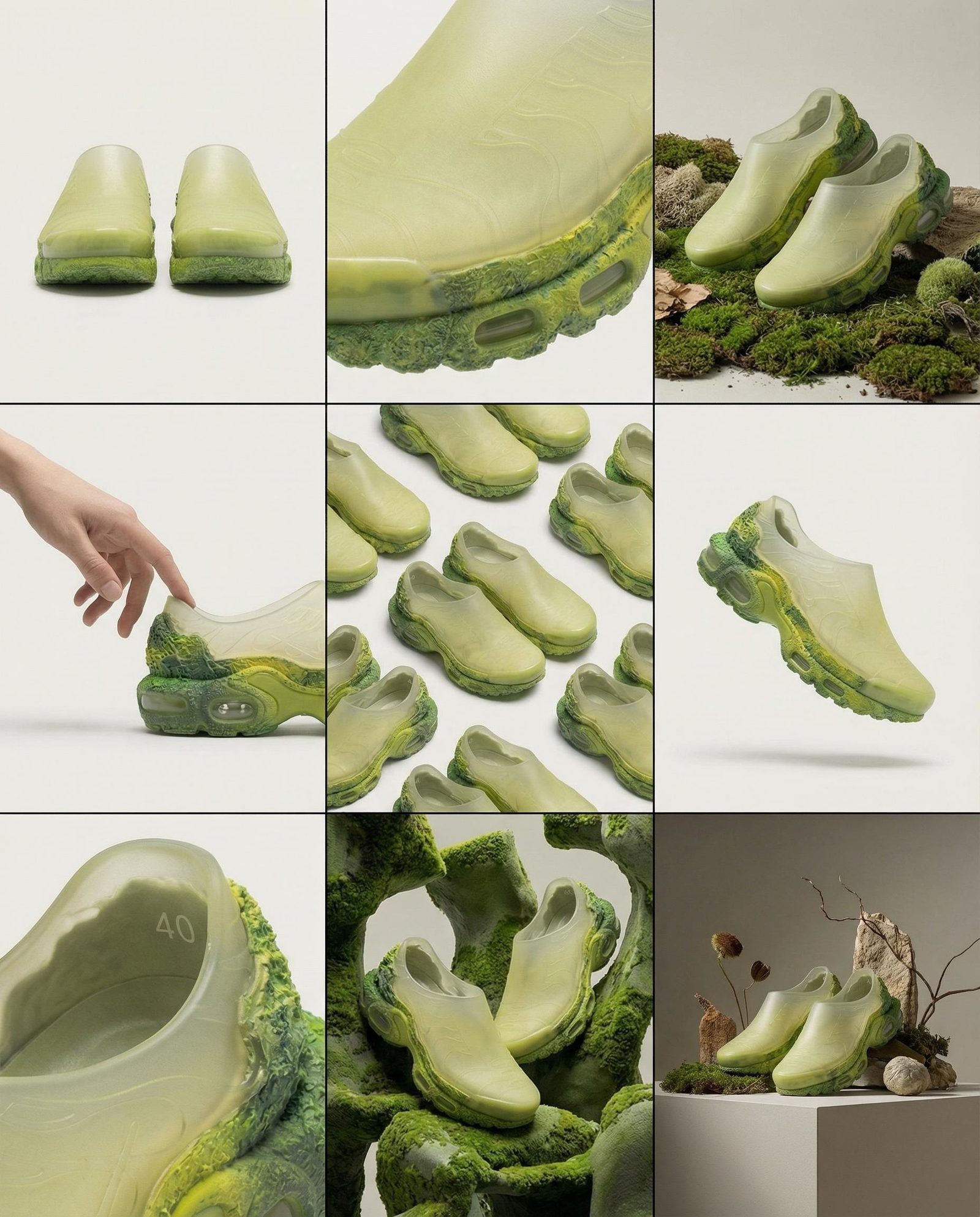
Create imagery and video, explore a 3D asset, compose an editable layout or build a live website. Fuser connects these different forms of work on the canvas. Use the combination the brief requires without forcing every project into the same template.
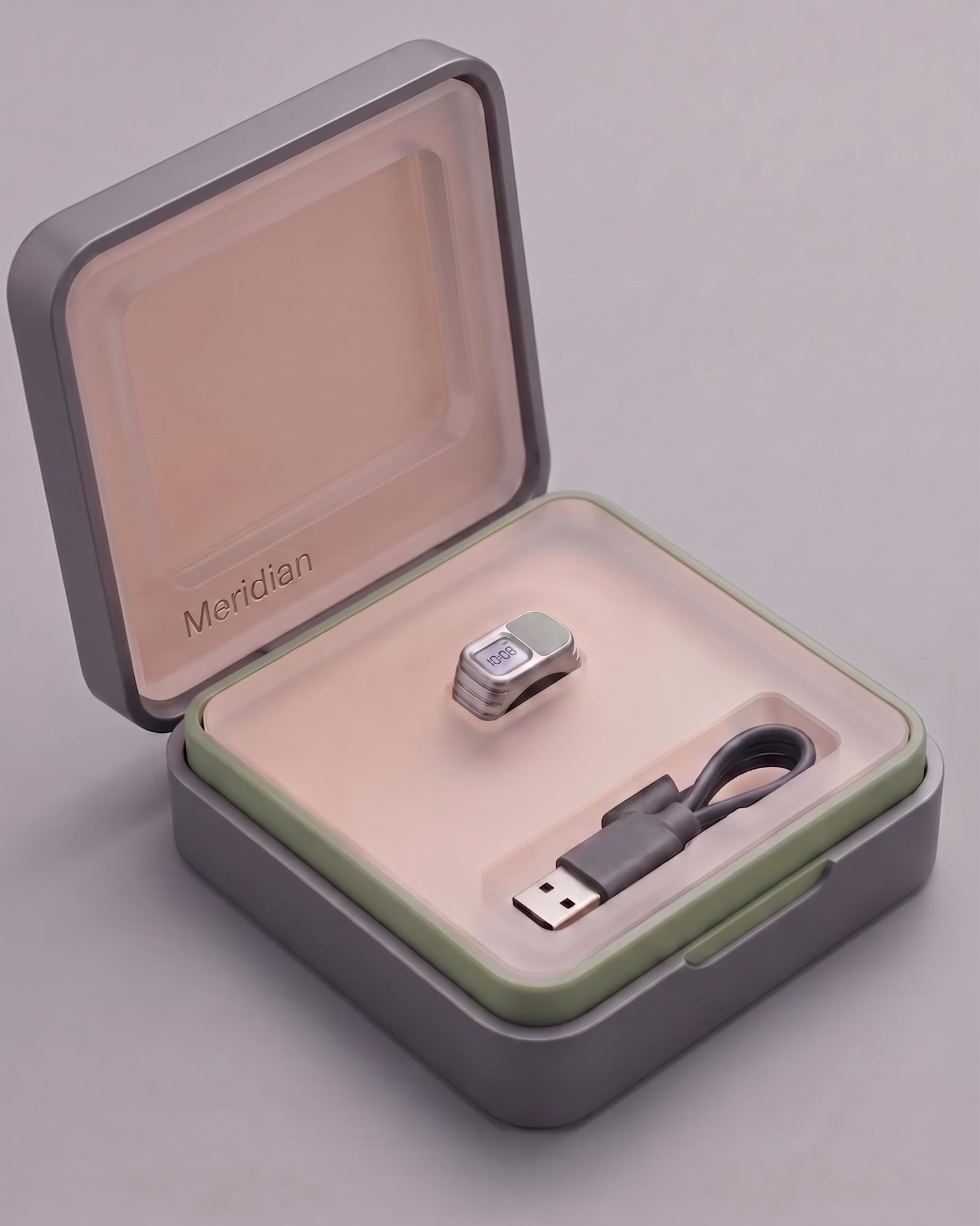
Organize projects in team folders with view or edit access. Package useful generation steps as Recipes that teammates can run with new inputs. Shared source material and working setups make the handoff more useful than a final export alone.
Make the work that helps people understand, experience and want what you offer.
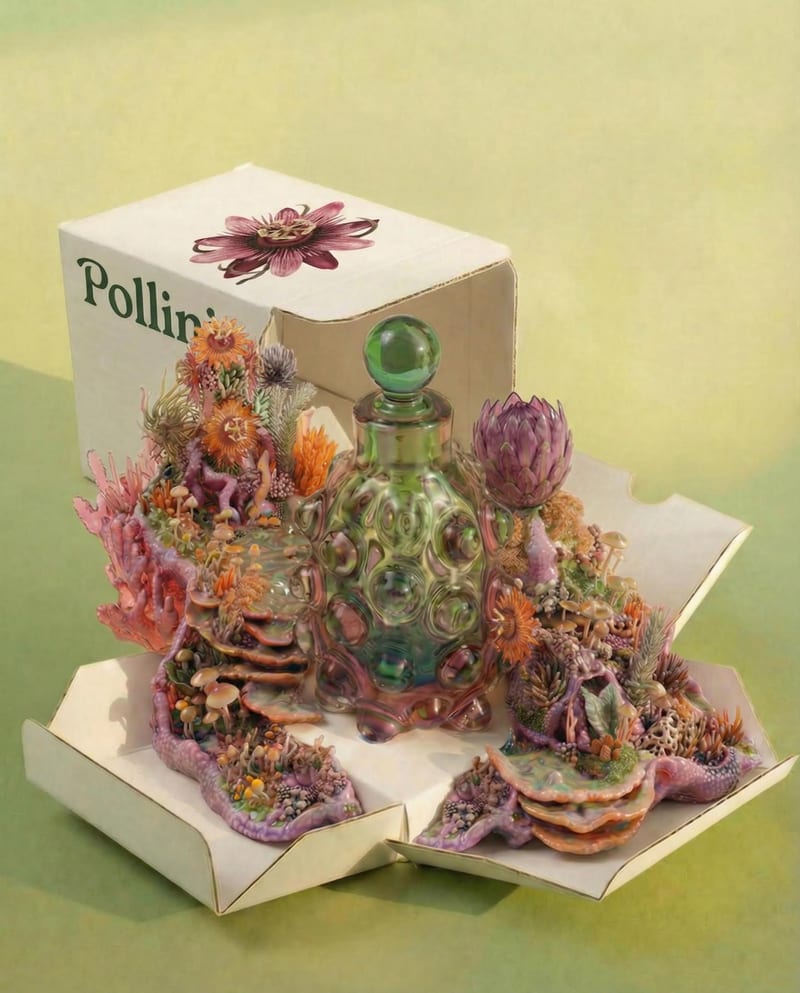
Ecommerce
Build product imagery, seasonal campaigns and editable launch assets around the catalog.
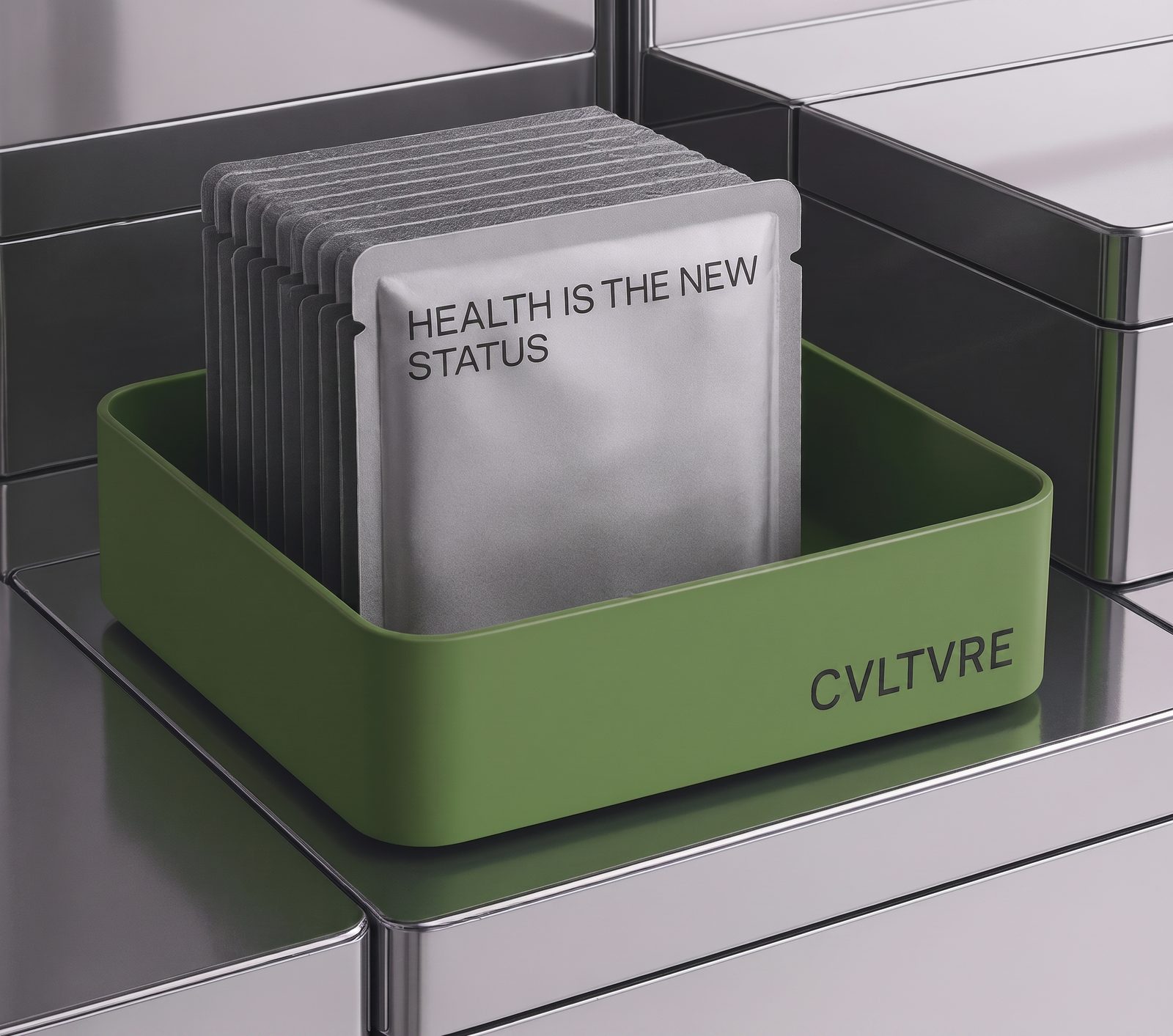
Creative agencies
Present stronger concepts and carry the selected idea through client revisions and delivery.
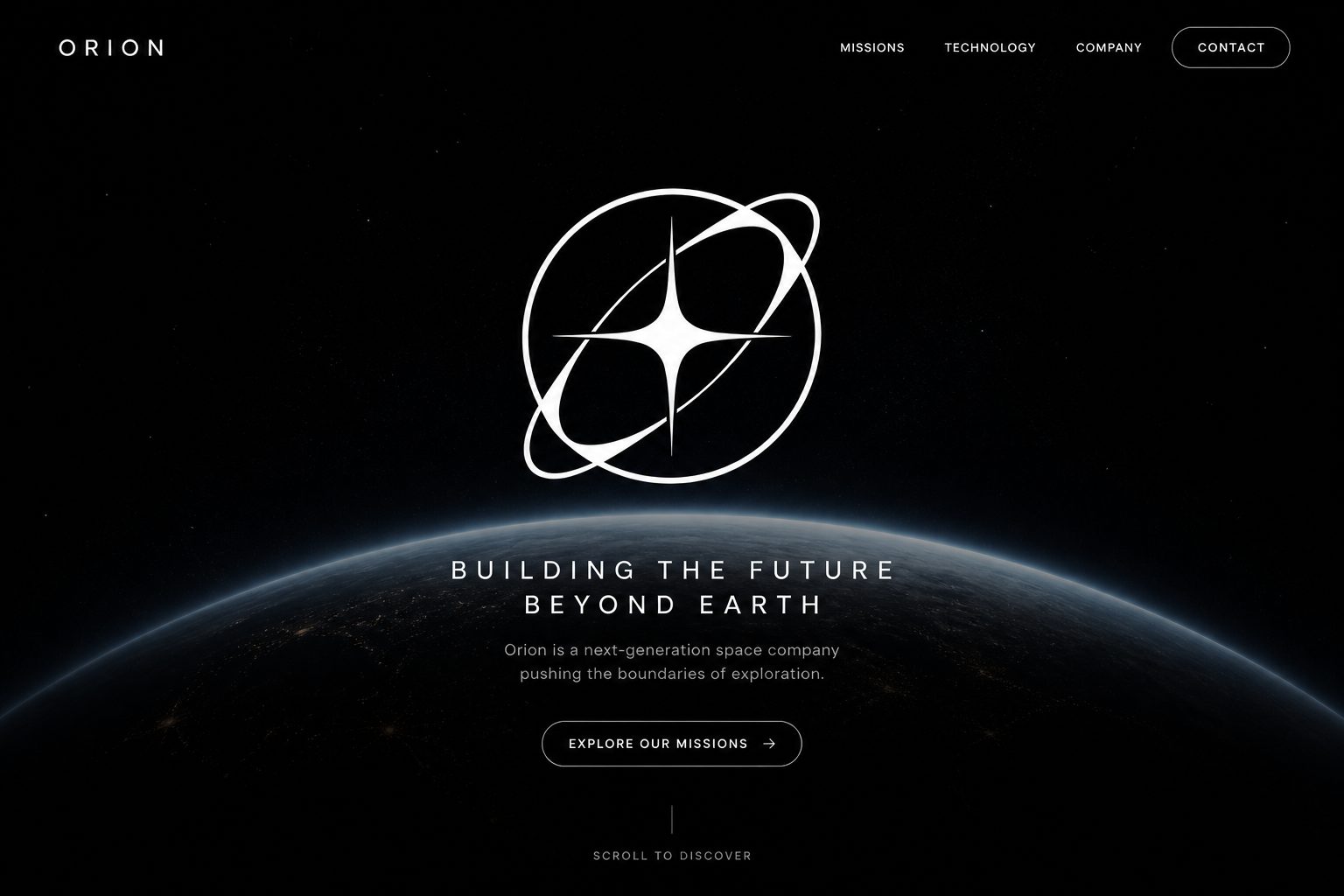
Startups & product teams
Build a working demo, a live launch page and the visual story around a new product.
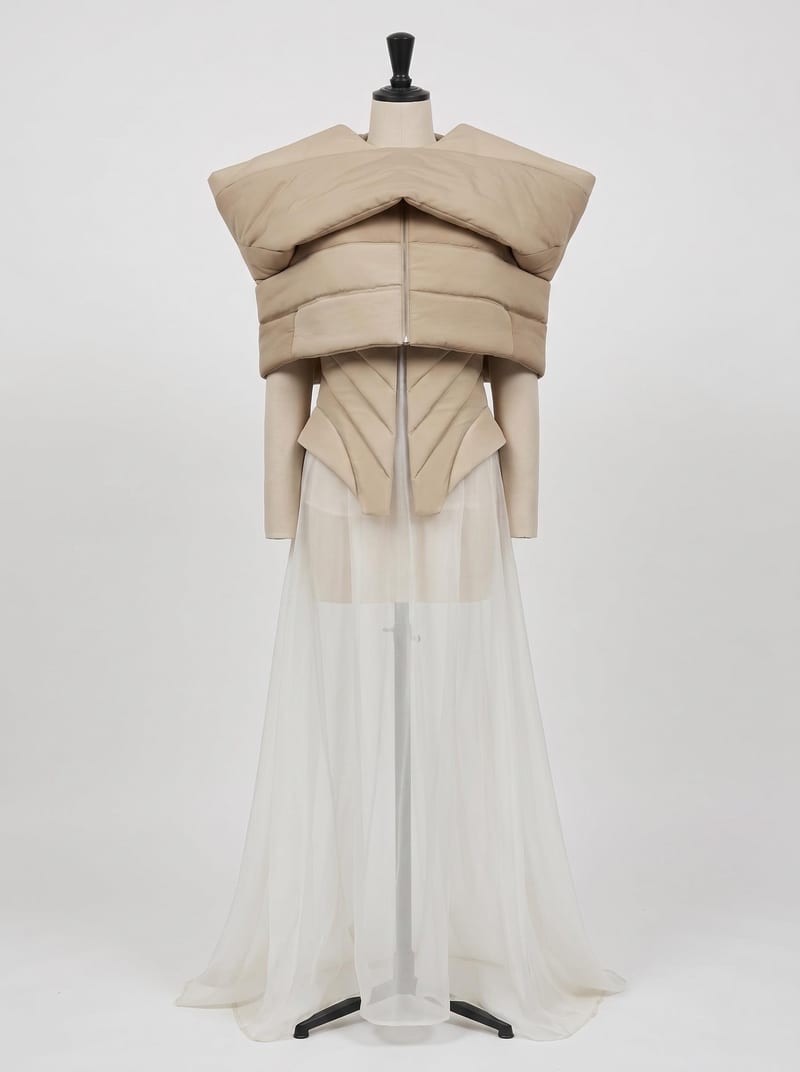
Fashion & apparel
Develop garment visualizations, editorial direction and lookbook layouts for the collection.
Develop the visual direction before it becomes a larger production commitment.
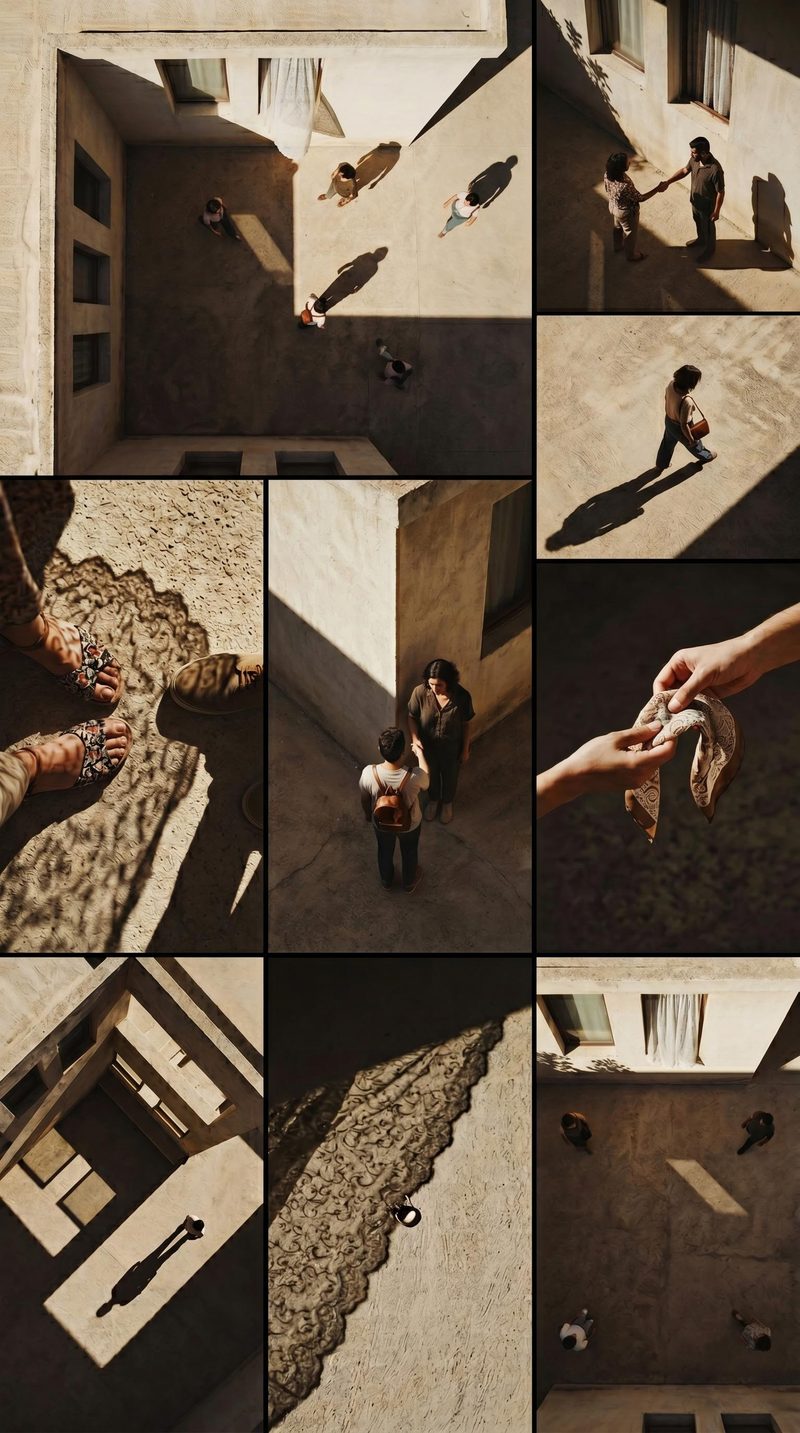
Film & animation
Make treatments tangible with character, environment and shot studies.
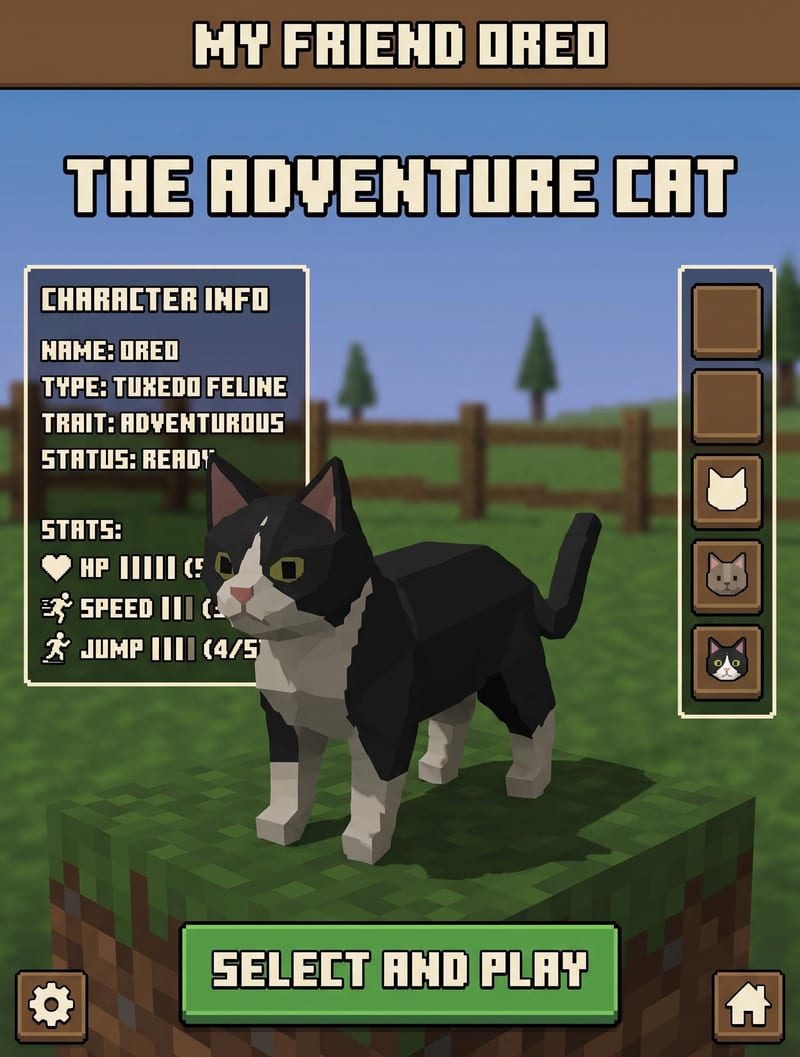
Game development
Explore a coherent art direction, individual 3D assets and small playable experiments.
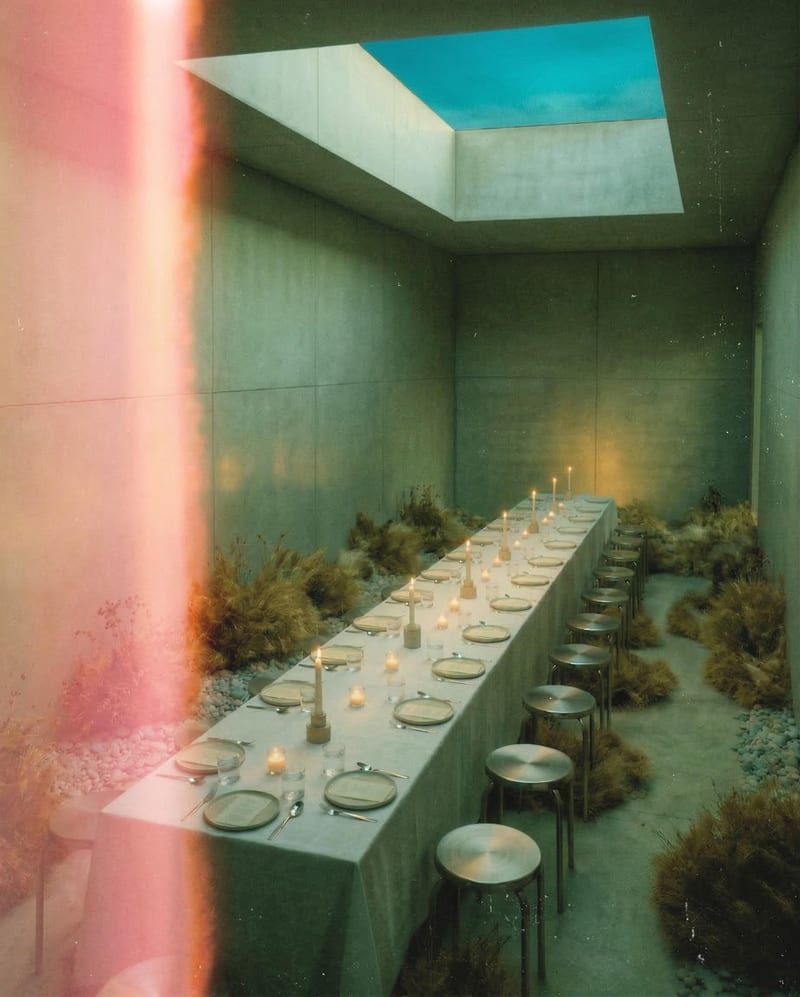
Architecture & interiors
Make material and atmosphere choices visible in a composed client proposal.
You can begin with one person and one creative task. For shared work, Fuser Teams adds workspace organization, team and folder access controls, and SSO. Choose the setup that fits how people need to create and review the work.
Yes. Build projects around the brief and package repeatable steps as Recipes. A product team’s imagery setup can be different from the process a film team uses for shot studies.
These pages show different ways to use the same Fuser workspace. An ecommerce team might connect product imagery to campaign layouts; a film team might connect reference frames to motion studies. Choose tools around your deliverable, and keep the parts of your process that already work.
Yes. Use existing imagery to guide exploration or place the original files into a composition. A logo, packshot or approved illustration can stay separate from generated material. Your team can build on the work it already has, while keeping important brand and product details under direct control.
No. Use it for the exploration, generation, composition or web work that helps your team. Bring in source material and carry selected outputs into the specialist tools you already rely on.
Package a working set of connected steps as a Recipe, with clear inputs and descriptions for the next person. Keep related projects in team folders and grant appropriate access. The handoff includes a repeatable process, not just the image it happened to produce on one brief.
Start with a deliverable that matters, then build a creative process around it.