Recipev6
Collage Style Editorial Fashion Try-On
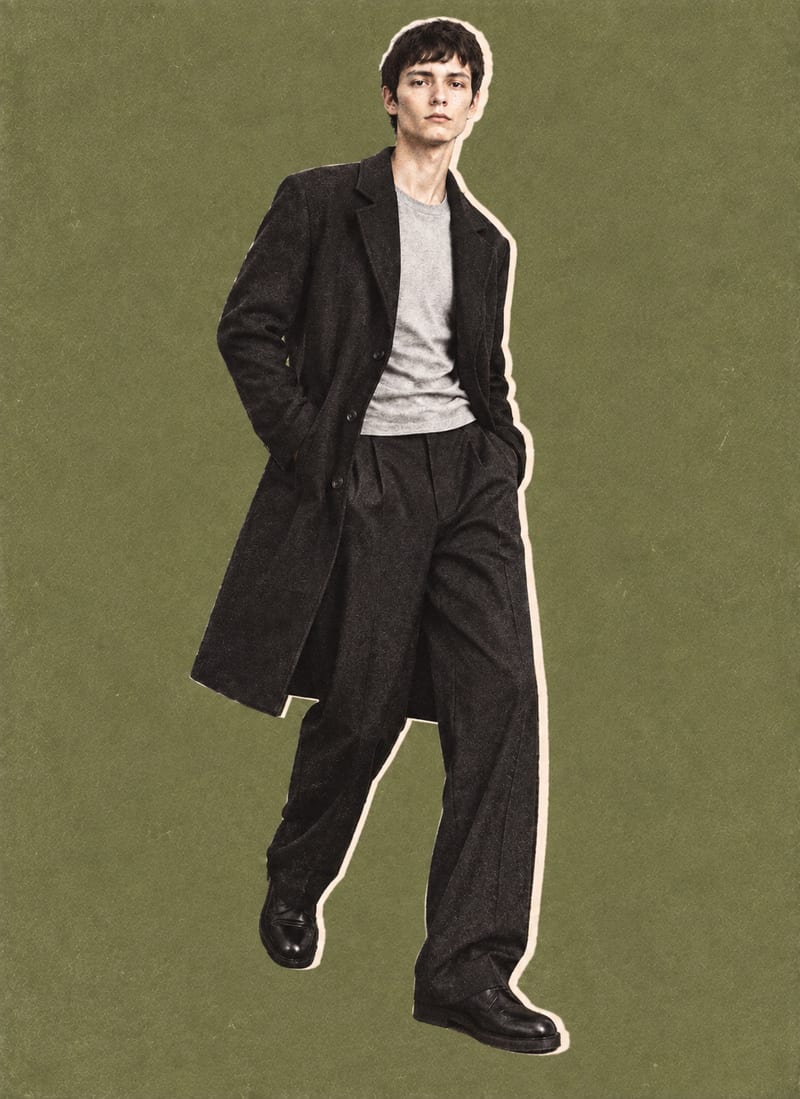
Editorial Collage 01
One click, whole workflow
Recipes are here. Package a whole workflow and run it in one click
Explore recipesEditorial fashion
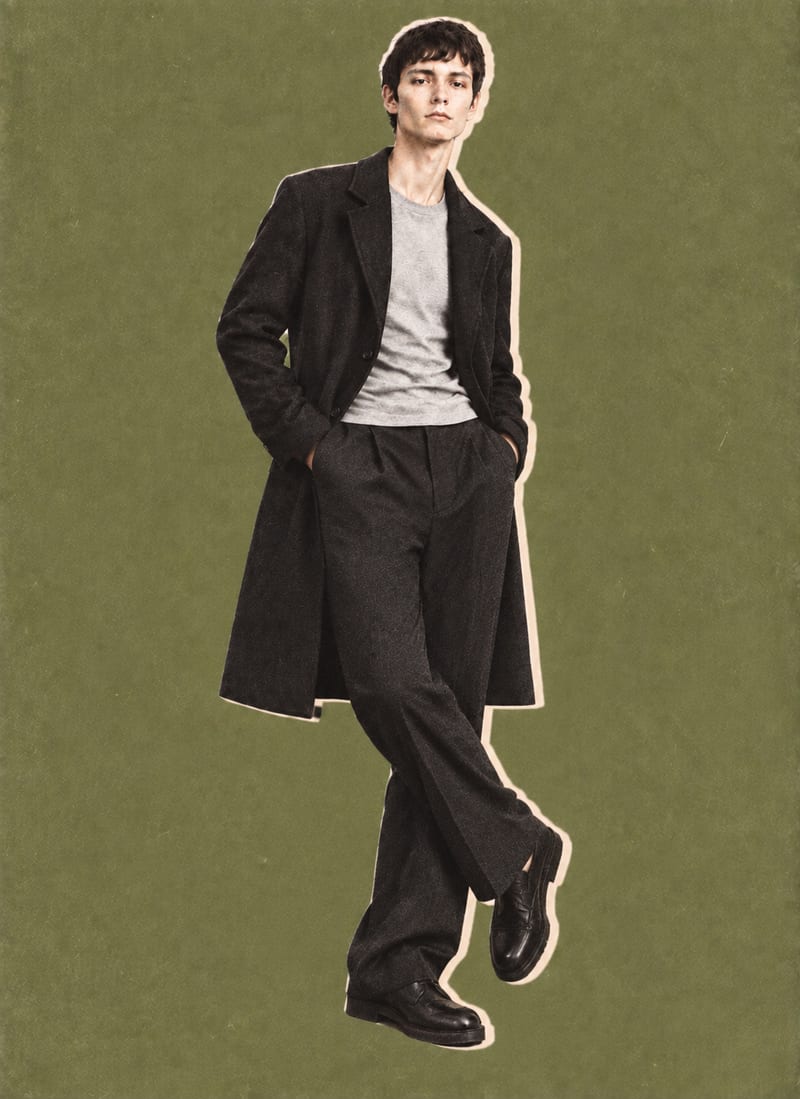
Combine a model image, lie-flat clothing shot, and background color into editorial-style fashion collage outputs.
Editorial Collage 01
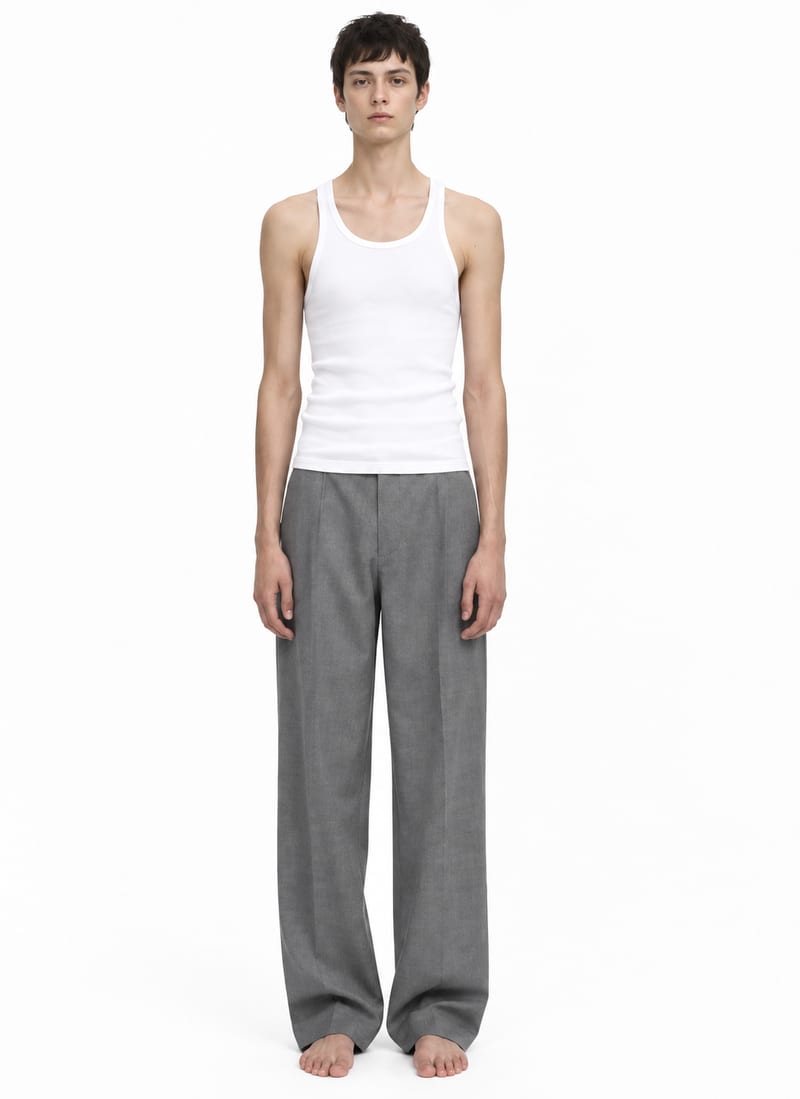
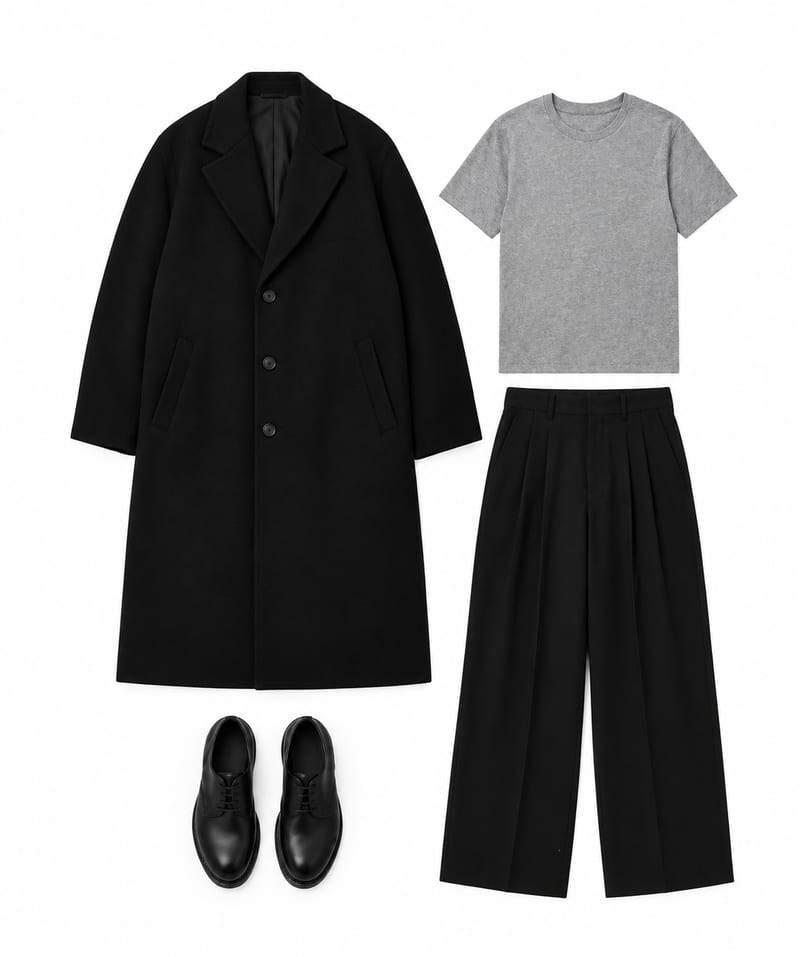
A recipe turns a reusable workflow into a simple set of inputs and outputs. Start with a community recipe and make it your own in Fuser.

1. Choose a recipe
Find a workflow for the result you want. Review what it does and how to use it before opening it in Fuser.
2. Make it your own
Check the recipe’s available inputs. Add your own text or media where supported, or start with the saved defaults.
3. Run and refine
Run it in Fuser and review the result on your canvas. Tweak the inputs to try another direction.
Use the model, garment, and background inputs to develop fashion concepts and present styling ideas across editorial contexts.
It takes a model image, a lie-flat clothing image, and a background color, then composites them into editorial-style fashion collage outputs. The saved example includes two image outputs and uses olive green as its background color.
It is suited to fashion editors, stylists, designers, and creative teams exploring how a garment can be presented on a model. The result is an editorial collage concept rather than a standalone clothing image.
Prepare one model image, one lie-flat clothing image, and a text value for the background color. The saved default background color is olive green, but each exposed input can be changed in Fuser.
Yes. Model Image, Lie-Flat Clothing Image, and Background Color are exposed inputs, so visitors can replace the images and edit the color text in Fuser for a new run.
The saved example shows the connected inputs and outputs for a model image, lie-flat clothing image, and olive green background color. Its two image outputs demonstrate the recipe's editorial collage format with the garment styled onto the model.
The collage outputs can support editorial concept development, styling reviews, garment presentation, and early fashion publishing explorations. They are useful when a team wants to discuss a model-and-garment composition against a chosen color background.
The recipe is defined around one model image, one lie-flat clothing image, and one background color. These are the named exposed inputs visitors can prepare and edit in Fuser.
Bring a model image, lie-flat clothing image, and background color together in an editorial-style fashion composition.
Develop on-person garment imagery, editorial concepts and lookbook layouts. Bring collection references, virtual try-on and editable design together in Fuser.
Turn a creative brief into distinct visual concepts, moodboards and pitch layouts. Explore references, imagery and motion together in Fuser.
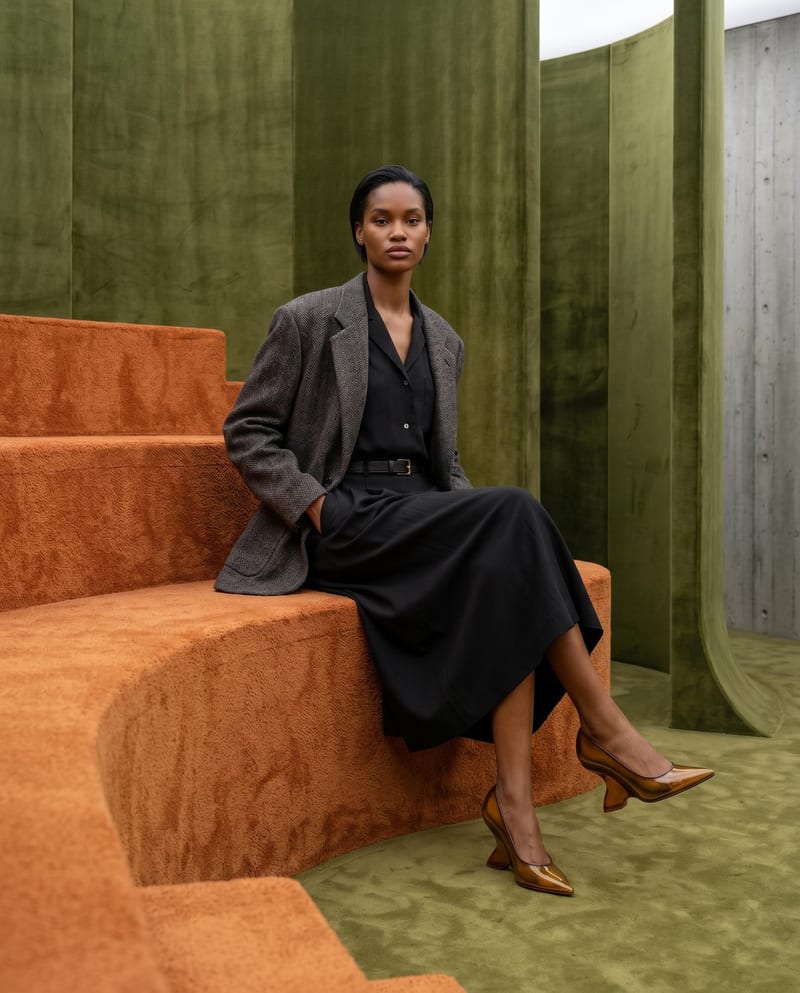
Combine model, accessory, location, and pose inputs into a fashion photography composition.
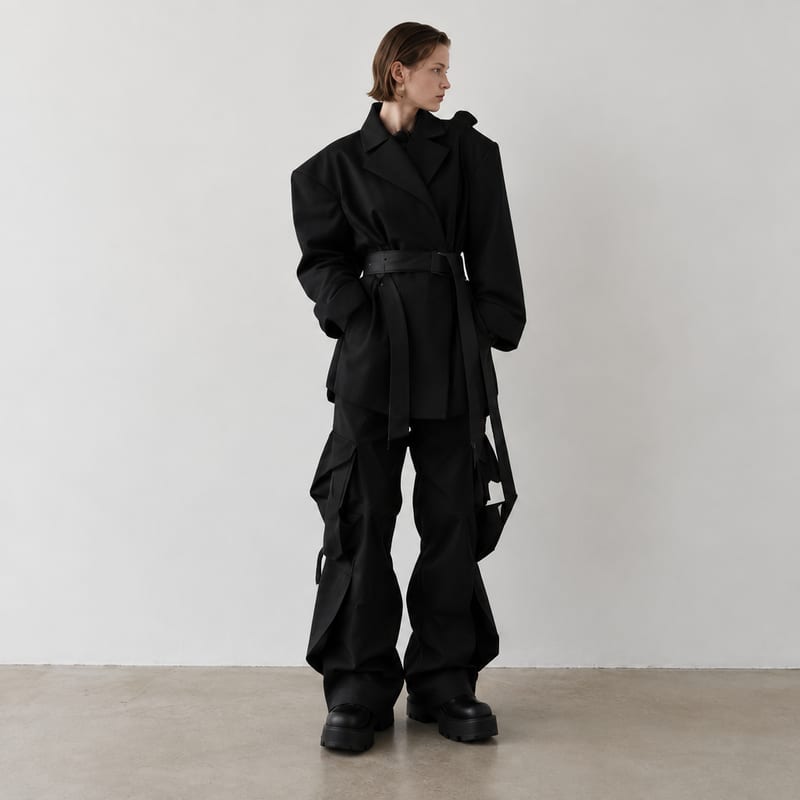
Generate fashion design images guided by up to five fashion reference images.
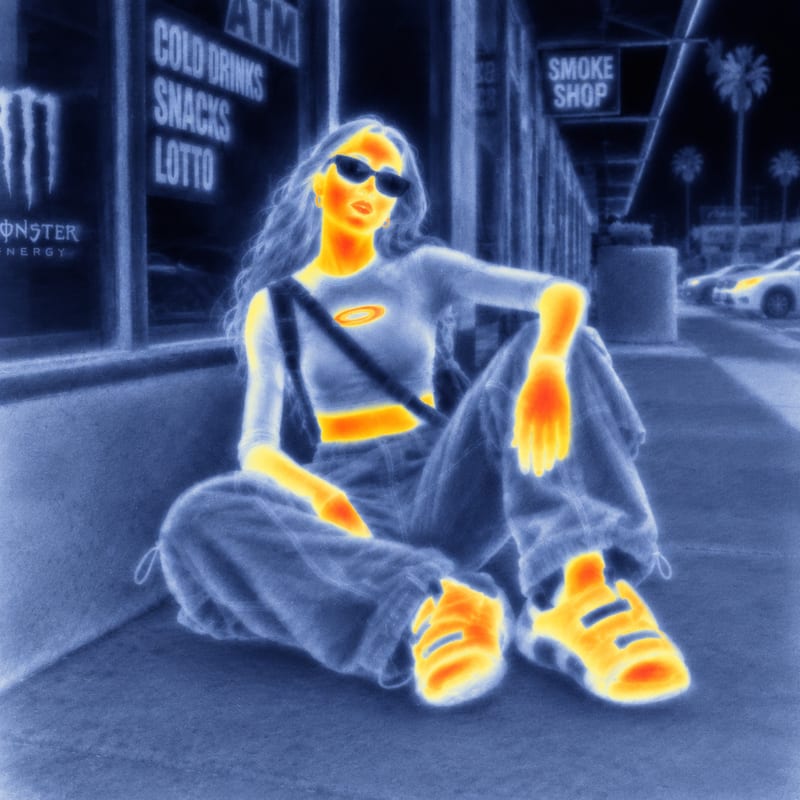
Use an input image and a style reference image to create an image with the reference’s visual style.