Recipev2
X-Ray Bag Scan
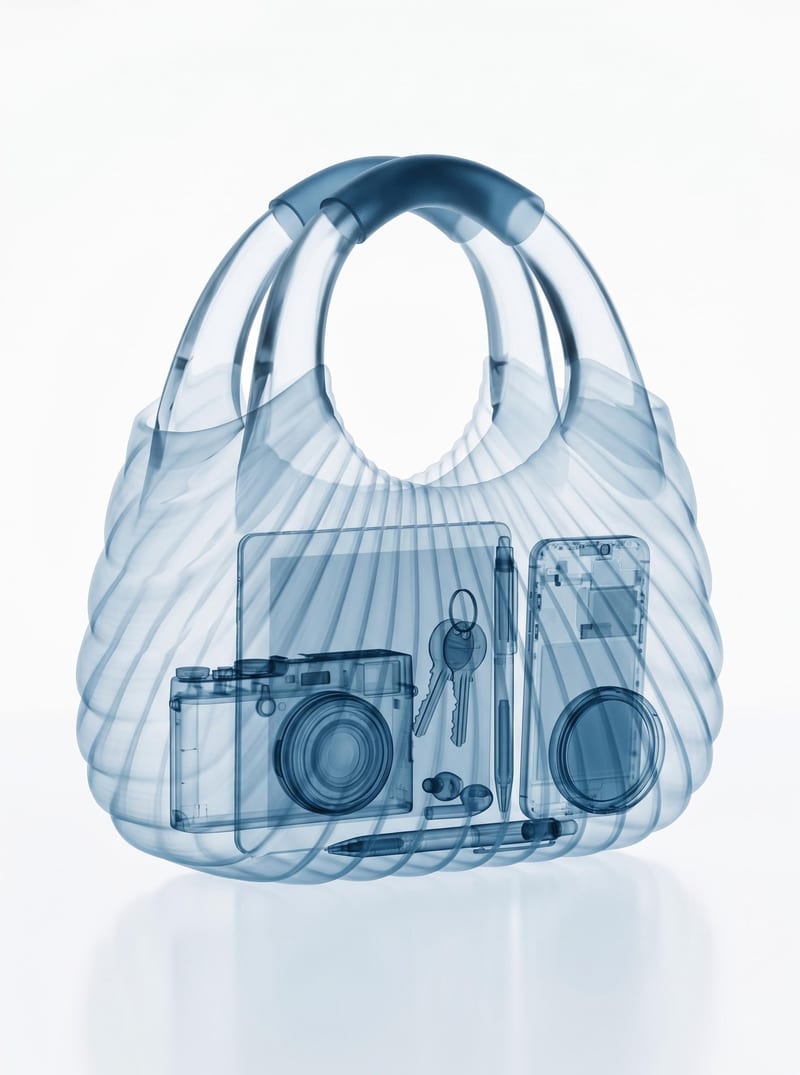
X‑Ray Bag Scan
One click, whole workflow
Recipes are here. Package a whole workflow and run it in one click
Explore recipesBag imaging
Turn one bag image into a realistic X-ray scan that reveals its contents while preserving the bag’s original appearance.
X‑Ray Bag Scan
A recipe turns a reusable workflow into a simple set of inputs and outputs. Start with a community recipe and make it your own in Fuser.

1. Choose a recipe
Find a workflow for the result you want. Review what it does and how to use it before opening it in Fuser.
2. Make it your own
Check the recipe’s available inputs. Add your own text or media where supported, or start with the saved defaults.
3. Run and refine
Run it in Fuser and review the result on your canvas. Tweak the inputs to try another direction.
Use the bag image and resulting X-ray scan to develop visual concepts for social content and art-focused projects.
It transforms a bag image into a realistic X-ray scan that reveals the objects and contents inside. The output is an image that preserves the bag’s original shape, structure, and overall appearance.
It is useful for people creating social content, visual concepts, or art and illustration work involving bags and their contents. The recipe offers a distinct way to present an existing bag image.
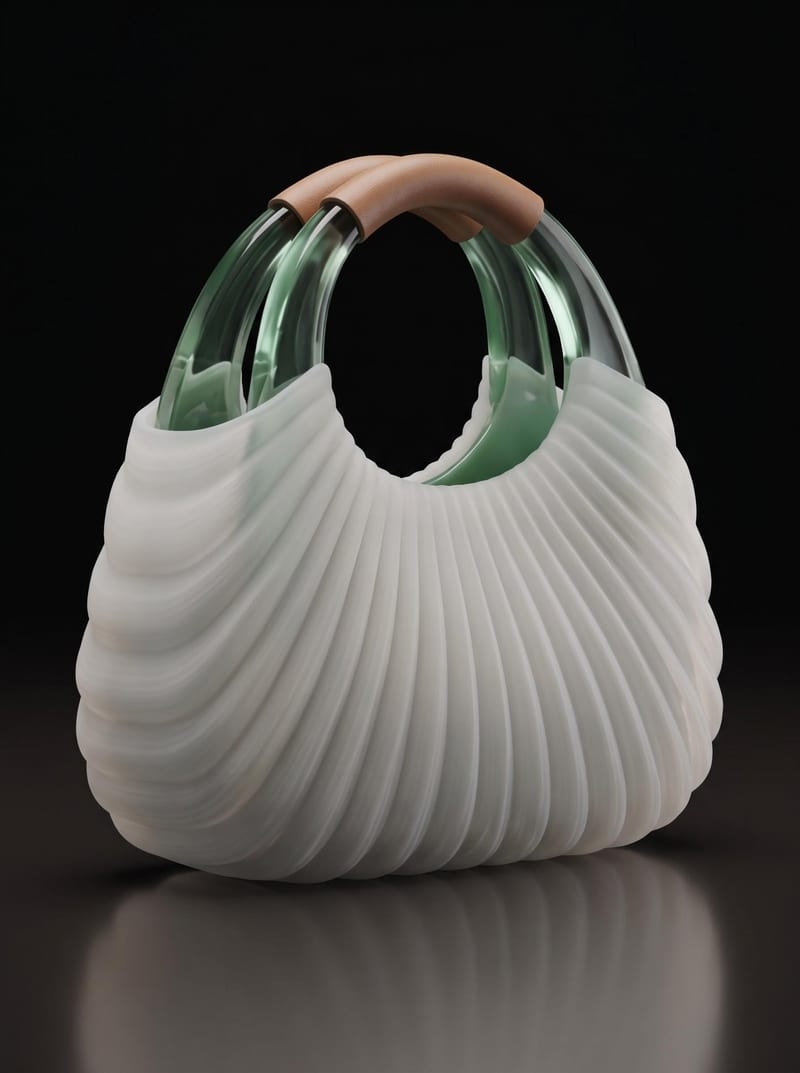
You need one image of a bag, provided through the Bag Image input. A clear source image gives the recipe a defined bag to transform into the X-ray scan.
Yes. Bag Image is the exposed input, so you can change it in Fuser before using the recipe. Each new run is based on the bag image you provide, while the page preview represents the saved default example.
The saved output demonstrates the intended transformation from a bag image to an X-Ray Bag Scan. It shows the recipe’s approach to revealing interior contents while retaining the bag’s recognizable shape and structure.
The recipe suits social posts, bag-focused product storytelling, before-and-after presentations, and art or illustration studies. These applications use the same core transformation rather than adding unrelated editing functions.
The recipe is designed to preserve the bag’s original shape, structure, and overall appearance in the resulting scan. The saved example illustrates that intended relationship between the source bag and the output image.
Bring a bag image into Fuser and explore a contents-revealing scan that keeps the bag’s original form and appearance.
Develop pitches, campaign assets and interactive client work in Fuser. Combine AI generation, editable design and reusable processes across your agency.
Create social graphics, carousel artwork and short videos with a recognizable brand style. Keep copy editable and recurring content easier to produce in Fuser.

Turn a source image into a personalized X banner with futuristic digital elements, abstract 3D forms, and computational aesthetics.

Turn a source image into a professional LinkedIn banner aligned with your career, industry, and personal brand.
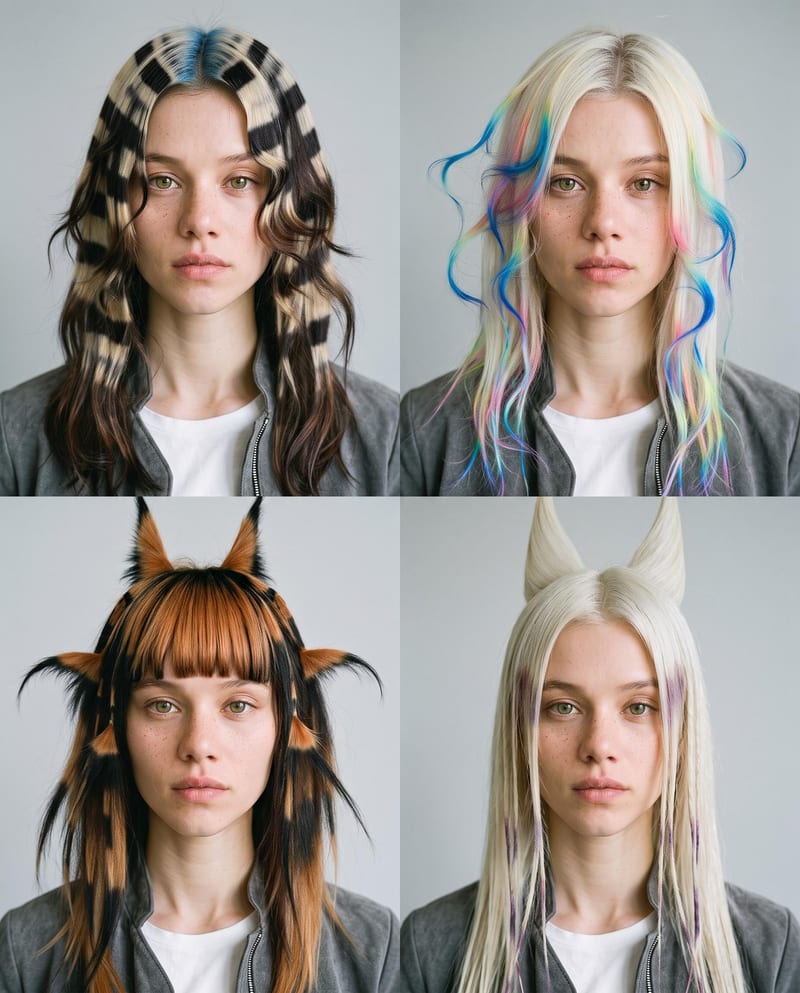
Upload one portrait to explore four fantasy hairstyles while keeping the person’s face, features, and expression consistent.

