One click, whole workflow
Recipes are here. Package a whole workflow and run it in one click
Explore recipesOne click, whole workflow
Recipes are here. Package a whole workflow and run it in one click
Explore recipesCompare creative workflows
Fuser brings AI generation, editable design and bespoke creative tools onto one canvas. See how it fits your studio alongside FLORA, Figma Weave, ComfyUI, Krea and Magnific Spaces.
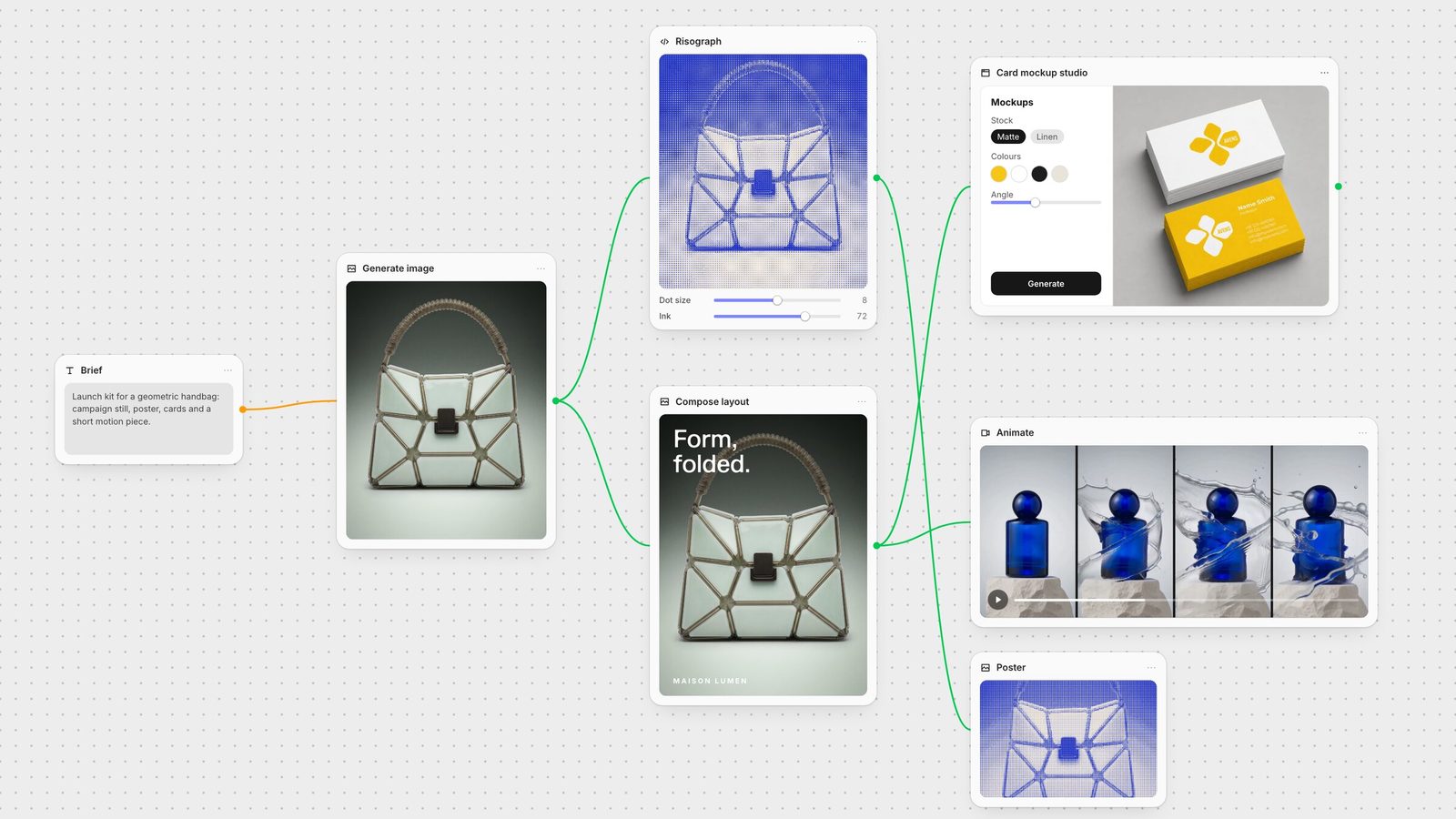
Fuser is a node-based AI workflow builder on an infinite canvas, built for creative agencies and studio teams.
Arrange real typography, logos and generated assets on separate Compositor layers. Change the layout when the brief changes.
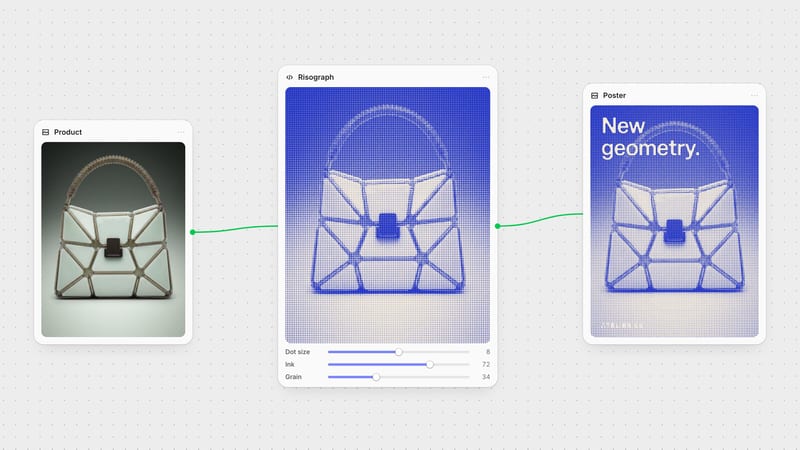
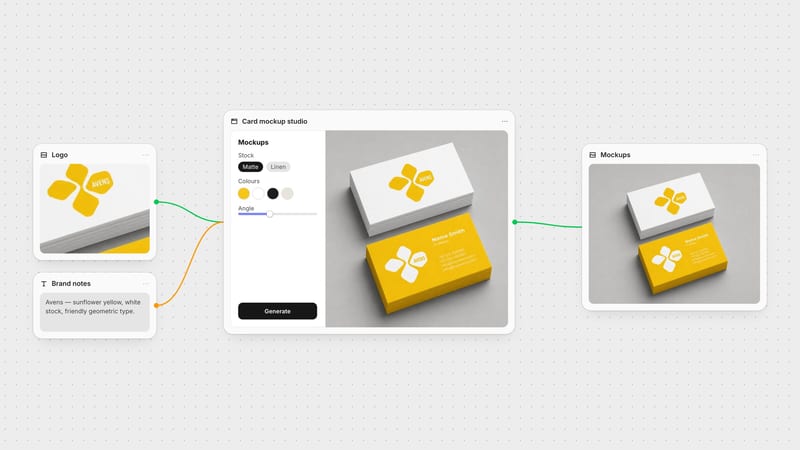
Create adjustable design instruments with Creative Code and running web tools with Apps. Connect their inputs and outputs to the canvas.
Start with Recipes: prebuilt AI workflow templates. Bring new inputs, copy the graph and adapt the connected steps.
Explore the controls, workflows and team capabilities that matter for the work you need to deliver.
Fuser vs FLORA
Bring generation, editable layouts and tools built for your studio onto one canvas.
Fuser vs Figma Weave
Go from a connected creative workflow to bespoke design tools and running web apps.
Fuser vs ComfyUI
Give your team a shared process for generation, editable design and the next client revision.
Fuser vs Krea Nodes
Keep the campaign editable, then build custom controls for the steps you repeat.
Fuser vs Magnific Spaces
Build around your own references, creative process and custom tools.
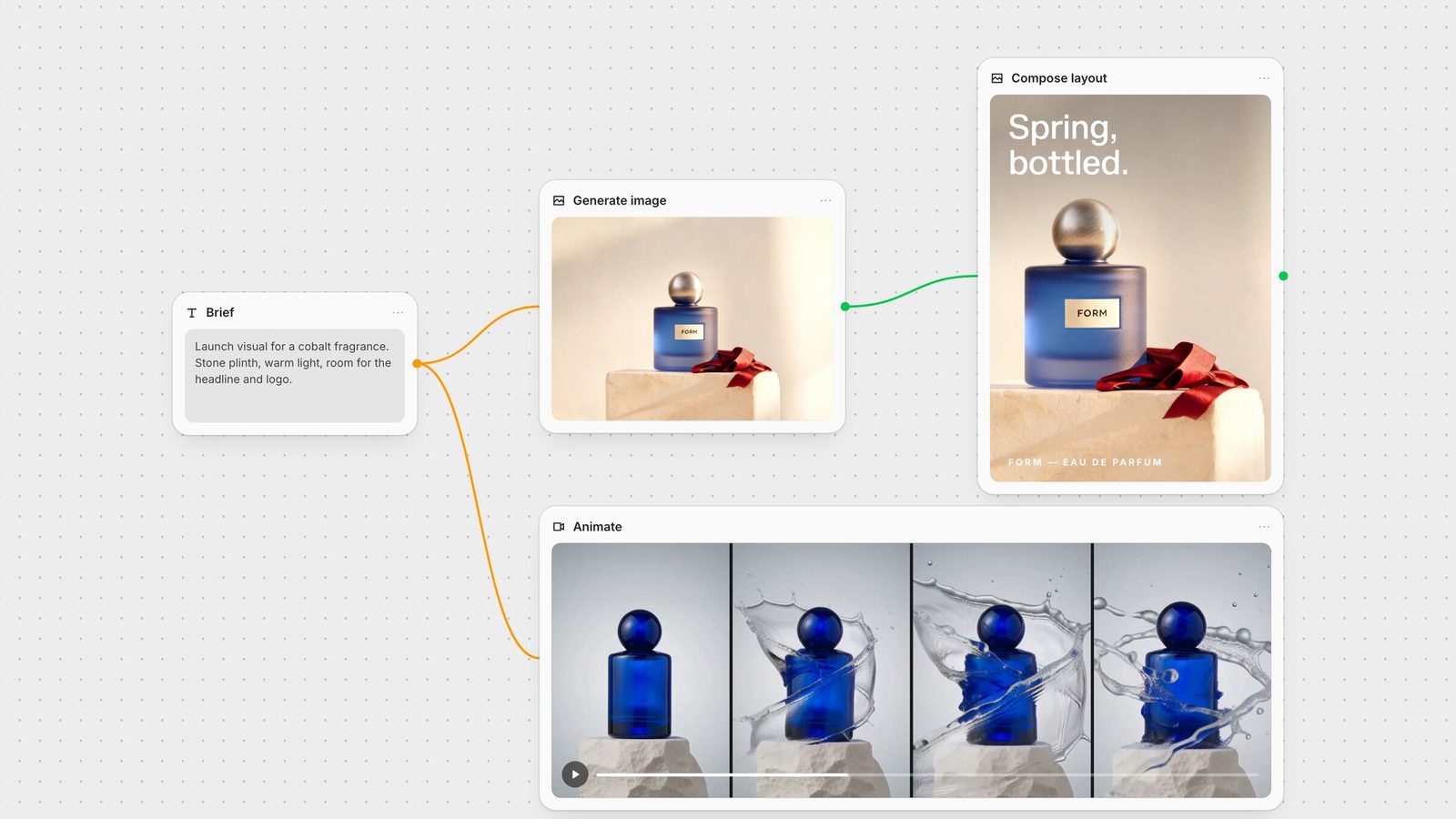
The product shot is approved. Now the client wants a different headline and a larger logo. In Compositor, those are separate layers you can change directly. Set real type, combine images, footage and 3D, then export a PNG or MP4 or send the composition into the next node.
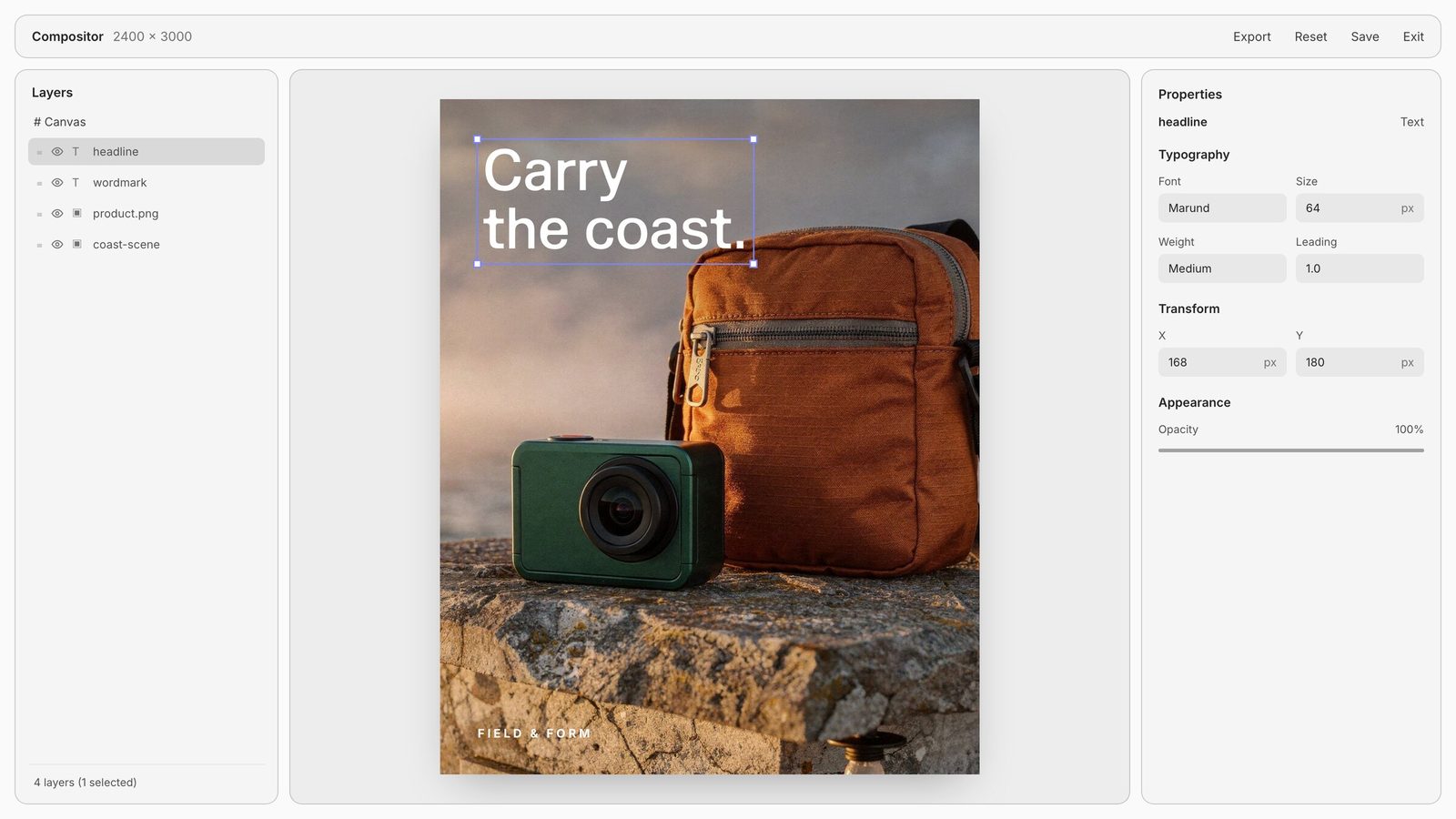
The bottle stays. The headline changes.
Separate image, logo, text and background layers in Fuser's Compositor. Feed the composition into another node, or export a PNG or MP4.
Our guide compares six creative workflow tools by the job: editable campaigns, local inference, shared exploration and reusable processes. Find a starting point for your studio.
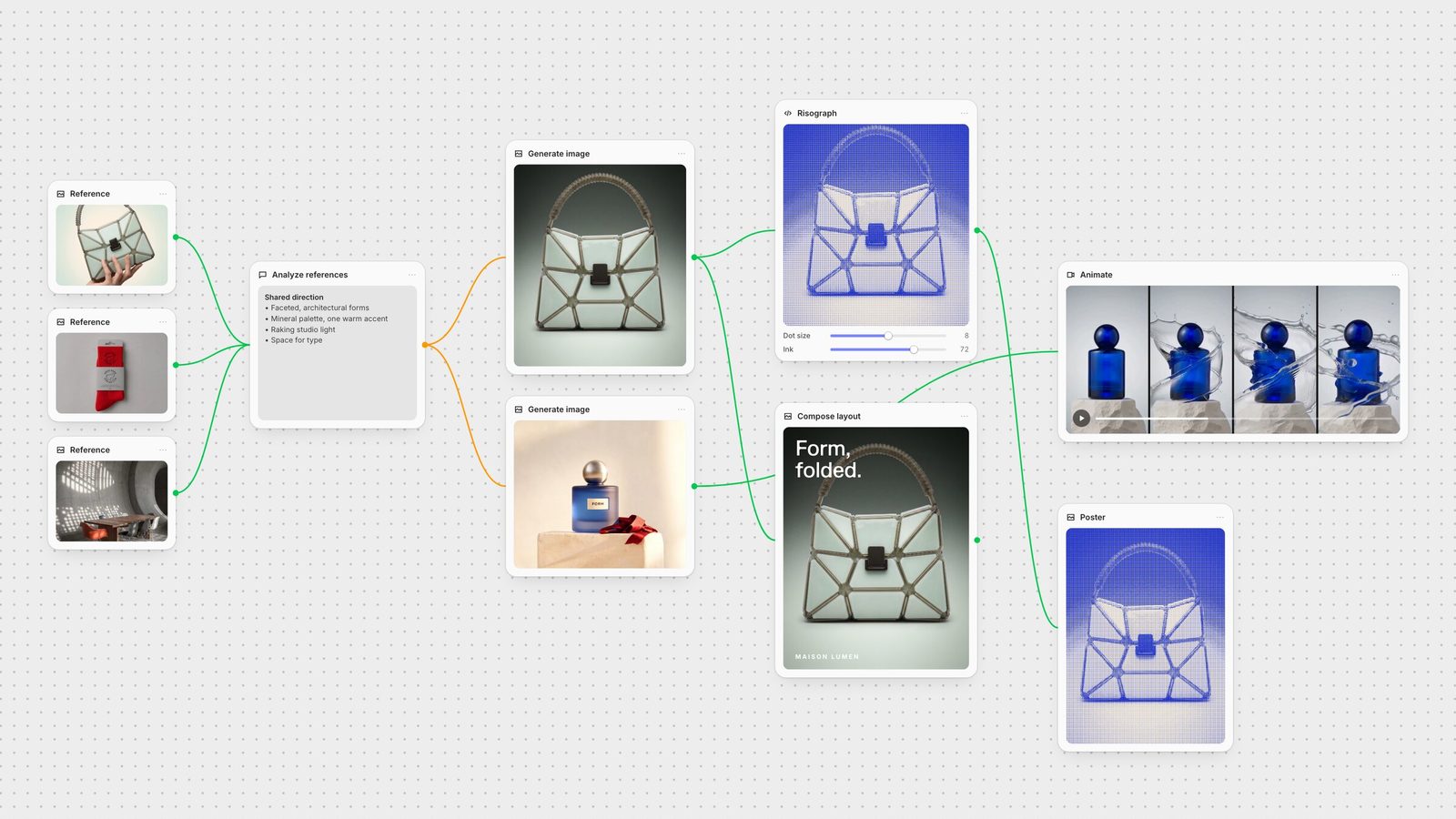
A workspace for the whole creative brief.
Explore the workflow, then choose the controls and handoff your team needs.
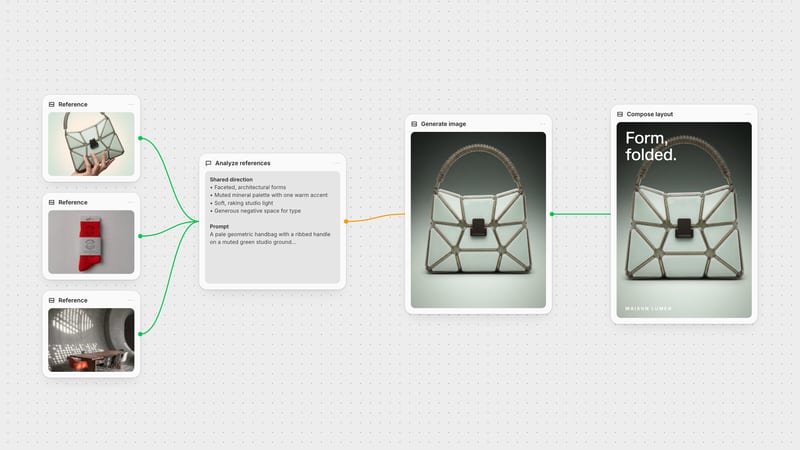
Fuser connects generation with editable Compositor layouts, reusable Recipes and bespoke tools built with Creative Code and Apps. Your team can keep the references, decisions and reusable process together.
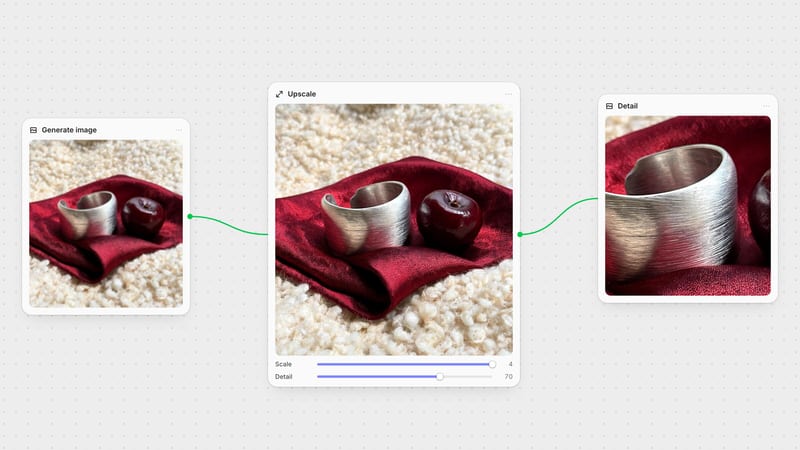
In Fuser, connect image, video, audio, 3D and language-model nodes in the same workflow. Choose the model for each step and keep the rest of the process connected.
Open a Recipe, bring your own inputs and run it. Copy the workflow when you want to change the nodes, models or controls.
Yes. Creative Code lets you build adjustable design tools with custom controls and media inputs. Apps lets you build running web interfaces with inputs and outputs connected to the canvas.
Work together on the canvas and package repeatable steps as Recipes. Fuser Teams adds shared credits, roles, spend limits and company sign-in.
Bring a product image, start with a working campaign Recipe and make the process yours.