One click, whole workflow
Recipes are here. Package a whole workflow and run it in one click
Explore recipesOne click, whole workflow
Recipes are here. Package a whole workflow and run it in one click
Explore recipesA full calendar. A feed that still feels like you.
The next post should not mean finding a new visual identity. Build social graphics, carousel artwork and short videos around a look your audience recognizes—while leaving room for a new story every time.
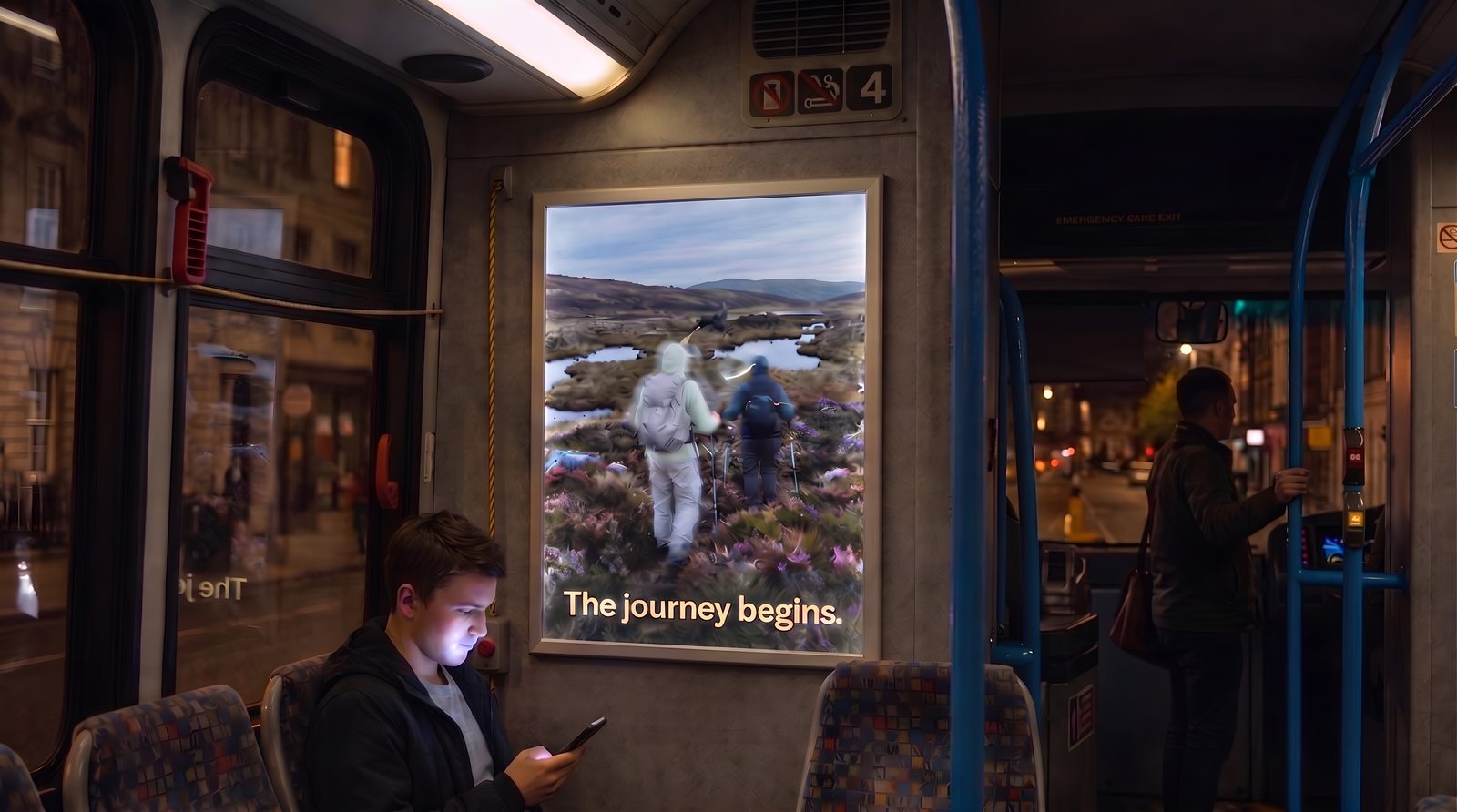
Develop a visual approach for product spotlights, editorial posts or recurring announcements. Keep image references and design elements together on the canvas. Change the subject while carrying the same palette, type and composition choices into the next piece.
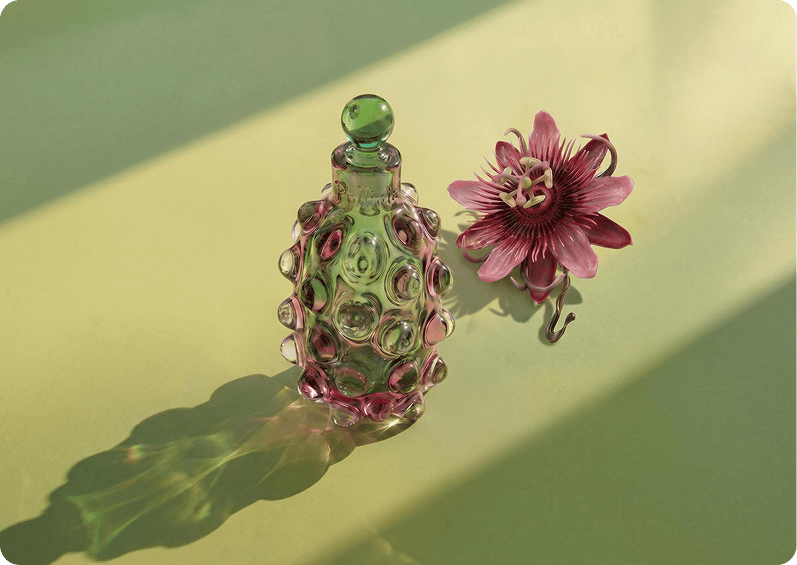
Write the final headline in an editable text layer. Shorten it for a story, change the date on an announcement or rework the hierarchy for a carousel cover. Compositor lets you finish those everyday design changes without regenerating the artwork.
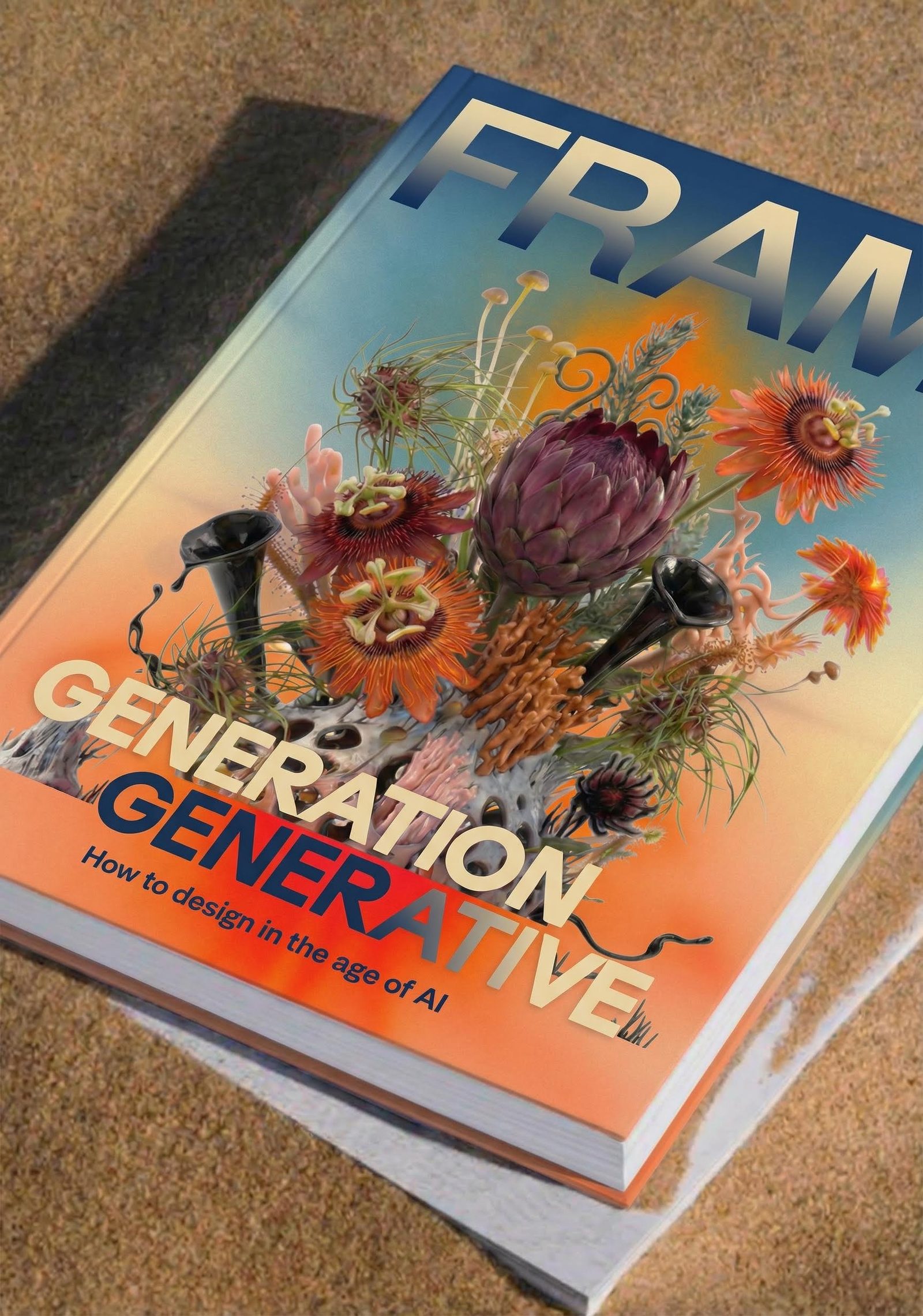
Turn selected imagery into video or create animated graphics with Creative Code, Fuser’s programmable visual tool. Capture a still or a clip from the same sketch. A recurring series can move between static posts and motion without losing its visual character.
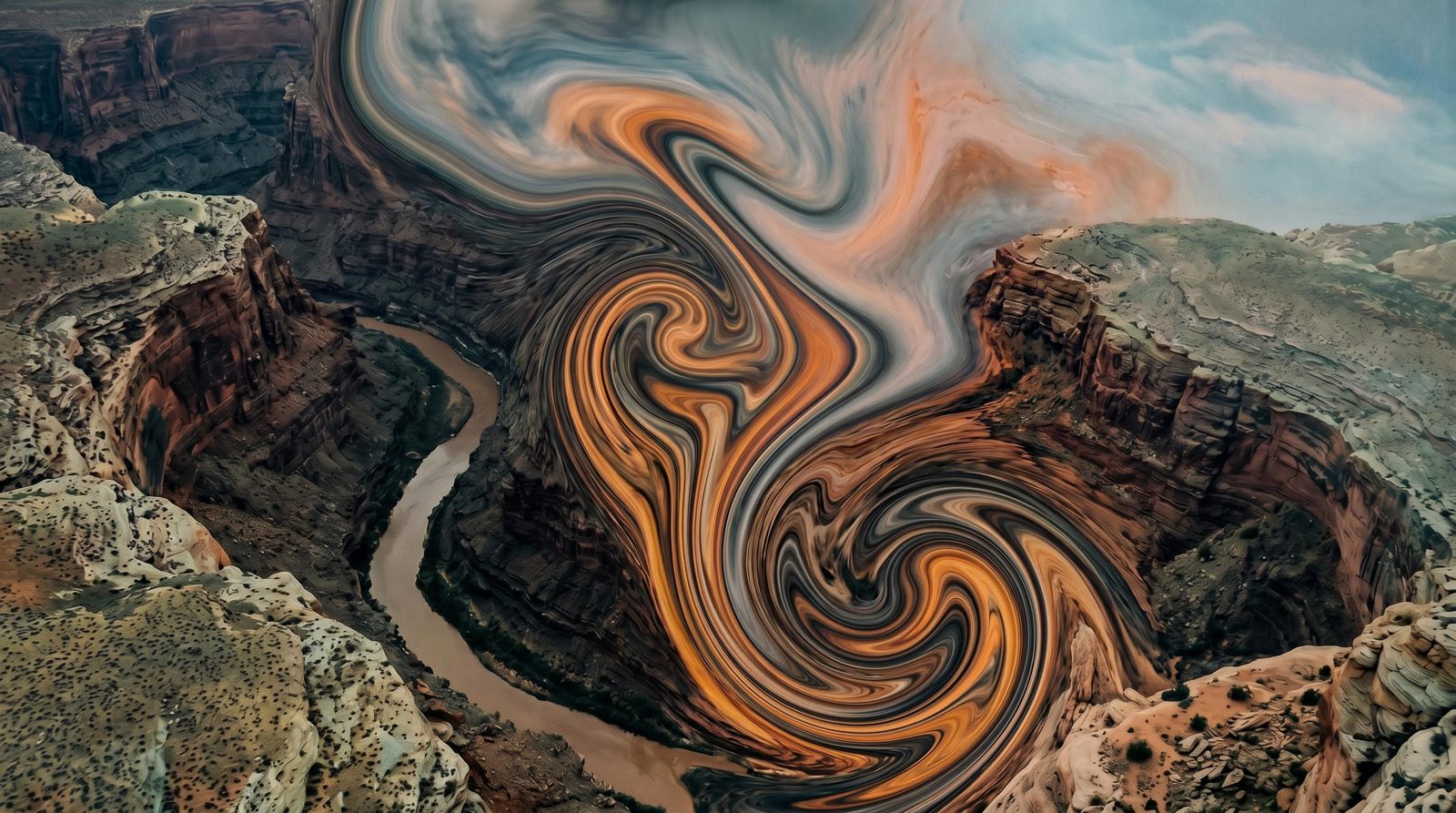
From recurring series to the announcement that lands this week.
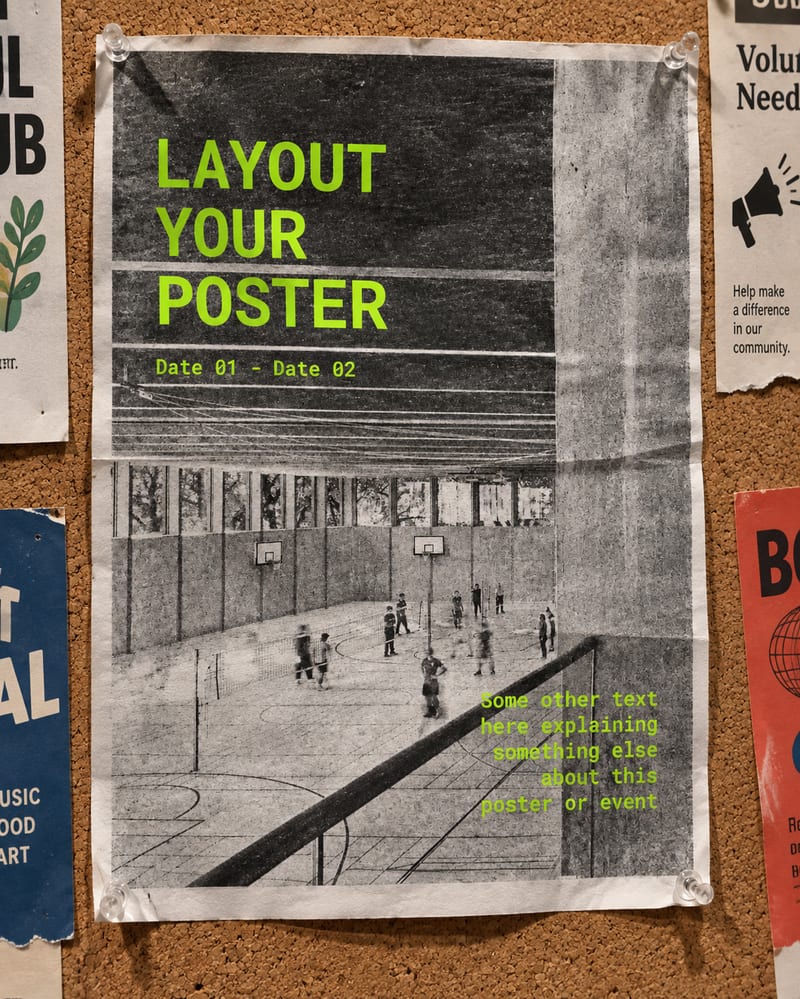
Feed graphics
Build image-led posts with the typography and brand elements your audience knows.
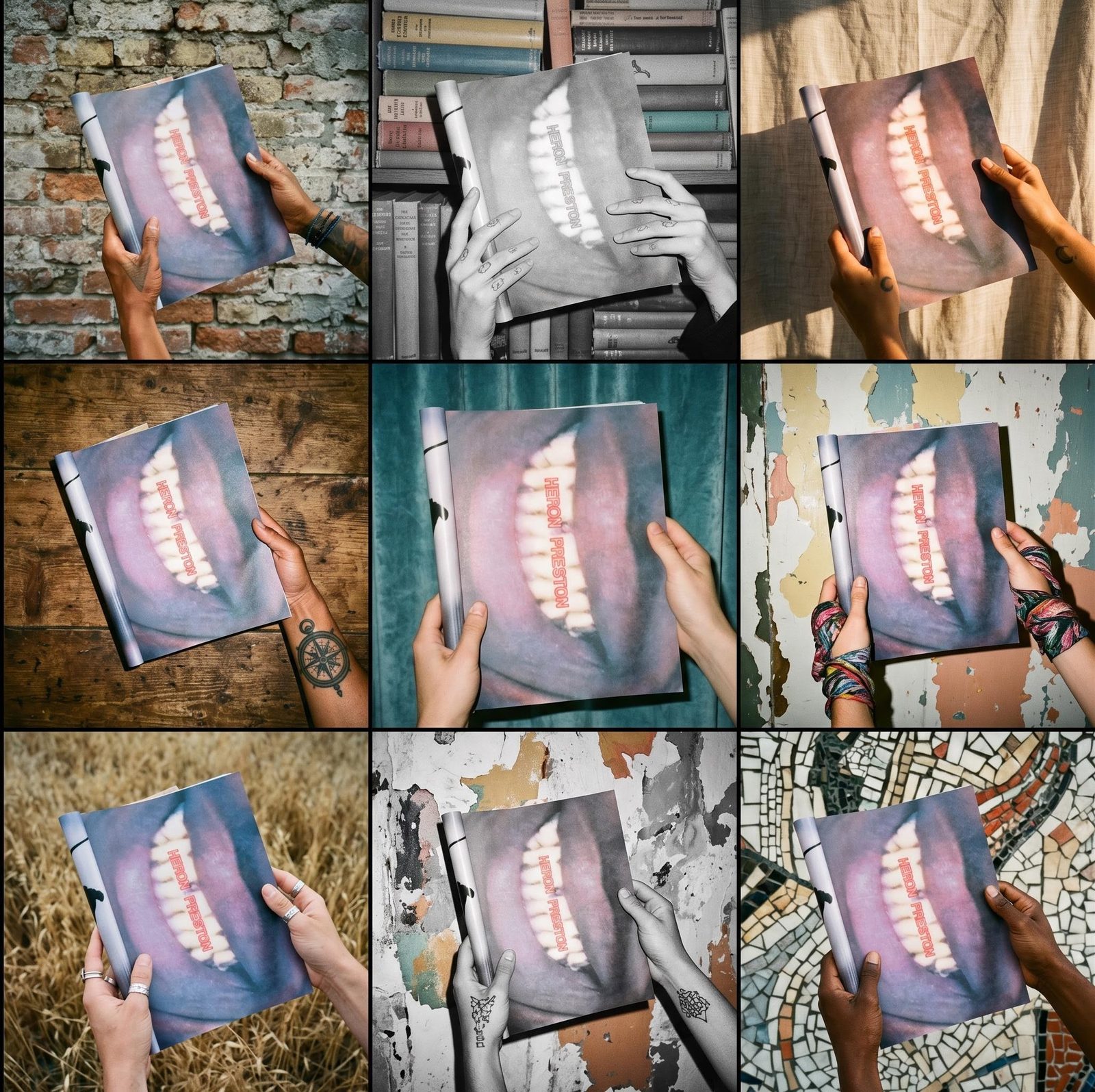
Carousel artwork
Compose covers and individual slides with clear hierarchy and editable copy.
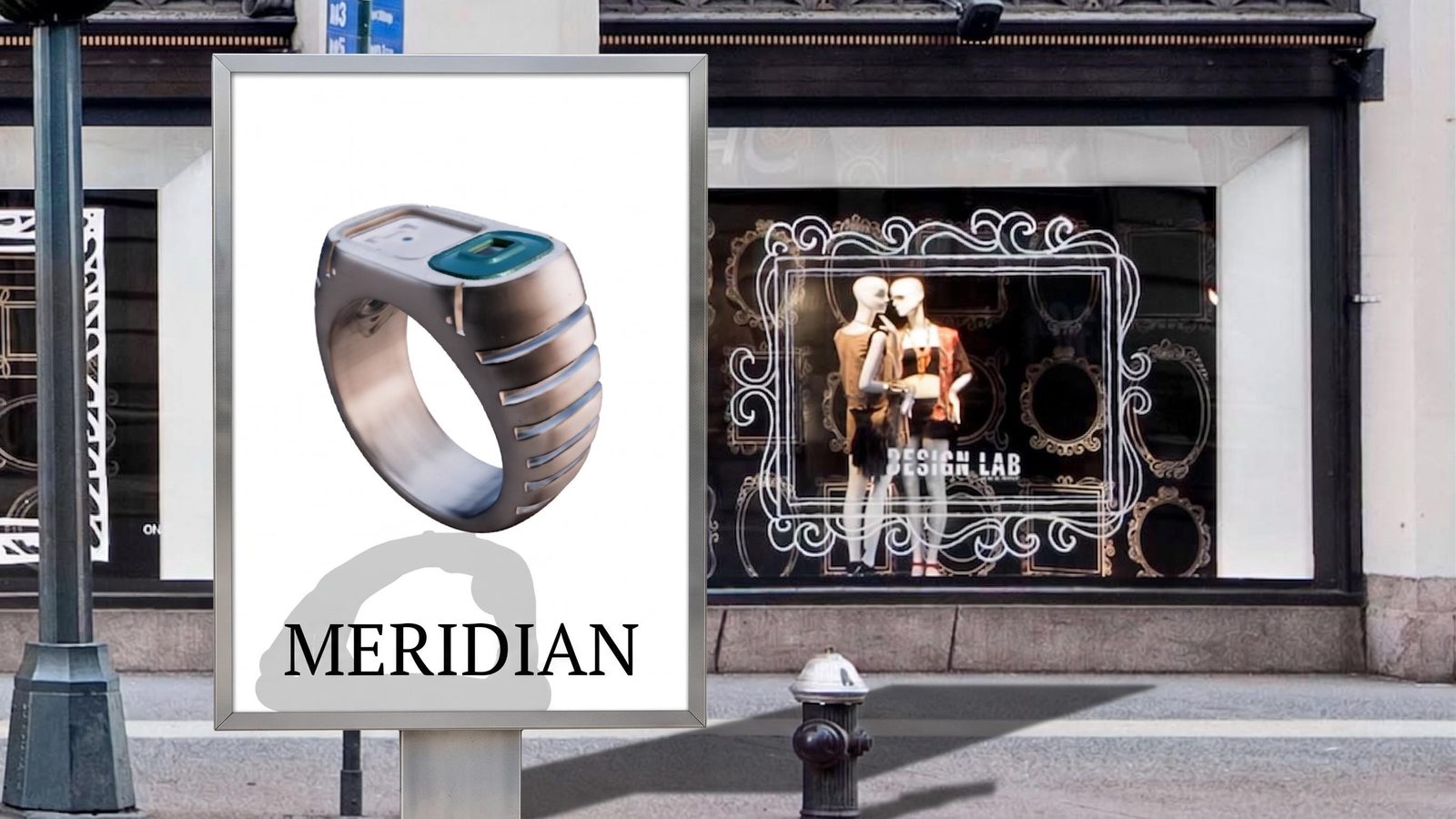
Stories and announcements
Create vertical layouts for launches, events and timely updates.
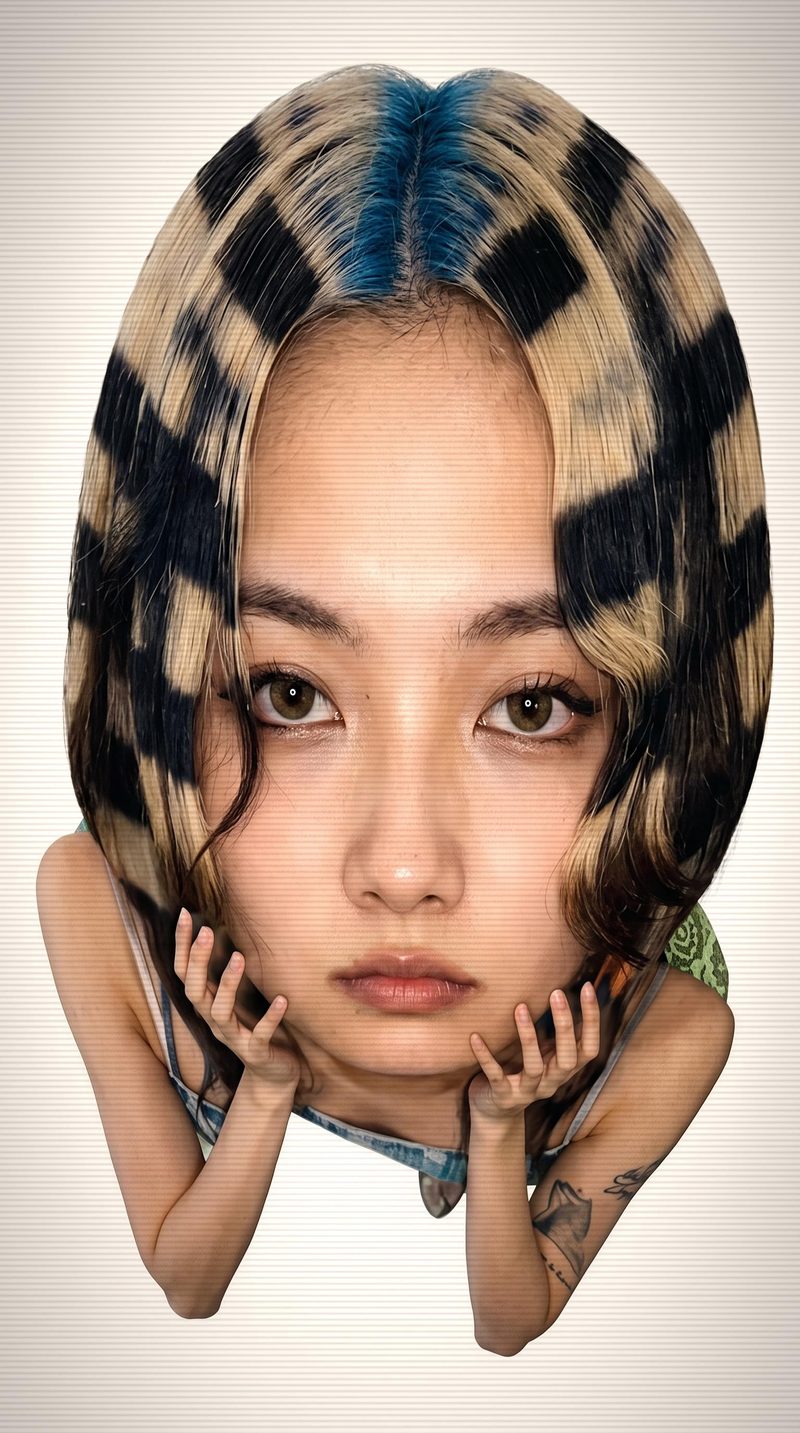
Short clips and motion graphics
Add generated motion or a custom animation when a still is not enough.
Yes. Keep the layout editable in Compositor and save repeatable generation steps as a Recipe. You choose which inputs change each time, so another installment can start with the established setup instead of a blank project.
Yes. Build the slides as editable compositions using shared imagery, type and graphic elements. A nested composition can supply a repeated frame or brand detail to connected layouts. Write and arrange each slide for its part of the story, then export the finished slides for your publishing workflow.
Yes. Reuse the source image, set the canvas dimensions and adjust the design for each placement. Keep headlines and logos in separate layers so they remain readable when the crop changes.
Keep announcement details in Compositor text layers, separate from the artwork. Change the wording and adjust the layout directly when the event time, product name or promotion changes. You can retain the image the team already selected instead of generating a new post from scratch.
Yes. Develop movement from a selected image with an image-to-video tool, or use Creative Code for custom animated graphics. Compose the result with editable branding and copy where needed. This gives a product reveal, announcement or recurring series a motion direction built from assets you already have.
Fuser is where you create the visual assets. Export the finished work and use your existing social publishing or scheduling tool. That keeps the creative process connected without asking you to move the content calendar.
Keep the working project in a team folder and give the designer the access they need. Package repeatable generation steps as a Recipe with clear inputs, and retain the editable compositions. They can see how the series is built and change the new material without reverse-engineering last week’s export.
Start with one recurring series or upcoming announcement. Build a look you can keep developing.
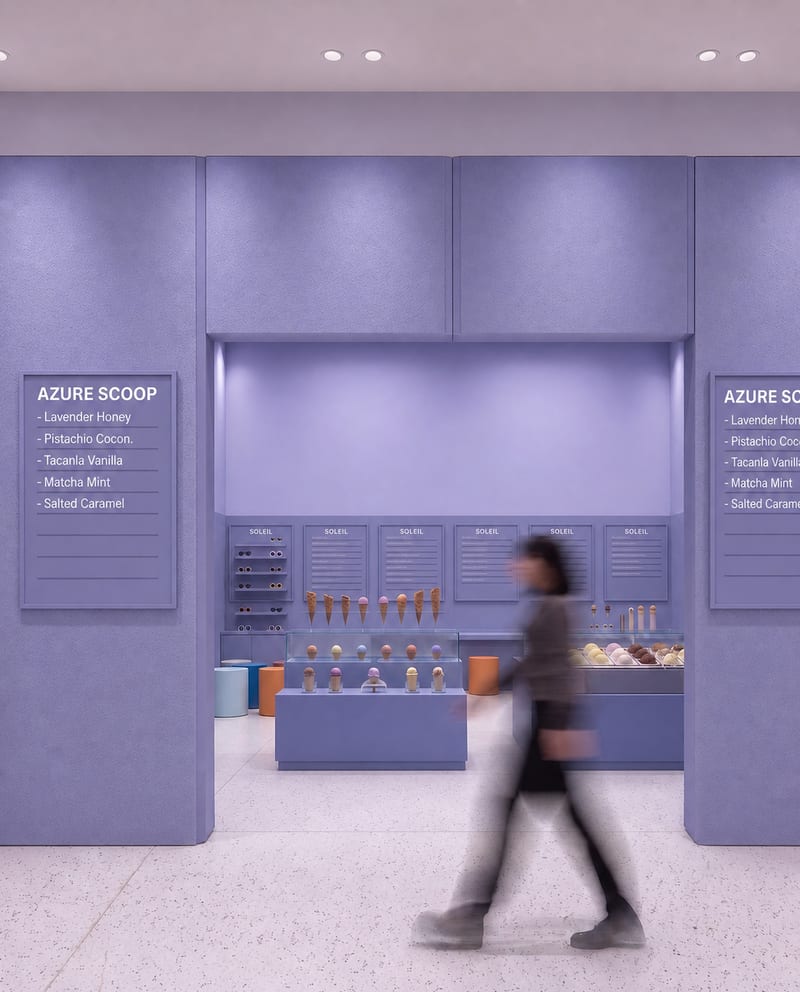
Upload a source image to remove AI-generated artifacts, distortions, and unnatural details while preserving its composition, style, and visual elements.
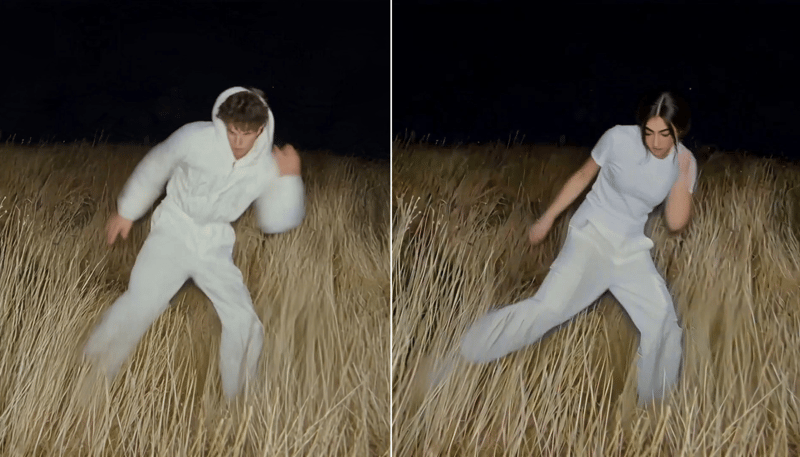
Replace the main character in a video using two character reference images to create a character-swapped video.
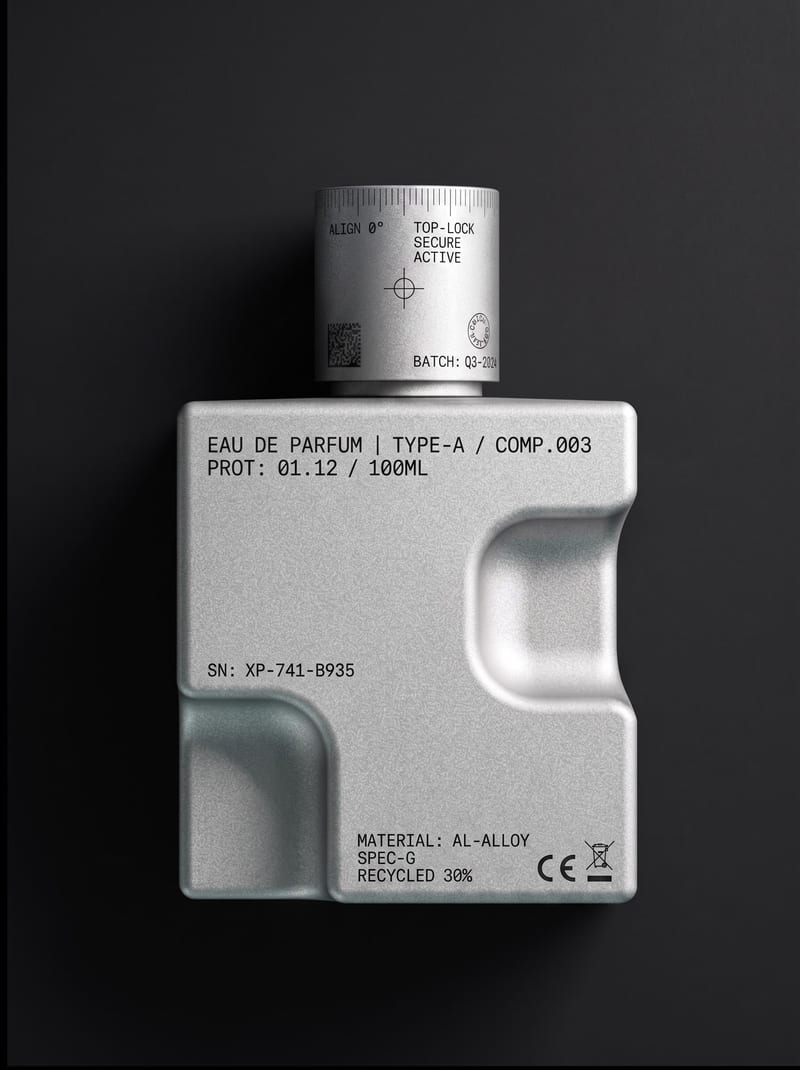
Upload an object or image and receive an image showing that object with micrographics added.
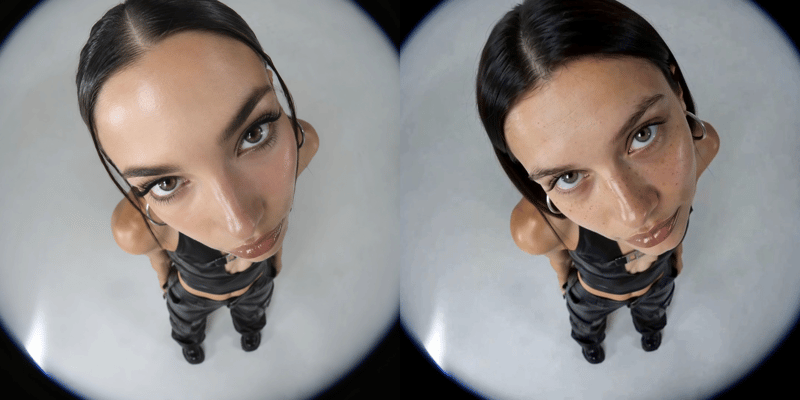
Replace a person’s face in a video using two reference images and receive a face-swapped video.
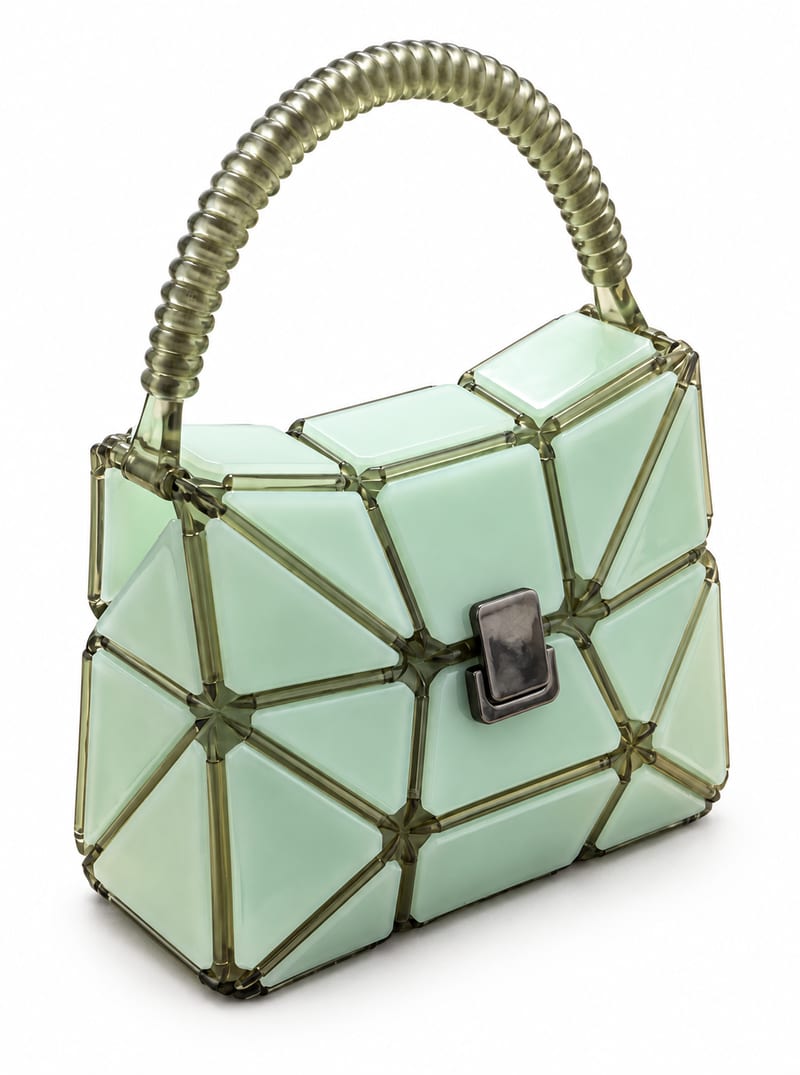
Transform a product image into website-ready front, side, and back product photos with a background color you choose.
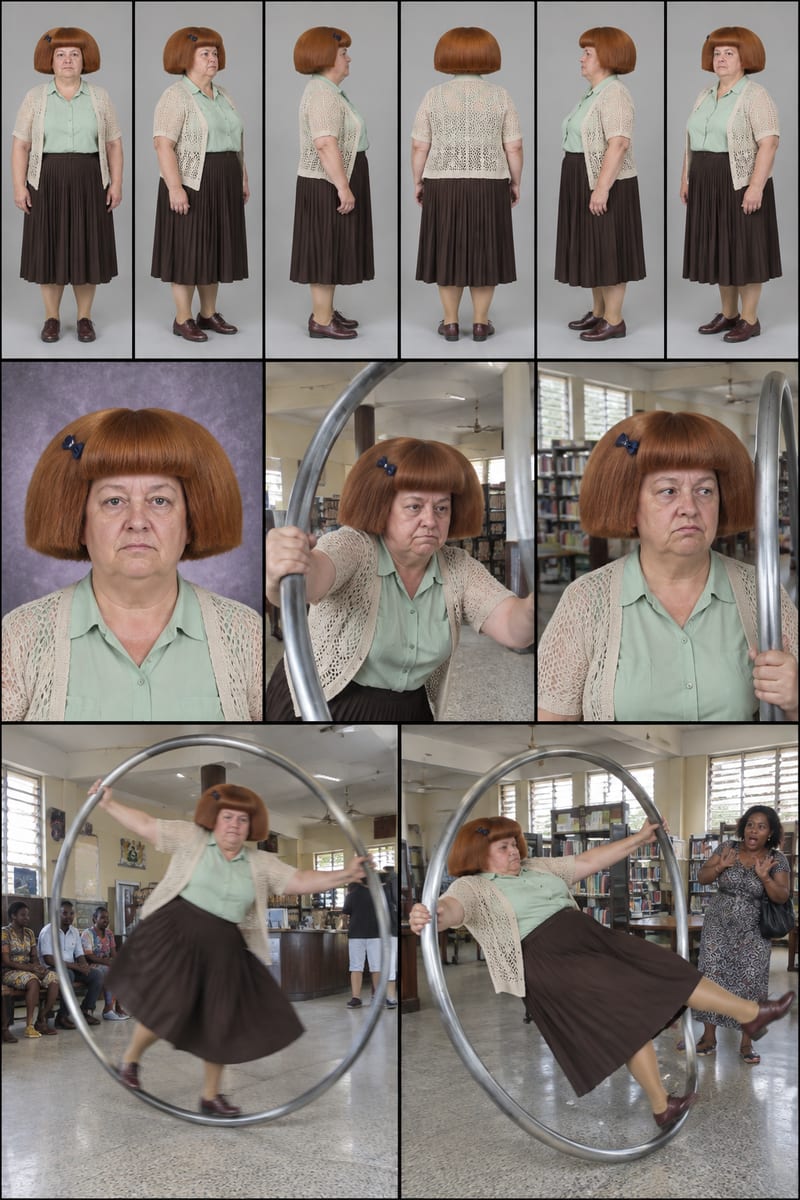
Enter a character idea—or leave SURPRISE ME—to create three character sheets and written profiles for social content.
Enter a logo subject, such as a flower shop, to create two hand-drawn logo options for branding and social content.

Upload one source video to create vertical 9:16 and landscape 16:9 versions for social content.
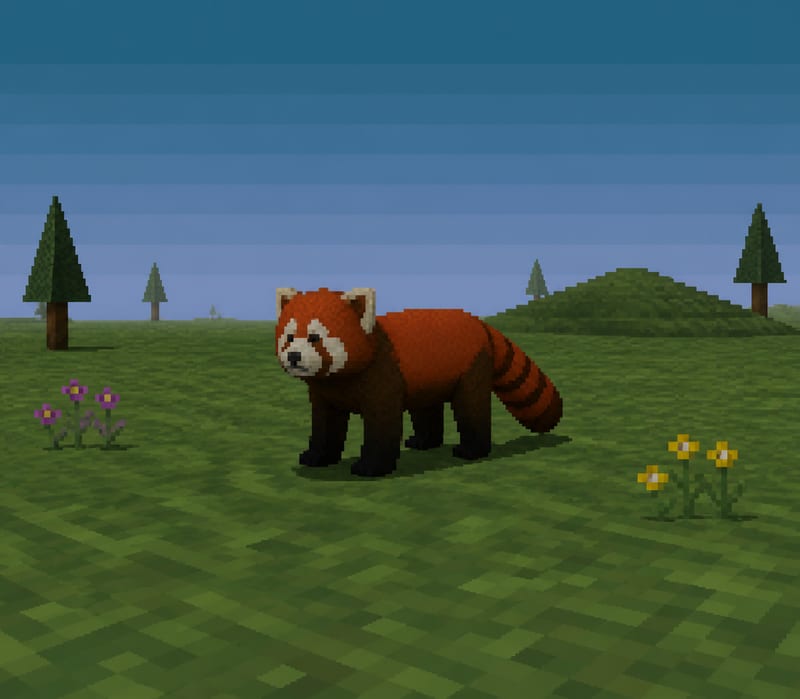
Transform a text subject, such as “red panda,” into a PS1-style image for character and content concepts.
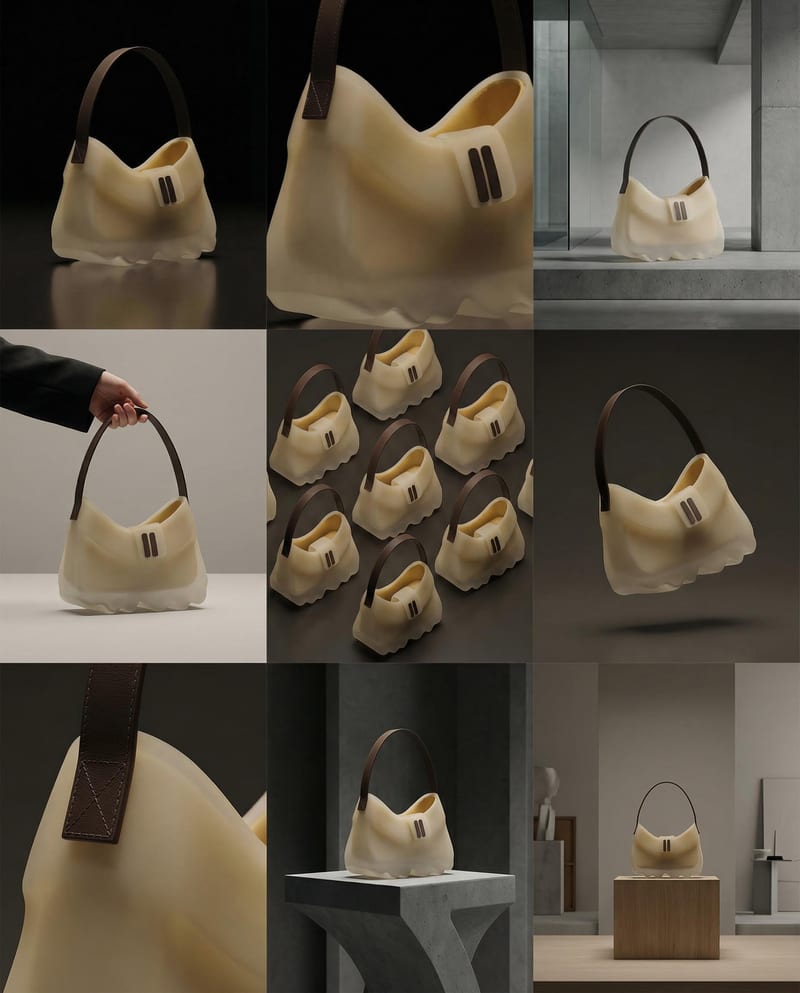
Turn a product image into a product photography grid for fashion campaign concepts and content planning.
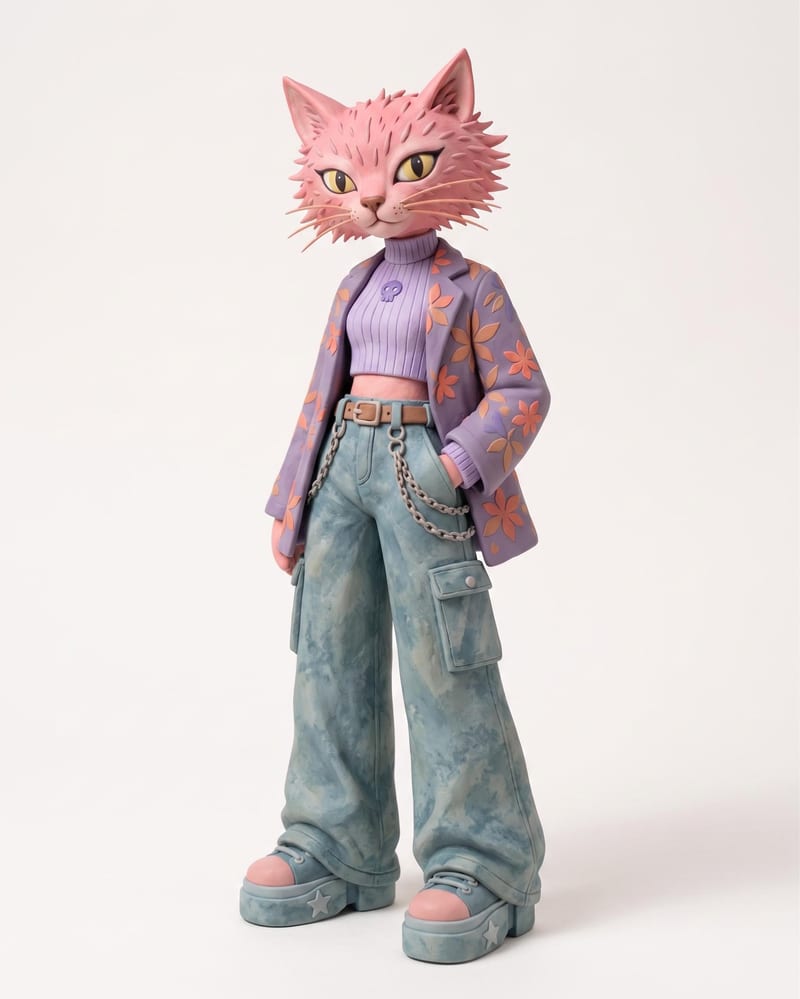
Use an animal name and clothing or color reference images to create a claymation character and character sheet.
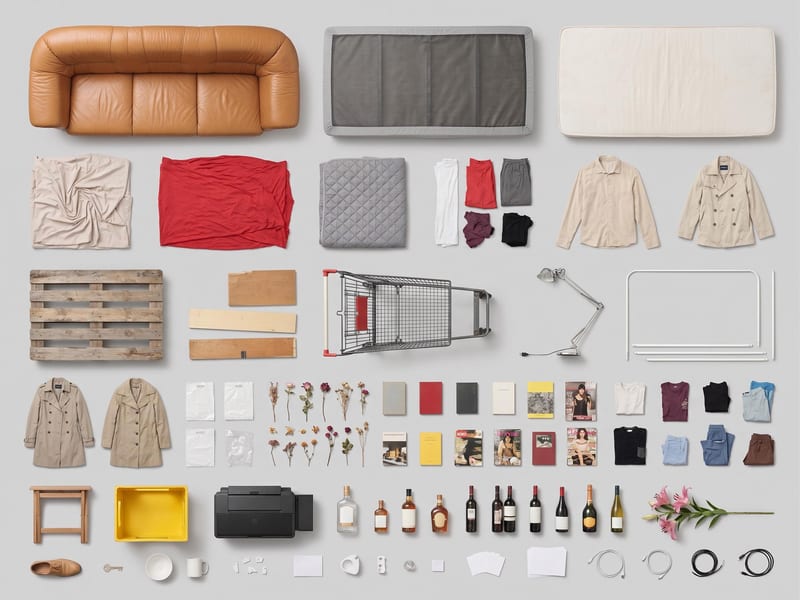
Use one source image to create a clean, top-down grid layout of its objects.