Recipev8
Render Like a Reference Style
Generated Image
One click, whole workflow
Recipes are here. Package a whole workflow and run it in one click
Explore recipesArchitecture & spaces
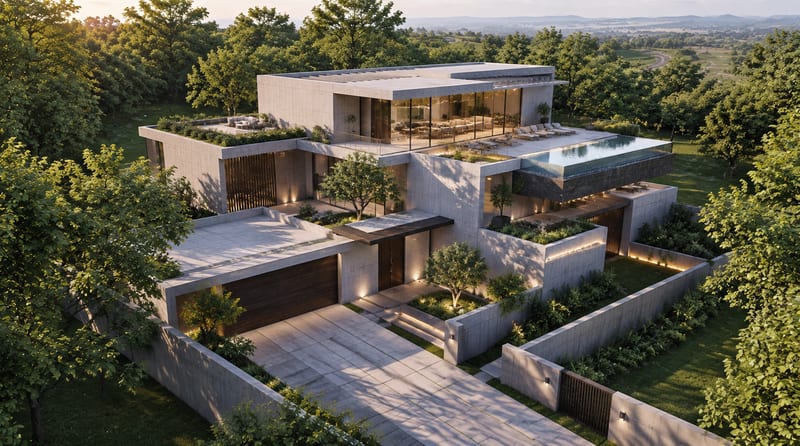
Combine a source image with a render-style reference to create a generated image inspired by the reference’s materials, lighting, and atmosphere.
Generated Image
A recipe turns a reusable workflow into a simple set of inputs and outputs. Start with a community recipe and make it your own in Fuser.

1. Choose a recipe
Find a workflow for the result you want. Review what it does and how to use it before opening it in Fuser.
2. Make it your own
Check the recipe’s available inputs. Add your own text or media where supported, or start with the saved defaults.
3. Run and refine
Run it in Fuser and review the result on your canvas. Tweak the inputs to try another direction.
Use a source subject and a visual reference to explore presentation directions across architecture, spaces, and art illustration.
It transforms the subject in a Source Image into a Generated Image inspired by a separate Render Style reference. The reference guides the image’s visual style, materials, lighting, and atmosphere.
It is useful for people exploring architectural, spatial, artistic, or illustrative presentation directions. Designers and artists can use it to connect a subject with a specific visual reference during concept development.
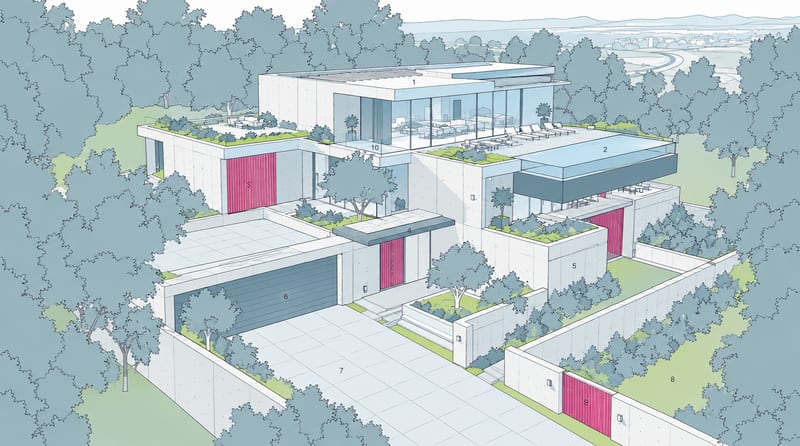
Choose an image containing the subject you want to render. This could be an architectural or spatial subject, an illustration, or another visual subject that you want the generated image to reinterpret.
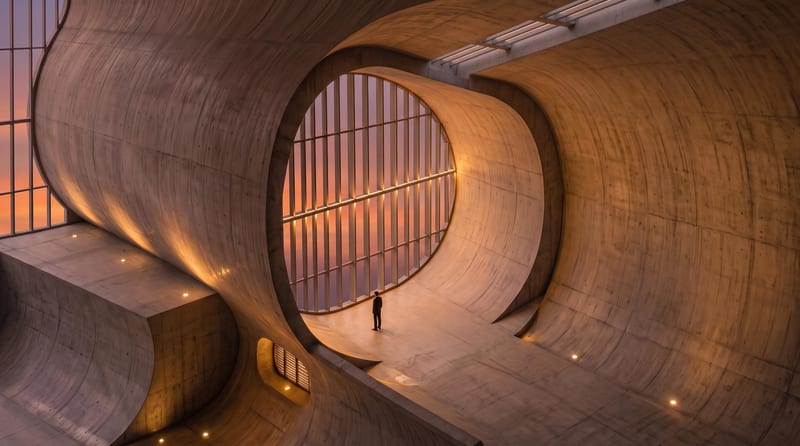
Choose a reference image that communicates the materials, lighting, and atmosphere you want to explore. The recipe uses this image as the visual direction for the generated result.
Yes. Source Image and Render Style are the exposed inputs, so you can change either image in Fuser before using the recipe. The output remains a Generated Image.
The saved example shows the recipe with its default Source Image and Render Style connected to a Generated Image output. It demonstrates the saved input-to-output setup rather than a live run.
The recipe is suited to architecture and spaces, as well as art and illustration, when you want to explore a subject through a particular visual style. It is less suited to tasks that require outputs other than a single generated image.
Bring a source image and a render-style reference together to explore a new generated image in Fuser.
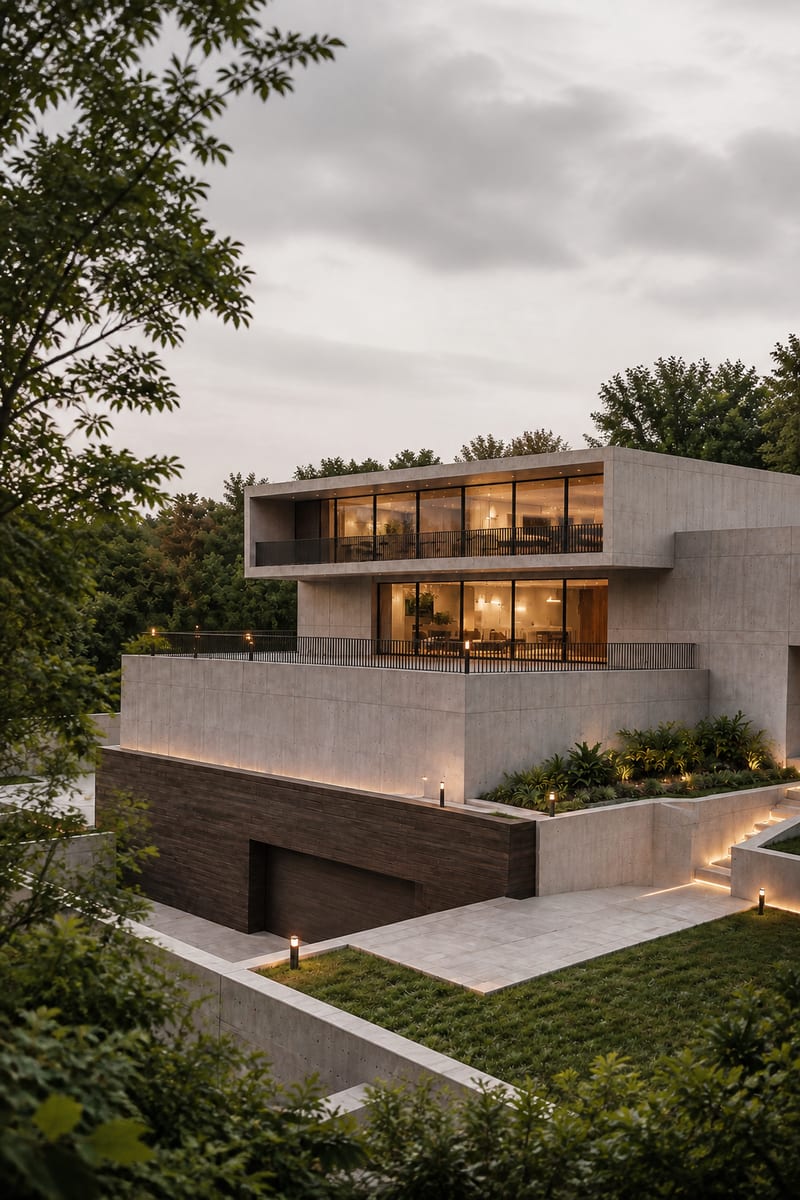
Transform an image into a photorealistic architectural render with an elevated viewpoint, layered urban foregrounds, and soft overcast light.
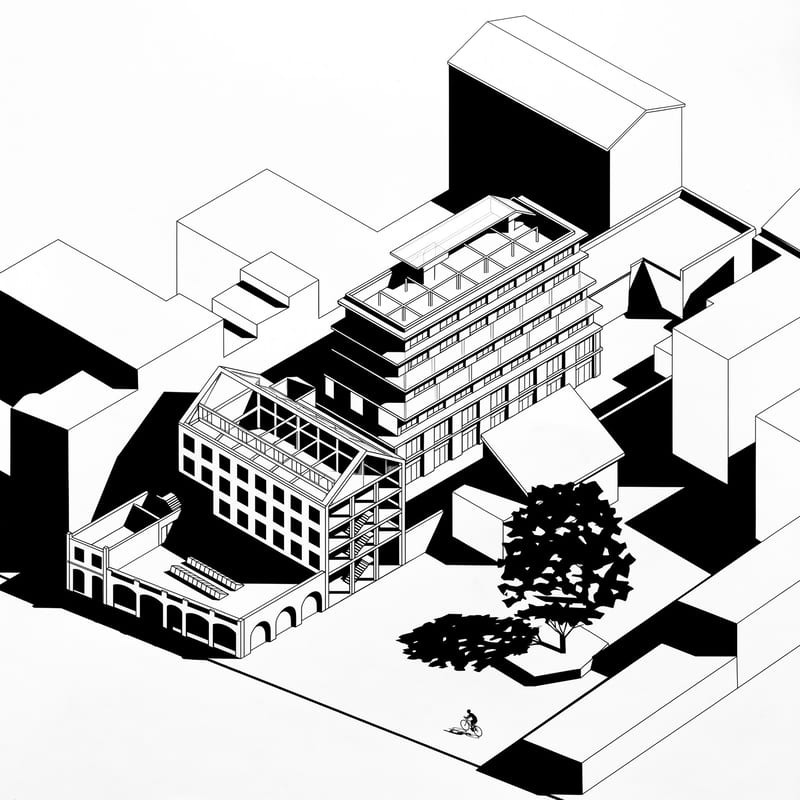
Upload an axonometric architectural drawing to create a black-and-white version with hard shadows, geometric silhouettes, and simplified details.
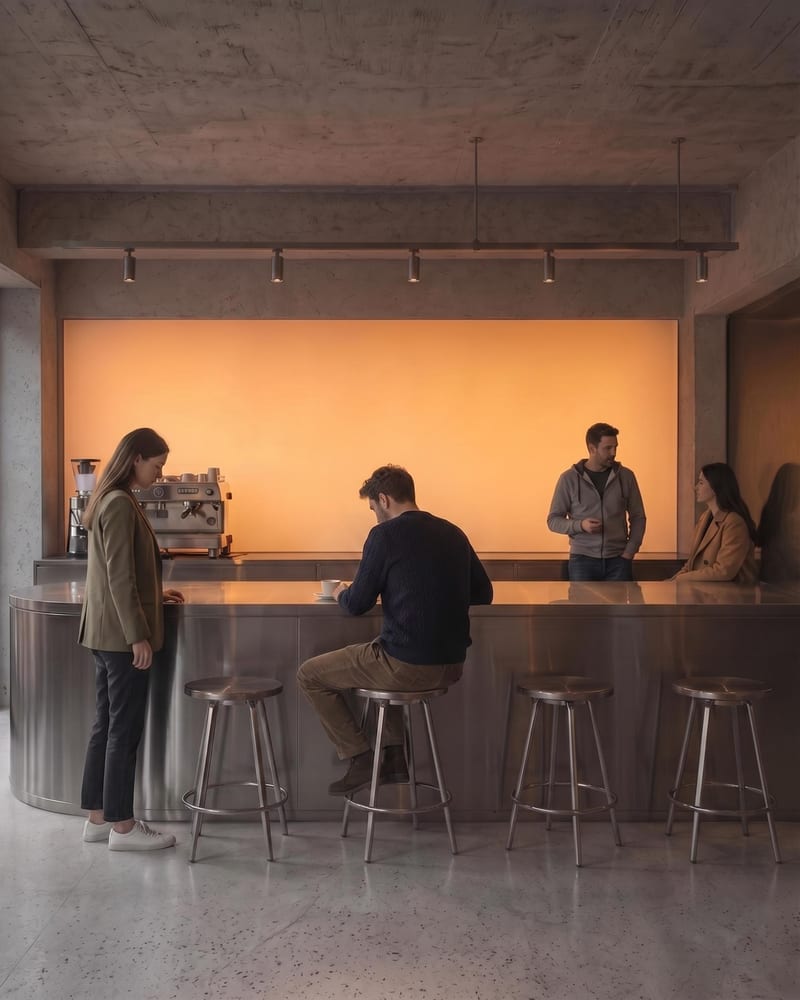
Upload an architectural render to create a populated architecture image with naturally positioned people and a clearer sense of scale.