One click, whole workflow
Recipes are here. Package a whole workflow and run it in one click
Explore recipesOne click, whole workflow
Recipes are here. Package a whole workflow and run it in one click
Explore recipesWin the brief. Deliver the idea.
Fuser is a node-based AI workflow builder on an infinite canvas, built for creative agencies and studio teams. Develop pitch visuals, campaign assets and interactive experiences with the design control to carry the idea through client revisions.
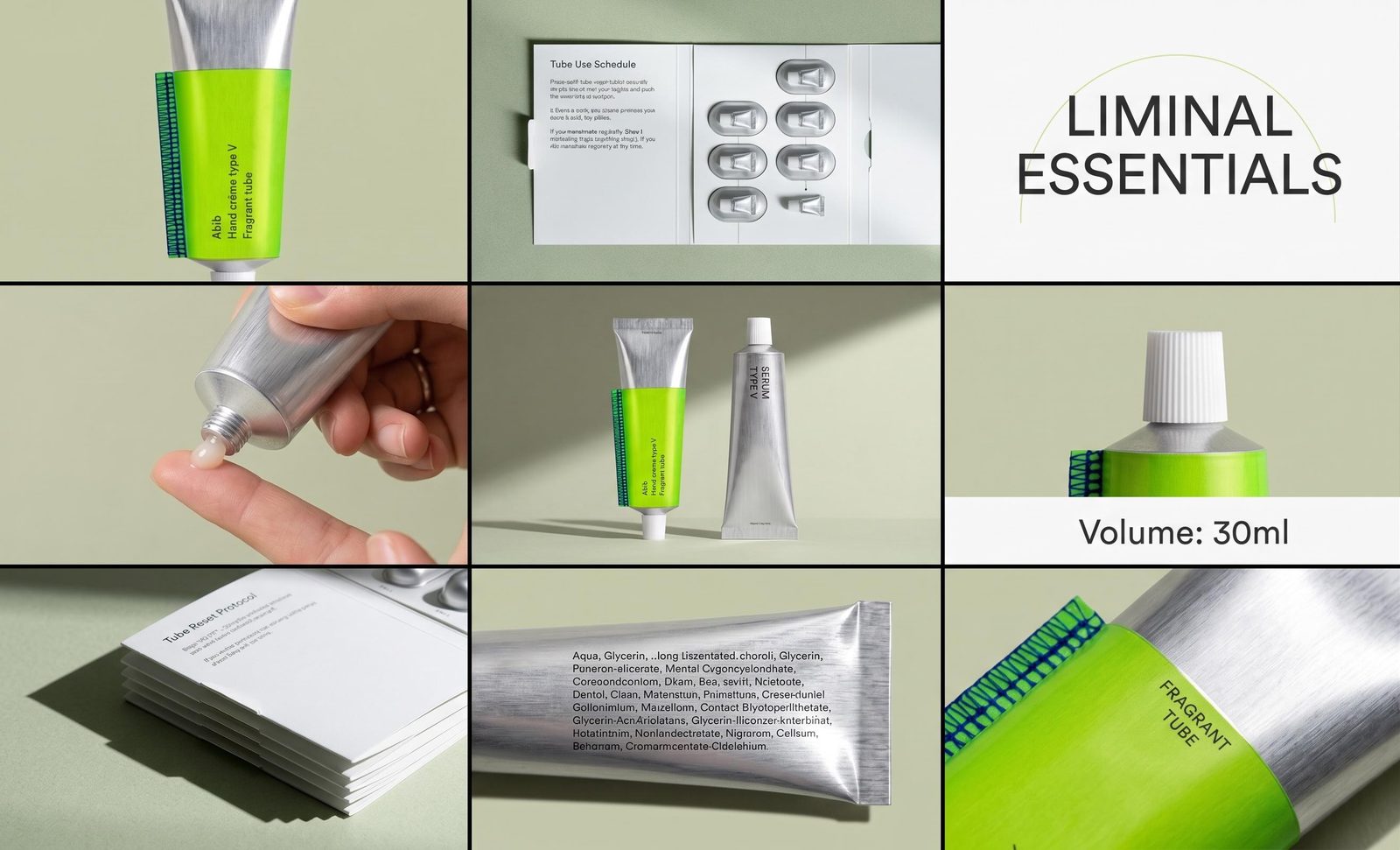
Make the product scene, treatment frame or brand application that demonstrates the idea. Explore distinct routes from the client’s brief and present them with considered typography and layout. Give the room something concrete to react to.
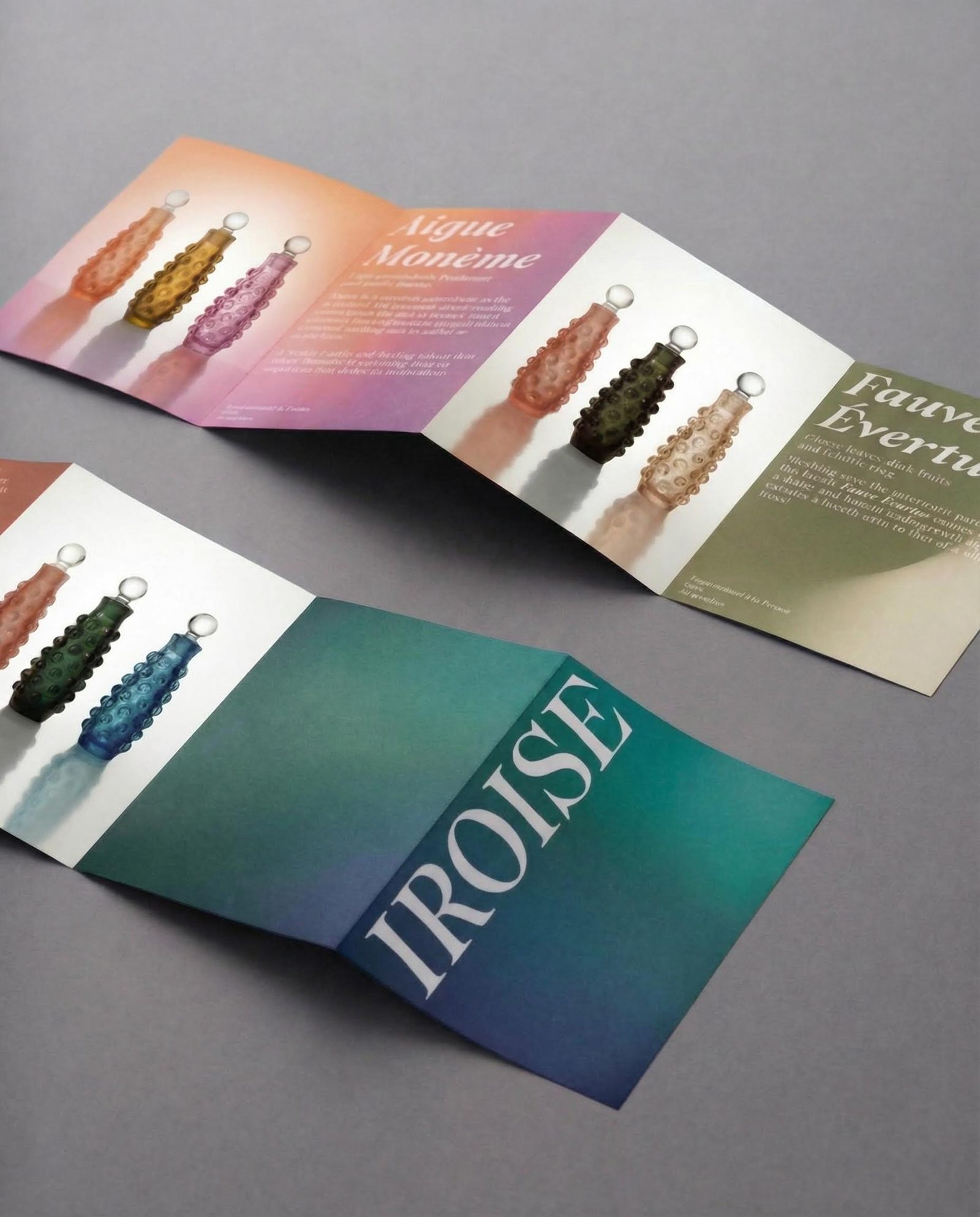
A different headline should not unravel the whole composition. Keep text, logos, imagery and 3D elements editable in Compositor. Build a custom design instrument in Creative Code or a bespoke web tool in Apps when the brief needs its own controls.
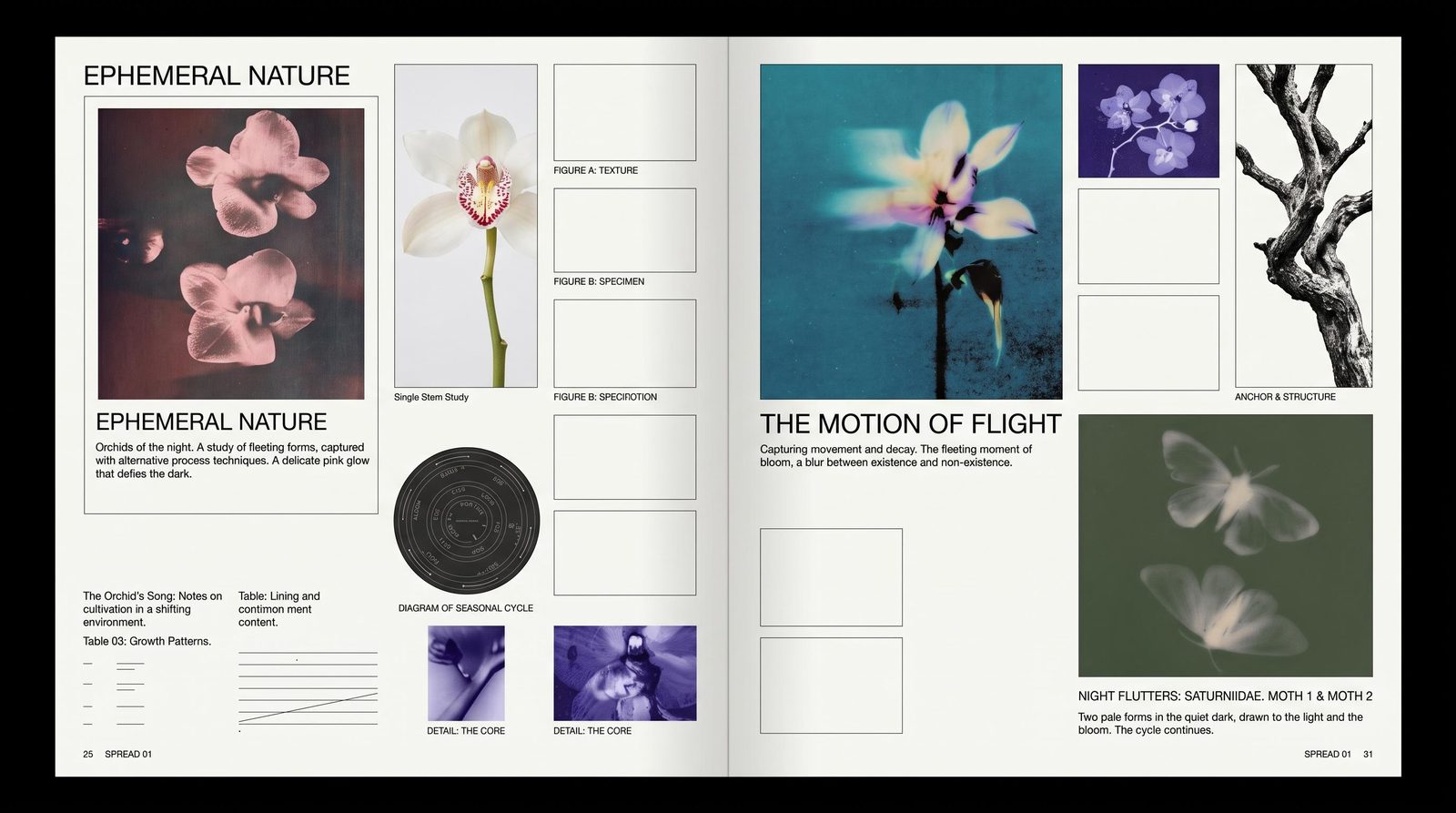
Start from prebuilt AI workflow templates, then package your agency’s own approach as a Recipe teammates can run with new inputs. Organize projects by client in team folders with chosen access levels. The next person can pick up the process alongside the finished work.
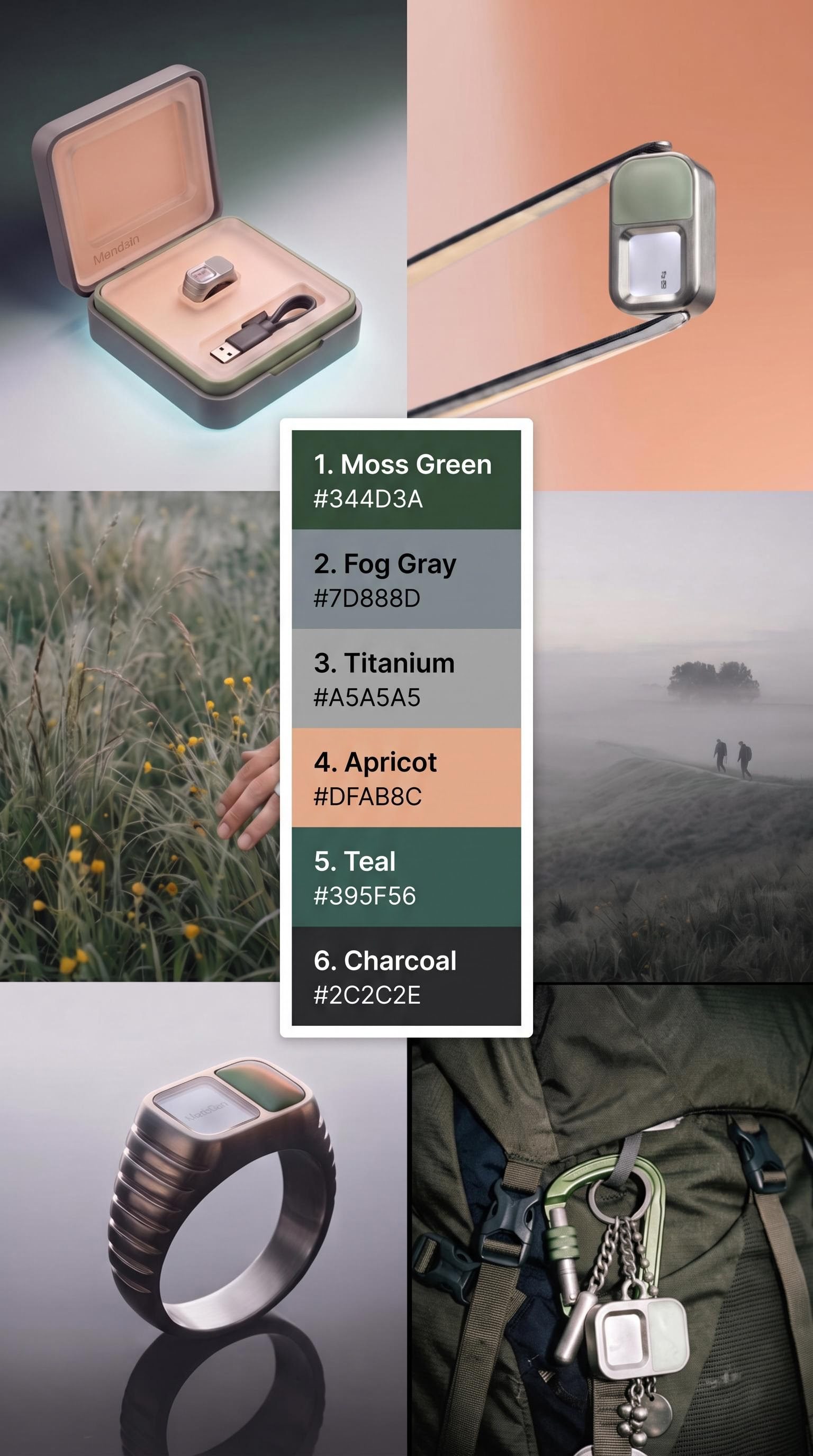
Keep the creative range to answer different briefs without making every project a new process.
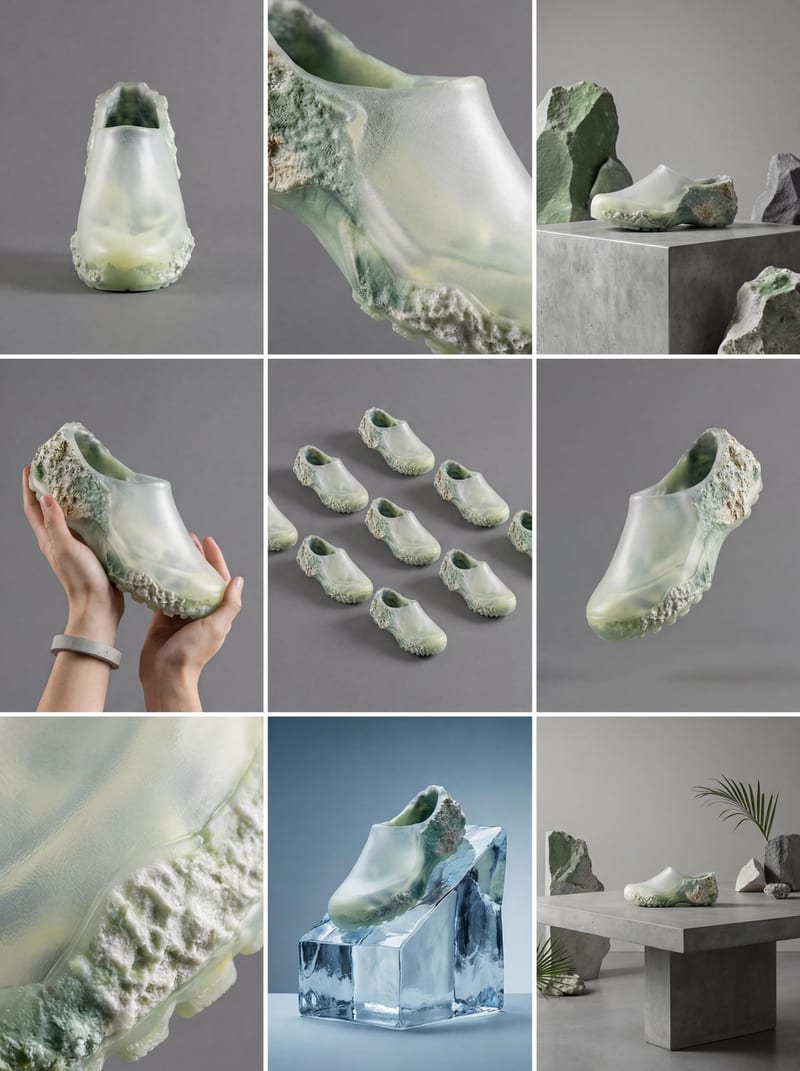
New-business pitches
Present visual concepts and composed boards that make the proposed work tangible.
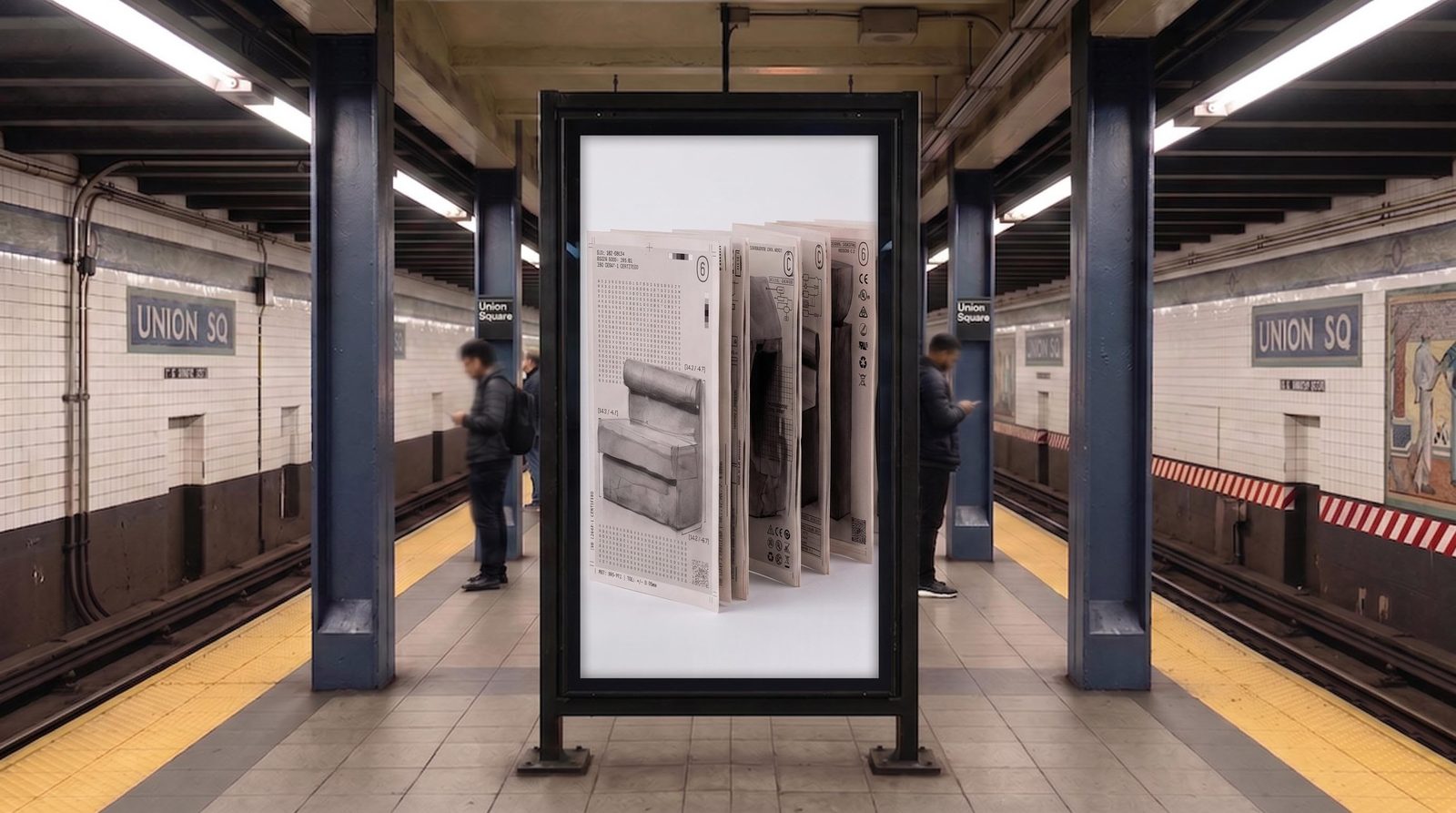
Brand and campaign production
Build imagery, editable layouts and motion studies around the client’s visual direction.
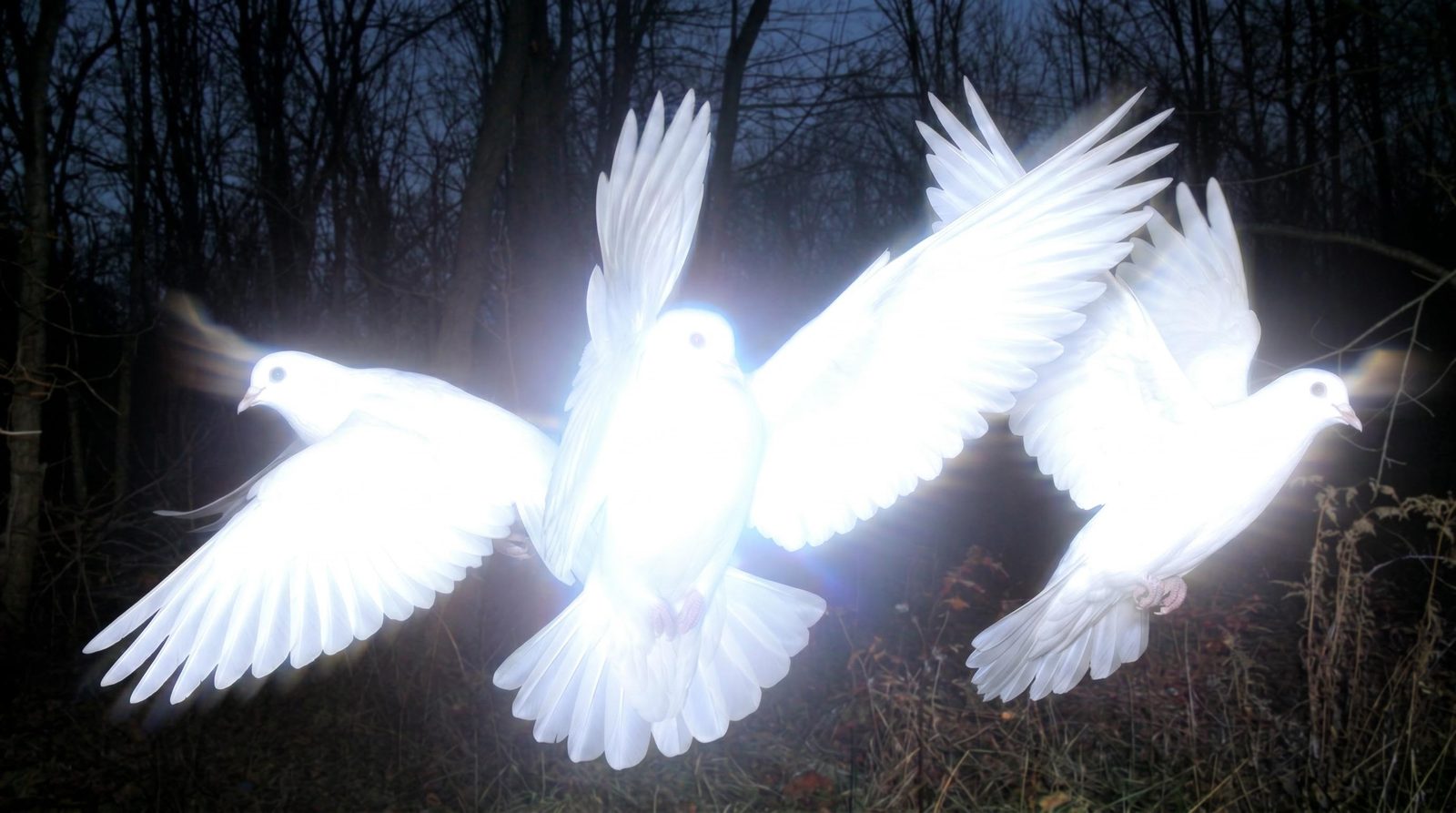
Film and product treatments
Develop settings, frames and short shot studies for a clearer creative proposal.
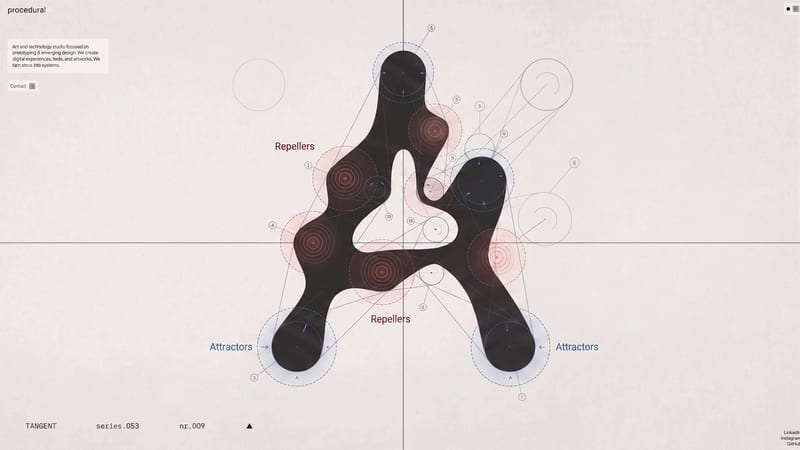
Interactive client experiences
Build a bespoke client tool or campaign site with Apps, or an adjustable design instrument with Creative Code.
Yes. Organize projects into workspace or team folders and choose who can view or edit them. Team membership and folder settings determine access, so you can structure the workspace around the people working on each account.
Yes. Develop the image the reference deck is missing, explore distinct campaign routes and compose the selected work into a presentation. When the idea depends on interaction, build a running App or a Creative Code study. Show a client how the concept could behave, not only how you would describe it.
Yes. Compositor supports editable text, image, video, vector and 3D layers, with masks and layout controls. Use original brand assets and set the type directly instead of relying on a generated image to reproduce them.
Keep references, generation steps and editable layouts in the project. Change the relevant image, offer or design element instead of treating every revision as a new brief. You can retain earlier routes for comparison and develop the selected direction with the decisions around it still visible.
Yes. Apps builds running web tools and websites: a reference browser, brief builder or campaign destination can connect to canvas inputs and outputs. Creative Code lets you create adjustable design tools and interactive visuals with your own controls. Use the same brand material across the campaign and the tools you build for it.
Fuser Teams includes ten seats, a shared credit pool, roles, spend limits and SSO through SAML or OIDC. Organize projects in team folders and choose access levels for each account. Recipes let the agency reuse creative processes across briefs. Explore Teams for current pricing and seat options.
Turn the connected generation steps into a Recipe with the inputs the next designer needs to change. Add clear descriptions and retain the source references in the project. The team gets a working process to build on, while art direction and final design decisions remain part of each brief.
Develop the pitch, work through the changes and leave the team with a process it can use again.
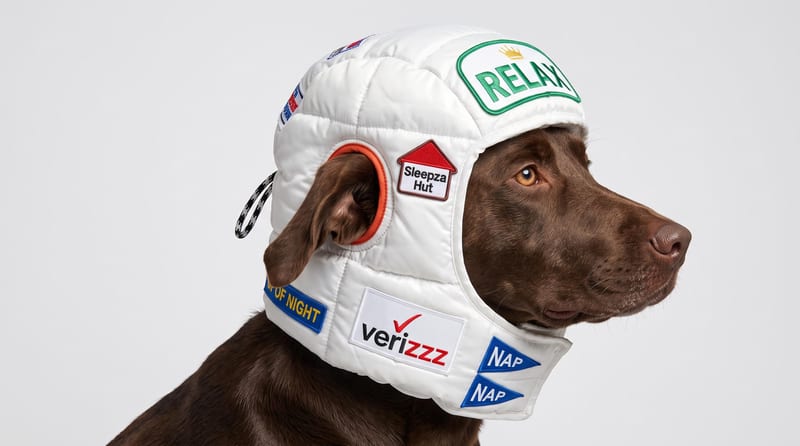
Upload a reference image to receive a detailed, structured text prompt describing how to recreate its visual characteristics.
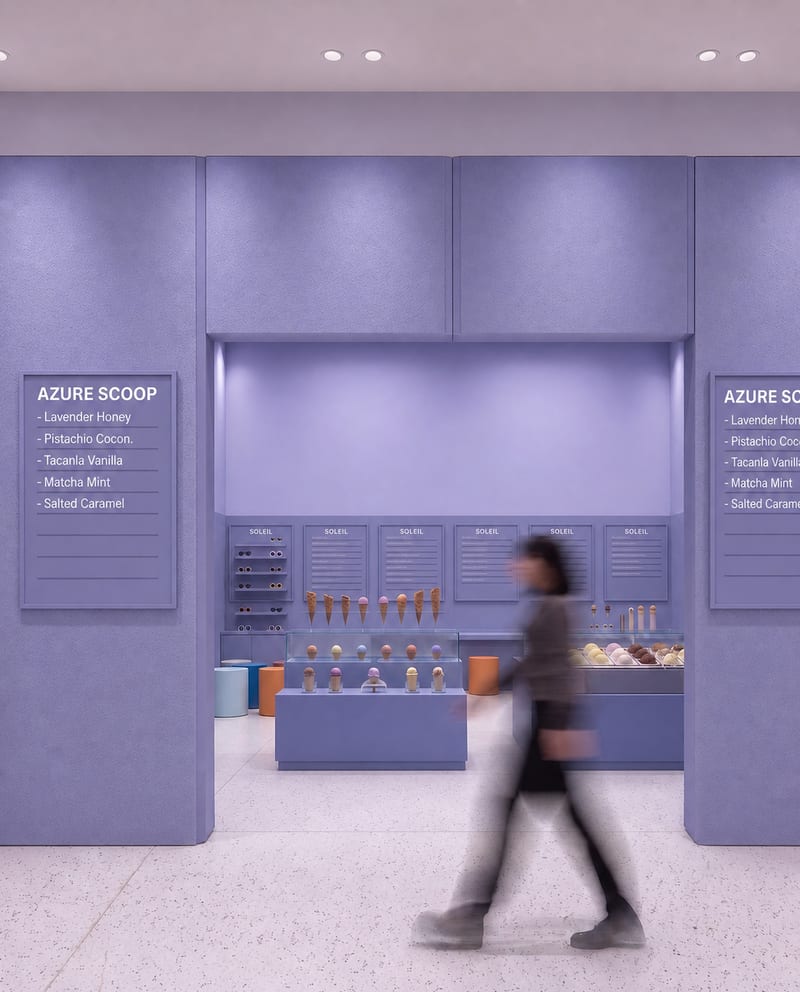
Upload a source image to remove AI-generated artifacts, distortions, and unnatural details while preserving its composition, style, and visual elements.
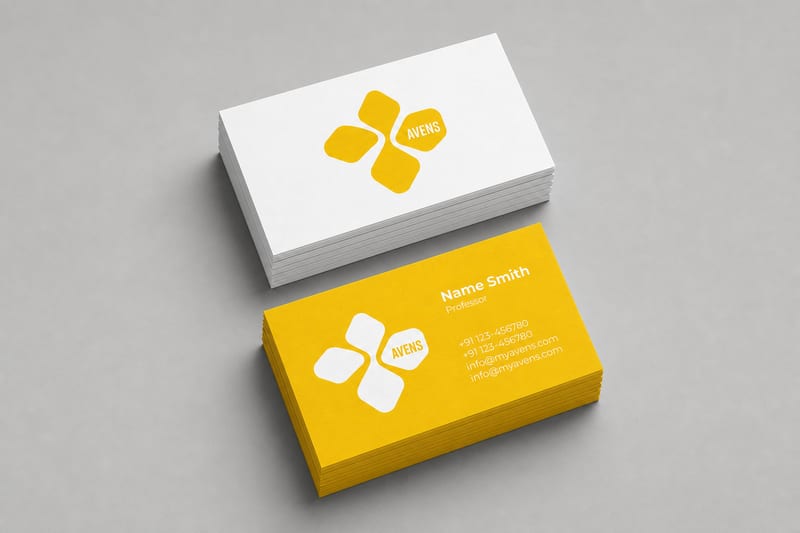
Turn one logo into business card, letterhead, tote bag, socks, hat, and shirt mockups.
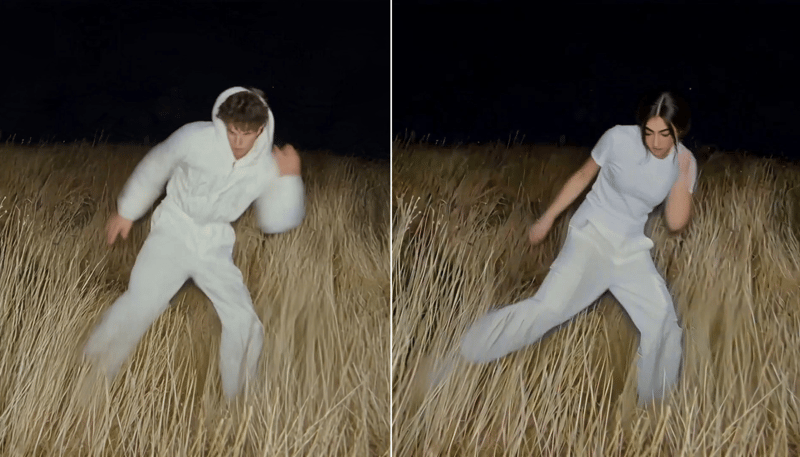
Replace the main character in a video using two character reference images to create a character-swapped video.
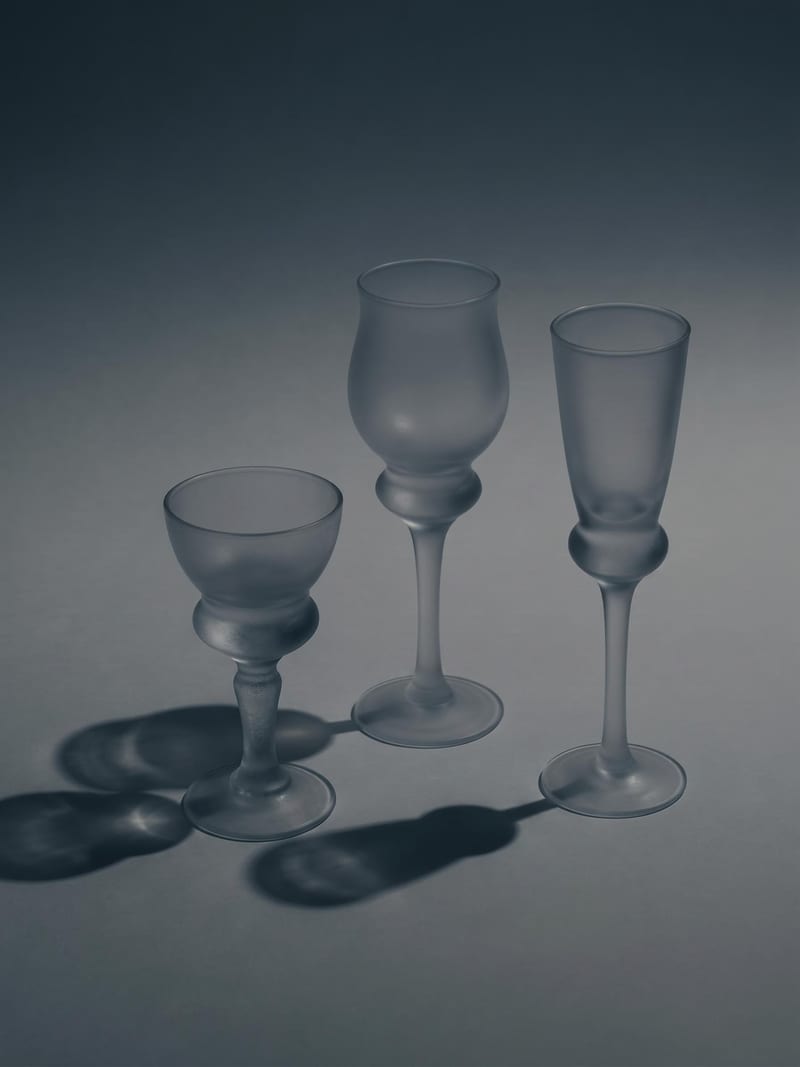
Upload one image to explore six lighting versions, from studio daylight and soft white to dramatic spotlight and golden hour.
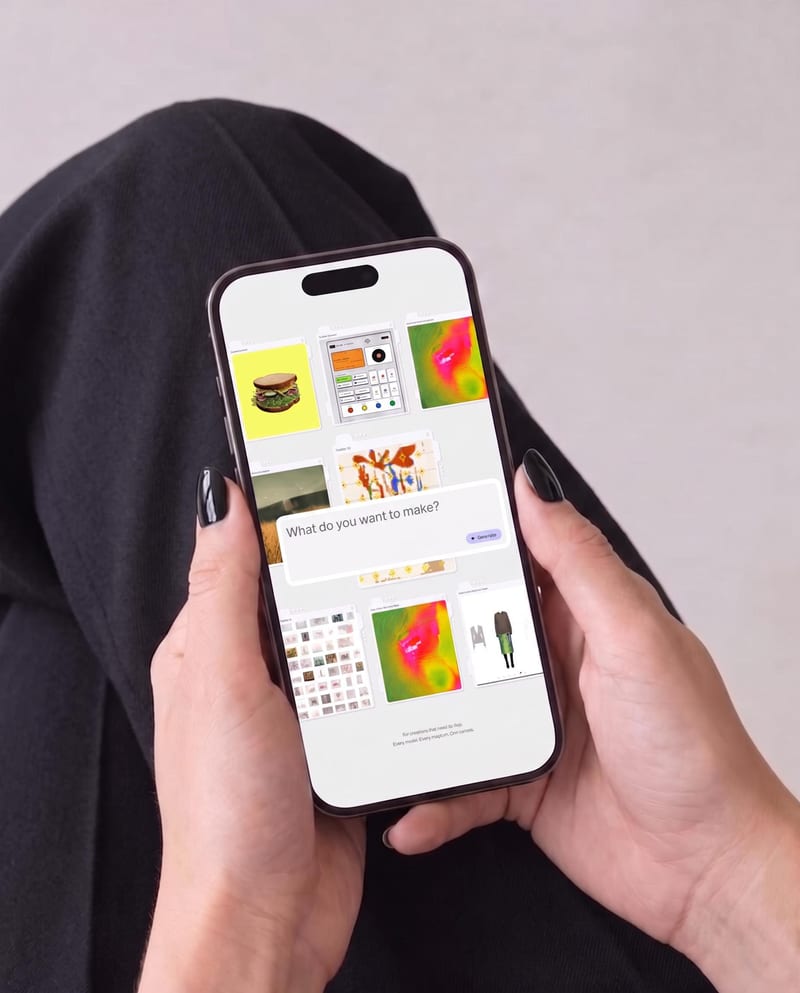
Place one UI design image into phone, tablet, and desktop mockups for realistic product presentation previews.
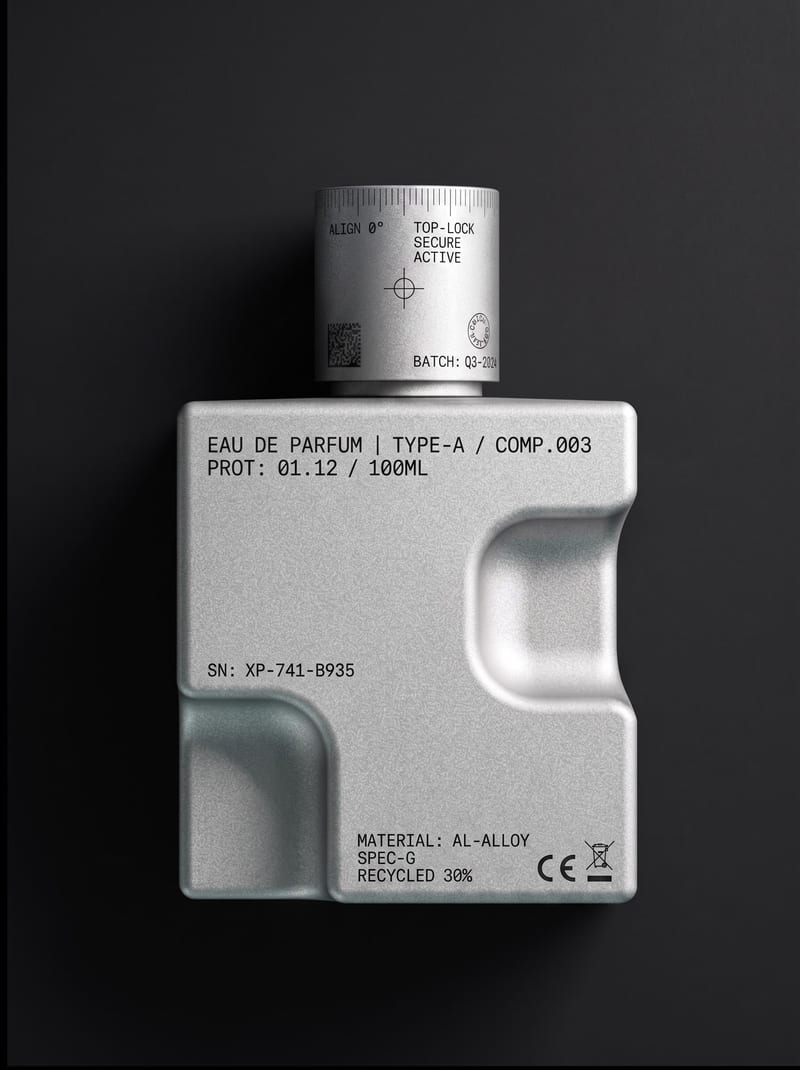
Upload an object or image and receive an image showing that object with micrographics added.
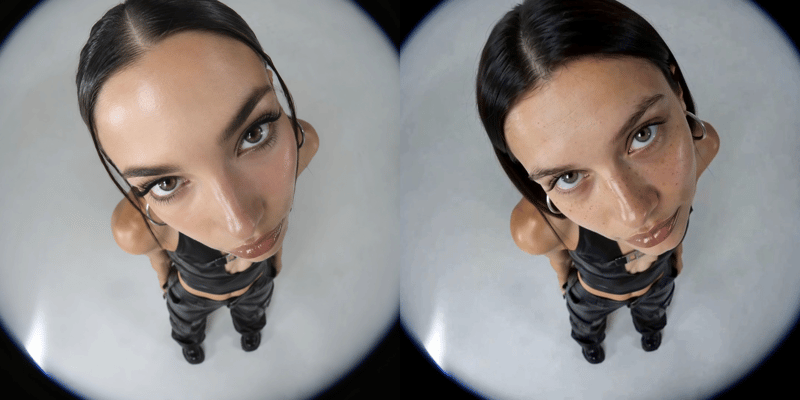
Replace a person’s face in a video using two reference images and receive a face-swapped video.
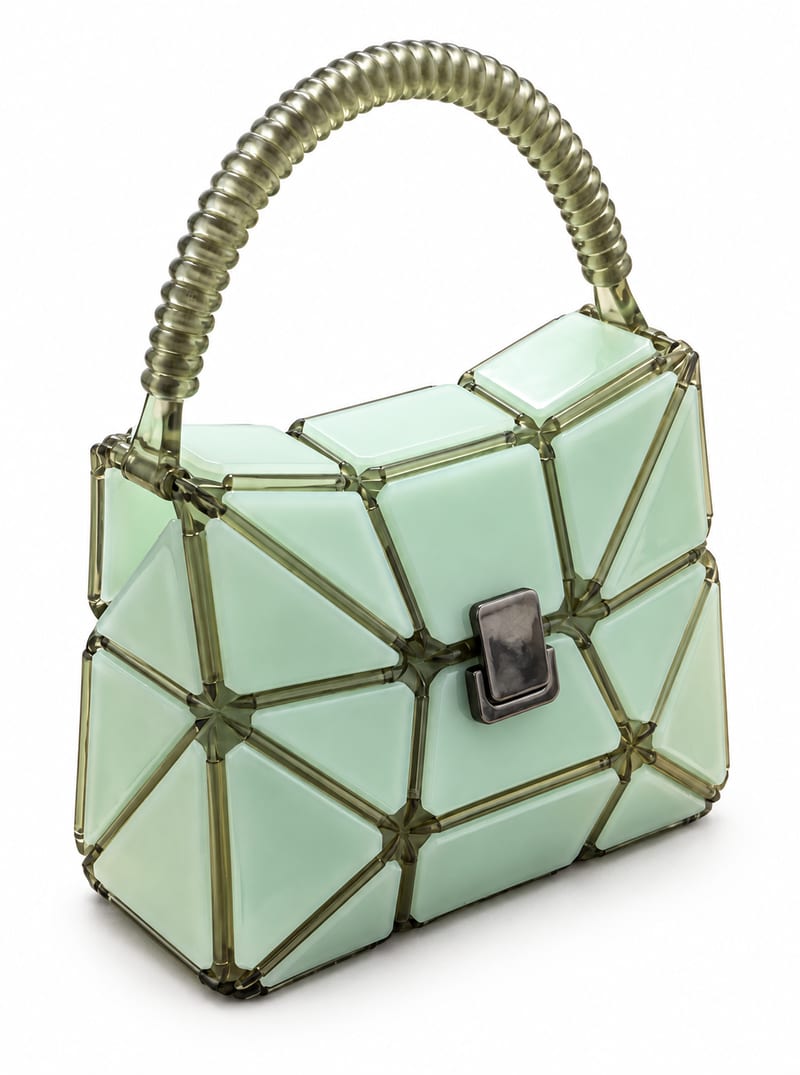
Transform a product image into website-ready front, side, and back product photos with a background color you choose.
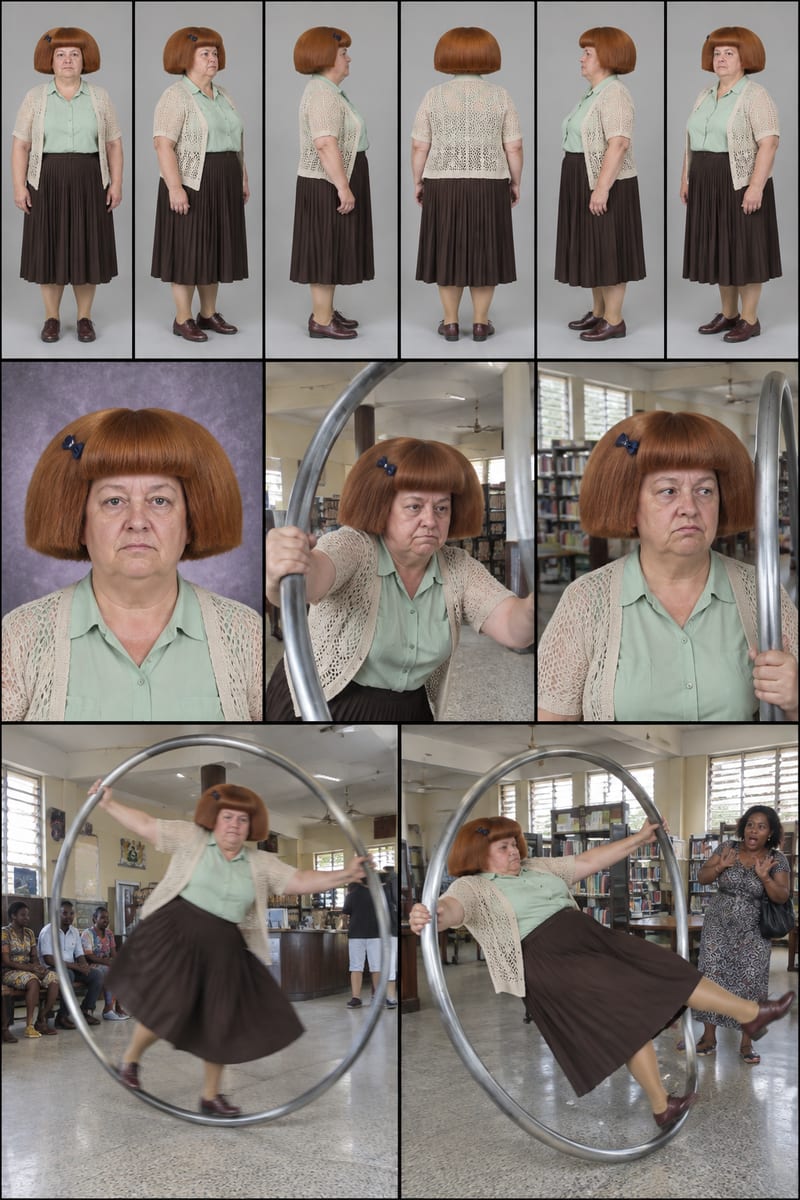
Enter a character idea—or leave SURPRISE ME—to create three character sheets and written profiles for social content.
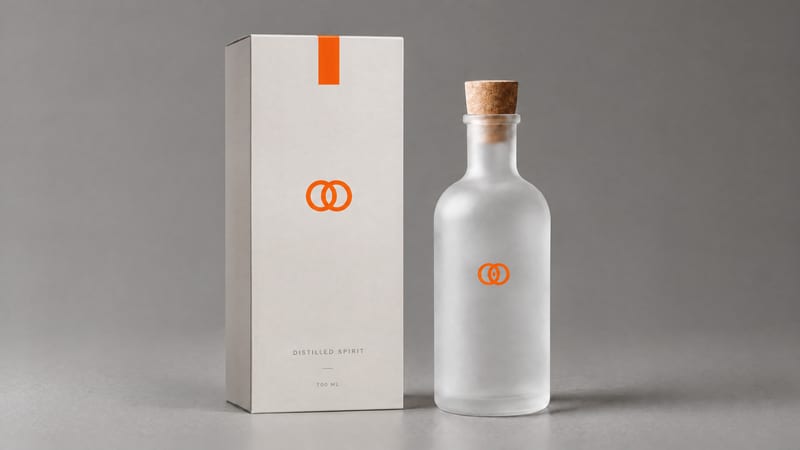
Combine a product image and logo image to create a professional minimalist packaging design for product presentation and marketing work.
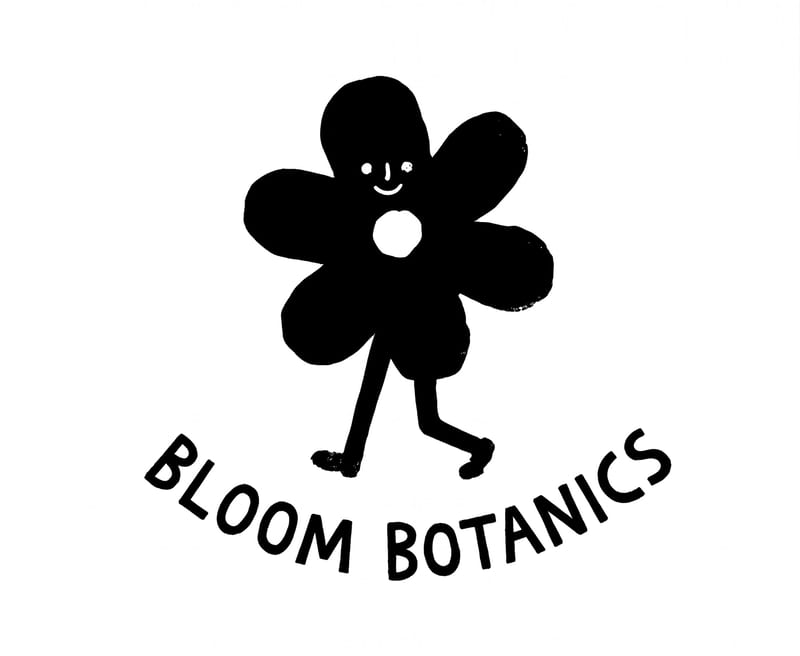
Enter a logo subject, such as a flower shop, to create two hand-drawn logo options for branding and social content.