One click, whole workflow
Recipes are here. Package a whole workflow and run it in one click
Explore recipesOne click, whole workflow
Recipes are here. Package a whole workflow and run it in one click
Explore recipesWhat does the brief need next?
A visual direction to present. A campaign ready for revisions. A prototype someone can try. Find a starting point for the job in front of you, with generation and design tools that stay connected as the work develops.
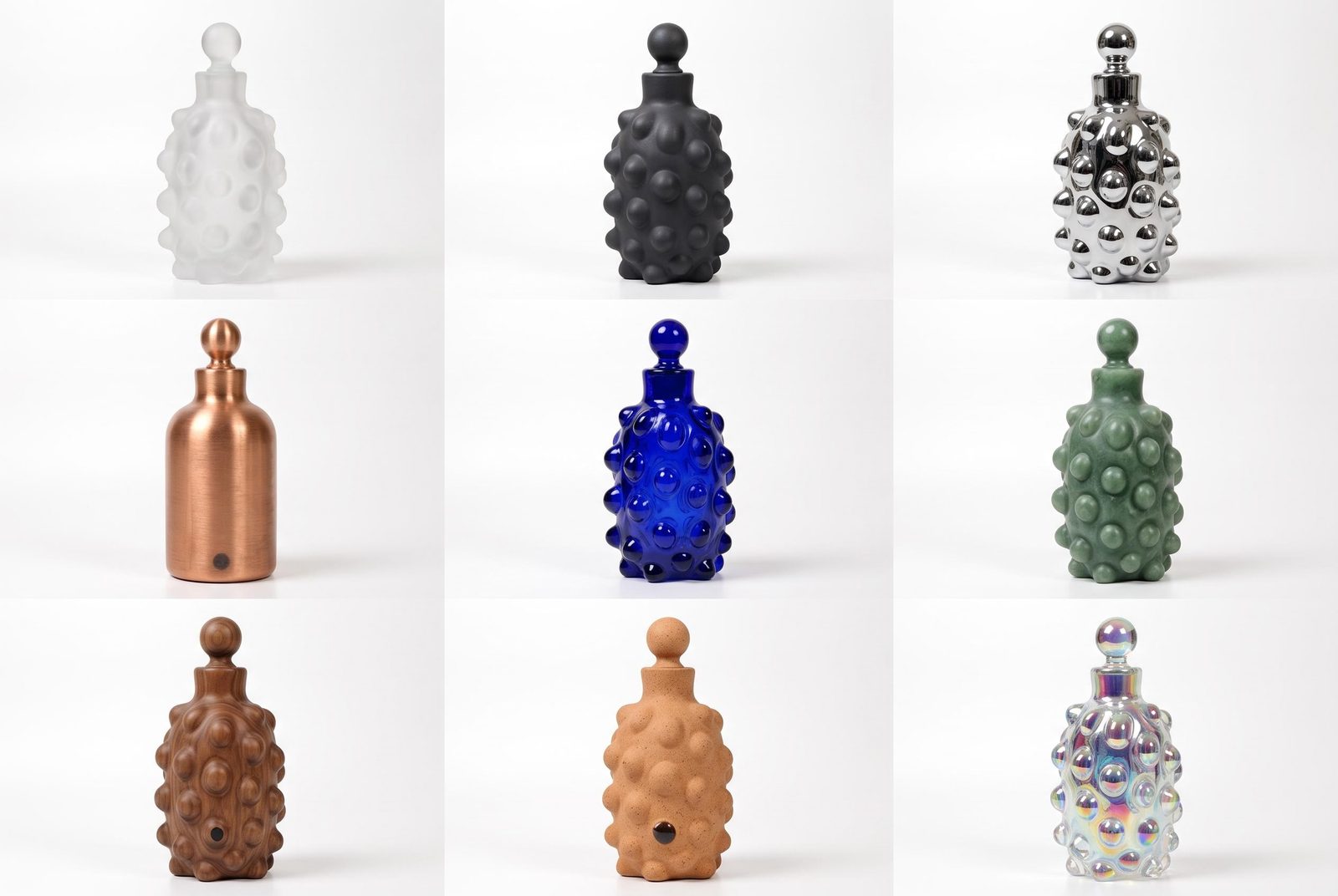
Develop a moodboard, a product scene or the key frame in a treatment. Bring your references into the canvas and explore the visual choices that matter. Make something the team can react to before committing to the larger production.
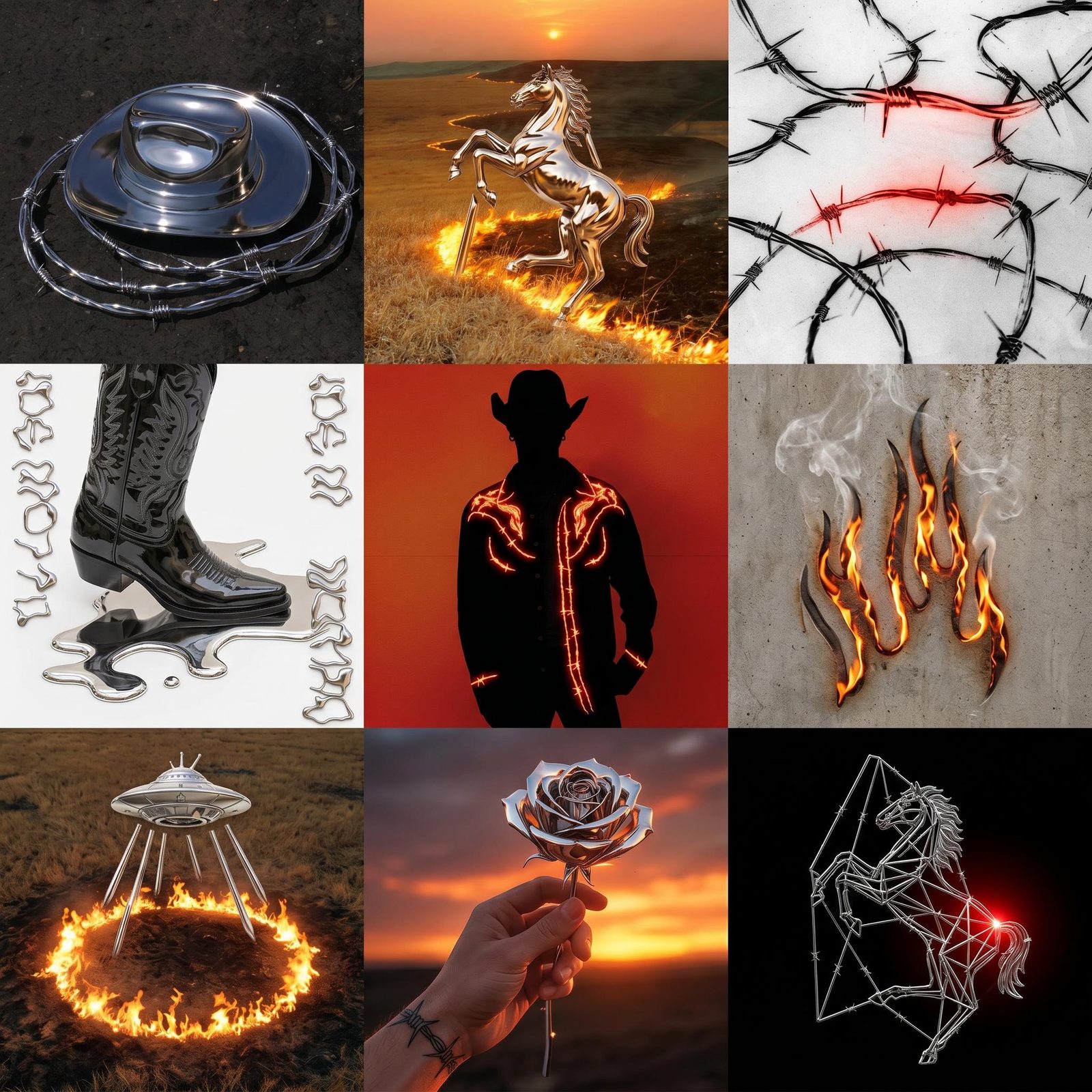
Finish the chosen imagery with editable type, original logos and deliberate layouts. Compositor keeps those decisions in your hands. An offer can change, a title can get longer and a layout can evolve without restarting the image generation.
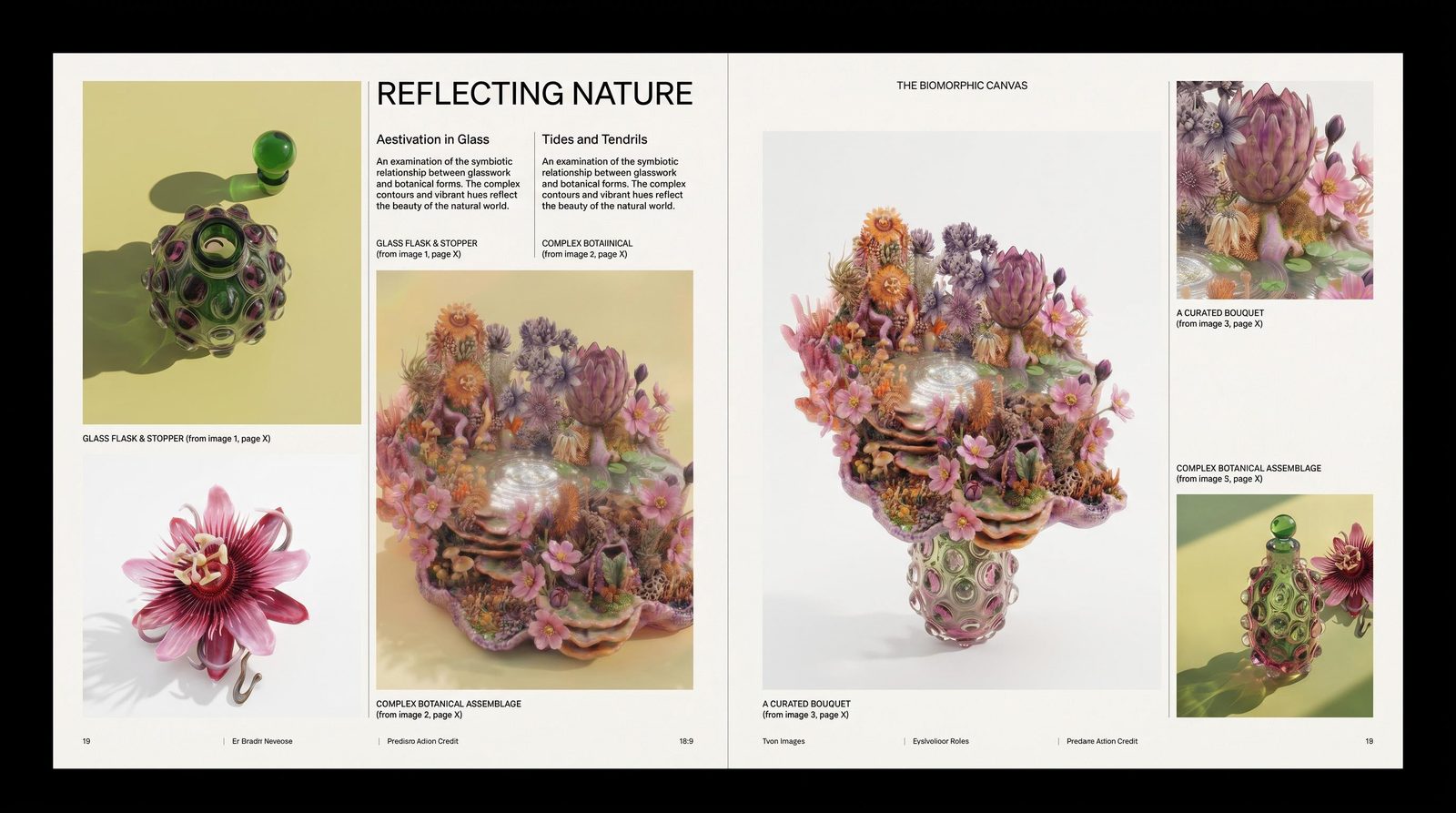
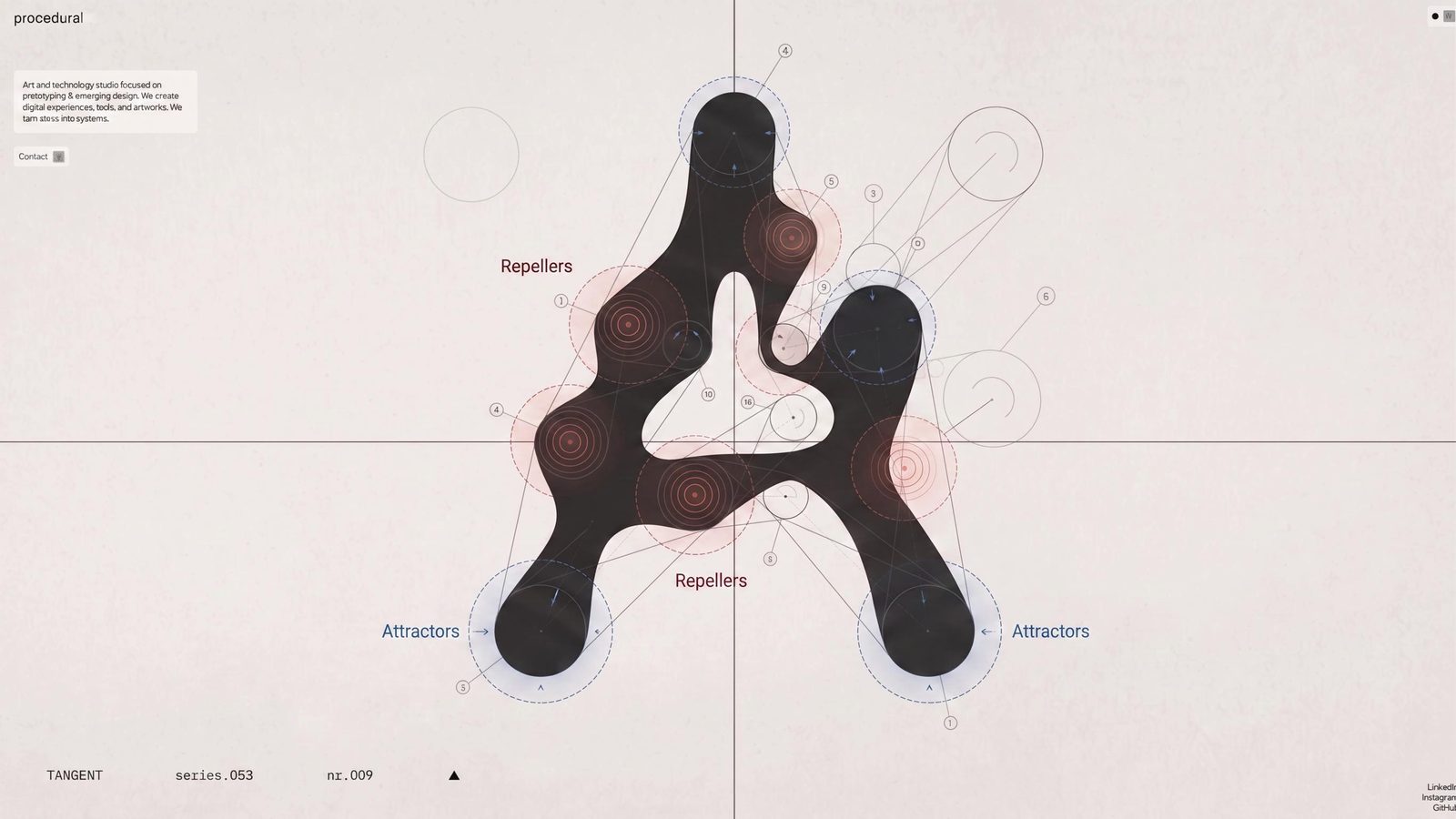
Use Creative Code to explore motion and interaction, or build a live web prototype with Fuser Apps. Turn a static idea into something that responds. Share the result when you are ready to put it in front of people.
Choose the creative job you want to take further.
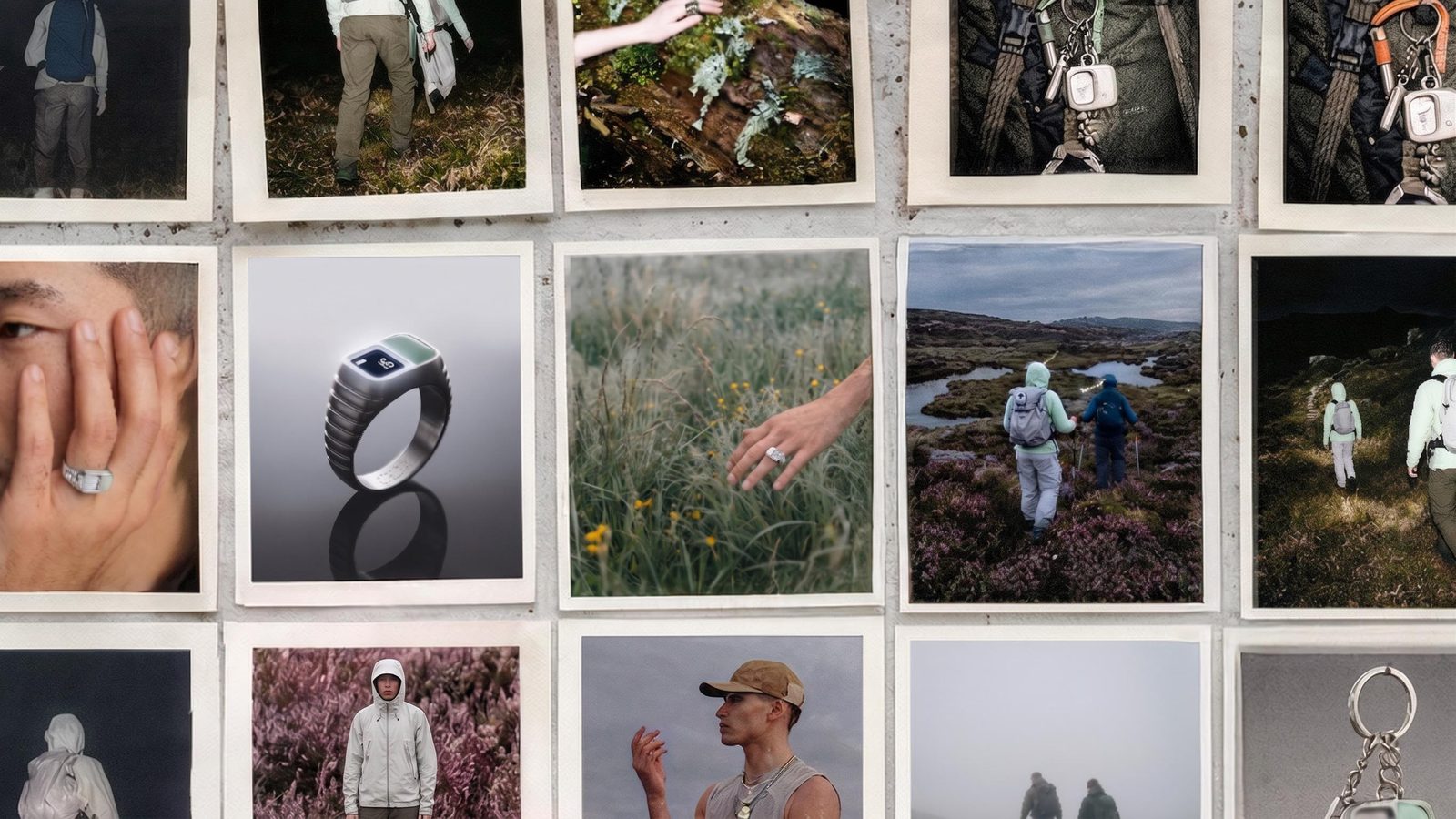
Concepting & moodboards
Create the missing reference, compare visual concepts and compose a board worth presenting.
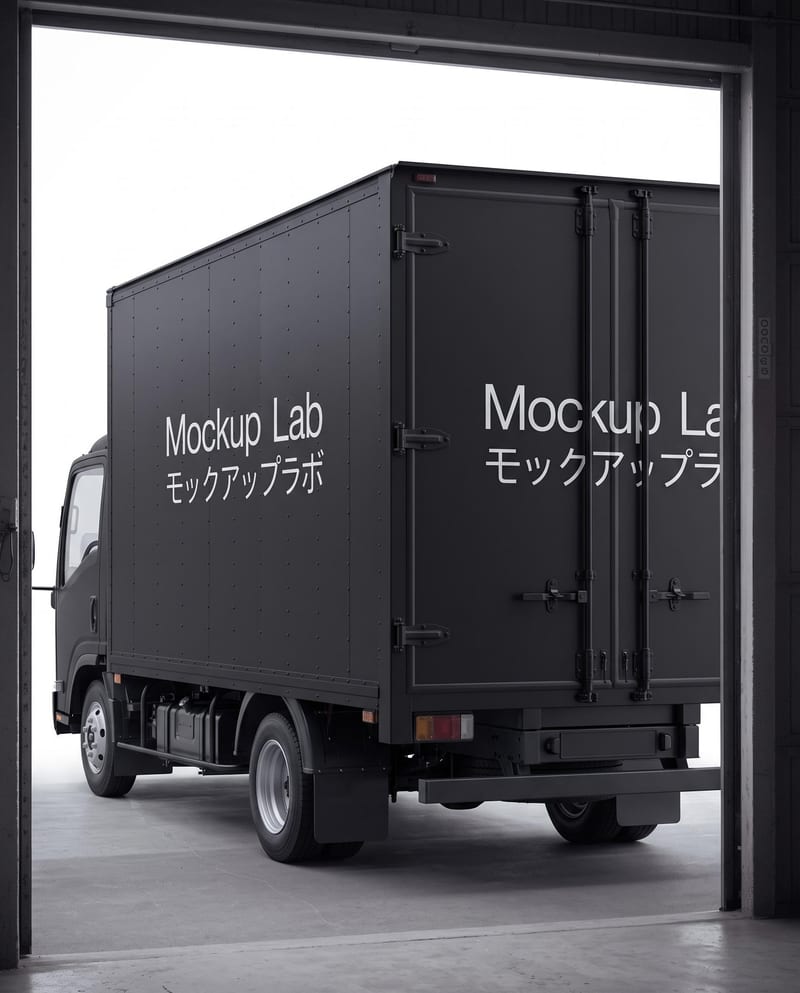
Brand identity & systems
Develop a recognizable image language, refine typography and test the identity on real applications.
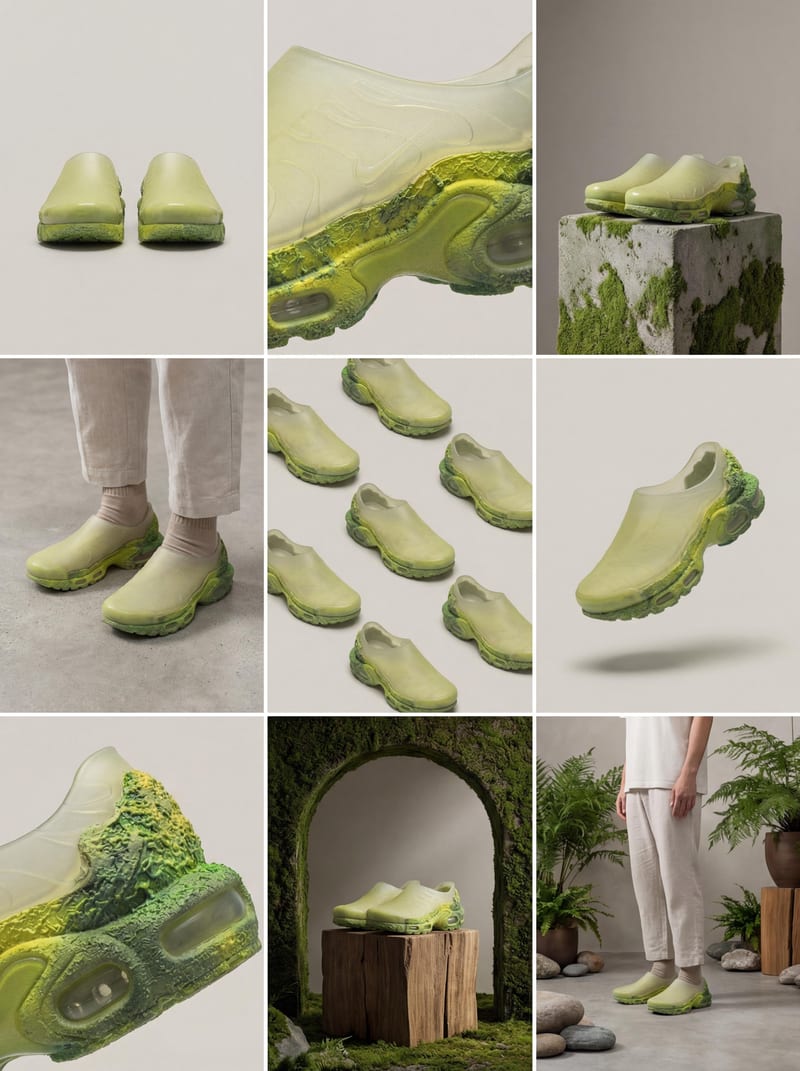
Product visualization
Explore studio and lifestyle scenes, design around original packshots and develop product motion.
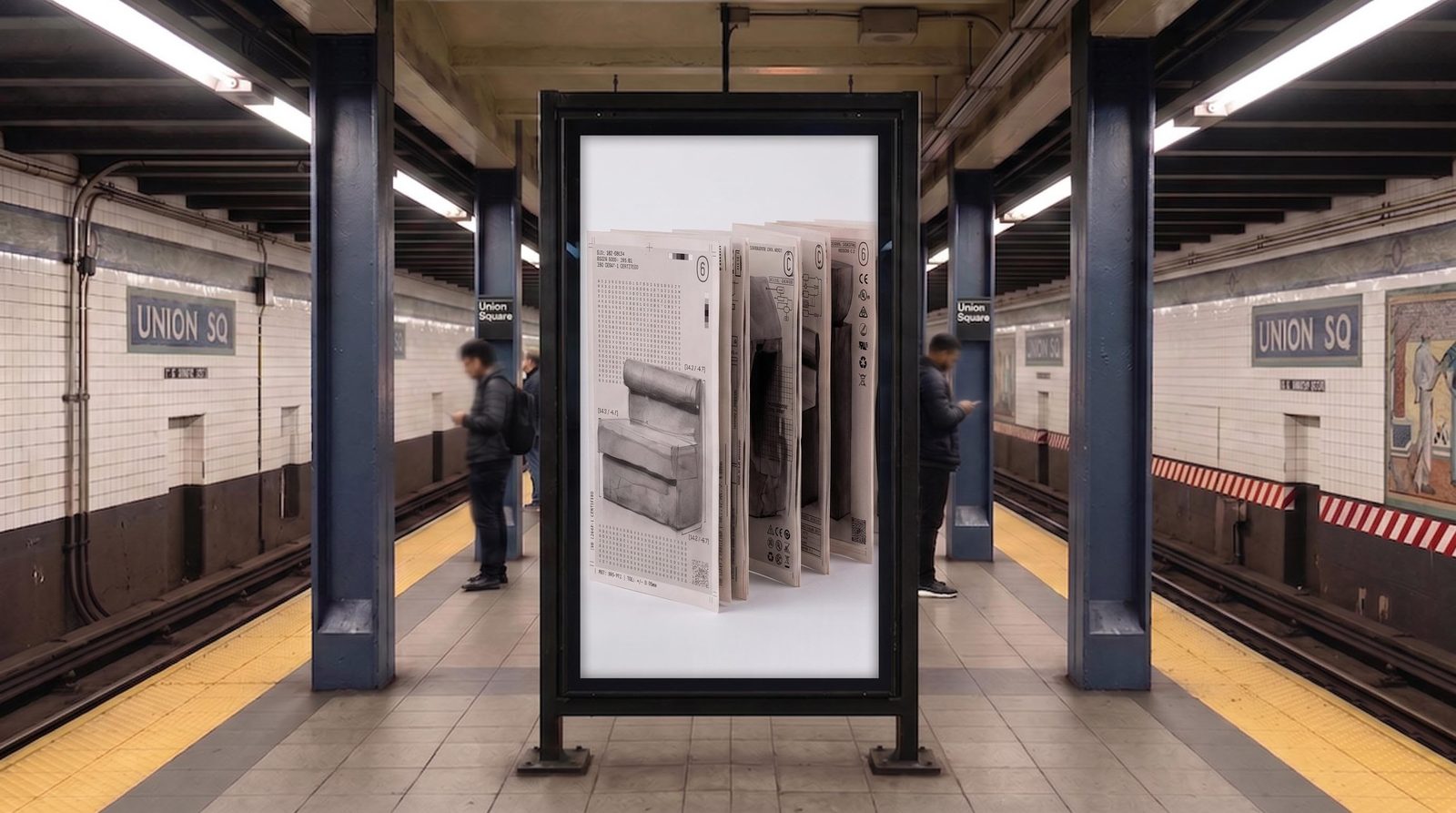
Ad & campaign creative
Build distinct creative routes and editable layouts for the next offer, audience or placement.
Create the next post, explain the next shot or test the next interaction.
Social content
Build recurring visual series, carousel artwork and short clips that feel like the same brand.

Video & storyboards
Develop key frames, explore movement and put clear shot notes around the sequence.
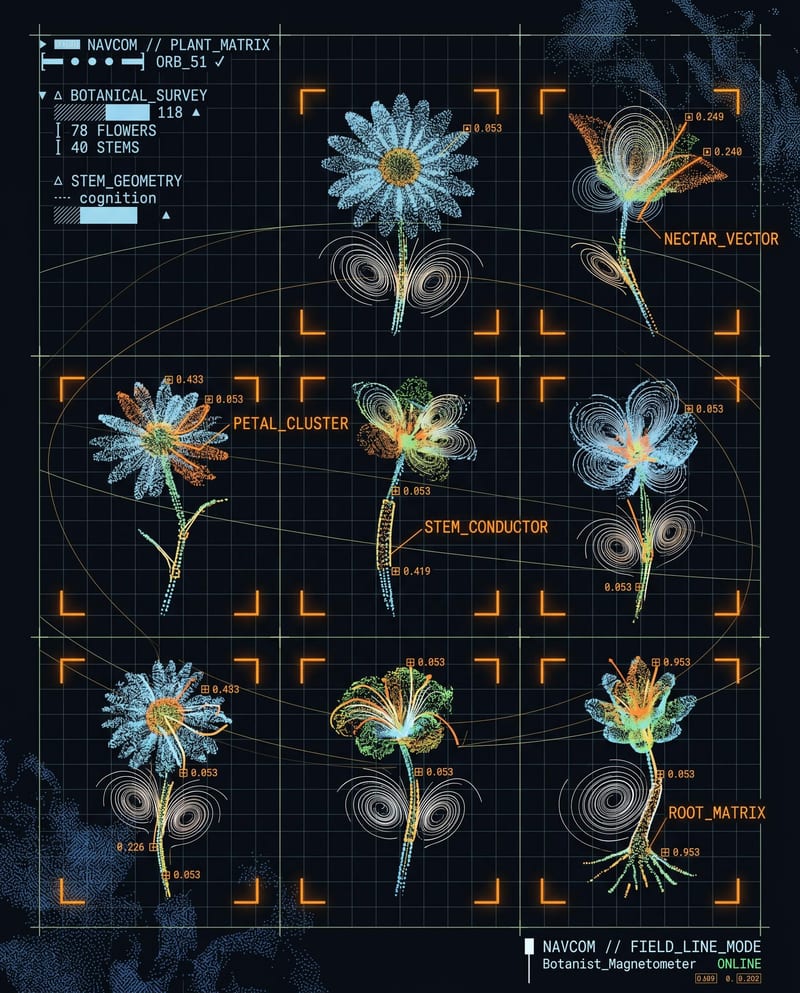
Product design & prototyping
Turn a UI or UX idea into a running web experience people can try.
Yes. A campaign can begin with a moodboard, develop into product imagery and end with social assets or a live landing page. The canvas lets you connect the stages instead of treating every deliverable as an unrelated project.
A Fuser App is a running website or web experience you can publish. A Recipe packages connected creative steps into a reusable workflow. Use an App when people need to interact with a site; use a Recipe when you want to repeat a creative process.
Start with the next thing you need to show someone: a visual direction, product image, campaign concept, storyboard or working interface. Pick that page and begin with one deliverable. You can connect more steps as the idea develops, without committing to a large workflow upfront.
Yes. Use Compositor to place selected imagery alongside editable text, logos and graphic layers. Change a headline, move a product or adjust a crop directly. The image gives you material to design with; it does not have to determine the whole layout.
Yes. Use your imagery as references or original layers in a composition. Keep exact logos and copy editable, then generate the additional imagery or motion the brief needs.
Select the connected steps you want to repeat and turn them into a Recipe. Choose the inputs someone should change, such as a brief or reference image, and the outputs they receive. You can refine the Recipe later and choose when existing projects adopt its updates.
Bring the references you already have and make the next useful piece of the project.