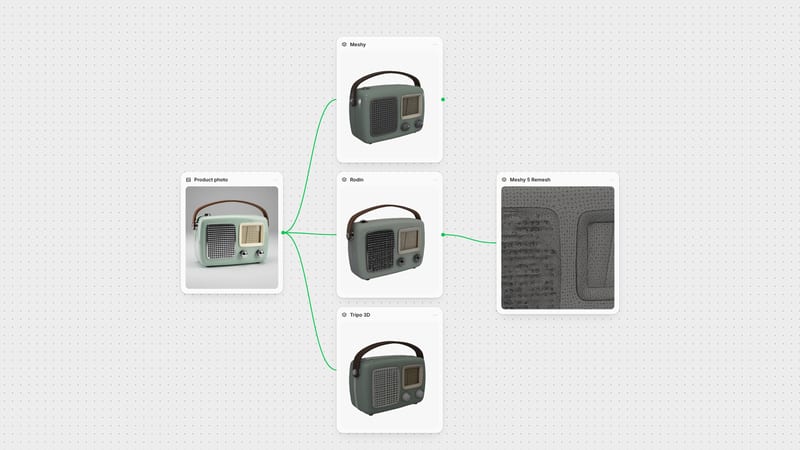
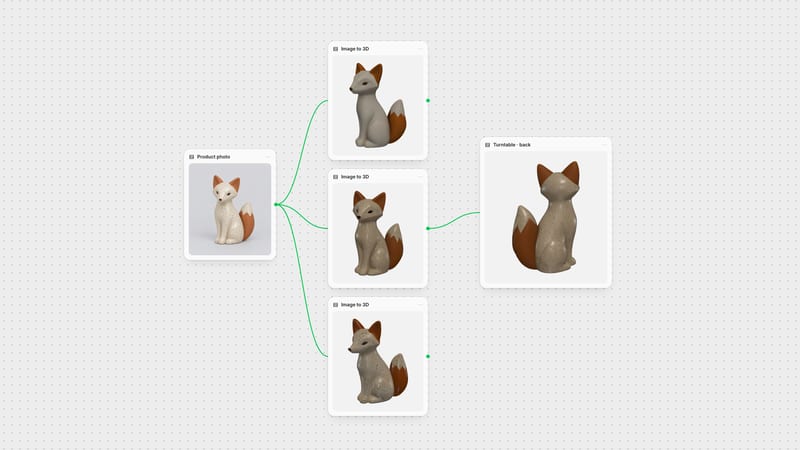
One click, whole workflow
Recipes are here. Package a whole workflow and run it in one click
Explore recipesOne click, whole workflow
Recipes are here. Package a whole workflow and run it in one click
Explore recipesbyMeshy
Turn one clean concept image, a set of angles, or a line of text into a textured GLB prop with sculpt-like relief and painted PBR materials
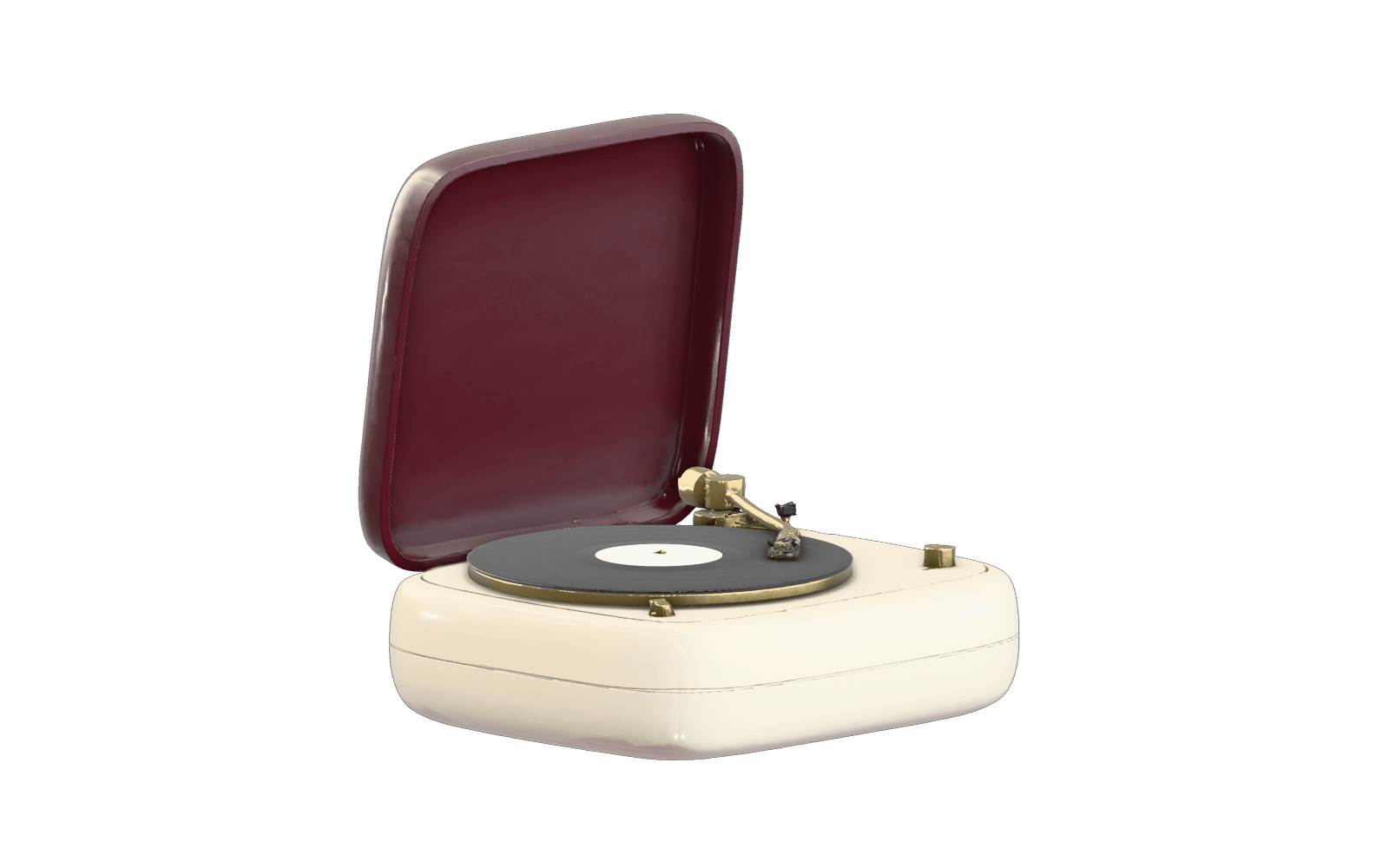
Feed Meshy a tidy single-object reference or a short text line, tune the mesh controls, and collect a GLB with its PBR maps in one pass.
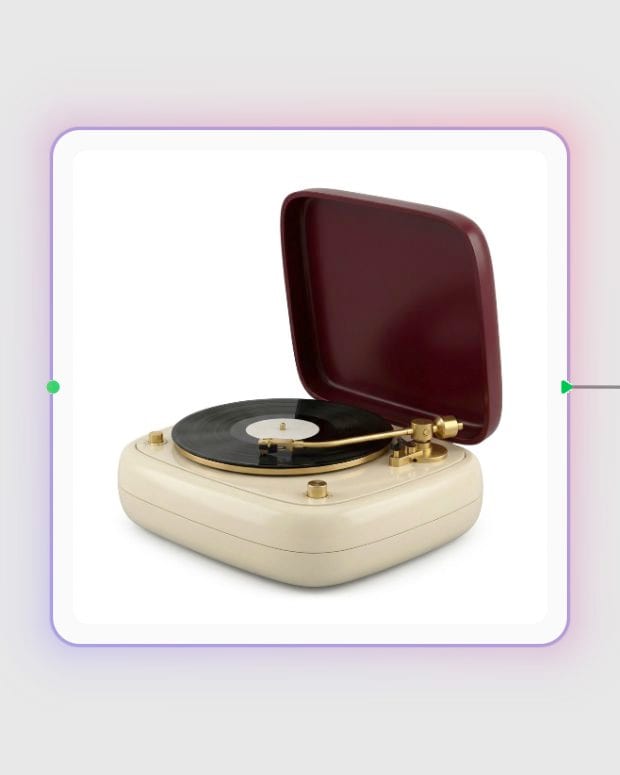
Drop in a reference
Upload one to four clean views of a single object, or switch to text with Meshy 7.1 and describe the object in under 600 characters.
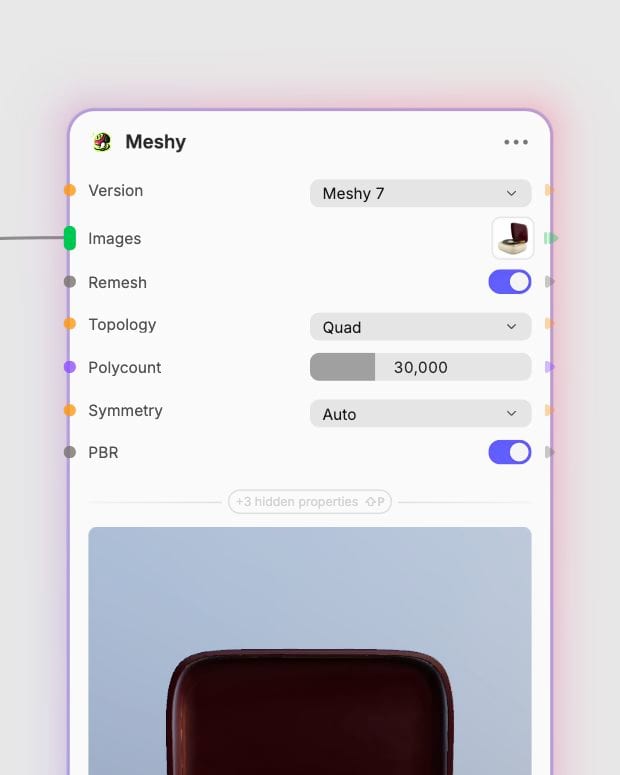
Dial in the mesh
Pick a version, model type, geometry resolution, polycount and symmetry, then add a texture prompt or swatch to steer the surface.
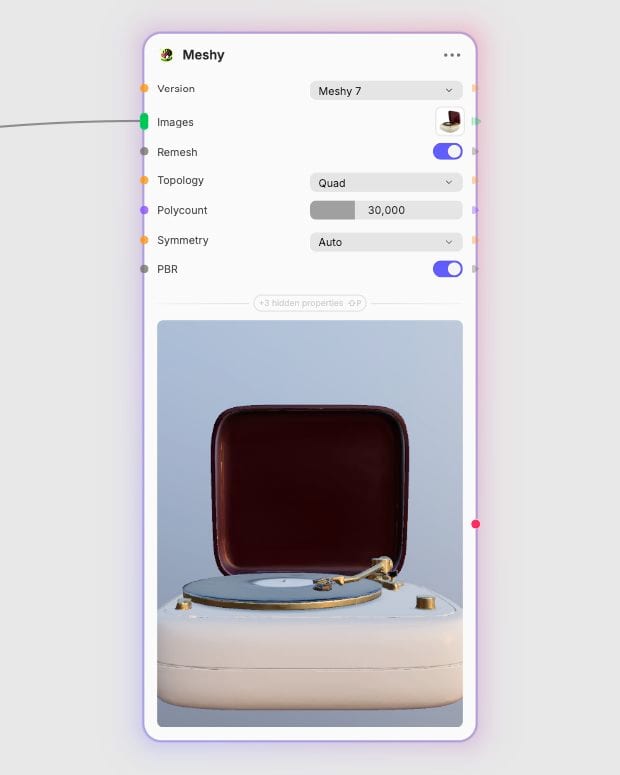
Export the textured GLB
Receive a centered GLB with base color and metallic, roughness and normal maps, ready to relight in your engine or renderer.
Meshy is strongest on game-style props: crisp hard-surface edges, relief you can hold in the geometry, and materials that relight properly.
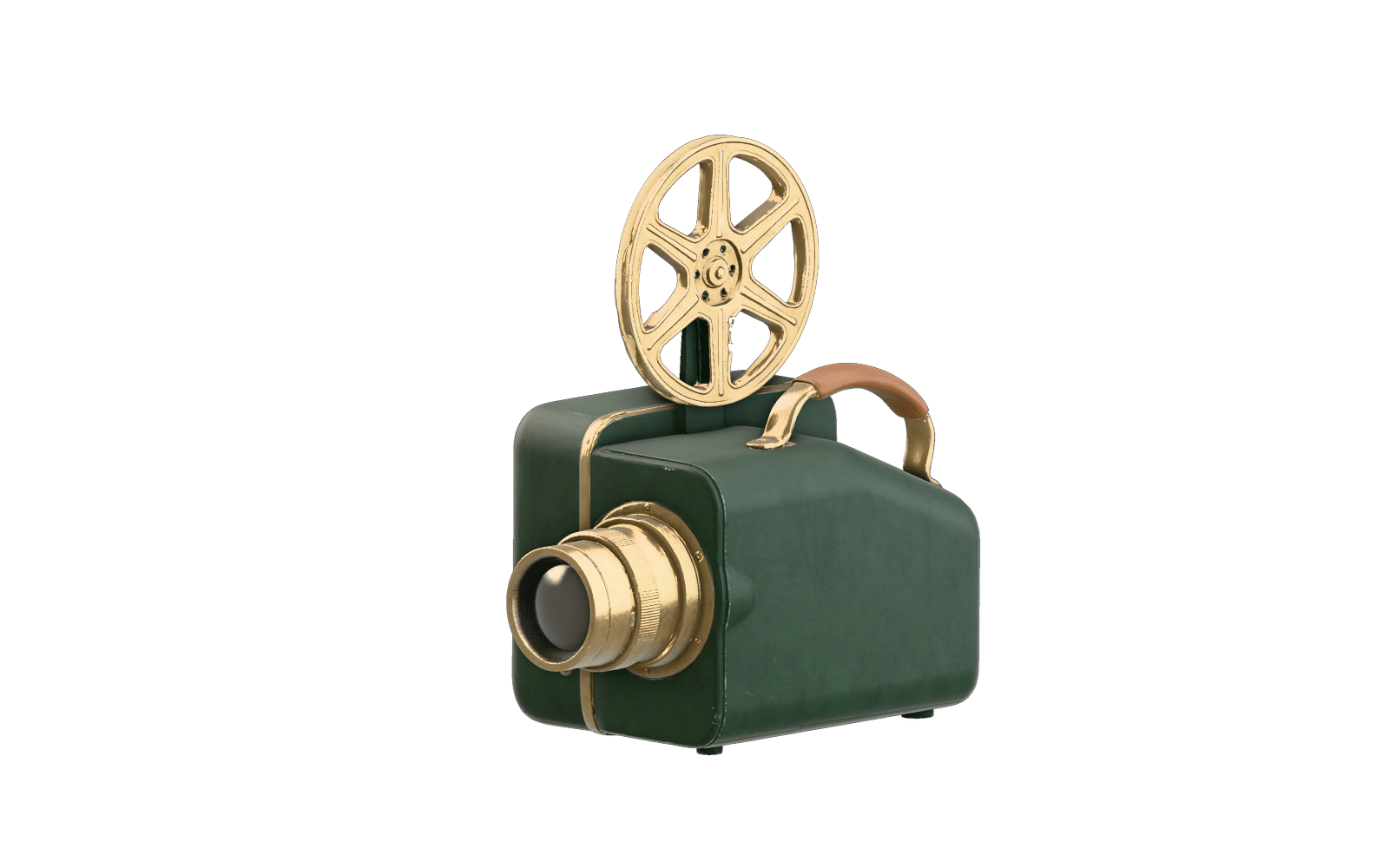
Smart Topology parts
Meshy 7.1's Smart Topology model type builds clean, separated parts capped at 15,000 polygons, a fit for low-poly engine props. Add T/A pose for humanoids you plan to rig, though the mesh isn't built for animation.
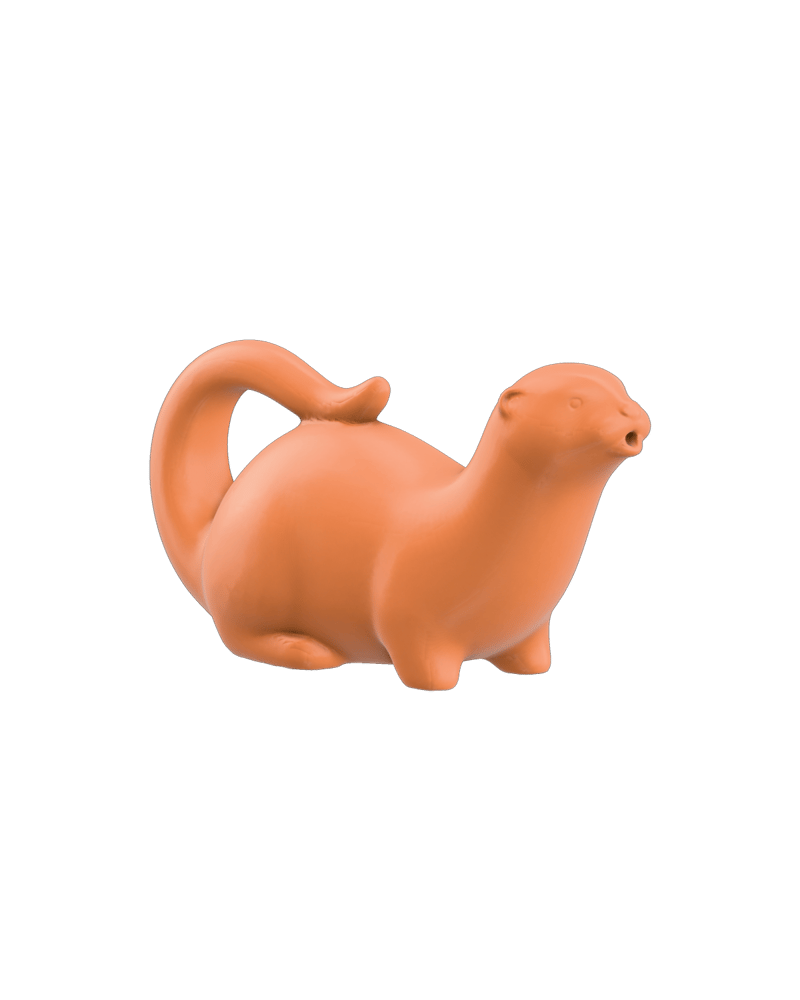
4K relief geometry
Meshy 7.1 holds scales, fabric weave and armor plating in the geometry itself, not just the texture. Use 2K or 4K for filigree-heavy subjects; 4K works for single-image and text runs only.
Full PBR maps
Base color arrives with metallic, roughness and normal maps, so a boot, helmet or lamp responds correctly when you relight it. Turn PBR off for flat, unlit stylized looks or simpler files.
Multi-angle and text input
Feed up to four consistent views to the 7.1 multi-image variant when silhouette accuracy matters, capped at 2K and Standard type. With no reference at all, 7.1 text mode is the only route.
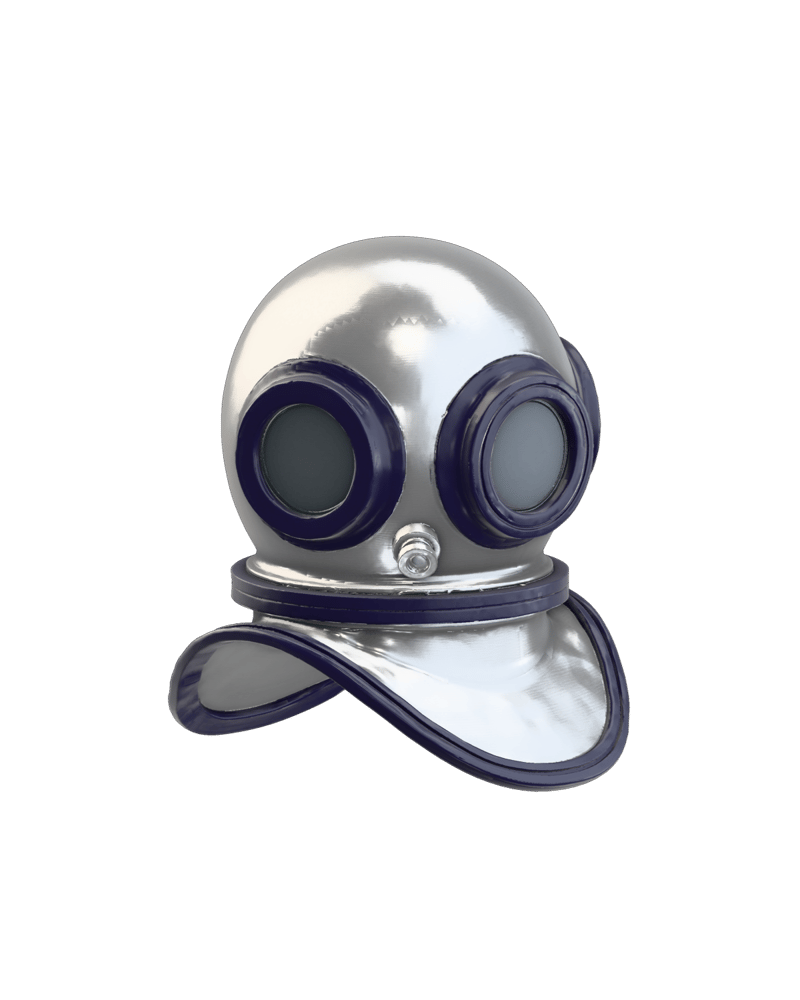
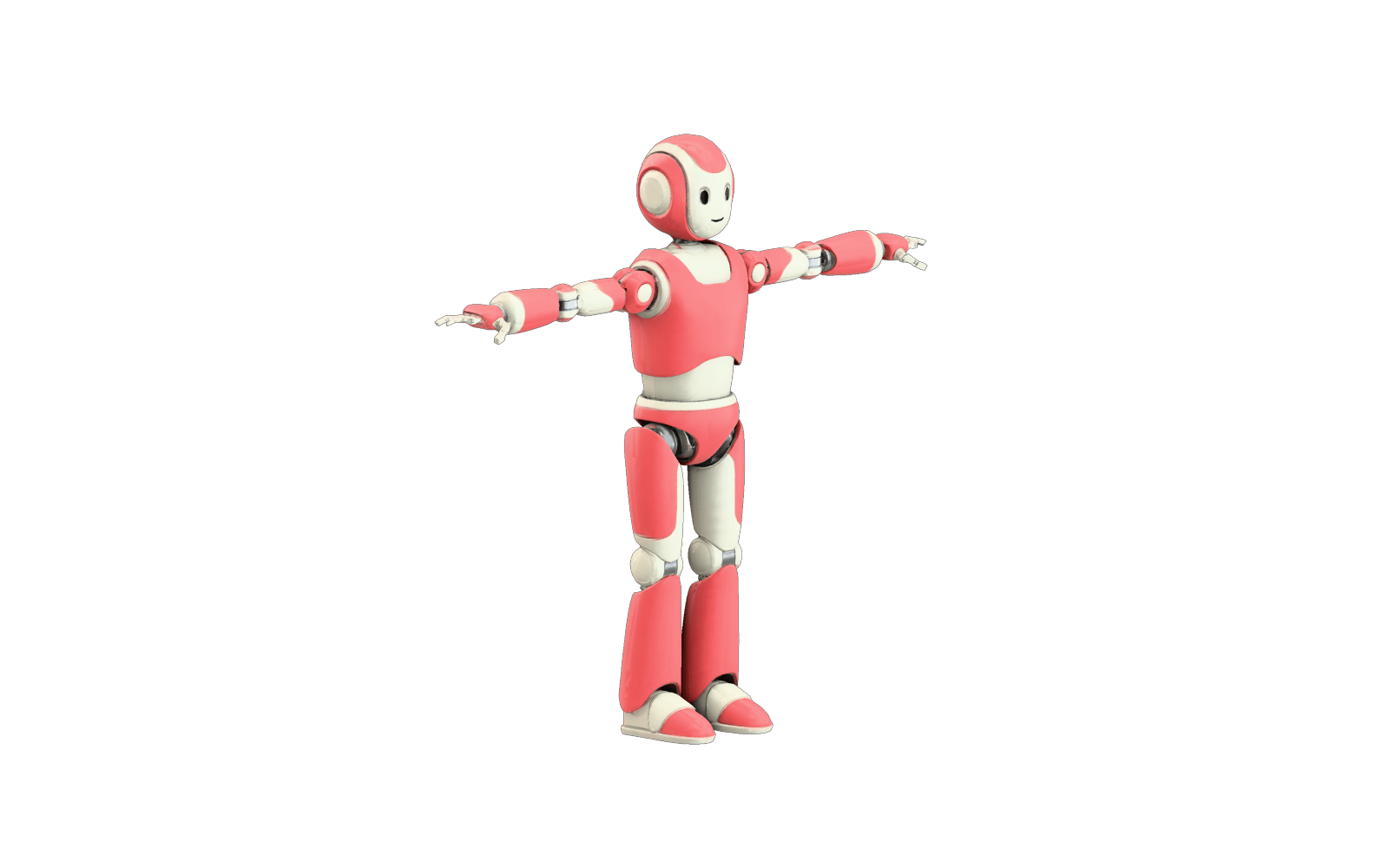
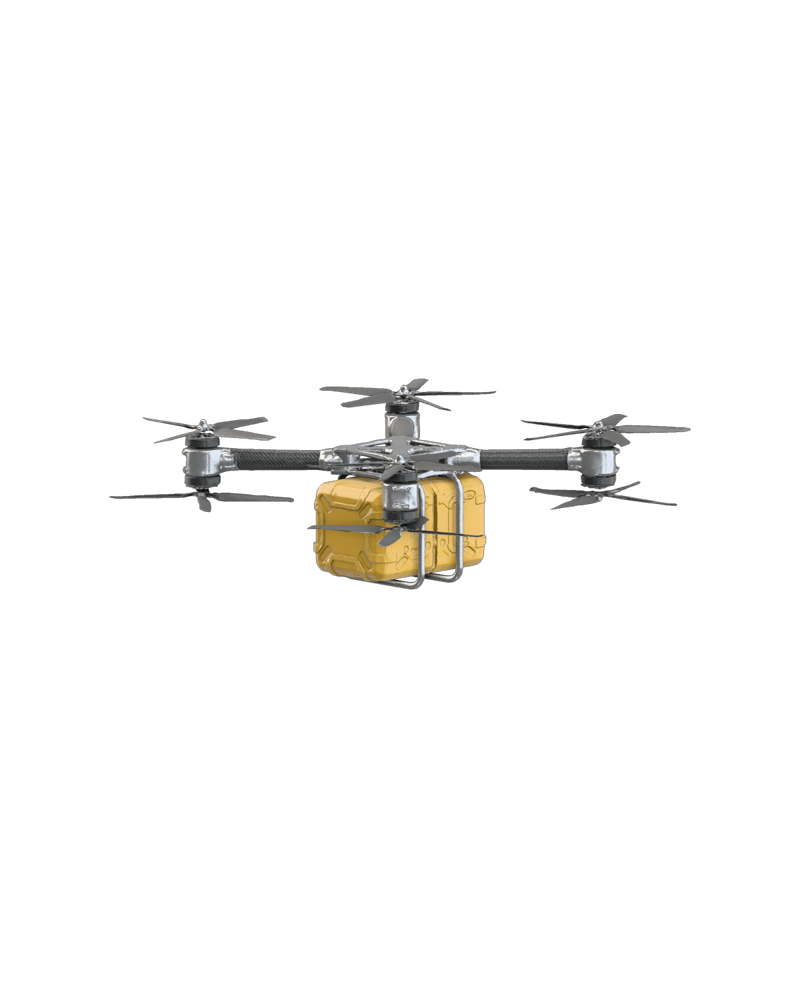
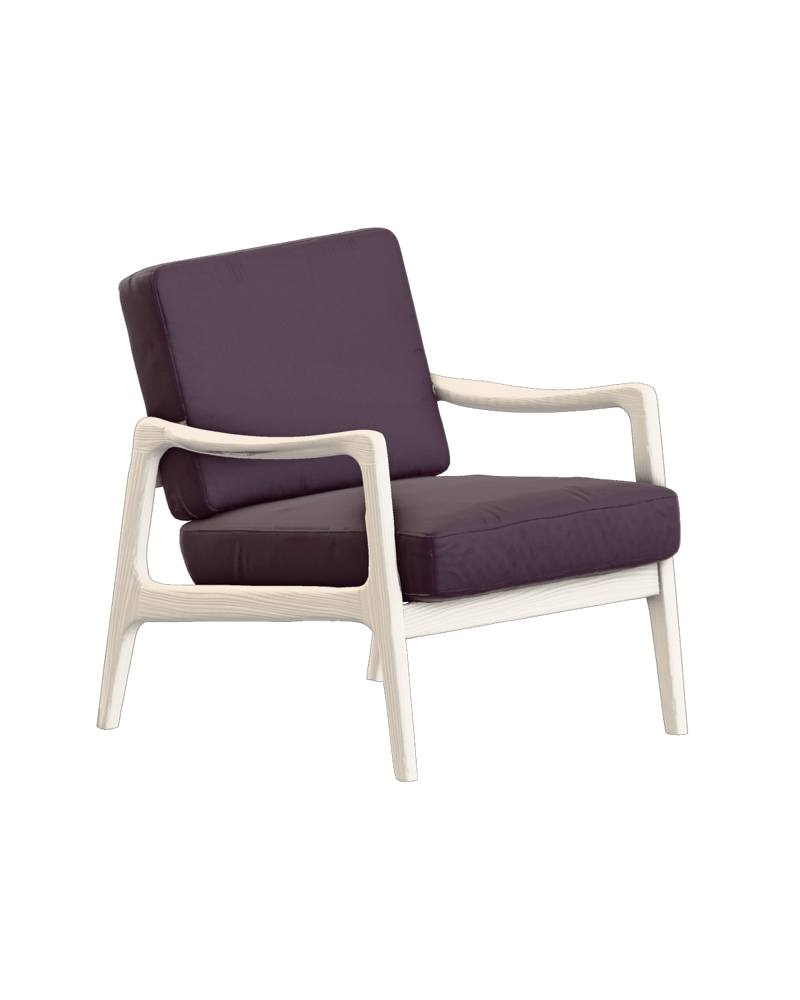
A gallery of single objects (helm, rover, chair, obelisk, fossil) showing how Meshy handles metal, velvet, stone and shell surfaces.
Ceremonial headwear with metallic PBR response
Sci-fi vehicle with crisp hard-surface edges
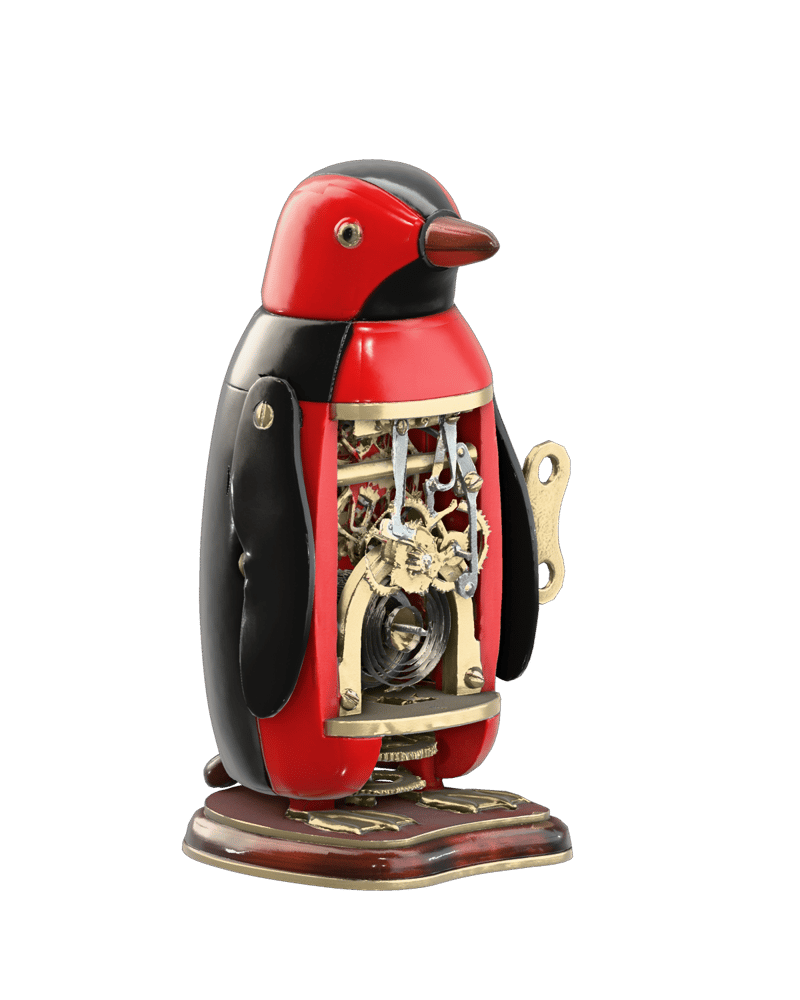
Furniture concept in a magenta and chartreuse pairing
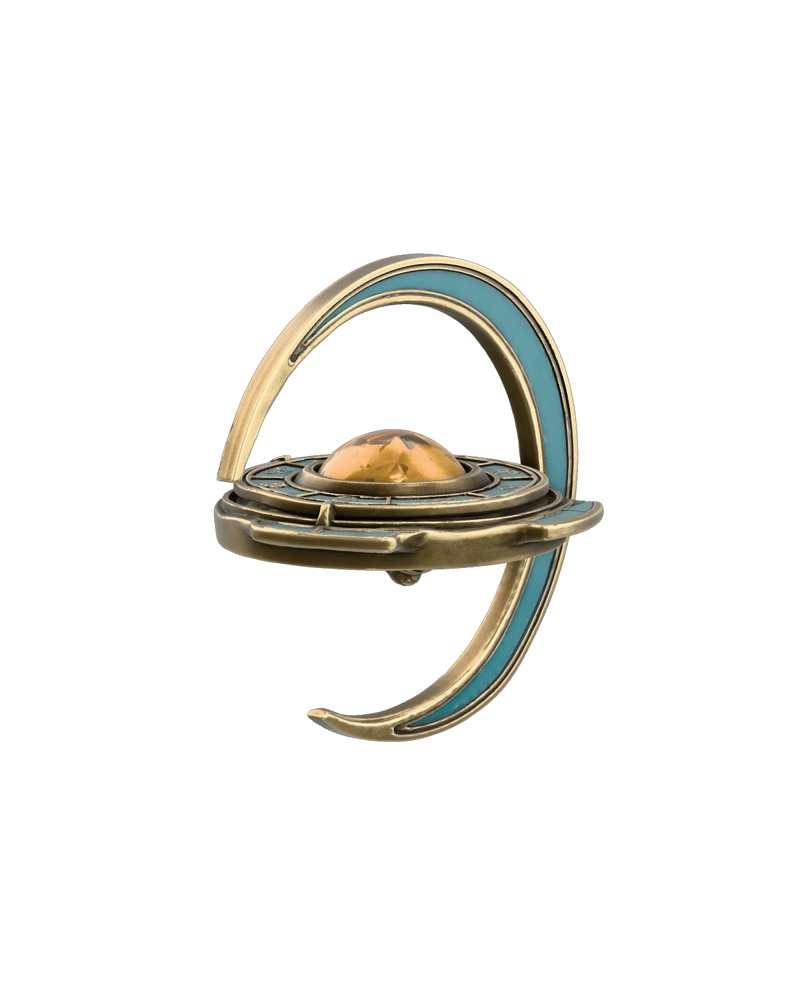
Fantasy prop with carved relief
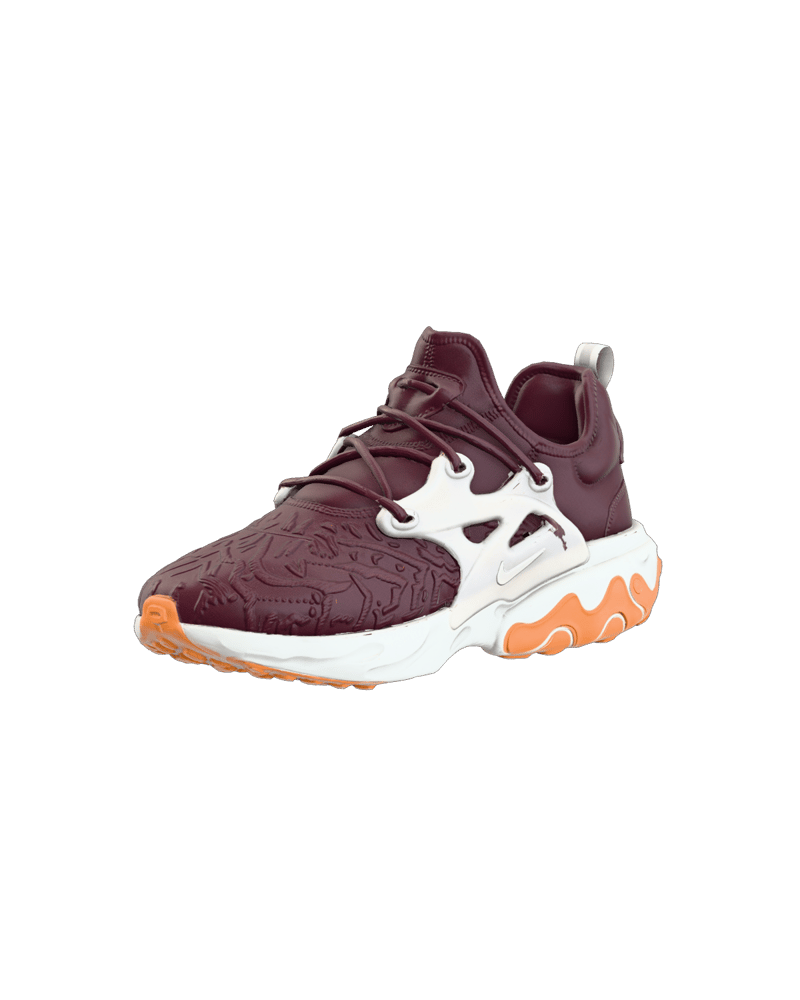
Archival specimen with fine surface relief
Game artists, collectors, print makers and product teams reach for Meshy when they need a textured object fast and plan to polish it in their own tools.
Meshy 7.1 is the only version that accepts text. Pick the 7.1 text-to-3D variant for fast ideation when you have no reference. It is less controllable than image input, so a pre-made 2D image often aligns better. Turning textures off gives an untextured Preview mesh.
Meshy 7.1 adds text input, a geometry resolution control (standard, 2K, 4K) and Smart Topology through the Model Type control. Meshy 7 has no text mode and no 4K geometry, at a fixed cost of 1653.2, while 7.1 runs from 1102.2 to 1653.2 depending on settings.
Use single-image for the most options, and multi-image when you have several consistent views of one object. Multi-image takes up to four angles for better coverage of the back and sides, but it is Standard model type only and tops out at 2K geometry. Single-image 7.1 supports 4K and Smart Topology.
Meshy 5 is the cheapest option (551.1) and accepts one to four images, while Meshy 6 (1102.2) takes exactly one image. Community accounts call Meshy 5 goopy, with more repair work. Meshy 6 shifted toward cleaner, watertight geometry and sharper hard-surface edges.
Smart Topology produces clean, separated parts capped at 15,000 polygons. It suits low-poly engine props. It isn't available on multi-image runs. Standard model type is for maximum detail, and the polycount target ranges from 100 to 300,000 with a default of 30,000.
Meshy struggles with animation-ready topology, precise CAD parts, legible text on surfaces, and full scenes. It generates single objects. Unseen backs and undersides are inferred and can be soft, and thin parts like antennae or cables may fuse or break.
Turn one clean concept image, a set of angles, or a line of text into a textured GLB prop with sculpt-like relief and painted PBR materials