One click, whole workflow
Recipes are here. Package a whole workflow and run it in one click
Explore recipesOne click, whole workflow
Recipes are here. Package a whole workflow and run it in one click
Explore recipesMore ideas to test. More control over every ad.
A new crop is not a new concept. Explore different hooks, visual treatments and product stories, then build the selected ideas into image and video ads. Keep your headlines, offers and branding editable as the campaign changes.
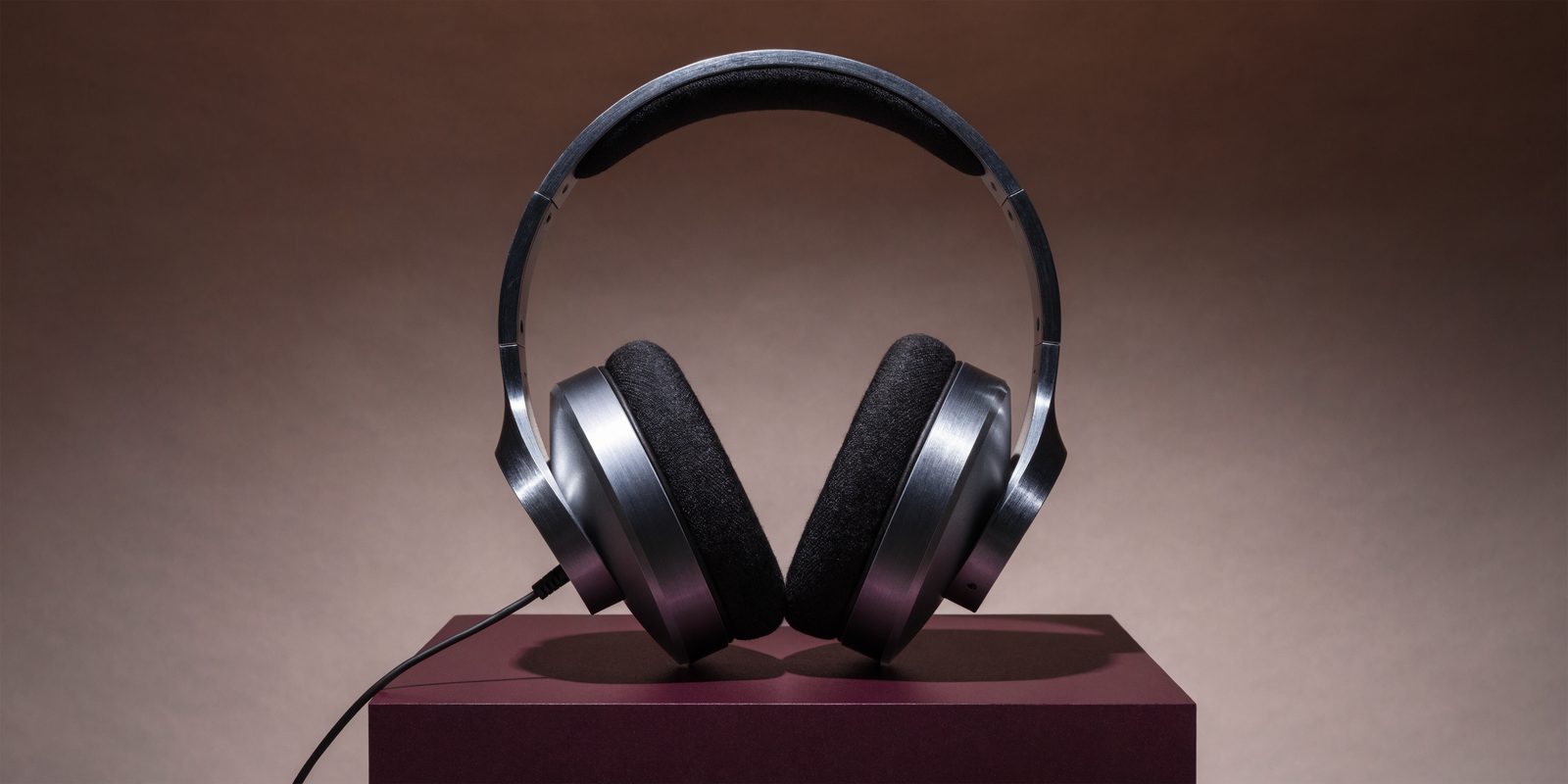
Develop distinct concepts from the same product references and brief. Try a demonstration, an unexpected setting or a detail-led visual. Keep the options together so creative reviews compare the idea behind each ad, not just its color scheme.
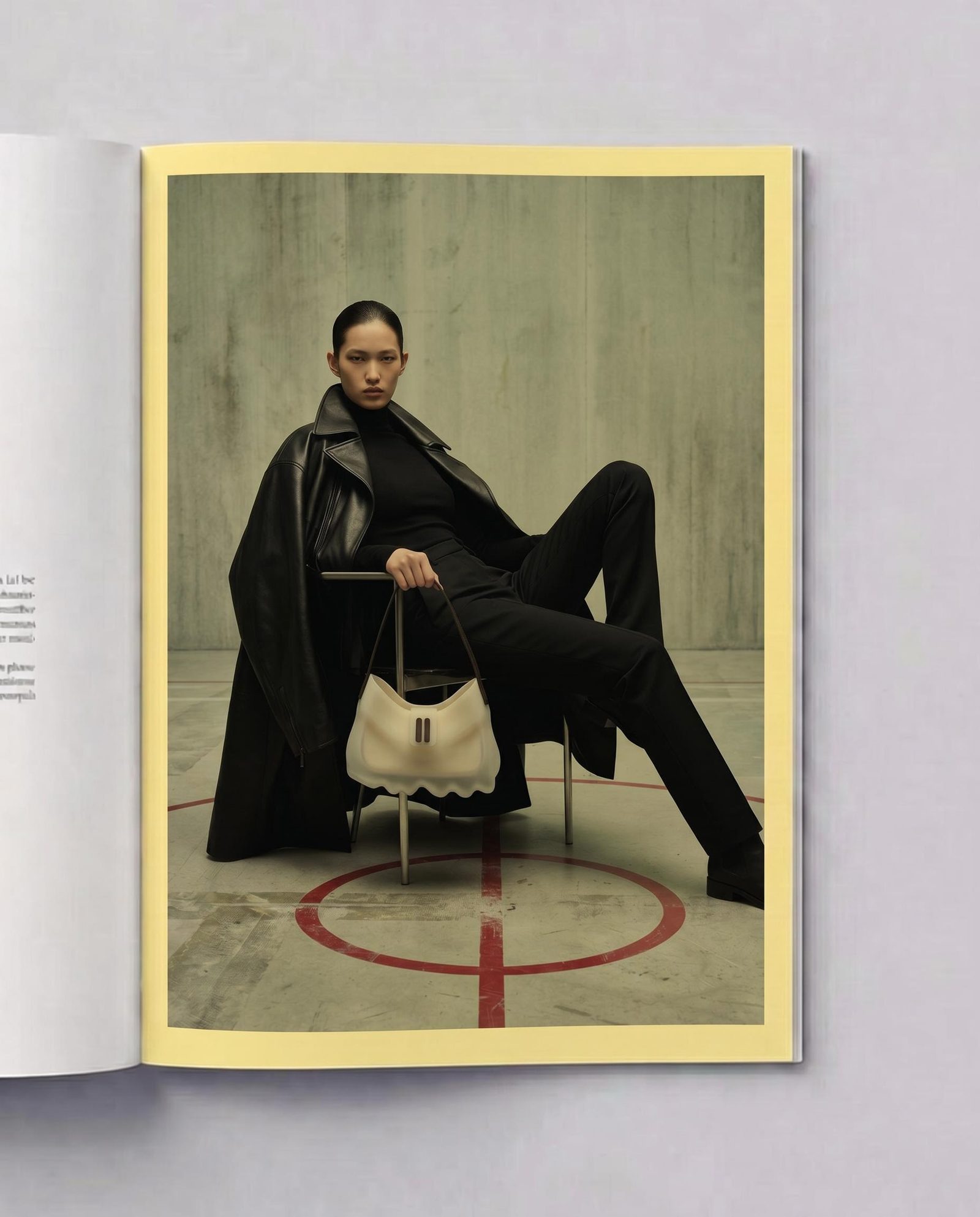
The promotion changes. The headline gets shorter. The logo needs more room. In Compositor, copy and brand assets stay in separate layers. Adjust the design directly and compose each placement around the space it actually gives you.
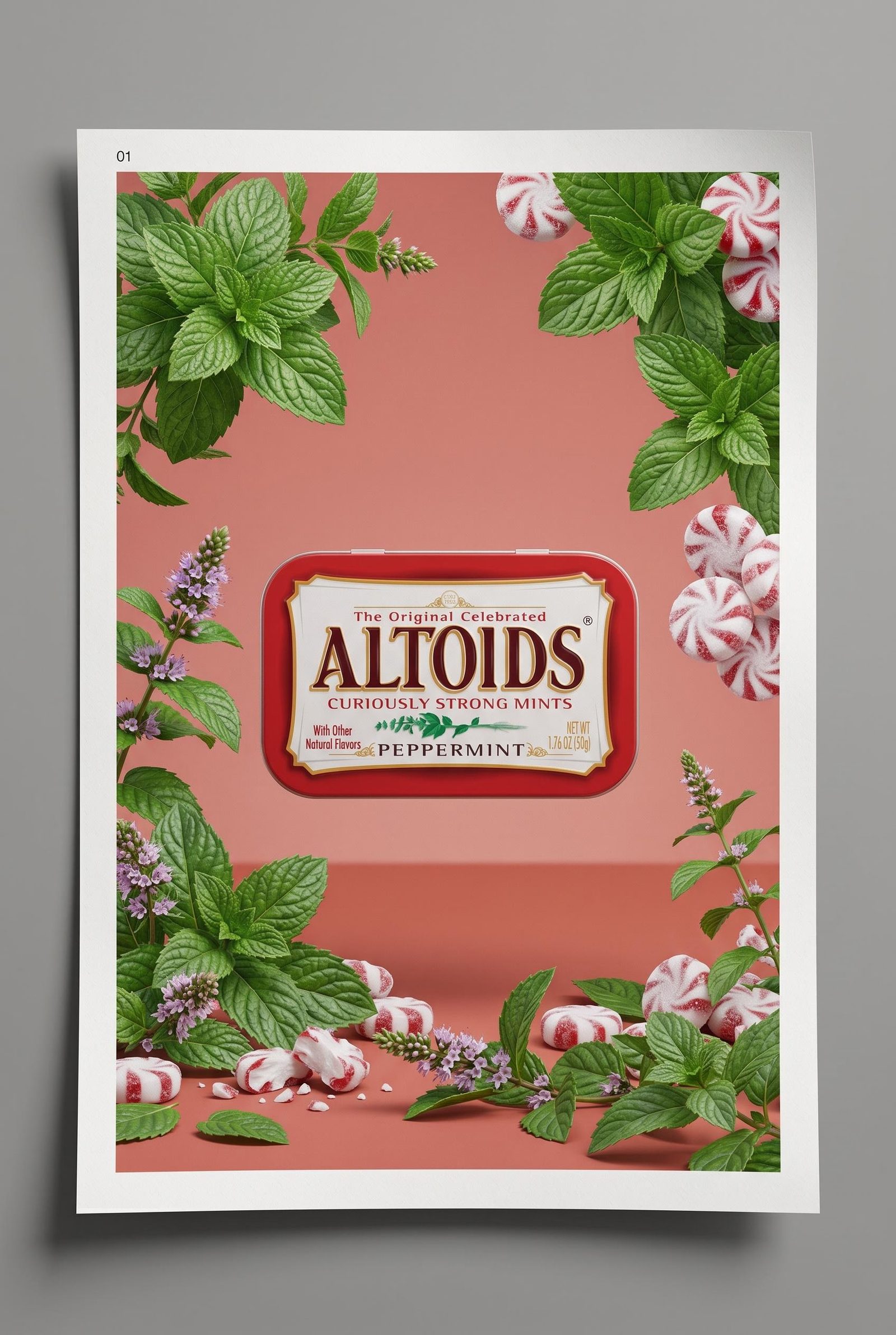
Save the generation steps you want to repeat as a Recipe with inputs for the next brief or reference image. Keep image, video and composition work connected. When it is time for another creative round, you have more to start from than a folder of exports.
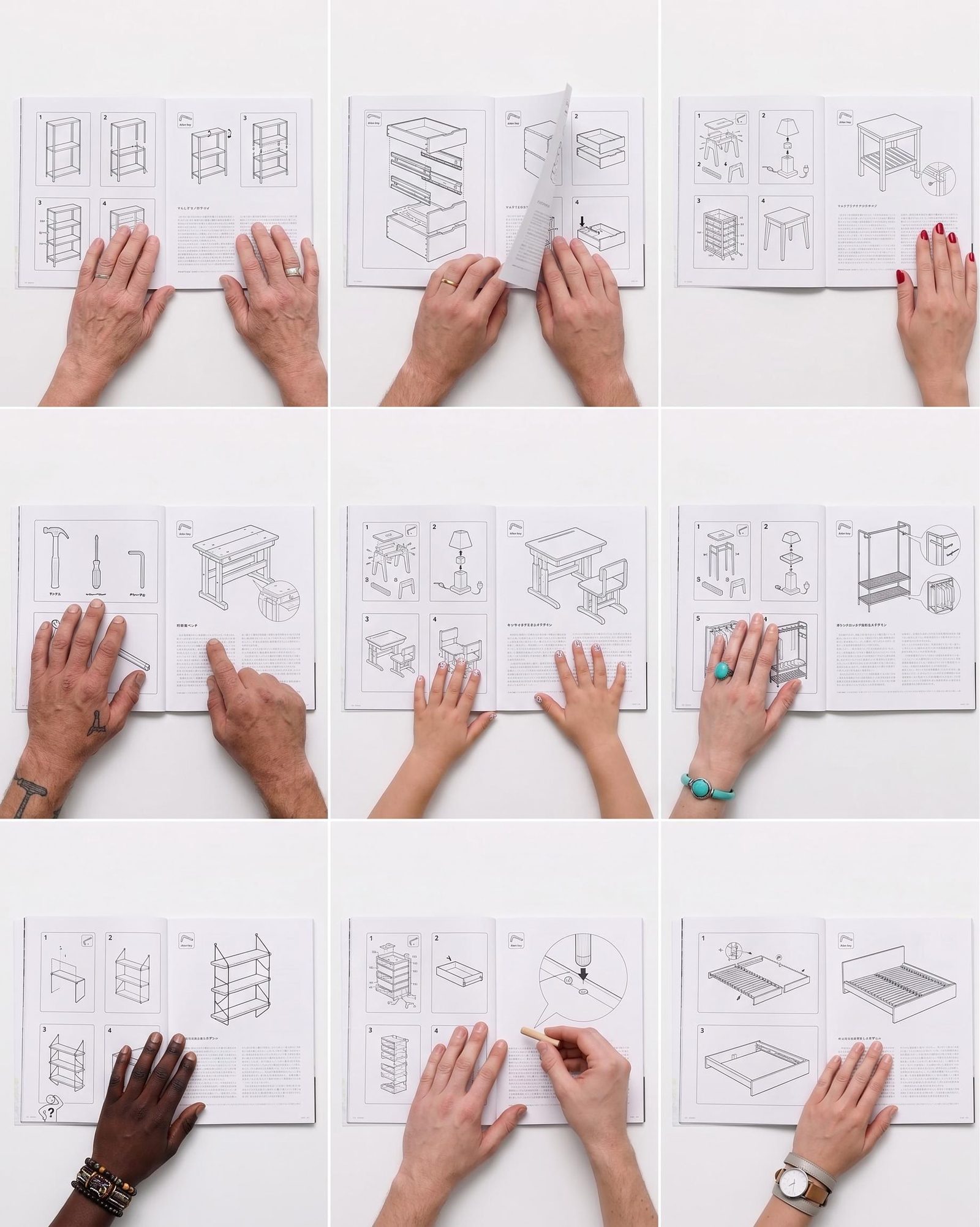
Create a set of creative options your team can take into review and testing.
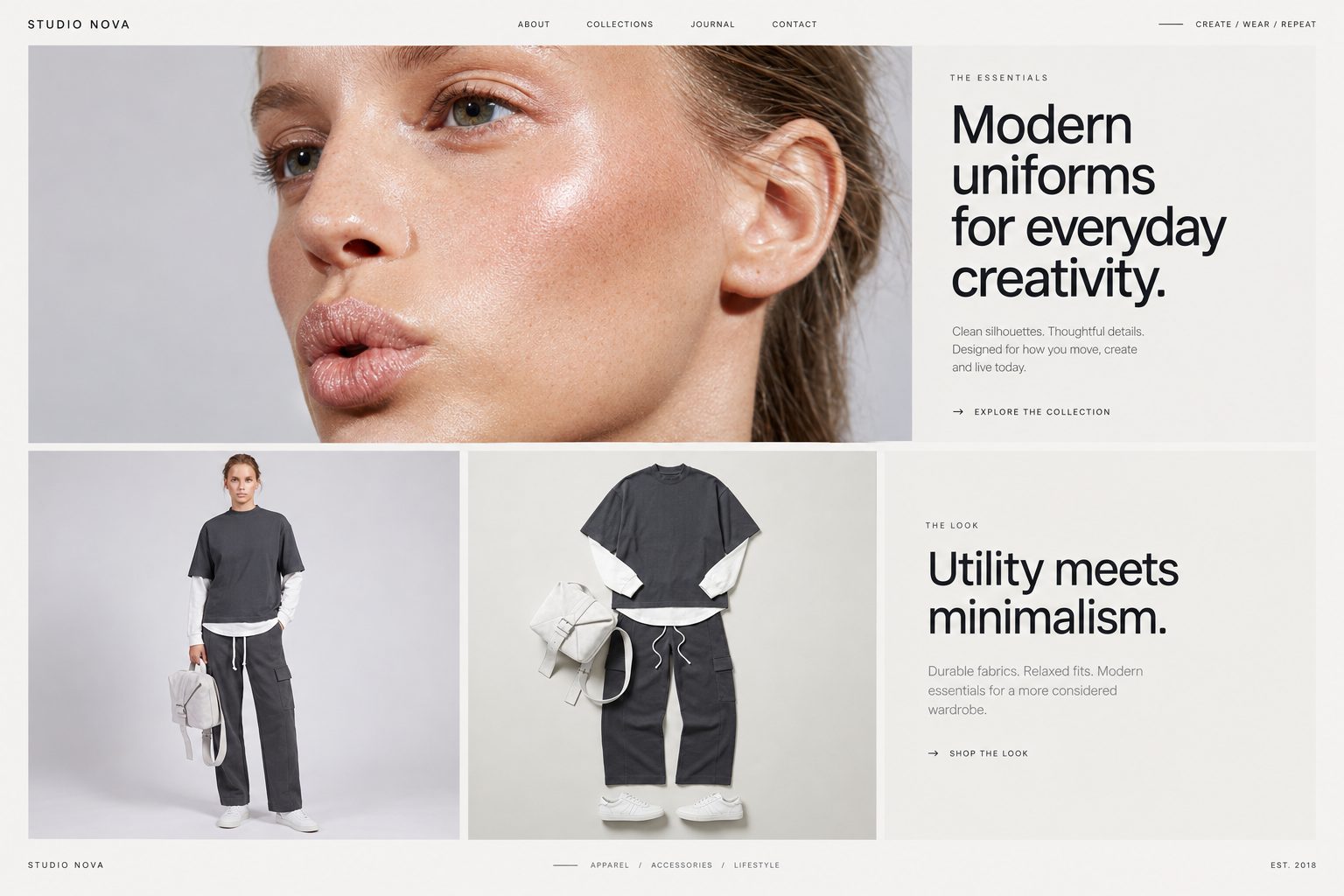
Concept routes
Explore different product stories and visual hooks before committing to a campaign look.
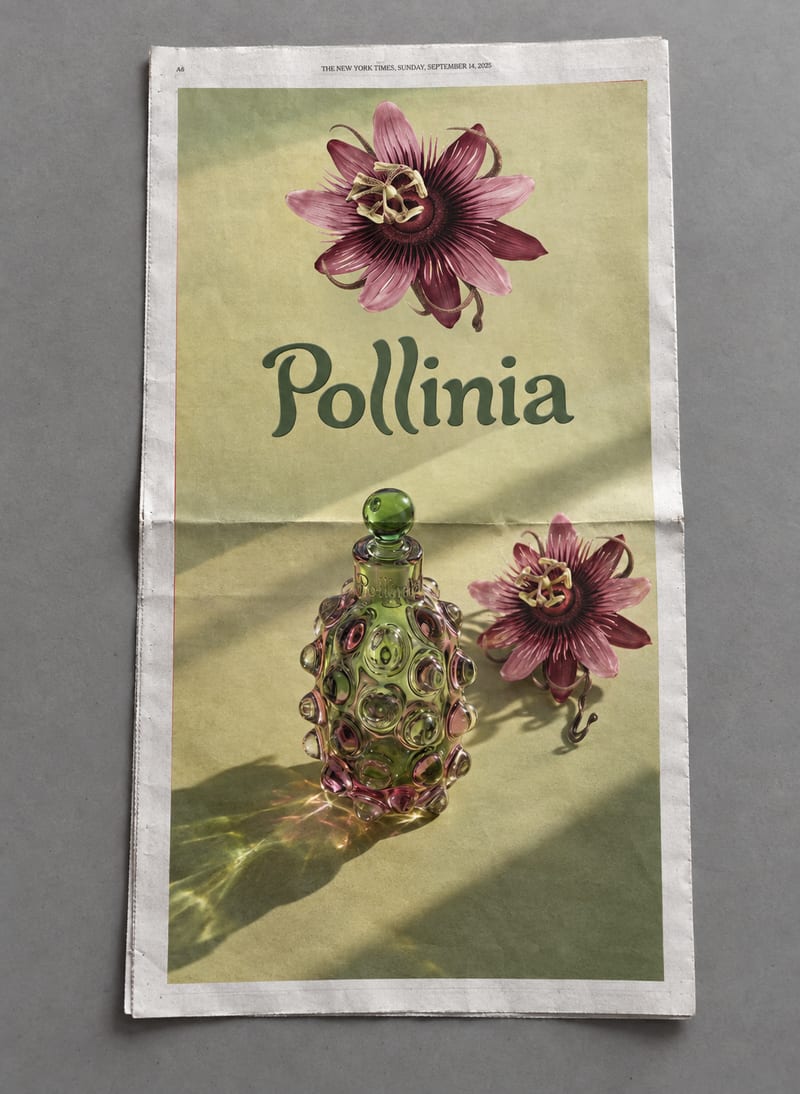
Paid-social layouts
Compose the product, message and offer for the placement you plan to run.
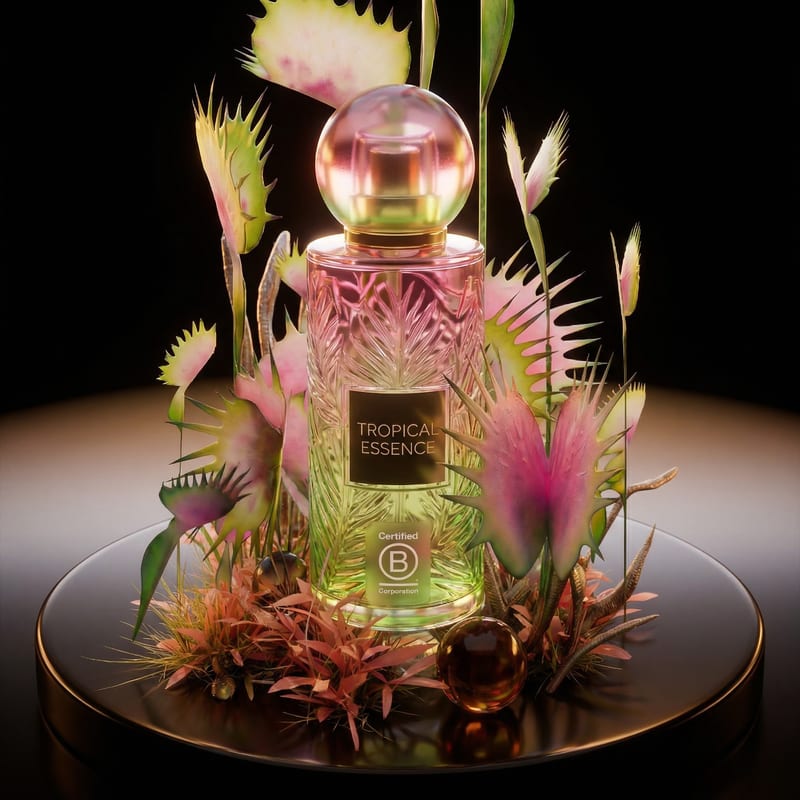
Short video ads
Develop motion from selected imagery, with editable graphic layers for the final composition.
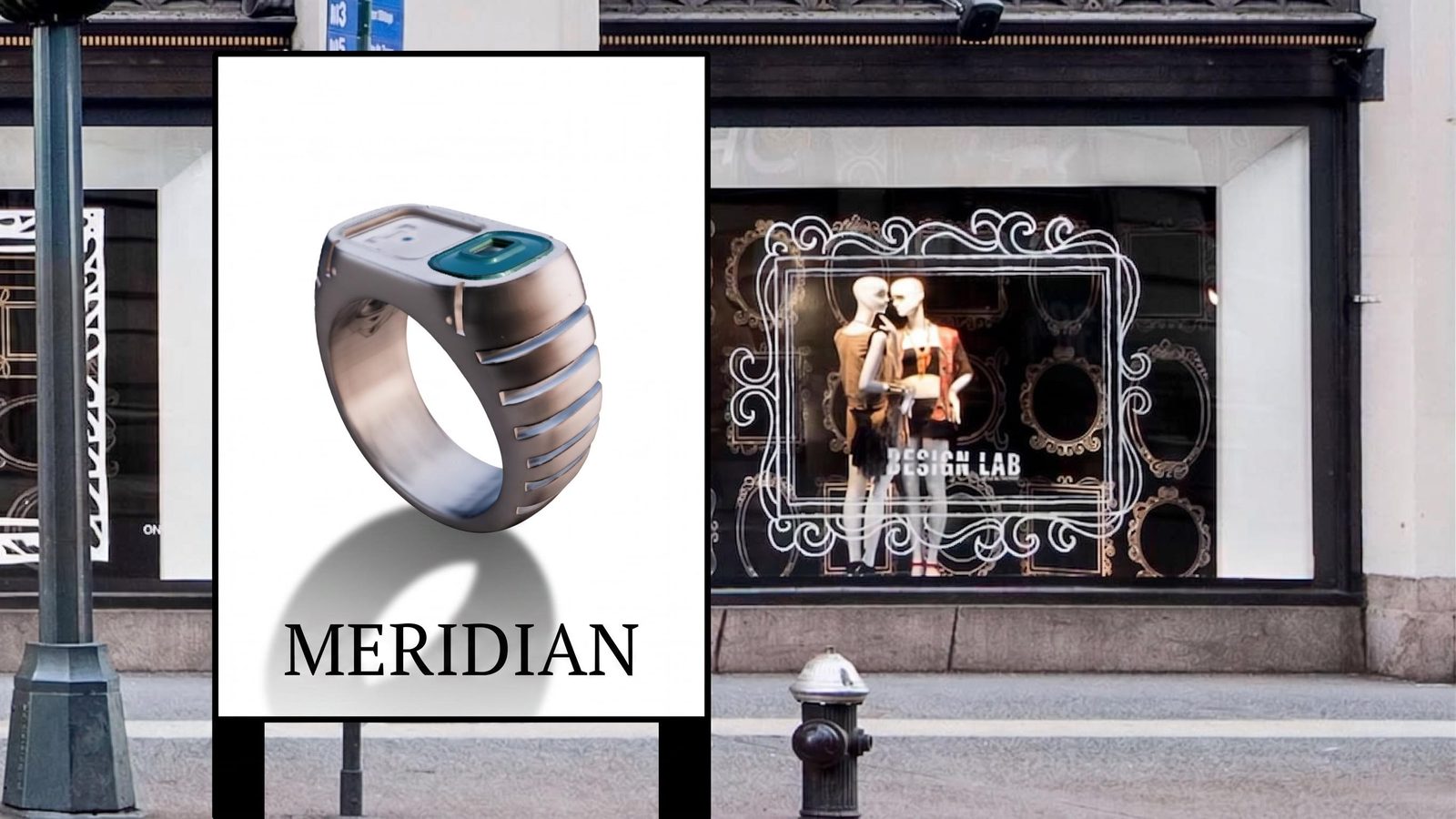
Promotion variations
Revise copy, branding and imagery for another offer or audience without flattening the working design.
Yes. Reuse the campaign’s references and connected generation steps, then vary the concept, image or message. Compositor keeps text and layout separately editable. Build a deliberate set of creative options around the same offer, rather than starting each version with an unrelated prompt.
Yes. Start from the same offer and develop genuinely different ways to express it: a product demonstration, a striking setting, a close-up detail or a visual metaphor. Keep each route on the canvas with its references. Choose the ideas worth testing before turning them into placement-specific layouts.
Set the dimensions you need in Compositor and adjust the crop, type and positioning for that format. Reuse source assets across layouts. The design stays editable, so a vertical ad does not have to be a cramped copy of the square version.
Edit the text layer in Compositor while keeping the product image and background intact. Move the headline, revise the offer or swap the logo directly. Keeping those elements separate makes late campaign changes a design task, rather than another round of image generation.
Yes. Use selected campaign imagery as a starting point for video, then compose the clip with editable type and brand assets. The references and visual direction can stay together in the project. Review the still and motion versions side by side before choosing what goes into the campaign.
Yes. Turn repeatable steps into a Recipe with clear inputs and outputs. Organize campaign projects in team folders and choose view or edit access for collaborators. They can work from the process, not only the exported files.
Export the finished composition as PNG for still creative or MP4 for video, then upload it through your existing ad platform. Set the required dimensions and check that platform’s current delivery requirements before launch. Fuser handles the creative work; your ad account handles targeting, spend and performance measurement.
Bring the offer and product references. Develop the creative your team wants to put to the test.
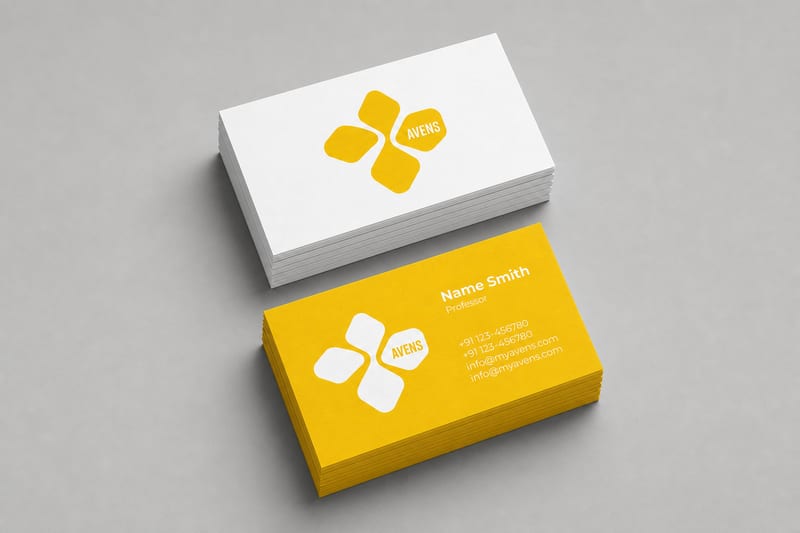
Turn one logo into business card, letterhead, tote bag, socks, hat, and shirt mockups.
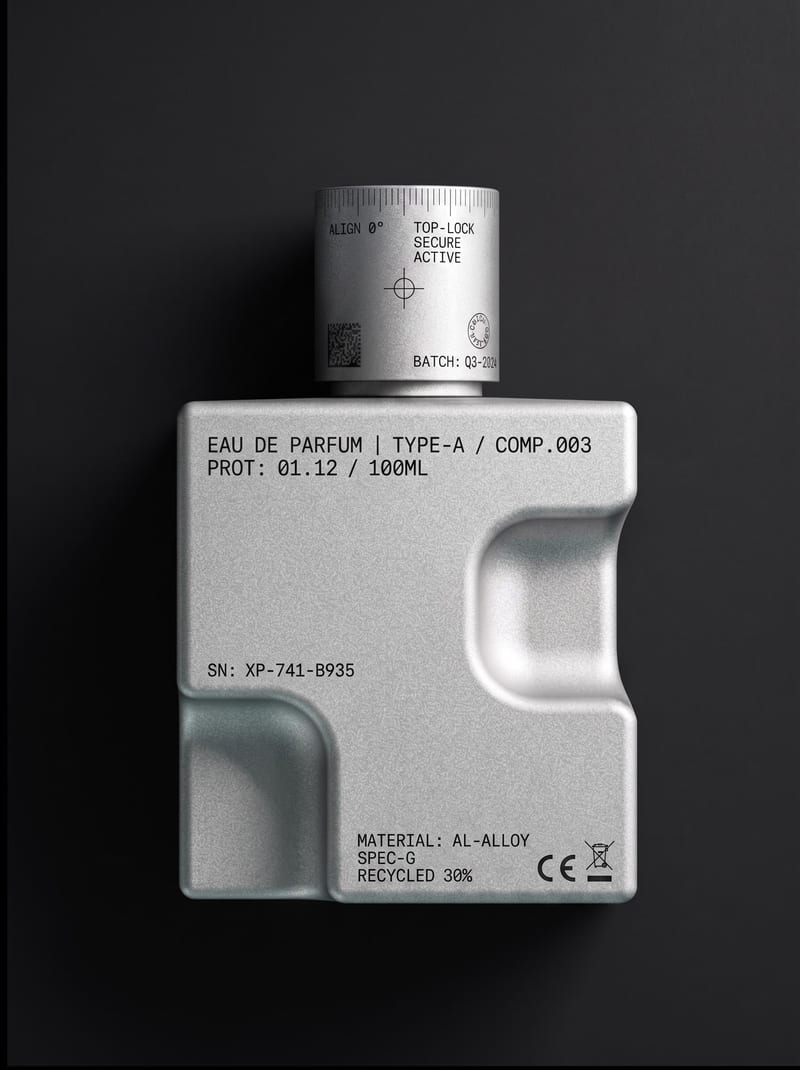
Upload an object or image and receive an image showing that object with micrographics added.
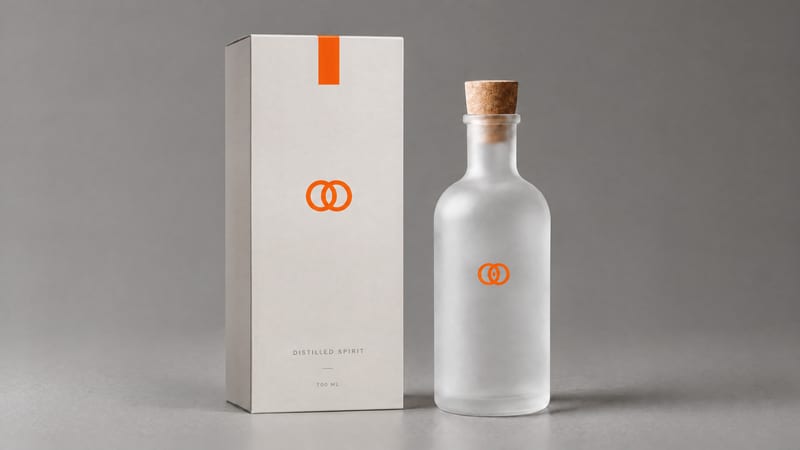
Combine a product image and logo image to create a professional minimalist packaging design for product presentation and marketing work.
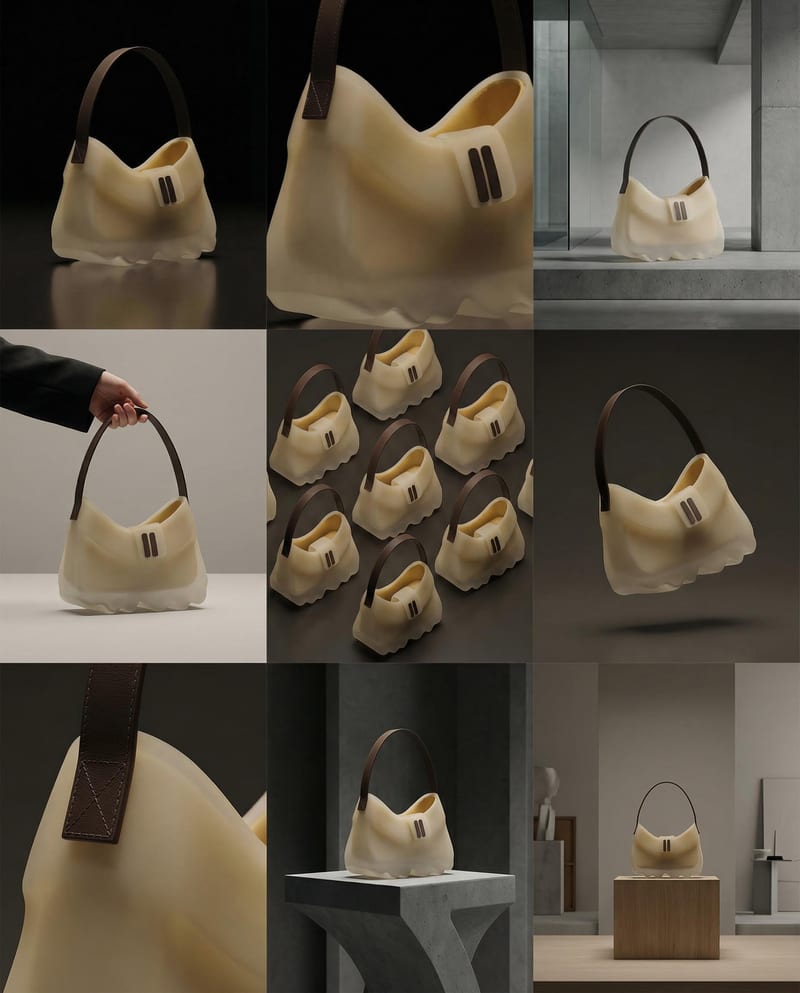
Turn a product image into a product photography grid for fashion campaign concepts and content planning.
Use a source image to create a YouTube channel banner with a cohesive look for your content, personality, and creative style.
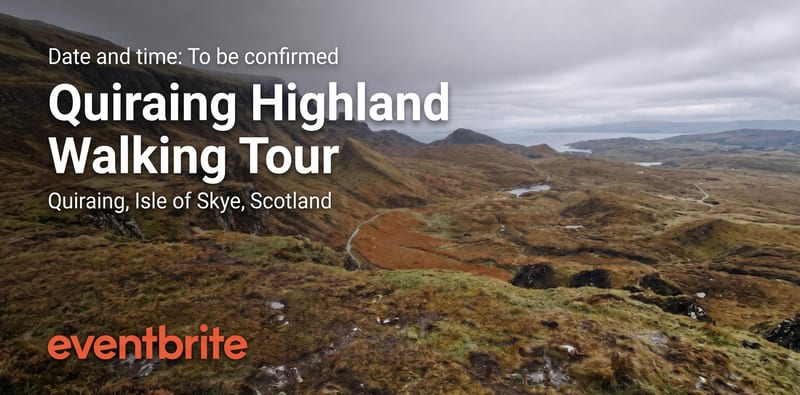
Turn a source image into an Eventbrite event banner that reflects your event’s theme, atmosphere, and visual identity.
Transform a source image into a personalized Twitch banner shaped by your streaming identity, gaming culture, and futuristic digital aesthetics.
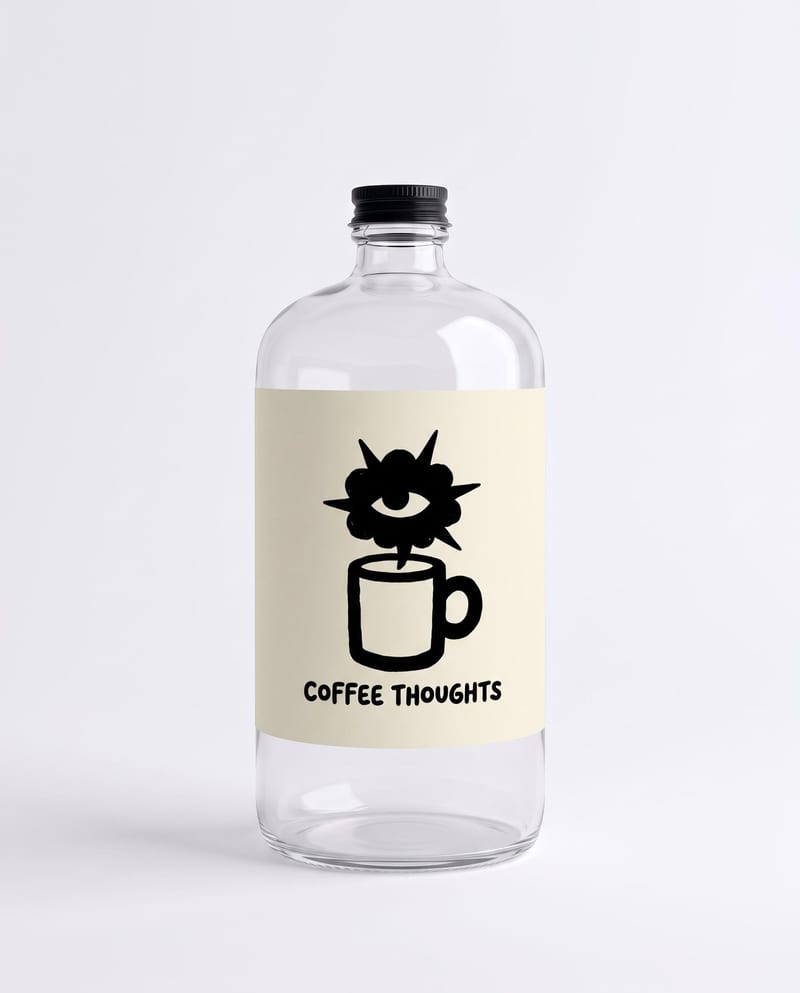
Combine a bottle image, logo, drink type, and duration to create branded bottle visuals and a pouring product video.
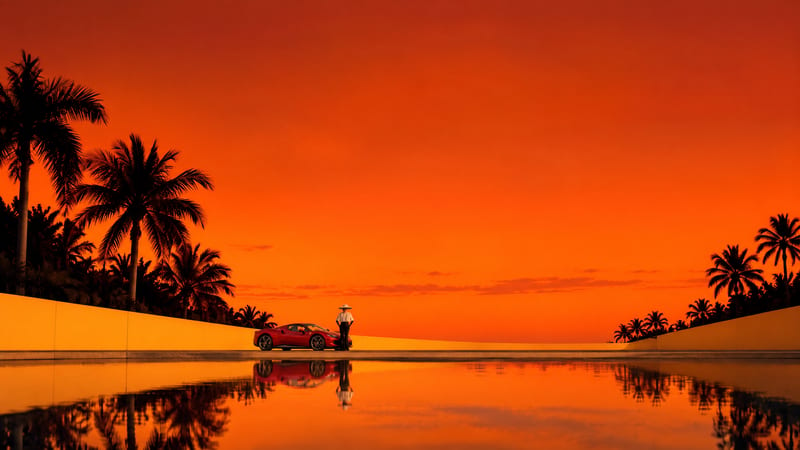
Turn a source image and chosen video duration into six scene images and a commercial montage video.
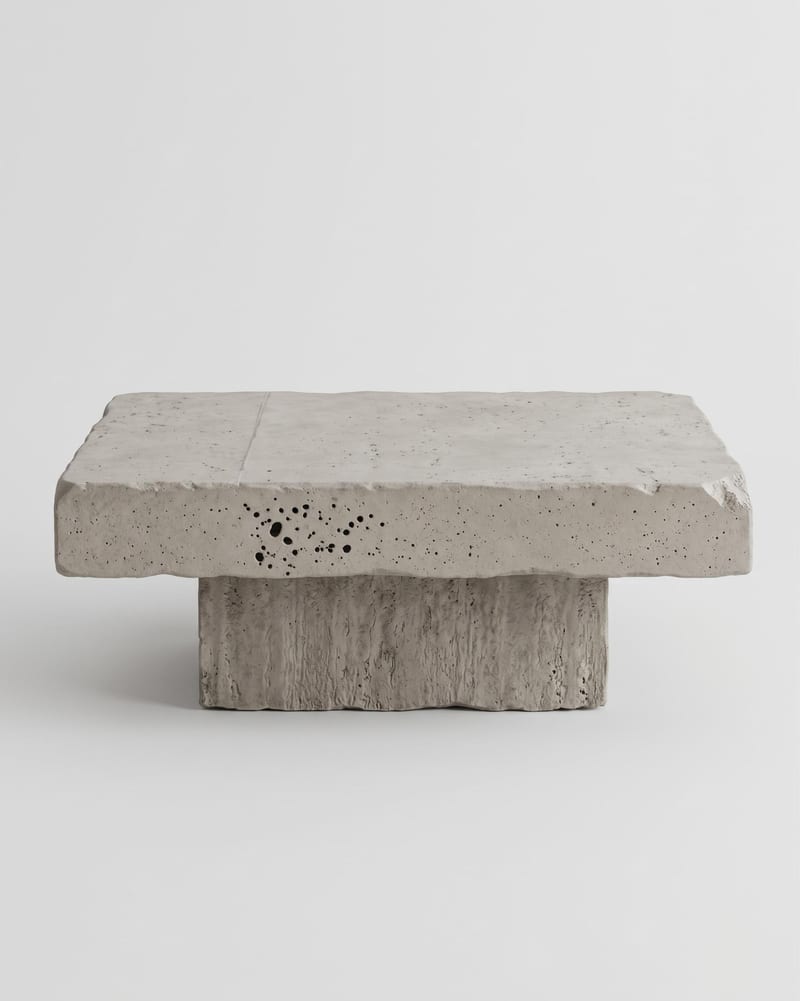
Upload one product or object image to create front, side, back, top, and three-quarter turnaround views.

Turn one source image into a personalized Facebook cover banner for your style, interests, or brand identity.
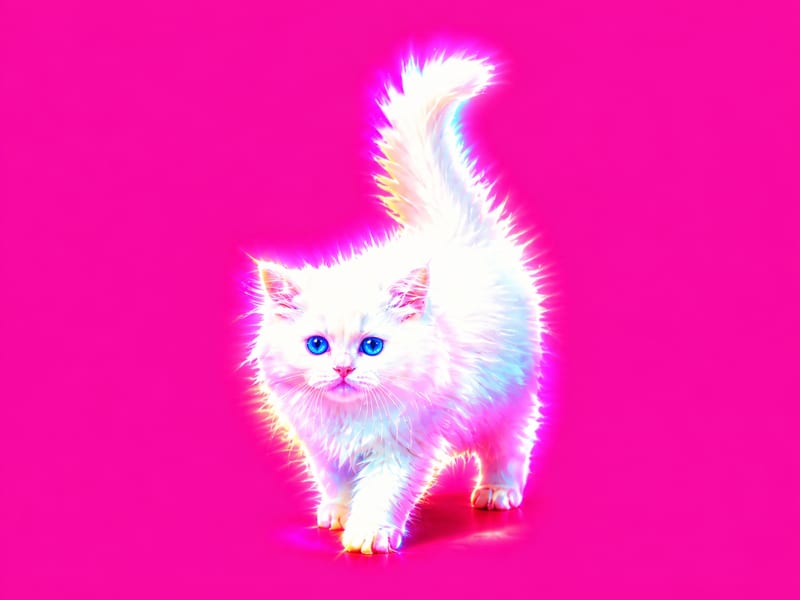
Apply a hyperpop-style graphic effect to one image and receive two visual versions.