One click, whole workflow
Recipes are here. Package a whole workflow and run it in one click
Explore recipesOne click, whole workflow
Recipes are here. Package a whole workflow and run it in one click
Explore recipesPitch the idea you can already see.
The right reference gets you close. Fuser helps you make the image that is still missing: the setting, styling or atmosphere that makes your idea click. Develop distinct concepts and bring a clear visual point of view to the review.
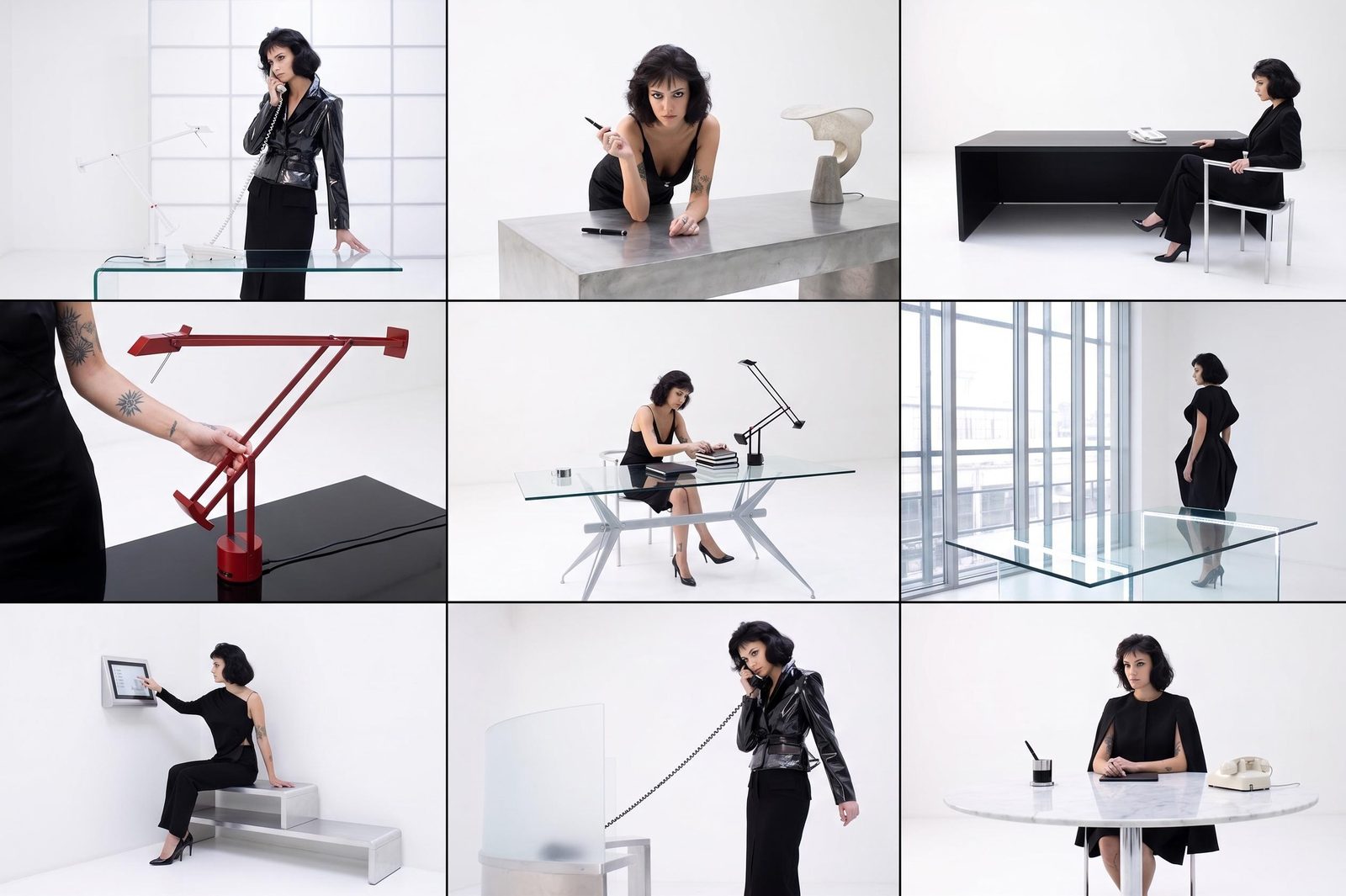
A saved image can suggest a mood without quite expressing your idea. Bring references onto the canvas, then generate the scenes, textures and compositions your brief calls for. Put the familiar beside the unexpected and find a direction worth pursuing.
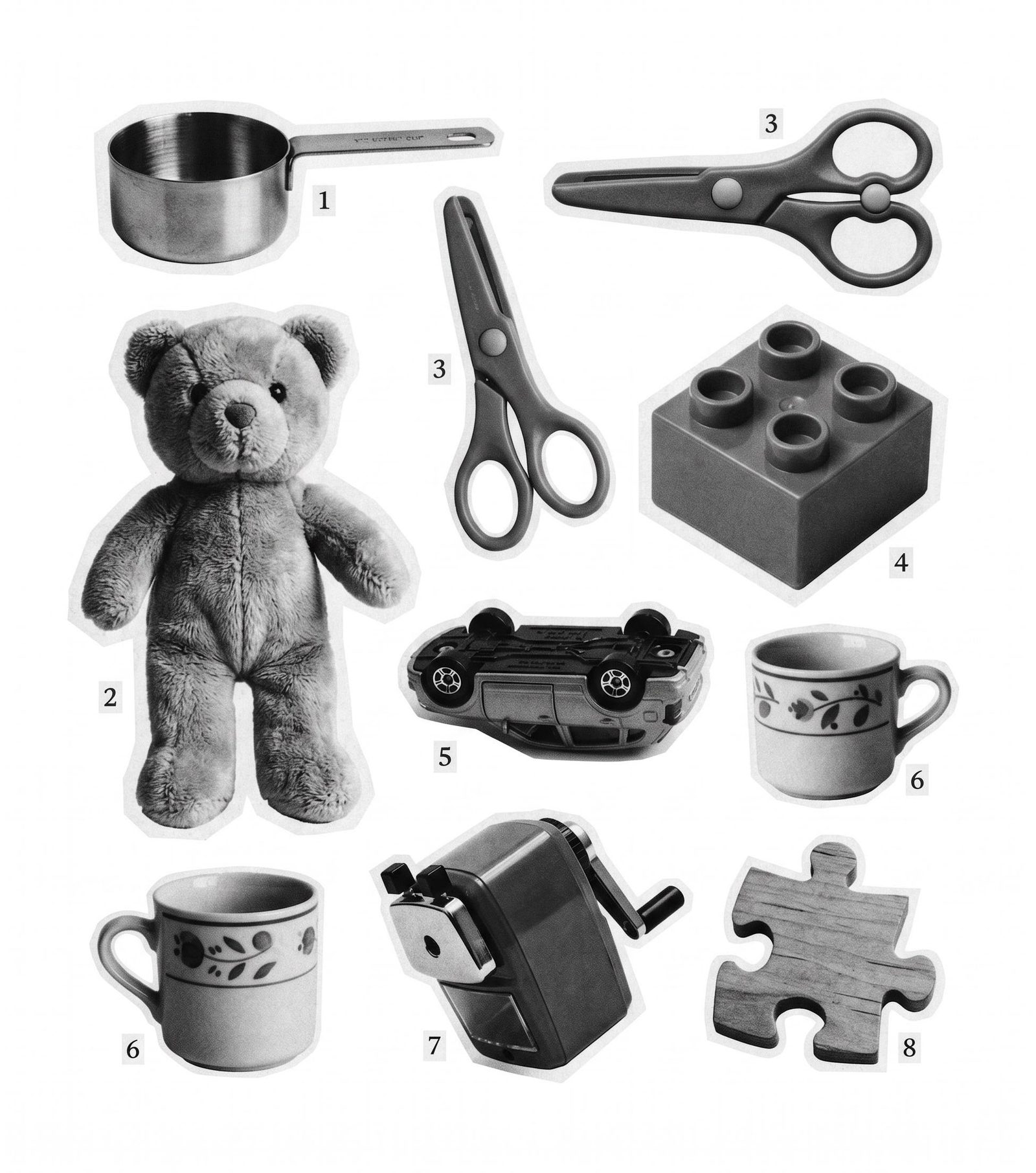
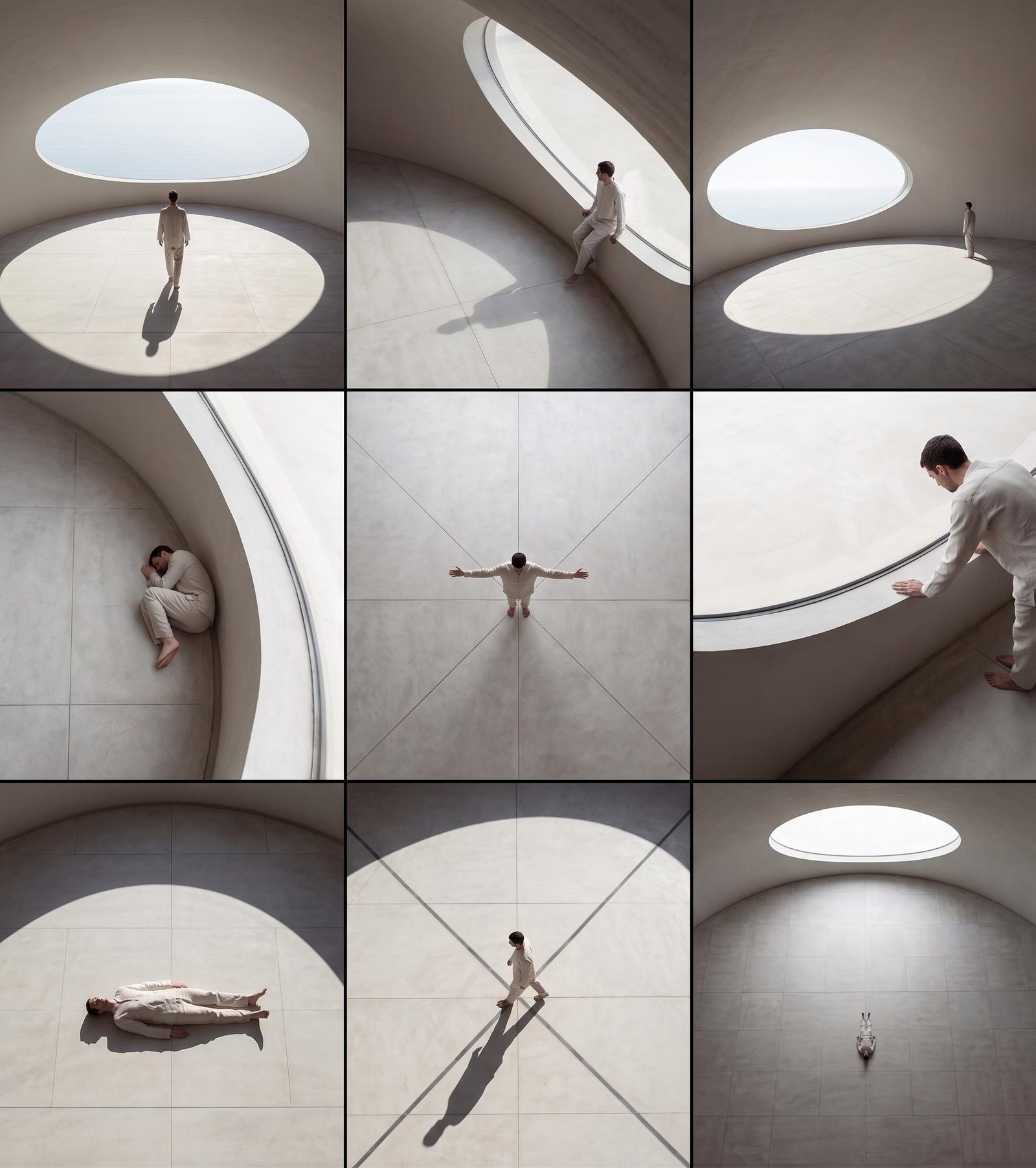
Keep different treatments visible together: quiet and architectural, saturated and playful, raw and documentary. Branch from the same references and change the elements that matter. The team can discuss actual options instead of trying to picture what you mean.
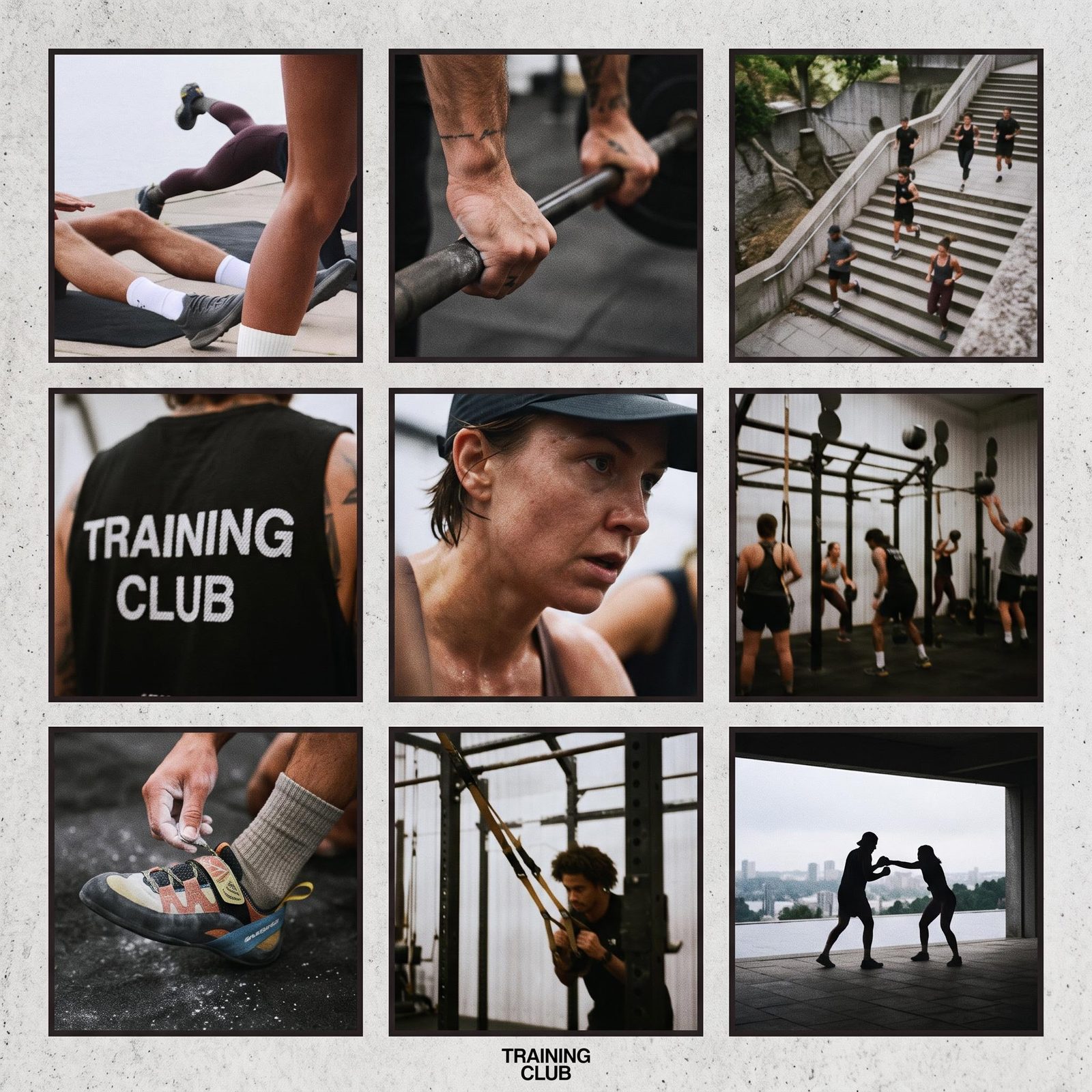
Turn your selection into a composed board with editable titles, notes and typography. Add a short motion study when movement is part of the idea. Fuser’s Compositor gives the presentation the same attention as the images inside it.
Make the material that helps a client or team choose a direction.
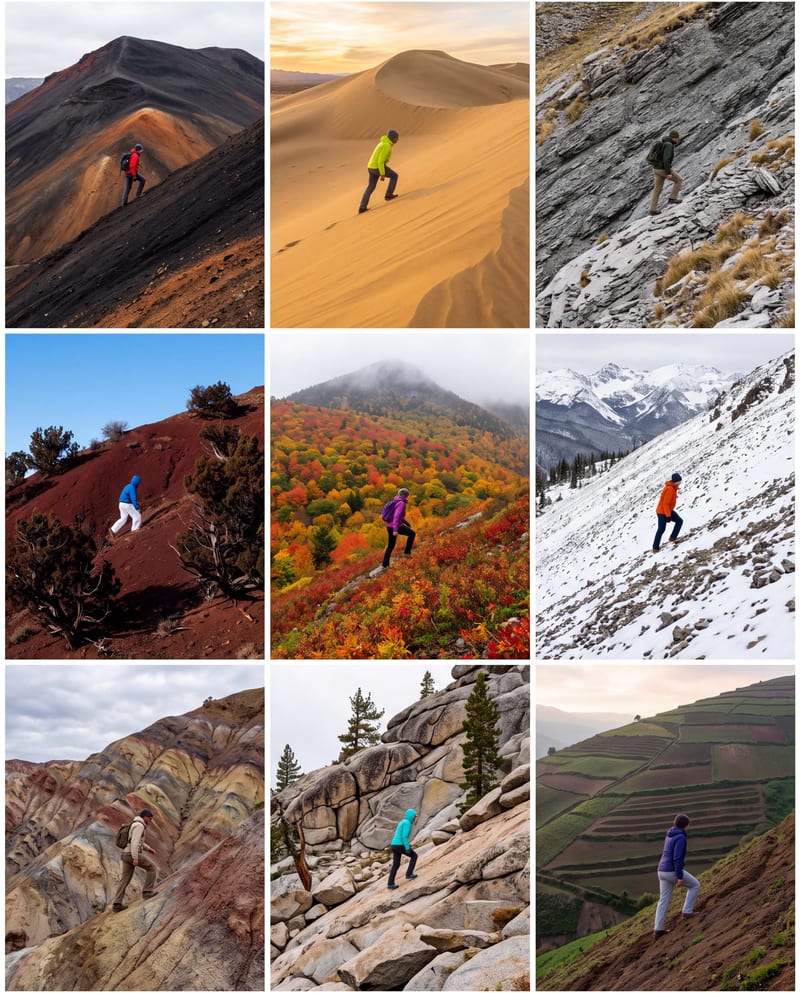
Creative territories
Show genuinely different answers to the brief, with imagery that makes each route easy to understand.
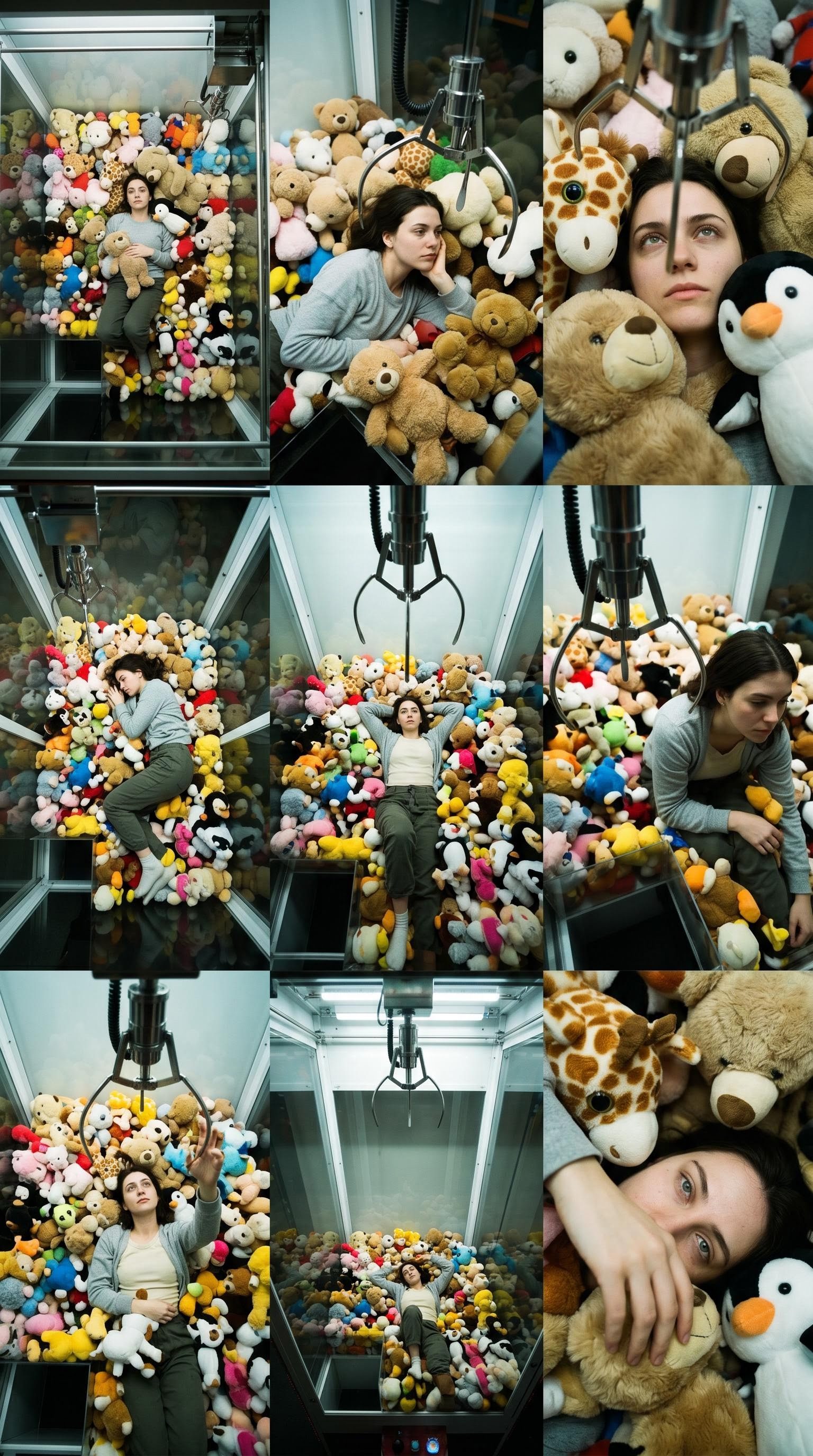
Art-direction boards
Bring palette, texture, lighting and composition into a visual argument for the chosen look.
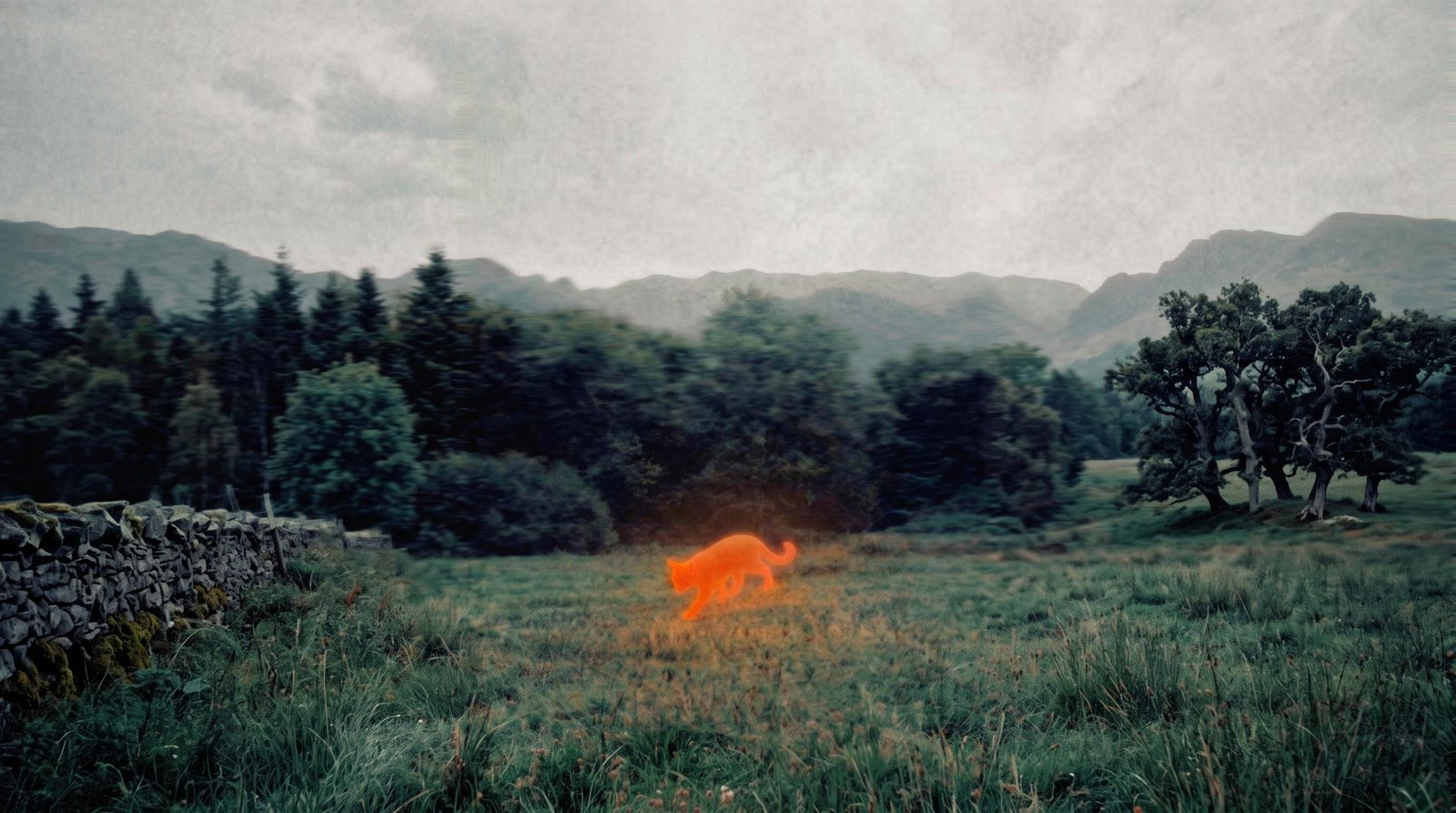
Pitch visuals
Create the scene that sells the idea, then frame it with the words and design it deserves.
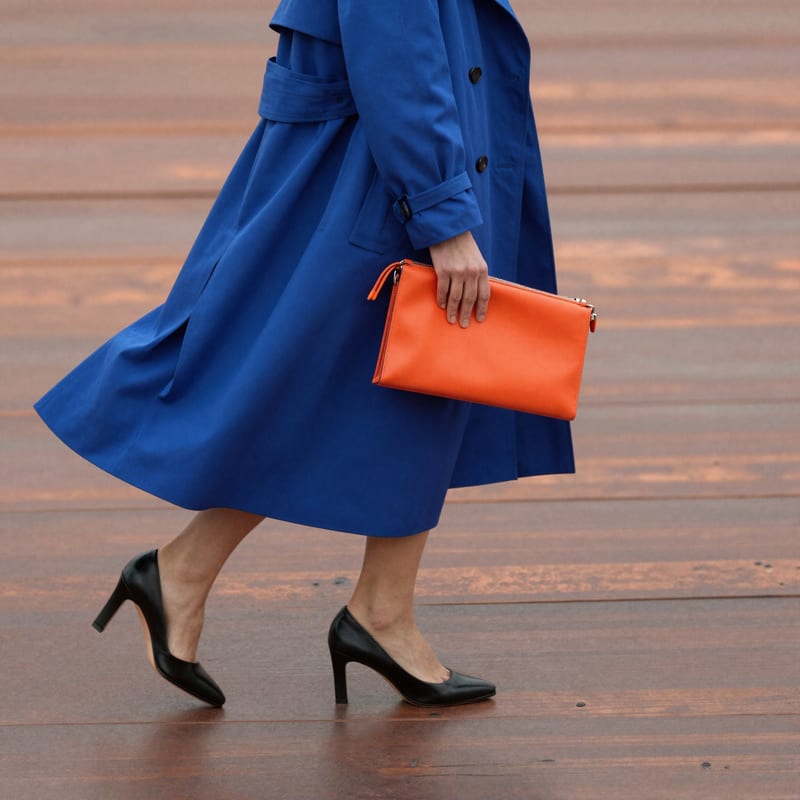
Motion studies
Explore how an approved frame could move before developing the wider sequence.
Yes. Bring your images onto the canvas and use them with reference-capable generation tools. You can keep the originals beside new studies, so it is clear what inspired the work and what you want to develop.
Make a study of the specific scene, material or atmosphere the brief needs. Combine a written direction with suitable visual references, then compare the result with your existing collection. A generated image can fill the gap between “something like this” and the idea you actually want to present.
Use Compositor, Fuser’s layer-based design editor, to arrange selected images with editable headings, labels and notes. Control the hierarchy, spacing and type yourself. The board can explain the creative direction as clearly as the images express it.
Keep separate treatments on the canvas with the references that informed them. Develop each around a clear difference—lighting, palette, styling or setting—then compose the strongest selections into labeled boards. The review becomes a choice between understandable directions, not a scroll through unrelated images.
Yes. Take a selected image into an image-to-video step to explore movement, or create a programmable visual study with Creative Code. Use those pieces to explain pacing, atmosphere or a graphic behavior that a static reference cannot show. You can develop motion alongside the still-image direction.
Yes. Selected images can feed editing, video or composition steps on the canvas. Save a useful chain of generation steps as a Recipe—a reusable workflow with the inputs you choose—when you want to use that approach again.
Arrange the selected images and notes in Compositor, set the board dimensions and export a PNG for your presentation. For a composed motion study, use MP4 export. Keep the editable Fuser project so a change to the title, selection or layout does not mean starting the board again.
Start with the brief and the references you keep coming back to. Make the missing pieces in Fuser.

Upload a reference image to receive a detailed, structured text prompt describing how to recreate its visual characteristics.
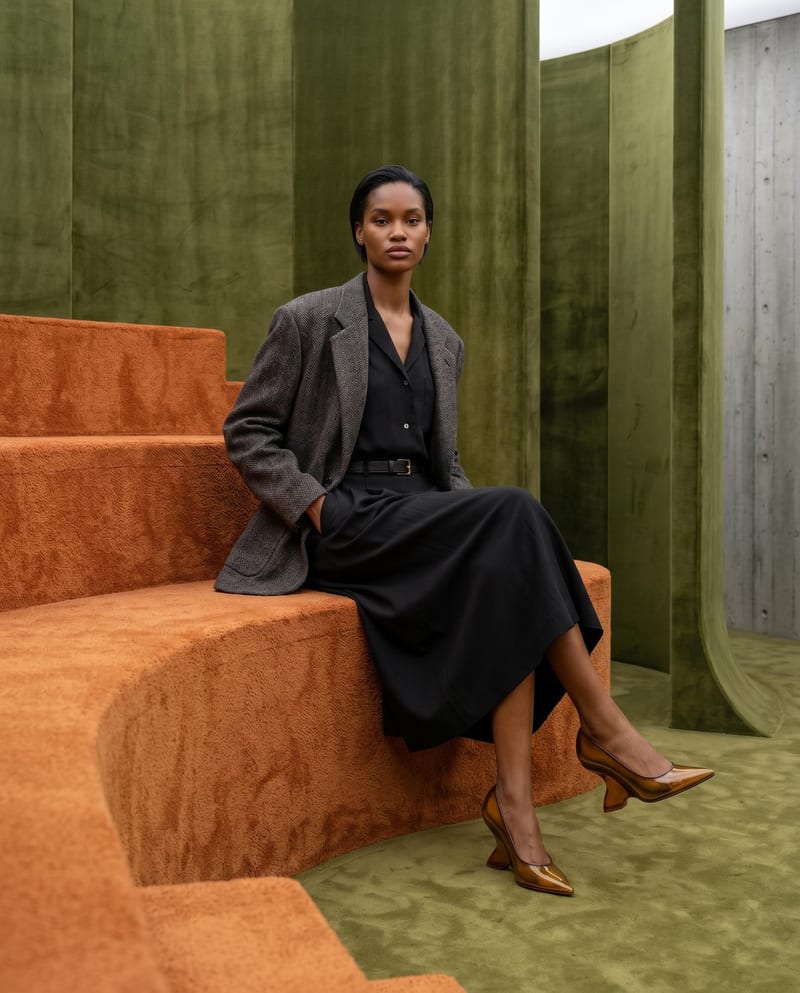
Combine model, accessory, location, and pose inputs into a fashion photography composition.
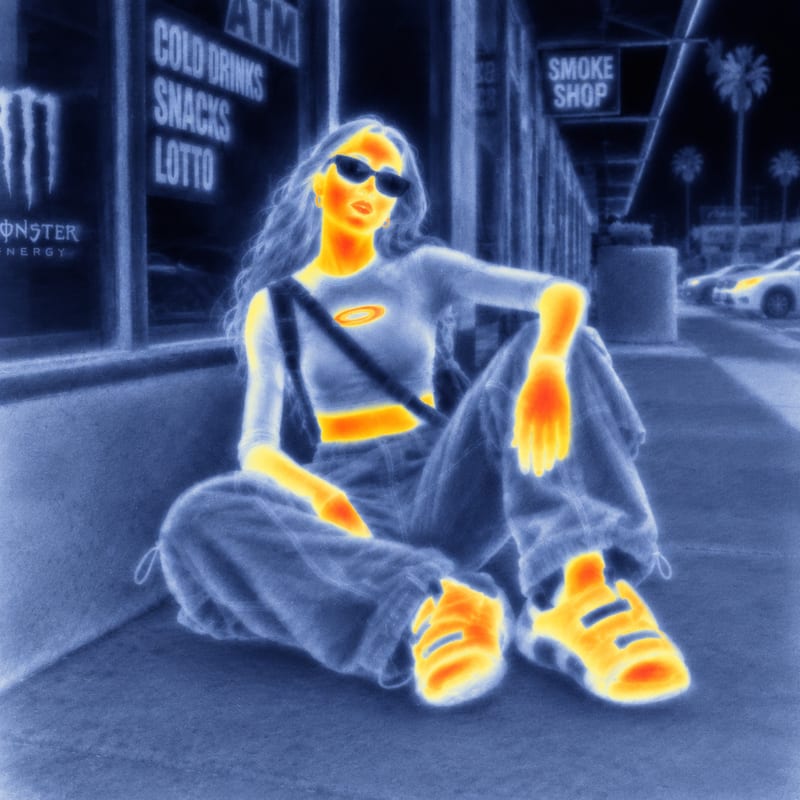
Use an input image and a style reference image to create an image with the reference’s visual style.
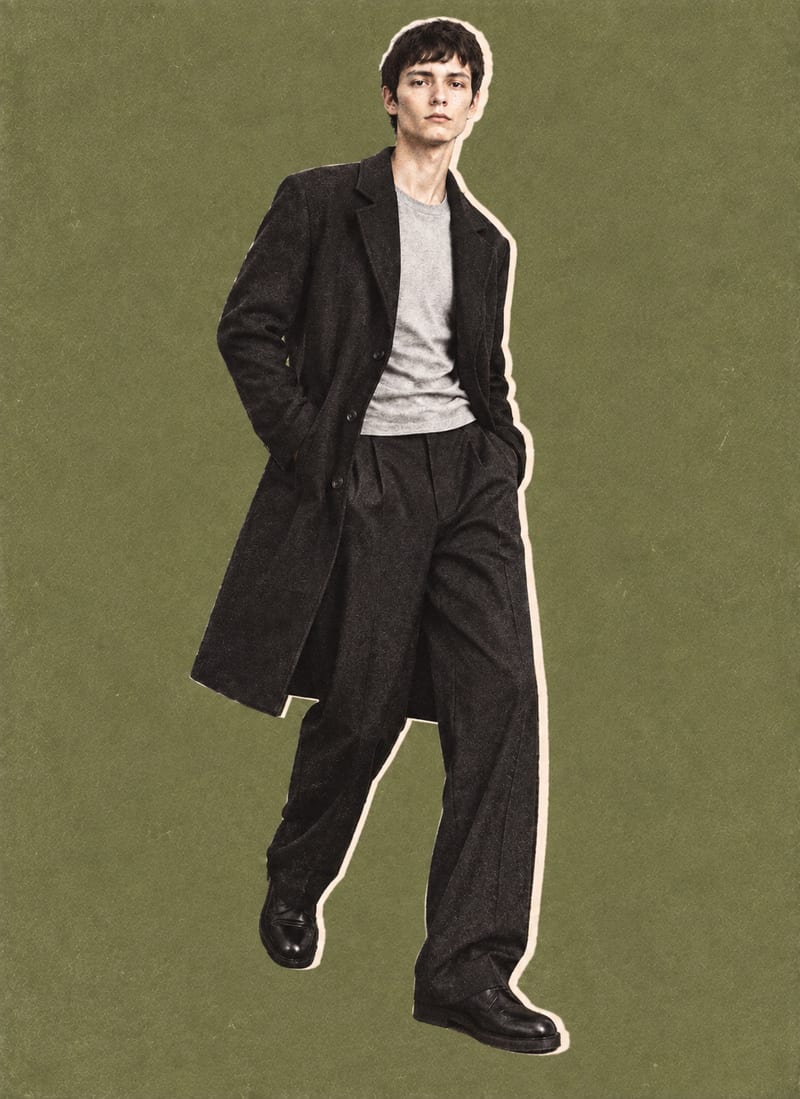
Combine a model image, lie-flat clothing shot, and background color into editorial-style fashion collage outputs.
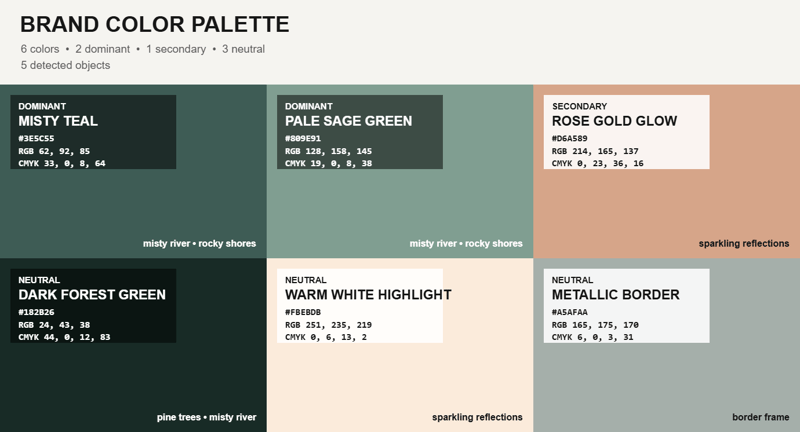
Upload an image and receive a representative color palette overlay, with a reference image available as an additional input.
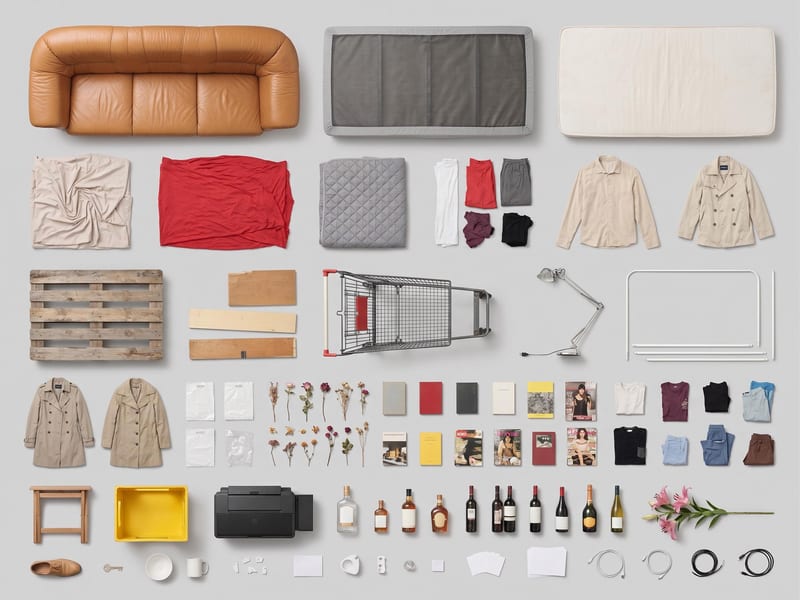
Use one source image to create a clean, top-down grid layout of its objects.
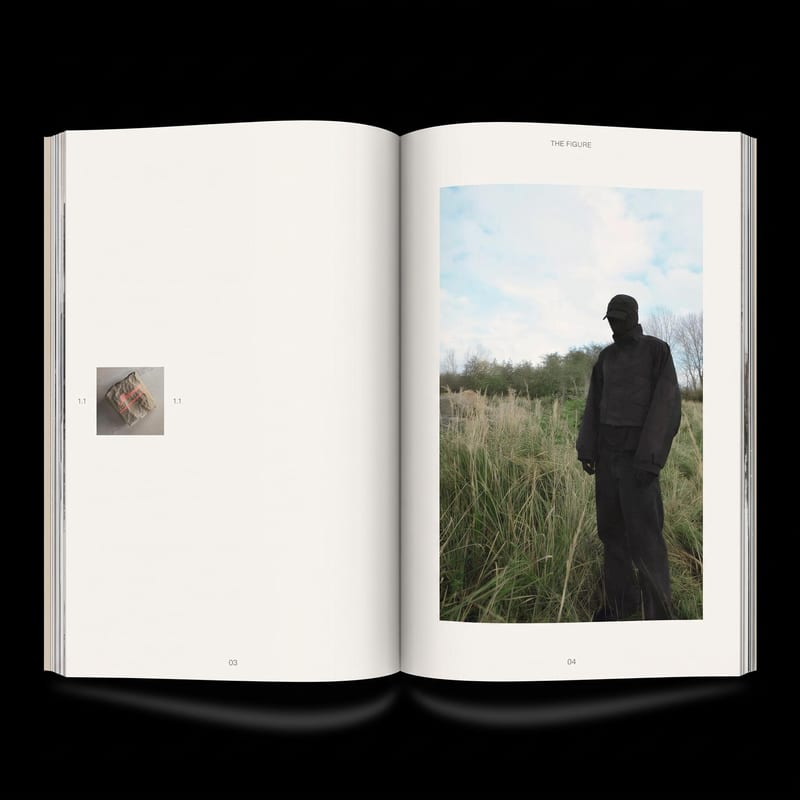
Add image(s) to generate two zine layout options for editorial and DIY publishing projects.
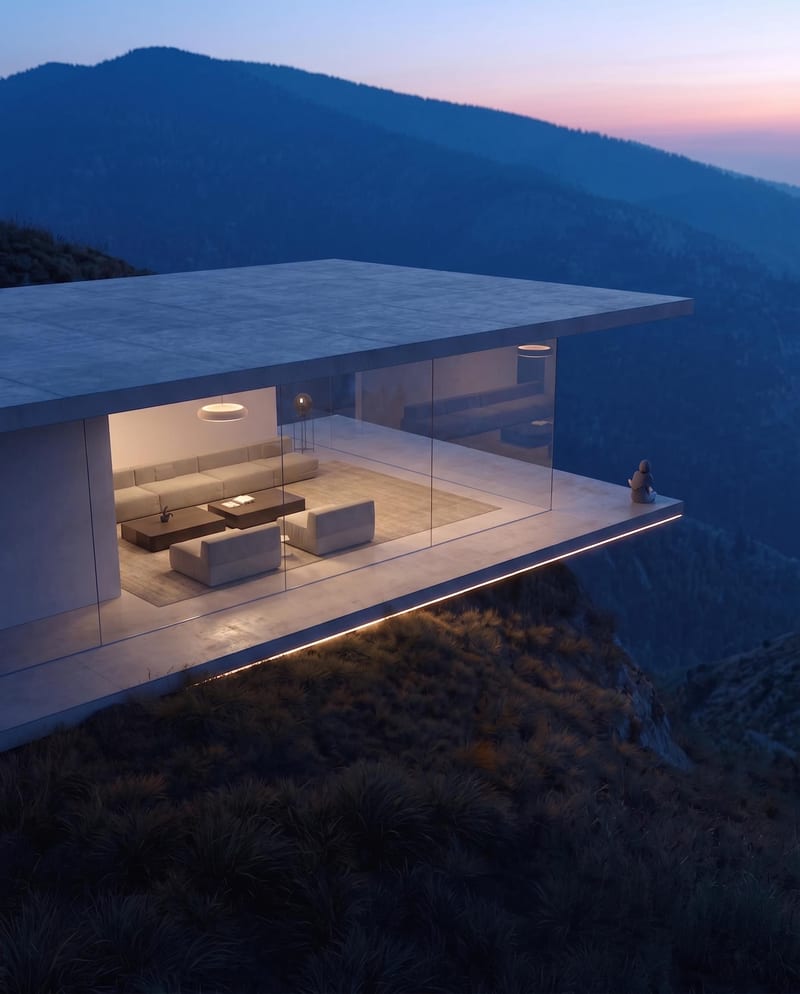
Turn a source image into a realistic aerial drone view while preserving its scene, environment, subject, and details.
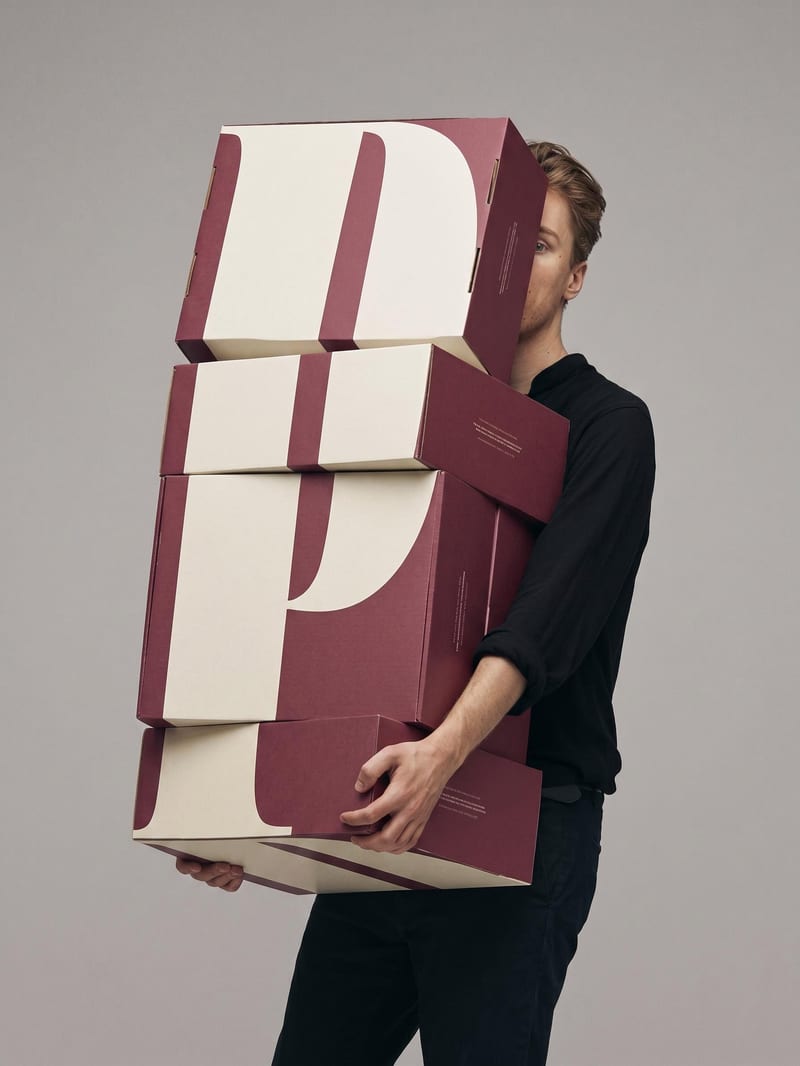
Upload a book or magazine page picture or scan to extract a clean, full-bleed version of its image.
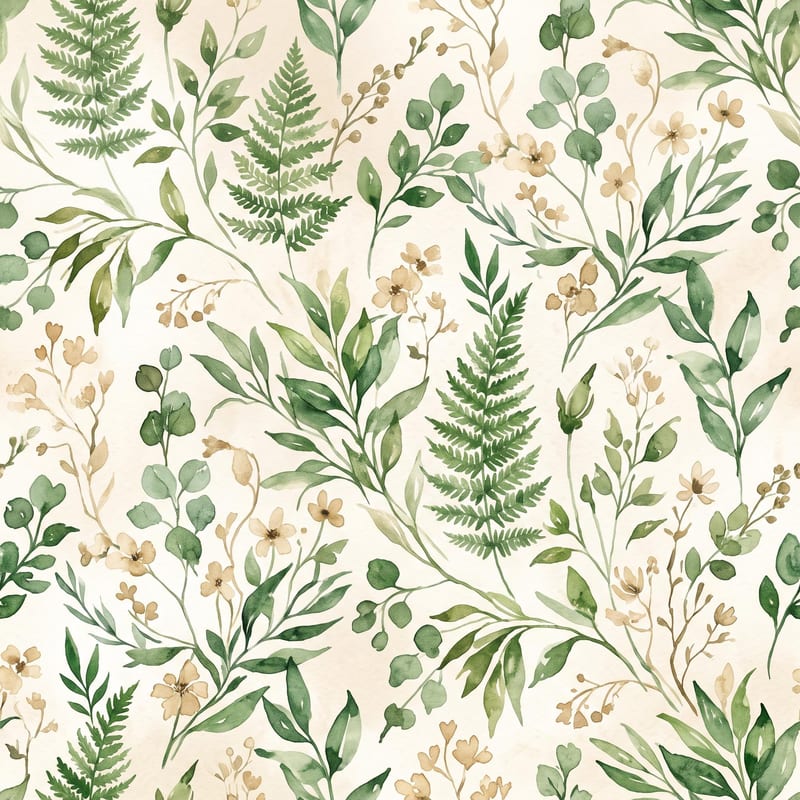
Turn a pattern or style description and color direction into a standalone fabric print image.
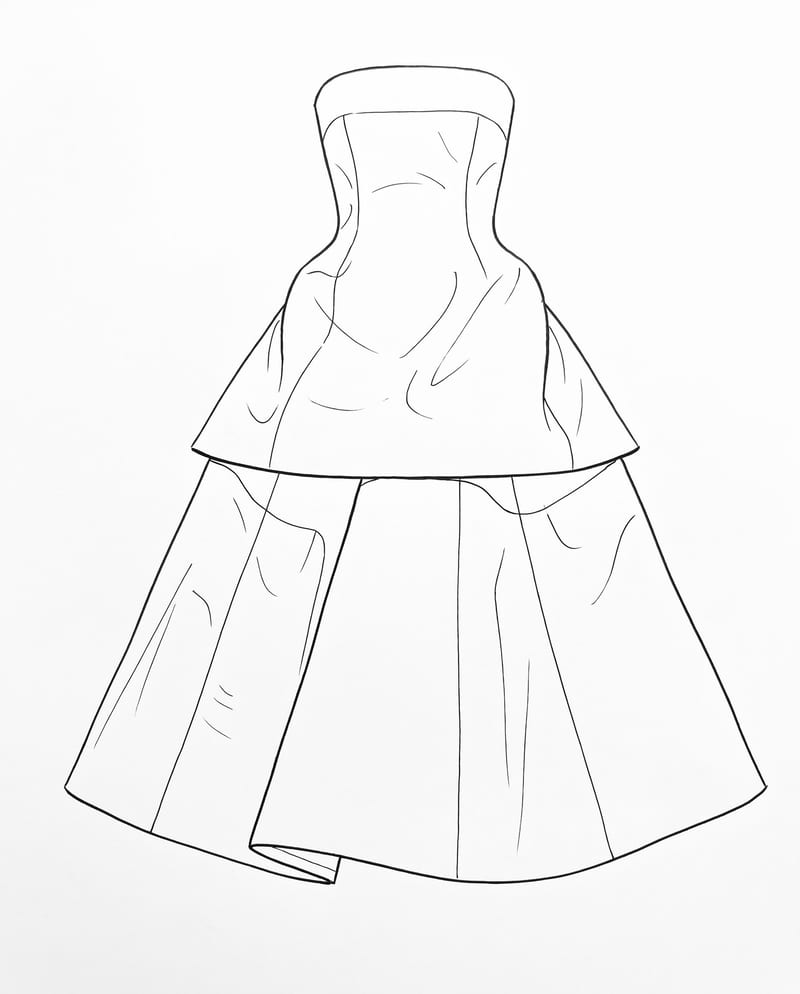
Upload a garment image to create a clean 2D sketch that retains key design details, silhouette, and proportions.
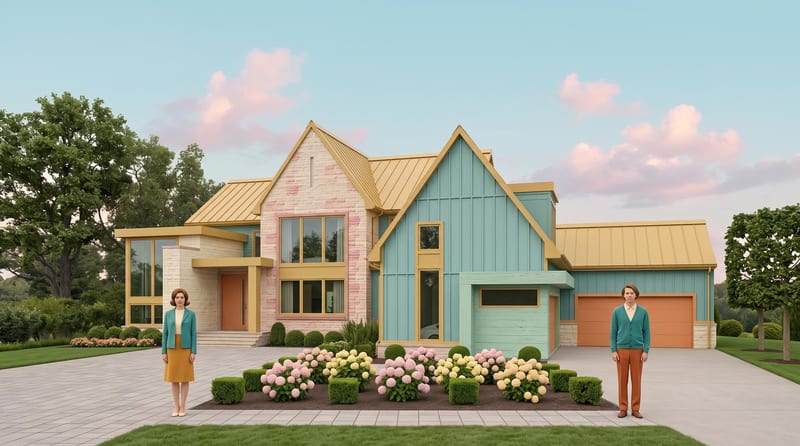
Transform a source image into a symmetrical, pastel, vintage-textured scene with quirky details and cinematic storybook charm.