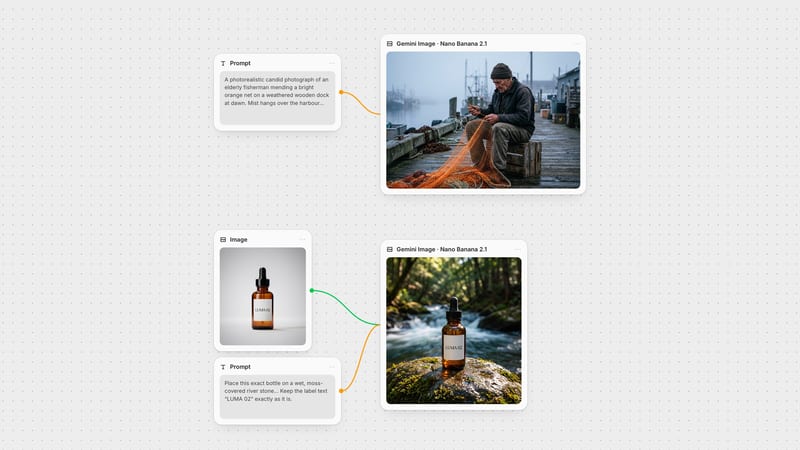
One click, whole workflow
Recipes are here. Package a whole workflow and run it in one click
Explore recipesOne click, whole workflow
Recipes are here. Package a whole workflow and run it in one click
Explore recipesbyKuaishou
Cinematic shots with real physical weight, steady camera moves and sound that arrives with the picture, from a prompt or two keyframes
Direct it like a shot list: describe the scene and camera, optionally pin the first and last frame, pick a tier, and decide whether sound renders with it.
Controlled endings, sound built in, four tiers for different stages of a project, and motion that keeps its weight across long shots.
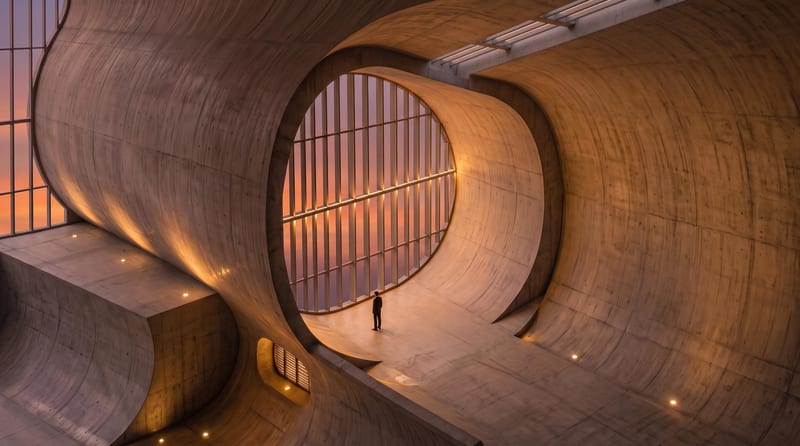
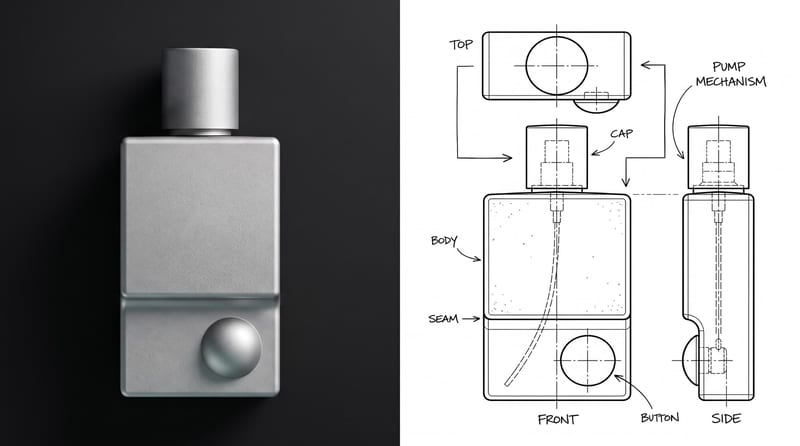
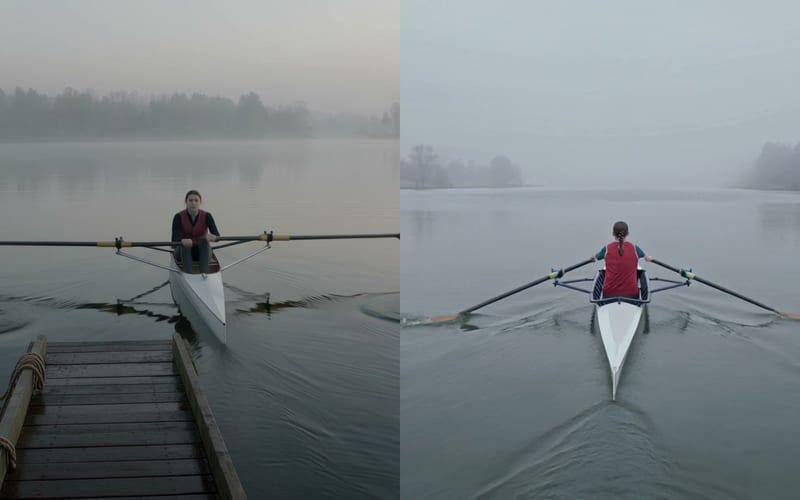
A run of clips across runway, architecture, music visuals, vertical social and character action, each showing steady camera work, material texture and matching sound.
Commercial directors, previs artists, architects, social teams and musicians reach for it when a shot needs camera discipline and sound without a separate pipeline.
Standard is for fast, lower-cost concepting; Pro is for final-quality shots. Standard suits storyboard exploration and animating concept stills, but fine details can look slightly softer. Pro is the choice for high-fidelity commercial and cinematic work and holds source-image features best in image-to-video, at higher cost and longer render times.
Use a Turbo tier. Turbo Standard is built for ideation, pitch animatics and prompt tuning, trading some fine texture and motion subtlety for speed. Turbo Pro sits between Pro fidelity and Turbo speed, with crisper edges at slightly higher cost, and suits tight deadlines and client approvals.
Yes. Add a start image and an end image, available on the Standard and Pro tiers, and the model interpolates the transition. Keep geometry, palette and lighting consistent between the two frames. Radically different lighting, scale or perspective can produce motion blur artifacts. Longer durations of 10–15 seconds help with gradual transitions.
Yes, when you turn on Generate Audio it produces ambient sound, acoustics and dialogue in the same pass as the video. Describe sounds in the prompt, and put spoken lines in brackets. Lip-sync can drift in multilingual dialogue.
From 3 to 15 seconds, set in whole seconds, with a default of 5. Aspect ratios are 16:9, 9:16 and 1:1. Use 5–8 seconds for a single camera move and 10–15 for multi-phase action or end-frame transitions.
It is weaker at dense crowds, complex multi-body collisions and fine typography or motion-graphics text. It is not built for real-time generation, and fast cuts inside a single shot are unreliable. Rapid rotational movement can also warp limbs. Kling is made by Kuaishou.
Cinematic shots with real physical weight, steady camera moves and sound that arrives with the picture, from a prompt or two keyframes
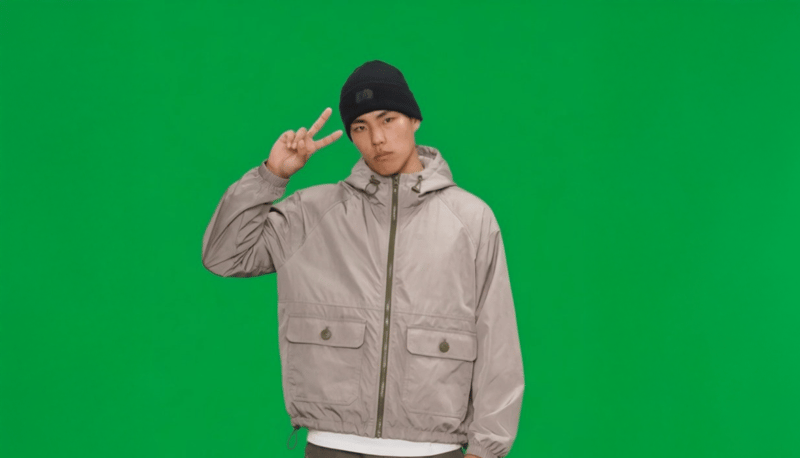
Provide a full-body portrait and motion description to create a green-screen 2D video card of the pictured subject.
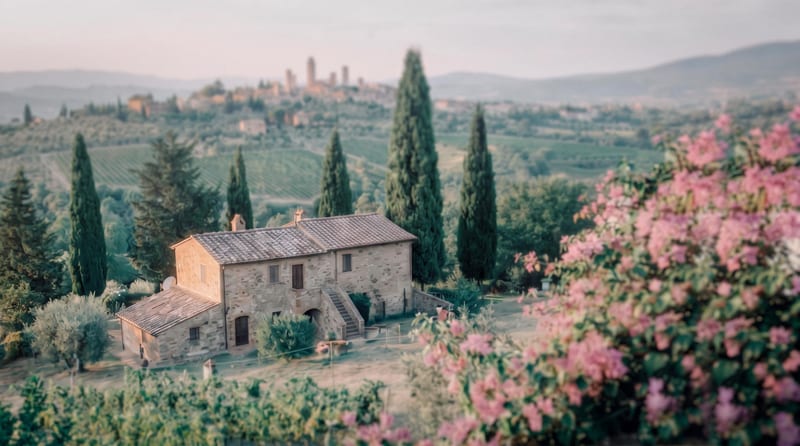
Transform a source image into a cinematic frame with refined color grading, atmospheric tones, soft contrast, and subtle film texture.
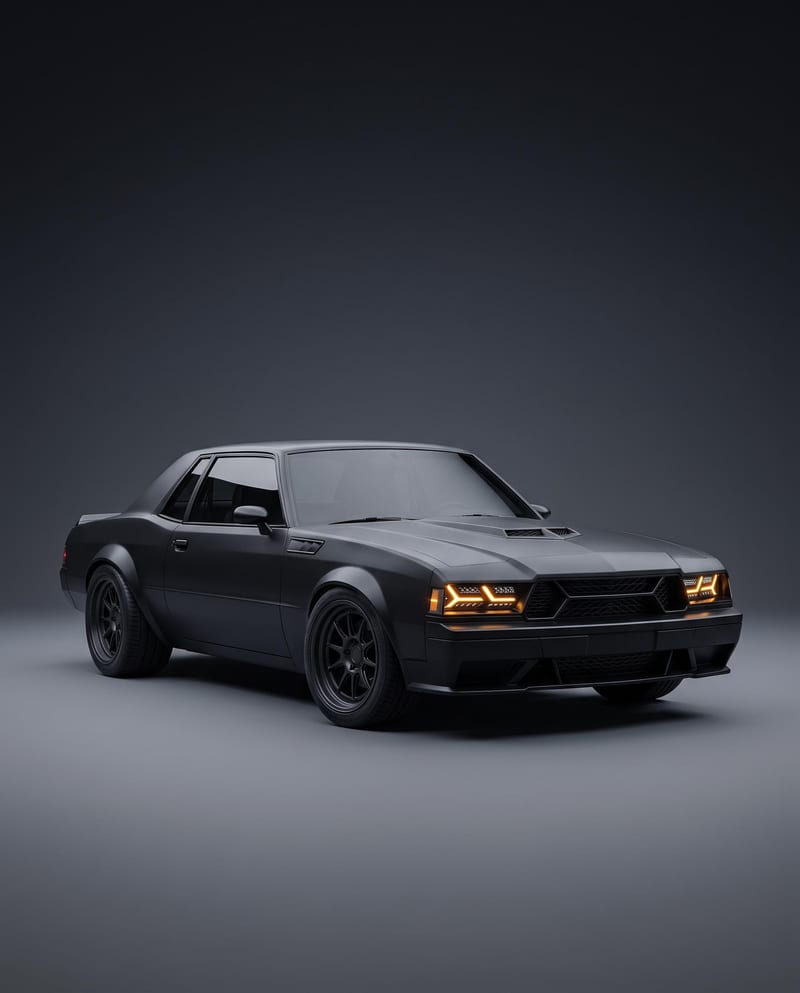
Turn a car reference image into a cinematic car render image and showcase video with full-body views, angles, and close-ups.
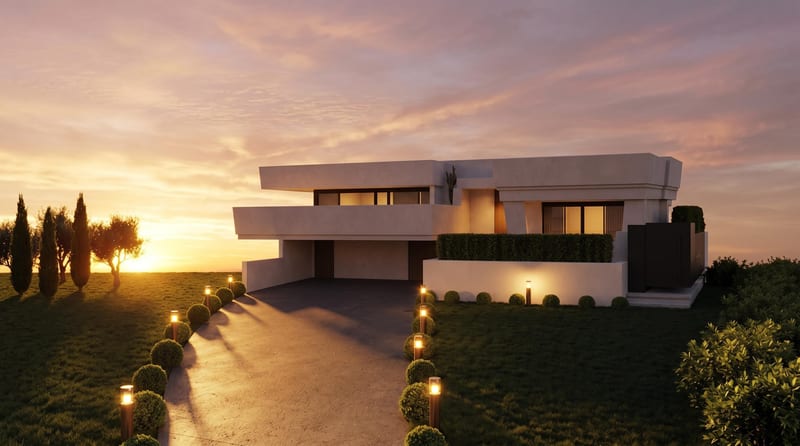
Convert a daytime architecture render into an evening render and a timelapse video for visualizing the same scene.
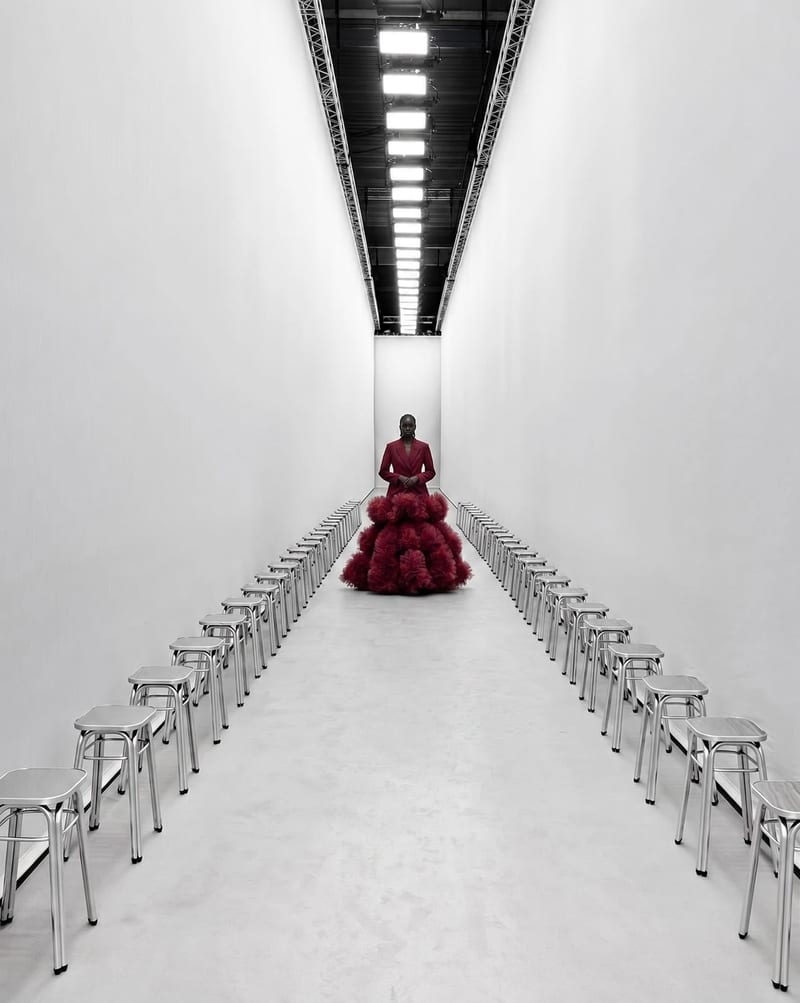
Combine garment, model, and runway images to create a video of the model walking through the selected runway environment.
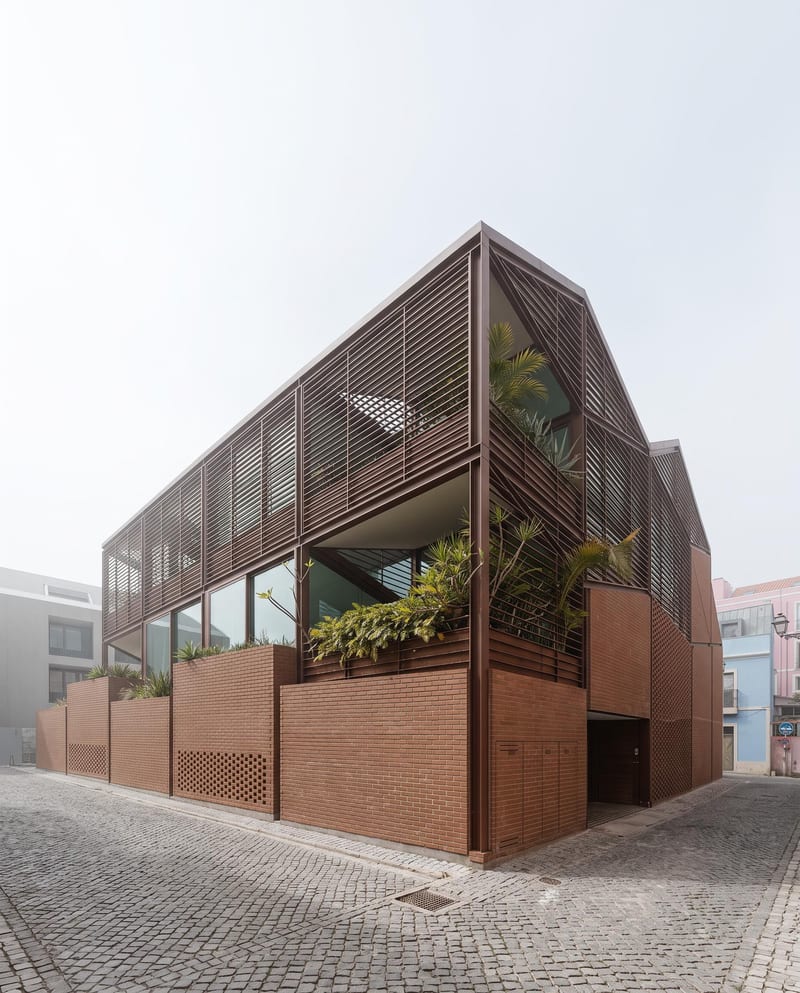
Turn a floor plan and reference render into additional architectural views, a close-up render, and an interior walkthrough video.
Explore interior moods, material palettes and architectural concepts. Turn room references and sketches into clear client presentation boards in Fuser.
Develop on-person garment imagery, editorial concepts and lookbook layouts. Bring collection references, virtual try-on and editable design together in Fuser.
Develop film treatments, character and environment concepts, storyboards and motion studies. Connect image, video and 3D exploration in Fuser.
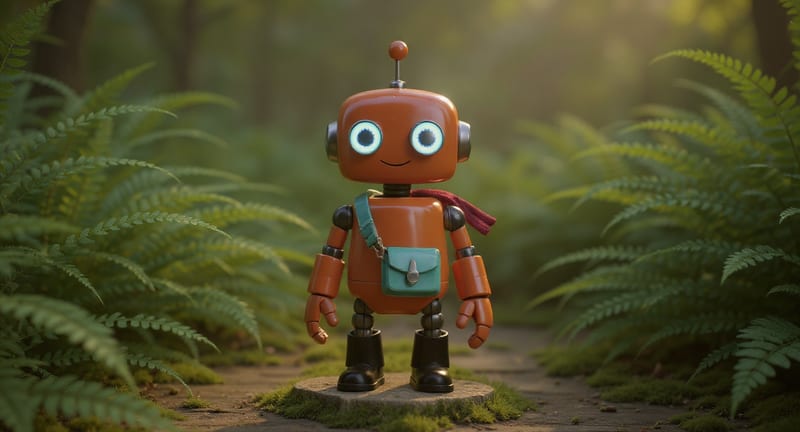
Explore game characters, props and environments, develop 3D starting points and build playable web experiments. Shape your game’s art direction in Fuser.
Develop pitches, campaign assets and interactive client work in Fuser. Combine AI generation, editable design and reusable processes across your agency.
Create product images, lifestyle scenes and campaign assets for your next ecommerce launch. Keep branding editable and reuse creative setups in Fuser.
Create studio-style product images, lifestyle scenes and motion studies. Combine reference-led generation with precise, editable composition in Fuser.
Develop storyboard frames, shot variations and video studies from your references. Compose clear boards and explore movement in one Fuser project.