Recipev3
Fun Font Maker
Generated Alphabet
One click, whole workflow
Recipes are here. Package a whole workflow and run it in one click
Explore recipesType & Lettering
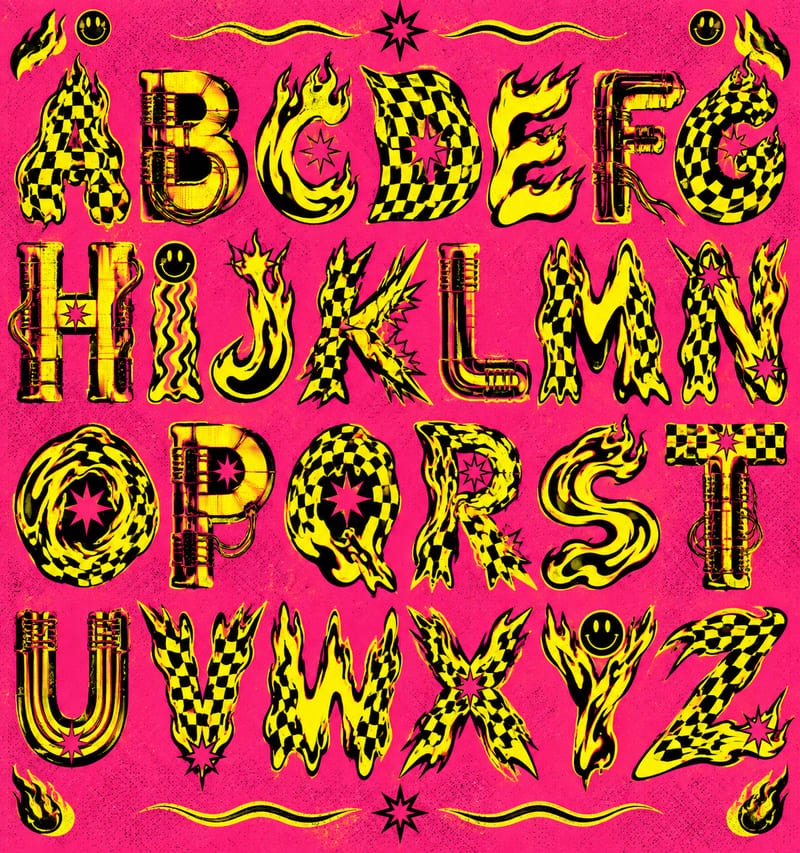
Use a style reference and custom text to create a generated alphabet and styled lettering in the reference’s visual style.
Generated Alphabet
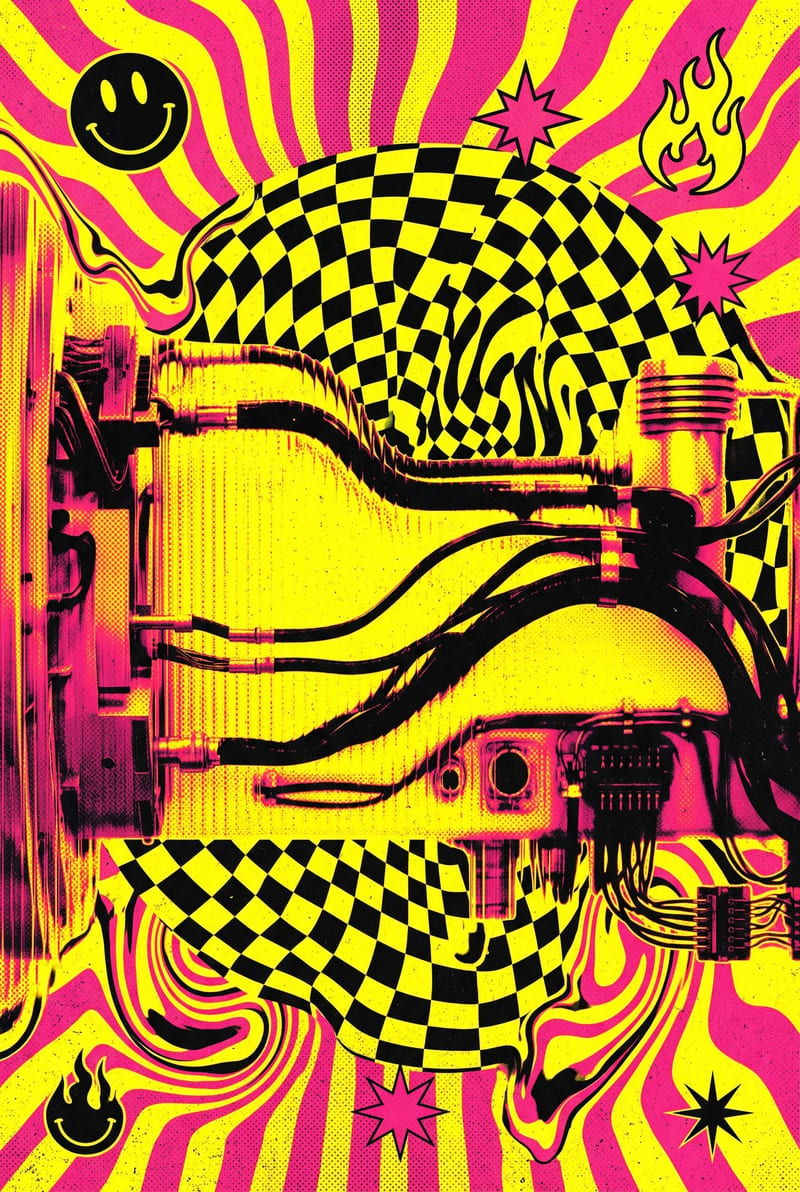

A recipe turns a reusable workflow into a simple set of inputs and outputs. Start with a community recipe and make it your own in Fuser.

1. Choose a recipe
Find a workflow for the result you want. Review what it does and how to use it before opening it in Fuser.
2. Make it your own
Check the recipe’s available inputs. Add your own text or media where supported, or start with the saved defaults.
3. Run and refine
Run it in Fuser and review the result on your canvas. Tweak the inputs to try another direction.
Apply the reference-based lettering workflow to exploratory type, interface concepts, and presentation-ready text studies.
It uses a style reference image and your text input to create two image outputs: a Generated Alphabet and Styled Text. The saved example uses “Hello world” as its text input.
It is intended for people exploring type and lettering, including designers working on wordmarks, web concepts, interface visuals, or presentation studies. The Web & Interface category makes it especially relevant when lettering needs to be considered in a digital design context.
Prepare one image that shows the lettering style you want to reference and enter the word or phrase you want rendered. In Fuser, the Style Reference and Text Input are exposed inputs that you can change for a new run.
The Generated Alphabet output provides an image of the reference-based lettering system, while Styled Text applies the treatment to the text you entered. Together, these outputs let you compare the broader letter set with your specific word or phrase.
Yes. You can replace the Style Reference image and edit the Text Input in Fuser because both are exposed inputs. The saved example is only the default connection using the “Hello world” phrase; a new run uses the values you provide.
It can support early exploration for wordmarks, web headlines, interface labels, campaign phrases, and design presentations. These are appropriate uses for testing a reference style with new text, rather than treating the saved example as a finished brand or production typeface.
The recipe is centered on one image-based style reference and one text input, with a Generated Alphabet and Styled Text as its saved outputs. The available customization described here is changing those two inputs; no additional controls or output formats are specified.
Bring a lettering reference and a word or phrase to Fuser to explore the generated alphabet and styled text outputs.
Build working product demos, launch pages and brand visuals in Fuser. Help a small startup team turn the next idea into something people can try.
Explore a brand’s visual identity, refine typography and build real applications. Combine AI imagery with editable design and reusable workflows in Fuser.
Turn a UI or UX idea into a working web prototype. Create its visual assets, refine the interaction and share a live Fuser App for feedback.
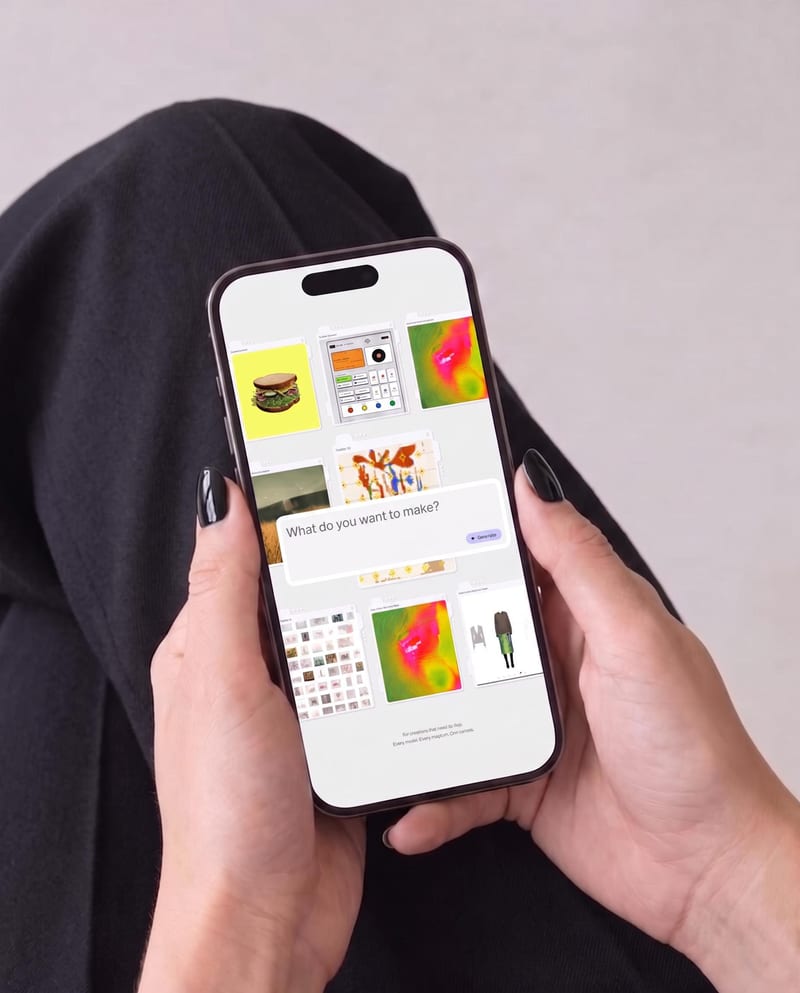
Place one UI design image into phone, tablet, and desktop mockups for realistic product presentation previews.
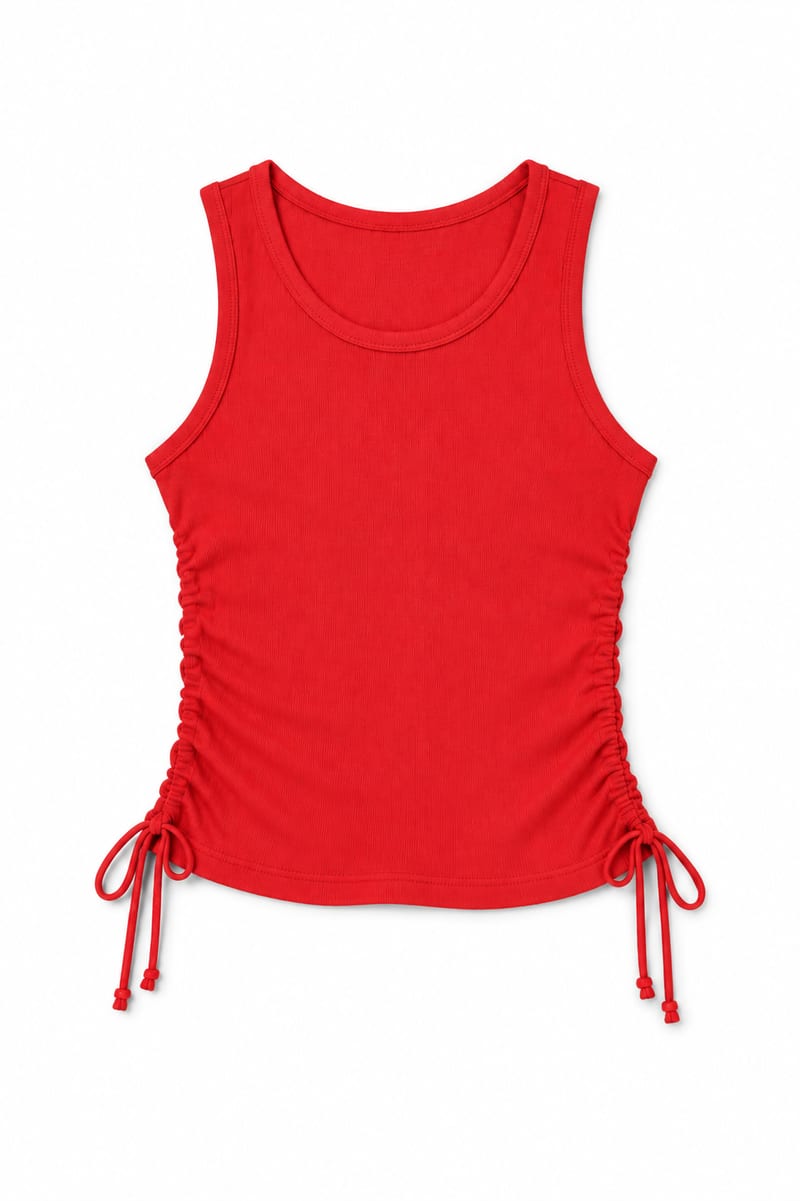
Transform an image of a clothing item into a website-ready photo with a background color you choose.

Upload an iPhone-quality site photo and receive an edited color image prepared for website use.