One click, whole workflow
Recipes are here. Package a whole workflow and run it in one click
Explore recipesOne click, whole workflow
Recipes are here. Package a whole workflow and run it in one click
Explore recipesBuild the demo. Make the launch look the part.
A small team still needs a convincing product story. Create a working demo, shape the brand visuals and build a live launch page in Fuser. Give customers and teammates something concrete to try, discuss and remember.
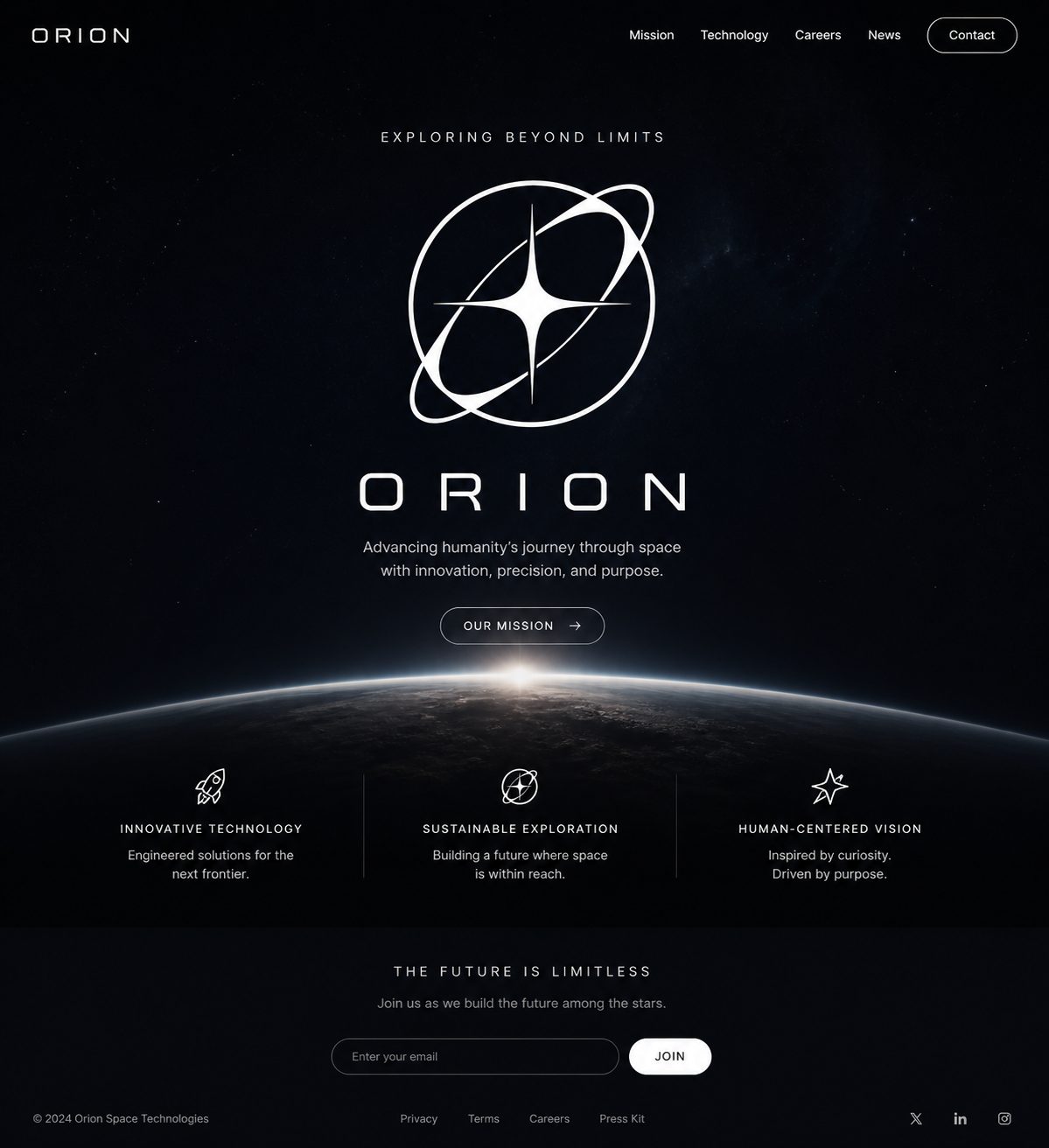
Use Fuser Apps to turn a focused product idea into a running web experience. Try an onboarding flow, a feature demo or a simple tool in private preview. Bring a working example to the conversation when describing the idea is no longer enough.
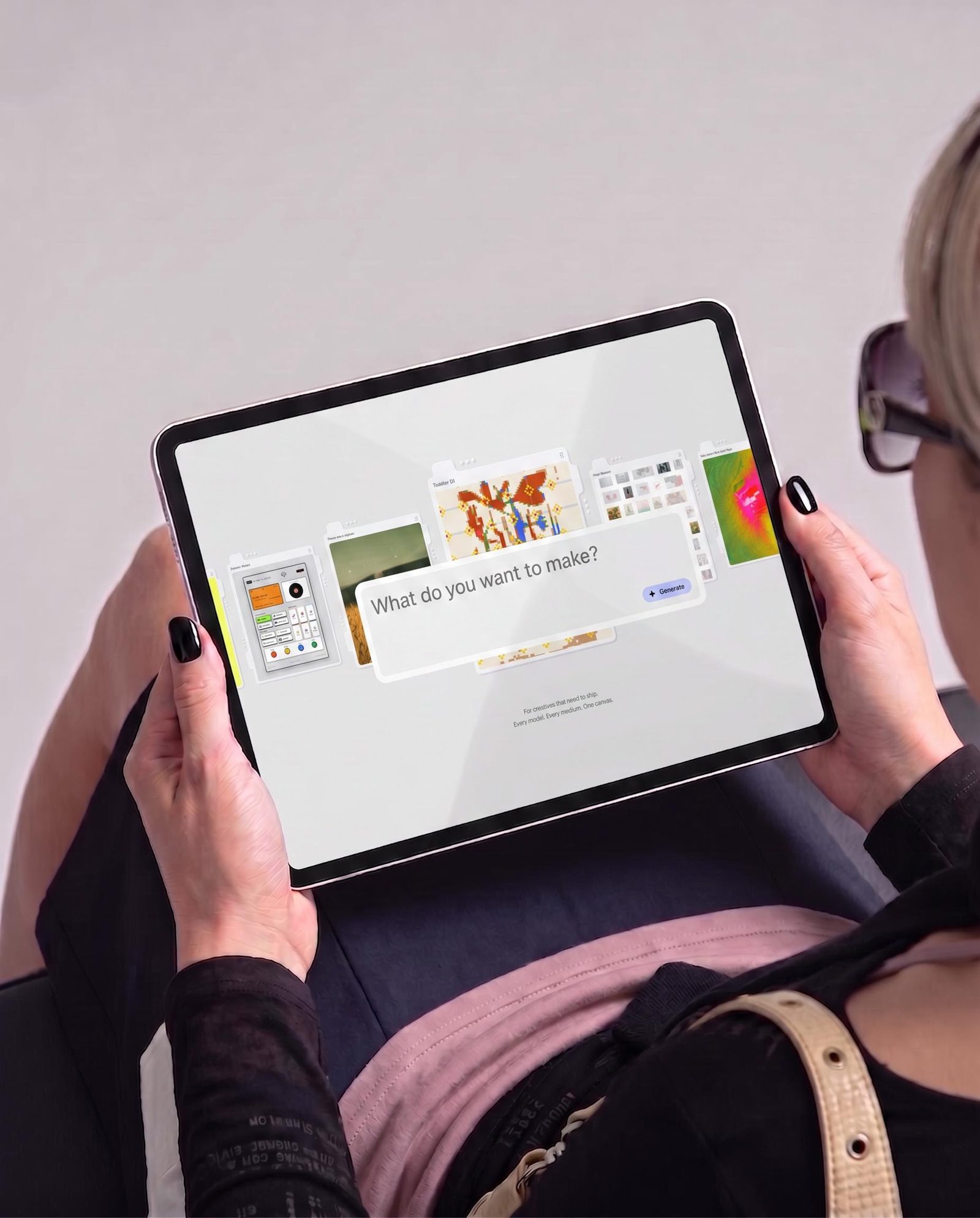
Create supporting imagery and compose the visuals for your pitch, social posts and announcements. Keep your logo and messaging editable. The same project can hold the product experiment and the assets that explain why someone should care about it.
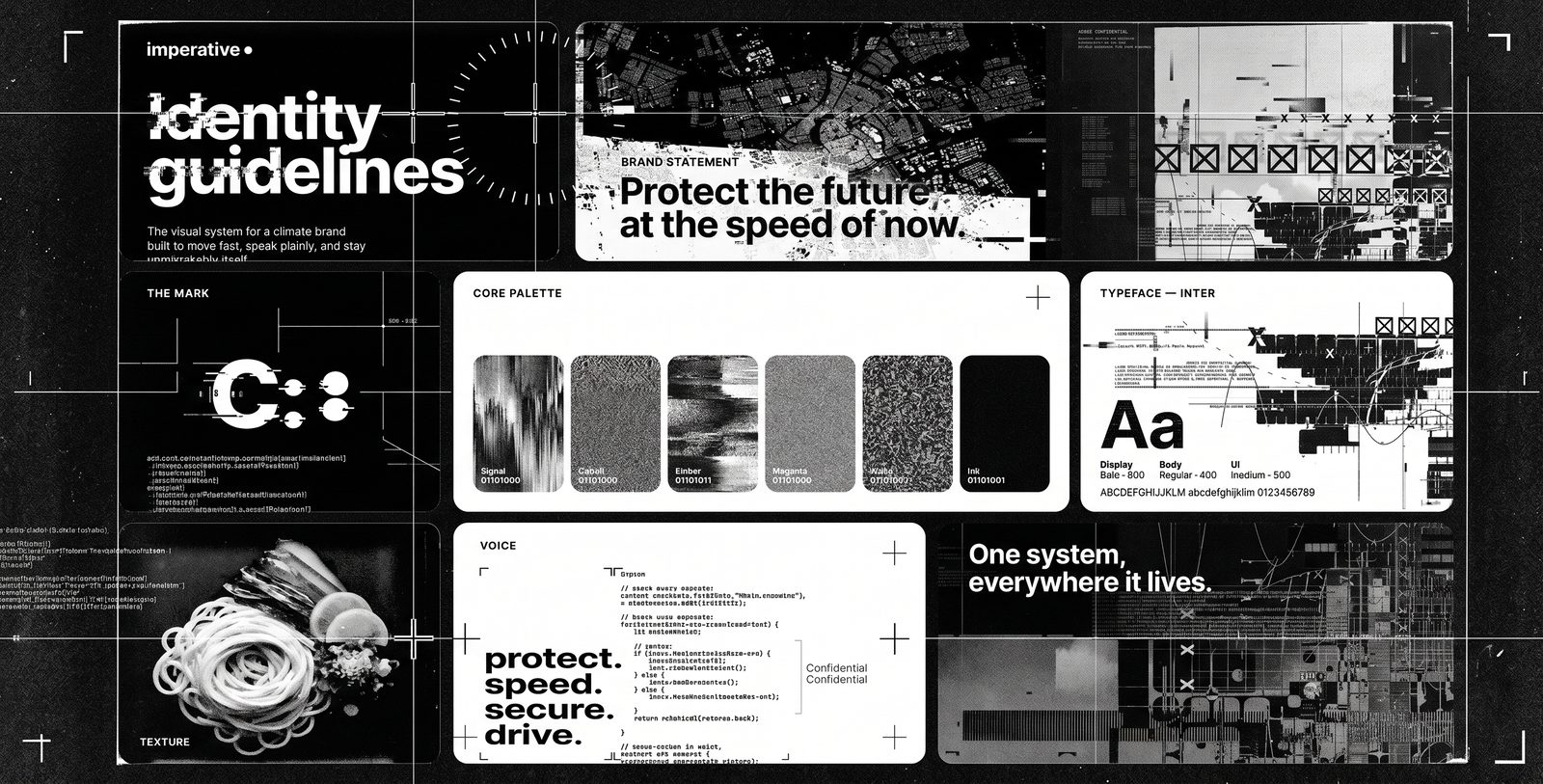
Publish a landing page or demo to a live URL when it is ready. Keep refining content, styles and behavior in the next draft, then update the live version deliberately. You can work on what comes next without turning every edit into a public change.
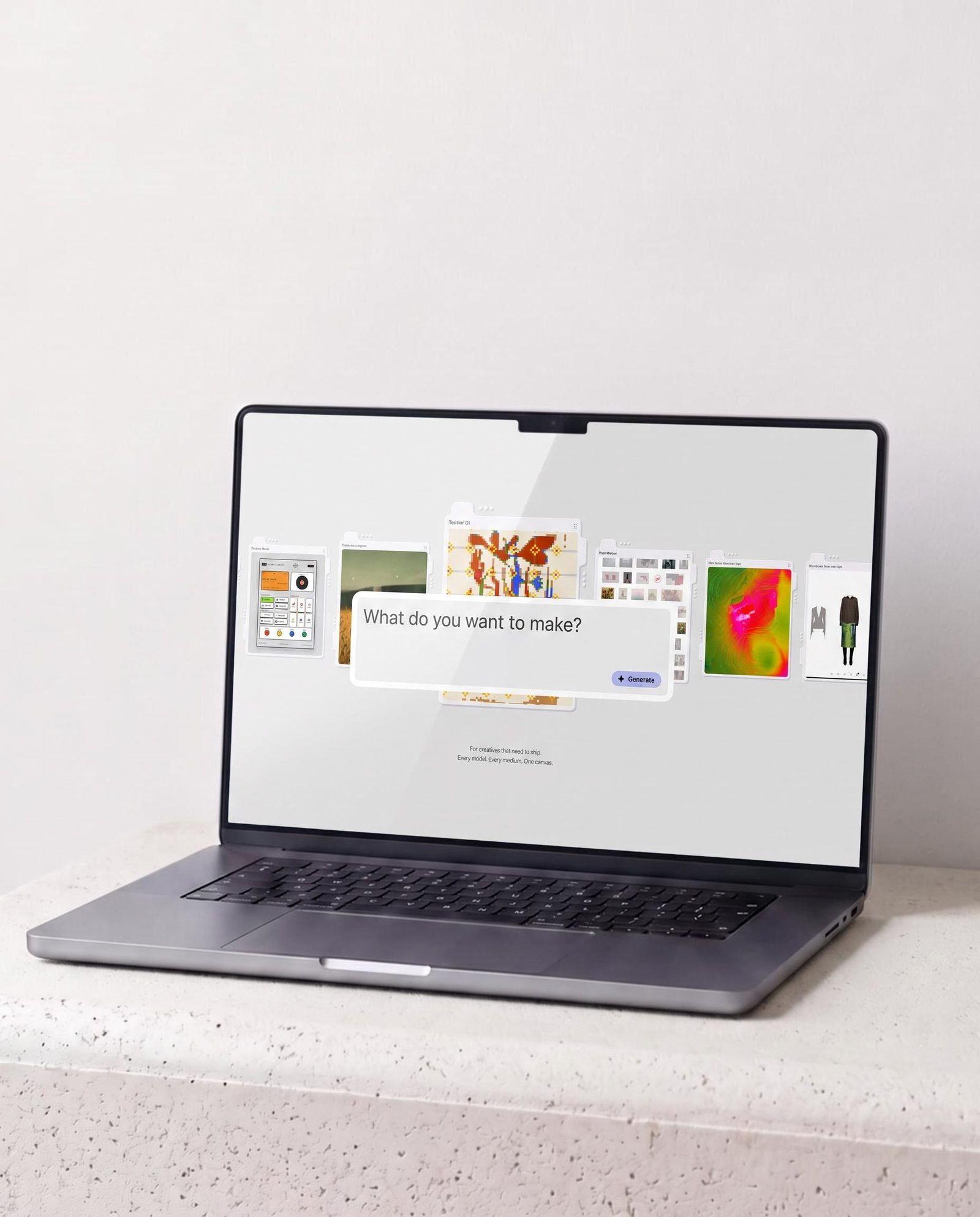
Make the pieces a small team needs to explain, test and introduce a product.
Yes. Describe what you want to build, try the running preview and ask for changes in plain language. You can also edit content, styles and code directly. Fuser Apps are working websites, not just images of an interface.
Yes. Build the running page with Apps, develop supporting imagery on the canvas and compose announcement graphics in Compositor. Connect finished assets into the App so the page uses the actual work you selected. A small team can develop the destination and its visual story in the same workspace.
Yes. Keep making changes in the draft and choose when to update the live version. App version history lets you revisit earlier builds. Publishing makes the version you are viewing public, so you control what the audience receives.
Use an App to make a focused, running version of the interaction you want to test: a selection flow, an onboarding step or a small interactive demo. Start with sample content and a clear question. Show people something they can try, then use what you learn to decide what deserves more development.
Yes. Supply visual references as Inspiration and actual logos or imagery as Assets. Adjust the App’s fonts and colors, replace media and edit exposed content directly. You can also ask for revisions or change code, so the first generated design is a starting point, not a fixed template.
Test the main journeys, mobile layout, accessibility and any connected data handling. The review for a launch page is different from the review for a customer-facing service. Start with a focused scope, check that it behaves as intended, and choose when to publish the version customers will see.
Organize projects and source assets in team folders, and save repeatable visual workflows as Recipes. New teammates can work from the same references and process while changing the brief or input imagery. Keep Apps and compositions editable so product messaging can evolve without discarding the whole launch setup.
Start with the demo or launch page your team needs most. Develop the visuals around it as you go.
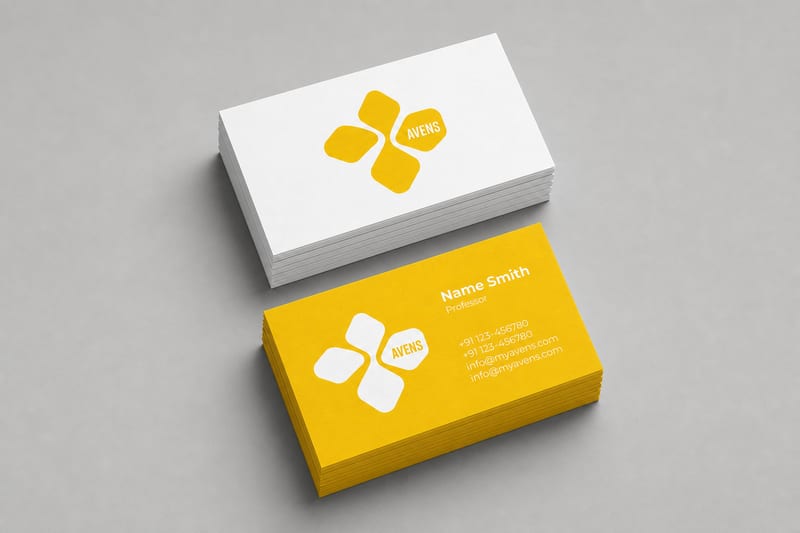
Turn one logo into business card, letterhead, tote bag, socks, hat, and shirt mockups.
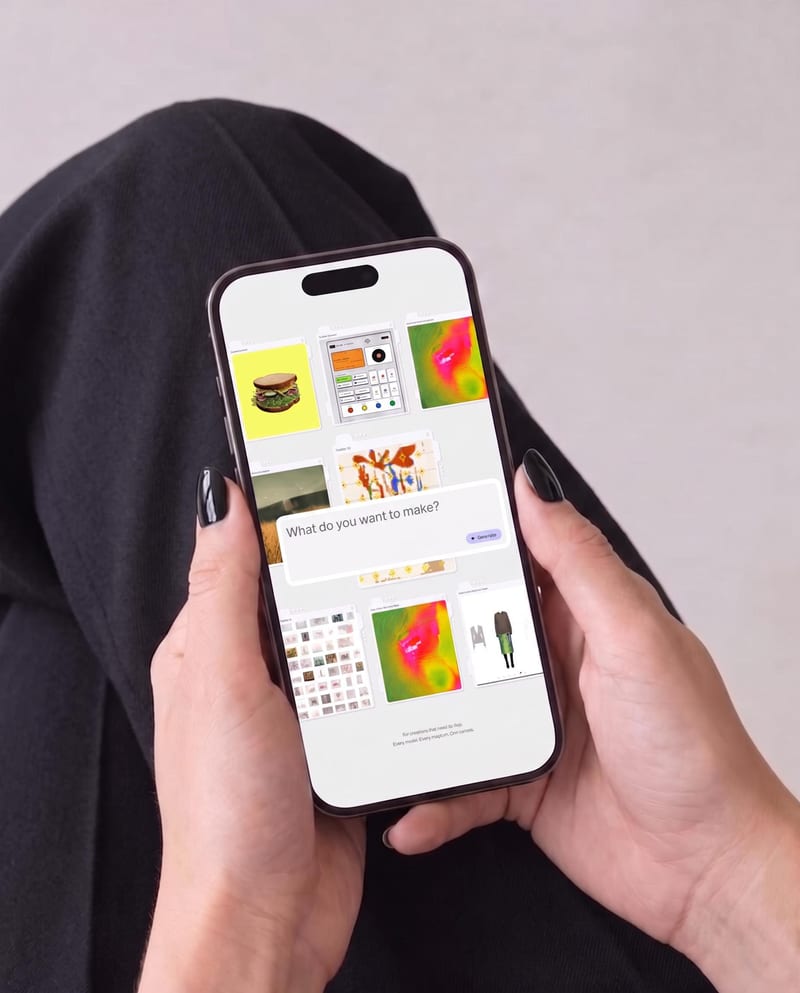
Place one UI design image into phone, tablet, and desktop mockups for realistic product presentation previews.
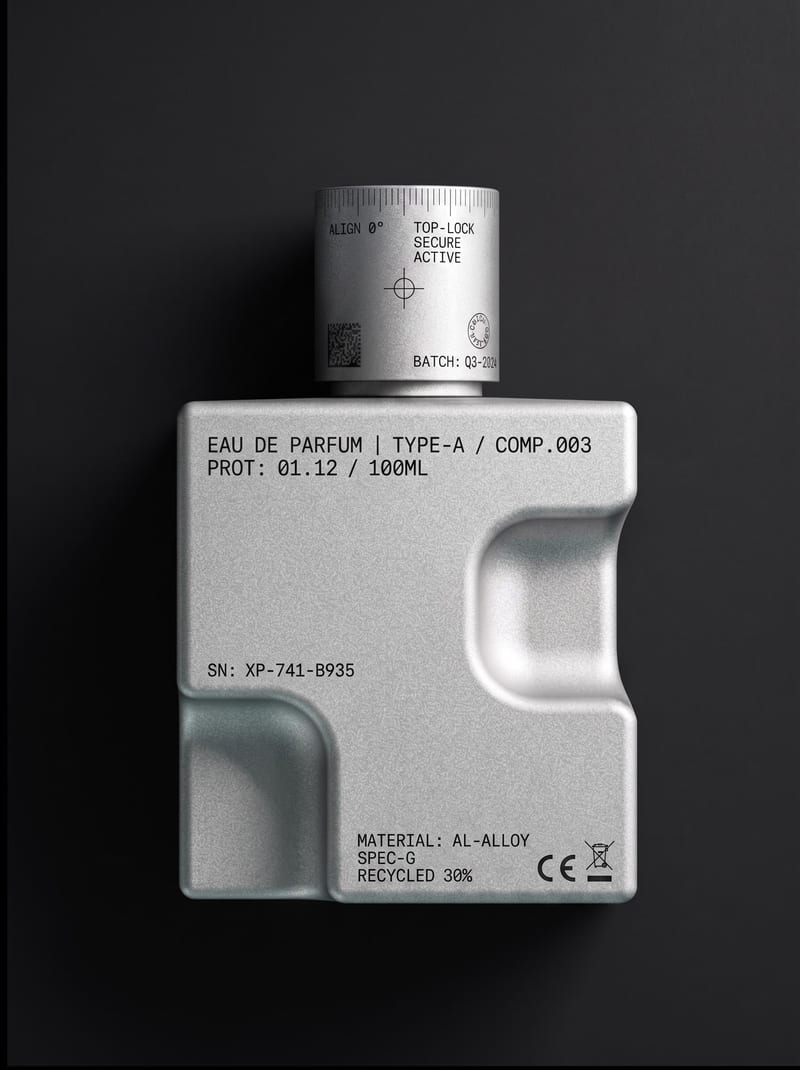
Upload an object or image and receive an image showing that object with micrographics added.
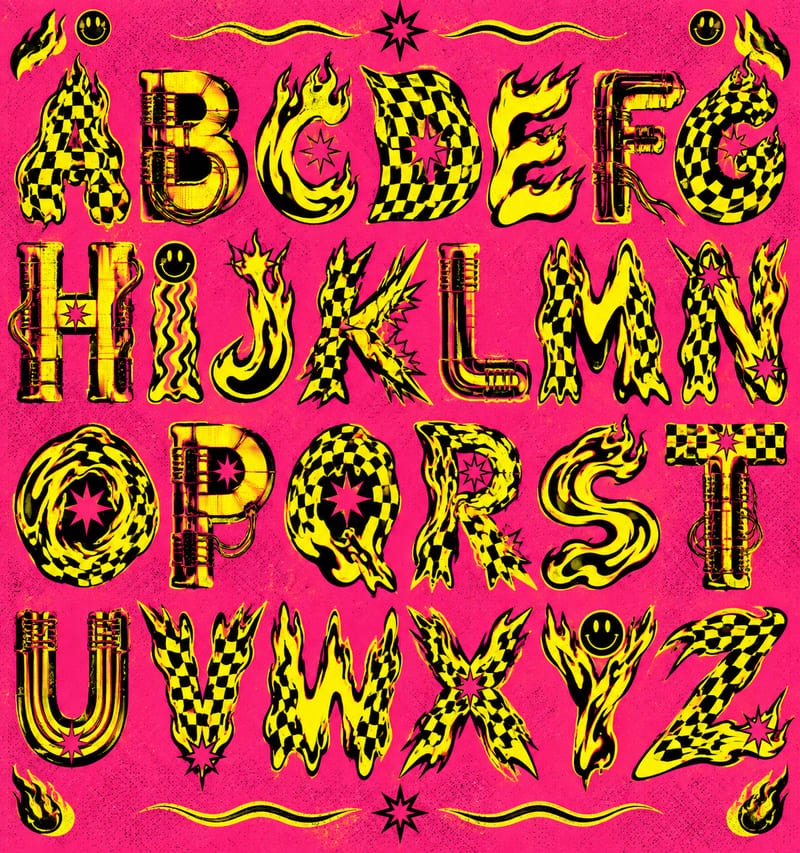
Use a style reference and custom text to create a generated alphabet and styled lettering in the reference’s visual style.
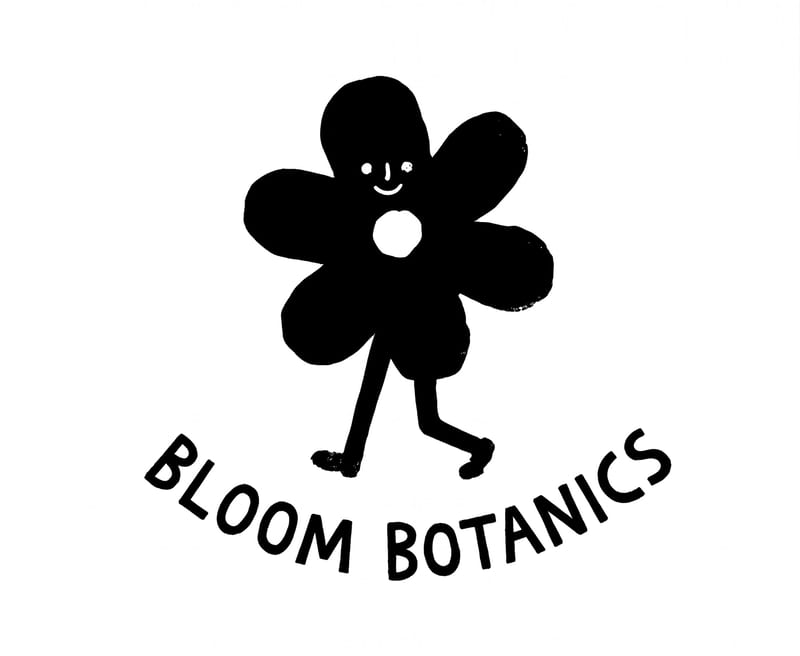
Enter a logo subject, such as a flower shop, to create two hand-drawn logo options for branding and social content.
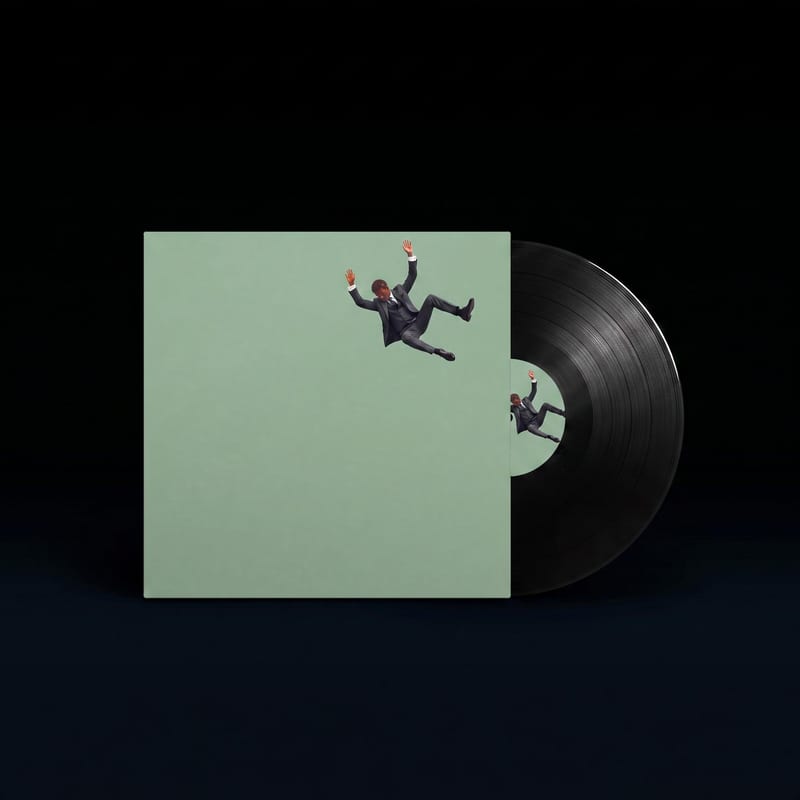
Upload front and back album cover designs to see them presented as vinyl, cassette, and CD mockup images.
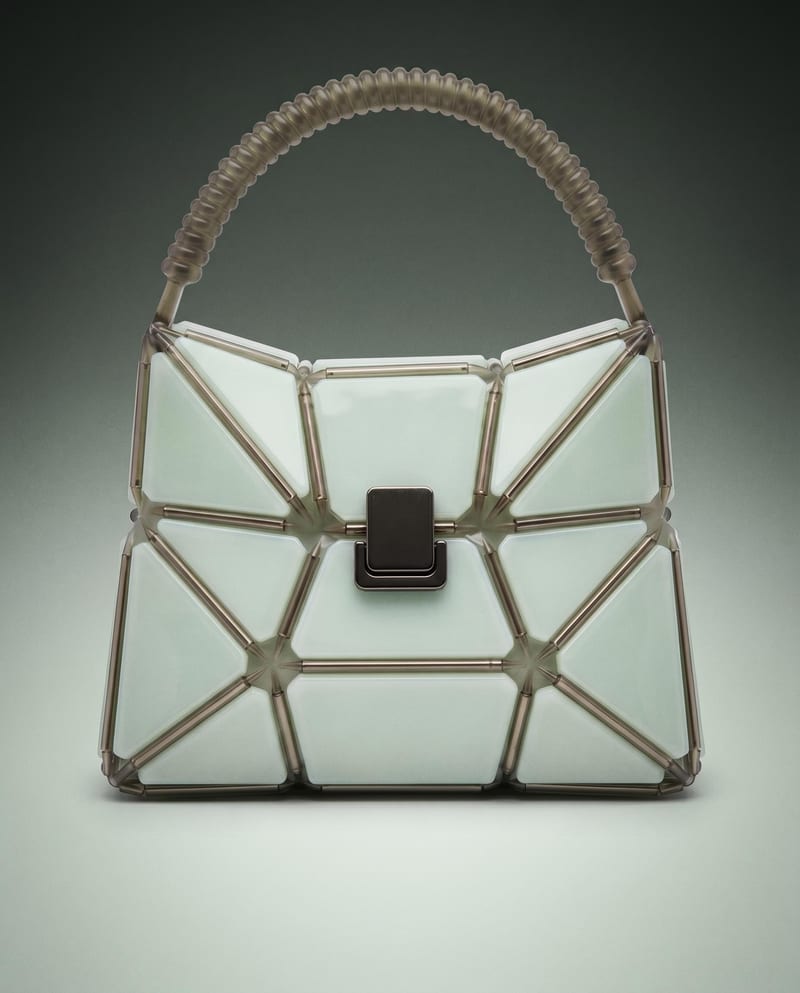
Use a product image to create studio, handheld, and poster shots for product advertising and brand presentations.
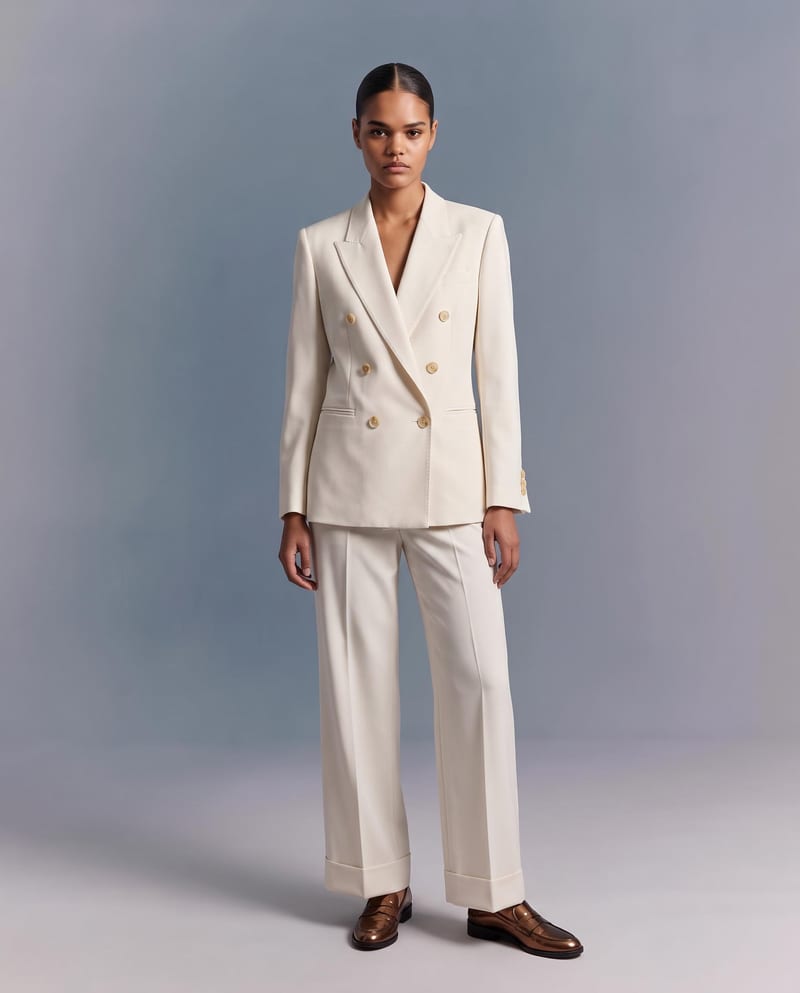
Upload a garment image to create a virtual try-on image of it on a model while preserving its design, color, fit, proportions, and details.
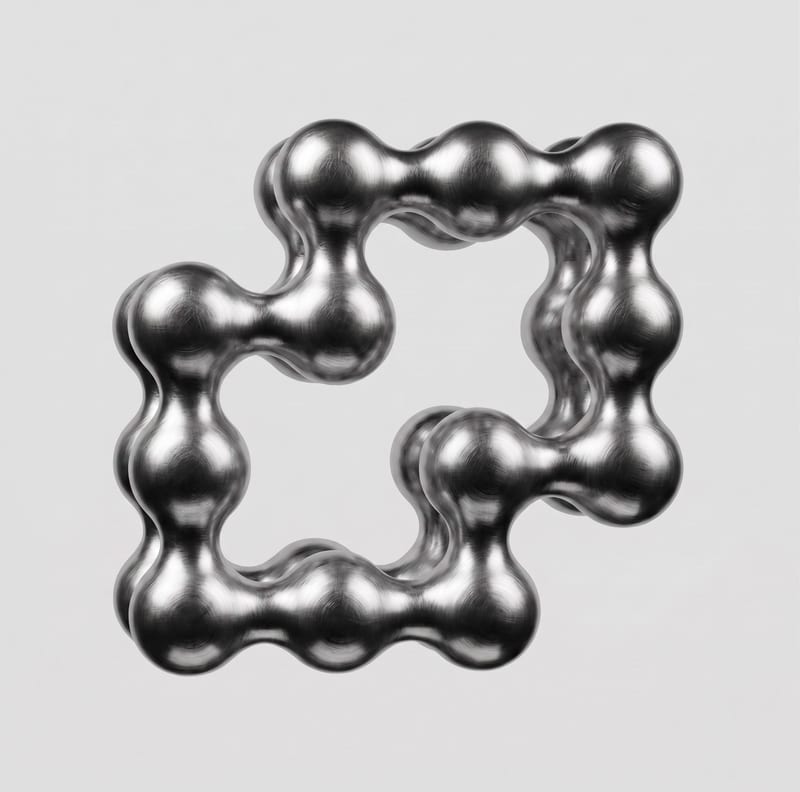
Upload a 2D logo and material reference to create a realistic 3D render that preserves the original logo design.
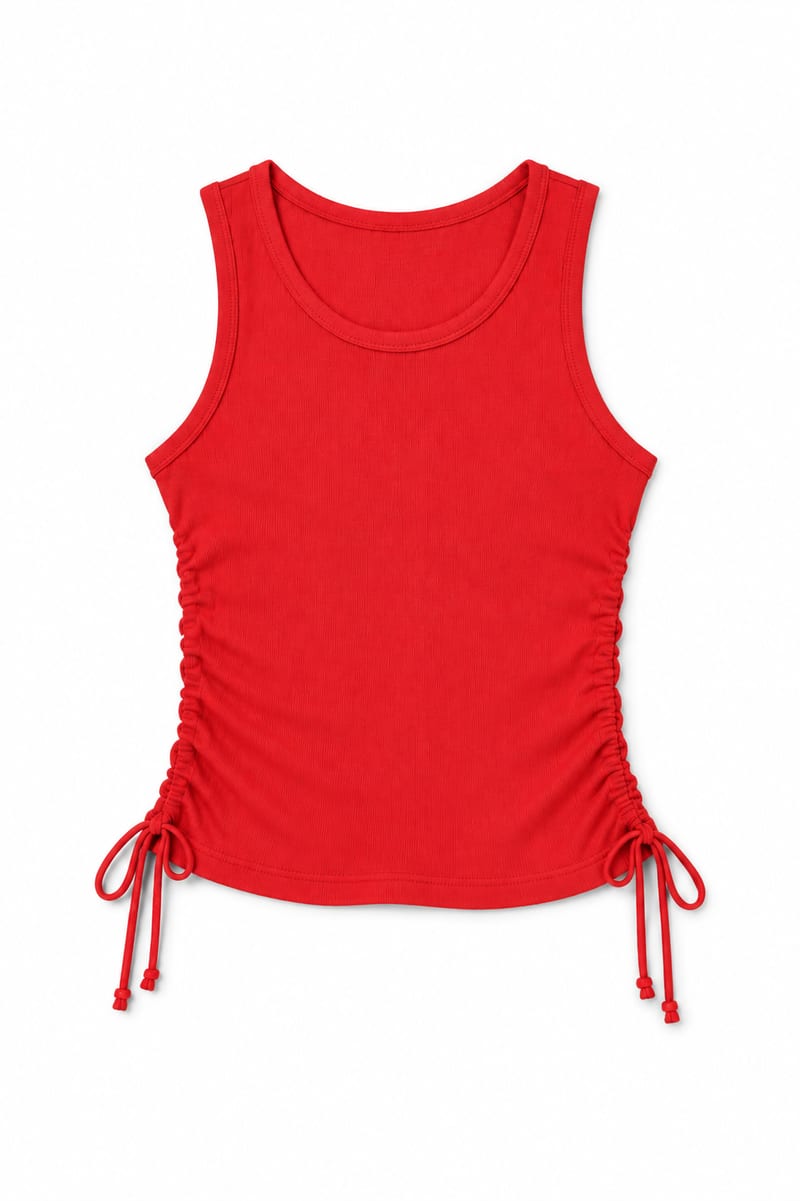
Transform an image of a clothing item into a website-ready photo with a background color you choose.

Upload an iPhone-quality site photo and receive an edited color image prepared for website use.
Use a source image to create a YouTube channel banner with a cohesive look for your content, personality, and creative style.