One click, whole workflow
Recipes are here. Package a whole workflow and run it in one click
Explore recipesOne click, whole workflow
Recipes are here. Package a whole workflow and run it in one click
Explore recipesPut the interaction in someone’s hands.
A polished screen can still hide an awkward experience. Turn a UI or UX idea into a working web prototype people can click, explore and respond to. Create the imagery and refine the interface in the same Fuser project.
An onboarding step. A product selector. A dashboard interaction. Describe the behavior you want in a Fuser App and get a running private preview. Start with the part of the experience you need to understand, then try it yourself.
Generate supporting imagery and connect assets to the App. Refine copy, styles and layout through conversation or direct editing. Use Prompt Crafter to develop a clearer brief when the behavior or design needs more explanation.

Publish the App when you want others to try it. People can respond to a working interaction rather than guess how a static screen behaves. Refine the next version privately, then choose when to update the live experience.
Build enough of the interaction to learn what the next design decision should be.
It is a running web app. You can interact with it in a private preview and publish it to a public URL. That makes it useful for prototyping behavior, not just showing how a screen should look.
Yes. Add interface references as Inspiration to steer the look, and supply logos, images or other media as Assets for the App to use. The distinction matters: a reference suggests a direction, while an asset belongs in the experience. You can draw from your library or upload new material.
You can start by describing the experience and asking for changes in plain language. Direct content, style and code editing are available when you want more control. You still decide what the interaction should do and test whether it does it.
Use Markup to pin instructions to elements in the running preview, then send the revisions together. You can also edit exposed content and style controls directly, or open the code. That is useful when the request is specific: shorten this label, adjust this spacing or replace this image.
Yes. Build and interact with the App in its private preview first. Try the main path and the states you asked it to support, then revise the behavior. Publish when you want a public URL for participants or stakeholders; building a preview does not require immediately releasing it.
Yes. Publish a working prototype and share its URL with participants through your usual research process. Give them a specific task and observe where the interaction helps or gets in the way. Start with sample data and test the flow yourself before the sessions.
Yes. Continue working on the draft and choose when to update the published version. App version history lets you revisit earlier builds, so an experiment does not have to become the version everyone sees. Test the changed flow before sending participants back to the public link.
Choose the interaction you are debating. Build a version people can try.
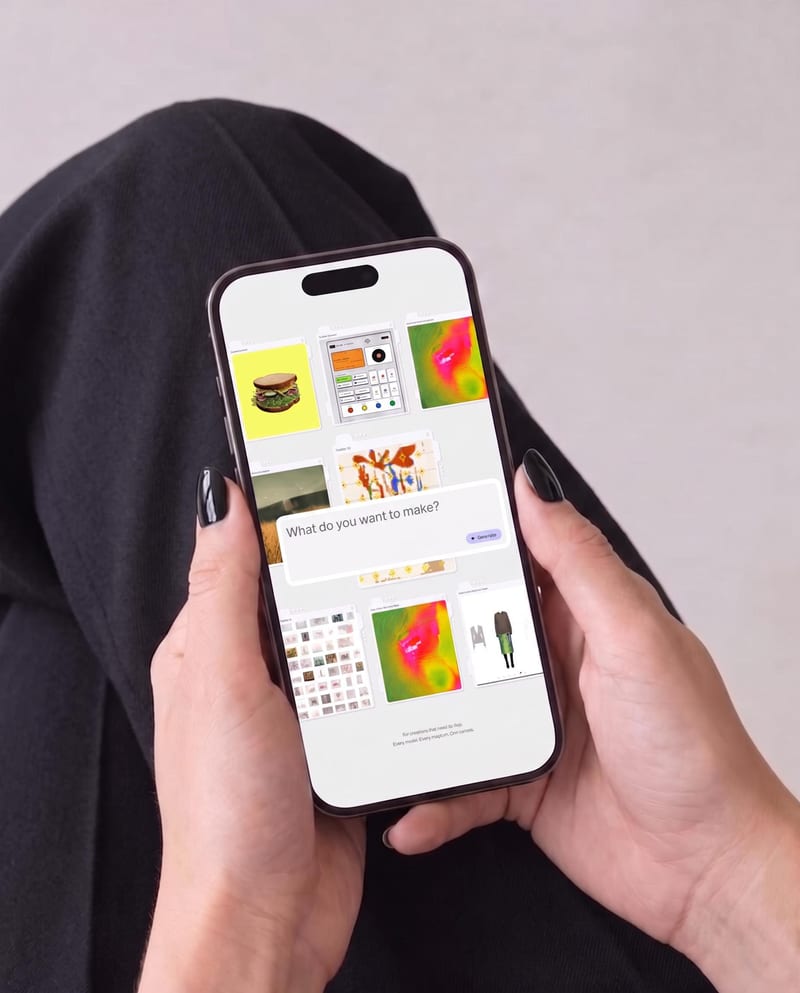
Place one UI design image into phone, tablet, and desktop mockups for realistic product presentation previews.
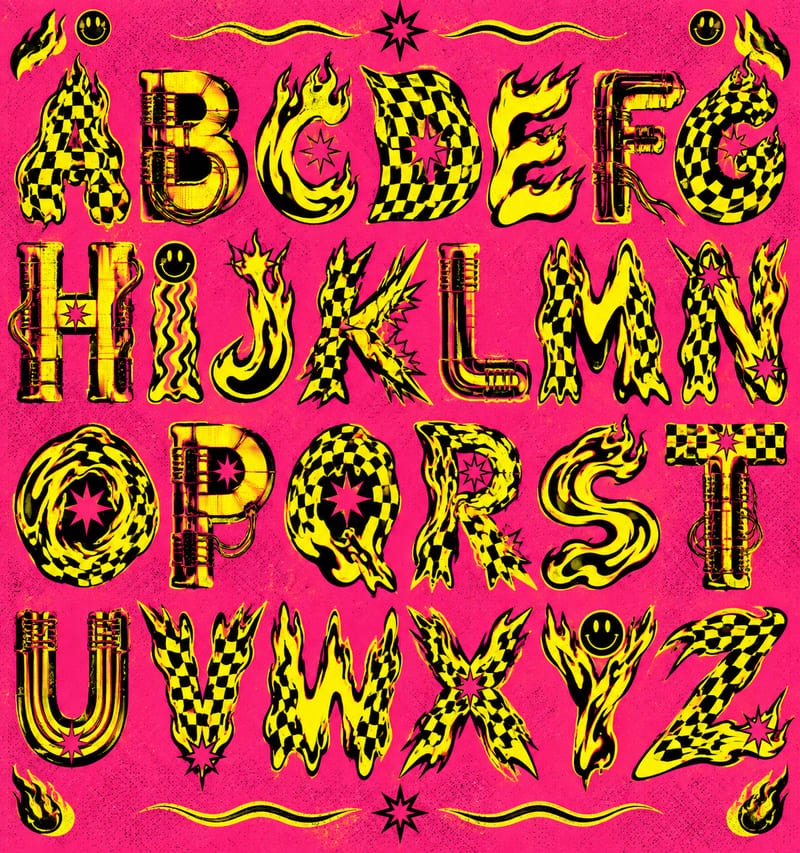
Use a style reference and custom text to create a generated alphabet and styled lettering in the reference’s visual style.
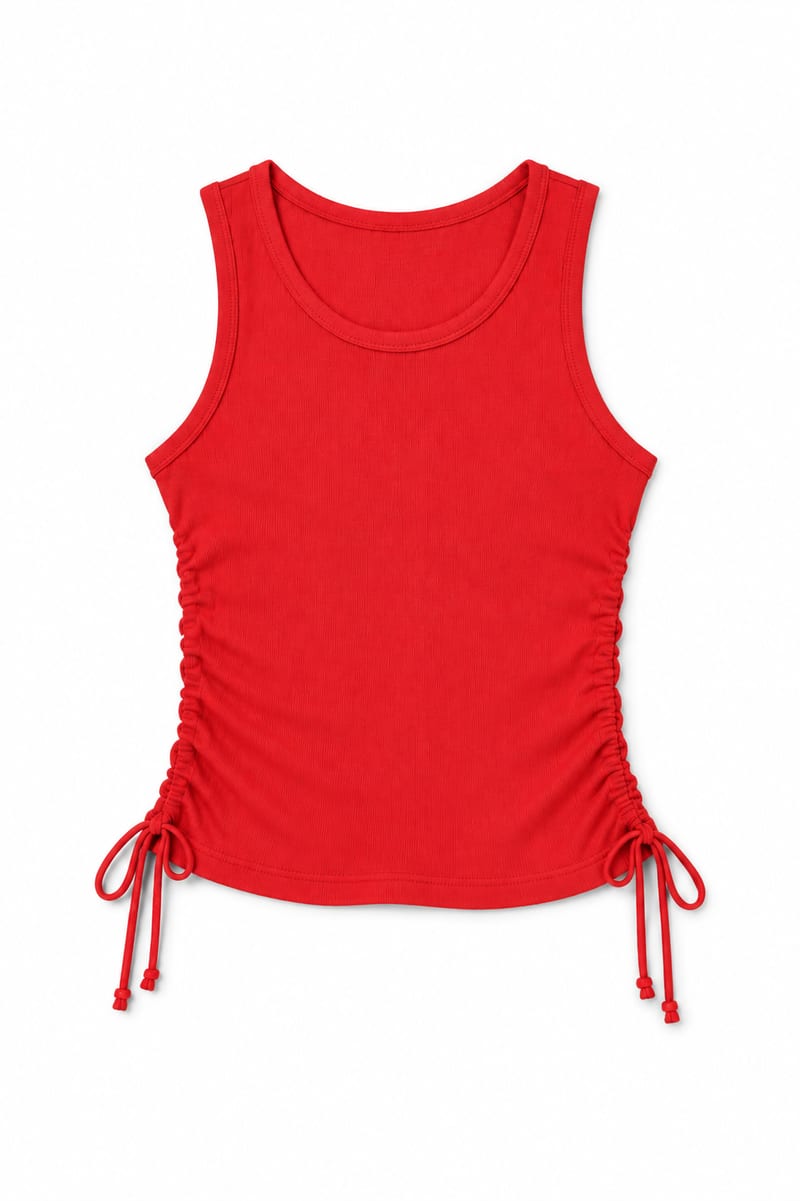
Transform an image of a clothing item into a website-ready photo with a background color you choose.

Upload an iPhone-quality site photo and receive an edited color image prepared for website use.

Turn a source image into a professional LinkedIn banner aligned with your career, industry, and personal brand.

Upload one source image to create five image versions for social media, web layouts, and entertainment content in different aspect ratios.
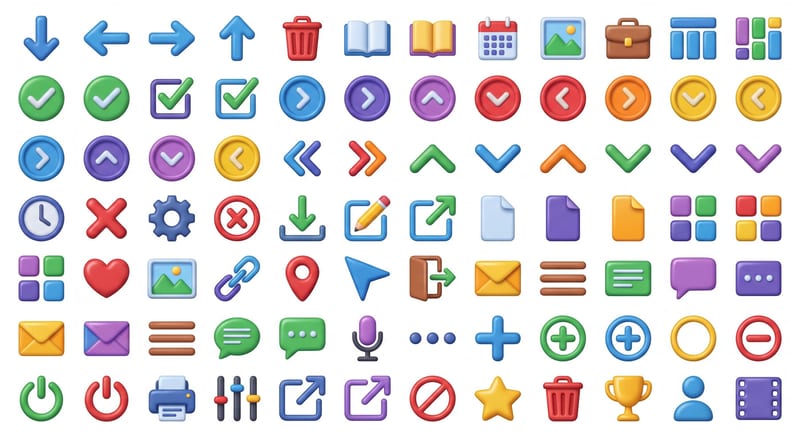
Choose an icon style and color, then create an icon sheet unified by the same visual language.
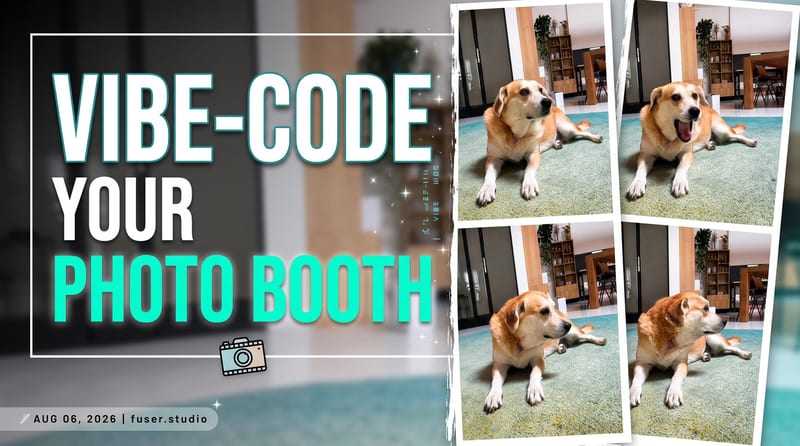
Turn a source image and custom thumbnail text into a bold YouTube thumbnail image for video promotion.