One click, whole workflow
Recipes are here. Package a whole workflow and run it in one click
Explore recipesOne click, whole workflow
Recipes are here. Package a whole workflow and run it in one click
Explore recipesbyOpenAI
Filmic light, correctly spelled type and surgical regional edits, from a first sentence to a finished hero frame
Write naturally, attach references or a mask only when you need them, then choose a tier. Draft cheap and quick, then re-run the keeper at higher quality.
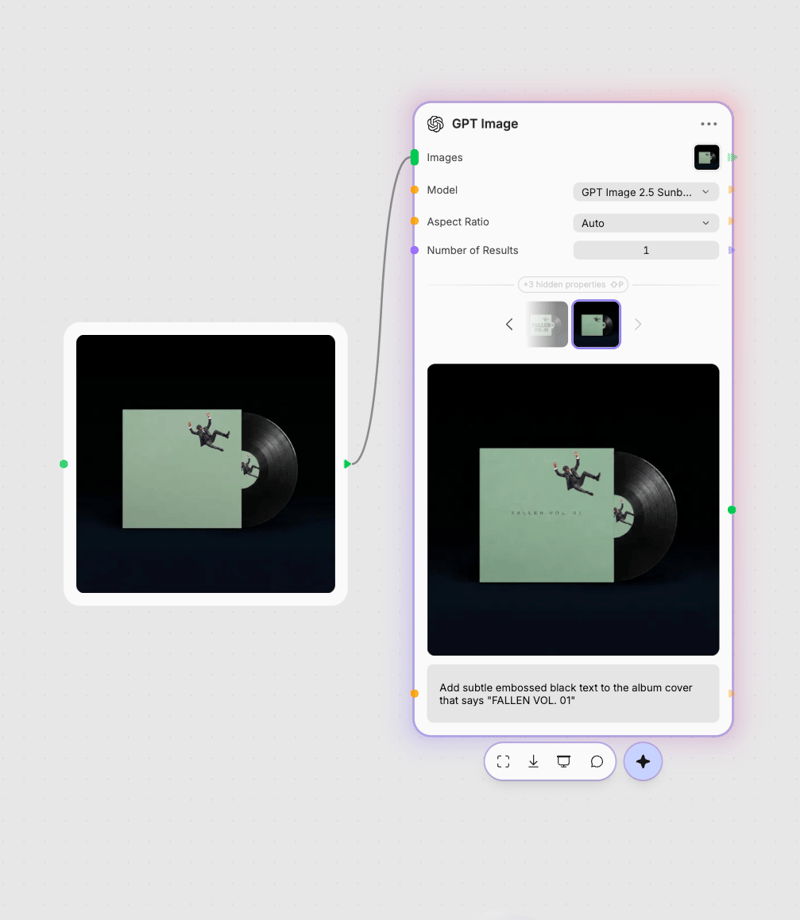
Write the scene in full sentences
Describe subject, light, materials and any exact text in quotes, using plain natural language instead of tag lists.
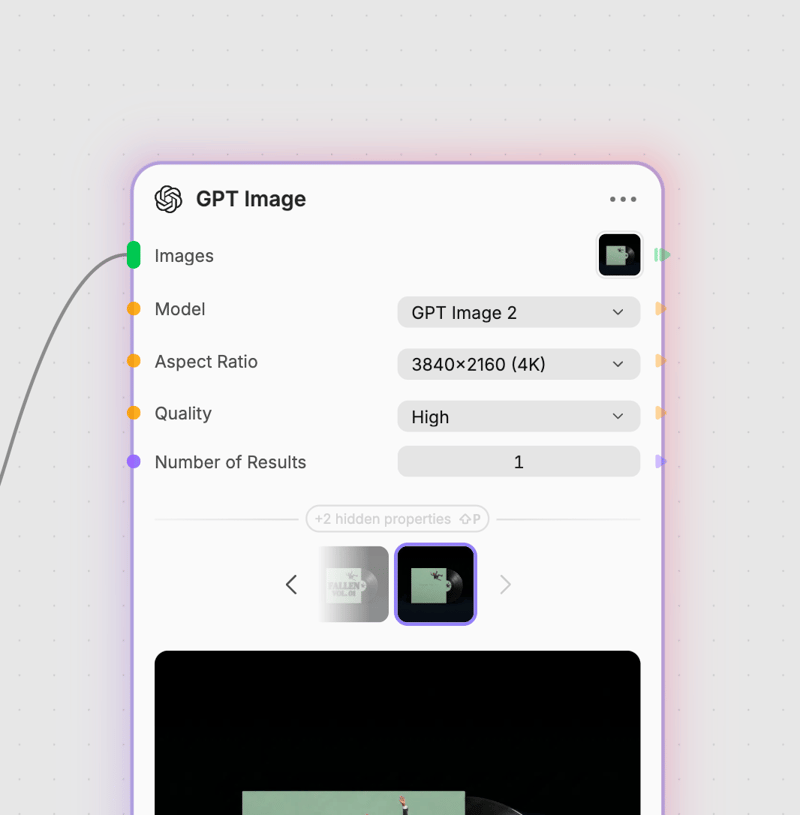
Attach references or a mask
Drop in one or many reference images to blend, or add an alpha mask so only the marked region gets rewritten.
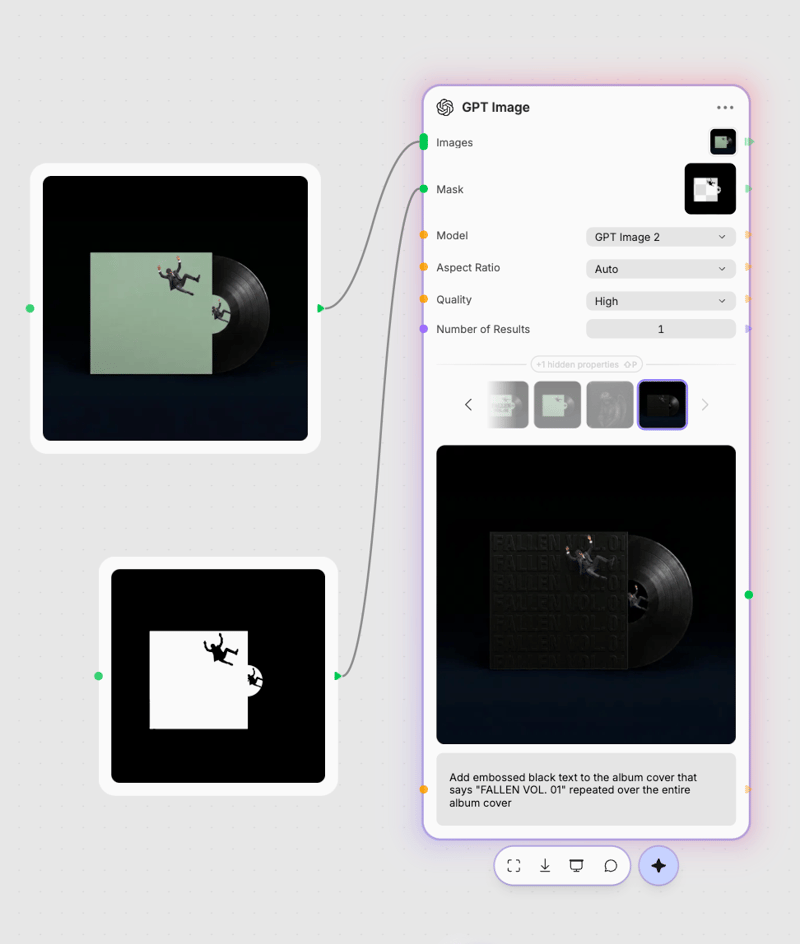
Pick a tier and render
Choose the model, quality level and resolution up to 3840x2160, toggle transparency for text-only prompts, and run up to four at once.
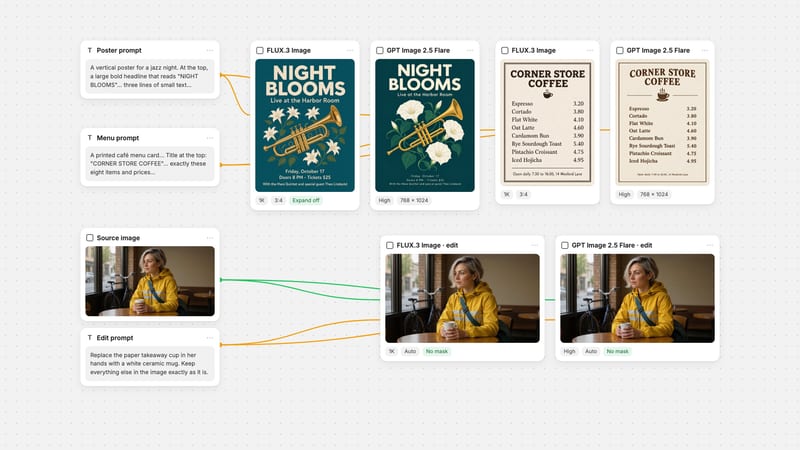
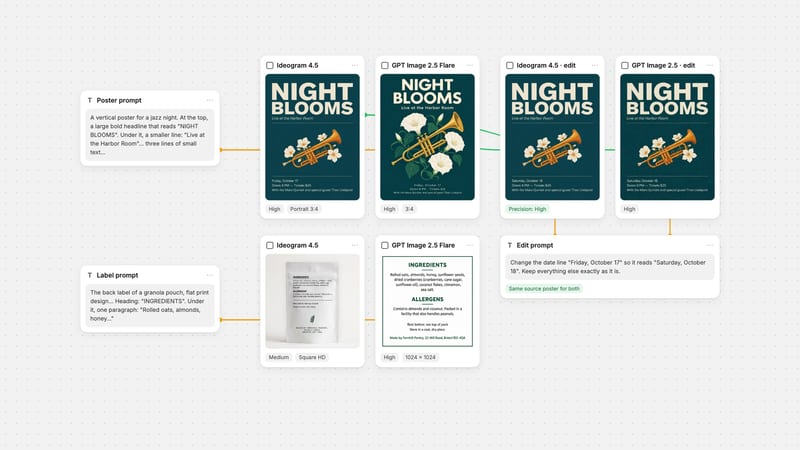
Built around three jobs most image tools fumble: legible text inside the artwork, edits that touch only the marked region, and blending several references without losing who or what is in them.
Fast and flagship tiers, up to 4K
Flare is the quick daily driver for concept drafts at up to 4K; Sunburst takes over for final hero assets and the xhigh and max quality tiers. Quality sets sampling effort, not pixel size, so draft low and finish high.
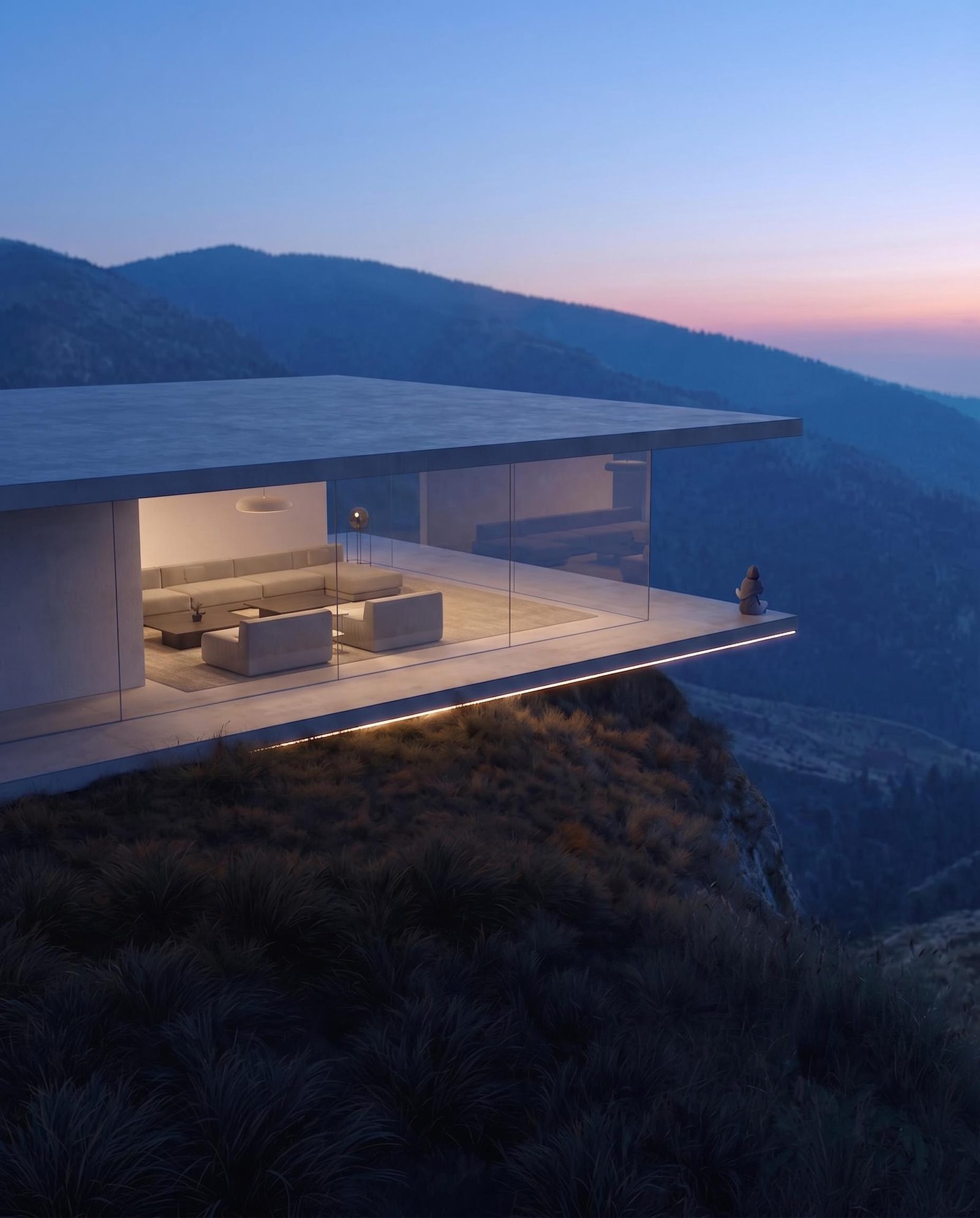
Native alpha transparency
Generate an isolated subject straight onto a clean alpha channel for stickers, UI icons and product mockups, with no cutout step. Transparency works in text-only mode, so leave reference images off.
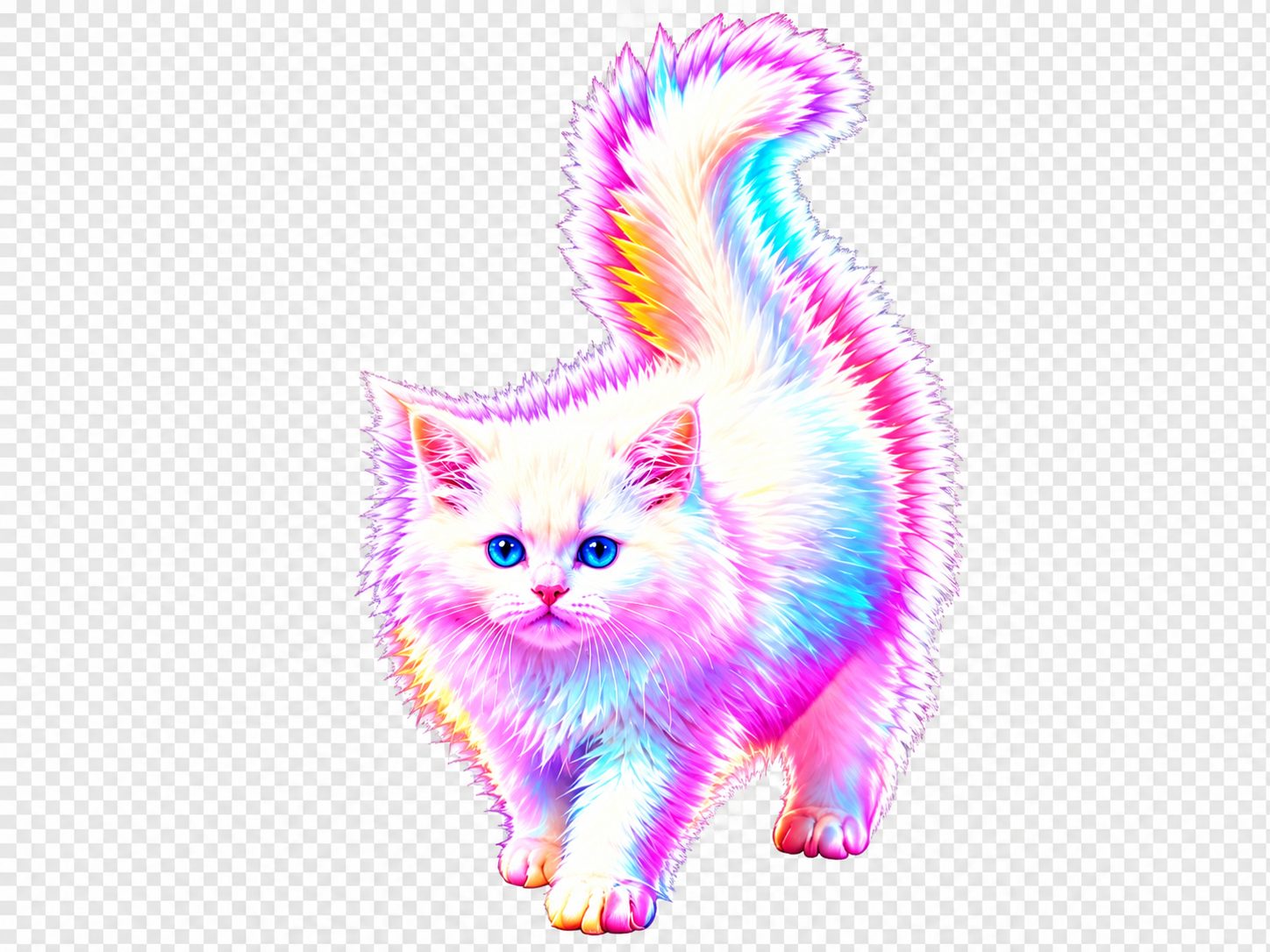
Mask-based regional inpainting
Upload a base image plus a same-size mask with an alpha channel; transparent zones are the only pixels rewritten. Surrounding light, grain and layout stay put, and 1.5 remains a dependable pick when strict preservation matters.
Multi-image fusion with identity lock
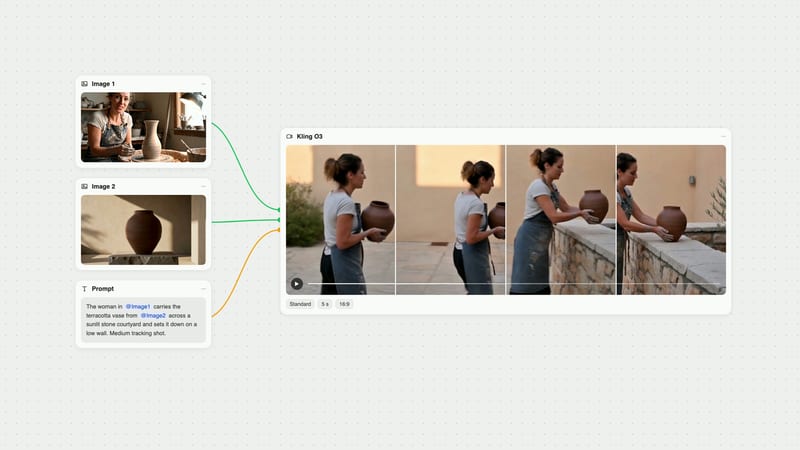
Feed several references and tell the prompt how to combine them: palette from one, subject from another. Sunburst is the tier built for complex reference fusion and multi-turn edits that keep a character recognisable.
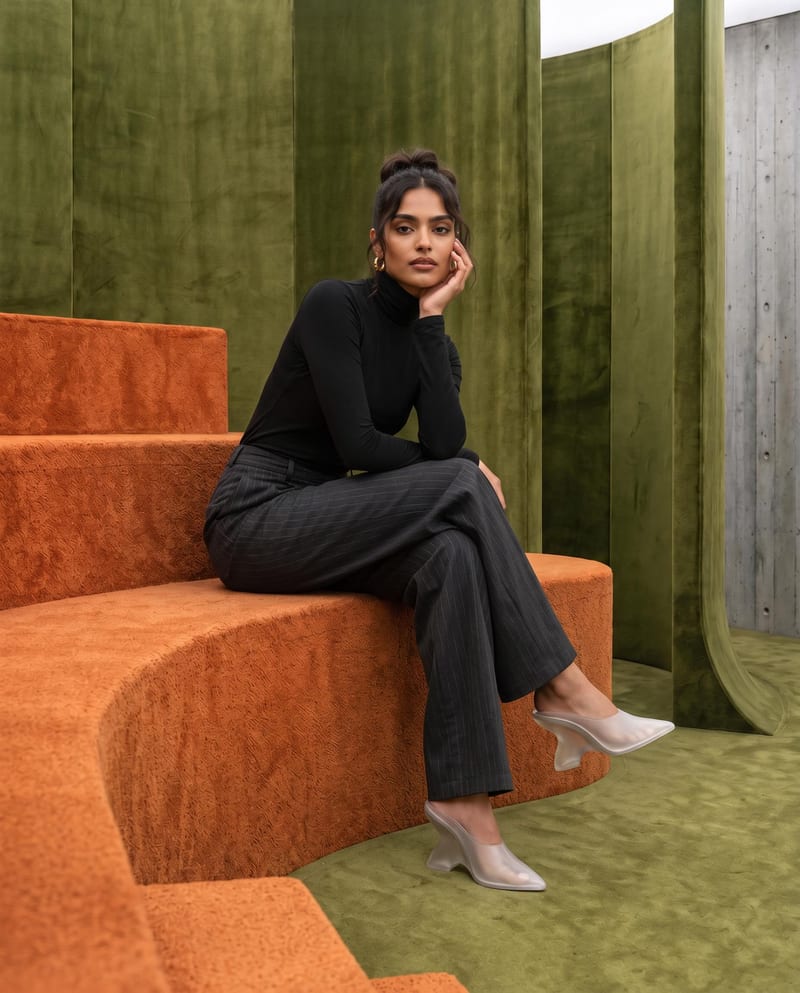
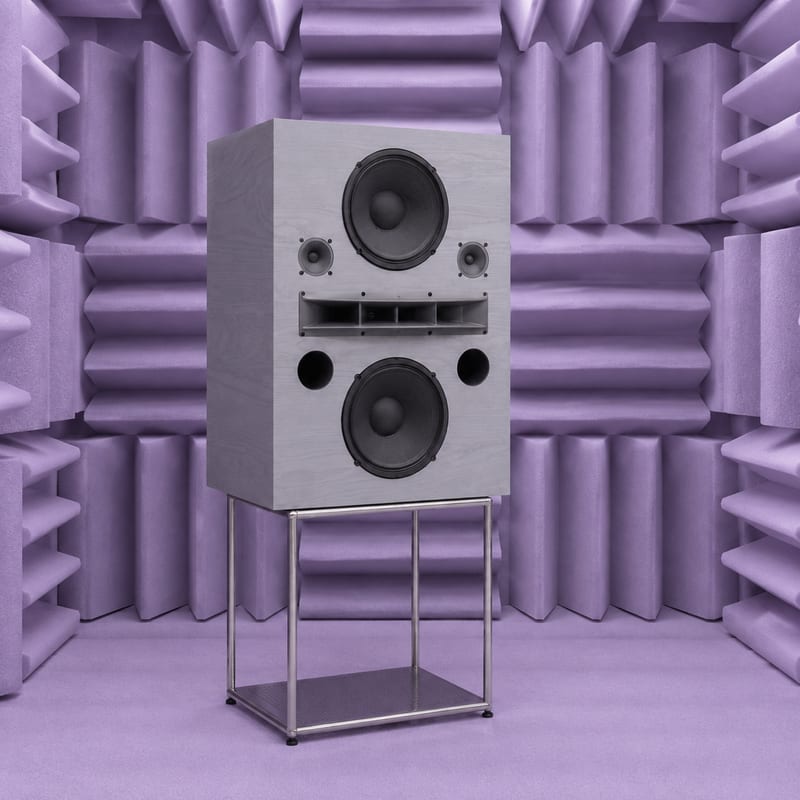
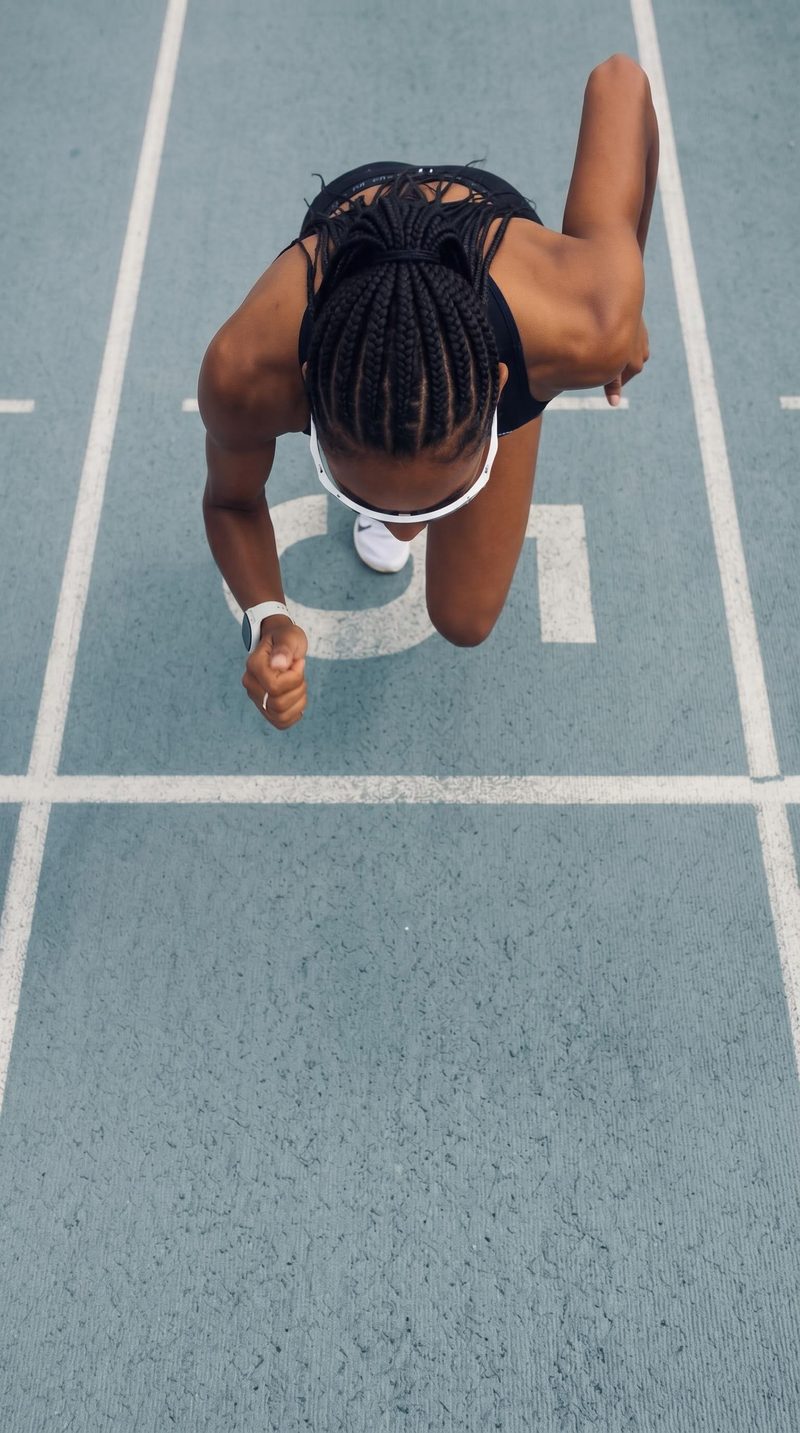
A spread of campaign, fashion, product, film and sticker work, with typography, transparent cutouts and filmic lighting in the same gallery.
Editorial lookbook with sharp colour contrast
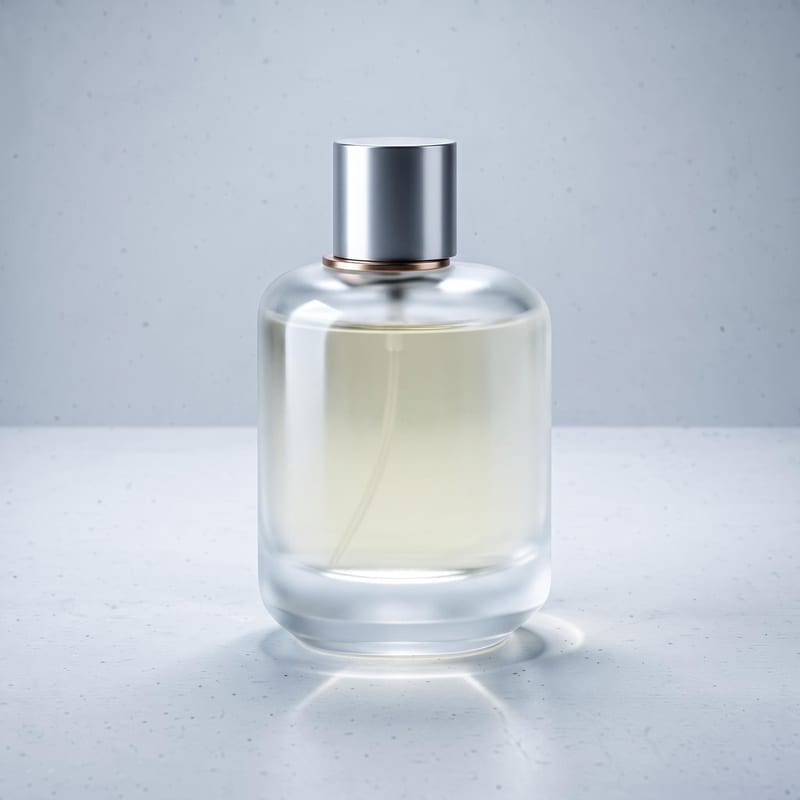
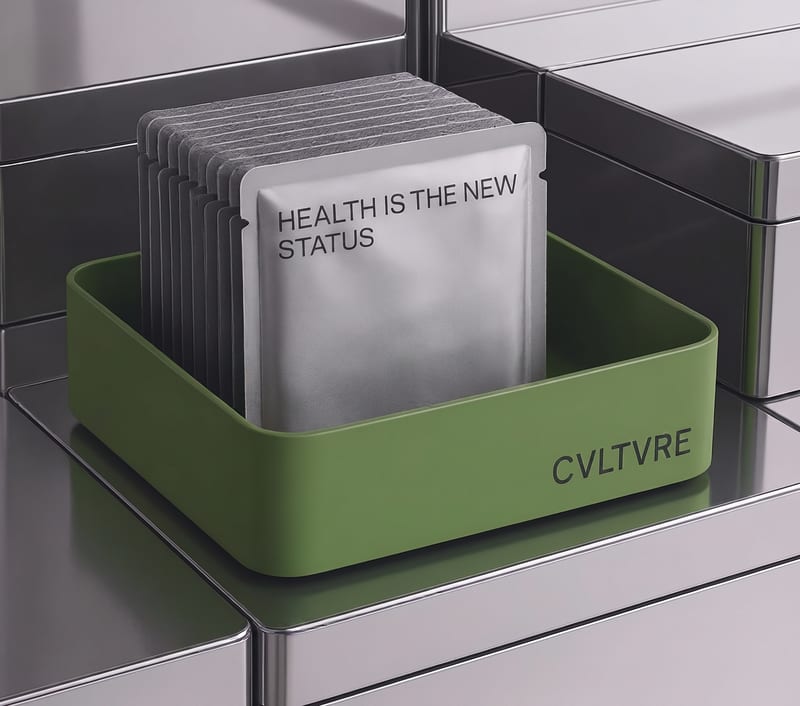
Product hero on natural substrate
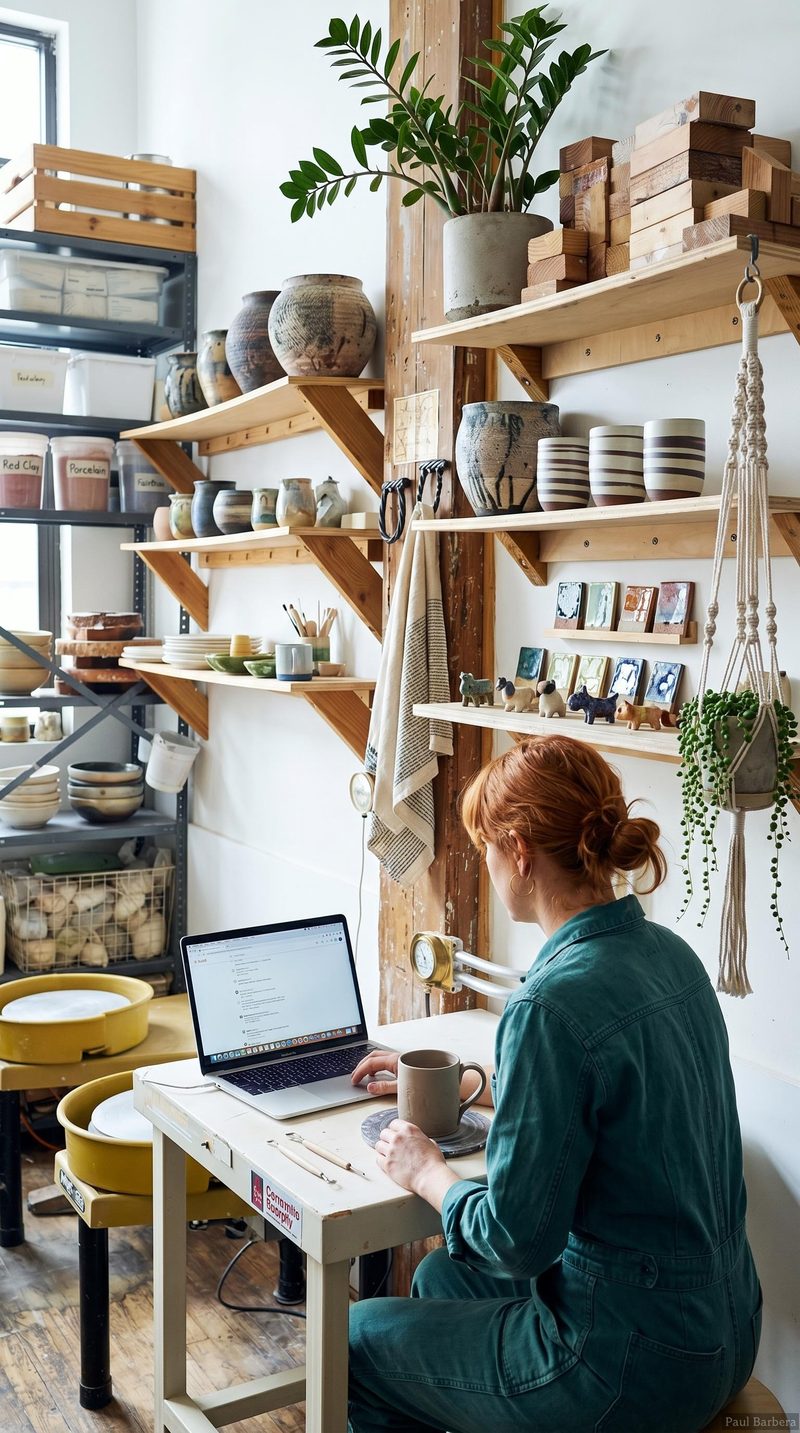
Cinematic music-video frame
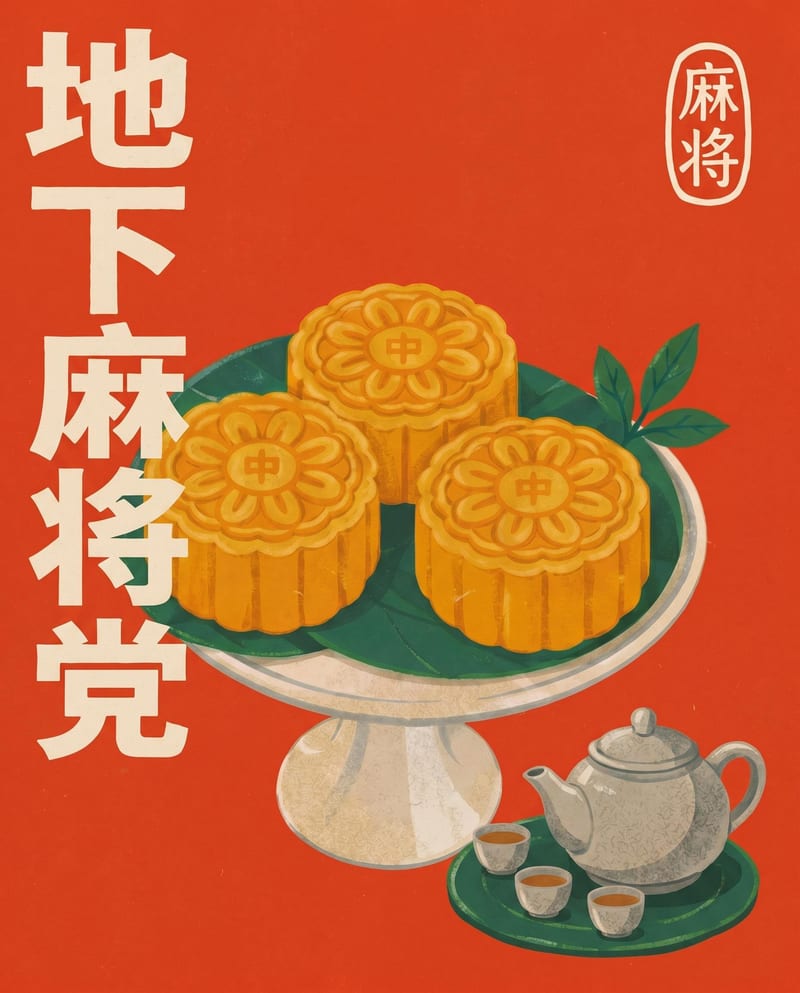
Graphic poster with legible multilingual type
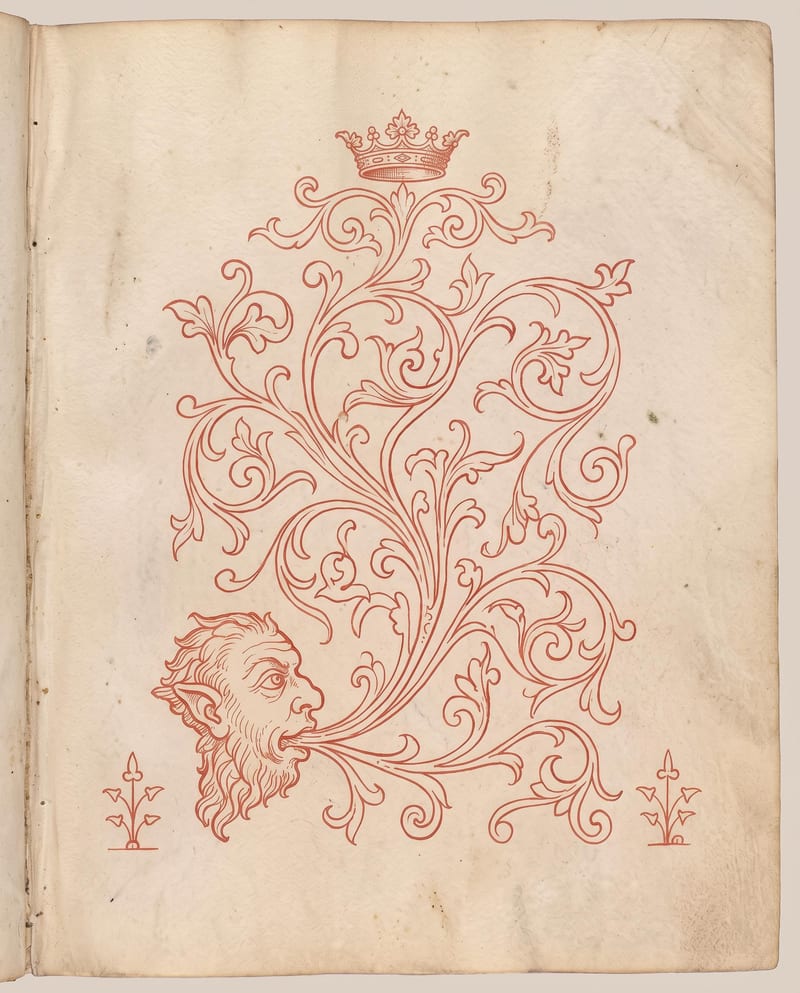
Transparent sticker and UI asset render
Used by teams that need real words in the picture, controlled edits, and clean assets: campaign designers, lookbook creators, product-asset builders, retouchers and spatial designers.
Flare is the faster tier and Sunburst is the higher-fidelity one. Flare suits rapid concept drafting and daily work at up to 4K with low latency, but gives slightly less nuanced detail and reference blending. Sunburst is for final hero assets, complex multi-image fusion and the xhigh and max quality tiers, at the cost of higher latency and higher generation cost.
Use GPT Image 1 Mini, the most cost-effective option for batch generation and thumbnail pipelines. It trades away some spatial precision on dense scenes and renders simpler textures, so move up to Flare or Sunburst when the image needs more detail.
Pick 2.5 for 4K output and the extra quality tiers, and 1.5 when you want a proven workhorse for text-to-image and inpainting that preserves the surrounding layout. GPT Image 1.5 lacks the 2.5 series' expanded quality tiers and native 4K modes.
Turn on the Transparent toggle and generate from a text prompt alone. Transparency is only supported in pure text-to-image mode, so it won't work if you attach reference images. Describe an isolated subject for the cleanest edges.
Save the mask as an image with an alpha channel, at exactly the same size and format as your base image. Transparent areas mark the zone to be edited. A black-and-white RGB mask without alpha can cause processing errors.
It is not built for sub-second generation, uncensored content, or replicating niche styles that depend on LoRA fine-tunes. Known artifacts include symmetry warping in intricate mechanical objects, limb fusion in crowded group scenes, and garbled text in long background signage.
Filmic light, correctly spelled type and surgical regional edits, from a first sentence to a finished hero frame
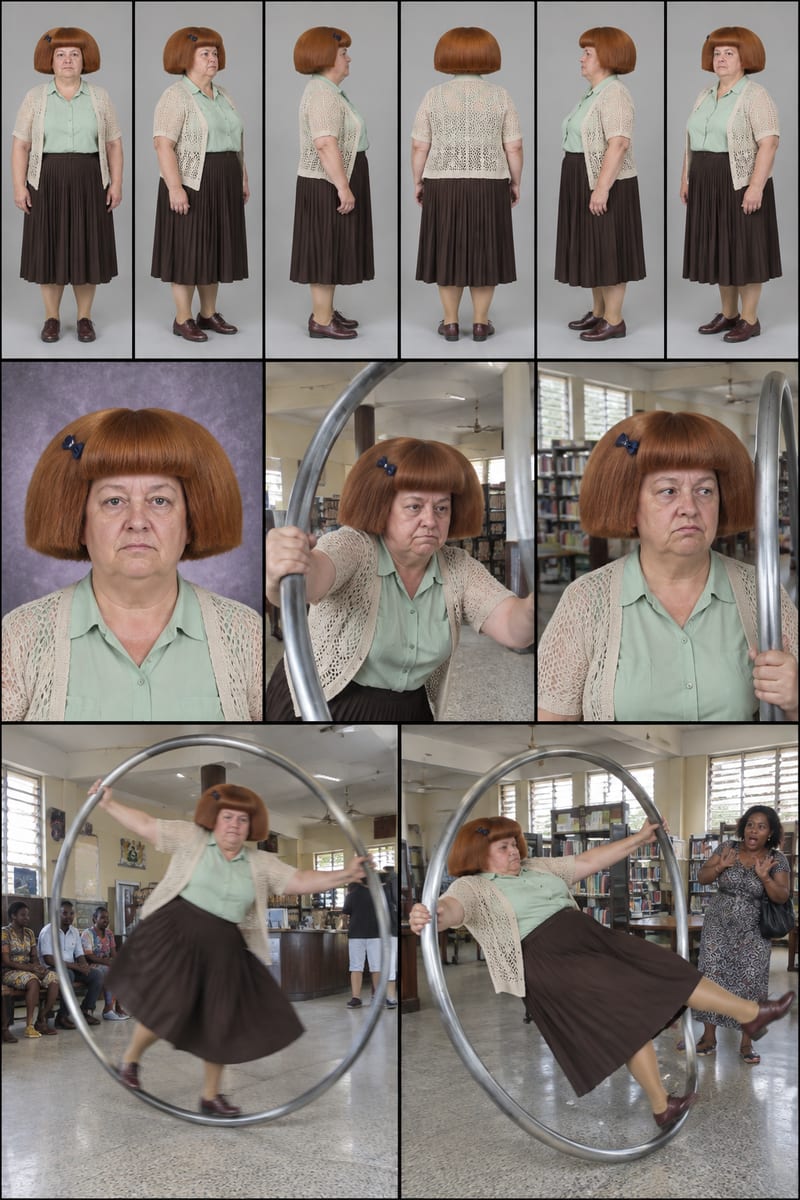
Enter a character idea—or leave SURPRISE ME—to create three character sheets and written profiles for social content.
Upload a source image to remove AI-generated artifacts, distortions, and unnatural details while preserving its composition, style, and visual elements.
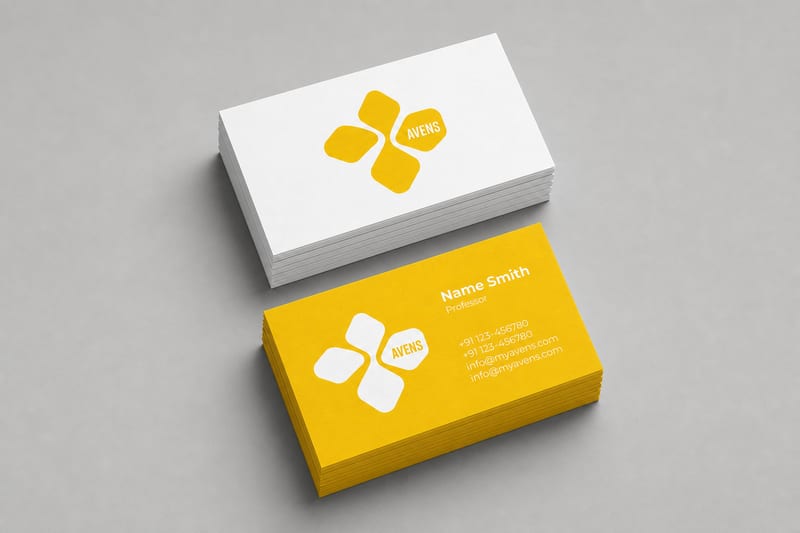
Turn one logo into business card, letterhead, tote bag, socks, hat, and shirt mockups.
Combine a source image with a render-style reference to create a generated image inspired by the reference’s materials, lighting, and atmosphere.
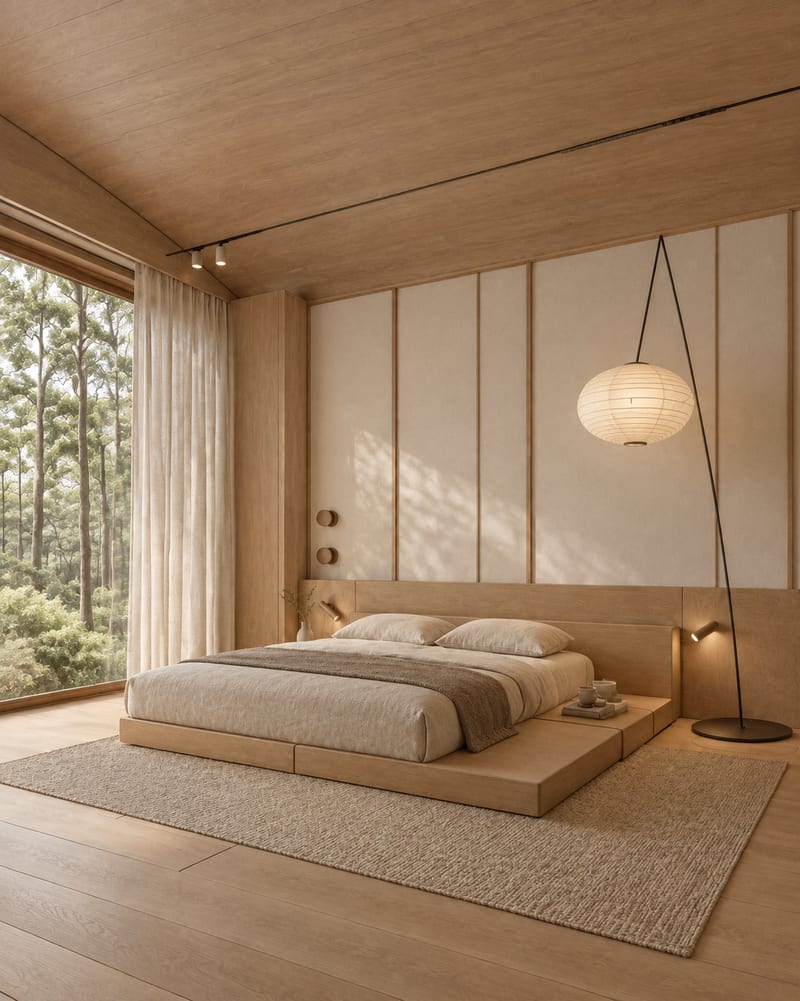
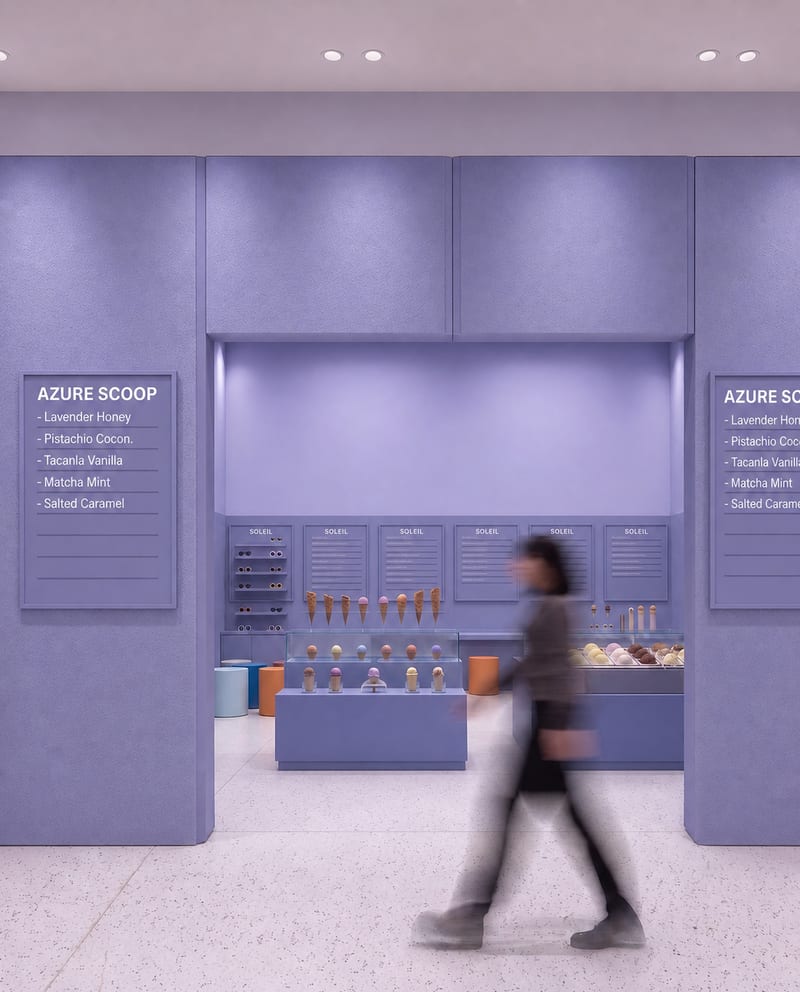
Upload one room image to explore Japandi, Art Deco Maximalist, Dark Academia, Classical, and Mid Century Modern variations.
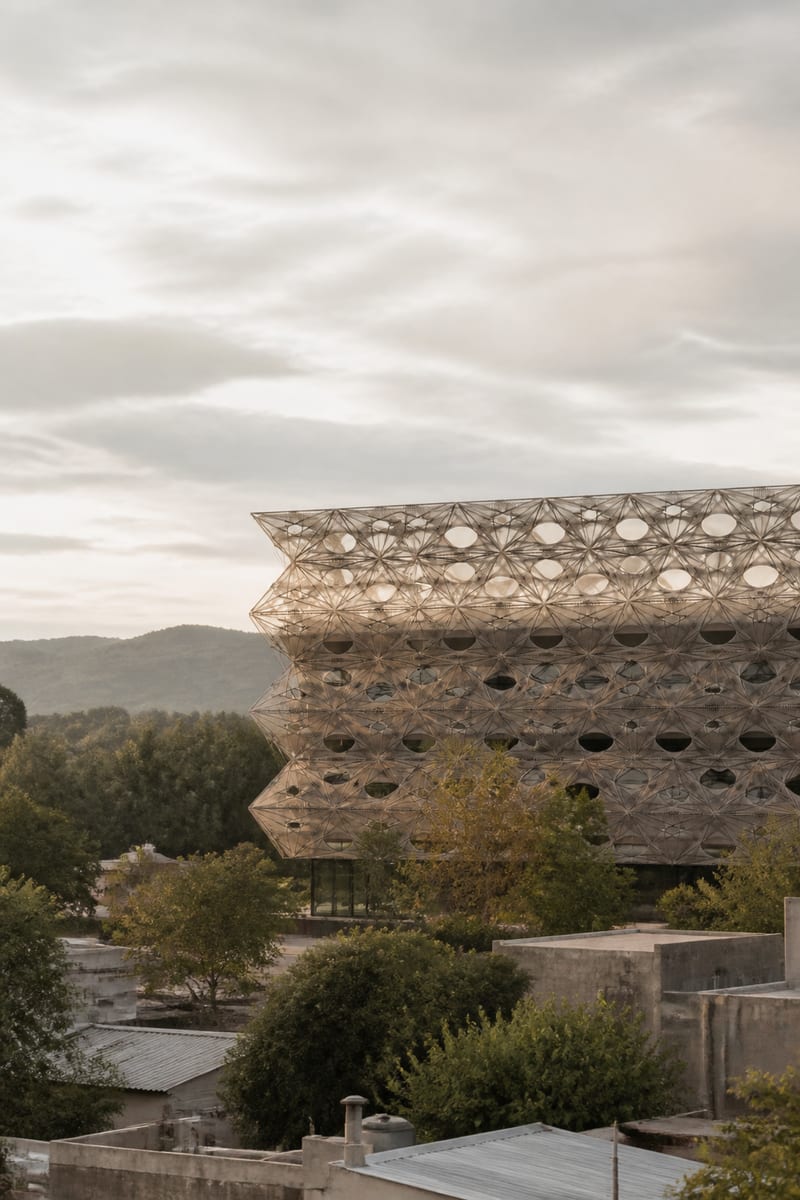
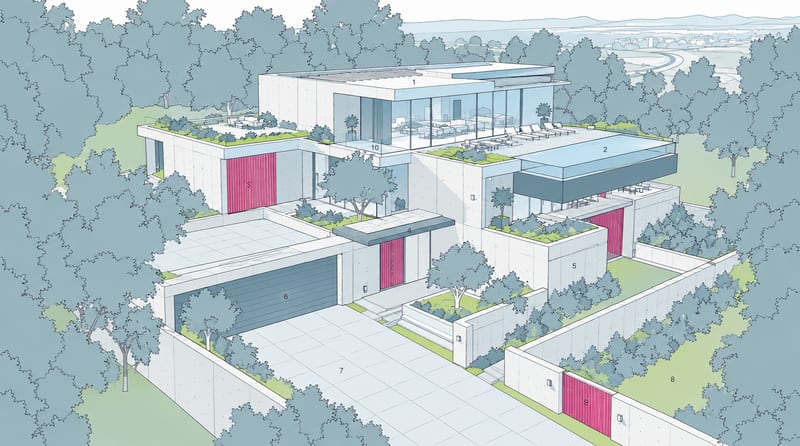
Transform an image into a photorealistic architectural render with an elevated viewpoint, layered urban foregrounds, and soft overcast light.
Develop pitches, campaign assets and interactive client work in Fuser. Combine AI generation, editable design and reusable processes across your agency.
Explore interior moods, material palettes and architectural concepts. Turn room references and sketches into clear client presentation boards in Fuser.
Create product images, lifestyle scenes and campaign assets for your next ecommerce launch. Keep branding editable and reuse creative setups in Fuser.
Build working product demos, launch pages and brand visuals in Fuser. Help a small startup team turn the next idea into something people can try.
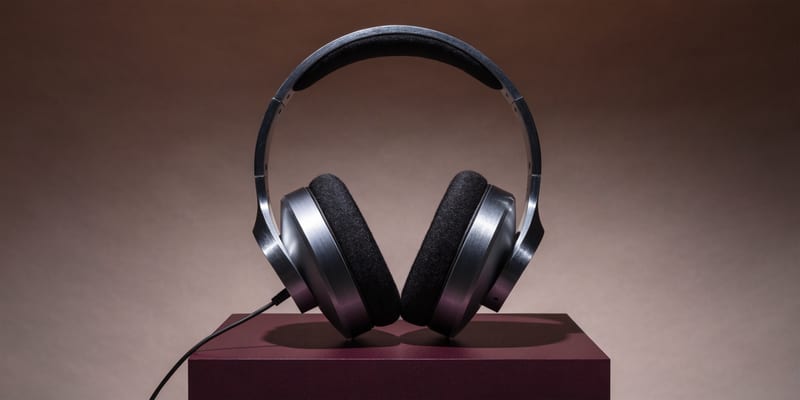
Develop campaign concepts, image and video ads, and editable channel layouts. Create meaningful creative variations in Fuser without rebuilding every asset.
Explore a brand’s visual identity, refine typography and build real applications. Combine AI imagery with editable design and reusable workflows in Fuser.
Create studio-style product images, lifestyle scenes and motion studies. Combine reference-led generation with precise, editable composition in Fuser.
Create social graphics, carousel artwork and short videos with a recognizable brand style. Keep copy editable and recurring content easier to produce in Fuser.