Recipev2
Barbie Style Converter
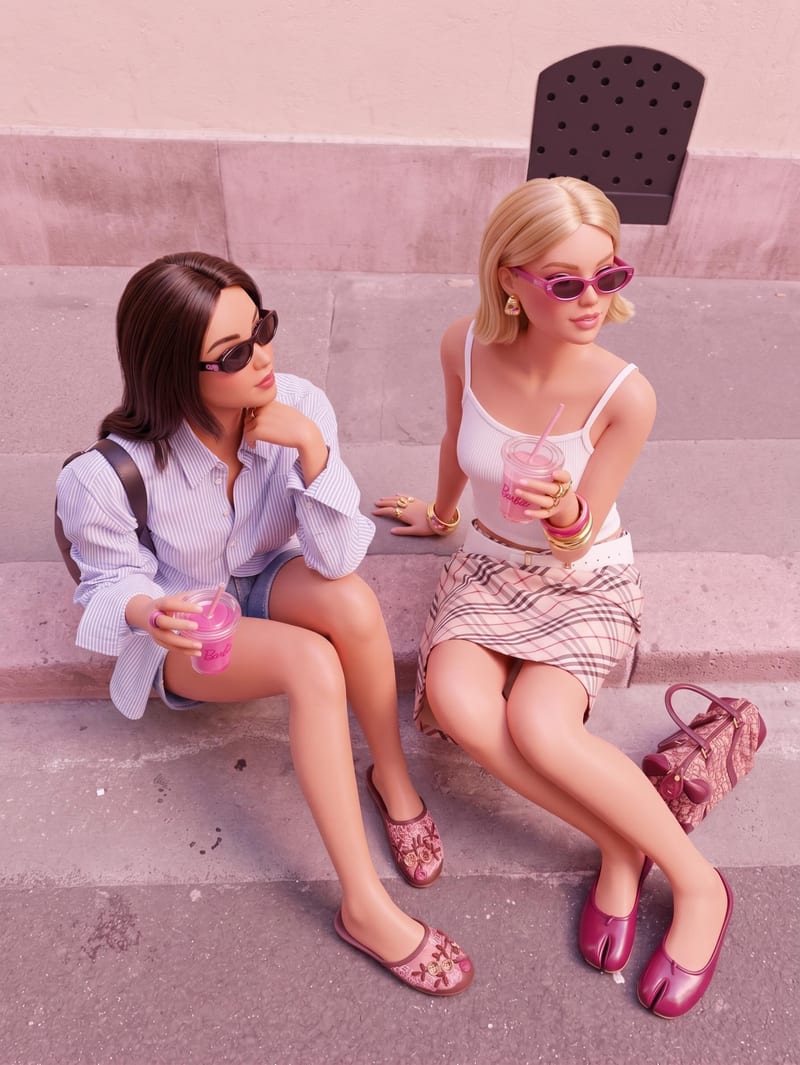
Barbie Style
One click, whole workflow
Recipes are here. Package a whole workflow and run it in one click
Explore recipesBarbie Style Image Conversion
Transform a source image into a Barbie style recreation while preserving its original scene, composition, subjects, and key visual details.
Barbie Style
A recipe turns a reusable workflow into a simple set of inputs and outputs. Start with a community recipe and make it your own in Fuser.

1. Choose a recipe
Find a workflow for the result you want. Review what it does and how to use it before opening it in Fuser.
2. Make it your own
Check the recipe’s available inputs. Add your own text or media where supported, or start with the saved defaults.
3. Run and refine
Run it in Fuser and review the result on your canvas. Tweak the inputs to try another direction.
Use a source image to explore Barbie style treatments across personal, creative, and presentation-focused image work.
It transforms a source image into a polished Barbie style recreation. The recipe is designed to preserve the original scene, composition, subjects, and key visual details while changing the image’s style.
It can help anyone exploring Barbie style treatments for personal images, photography, illustration references, or entertainment-focused visual concepts. The source image remains the basis for the recreated result.
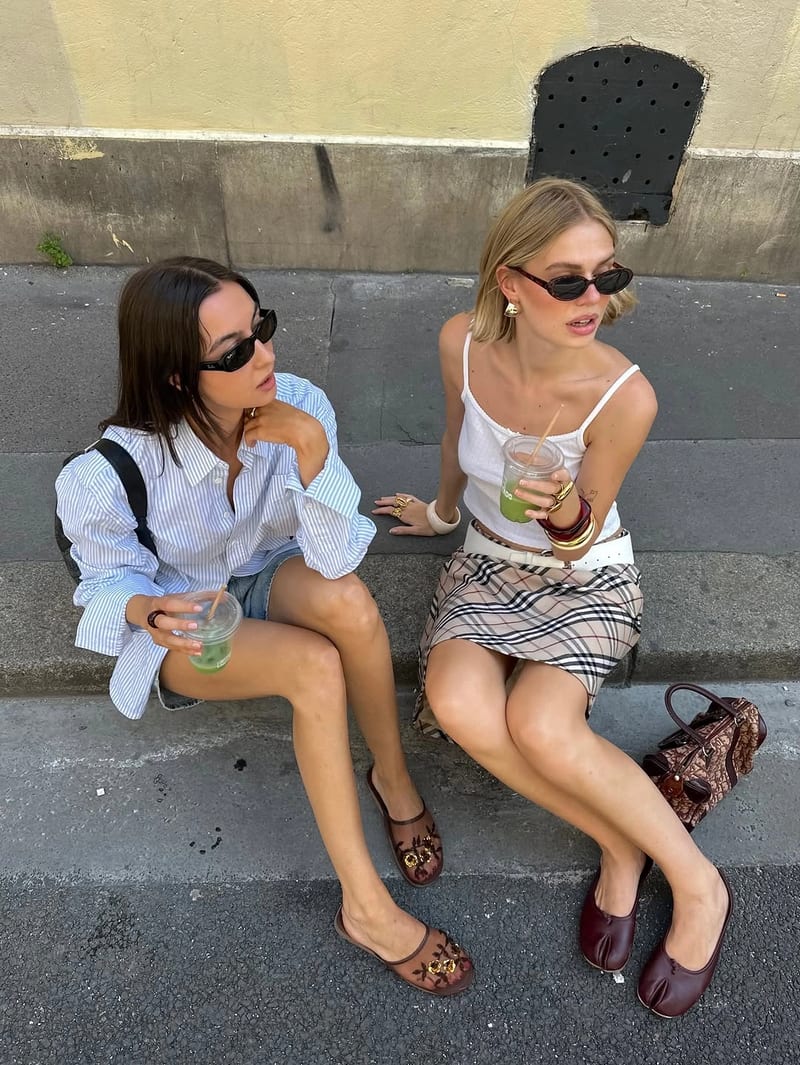
The recipe uses one exposed input: Source Image. In Fuser, you can change this image to use a different scene, subject, or composition as the basis for a new Barbie style recreation.
The saved output is an image labeled Barbie Style. It represents a transformed version of the source image, with the original scene, composition, subjects, and key visual details intended to remain recognizable.
Yes. Source Image is an editable input in Fuser, so you can replace the saved example’s image with another image before using the recipe. The recipe’s stated transformation remains focused on creating a Barbie style recreation.
The saved example shows the recipe’s connected source image and Barbie Style image output. It is a saved demonstration of the input-to-output setup, not a live generation.
Use images where preserving the original scene, composition, subjects, and key visual details matters while exploring a Barbie style treatment. It is suited to visual restyling rather than changing the underlying scene or subject arrangement.
Bring a source image to Fuser and explore how the recipe transforms it while preserving its core visual structure.
Develop film treatments, character and environment concepts, storyboards and motion studies. Connect image, video and 3D exploration in Fuser.
Develop storyboard frames, shot variations and video studies from your references. Compose clear boards and explore movement in one Fuser project.
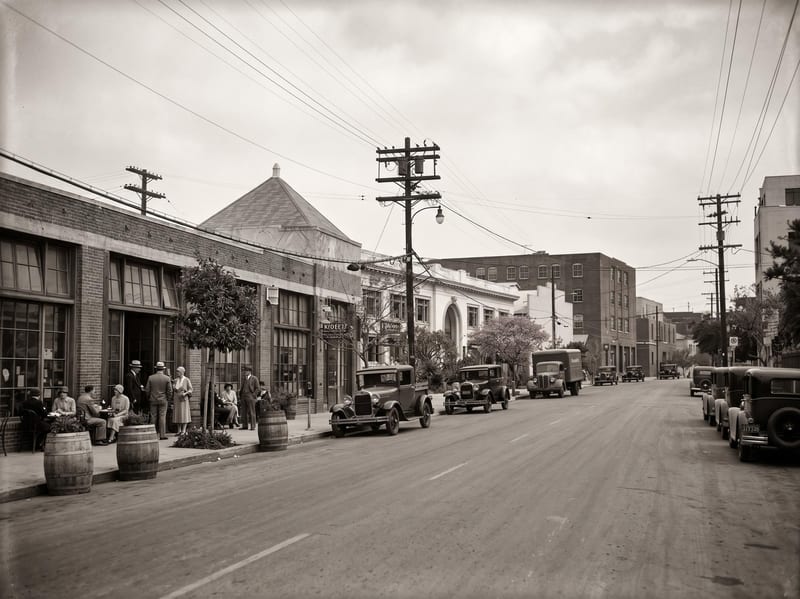
Upload a reference image and choose a year or era to create an image reimagined through that period’s visual language.
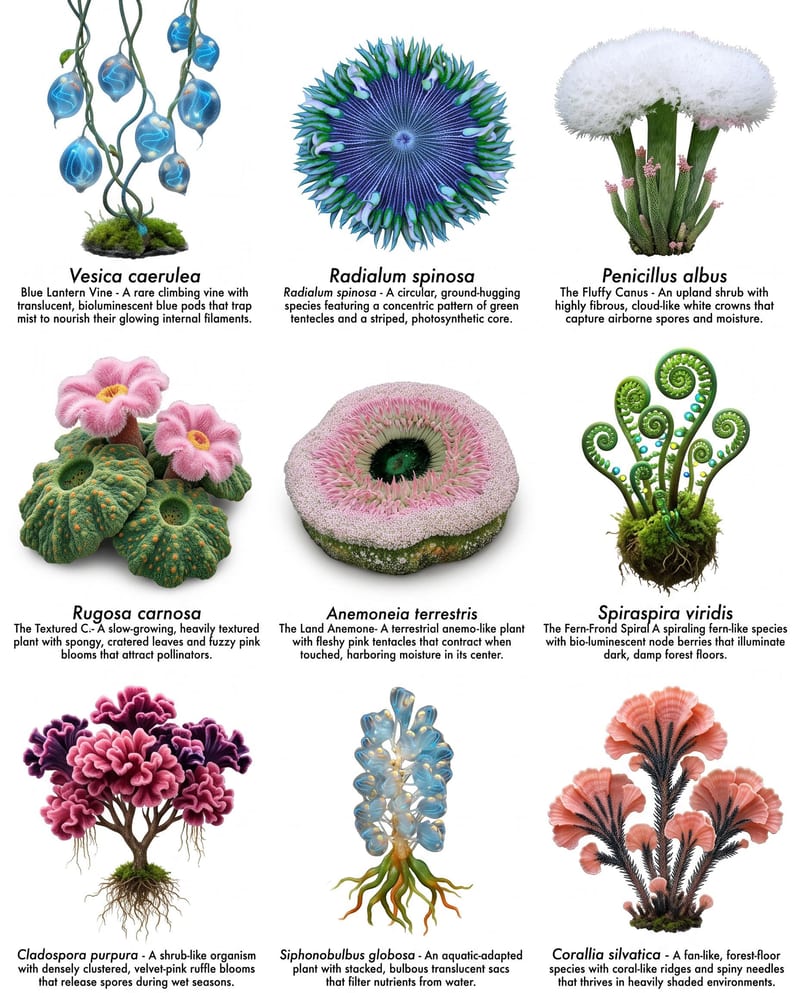
Combine plant, wildlife, and landscape images to create species sheets and a populated worldbuilding landscape.
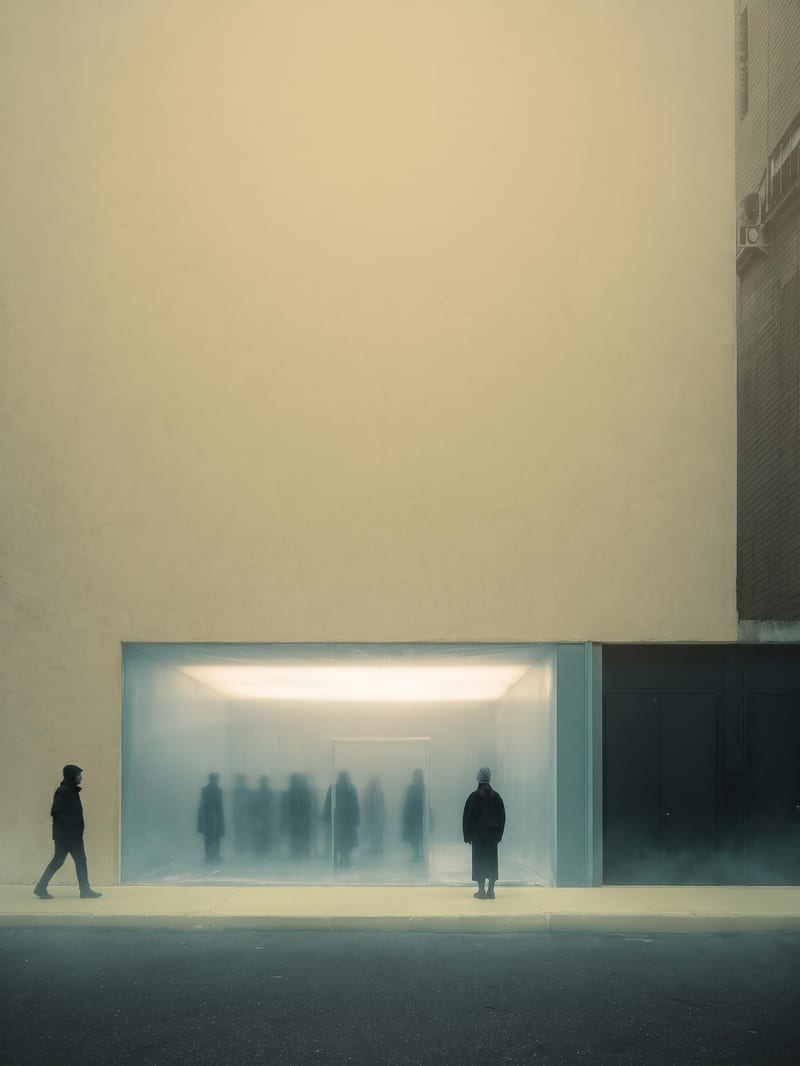
Upload an image to create a blurred yellow-toned version with subtle blue and green atmospheric color.

