Recipev4
Merch Mockups from a Logo
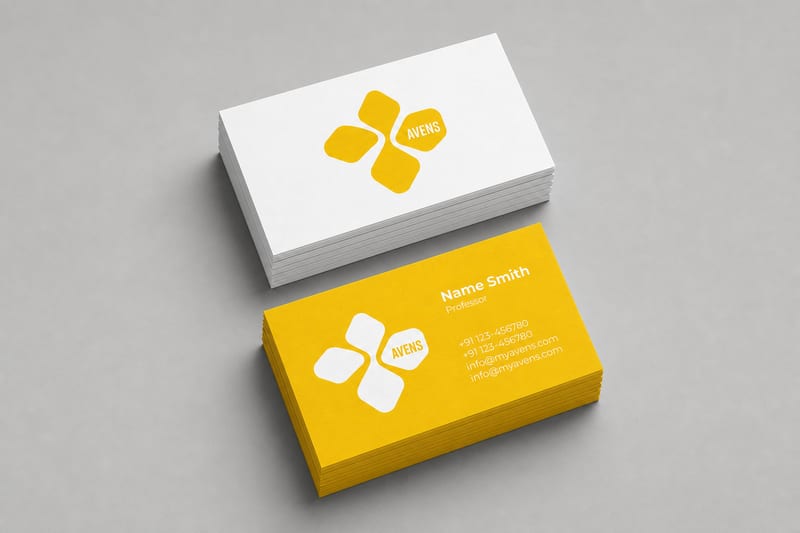
Business Cards Mockup
One click, whole workflow
Recipes are here. Package a whole workflow and run it in one click
Explore recipesBrand identity mockups
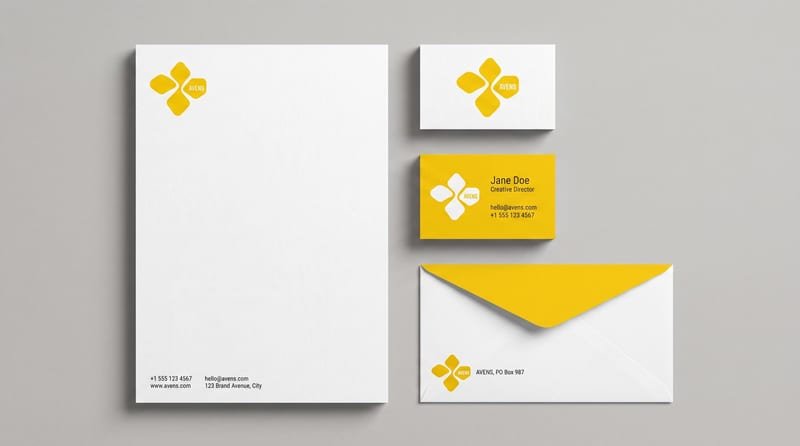
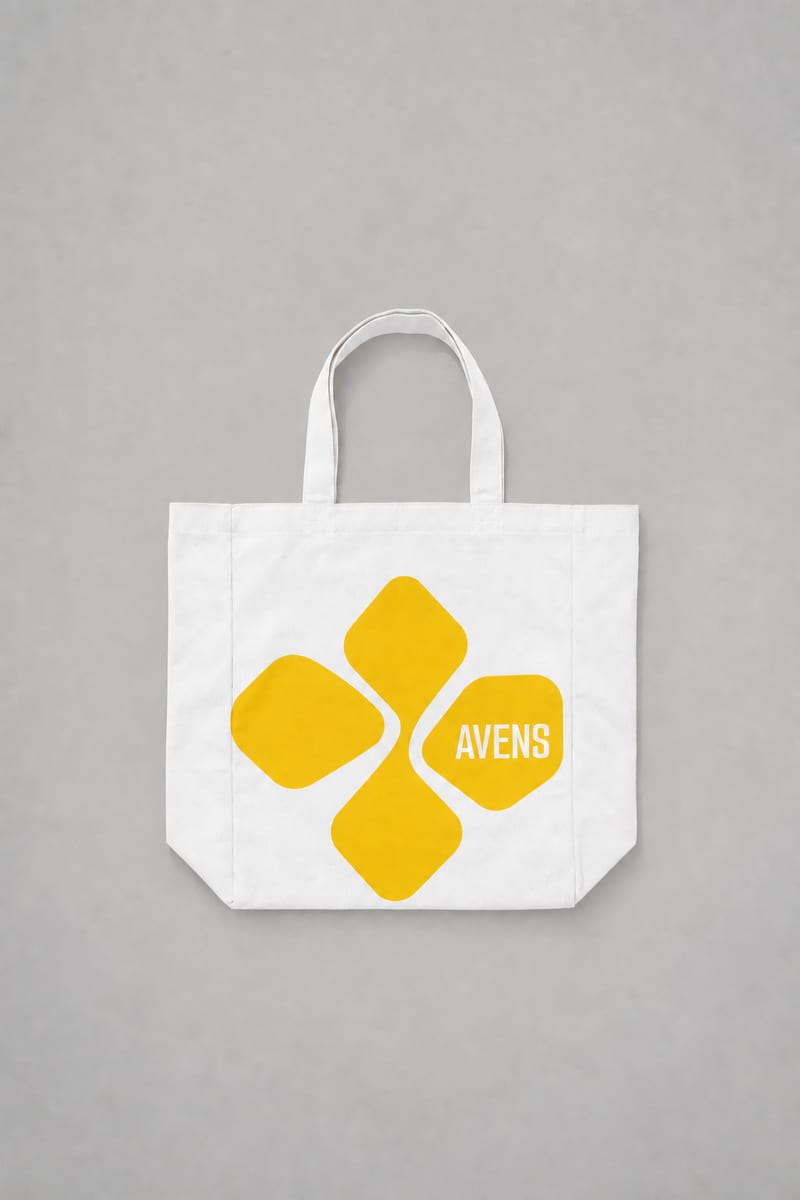
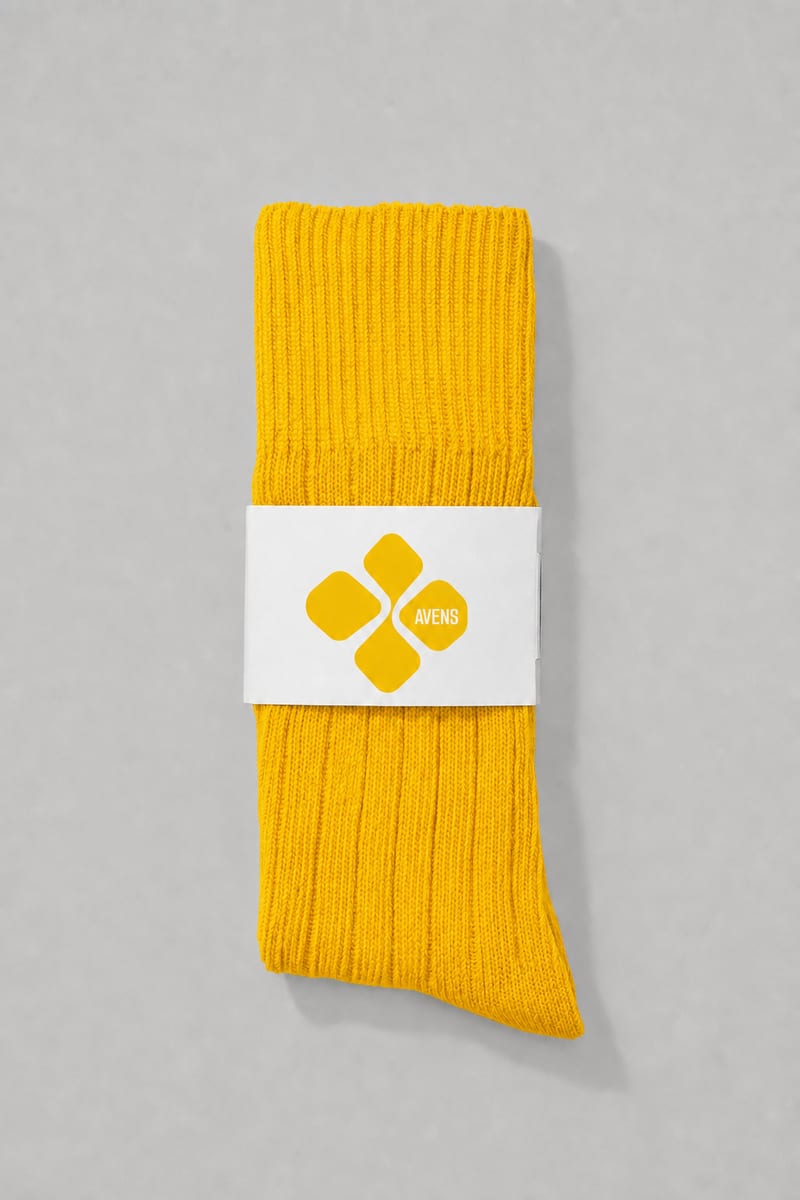
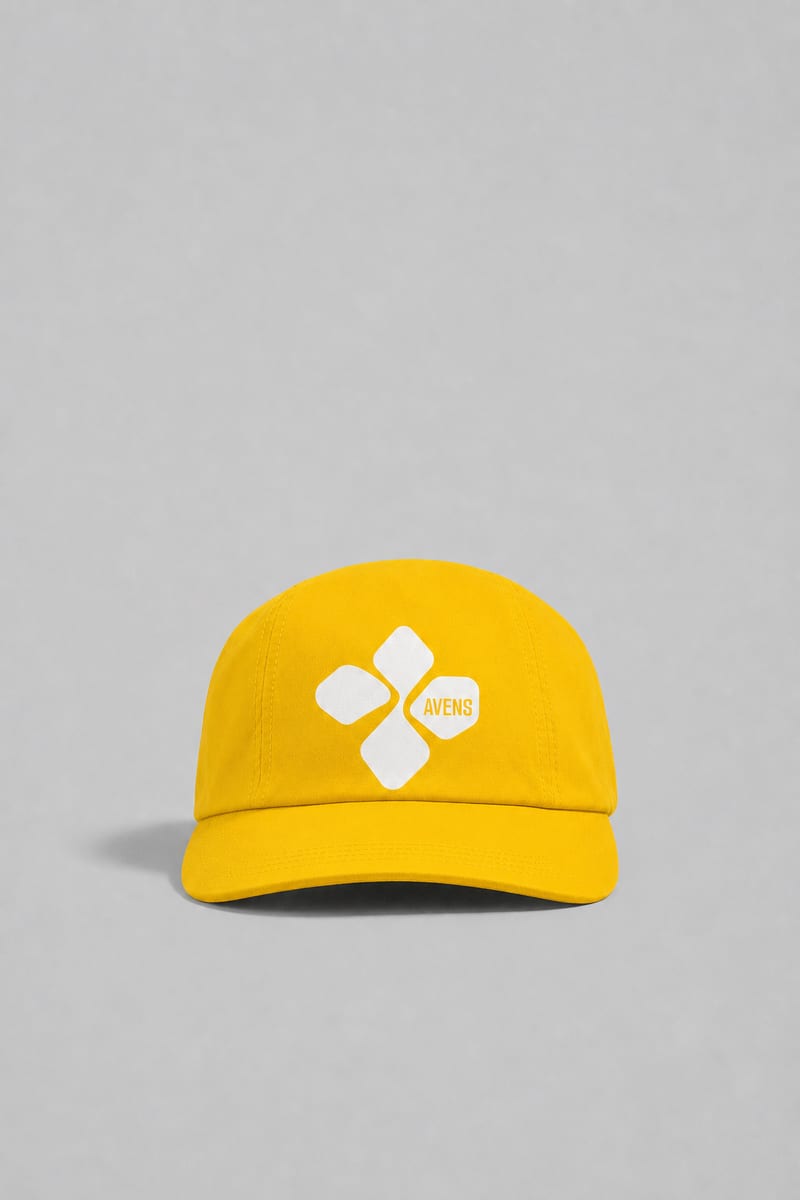
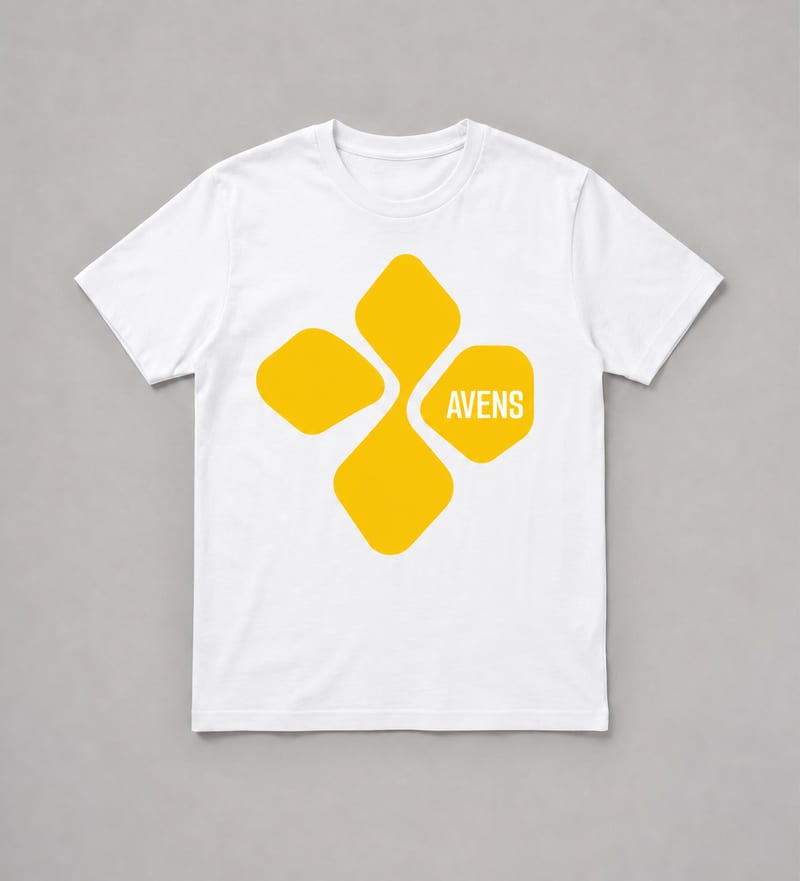
Turn one logo into business card, letterhead, tote bag, socks, hat, and shirt mockups.
Business Cards Mockup
A recipe turns a reusable workflow into a simple set of inputs and outputs. Start with a community recipe and make it your own in Fuser.

1. Choose a recipe
Find a workflow for the result you want. Review what it does and how to use it before opening it in Fuser.
2. Make it your own
Check the recipe’s available inputs. Add your own text or media where supported, or start with the saved defaults.
3. Run and refine
Run it in Fuser and review the result on your canvas. Tweak the inputs to try another direction.
Use the generated mockups to review how one logo appears across common brand and merchandise formats.
It uses one logo image to create six image outputs: a business cards mockup, letterhead mockup, tote bag mockup, socks mockup, hat mockup, and shirt mockup. The recipe is useful for reviewing a logo across both brand stationery and merchandise formats.
It can help brand designers, marketing teams, and businesses present a logo across several practical applications. It is also suited to early identity reviews where a single mark needs to be considered on stationery and merchandise.
Prepare the logo image you want to see applied across the listed mockup formats. The recipe has one exposed input, labeled Logo, which you can change in Fuser before using the recipe.
The saved example shows one connected logo input and the six image outputs produced by this recipe. It is a saved default example for demonstrating the input-to-output structure, not a live run for a new logo.
You can change the exposed Logo input in Fuser to use a different logo. No other editable inputs are listed for this recipe, so the available customization is centered on the logo image you provide.
The outputs can support brand identity reviews, stationery presentations, merchandise concepts, and marketing discussions. They show the logo in business card, letterhead, tote bag, socks, hat, and shirt contexts.
The recipe is built around a single logo image and the six named mockup outputs. It does not list editable inputs for changing the product formats or adding other brand assets, so use it when those predefined applications match your review or presentation needs.
Bring one logo into a focused set of stationery and merchandise mockups for brand reviews, concepts, and presentations.
Develop pitches, campaign assets and interactive client work in Fuser. Combine AI generation, editable design and reusable processes across your agency.
Create product images, lifestyle scenes and campaign assets for your next ecommerce launch. Keep branding editable and reuse creative setups in Fuser.
Build working product demos, launch pages and brand visuals in Fuser. Help a small startup team turn the next idea into something people can try.
Develop campaign concepts, image and video ads, and editable channel layouts. Create meaningful creative variations in Fuser without rebuilding every asset.
Explore a brand’s visual identity, refine typography and build real applications. Combine AI imagery with editable design and reusable workflows in Fuser.
Create studio-style product images, lifestyle scenes and motion studies. Combine reference-led generation with precise, editable composition in Fuser.
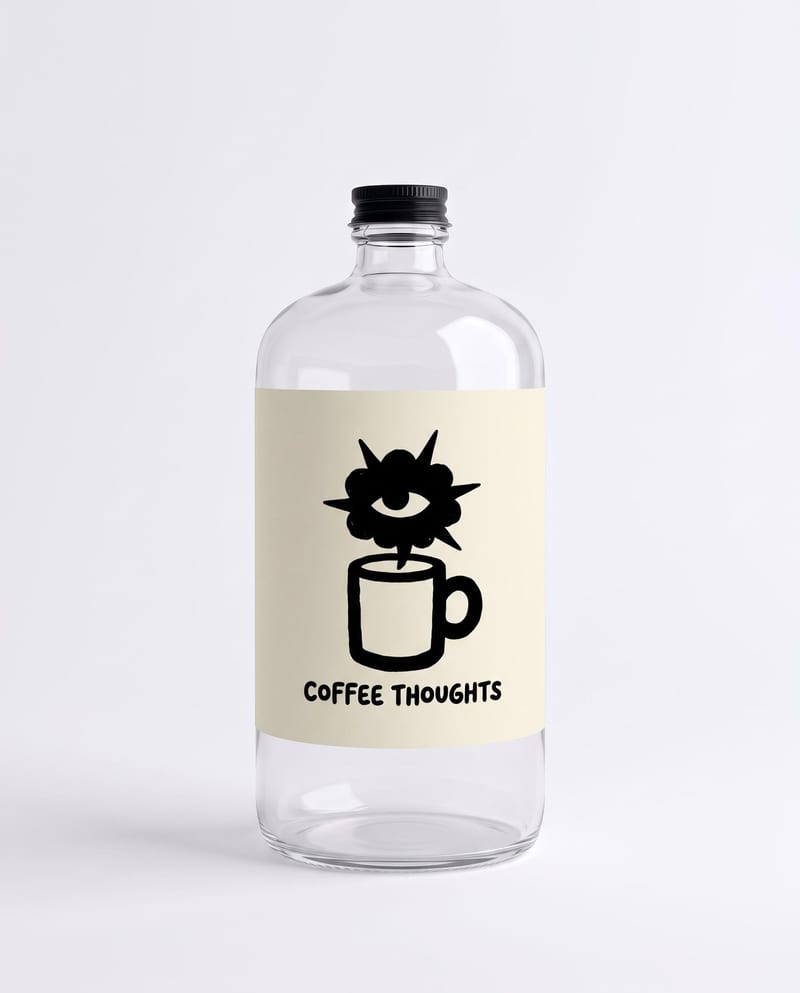
Combine a bottle image, logo, drink type, and duration to create branded bottle visuals and a pouring product video.
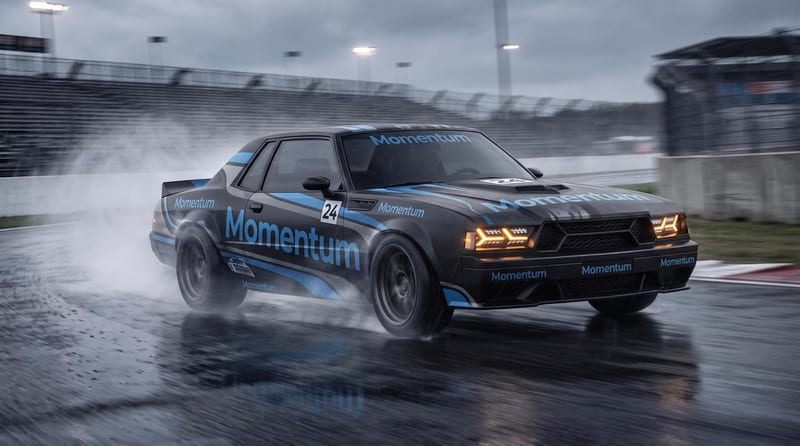
Combine a car image with a logo or pattern image to create a fitted vehicle wrap mockup.
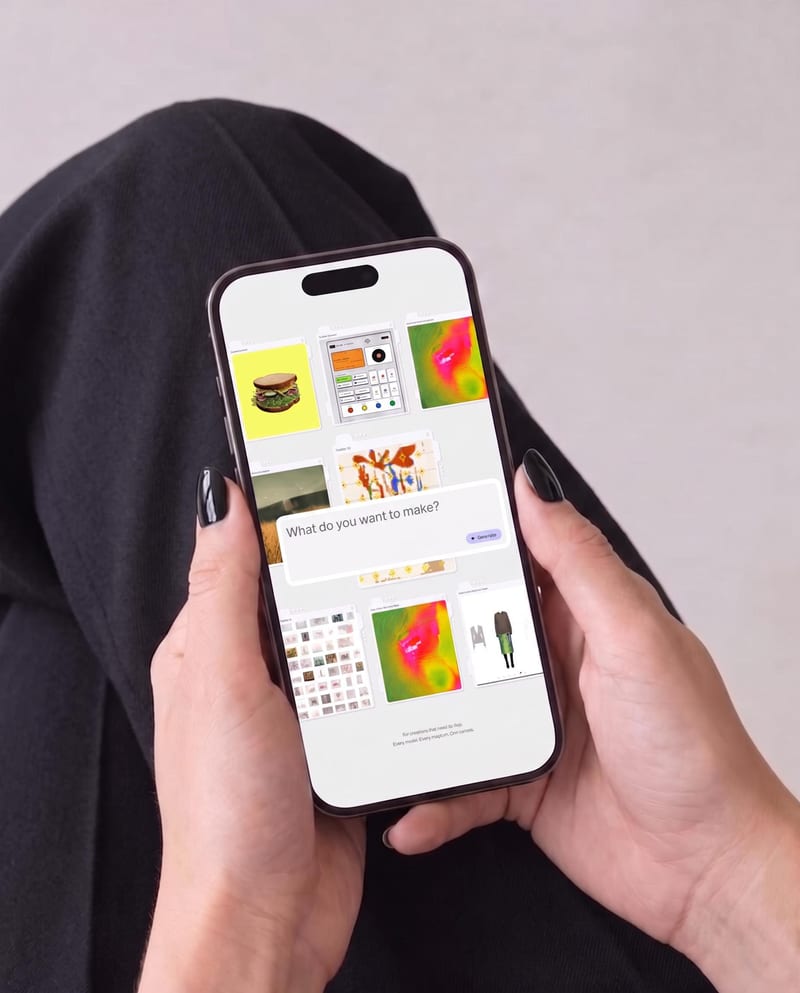
Place one UI design image into phone, tablet, and desktop mockups for realistic product presentation previews.