One click, whole workflow
Recipes are here. Package a whole workflow and run it in one click
Explore recipesOne click, whole workflow
Recipes are here. Package a whole workflow and run it in one click
Explore recipesSolutions
Creative work rarely ends with the first generated image. Fuser connects image, video, 3D and language tools with editable design, creative coding and live websites. Develop the idea, make the deliverables and keep the useful steps connected.
Bring your references and brief onto the canvas. Develop visual concepts, compare treatments and connect the tools each stage needs. You can take a selected image into motion or explore a 3D object without abandoning the project around it.
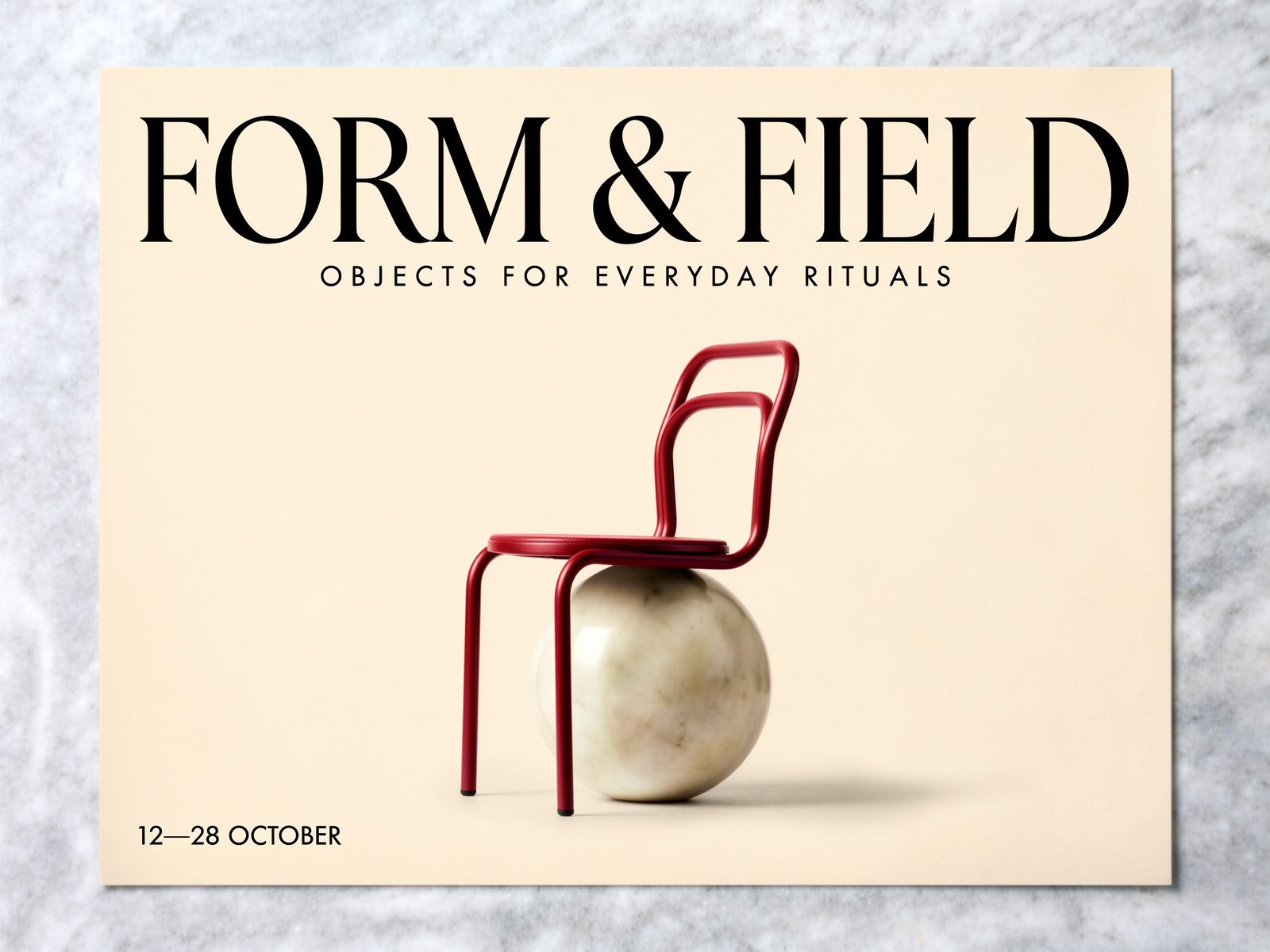
An image might need an exact logo, a shorter headline or a different composition. Finish those decisions in Compositor, with editable text, image, video and 3D layers. Build a custom animation with Creative Code or a running website with Apps when the idea needs interaction.
Save connected steps as a Recipe—a reusable creative tool with the inputs and outputs you choose. Organize projects in workspace and team folders. You and your collaborators can start the next brief with a working approach, not a hunt for the prompt that produced the image.
Choose the tools that take the idea to the form it needs.
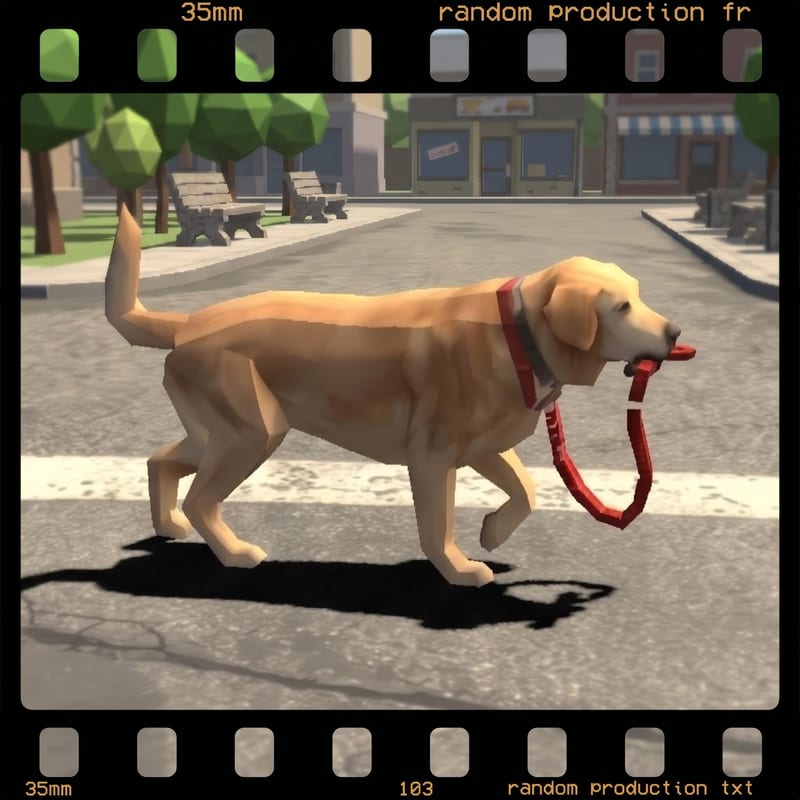
Image, video and 3D exploration
Connect references and generation steps to develop the visual material your brief needs.
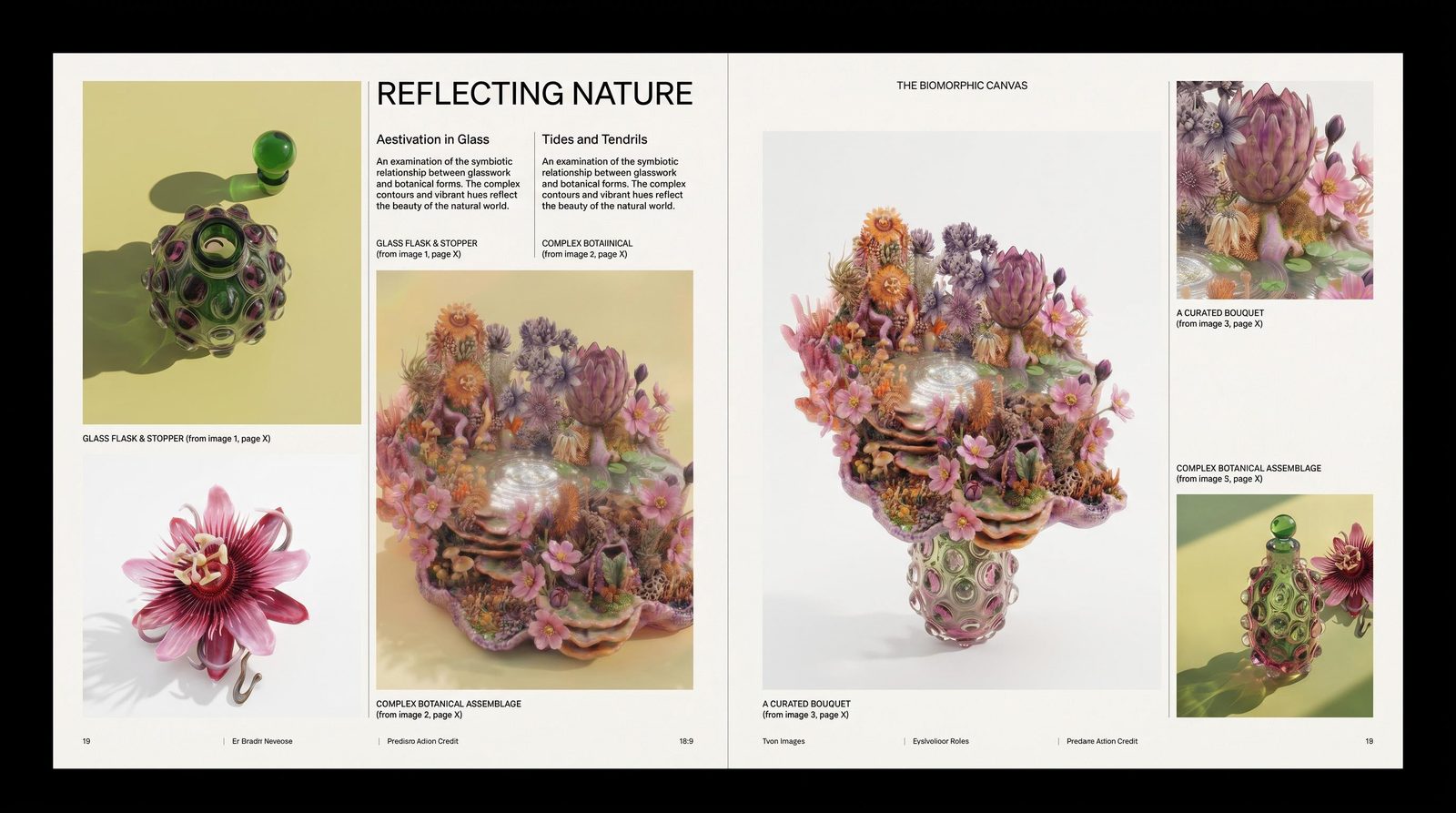
Editable composition
Set real type, place original assets and refine layouts in a layer-based design editor.
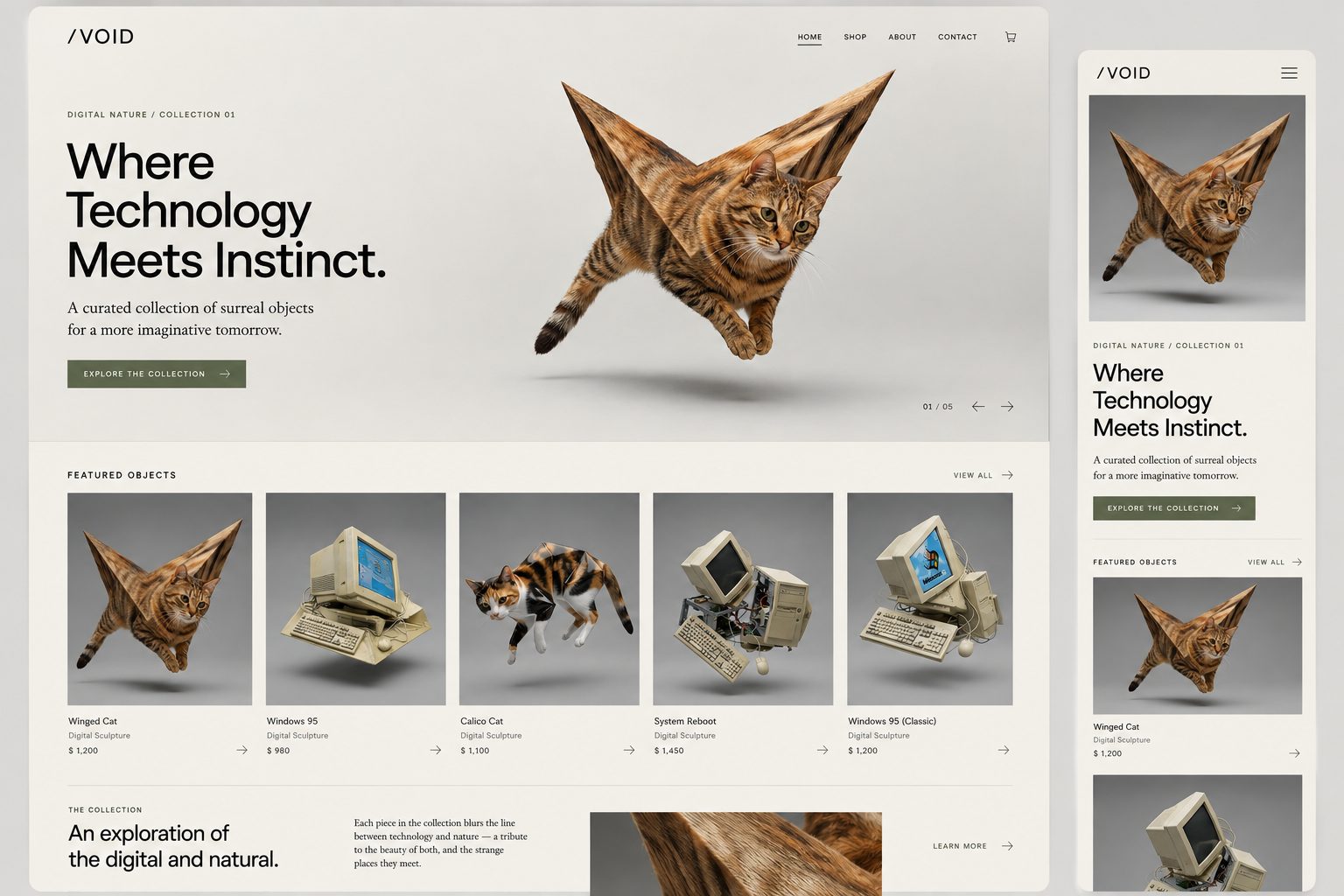
Interactive work and websites
Create programmable visuals with Creative Code and running web experiences with Fuser Apps.
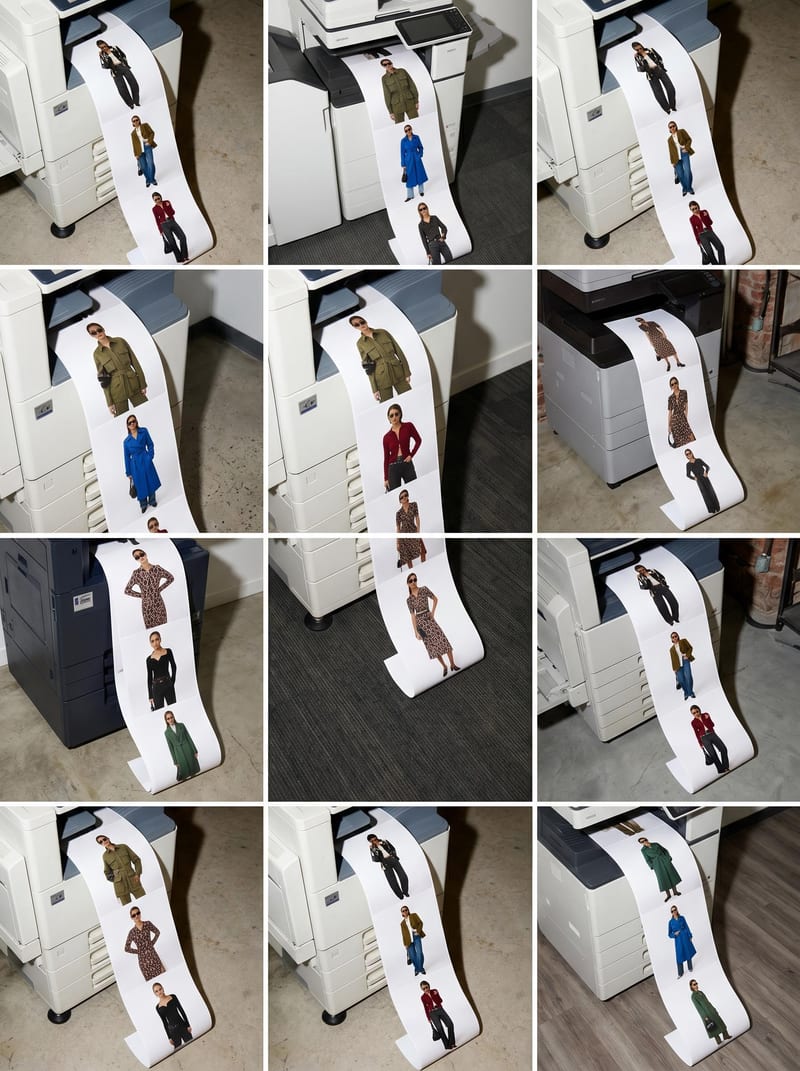
Reusable team processes
Package creative steps as Recipes and organize the work for the people who will use it next.
Start with the audience, deadline and deliverable—not a list of AI features.

Commerce and fashion
Develop product imagery, collection stories and launch assets from the references you already have.
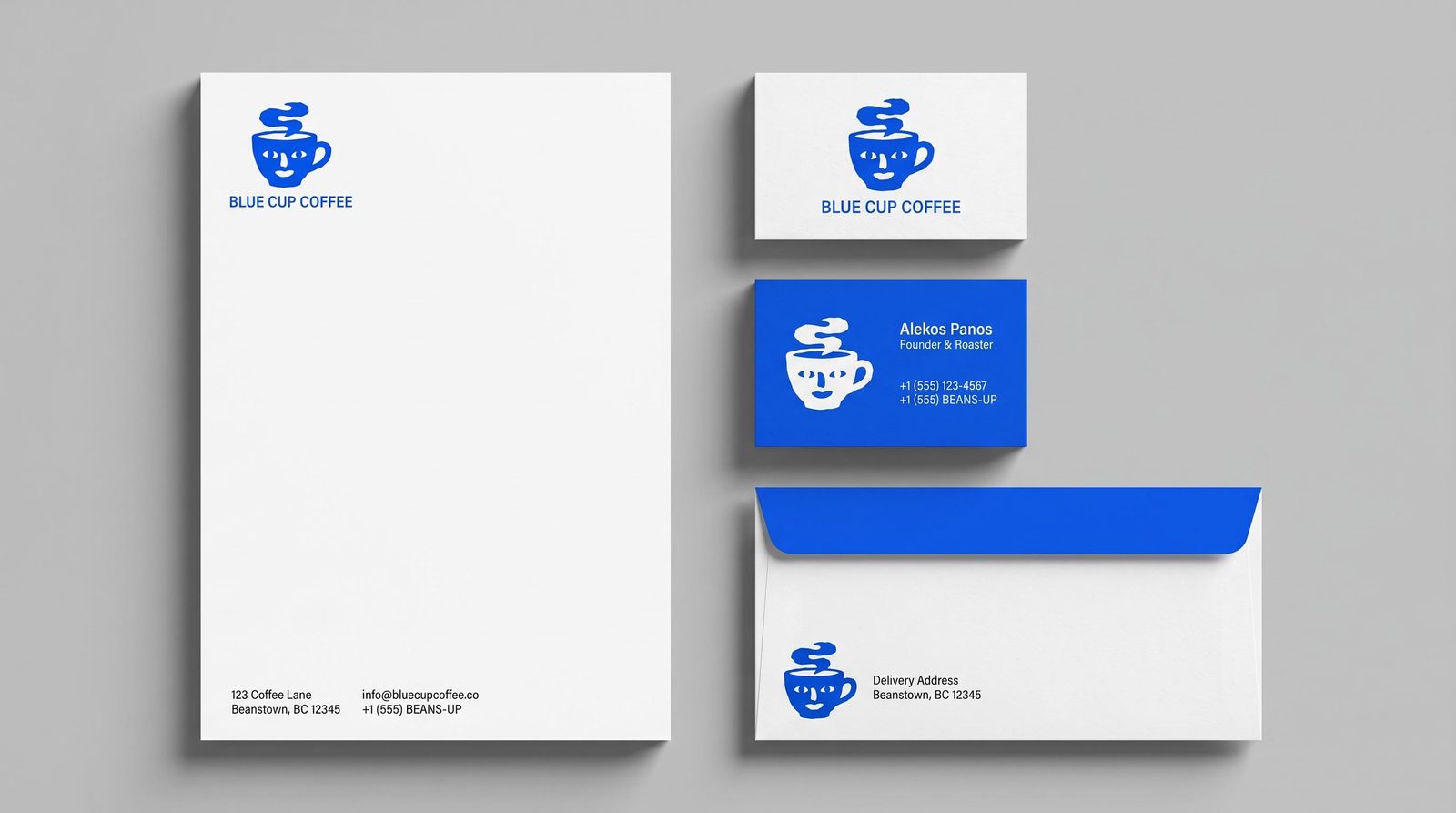
Agencies and product teams
Make a pitch tangible, build a working demo or carry a campaign into its next revision.
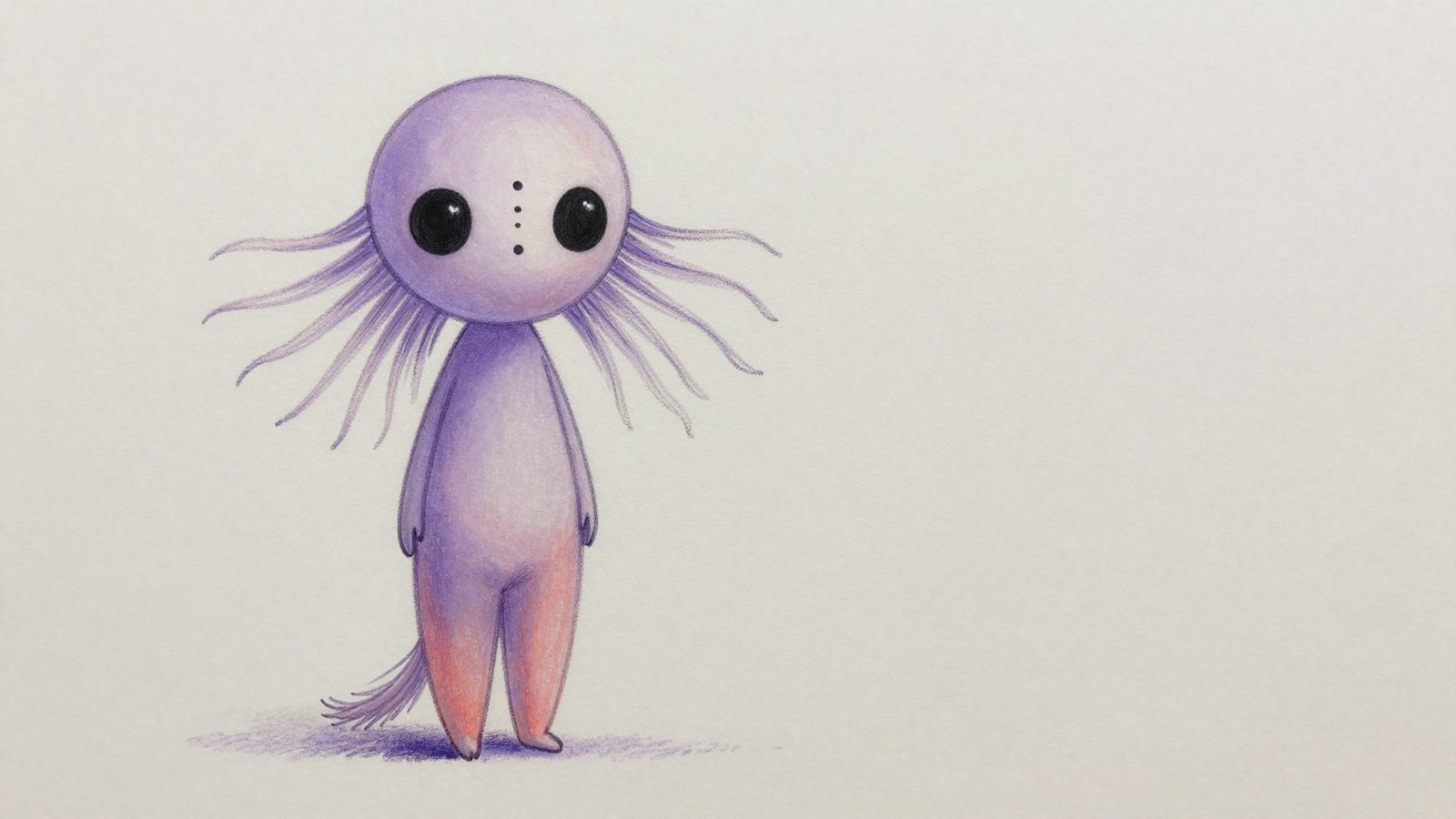
Film and game teams
Explore characters, worlds and movement before committing the direction to production.
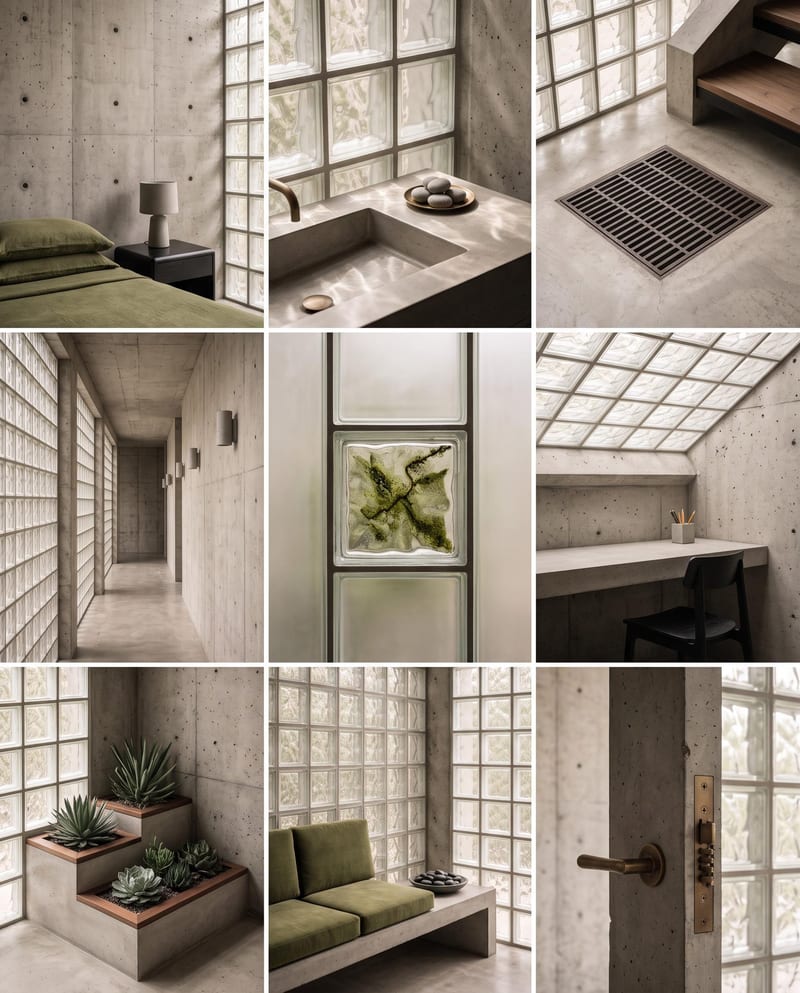
Architecture and interiors
Visualize material and atmosphere choices, then compose a clearer client proposal.
Use Fuser for moodboards, brand imagery, product visuals, campaign assets, social content, storyboards and web prototypes. The canvas connects generation tools; Compositor, Creative Code and Apps give you different ways to develop the result.
No. Start with one task, such as making an image from a reference or describing an App. Add editing, video or composition steps when the work calls for them. A Recipe can package a process you want to repeat.
The image can be the beginning of the work. In Fuser, connect it to editing or video steps, arrange it with real type in Compositor, or use it in a live website. Keep the references, intermediate results and working design together, so the next revision has a useful starting point.
Compositor is the layer-based editor for layouts, typography and mixed-media compositions. Creative Code makes programmable visuals and interactive sketches. Apps builds running websites. Recipes packages connected creative steps for reuse. Choose the part you need; you do not have to learn all four before making something useful.
Yes. Bring in source assets and use selected outputs in the rest of your creative process. Fuser is useful for connected exploration, generation and composition; you can keep specialist production work in the tools your team already uses.
Yes. Bring product photography, brand artwork and other source material into the project, then give collaborators the access they need. Workspace and team folders keep related work organized. A useful generation process can become a Recipe that teammates run with new inputs, rather than reconstructing it from your final export.
Bring a real brief into Fuser and build the first piece of it.