Recipev4
Album Art Mockup
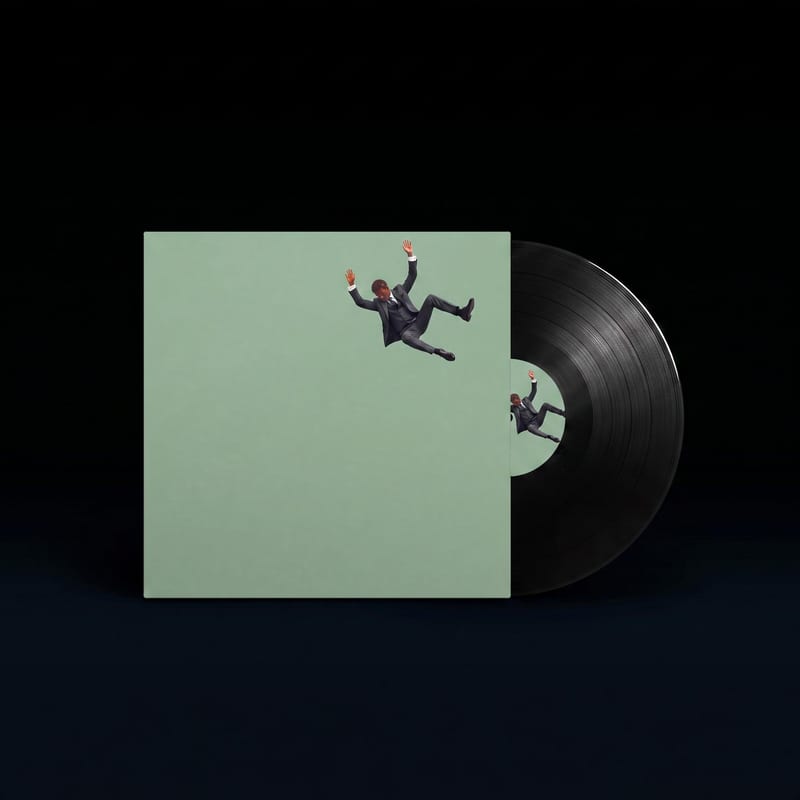
Vinyl Album Mockup
One click, whole workflow
Recipes are here. Package a whole workflow and run it in one click
Explore recipesMusic album art
Upload front and back album cover designs to see them presented as vinyl, cassette, and CD mockup images.
Vinyl Album Mockup
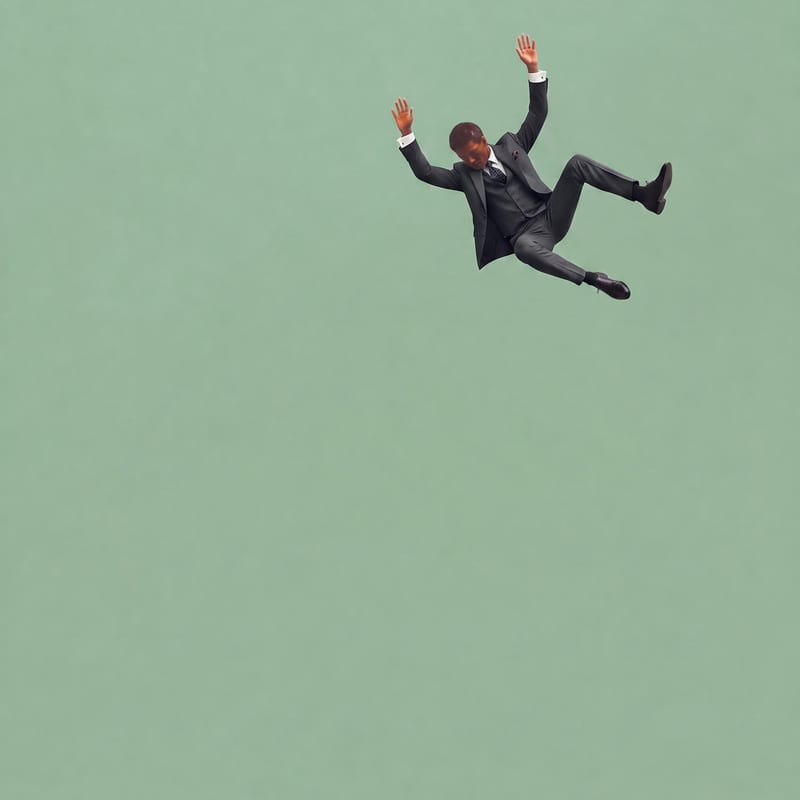
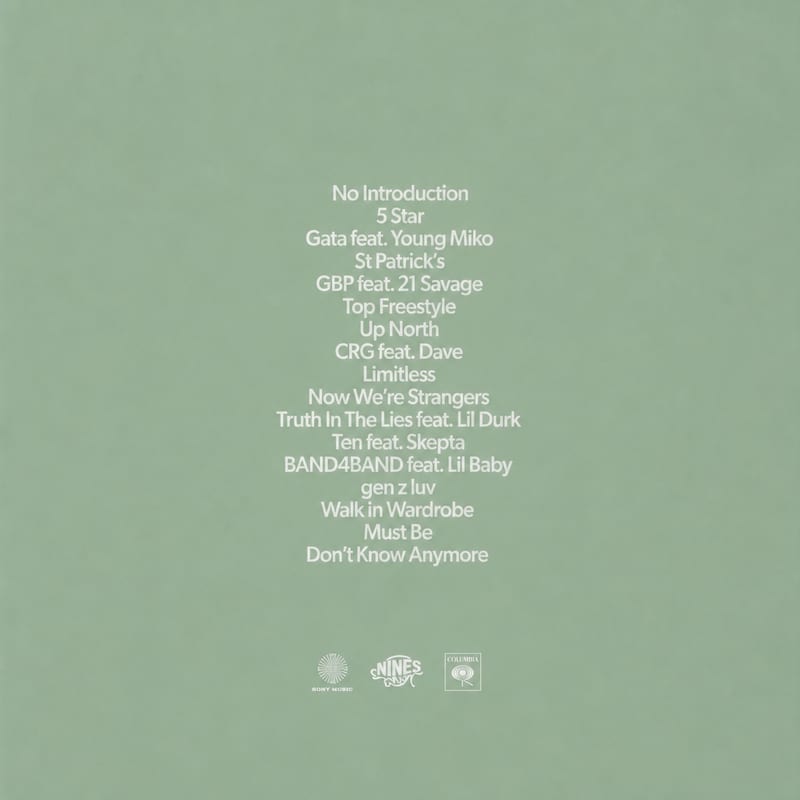
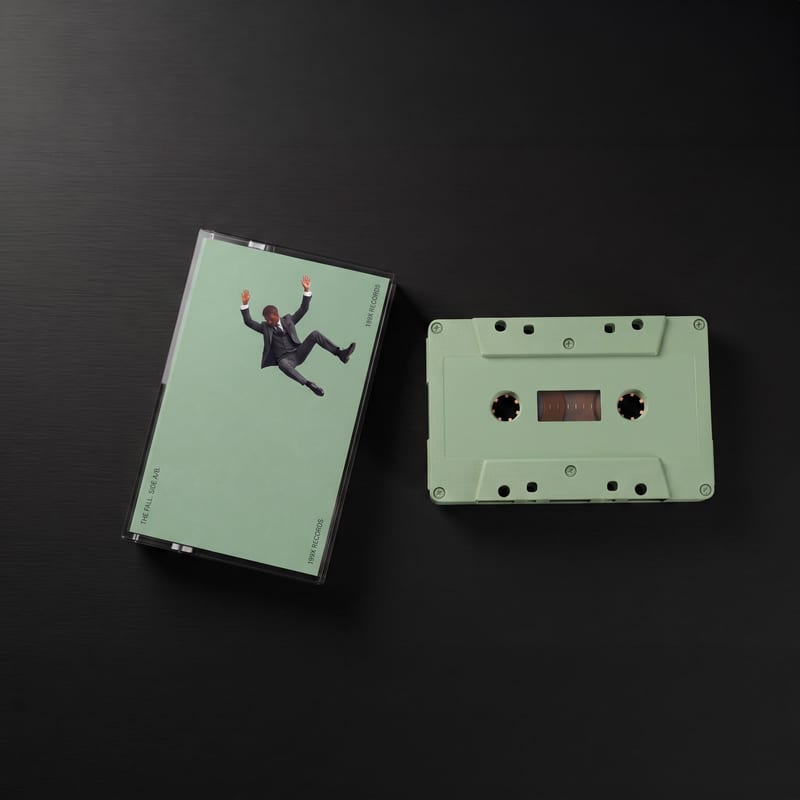
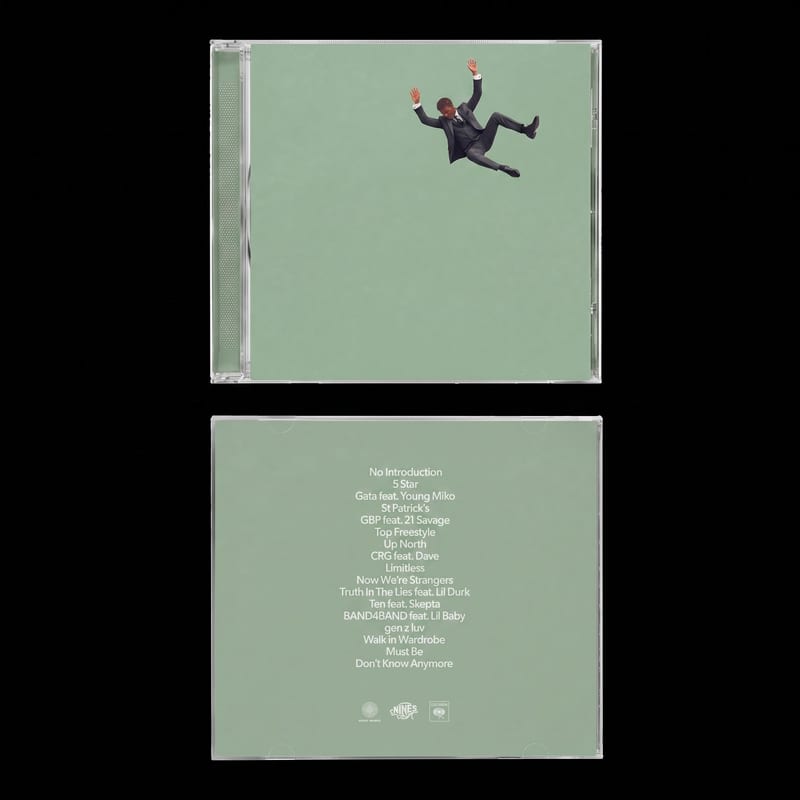
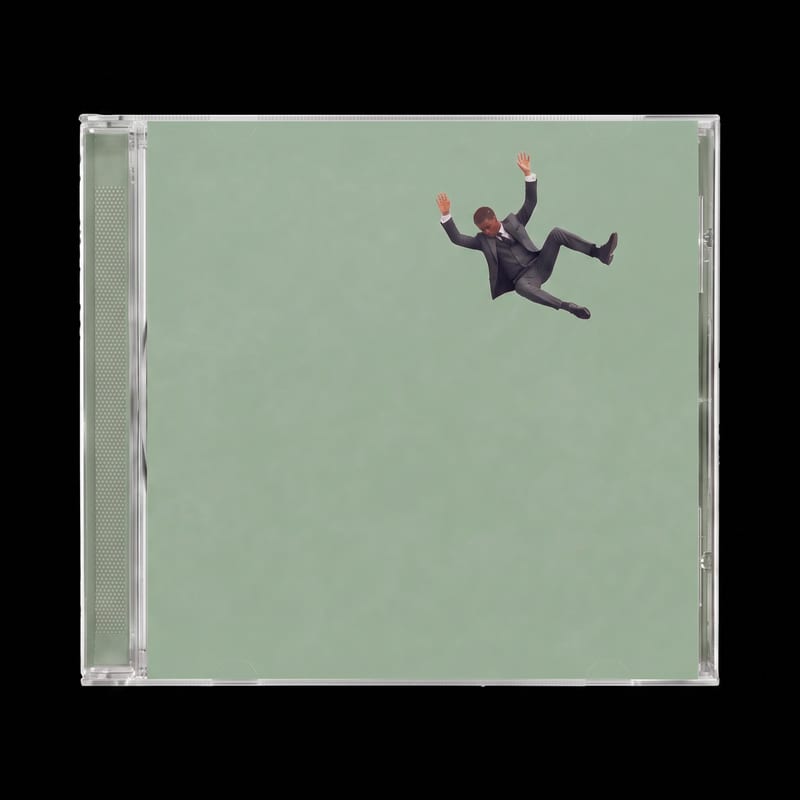
A recipe turns a reusable workflow into a simple set of inputs and outputs. Start with a community recipe and make it your own in Fuser.

1. Choose a recipe
Find a workflow for the result you want. Review what it does and how to use it before opening it in Fuser.
2. Make it your own
Check the recipe’s available inputs. Add your own text or media where supported, or start with the saved defaults.
3. Run and refine
Run it in Fuser and review the result on your canvas. Tweak the inputs to try another direction.
Use your cover designs to prepare clear mockup images for album presentation, review, and identity work.
It uses a front cover design and a back cover design as image inputs. The saved example produces image outputs for a vinyl album mockup, cassette mockup, CD front and back, and CD mockup.
It is intended for people preparing or presenting music album artwork, including artists, designers, labels, and collaborators. The outputs help show how front and back cover designs relate to physical album formats.
Prepare two image files: one for the Front Cover Design and one for the Back Cover Design. In Fuser, these are the exposed inputs you can change when using the recipe.
You can replace the Front Cover Design and Back Cover Design inputs with different images in Fuser. The recipe then uses those selected inputs for its album mockup outputs.
The recipe has four image outputs: Vinyl Album Mockup, Casette Mockup, CD front and back, and CD Mockup. The saved example demonstrates these outputs for its saved front and back cover inputs; a new run uses the images you provide.
Yes. The recipe includes outputs for a vinyl album mockup, CD front and back, and a CD mockup, along with a cassette mockup. This makes it suitable for presenting one album design across the listed physical formats.
No. Its named inputs are existing front and back cover design images, and its outputs are mockup images based on those inputs. It is for presenting album artwork in physical-format contexts rather than specifying new cover designs.
Bring front and back cover designs into Fuser and create mockup images for vinyl, cassette, and CD presentations.
Develop pitches, campaign assets and interactive client work in Fuser. Combine AI generation, editable design and reusable processes across your agency.
Build working product demos, launch pages and brand visuals in Fuser. Help a small startup team turn the next idea into something people can try.
Explore a brand’s visual identity, refine typography and build real applications. Combine AI imagery with editable design and reusable workflows in Fuser.
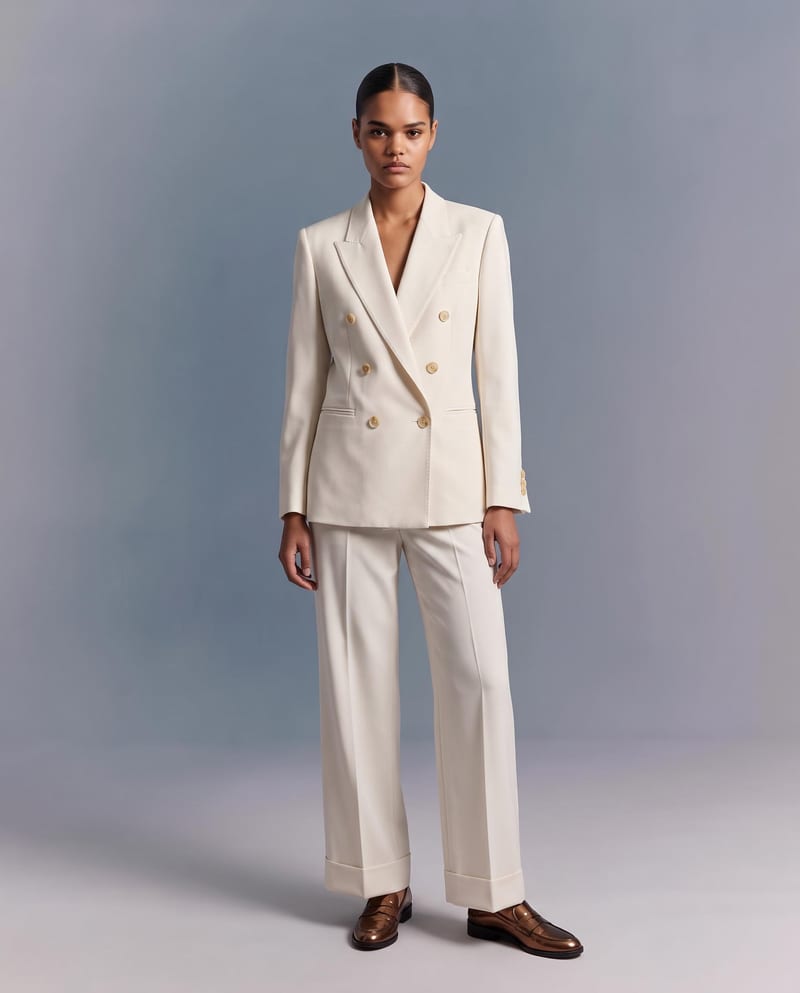
Upload a garment image to create a virtual try-on image of it on a model while preserving its design, color, fit, proportions, and details.
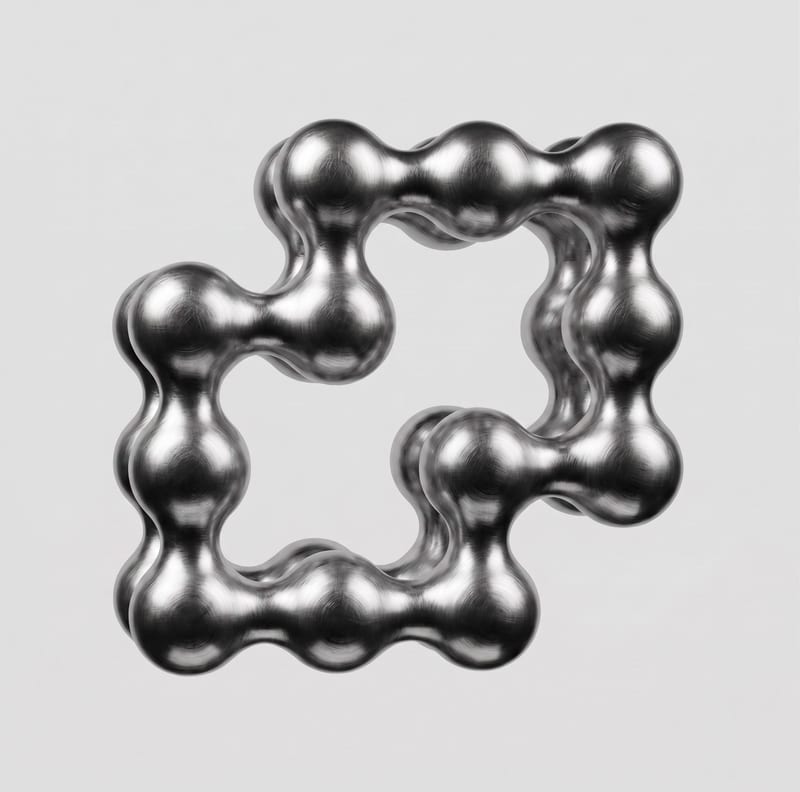
Upload a 2D logo and material reference to create a realistic 3D render that preserves the original logo design.

Upload a logo image to create mockups for business cards, stickers, and tote bags.